How do I use the Multi-Shot High Speed Car Chase template?
Edit the prompt in the box under the preview — the template's model and format are already selected — and press Generate. Your version appears right on this page.
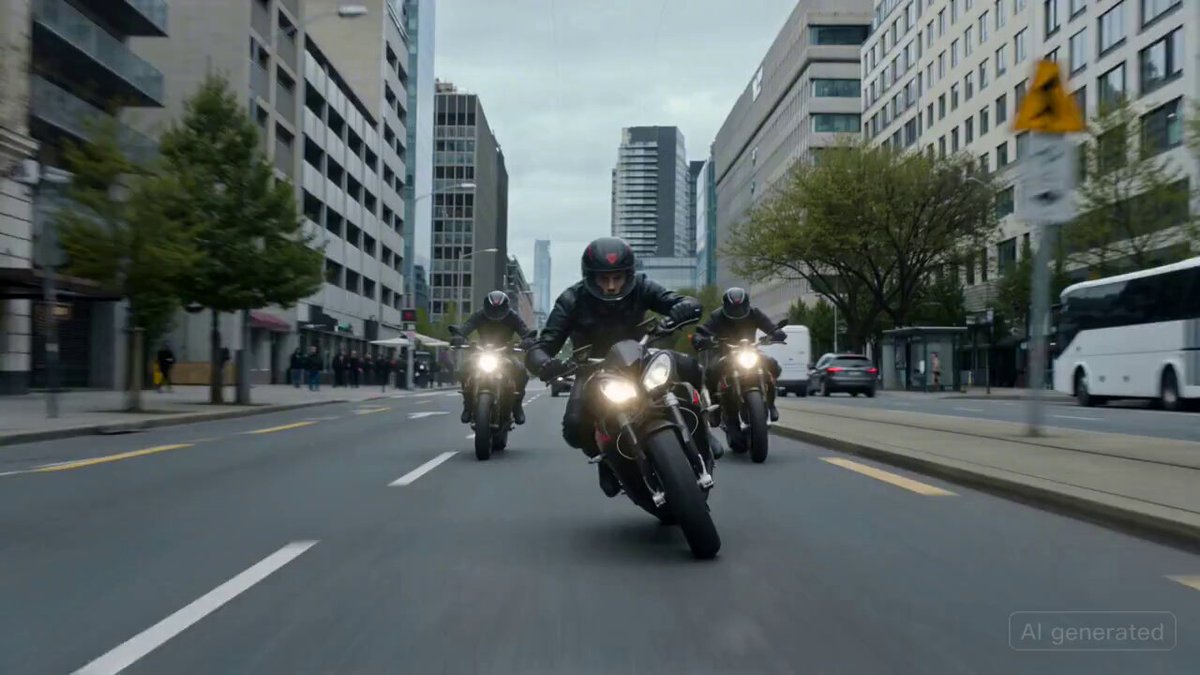
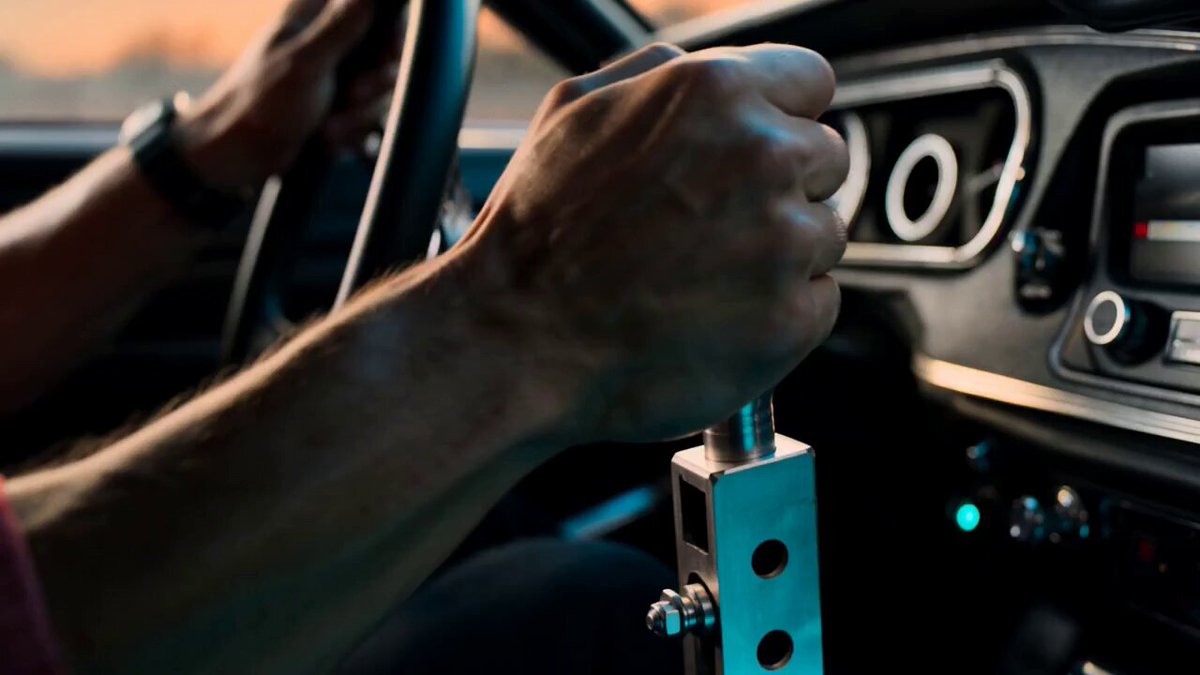
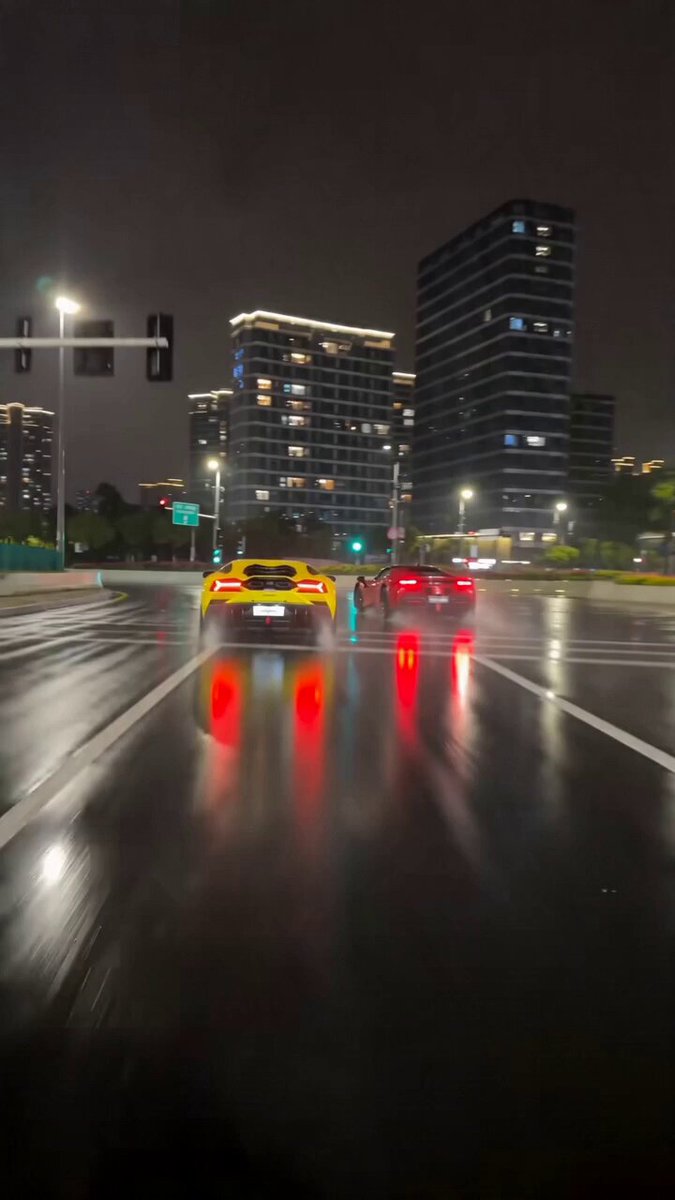
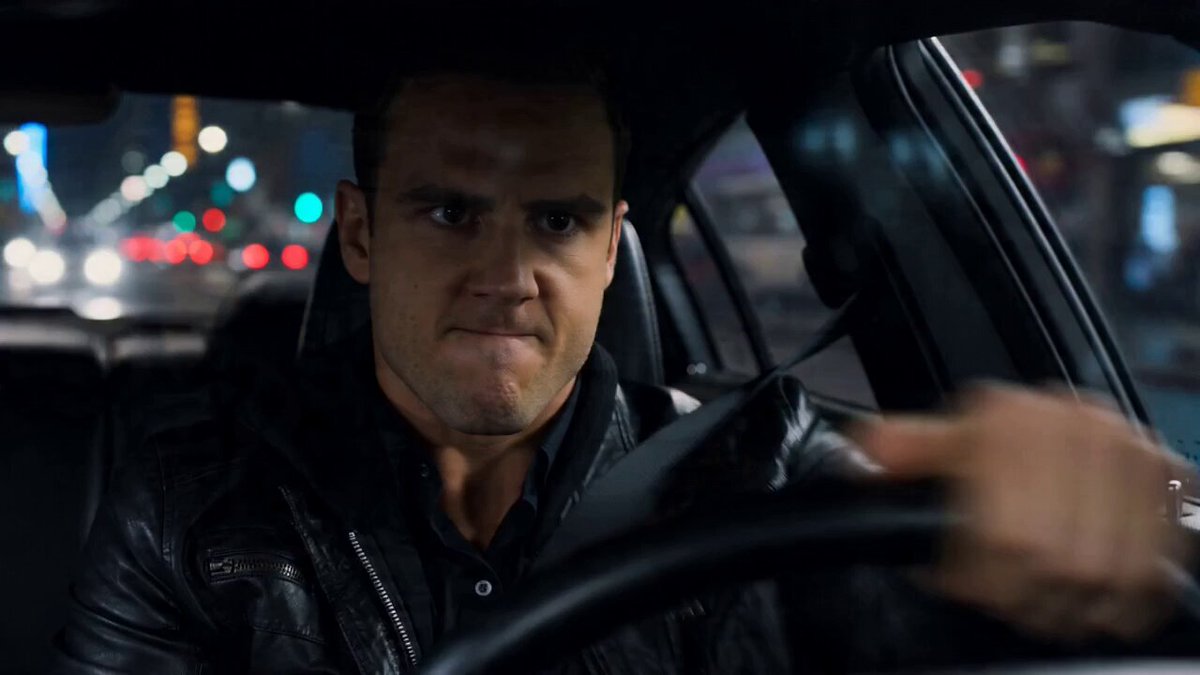
A complex 10-shot sequential prompt for Seedance 2.0 generating a cinematic high-performance car chase through an urban environment.
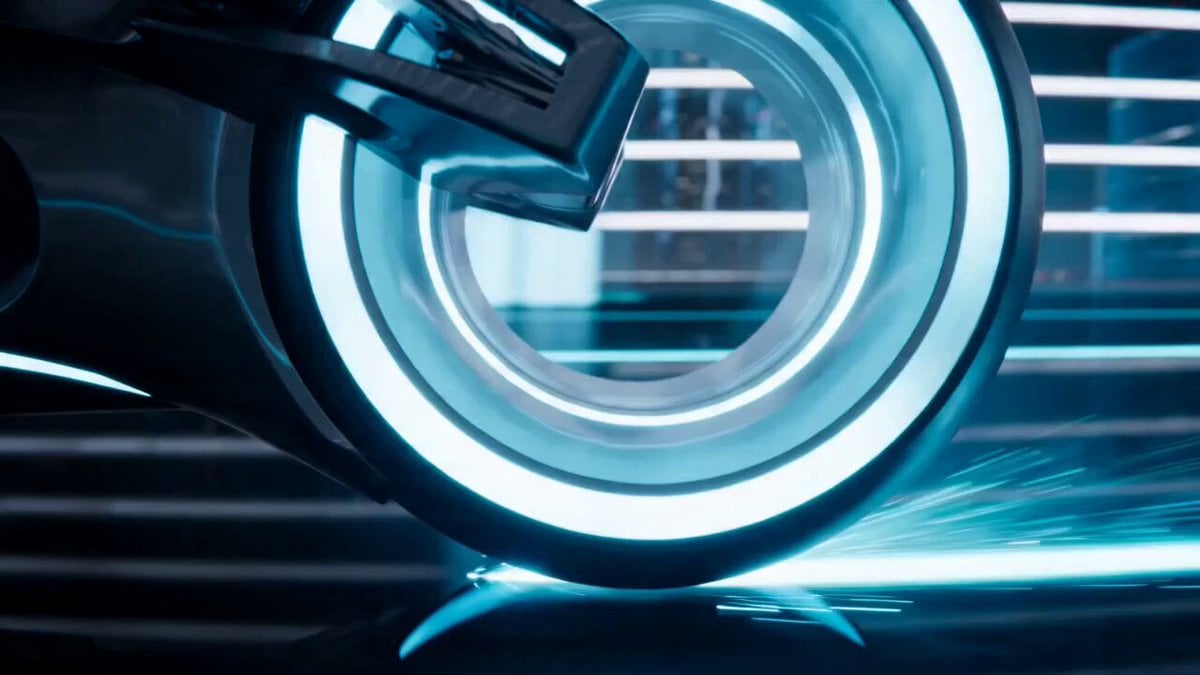
SHOT 01 Ultra-low front tracking shot inches above asphalt, a high-performance sports car already at full speed blasting through a tight urban street, suspension compressed, reflections streaking across glossy body panels, extreme motion blur on surroundings, no buildup, immediate velocity, hyper-realistic, cinematic, 8k detail. SHOT 02 Side close tracking shot as the car threads between parked vehicles at high speed, speed maintained, tight urban environment, photorealistic, intense motion. SHOT 03 First-person FPV drone aggressively chasing directly behind the car, locked onto rear bumper, rapid swerves through traffic, slight camera instability, extreme speed sensation, kinetic, photorealistic. SHOT 04 Extreme close-up on front wheel during hard braking into a corner, ABS pulsing rapidly, tire briefly losing and regaining grip, subtle instability, rubber deformation visible, asphalt texture sharp, hyper-detailed, realistic physics. SHOT 05 Front 3/4 angle as the car exits the turn, driver overcorrects steering, rear stepping out wider than intended, uneven weight transfer, tires struggling for grip, tension rising, near loss of control. SHOT 06 Rear tracking shot as the car transitions into a deep uncontrolled slide, rotation increasing, tires fully slipping, appearing on the edge of spinning out, smoke beginning to form, maximum instability. SHOT 07 Same motion continued, but the driver countersteers precisely at the last moment, front wheels snapping into alignment, grip suddenly returning, the slide stabilizing just before full spin, razor-thin recovery, physically realistic. SHOT 08 Side tracking shot as the car shoots out of the drift with regained traction, tires gripping hard, smoke trailing behind, acceleration surging forward, control re-established under extreme force. SHOT 09 Ultra-low tracking shot again, even faster now, the car blasting past the camera with inches to spare, air displacement and motion blur overwhelming the frame, pure speed dominance. SHOT 10 Wide shot of the street ahead as the car disappears into the distance, leaving faint tire smoke and echoes of motion, environment settling, tension released without impact.
SHOT 01 Ultra-low front tracking shot inches above asphalt, a high-performance sports car already at full speed blasting through a tight urban street, suspension compressed, reflections streaking across glossy body panels, extreme motion blur on surroundings, no buildup, immediate velocity, hyper-realistic, cinematic, 8k detail. SHOT 02 Side close tracking shot as the car threads between parked vehicles at high speed, speed maintained, tight urban environment, photorealistic, intense motion. SHOT 03 First-person FPV drone aggressively chasing directly behind the car, locked onto rear bumper, rapid swerves through traffic, slight camera instability, extreme speed sensation, kinetic, photorealistic. SHOT 04 Extreme close-up on front wheel during hard braking into a corner, ABS pulsing rapidly, tire briefly losing and regaining grip, subtle instability, rubber deformation visible, asphalt texture sharp, hyper-detailed, realistic physics. SHOT 05 Front 3/4 angle as the car exits the turn, driver overcorrects steering, rear stepping out wider than intended, uneven weight transfer, tires struggling for grip, tension rising, near loss of control. SHOT 06 Rear tracking shot as the car transitions into a deep uncontrolled slide, rotation increasing, tires fully slipping, appearing on the edge of spinning out, smoke beginning to form, maximum instability. SHOT 07 Same motion continued, but the driver countersteers precisely at the last moment, front wheels snapping into alignment, grip suddenly returning, the slide stabilizing just before full spin, razor-thin recovery, physically realistic. SHOT 08 Side tracking shot as the car shoots out of the drift with regained traction, tires gripping hard, smoke trailing behind, acceleration surging forward, control re-established under extreme force. SHOT 09 Ultra-low tracking shot again, even faster now, the car blasting past the camera with inches to spare, air displacement and motion blur overwhelming the frame, pure speed dominance. SHOT 10 Wide shot of the street ahead as the car disappears into the distance, leaving faint tire smoke and echoes of motion, environment settling, tension released without impact.
Edit the prompt in the box under the preview — the template's model and format are already selected — and press Generate. Your version appears right on this page.
Yes. You can change the subject, setting, lighting, mood, format, and available model controls before creating your video.
Opening and editing this template is free. Generating uses credits, shown on the Generate button when you are signed in.
Start with Seedance 2.0, which is the model associated with this template. You can compare another compatible model for a different finish.
Follow a topic to a crawlable collection of related PicX Studio templates.