How do I use the High-Speed Boat Chase in Hong Kong Harbor template?
Edit the prompt in the box under the preview — the template's model and format are already selected — and press Generate. Your version appears right on this page.
A detailed, multi-stage action sequence prompt for Seedance 2.0, generating a high-stakes speedboat chase in the neon-lit Hong Kong harbor, including a wave-launch stunt over a cargo ship, a dock landing, and threading…
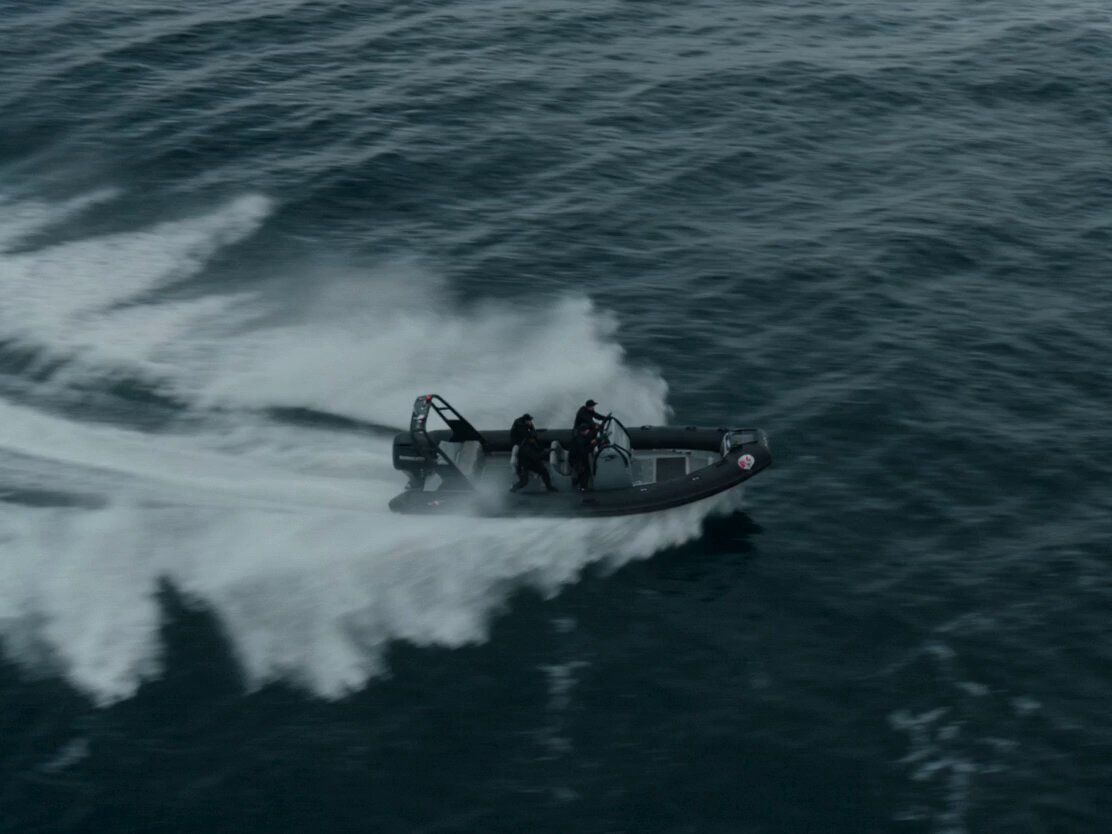
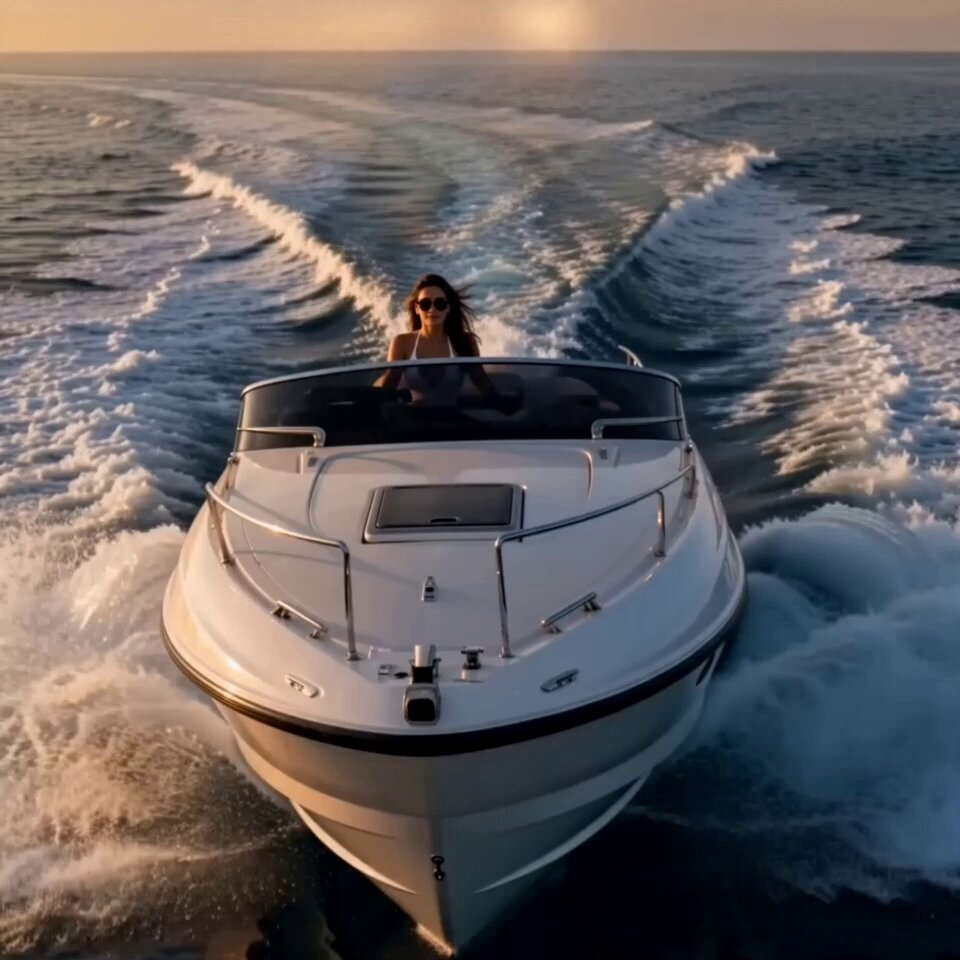
A woman in her late 20s, athletic build, dark braided hair whipping behind her, wearing a black tactical wetsuit with reflective cyan seams, pilots a high-speed racing boat through the dense harbor of Hong Kong at night — neon skyscrapers reflecting across the water surface. At the 2-second mark a cargo ship suddenly shifts position ahead, blocking the waterway — the pilot accelerates directly toward a rising wave forming along the hull. The boat launches off the wave ramp, airborne above the harbor as water spray explodes outward, neon reflections shimmering across the underside. Camera from a rooftop captures the boat mid-flight against the skyline grid. She lands hard onto a floating dock, the structure bending under impact, then accelerates across it and launches again toward a narrow canal between buildings. The boat skims through the canal, narrowly avoiding walls as sparks and water spray collide. Final beat: she bursts back into open water as a police boat enters pursuit behind. Hong Kong neon harbor, wave-launch stunt, dock landing, canal high-speed threading, cinematic water reflections, 4K.
A woman in her late 20s, athletic build, dark braided hair whipping behind her, wearing a black tactical wetsuit with reflective cyan seams, pilots a high-speed racing boat through the dense harbor of Hong Kong at night — neon skyscrapers reflecting across the water surface. At the 2-second mark a cargo ship suddenly shifts position ahead, blocking the waterway — the pilot accelerates directly toward a rising wave forming along the hull. The boat launches off the wave ramp, airborne above the harbor as water spray explodes outward, neon reflections shimmering across the underside. Camera from a rooftop captures the boat mid-flight against the skyline grid. She lands hard onto a floating dock, the structure bending under impact, then accelerates across it and launches again toward a narrow canal between buildings. The boat skims through the canal, narrowly avoiding walls as sparks and water spray collide. Final beat: she bursts back into open water as a police boat enters pursuit behind. Hong Kong neon harbor, wave-launch stunt, dock landing, canal high-speed threading, cinematic water reflections, 4K.
Edit the prompt in the box under the preview — the template's model and format are already selected — and press Generate. Your version appears right on this page.
Yes. You can change the subject, setting, lighting, mood, format, and available model controls before creating your video.
Opening and editing this template is free. Generating uses credits, shown on the Generate button when you are signed in.
Start with Seedance 2.0, which is the model associated with this template. You can compare another compatible model for a different finish.
Follow a topic to a crawlable collection of related PicX Studio templates.