
Cinematic Anime Motorcycle Rider Video Sequence
A comprehensive Seedance 2.0 multi-shot video prompt for a female motorcycle rider in an anime illustration style, featuring low-angle shots, drone footage, and technical camera instructions.
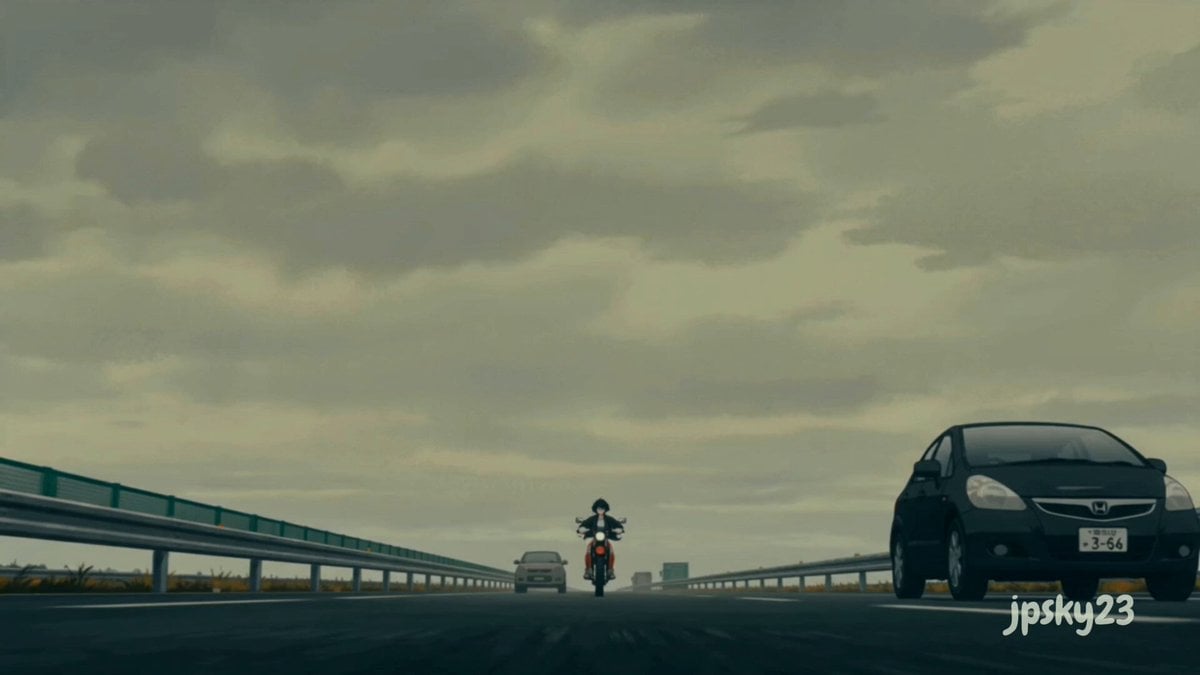
- Prompt included
- Model and format preset
- Free template
The prompt behind this video
Copy the exact prompt behind Cinematic Anime Motorcycle Rider Video Sequence, or open it in the studio and make it yours.
@'Image1 作為人物參考(保持完全一致的外觀:齊耳短黑髮,黑色超大號皮夾克,米色百褶裙,橙紅色帶白色條紋的運動緊身褲,磨損的白橙相間運動鞋,小巧的銀色耳環,表情自然,20多歲的女性騎手) @'Image2 作為環境 and 視覺風格參考(匹配完全一致的調色板:柔和的珊瑚紅色摩托車,平坦的淺色天空,漂白的瀝青路面,陰天漫射的日光,類似繪畫風格的動漫插畫色調,低飽和度的暖色調) [0-3秒]:極低角度正面鏡頭,鏡頭固定在瀝青路面水平位置,騎手騎著一輛磨損的紅色越野摩托車緩緩駛入一條寬闊空曠的公路,她平穩地抬起前輪,同時站到後腳蹬上,雙臂自然垂於身體兩側,夾克下擺隨風飄揚,摩托車緩緩升起,畫面,陰沉天, [3-8秒]:無人機空拍鏡頭,鏡頭垂直向下拍攝,固定在上方靜態鏡頭,騎手在陽光炙烤的高速公路上,以精準流暢的S形路線穿梭於四輛稀疏的汽車之間,軌跡宛如完美的正弦波,每一次轉彎都沉穩而從容,陰天漫射的光線消除了陰影的變化,鏡頭無縫過渡到 [8-12秒]:以騎手速度拍攝的側向鏡頭,雲台穩定,騎手猛踩前剎車,後輪乾淨利落地翹起,保持一個停頓的瞬間,鏡頭在停頓期間保持固定構圖,然後她鬆開剎車,以流暢的動作加速,鏡頭硬切到 [12-15秒]:前四分之三角度中景鏡頭,雲台控制,騎士以中速滑出行駛中的摩托車左側,雙腳併攏踩在腳踏上,軀幹幾乎水平,一隻手臂伸出掠過畫面,深色短髮紋絲不動,表情平靜,鏡頭保持穩定構圖 電影色調,陰天日光均勻,漫射光,漂白旁路調色,暖色調,暗部細節豐富,35mm膠片顆粒感輕微,整體保持動漫插畫風格,採用青色和橙色調。 @'Image1 確保所有鏡頭中臉部特徵一致,避免臉部模糊、抖動、肢體彎曲和時間閃爍,無失真、無拉伸,畫面清晰銳利,色彩自然,畫面穩定,無模糊、無重影、無閃爍。 無背景音樂。寬高比:16:9。
How to use Cinematic Anime Motorcycle Rider Video Sequence in 3 steps
- 1
Open
The prompt is already in the box next to the preview, with the template's model and format selected.
- 2…a portrait of your subject in softgolden-hour light, 85mm…
Personalize
Edit the subject and creative details for your destination.
- 3Generate
Generate
Press Generate — your video is created in PicX Studio, so you can compare it with the original and refine one variable at a time.
More like this
Templates with the same subject, style or setup. Open one to see its prompt.
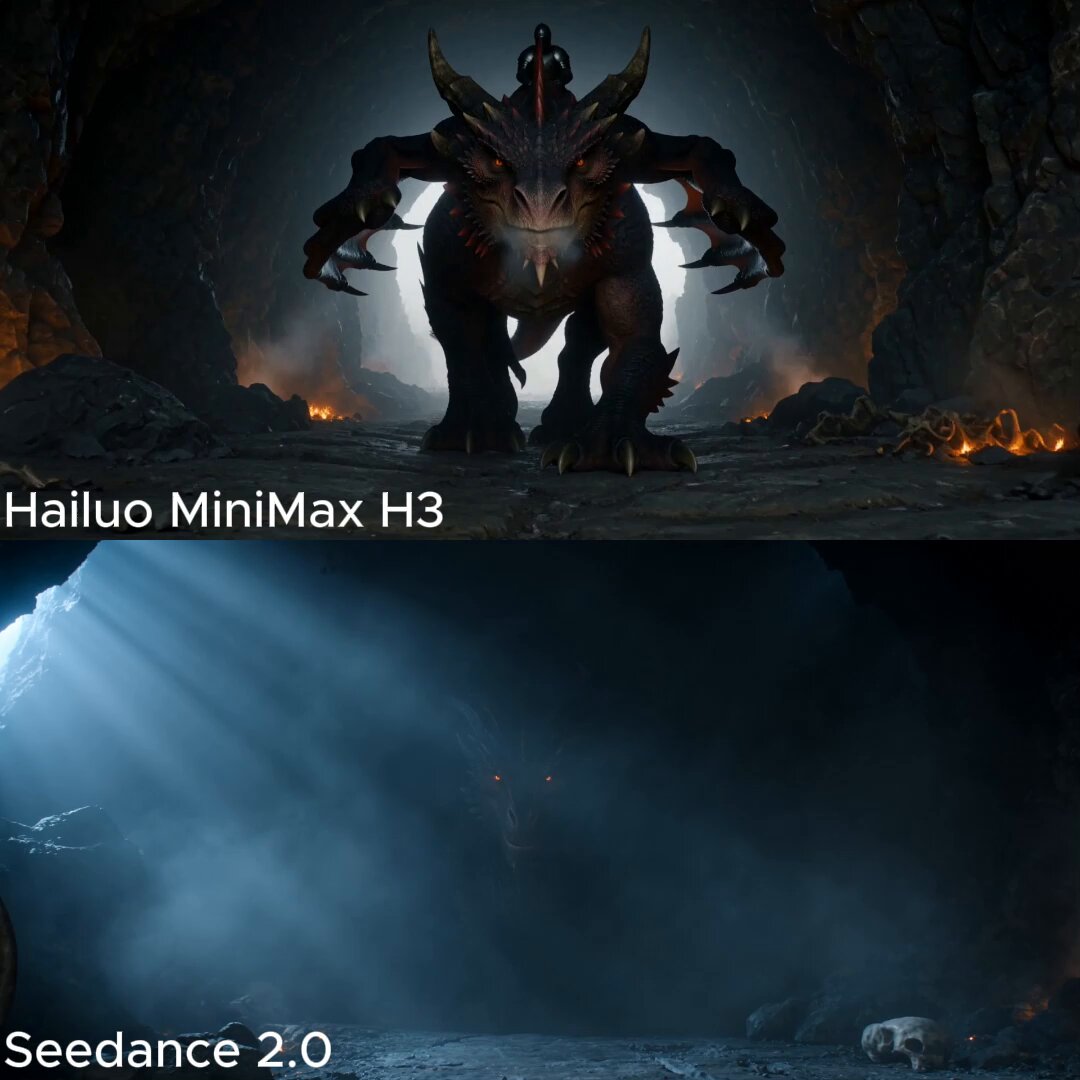
Dark Fantasy Dragon Rider Sequence

High-Speed Motorcycle Action Sequence

MiniMax H3 Character Introduction

Japanese Pure Love Short Film

Studio Ghibli Dumpling Kitchen Cooking Scene
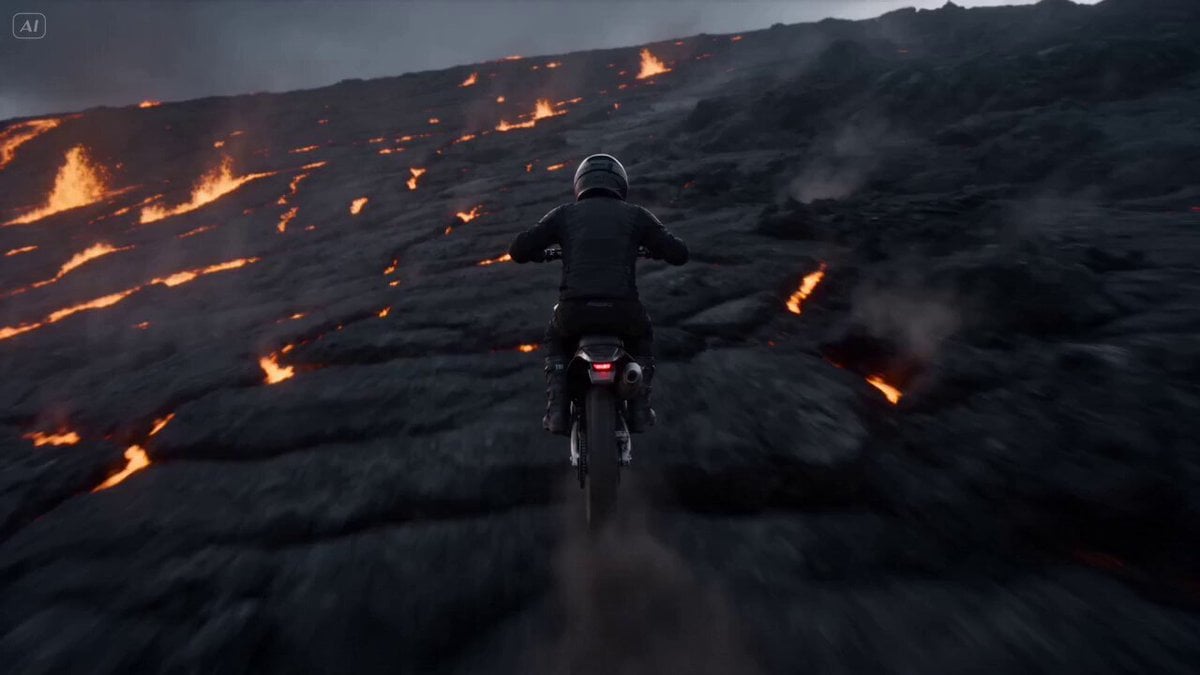
Volcano Slope Rider Action Sequence
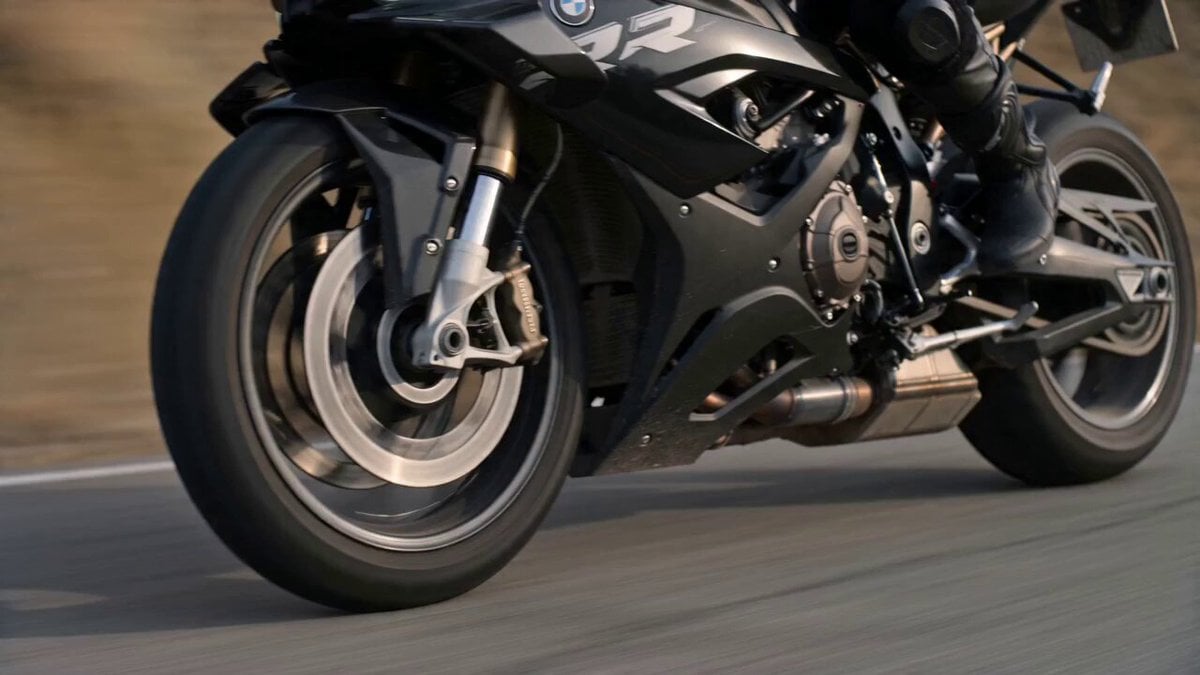
Blonde Rider on BMW Motorcycle
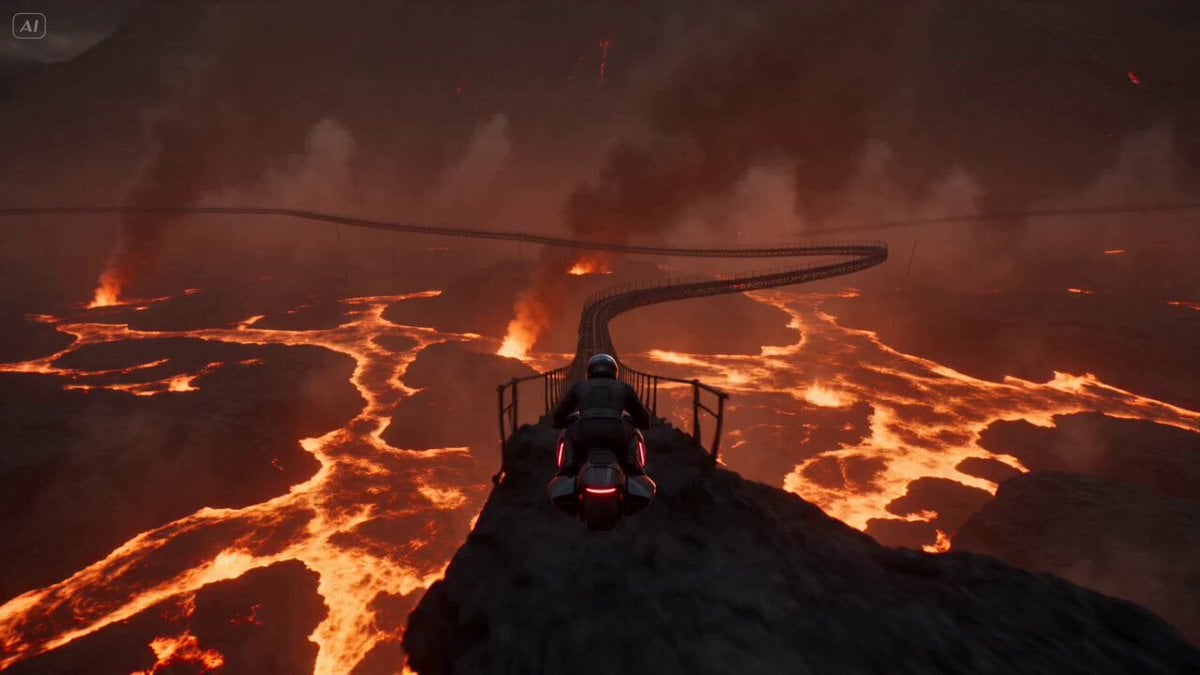
Volcanic Rail Rider Action Sequence
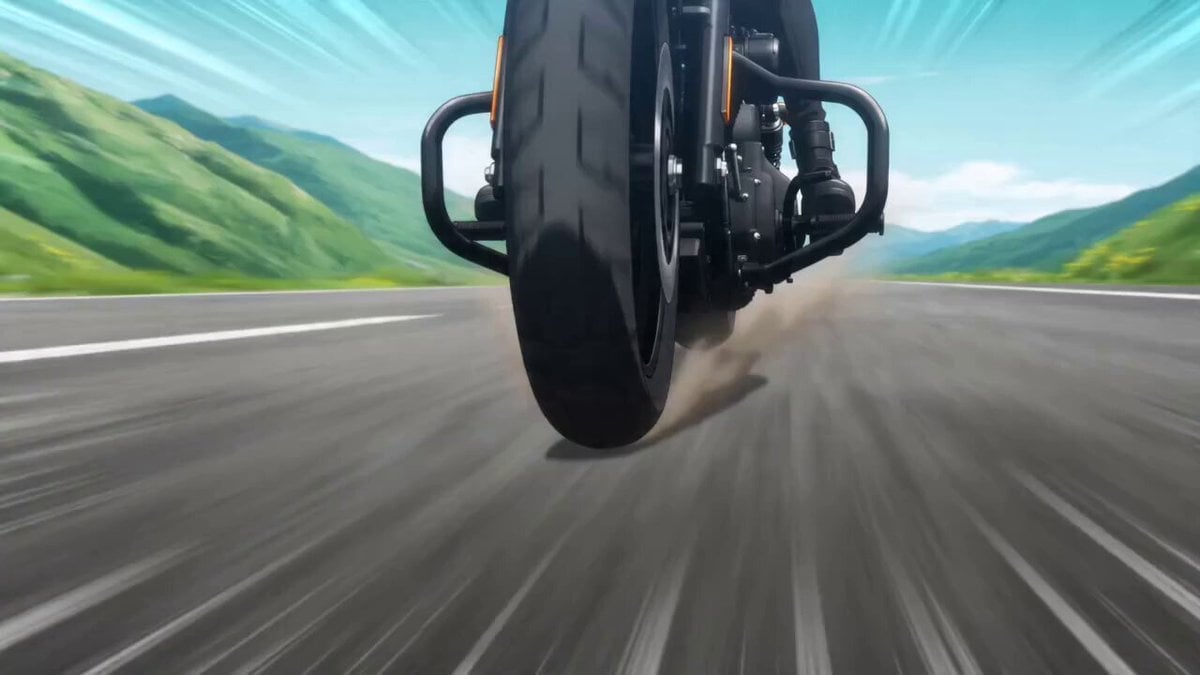
Cinematic Anime Motorcycle Touring
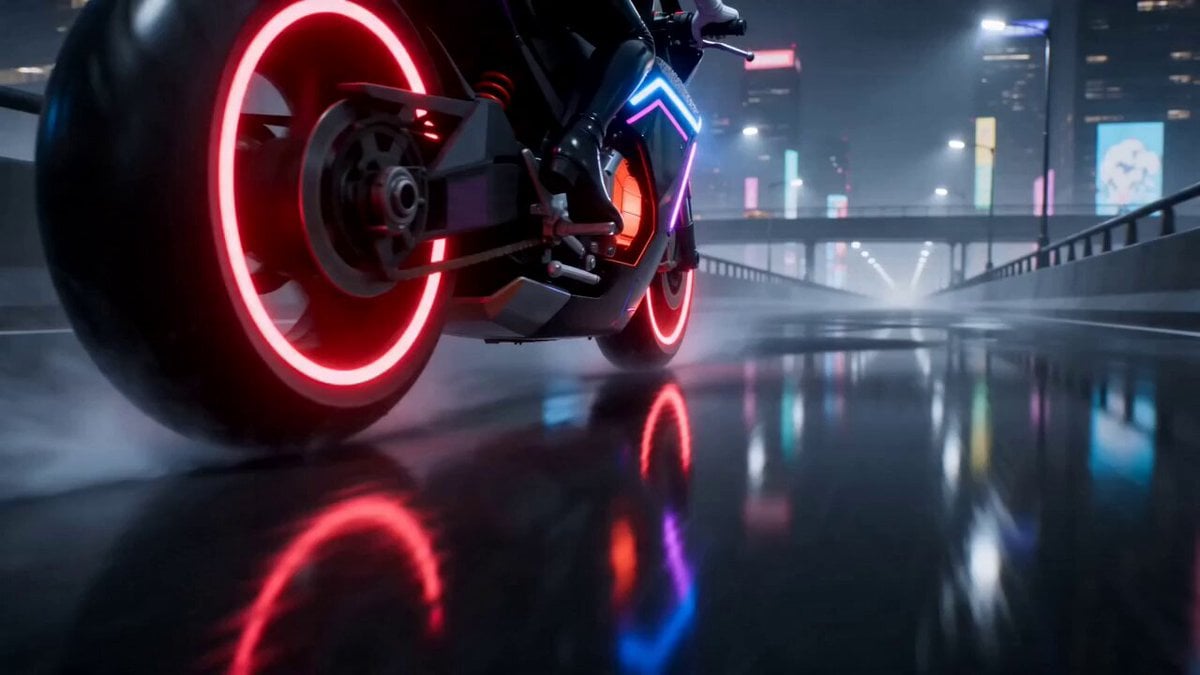
Cyberpunk Anime Motorcycle Battle Scene
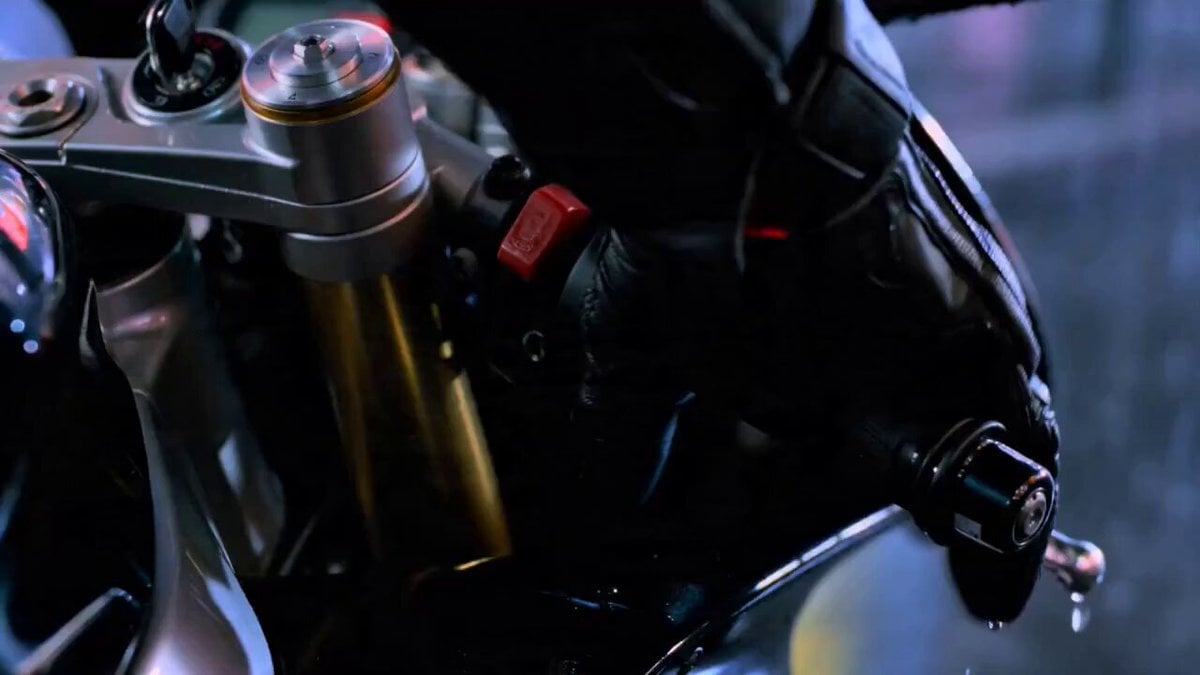
Neon Tokyo Motorcycle Chase Sequence
Fantasy Dragon Rider Anime Battle
Make it yours
Cinematic Anime Motorcycle Rider Video Sequence works as-is. These are the safest ways to change it without losing the look.
Change one field
Copy a single group, rewrite it, and generate again so you can see what that field is doing.
Keep the frame, change the subject
Hold the composition and light of Cinematic Anime Motorcycle Rider Video Sequence, then swap wardrobe, props or the person for a new take.
| If the result… | Why | Fix |
|---|---|---|
| The result drifts from the preview | Too many fields changed at once. | Reuse Cinematic Anime Motorcycle Rider Video Sequence as-is first, then change one group — subject, light, or setting. |
| The model over-stylizes the scene | The prose prompt leaves finish and camera underspecified. | Add one camera or lighting sentence and stay on Seedance 2.0. |
More Seedance 2.0 templates
Other prompts made for Seedance 2.0.

Comical Martial Arts Punch Scene

Wuxia Protection and Trust Script

Vintage Korean Arcade MiniDV Vlog

Mercedes 190 SL Luxury Ad

Rainy Night Supernatural Reverse Comedy Video Script

Amazon Civilization Discovery

Futuristic South Asian City Transformation

Cozy Luxury Cafe Commercial

Cyber Ronin Nanotech Transformation Video

Desert Courier and Sandstorm Leviathan Chase
More video prompts
Fresh picks from across the catalog.

Microscopic Photograph of Iron Whiskers and Crystals
Solar Flare Cosmic Disaster Simulation
Cyberpunk Drift Time Freeze
Sci-Fi Cinematic Corridor Walk
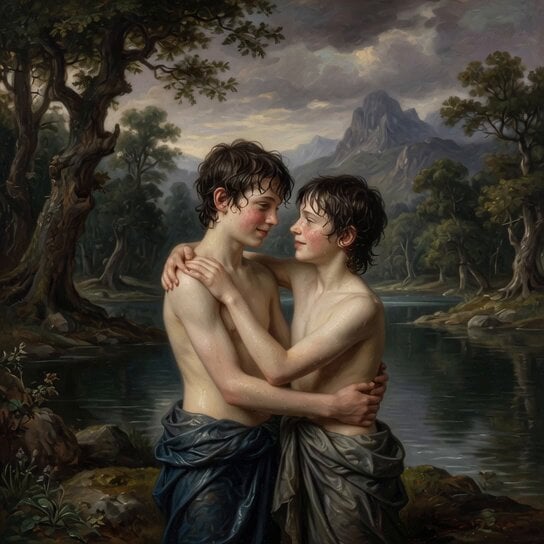
Rococo Painting of Teen Boys

Umbrella Blown Away and Camera Pan Video Prompt

Valkyrie Descending on Undead Battlefield
Grok Imagine prompt: Ultra-realistic cinematic fantasy portrait of a royal woman
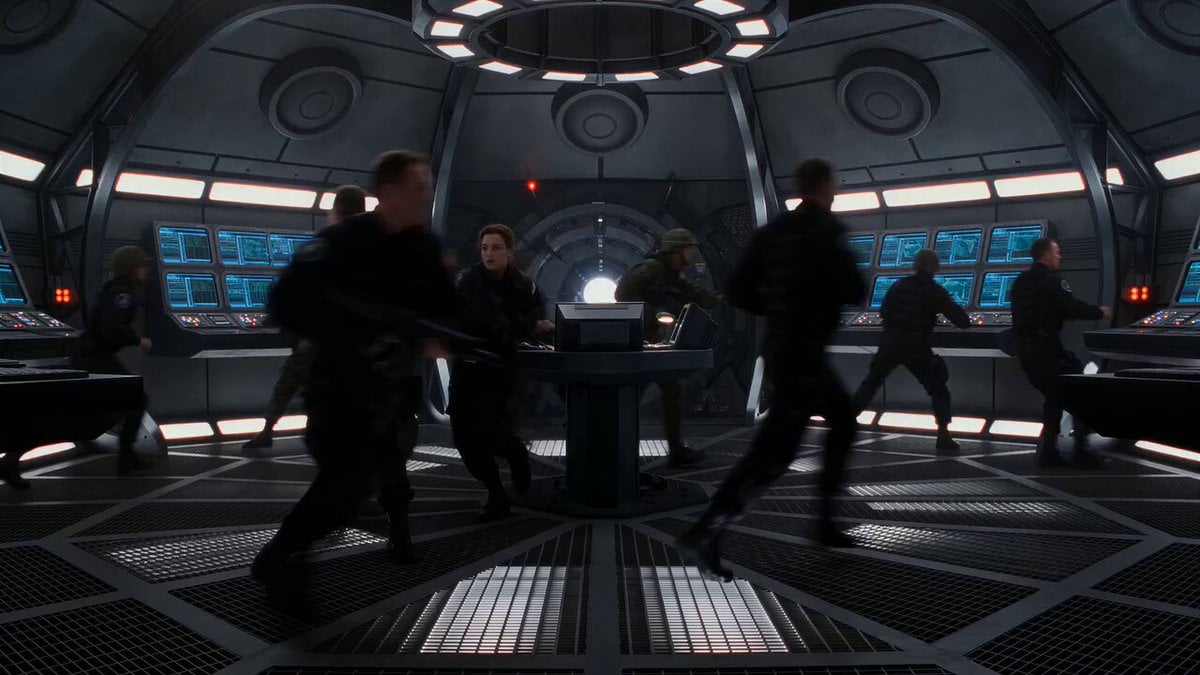
Cinematic Time-Freeze Thriller
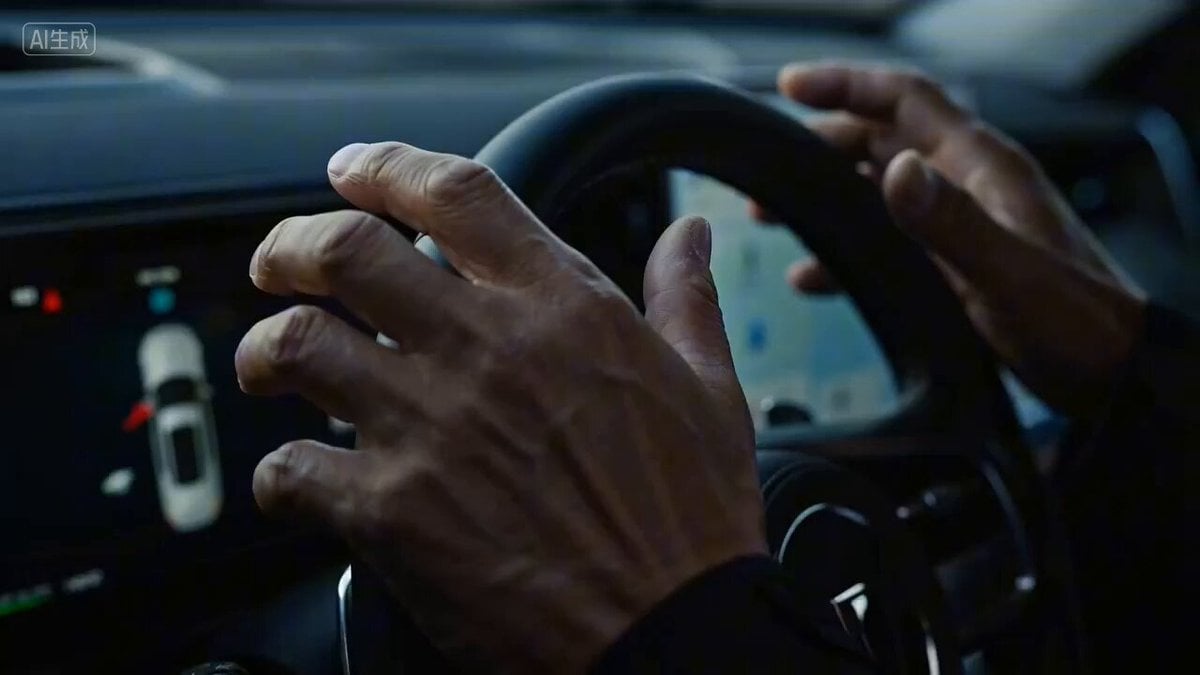
Seedance 2.0 Car Commercial Script Prompt
Browse template categories
Cinematic Anime Motorcycle Rider Video Sequence questions
How do I use the Cinematic Anime Motorcycle Rider Video Sequence template?
Add your photo if the template asks for one, edit the prompt if you like — the template's model and format are already selected — and press Generate. Your version opens in PicX Studio.
Can I customize the Cinematic Anime Motorcycle Rider Video Sequence template?
Yes. You can change the subject, setting, lighting, mood, format, and available model controls before creating your video.
Is the Cinematic Anime Motorcycle Rider Video Sequence template free?
Opening and editing this template is free. Generating uses credits, shown on the Generate button when you are signed in.
Which AI model should I use?
Start with Seedance 2.0, which is the model associated with this template. You can compare another compatible model for a different finish.
Looking for something else? Browse all templates.

Your photo, any look
Thousands of ready templates for every top image and video model, from one credit balance.