
Neon Tokyo Motorcycle Chase Sequence
A detailed multi-shot sequence prompt for a high-energy motorcycle chase through a neon-lit Tokyo, utilizing anamorphic lens effects and rain reflections.
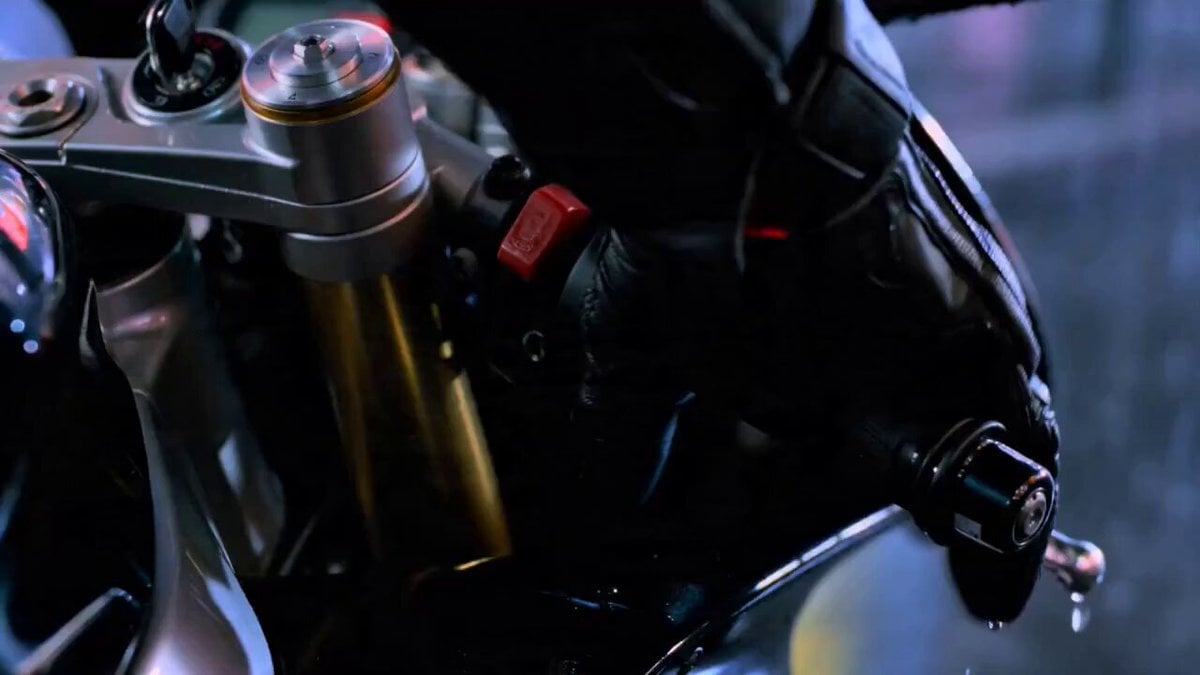
- Prompt included
- Model and format preset
- Free template
The prompt behind this video
Copy the exact prompt behind Neon Tokyo Motorcycle Chase Sequence, or open it in the studio and make it yours.
Seven-shot sequence, continuous energy, rain-soaked neon Tokyo at night. Cool blue-magenta grade, anamorphic lens, reflective wet asphalt, motion blur, 35mm grain. Shot 1: Extreme close-up of a gloved hand gripping the ignition key on a matte-black sport bike, neon signs reflected in the chrome. Shot 2: Low-angle on the rider's boot stamping the kickstart, engine roars to life, exhaust shimmer. Shot 3: Tight shot of the rider's visor, eyes locked forward, headlights of a pursuing car glowing in the mirror. Shot 4: Rear-wheel close-up — tire bites, the bike lurches off the line, water spray kicks up. Shot 5: Tracking shot from directly behind as the bike tears down a narrow neon alley, signs streaking past. Shot 6: Low-angle as the rider leans hard into a turn, knee near the ground, reflections smearing across the puddles. Shot 7: Wide shot — the bike whips past the camera and shrinks into the rainy distance, tail-light glowing. Ambient sound: rain on metal, engine ignition, then a rising rev, tire hiss on wet road, distant city hum.
How to use Neon Tokyo Motorcycle Chase Sequence in 3 steps
- 1
Open
The prompt is already in the box next to the preview, with the template's model and format selected.
- 2…a portrait of your subject in softgolden-hour light, 85mm…
Personalize
Edit the subject and creative details for your destination.
- 3Generate
Generate
Press Generate — your video is created in PicX Studio, so you can compare it with the original and refine one variable at a time.
More like this
Templates with the same subject, style or setup. Open one to see its prompt.
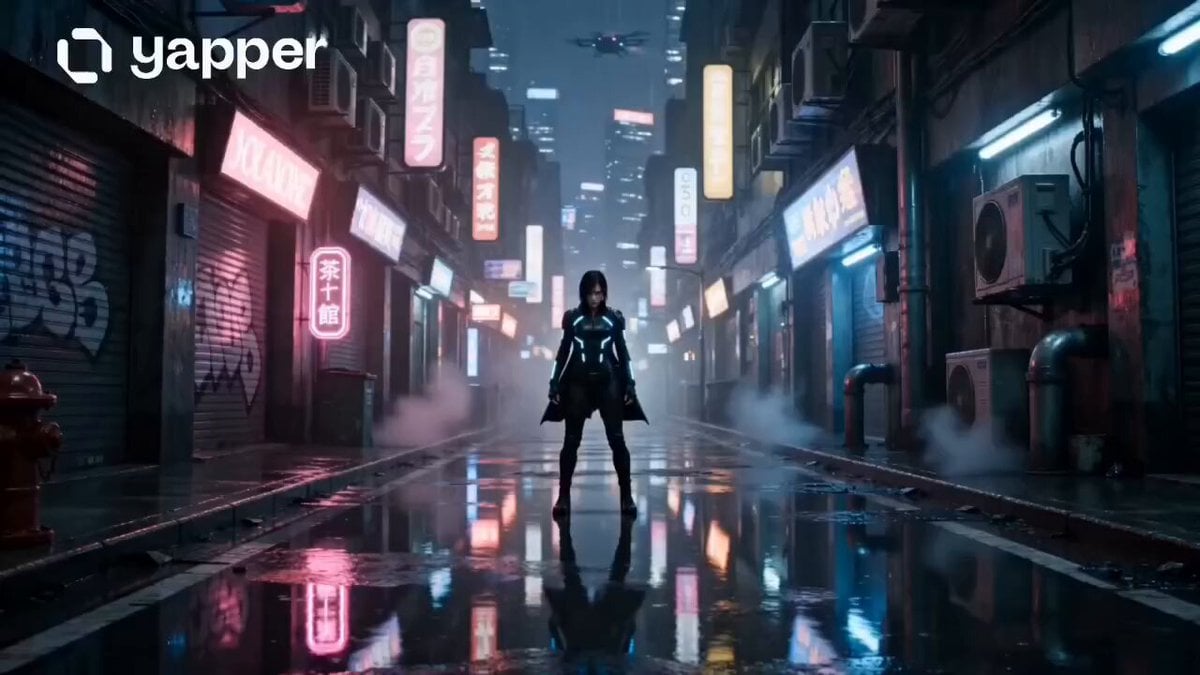
Neon Tokyo Cyberpunk Action Sequence

High-Speed Motorcycle Action Sequence

Handheld Tokyo Travel Vlog - Seedance 2.5
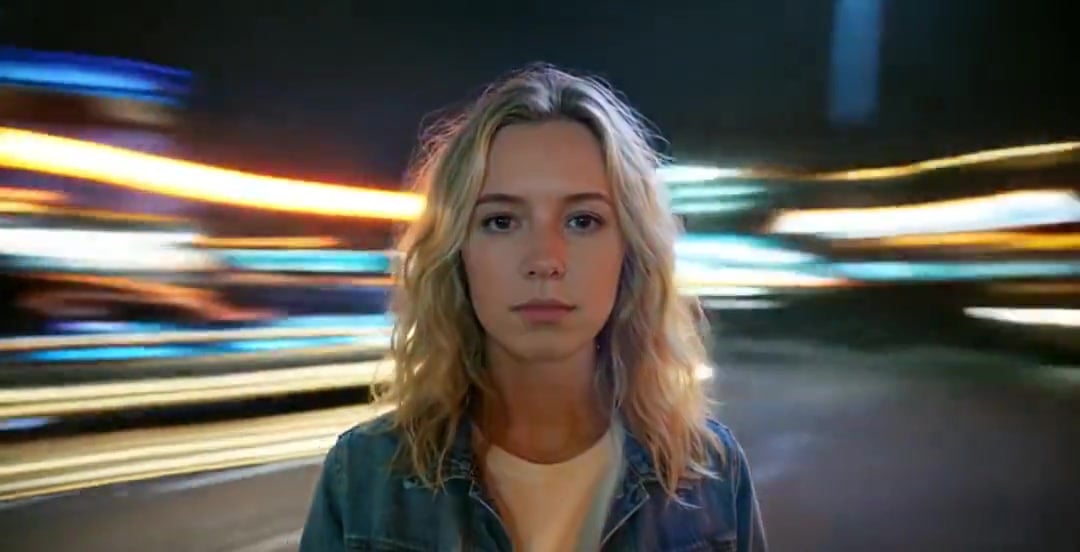
Handheld Neon Chaos Motion Blur — Kling 3.0 v3 Pro

Smartphone Travel Vlog Tokyo Trip Identity Preserved
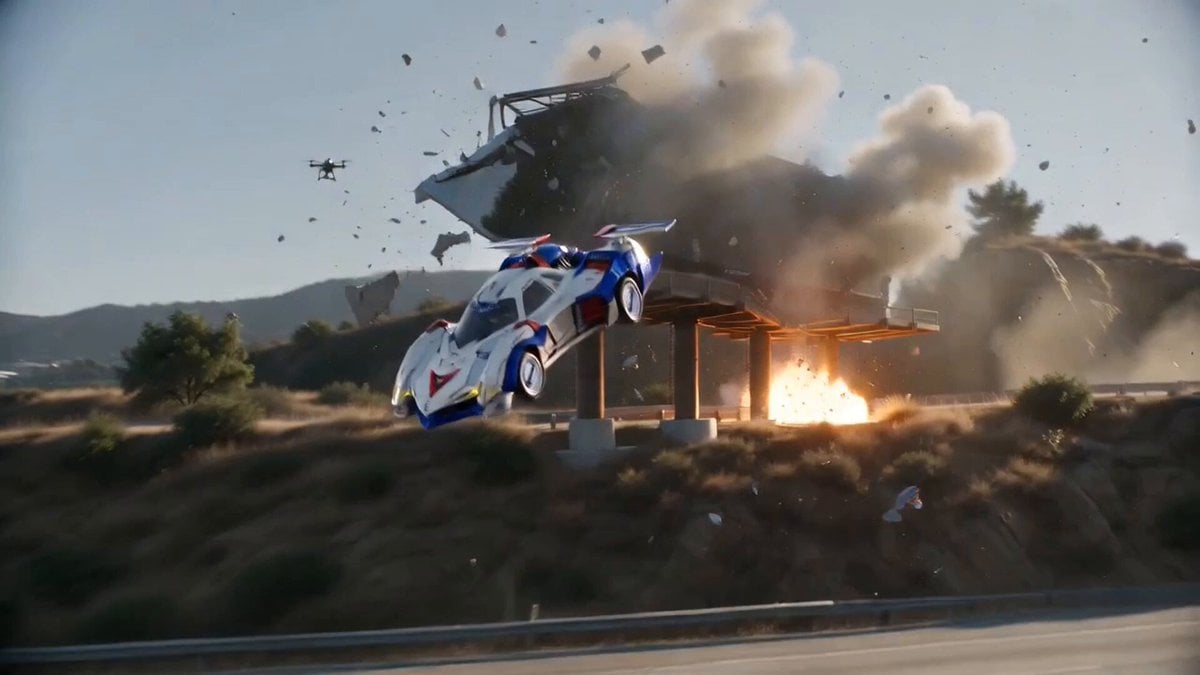
Hollywood Blockbuster Car Chase Sequence
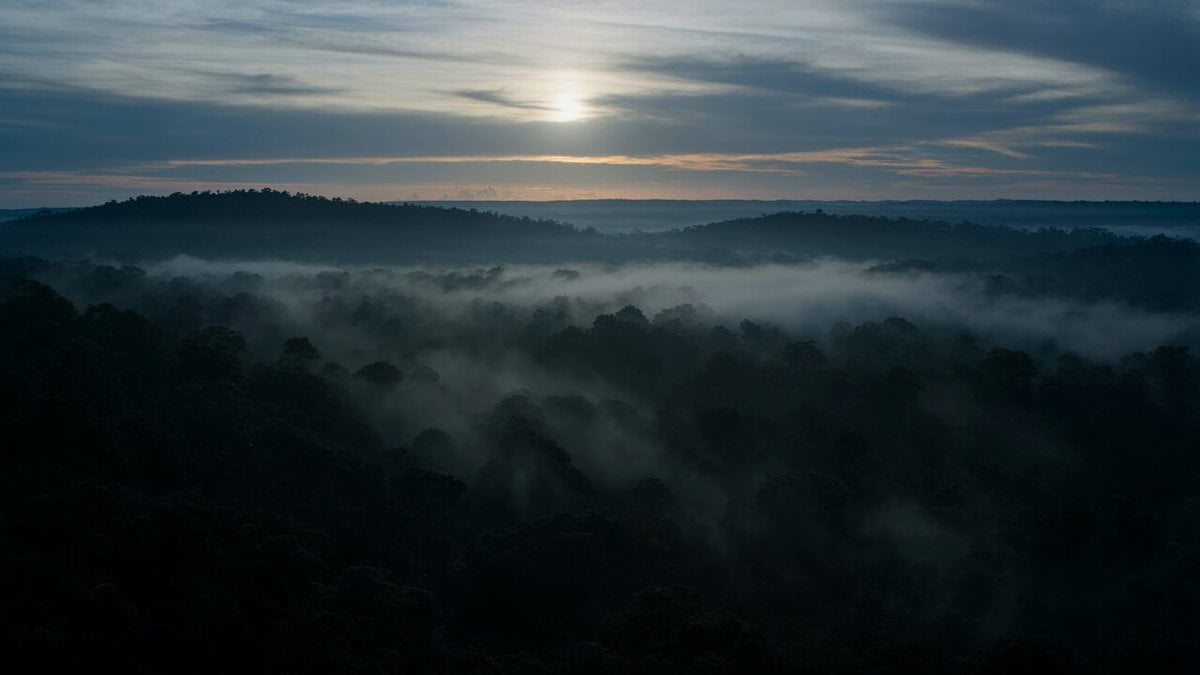
Dramatic Jungle Chase Sequence

Fantasy Dragon Chase Sequence
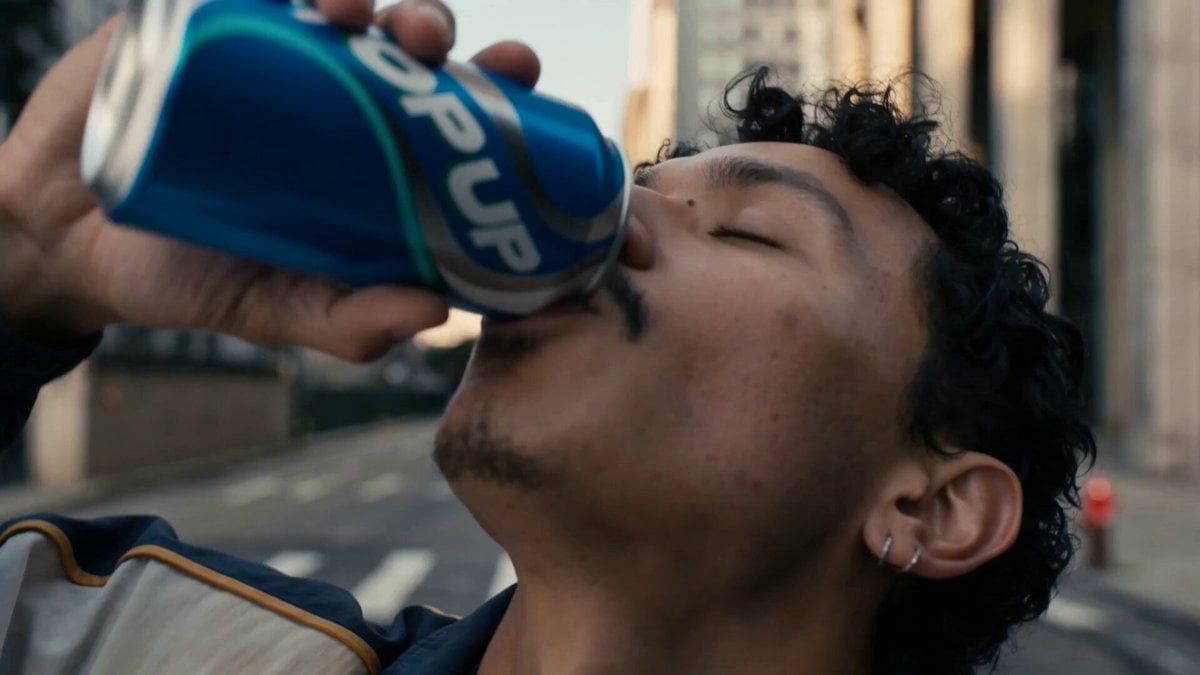
Neon Armor Epic Transformation Sequence
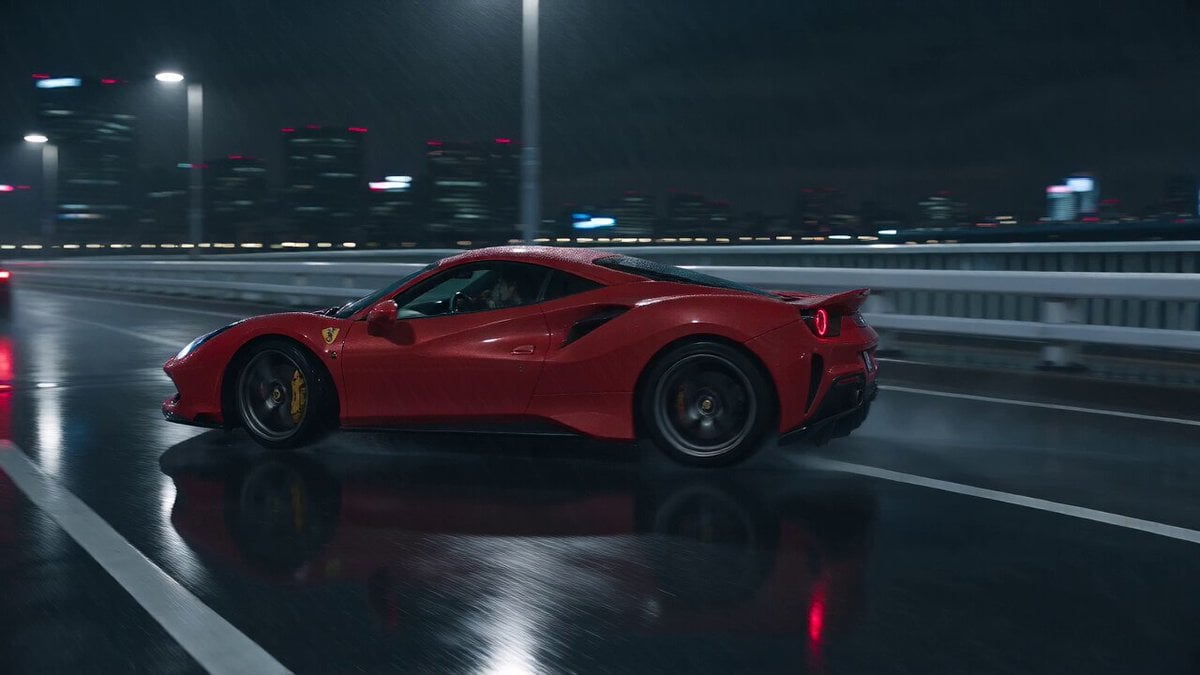
Cyberpunk Tokyo Rainy Car Chase

Cartoon Donut Heist Bakery Chase
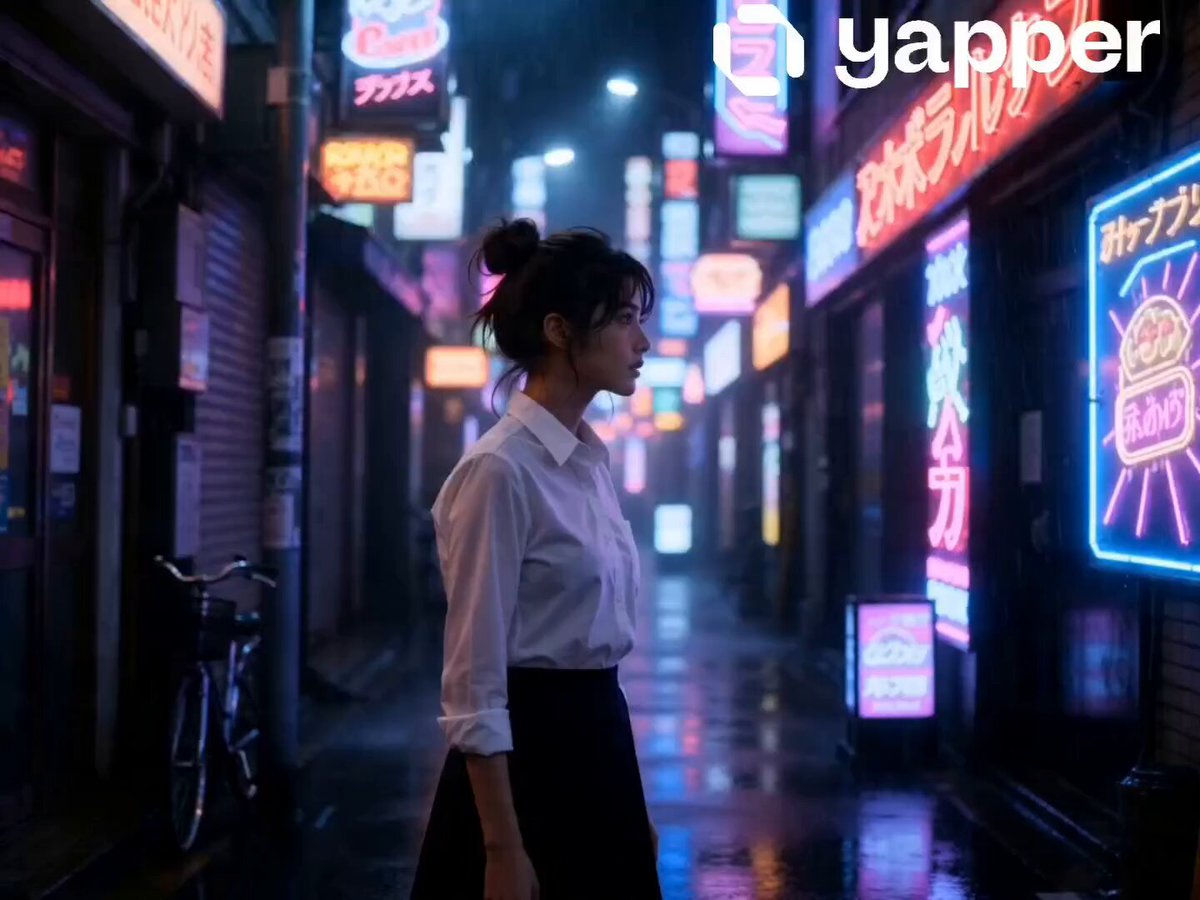
Neon Tokyo Night Rain Walk
Make it yours
Neon Tokyo Motorcycle Chase Sequence works as-is. These are the safest ways to change it without losing the look.
Change one field
Copy a single group, rewrite it, and generate again so you can see what that field is doing.
Keep the frame, change the subject
Hold the composition and light of Neon Tokyo Motorcycle Chase Sequence, then swap wardrobe, props or the person for a new take.
| If the result… | Why | Fix |
|---|---|---|
| The result drifts from the preview | Too many fields changed at once. | Reuse Neon Tokyo Motorcycle Chase Sequence as-is first, then change one group — subject, light, or setting. |
| The model over-stylizes the scene | The prose prompt leaves finish and camera underspecified. | Add one camera or lighting sentence and stay on Seedance 2.0. |
More Seedance 2.0 templates
Other prompts made for Seedance 2.0.

Comical Martial Arts Punch Scene

Maglev Train Action Sequence

Martial Arts Fight Sequence

Wuxia Protection and Trust Script

Vintage Korean Arcade MiniDV Vlog

Mercedes 190 SL Luxury Ad

Rainy Night Supernatural Reverse Comedy Video Script

Amazon Civilization Discovery

Futuristic South Asian City Transformation

Cozy Luxury Cafe Commercial
More video prompts
Fresh picks from across the catalog.
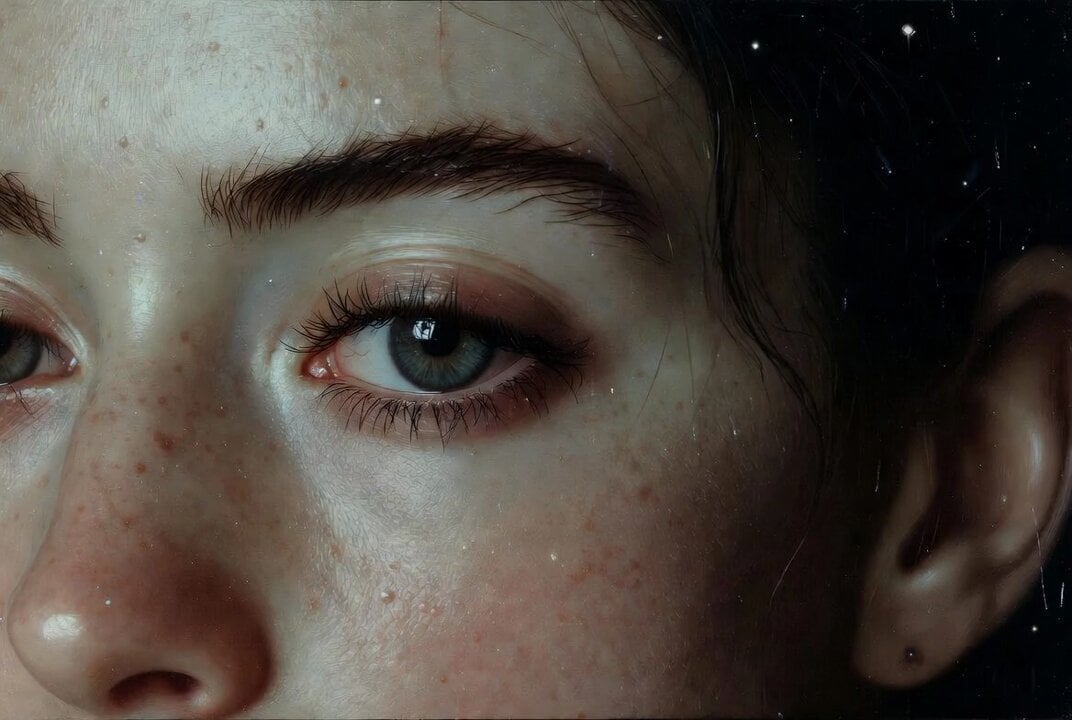
Surrealist allegorical oil painting of a woman in Renaissance dress
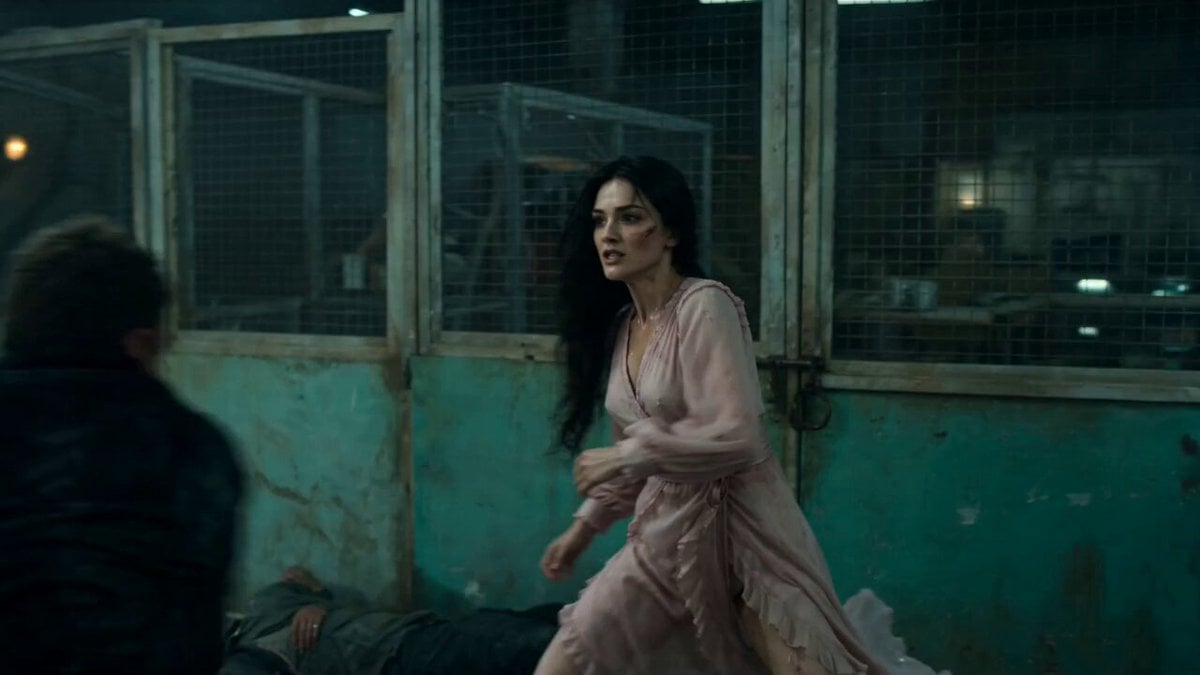
Warehouse Combat Video Sequence
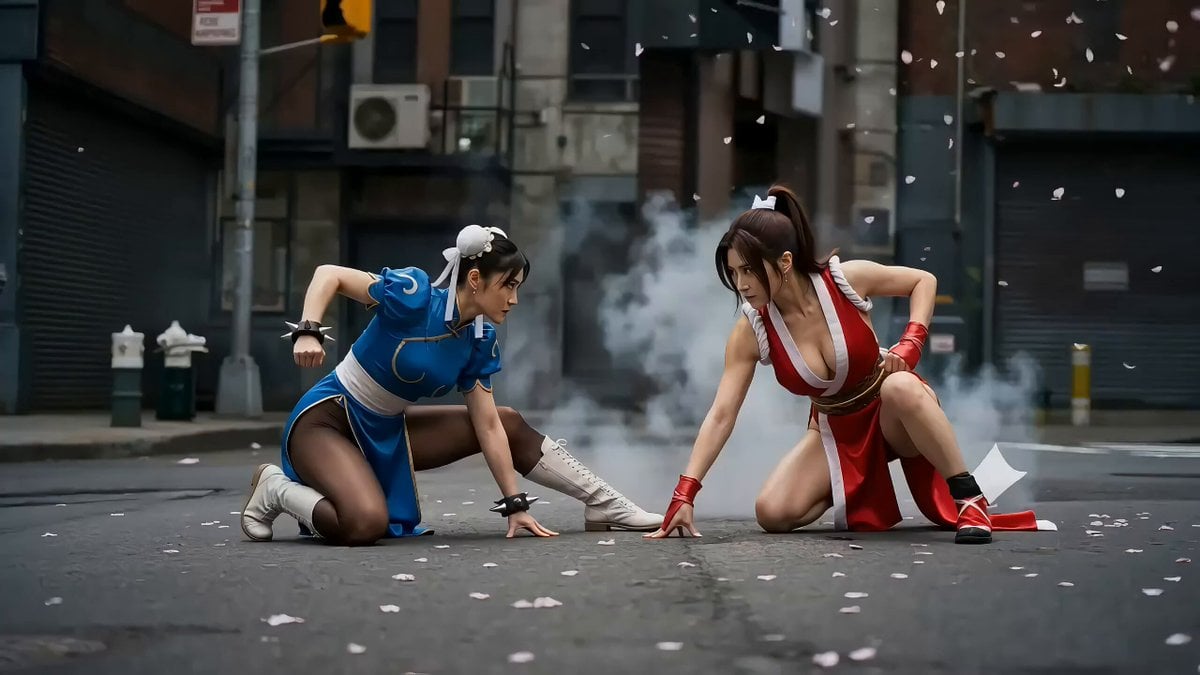
Second Action Sequence Video Prompt (Seedance 2.0)
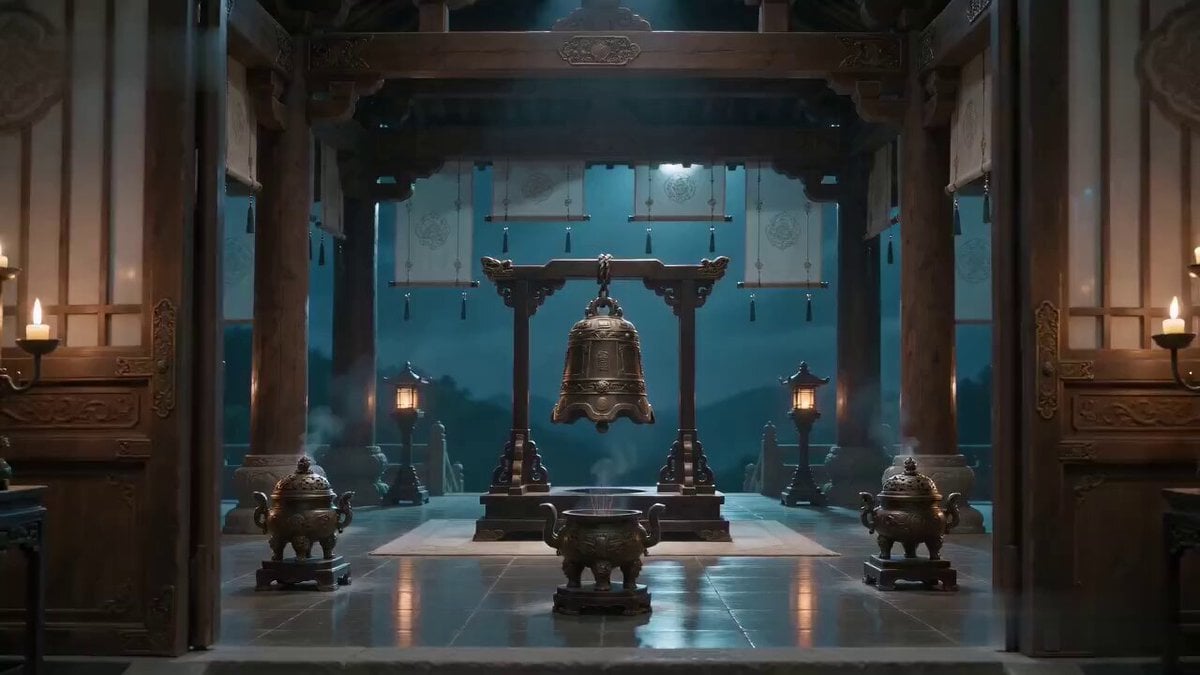
Xianxia Truth Bell Comedy Scene
Four Leaf Clover Video Prompt
2D Carving Morphing into Human Woman
Exploding man and sad woman video prompt

Girlfriend Waking Up Vlog Scene

Morning Vlog Desk Setup
Moonlit Ballerina Hilltop Dance
Browse template categories
Neon Tokyo Motorcycle Chase Sequence questions
How do I use the Neon Tokyo Motorcycle Chase Sequence template?
Add your photo if the template asks for one, edit the prompt if you like — the template's model and format are already selected — and press Generate. Your version opens in PicX Studio.
Can I customize the Neon Tokyo Motorcycle Chase Sequence template?
Yes. You can change the subject, setting, lighting, mood, format, and available model controls before creating your video.
Is the Neon Tokyo Motorcycle Chase Sequence template free?
Opening and editing this template is free. Generating uses credits, shown on the Generate button when you are signed in.
Which AI model should I use?
Start with Seedance 2.0, which is the model associated with this template. You can compare another compatible model for a different finish.
Looking for something else? Browse all templates.

Your photo, any look
Thousands of ready templates for every top image and video model, from one credit balance.