
Morning Vlog Desk Setup
A cinematic daylight vlog aesthetic prompt featuring a young man at a minimal wooden desk during a quiet morning.

- Prompt included
- Model and format preset
- Free template
The prompt behind this video
Copy the exact prompt behind Morning Vlog Desk Setup, or open it in the studio and make it yours.
Scene: Young man, early 20s, messy hair, plain white tee, sitting at a minimal wooden desk by a bright window. Smartphone in hand, ceramic coffee mug beside an open notebook. Bookshelf softly out of focus in background. Style: Daylight vlog aesthetic, warm natural morning feel, muted beige and cream tones, gentle handheld rhythm. Lighting: Soft diffused morning window light from the left, even and warm, subtle shadow on right side of face. Audio: Soft ambient city morning sounds, espresso hiss, gentle paper rustle. [0-3s] Camera: Handheld wide establishing shot of the desk setup, gentle settle. Action: He picks up his coffee with one hand while scrolling his phone with the other, relaxed and unhurried. Lighting: Clean window light floods the desk. [3-7s] Camera: Slow push-in to medium chest shot. Action: He pauses his scroll, double-taps the screen, and corners of his mouth lift into a small quiet smile. Lighting: Soft side window light, gentle shadow shaping. [7-11s] Camera: Hard cut to close-up of the phone screen glowing, hand tilting slightly. Action: His thumb scrolls slowly through a social feed, then stops on a video. The screen light shifts slightly. Lighting: Screen glow cold against warm desk ambient. [11-15s] Camera: Pull back to medium, he sets the phone down and picks up his pen to write in the notebook. Action: He writes a quick note, glances back at the phone, then exhales and leans into his work. Lighting: Warm window light, soft and clean. Avoid: Jitter, identity drift, staged ad feel, overexposed window.
How to use Morning Vlog Desk Setup in 3 steps
- 1
Open
The prompt is already in the box next to the preview, with the template's model and format selected.
- 2…a portrait of your subject in softgolden-hour light, 85mm…
Personalize
Edit the subject and creative details for your destination.
- 3Generate
Generate
Press Generate — your video is created in PicX Studio, so you can compare it with the original and refine one variable at a time.
More like this
Templates with the same subject, style or setup. Open one to see its prompt.

Realistic Morning Routine Lifestyle Vlog - Seedance 2.5

Kyoto Morning Selfie Vlog

Mediterranean Morning Coffee Run Vlog (Seedance 2.5)
Sunny Morning Laundry Vlog

Mediterranean Coffee Run Vlog - Seedance 2.5

Mysterious Home Exploration Vlog - Seedance 2.5

Handheld Tokyo Travel Vlog - Seedance 2.5

Nostalgic MiniDV Convenience Store Vlog - Seedance 2.5
Rushed Morning Routine Montage

Luxury Lifestyle Day Vlog

Luxury Airport Travel Vlog

Kenting Lifestyle Travel Vlog
Make it yours
Morning Vlog Desk Setup works as-is. These are the safest ways to change it without losing the look.
Change one field
Copy a single group, rewrite it, and generate again so you can see what that field is doing.
Keep the frame, change the subject
Hold the composition and light of Morning Vlog Desk Setup, then swap wardrobe, props or the person for a new take.
| If the result… | Why | Fix |
|---|---|---|
| The result drifts from the preview | Too many fields changed at once. | Reuse Morning Vlog Desk Setup as-is first, then change one group — subject, light, or setting. |
| The model over-stylizes the scene | The prose prompt leaves finish and camera underspecified. | Add one camera or lighting sentence and stay on Seedance 2.0. |
More Seedance 2.0 templates
Other prompts made for Seedance 2.0.

Comical Martial Arts Punch Scene

Maglev Train Action Sequence

Martial Arts Fight Sequence

Wuxia Protection and Trust Script

Vintage Korean Arcade MiniDV Vlog

Mercedes 190 SL Luxury Ad

Rainy Night Supernatural Reverse Comedy Video Script

Amazon Civilization Discovery

Futuristic South Asian City Transformation

Cozy Luxury Cafe Commercial
More video prompts
Fresh picks from across the catalog.
Photorealistic Bright and Airy Bedroom Interior Video Prompt
3D Rotating Earth in Space
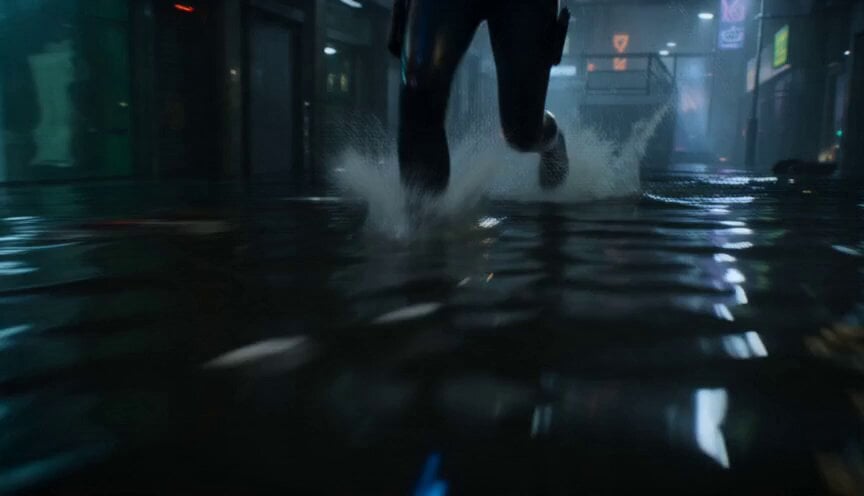
Flooded Cyberpunk District Action Sequence
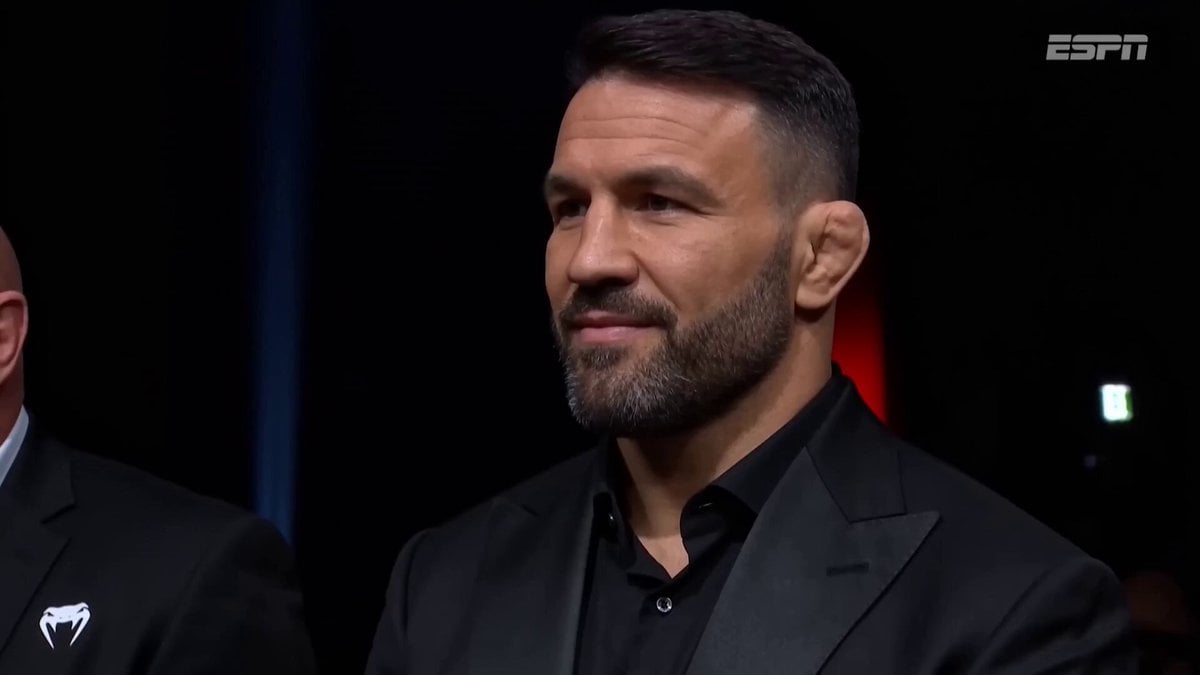
UFC Pre-fight Crowd Cam

Grok Imagine video prompt for a crying anime girl
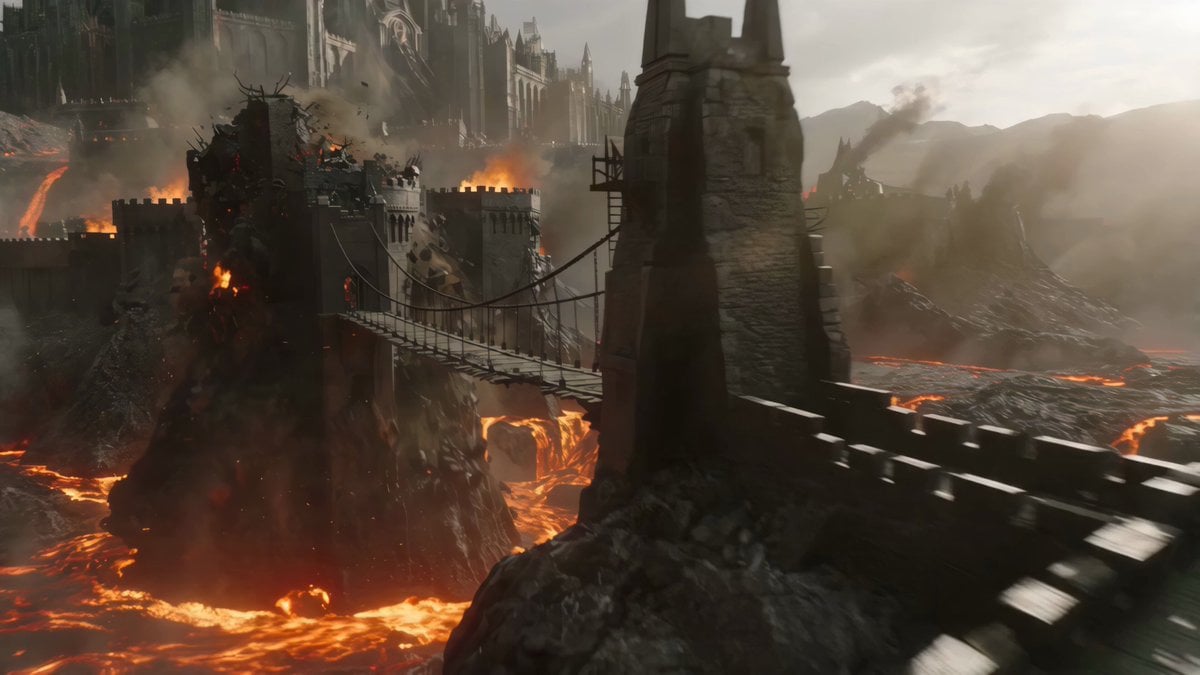
Cinematic Volcanic Dragon Rescue
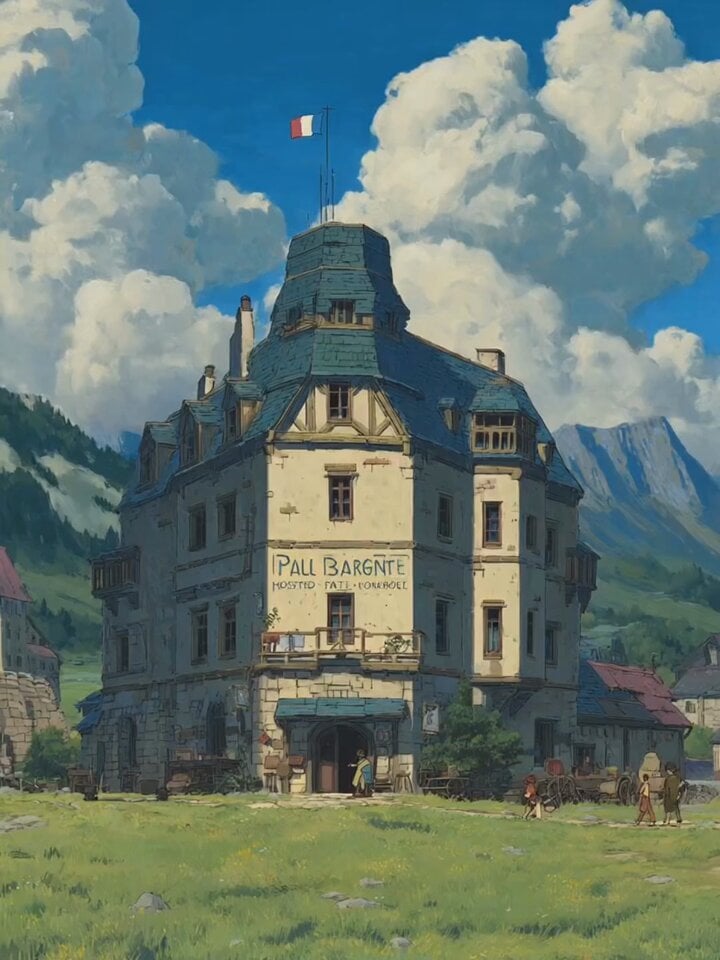
Alpine Inn Daily Chores Scene
Tour de France Live Broadcast Style
Skyscraper Antenna Marriage Proposal
Abstract Intelligence Formal System
Browse template categories
Morning Vlog Desk Setup questions
How do I use the Morning Vlog Desk Setup template?
Add your photo if the template asks for one, edit the prompt if you like — the template's model and format are already selected — and press Generate. Your version opens in PicX Studio.
Can I customize the Morning Vlog Desk Setup template?
Yes. You can change the subject, setting, lighting, mood, format, and available model controls before creating your video.
Is the Morning Vlog Desk Setup template free?
Opening and editing this template is free. Generating uses credits, shown on the Generate button when you are signed in.
Which AI model should I use?
Start with Seedance 2.0, which is the model associated with this template. You can compare another compatible model for a different finish.
Looking for something else? Browse all templates.

Your photo, any look
Thousands of ready templates for every top image and video model, from one credit balance.