
Flooded Cyberpunk District Action Sequence
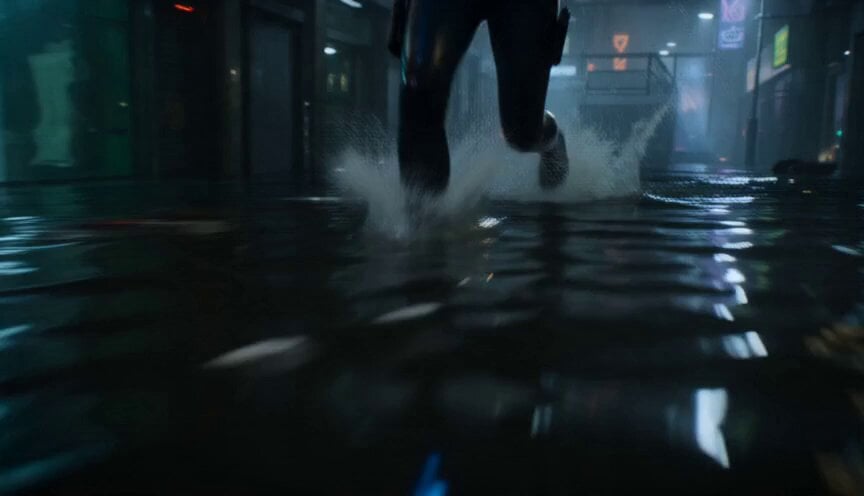
A cinematic prompt for a 15-second action sequence in a submerged cyberpunk environment, featuring a smuggler being hunted through neon-lit floodwaters.
- Prompt included
- Model and format preset
- Free template
The prompt behind this video
Copy the exact prompt behind Flooded Cyberpunk District Action Sequence, or open it in the studio and make it yours.
15-second cinematic action sequence inside a submerged cyberpunk district partially flooded beneath a megacity, neon reflections rippling across dark water, giant ventilation fans spinning overhead. 0.0–3.0s: Camera glides inches above flooded streets as a female smuggler races through waist-deep water carrying a glowing data core. 3.0–6.0s: A biomechanical hunter drops from overhead pipes into the water behind her, sending waves crashing against abandoned storefronts. 6.0–9.0s: Violent fight erupts inside the flooded alleyway, electrified weapons illuminating the water while sparks reflect across submerged neon signs. 9.0–12.0s: Tight brutal combat across sinking platforms and flickering industrial corridors while floodgates begin collapsing around them. 12.0–15.0s: Wide pull-back reveals the entire underground district flooding beneath the gigantic city above.
How to use Flooded Cyberpunk District Action Sequence in 3 steps
- 1
Open
The prompt is already in the box next to the preview, with the template's model and format selected.
- 2…a portrait of your subject in softgolden-hour light, 85mm…
Personalize
Edit the subject and creative details for your destination.
- 3Generate
Generate
Press Generate — your video is created in PicX Studio, so you can compare it with the original and refine one variable at a time.
More like this
Templates with the same subject, style or setup. Open one to see its prompt.
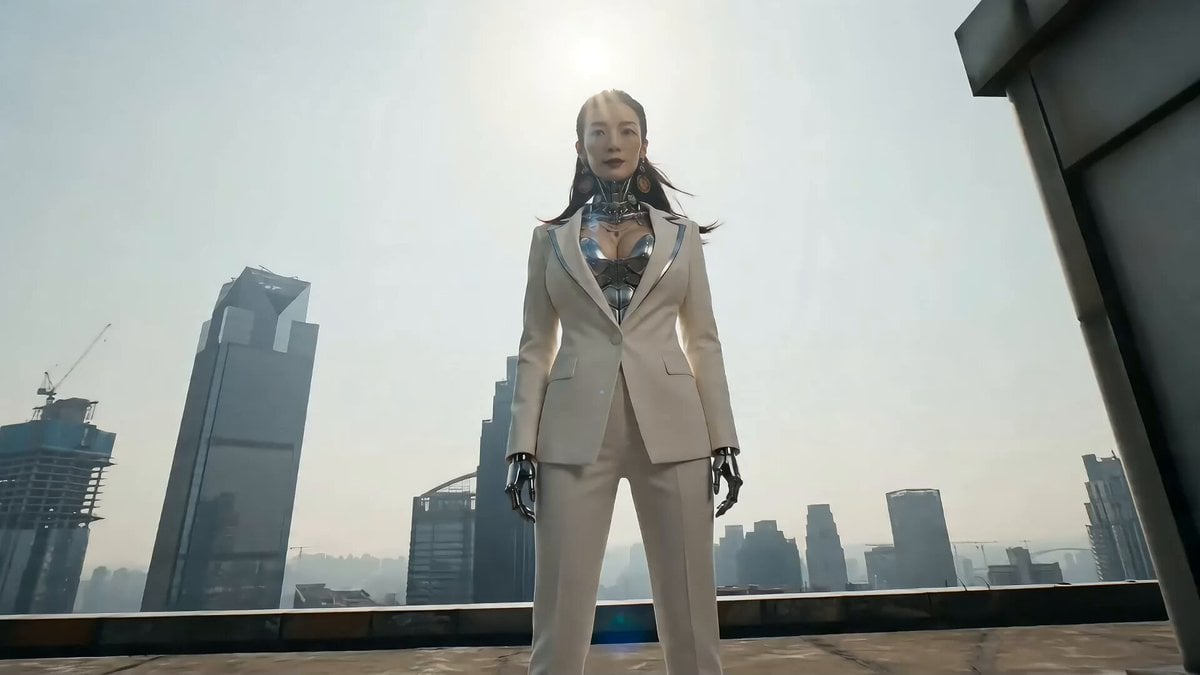
Cyberpunk Action Sequence: Elegant Female Agent Jumps from Skyscraper to Moving Car

Maglev Train Action Sequence

Cyberpunk RPG Anime Action

Cyberpunk Holographic Dance Performance - Seedance 2.5
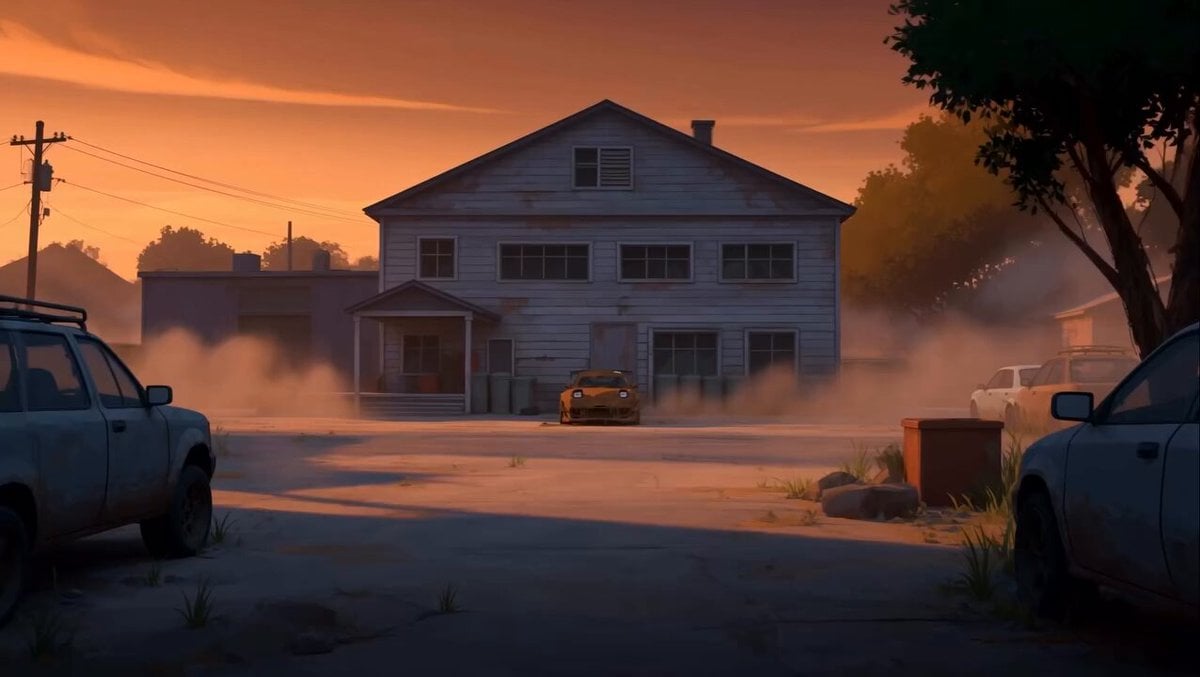
RX-7 to Mech Transformation Cyberpunk
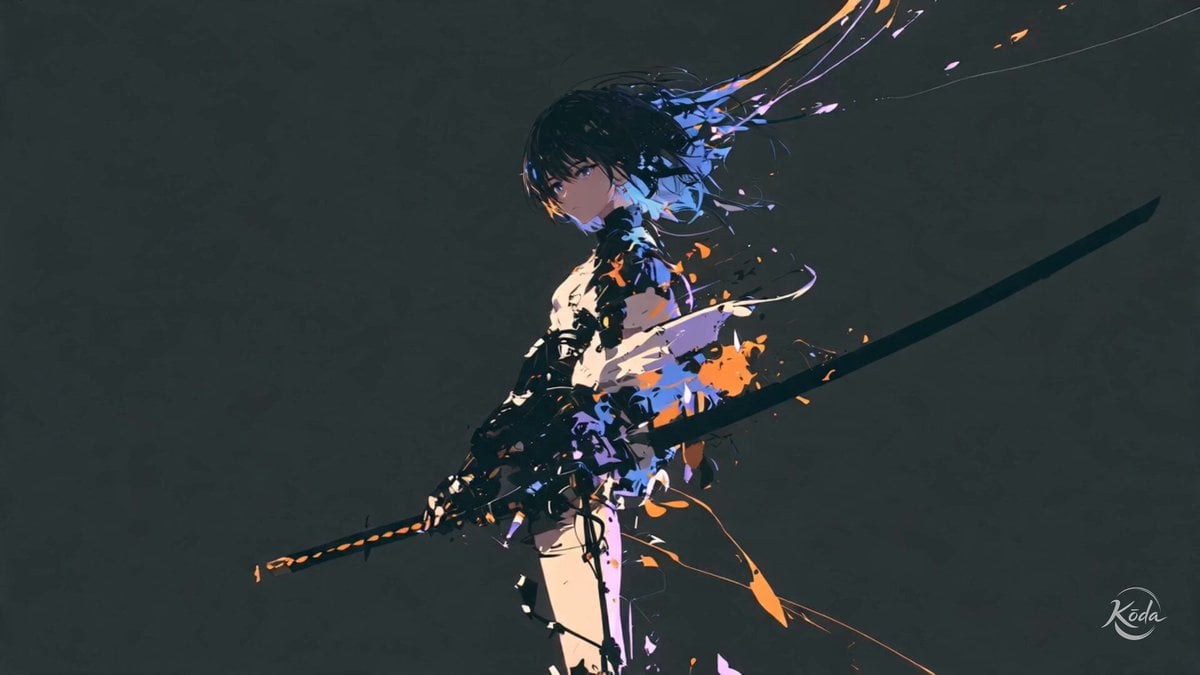
Cinematic Swordswoman Action Sequence
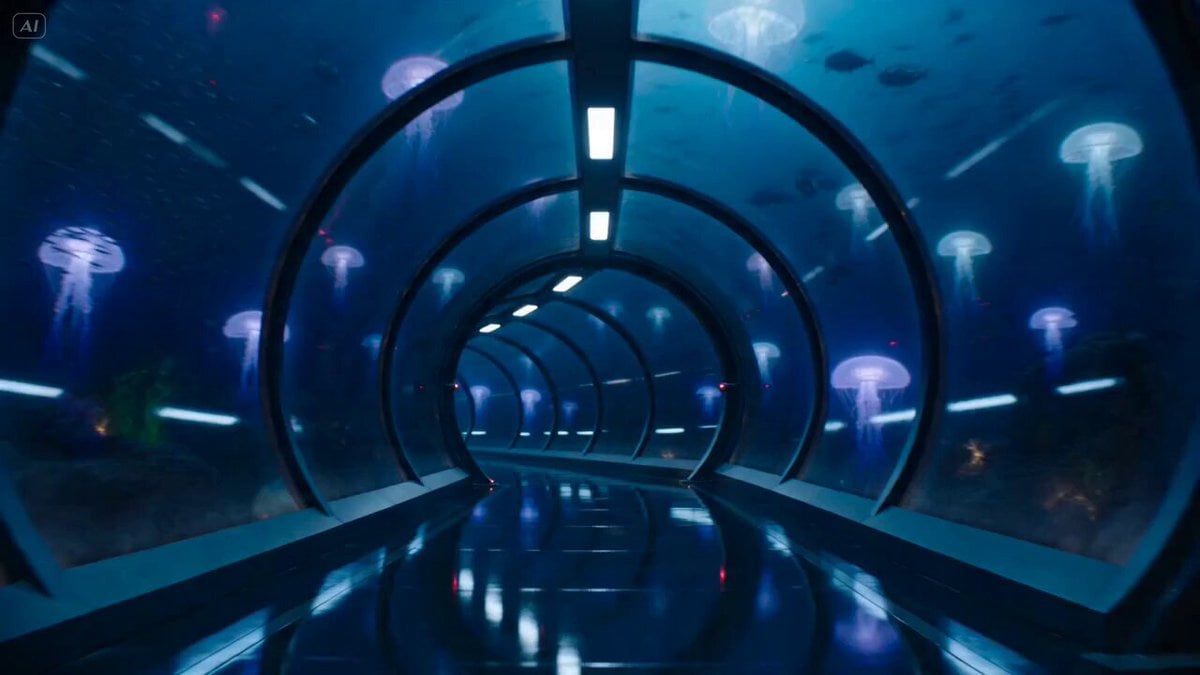
Underwater Glass Tunnel Action Sequence
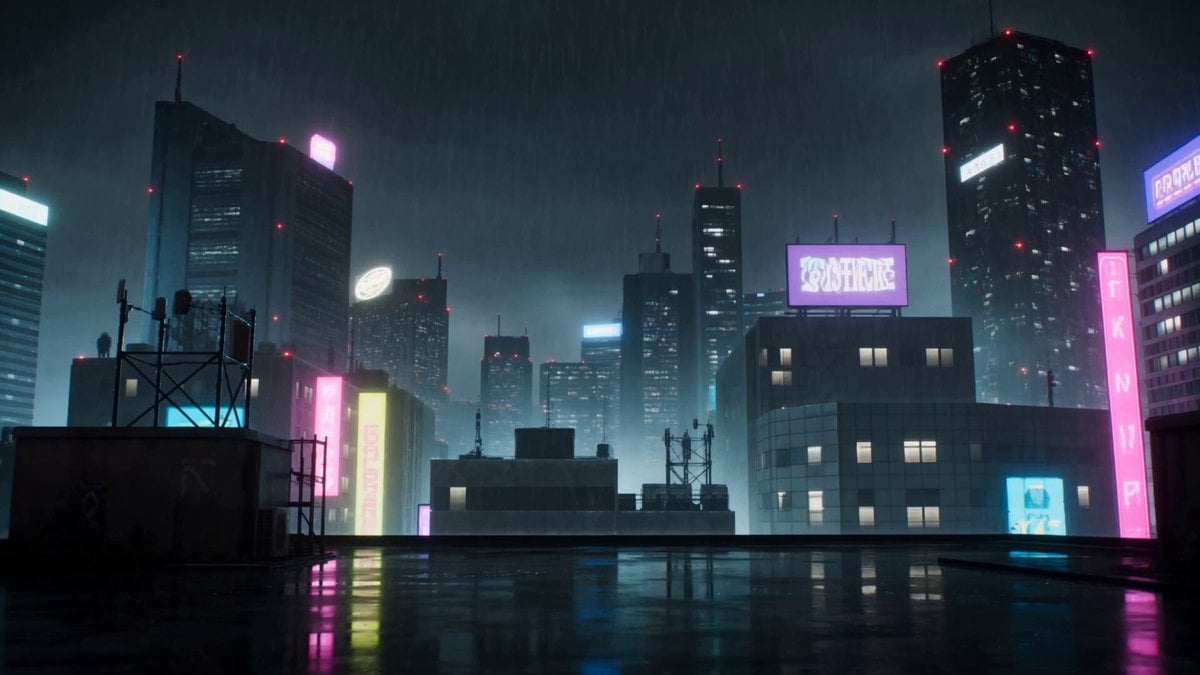
Cyberpunk Anime Duel Action
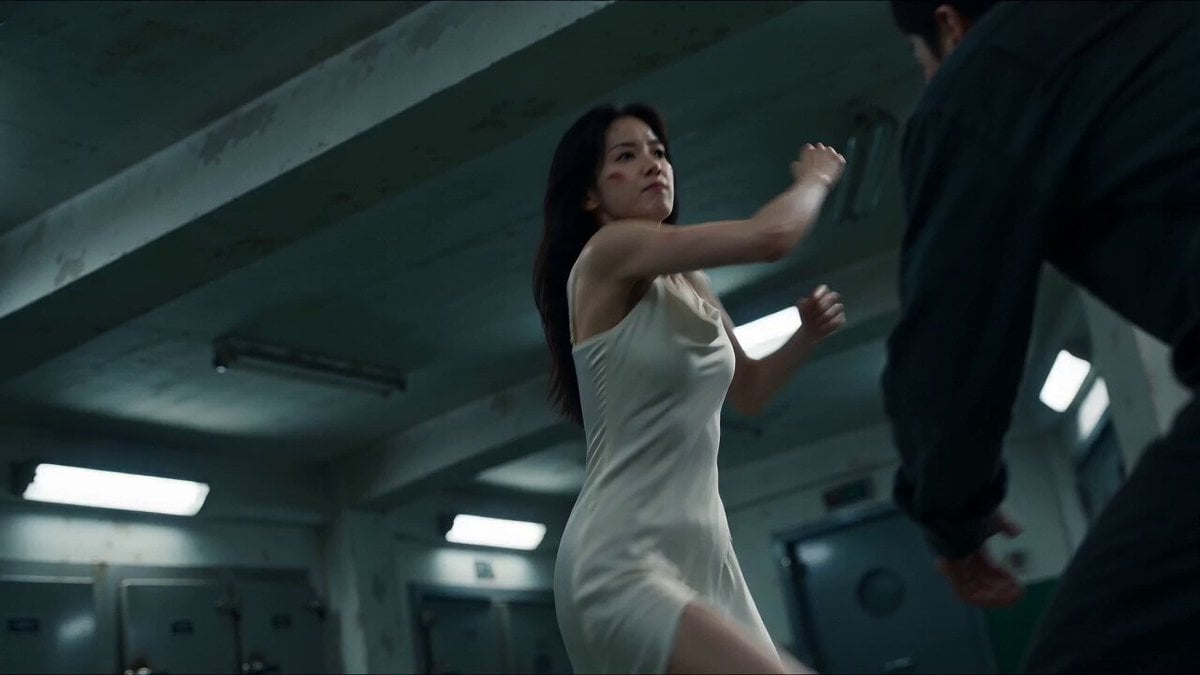
Cinematic Morgue Action Sequence
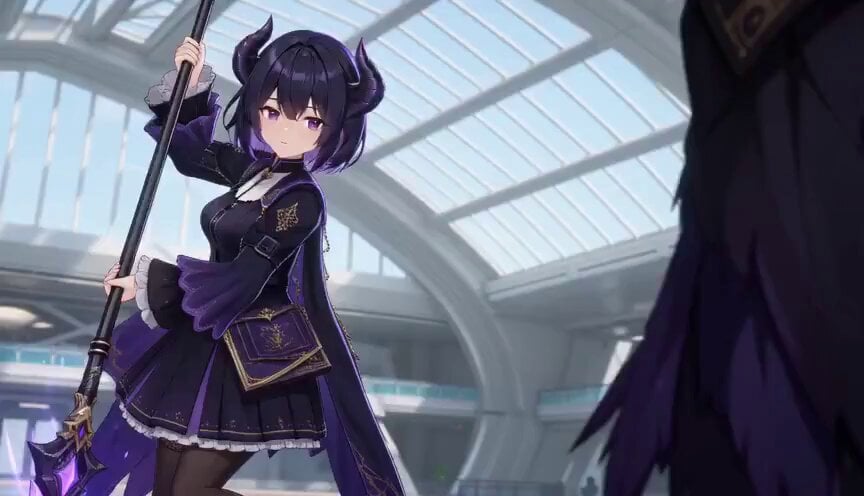
3D Toon Fantasy RPG Action Sequence
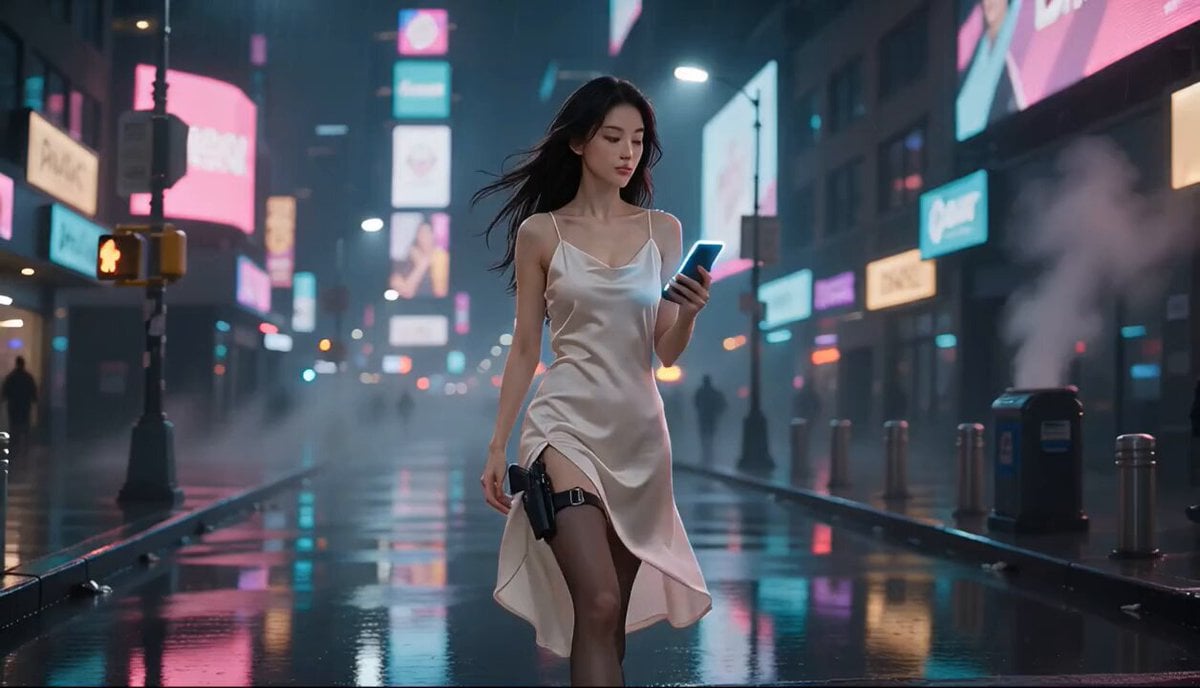
Cyberpunk Action Movie Short
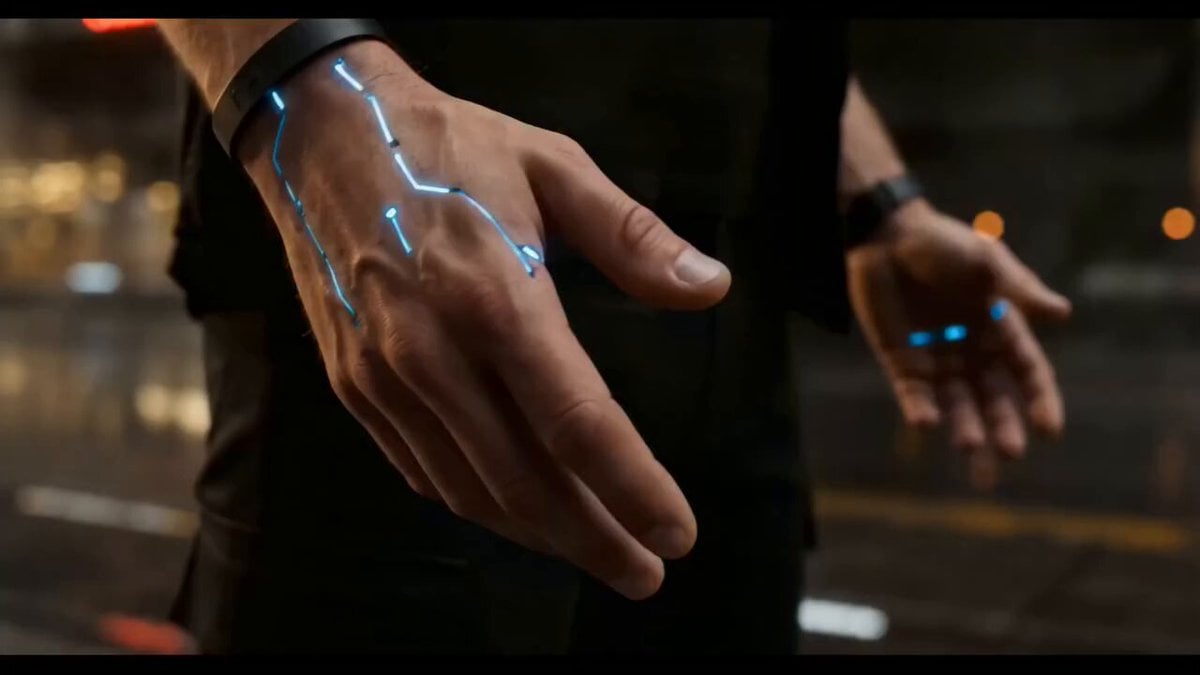
Cyberpunk Exosuit Transformation Sequence
Make it yours
Flooded Cyberpunk District Action Sequence works as-is. These are the safest ways to change it without losing the look.
Change one field
Copy a single group, rewrite it, and generate again so you can see what that field is doing.
Keep the frame, change the subject
Hold the composition and light of Flooded Cyberpunk District Action Sequence, then swap wardrobe, props or the person for a new take.
| If the result… | Why | Fix |
|---|---|---|
| The result drifts from the preview | Too many fields changed at once. | Reuse Flooded Cyberpunk District Action Sequence as-is first, then change one group — subject, light, or setting. |
| The model over-stylizes the scene | The prose prompt leaves finish and camera underspecified. | Add one camera or lighting sentence and stay on Seedance 2.0. |
More Seedance 2.0 templates
Other prompts made for Seedance 2.0.

Comical Martial Arts Punch Scene

Martial Arts Fight Sequence

Wuxia Protection and Trust Script

Vintage Korean Arcade MiniDV Vlog

Mercedes 190 SL Luxury Ad

Rainy Night Supernatural Reverse Comedy Video Script

Amazon Civilization Discovery

Futuristic South Asian City Transformation

Cozy Luxury Cafe Commercial

Cyber Ronin Nanotech Transformation Video
More video prompts
Fresh picks from across the catalog.






Browse template categories
Flooded Cyberpunk District Action Sequence questions
How do I use the Flooded Cyberpunk District Action Sequence template?
Add your photo if the template asks for one, edit the prompt if you like — the template's model and format are already selected — and press Generate. Your version opens in PicX Studio.
Can I customize the Flooded Cyberpunk District Action Sequence template?
Yes. You can change the subject, setting, lighting, mood, format, and available model controls before creating your video.
Is the Flooded Cyberpunk District Action Sequence template free?
Opening and editing this template is free. Generating uses credits, shown on the Generate button when you are signed in.
Which AI model should I use?
Start with Seedance 2.0, which is the model associated with this template. You can compare another compatible model for a different finish.
Looking for something else? Browse all templates.

Your photo, any look
Thousands of ready templates for every top image and video model, from one credit balance.