
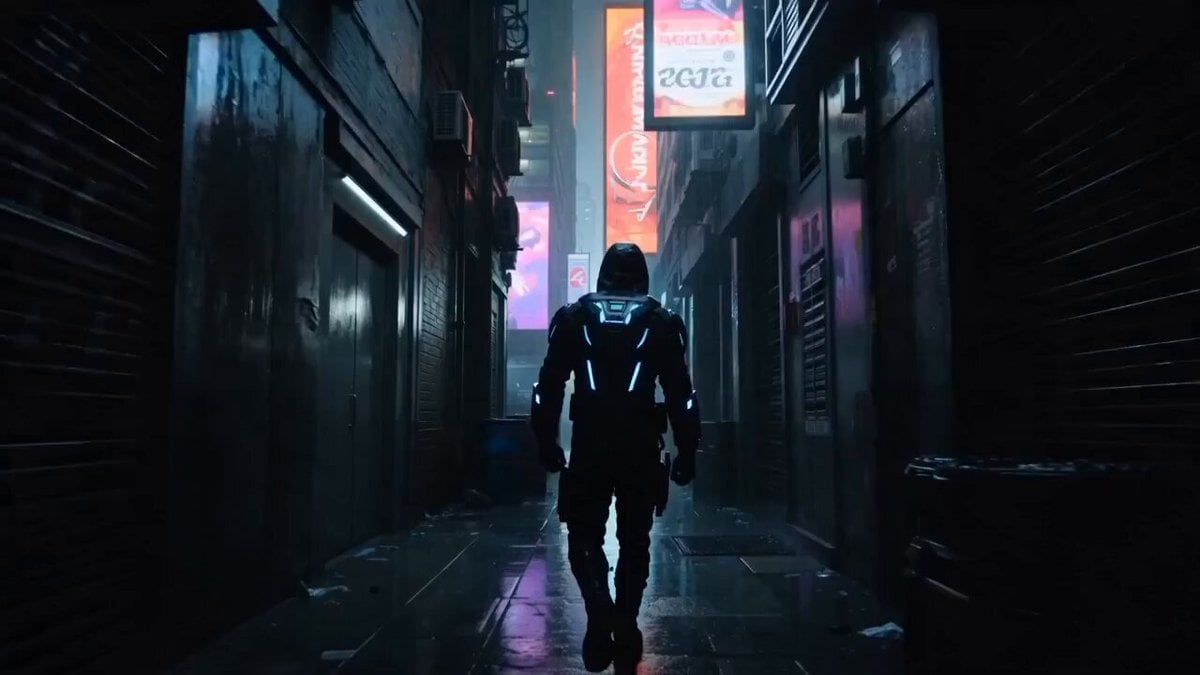
Cyberpunk Assassin Neon Action Sequence
A detailed cinematic prompt for a high-intensity action scene featuring a masked assassin in a rainy futuristic city, inspired by Spider-Verse animation styles.
- Prompt included
- Model and format preset
- Free template
The prompt behind this video
Copy the exact prompt behind Cyberpunk Assassin Neon Action Sequence, or open it in the studio and make it yours.
SCENE 1 — THE HUNT BEGINS (0:00–0:07) Futuristic neon city at night, heavy rain falling, glowing hologram signs reflecting on wet streets. Animated masked assassin walks through dark alley wearing black tactical coat with glowing blue accents. Suddenly multiple robotic enemies appear from shadows with electric weapons activated. Close-up on assassin’s glowing eyes. Dramatic animated lightning flash. Intense cinematic soundtrack begins. Highly detailed animated style, smooth camera movement, dynamic lighting, realistic rain physics, stylized reflections, Spider-Verse inspired cinematic shading. SCENE 2 — HIGH-SPEED FIGHT (0:07–0:15) One enemy attacks with electric blade. Assassin instantly dodges in slow motion and counters with brutal spinning kick. Fast-paced animated combat choreography. Wall-running, acrobatic flips, slow-motion punches, glowing sparks flying everywhere. One enemy crashes through neon billboard. Another gets slammed onto futuristic hover car. Dynamic anime-style speed lines, cinematic motion blur, intense action camera, ultra fluid animation, dramatic impact frames. Final cinematic text appears: “IN THE DARKNESS... LEGENDS ARE BORN.”
How to use Cyberpunk Assassin Neon Action Sequence in 3 steps
- 1
Open
The prompt is already in the box next to the preview, with the template's model and format selected.
- 2…a portrait of your subject in softgolden-hour light, 85mm…
Personalize
Edit the subject and creative details for your destination.
- 3Generate
Generate
Press Generate — your video is created in PicX Studio, so you can compare it with the original and refine one variable at a time.
More like this
Templates with the same subject, style or setup. Open one to see its prompt.
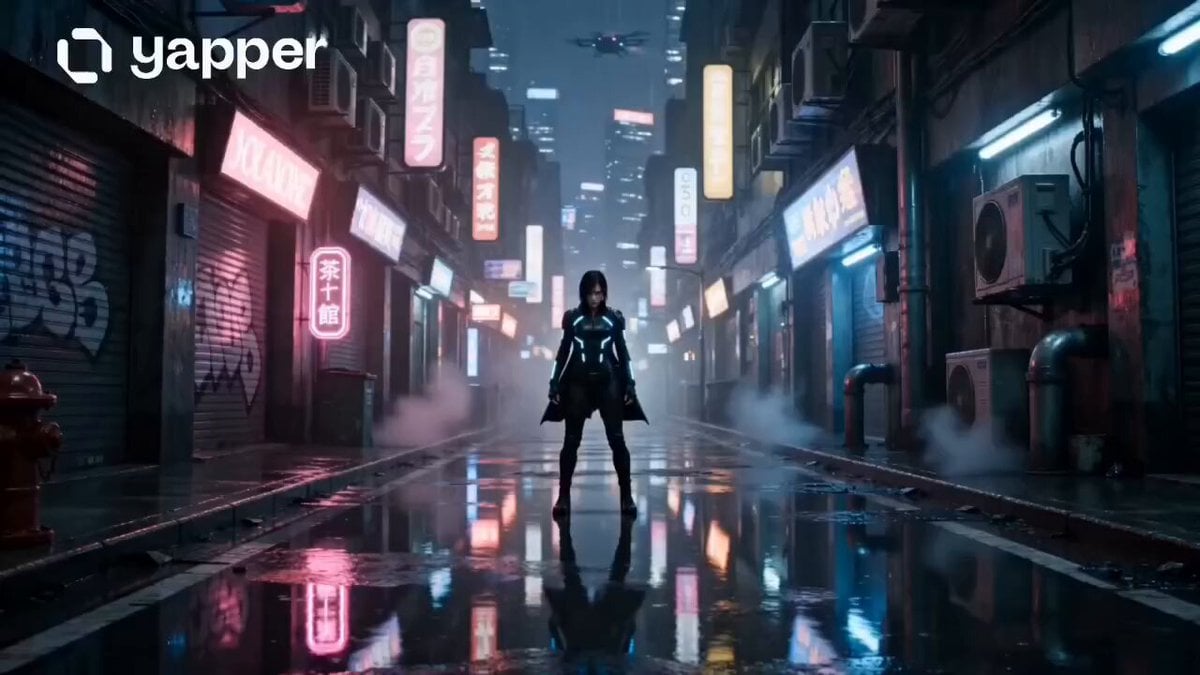
Neon Tokyo Cyberpunk Action Sequence
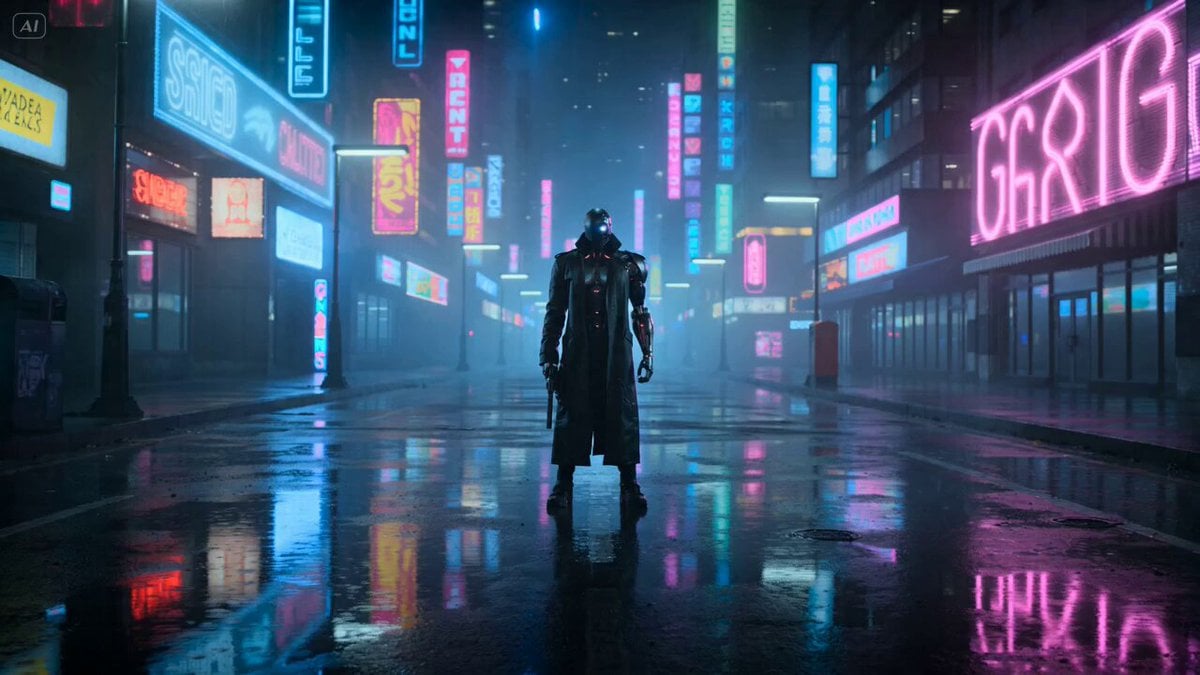
Cyberpunk Gunslinger Neon Sequence
Neon City Rooftop Action Sequence
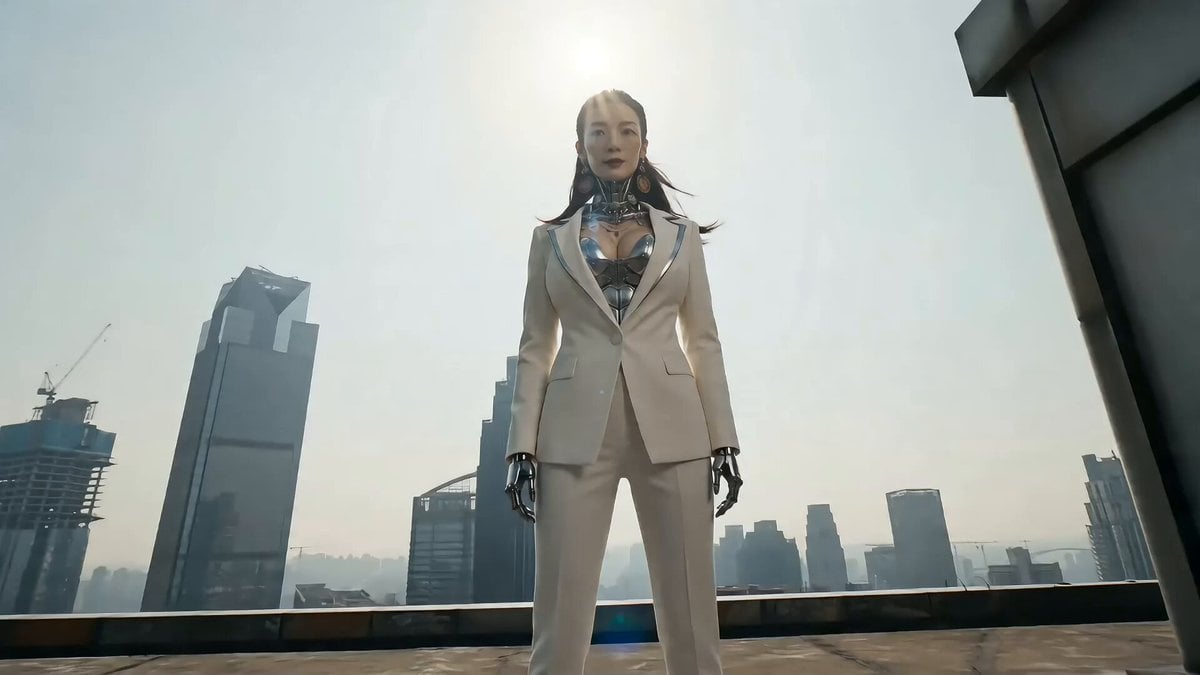
Cyberpunk Action Sequence: Elegant Female Agent Jumps from Skyscraper to Moving Car

Maglev Train Action Sequence

Cyberpunk RPG Anime Action

Cyberpunk Holographic Dance Performance - Seedance 2.5
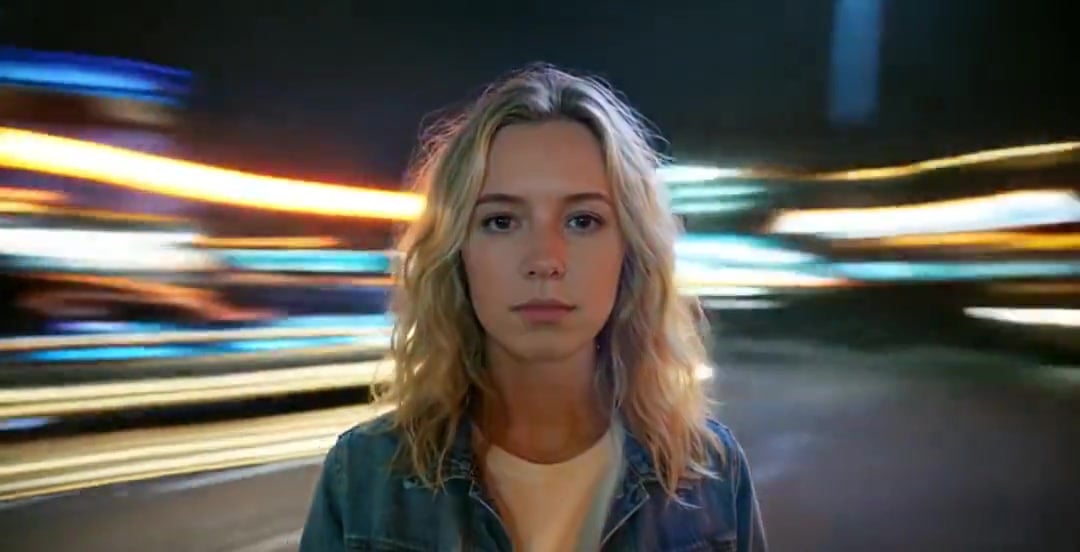
Handheld Neon Chaos Motion Blur — Kling 3.0 v3 Pro

RX-7 to Mech Transformation Cyberpunk
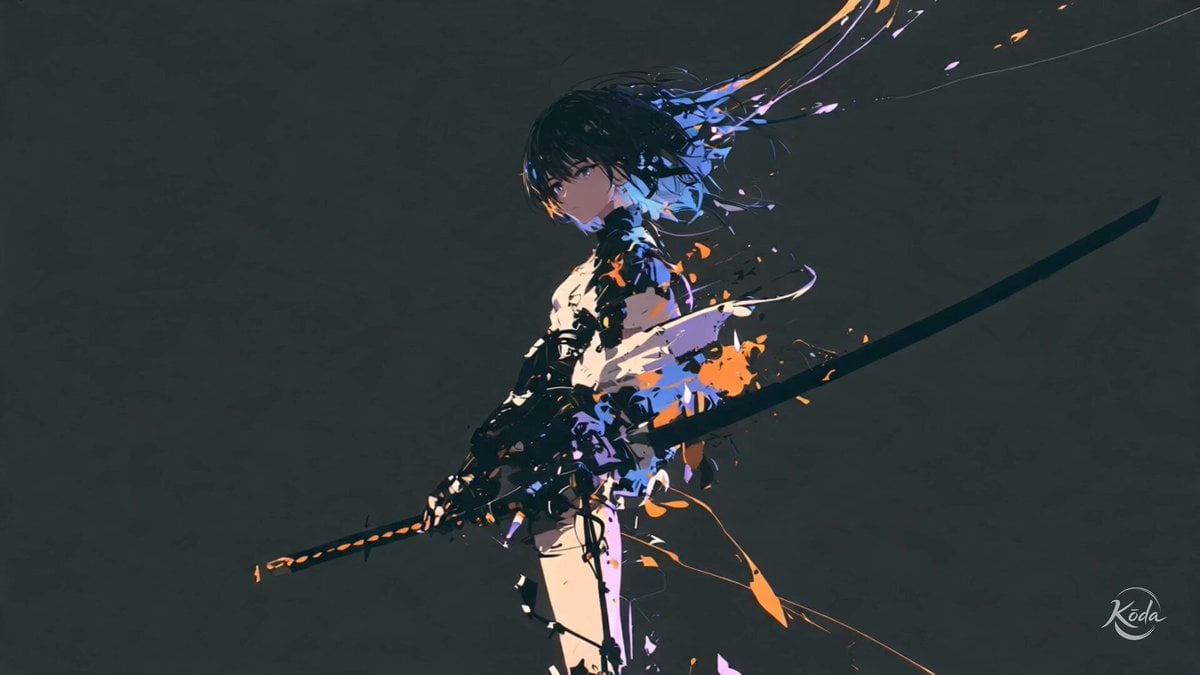
Cinematic Swordswoman Action Sequence
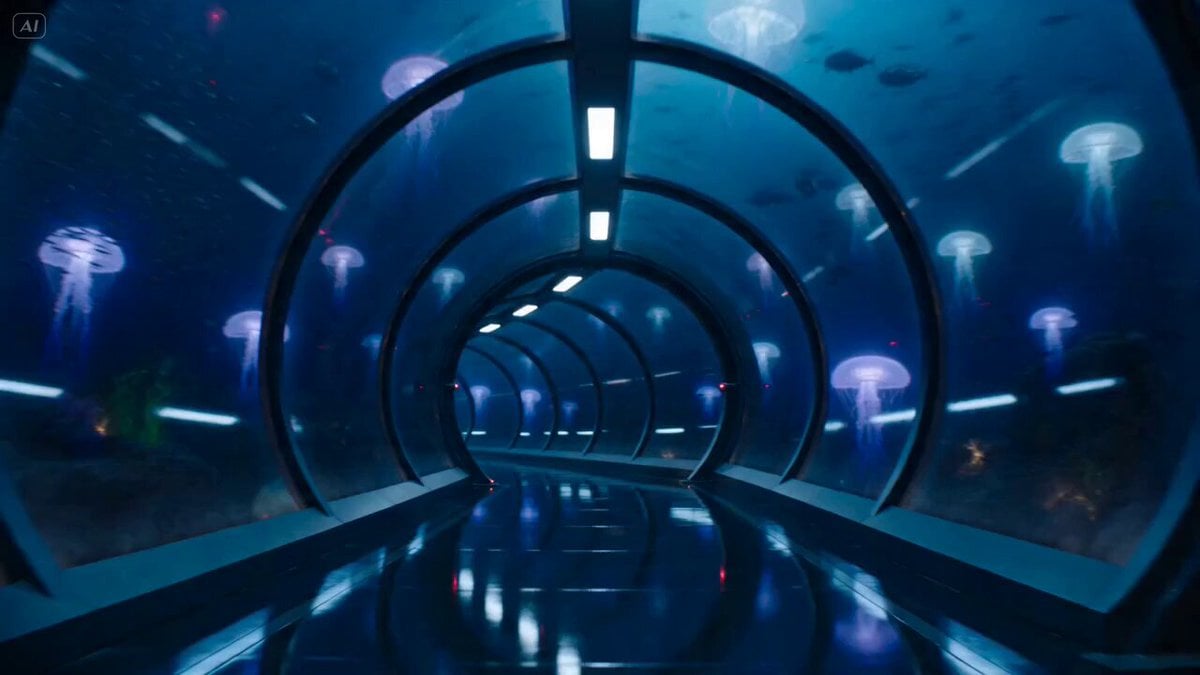
Underwater Glass Tunnel Action Sequence
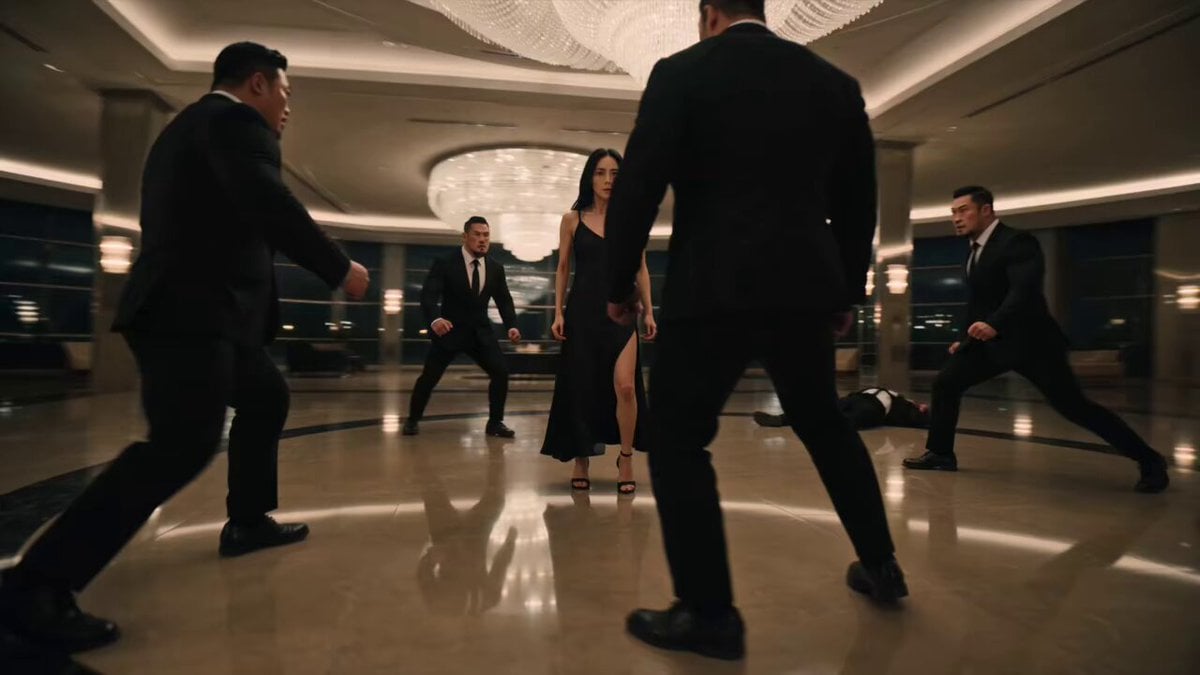
Female Assassin Stunt Sequence
Make it yours
Cyberpunk Assassin Neon Action Sequence works as-is. These are the safest ways to change it without losing the look.
Change one field
Copy a single group, rewrite it, and generate again so you can see what that field is doing.
Keep the frame, change the subject
Hold the composition and light of Cyberpunk Assassin Neon Action Sequence, then swap wardrobe, props or the person for a new take.
| If the result… | Why | Fix |
|---|---|---|
| The result drifts from the preview | Too many fields changed at once. | Reuse Cyberpunk Assassin Neon Action Sequence as-is first, then change one group — subject, light, or setting. |
| The model over-stylizes the scene | The prose prompt leaves finish and camera underspecified. | Add one camera or lighting sentence and stay on Seedance 2.0. |
More Seedance 2.0 templates
Other prompts made for Seedance 2.0.

Comical Martial Arts Punch Scene

Martial Arts Fight Sequence

Wuxia Protection and Trust Script

Vintage Korean Arcade MiniDV Vlog

Mercedes 190 SL Luxury Ad

Rainy Night Supernatural Reverse Comedy Video Script

Amazon Civilization Discovery

Futuristic South Asian City Transformation

Cozy Luxury Cafe Commercial

Cyber Ronin Nanotech Transformation Video
More video prompts
Fresh picks from across the catalog.
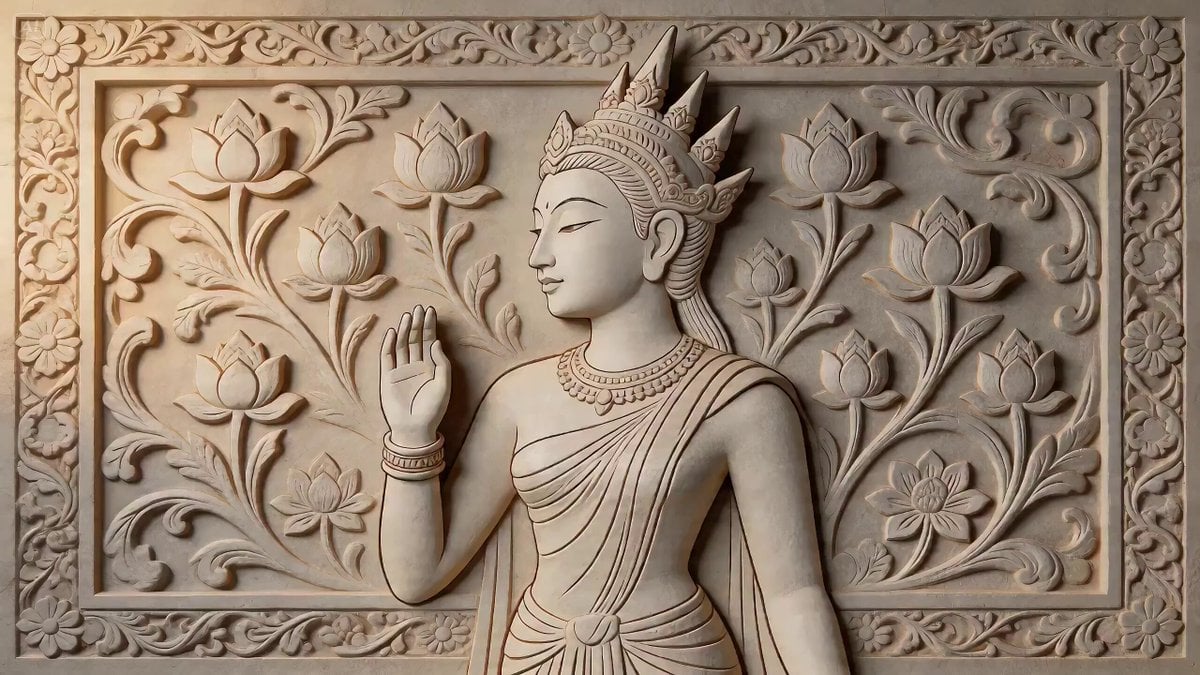
2D Carving Morphing into Human Woman

Sunset City Skyscraper Rooftop View
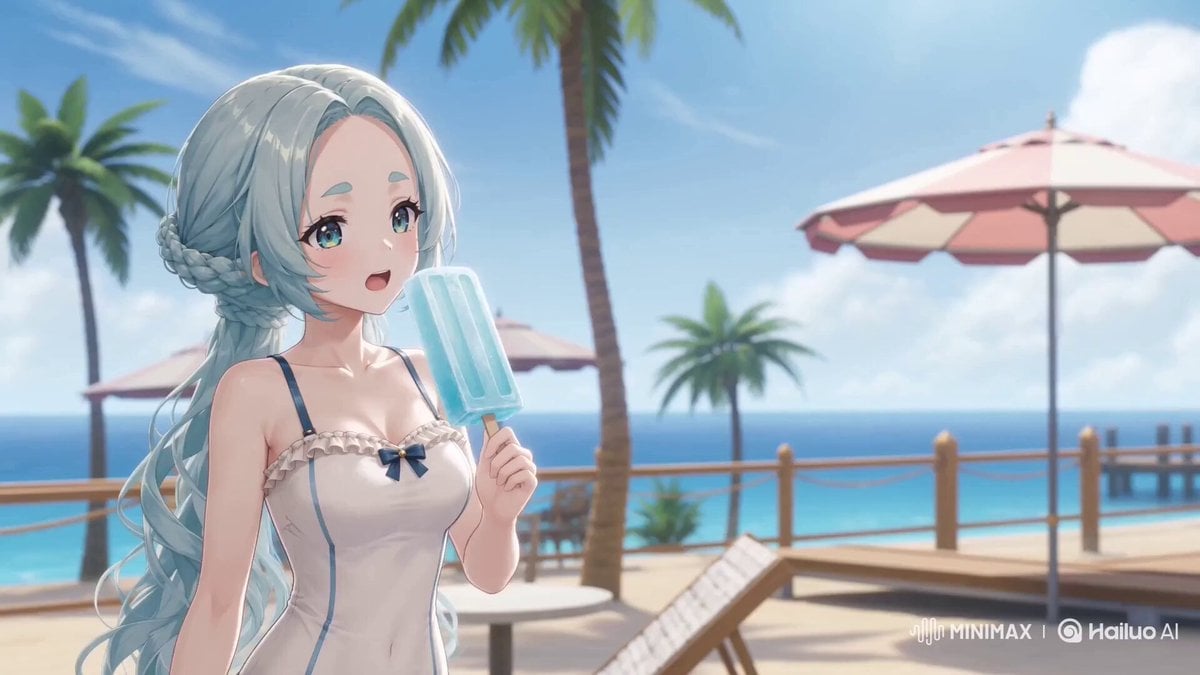
High Density 3D Toon Parkour Action
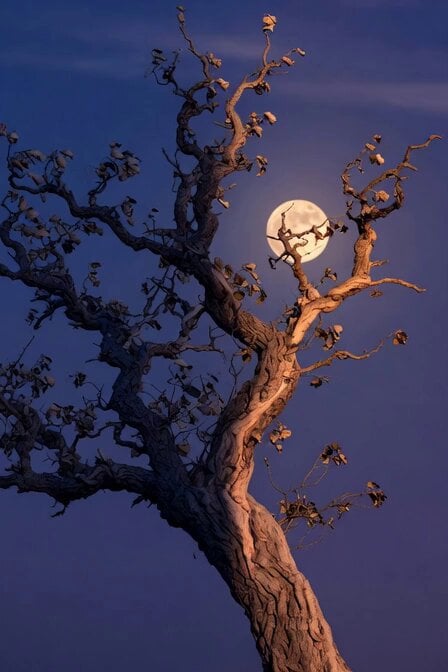
Peaceful night with crows prompt
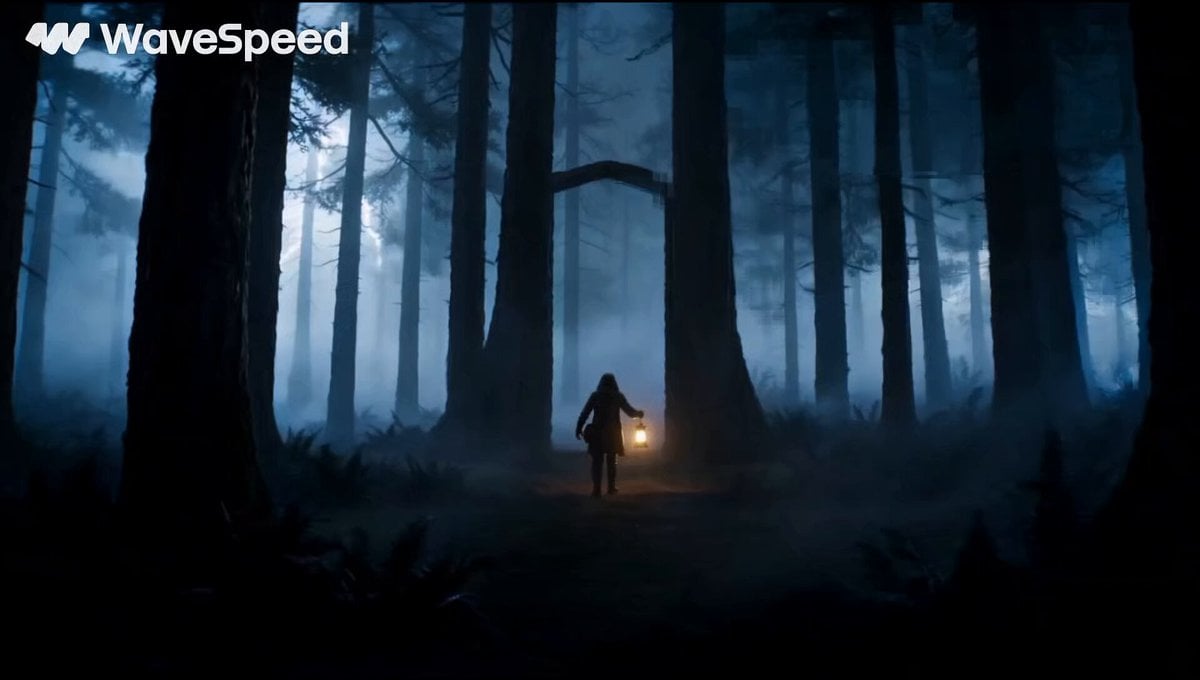
Magical Glowing Forest Portal Journey
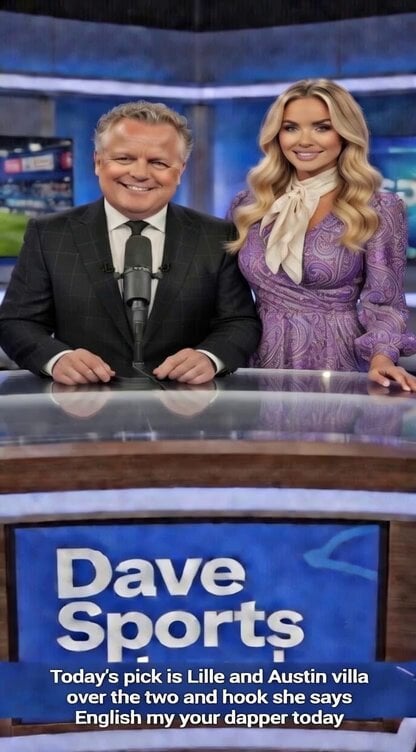
Sports betting and fashion video prompt

90s Hand-Drawn Shark Animation

Boyfriend POV Travel Vlog Prompt for Seedance 2.0
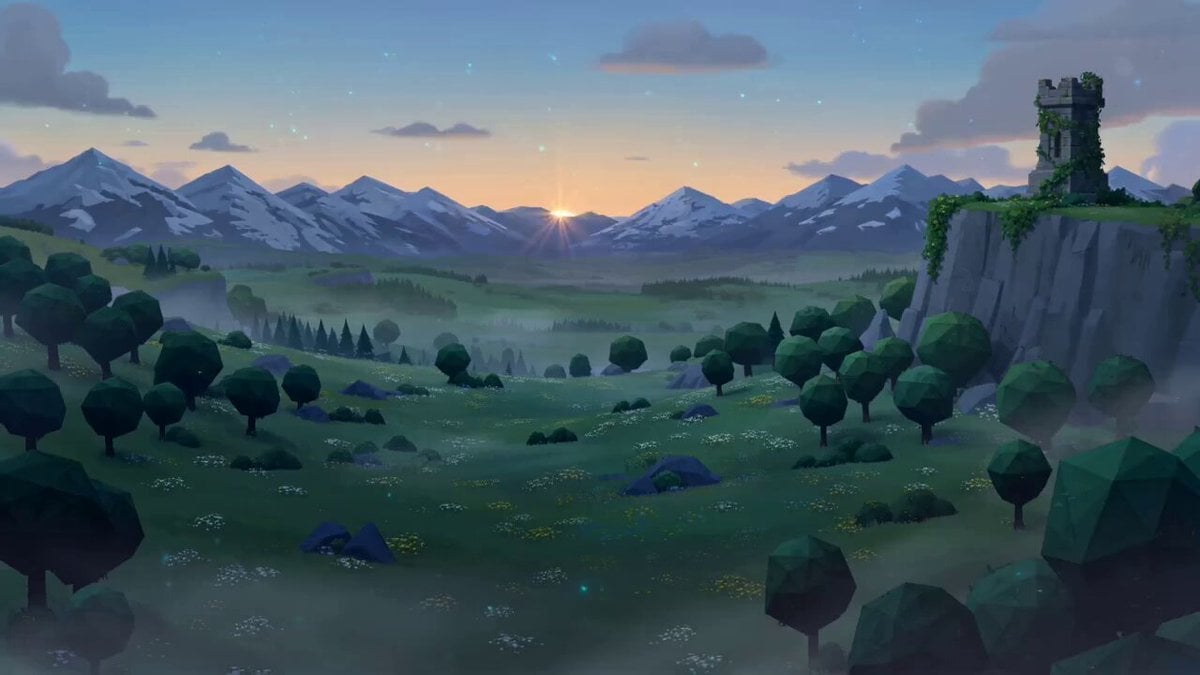
Zelda: Breath of the Wild - Hyrule Dawn Cinematic Prompt
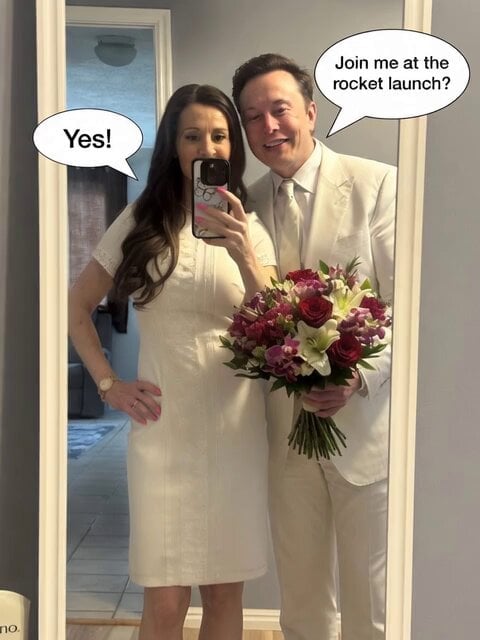
Grok Imagine Prompt for a Warm Hug and Rocket Launch
Browse template categories
Cyberpunk Assassin Neon Action Sequence questions
How do I use the Cyberpunk Assassin Neon Action Sequence template?
Add your photo if the template asks for one, edit the prompt if you like — the template's model and format are already selected — and press Generate. Your version opens in PicX Studio.
Can I customize the Cyberpunk Assassin Neon Action Sequence template?
Yes. You can change the subject, setting, lighting, mood, format, and available model controls before creating your video.
Is the Cyberpunk Assassin Neon Action Sequence template free?
Opening and editing this template is free. Generating uses credits, shown on the Generate button when you are signed in.
Which AI model should I use?
Start with Seedance 2.0, which is the model associated with this template. You can compare another compatible model for a different finish.
Looking for something else? Browse all templates.

Your photo, any look
Thousands of ready templates for every top image and video model, from one credit balance.