
90s Hand-Drawn Shark Animation
A nostalgic 1990s-style hand-drawn animation prompt for Seedance 2.0 featuring a comedic interaction between a shark, a clownfish, and a clam in a coral reef.

- Prompt included
- Model and format preset
- Premium template
The prompt behind this video
Copy the exact prompt behind 90s Hand-Drawn Shark Animation, or open it in the studio and make it yours.
Classic 1990s hand-drawn animated family adventure style. Bright underwater world, colorful coral reef, soft painted backgrounds, expressive sea animal faces, simple slapstick comedy, warm and playful tone. No copyrighted characters, no logos, no text. 15s Story Scene 1 A big shark swims proudly through a colorful coral reef, trying to look cool and serious. A tiny clownfish swims beside him. Scene 2 The shark sees a shiny pearl inside an open clam. He grins confidently and swims closer to grab it. Scene 3 Just as the shark pokes his nose inside, the clam suddenly snaps shut on his nose. Scene 4 The shark freezes in shock. The clam is stuck on his nose like a silly mask. The clownfish stares for one beat, then starts laughing. Scene 5 The shark tries to shake the clam off. He spins, wobbles, and swims in circles, bumping into soft seaweed and blowing bubbles everywhere. Scene 6 The clownfish quickly gets an idea. It holds a piece of seaweed in front of the clam. The clam opens, letting go of the shark’s nose. Scene 7 The shark pops backward from the sudden release, and the pearl flies out of the clam and lands perfectly on top of the shark’s head. Scene 8 The clownfish laughs harder. The shark crosses his eyes to look at the pearl on his head, then smiles proudly like he meant to do it. Both swim away through the reef together.
How to use 90s Hand-Drawn Shark Animation in 3 steps
- 1
Open
The prompt is already in the box next to the preview, with the template's model and format selected.
- 2…a portrait of your subject in softgolden-hour light, 85mm…
Personalize
Edit the subject and creative details for your destination.
- 3Generate
Generate
Press Generate — your video is created in PicX Studio, so you can compare it with the original and refine one variable at a time.
More like this
Templates with the same subject, style or setup. Open one to see its prompt.
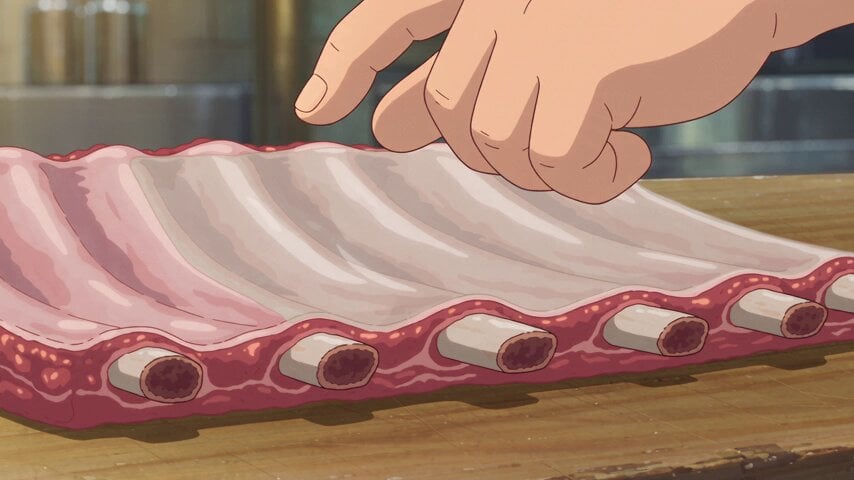
Japanese Hand-Drawn Anime Cooking Animation
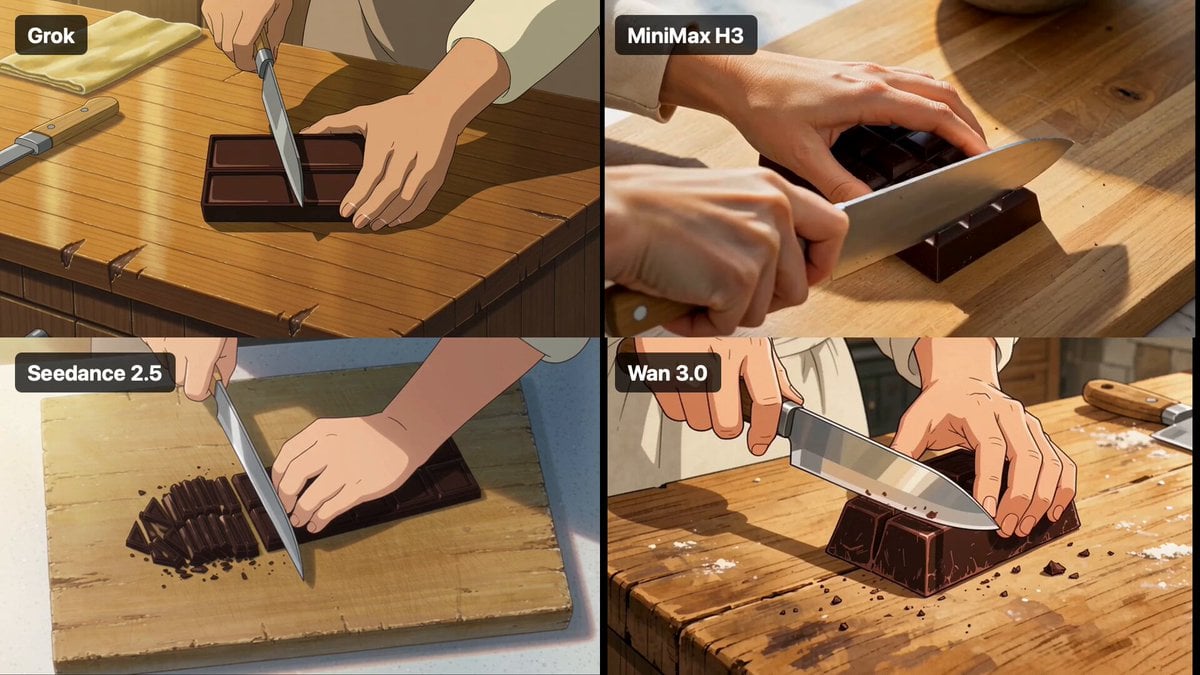
Hand-Drawn 2D Japanese Cooking Animation
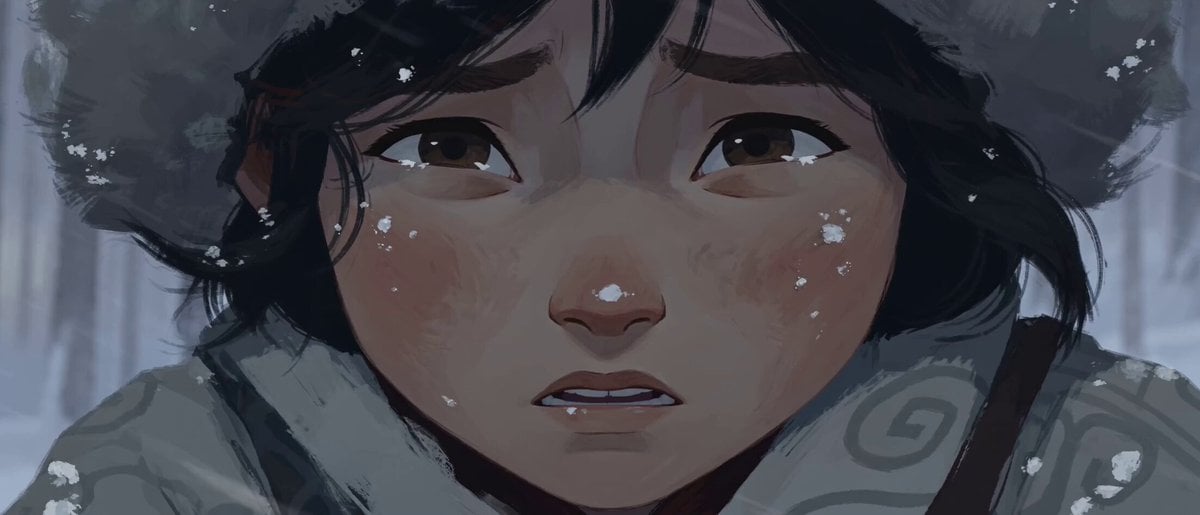
Hand-Drawn 2D Snowstorm Animation
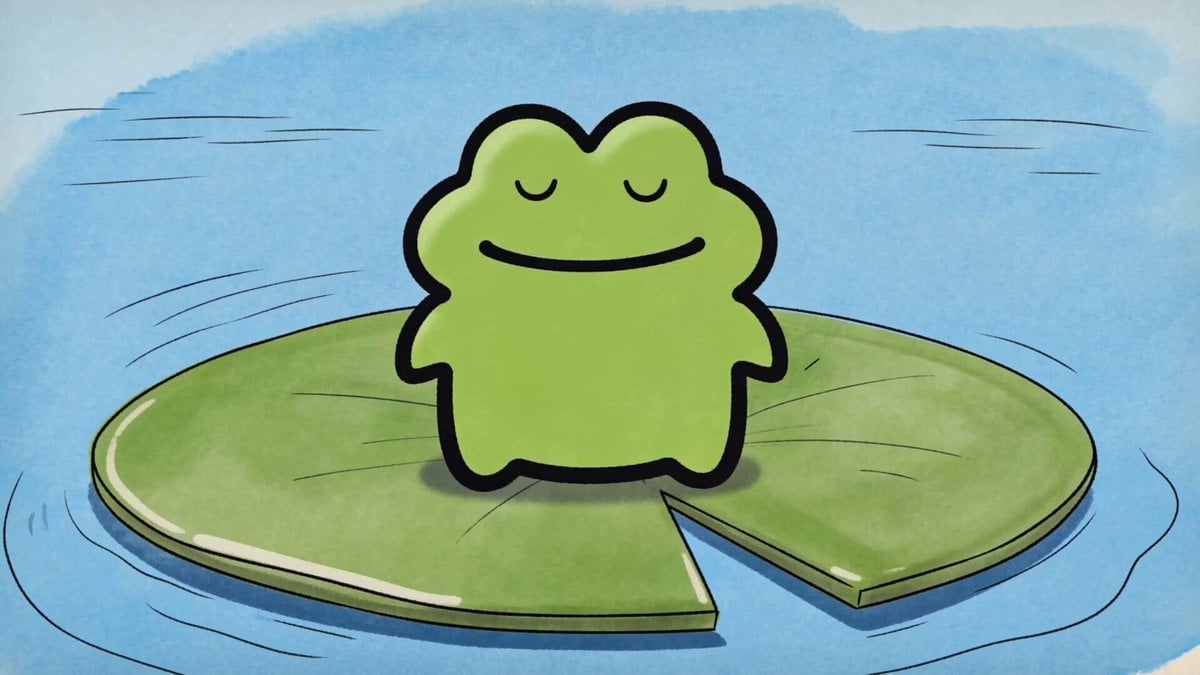
Hand-Drawn Frog Cartoon Animation
Pure Hand-Drawn 2D Cartoon Animation
Slow-Motion 90s Diner Explosion - Seedance 2.5
3D Glossy Fairy Animation - Seedance 2.5
Silk Road Pomegranate Folk Animation
Multilingual Creative Typography Loop
Hand-drawn Animated Naval Battle
90s Retro Anime Shell Tower Animation
90s Disney Style Anubis Animation
Make it yours
90s Hand-Drawn Shark Animation works as-is. These are the safest ways to change it without losing the look.
Change one field
Copy a single group, rewrite it, and generate again so you can see what that field is doing.
Keep the frame, change the subject
Hold the composition and light of 90s Hand-Drawn Shark Animation, then swap wardrobe, props or the person for a new take.
| If the result… | Why | Fix |
|---|---|---|
| The result drifts from the preview | Too many fields changed at once. | Reuse 90s Hand-Drawn Shark Animation as-is first, then change one group — subject, light, or setting. |
| The model over-stylizes the scene | The prose prompt leaves finish and camera underspecified. | Add one camera or lighting sentence and stay on Seedance 2.0. |
More Seedance 2.0 templates
Other prompts made for Seedance 2.0.

Comical Martial Arts Punch Scene

Maglev Train Action Sequence

Martial Arts Fight Sequence

Wuxia Protection and Trust Script

Vintage Korean Arcade MiniDV Vlog

Mercedes 190 SL Luxury Ad

Rainy Night Supernatural Reverse Comedy Video Script

Amazon Civilization Discovery

Futuristic South Asian City Transformation

Cozy Luxury Cafe Commercial
More video prompts
Fresh picks from across the catalog.
Seedance 2.0 prompt for generating a dramatic couple's argument scene
Surreal Free Range Trees Video
Soft Smile and Flower Kiss
1980s Tokyo Bubble Era VHS Video Prompt
Lunar Catastrophe Sequence
Cinematic Kaiju Monster Attack Sequence
Multi Panel Storyboard Sheet
Korean Idol Morning Badminton Vlog
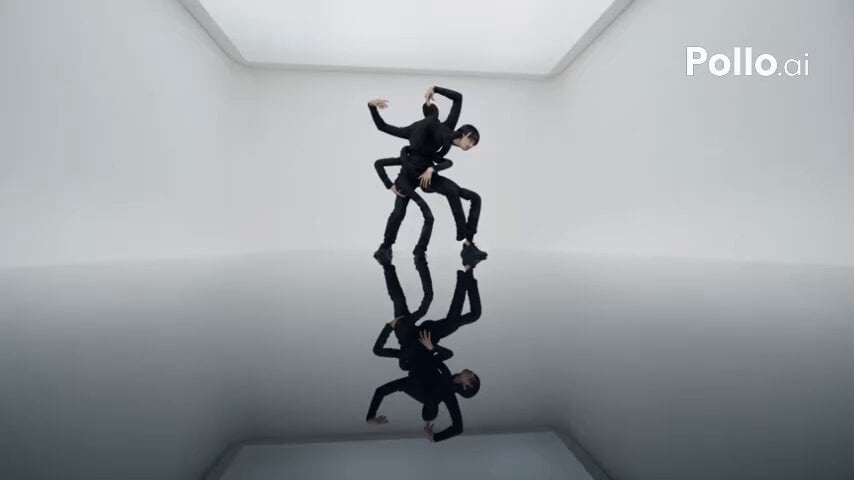
Surreal Body Distortion Exhibit
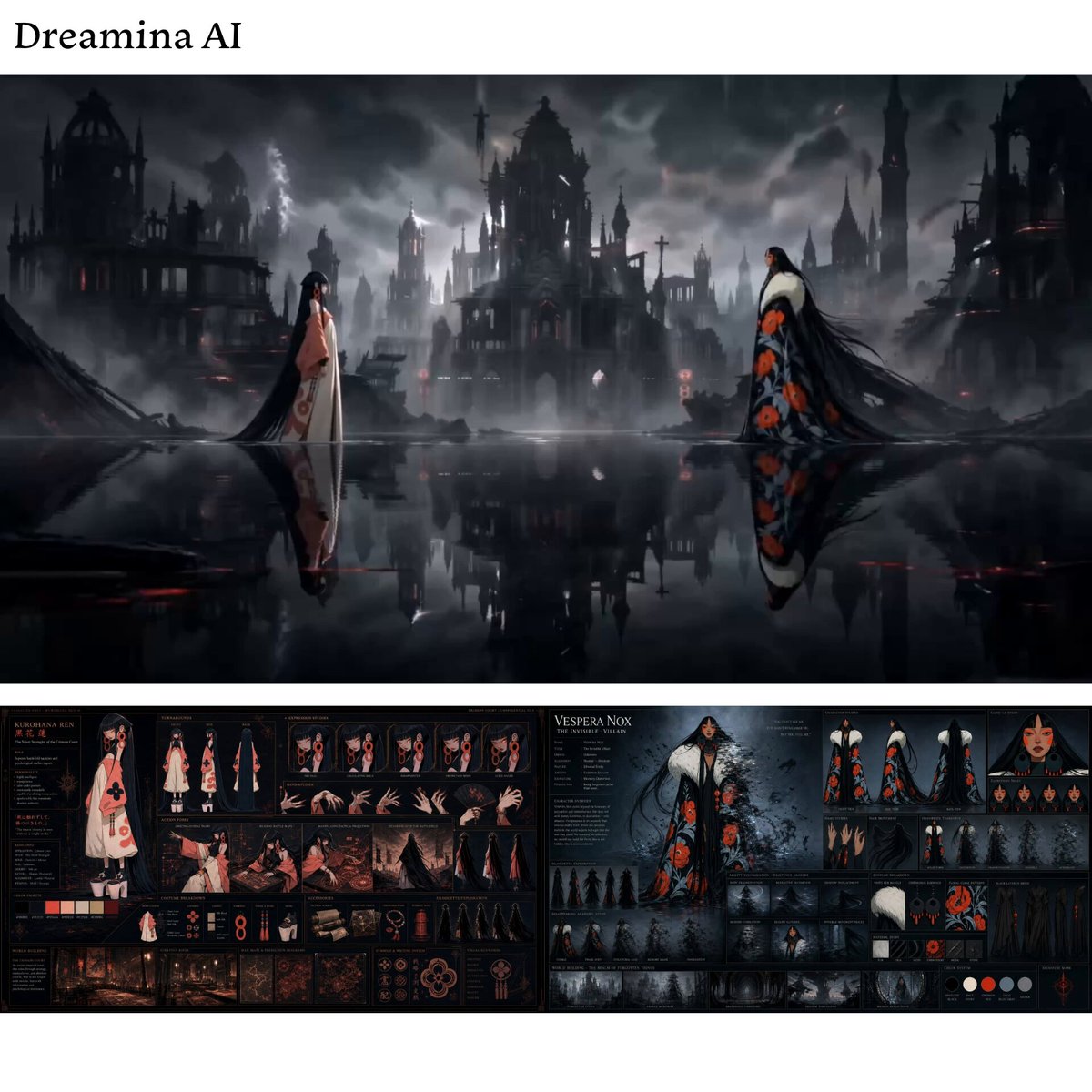
Mind Dominator vs Illusionist Battle
Browse template categories
90s Hand-Drawn Shark Animation questions
How do I use the 90s Hand-Drawn Shark Animation template?
Add your photo if the template asks for one, edit the prompt if you like — the template's model and format are already selected — and press Generate. Your version opens in PicX Studio.
Can I customize the 90s Hand-Drawn Shark Animation template?
Yes. You can change the subject, setting, lighting, mood, format, and available model controls before creating your video.
Is the 90s Hand-Drawn Shark Animation template free?
Opening and editing this template is free. Generating uses credits, shown on the Generate button when you are signed in.
Which AI model should I use?
Start with Seedance 2.0, which is the model associated with this template. You can compare another compatible model for a different finish.
Looking for something else? Browse all templates.

Your photo, any look
Thousands of ready templates for every top image and video model, from one credit balance.