
Cinematic Kaiju Monster Attack Sequence
A cinematic blockbuster-scale prompt for Seedance 2.0 featuring a lizard-like kaiju attacking a coastal city and a fighter jet response.
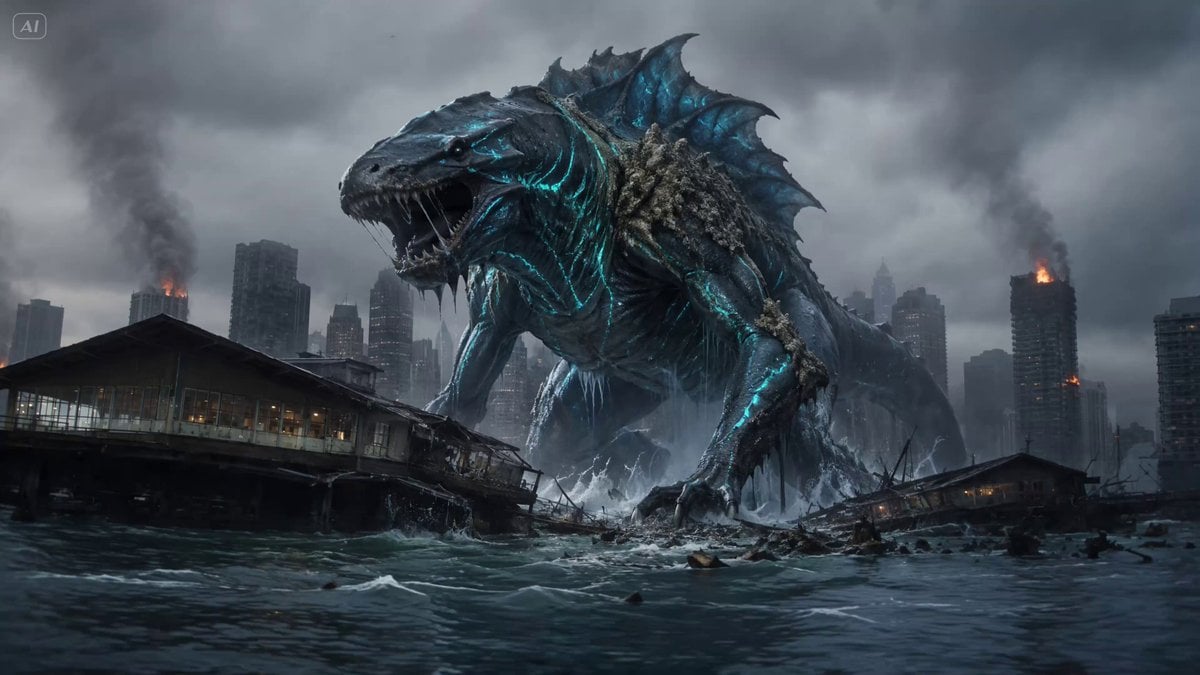
- Prompt included
- Model and format preset
- Free template
The prompt behind this video
Copy the exact prompt behind Cinematic Kaiju Monster Attack Sequence, or open it in the studio and make it yours.
Pilot = a fighter pilot around 35, rugged focused face with light stubble, sharp determined eyes, wearing a helmet with visor and oxygen mask, full flight suit. Intense and battle-focused. Face per reference. Appearance only. Seabaycity = a modern coastal city on a sea bay, skyline of skyscrapers along a waterfront bordering the open sea, harbor, bridges, dramatic overcast sky, buildings smoking and crumbling, fires and dust clouds rising, a city under attack. Moody desaturated blue-grey palette with orange fire glow. Environment only. Monster = a colossal towering lizard-like kaiju, skyscraper-sized reptilian creature with dark grey-green armored scales, huge clawed limbs, a long heavy tail, a fanged head with glowing eyes, spines down its back, standing in the sea bay smashing buildings. Terrifying and destructive. Appearance only. Jet = a modern military fighter jet, sleek grey afterburners glowing, missiles mounted, screaming through the sky at high speed. Vehicle only. SCENE: a cinematic kaiju action sequence. A colossal lizard monster rampages through a coastal city's sea bay, destroying skyscrapers along the waterfront. A lone fighter jet approaches from the distance across the sea, the pilot locking on with fierce focus, and fires missiles that strike the monster, driving it crashing down into the bay. Epic, intense, blockbuster disaster-film scale. TECHNICAL: 16:9, cinematic anamorphic-style lens, epic blockbuster scale, dynamic camera — sweeping aerial shots, fast jet tracking, dramatic low angles on the monster — moody desaturated blue-grey grade with orange explosion glow, heavy atmosphere, smoke, dust, lens flare, motion blur, fine film grain, photorealistic disaster-film quality. CUTS: CUT 1 (0-4s): Establishing shot — the colossal lizard monster towering over the sea-bay city, roaring and smashing a skyscraper along the waterfront, buildings crumbling and smoking, debris raining into the bay. Dramatic low angle conveying its massive scale. CUT 2 (4-7s): Wide shot across the sea — a lone fighter jet screams into frame from the distant horizon, low over the water, approaching the city and the monster at high speed. Fast tracking shot conveying speed and purpose. CUT 3 (7-10s): COCKPIT FACE ZOOM — cut inside the cockpit, camera pushes in on the pilot's intense focused face behind his visor and mask, glowing instruments around him, his eyes locked on the target. He grips the controls and fires. CUT 4 (10-13s): Missiles streak from the jet toward the monster and slam into it in a burst of fire and explosions, the creature reeling from the impact, staggering amid smoke and flame. CUT 5 (13-15s): The monster crashes down into the sea bay in an enormous explosion of water and debris, defeated, as the jet roars past overhead. Epic final beat, huge splash and spray.
How to use Cinematic Kaiju Monster Attack Sequence in 3 steps
- 1
Open
The prompt is already in the box next to the preview, with the template's model and format selected.
- 2…a portrait of your subject in softgolden-hour light, 85mm…
Personalize
Edit the subject and creative details for your destination.
- 3Generate
Generate
Press Generate — your video is created in PicX Studio, so you can compare it with the original and refine one variable at a time.
More like this
Templates with the same subject, style or setup. Open one to see its prompt.
Mecha Transformation vs Kaiju — 4-Scene Epic
Bioluminescent Jellyfish and Prehistoric Monster Attack
Giant Seahorse City Destruction — Flova AI
Stop-Motion Wolf Attack Sequence
Kaiju Train Attack
Medieval Fantasy Lake Monster Sequence
Swamp House Hippo Attack Sequence
Kaiju Attack on Mumbai Sea Link
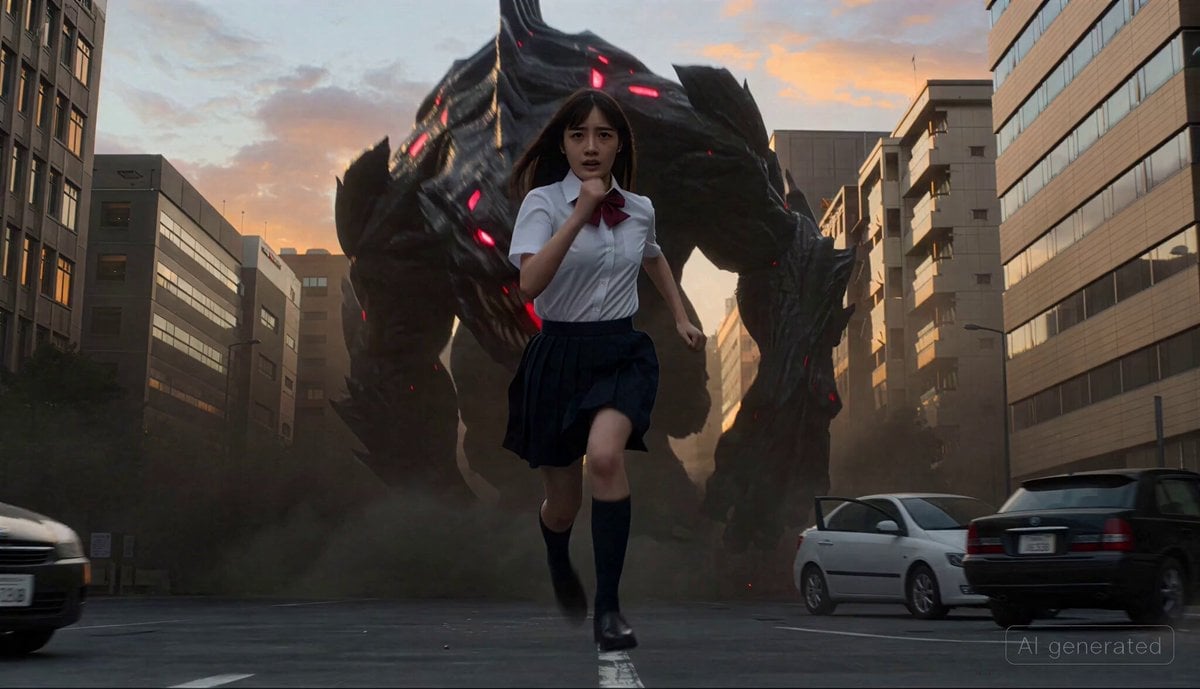
Cinematic transformation sequence of a Japanese high school girl fighting a giant monster
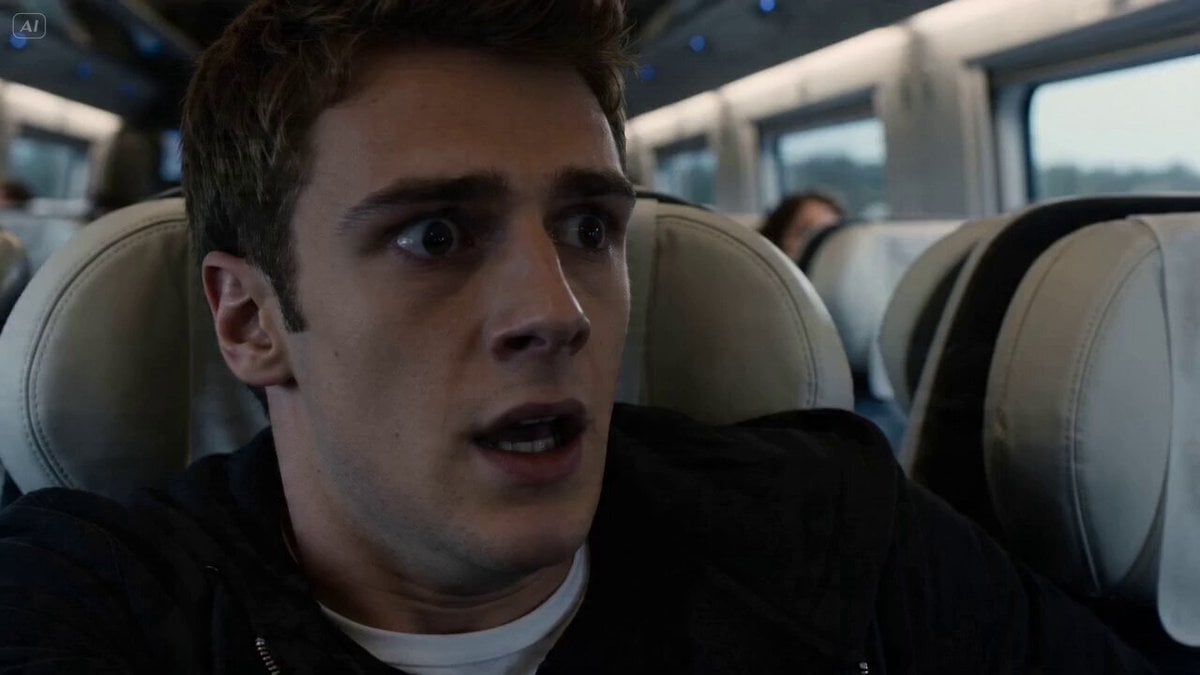
Train monster impact sequence
Thornmaw Monarch — Crimson Glass Desert Beast
Colossal Sea Creature — Stormy Shore Charge (Seedance)
Make it yours
Cinematic Kaiju Monster Attack Sequence works as-is. These are the safest ways to change it without losing the look.
Change one field
Copy a single group, rewrite it, and generate again so you can see what that field is doing.
Keep the frame, change the subject
Hold the composition and light of Cinematic Kaiju Monster Attack Sequence, then swap wardrobe, props or the person for a new take.
| If the result… | Why | Fix |
|---|---|---|
| The result drifts from the preview | Too many fields changed at once. | Reuse Cinematic Kaiju Monster Attack Sequence as-is first, then change one group — subject, light, or setting. |
| The model over-stylizes the scene | The prose prompt leaves finish and camera underspecified. | Add one camera or lighting sentence and stay on Seedance 2.0. |
More Seedance 2.0 templates
Other prompts made for Seedance 2.0.

Comical Martial Arts Punch Scene

Wuxia Protection and Trust Script

Vintage Korean Arcade MiniDV Vlog

Mercedes 190 SL Luxury Ad

Rainy Night Supernatural Reverse Comedy Video Script

Amazon Civilization Discovery

Futuristic South Asian City Transformation

Cozy Luxury Cafe Commercial

Cyber Ronin Nanotech Transformation Video
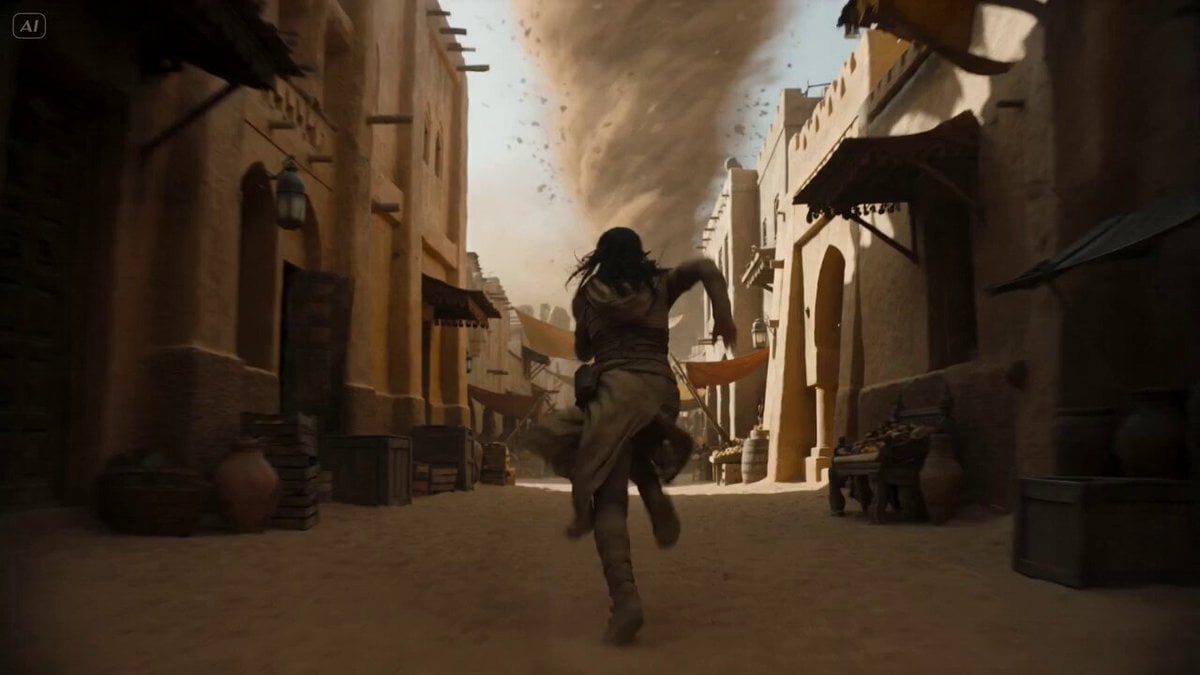
Desert Courier and Sandstorm Leviathan Chase
More video prompts
Fresh picks from across the catalog.
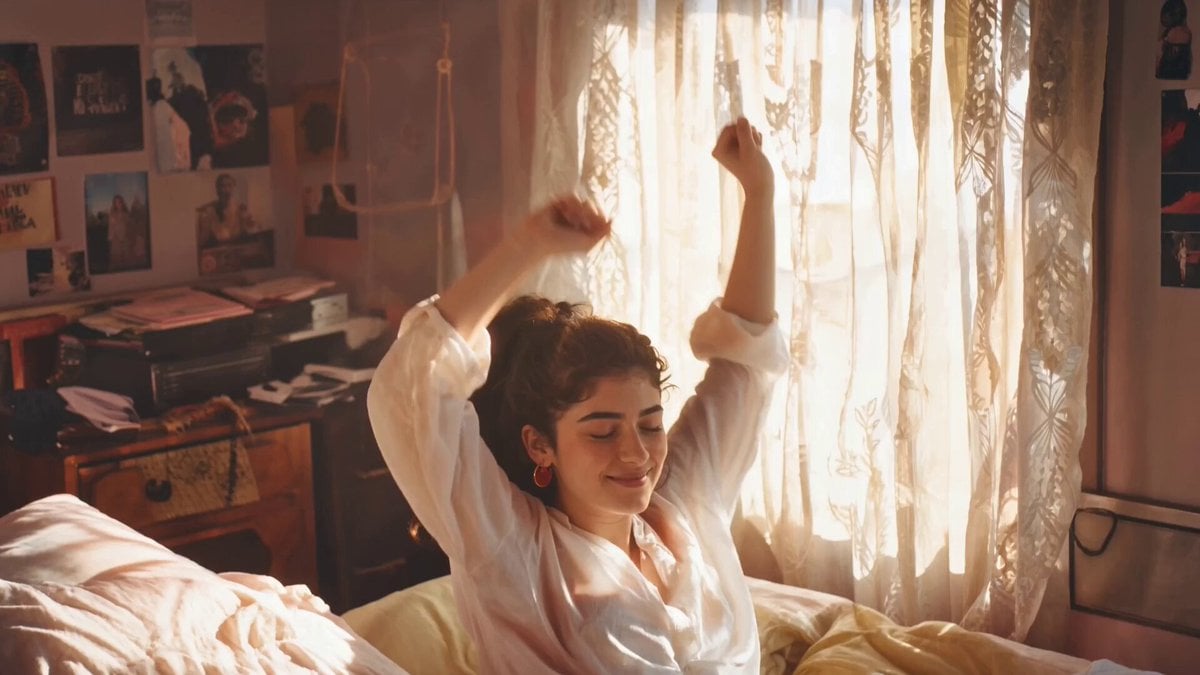
1980s Retro Aesthetic Video Prompt

IPL Broadcast Crowd Camera Video
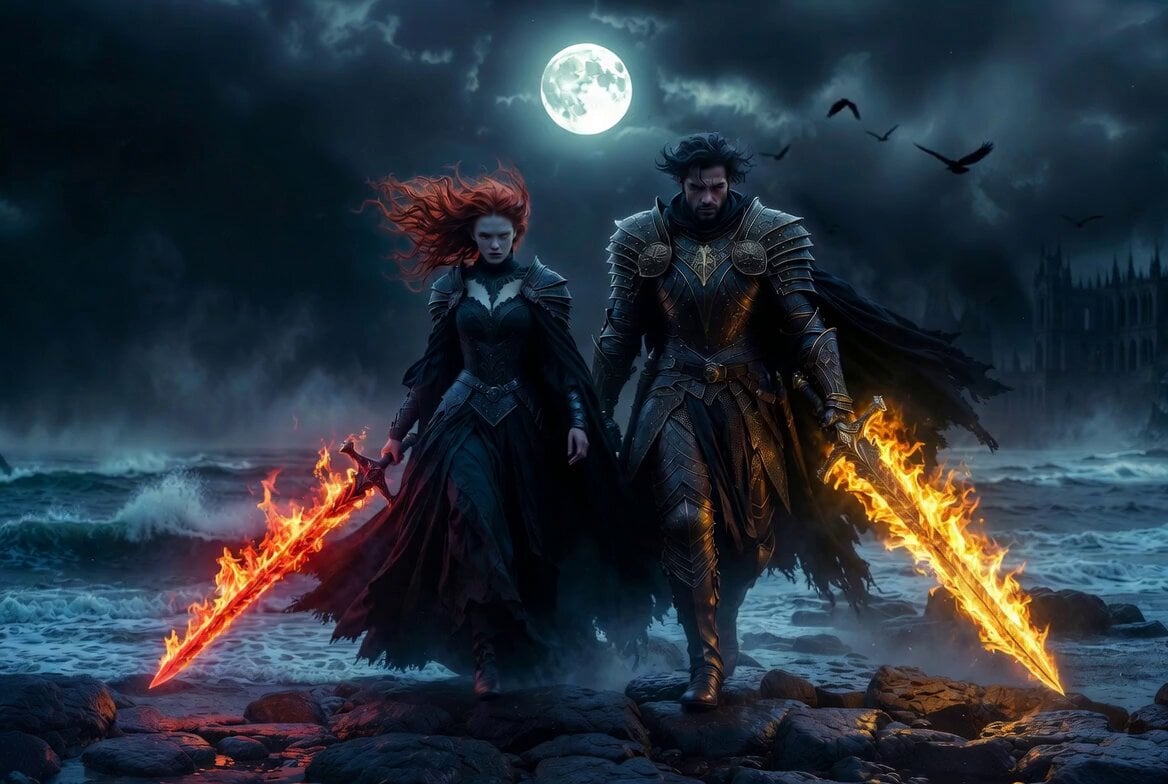
Cinematic Moonlit Shore Fire
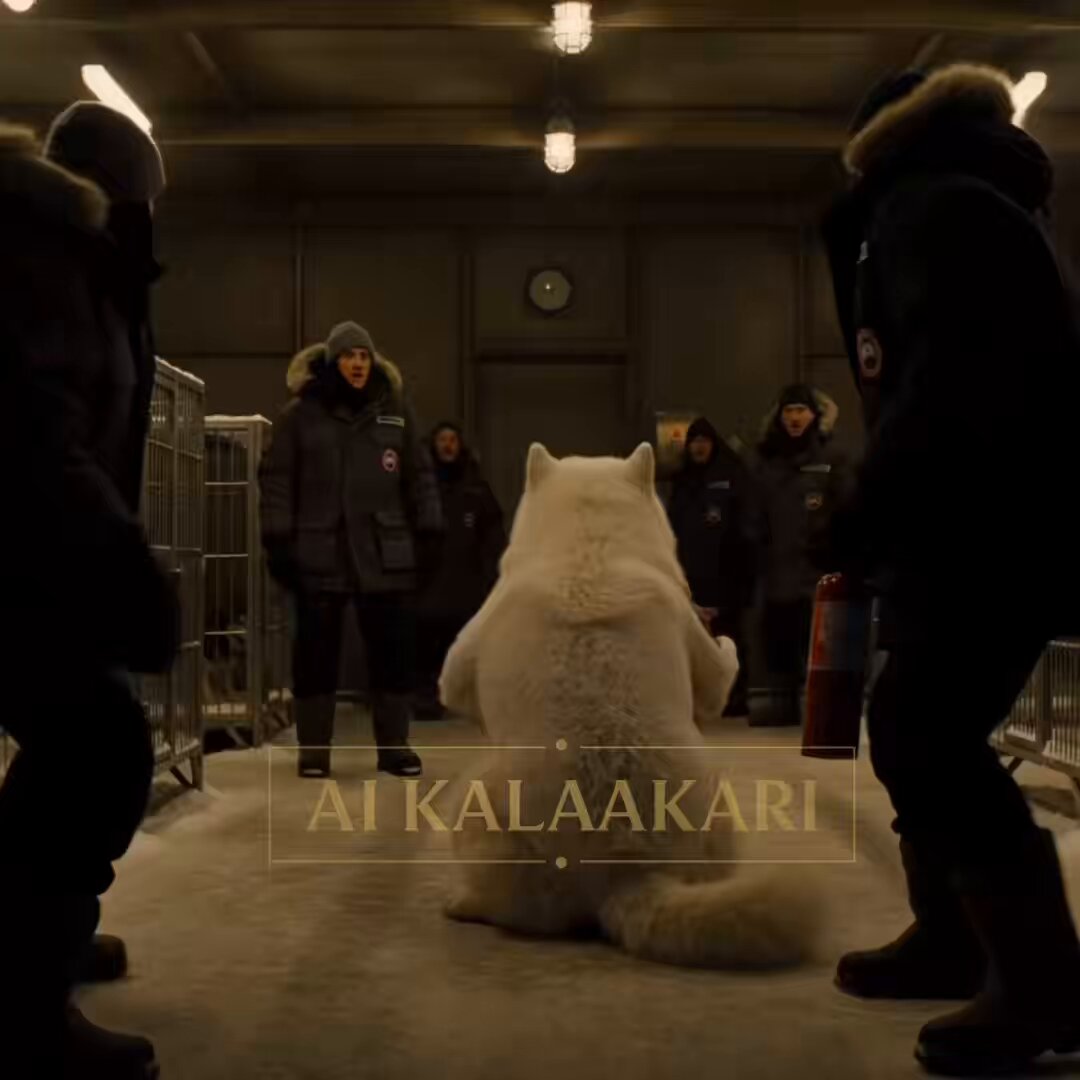
Sled Dog Mutation Body Horror Sequence
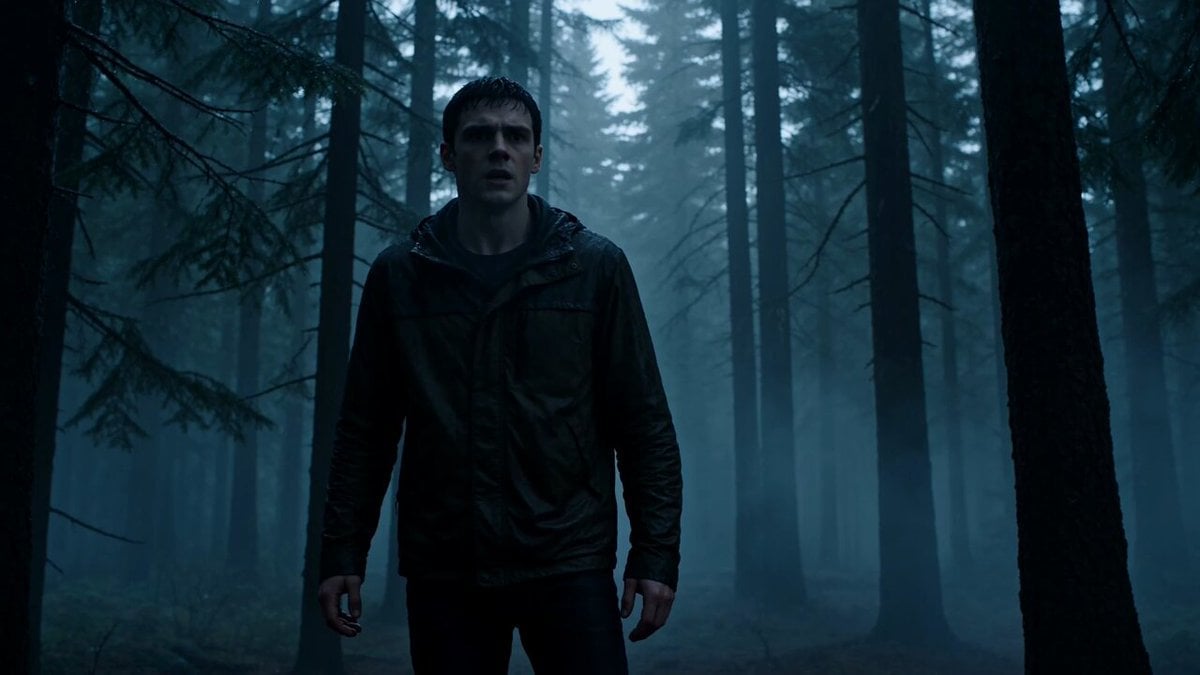
Cinematic Werewolf Transformation
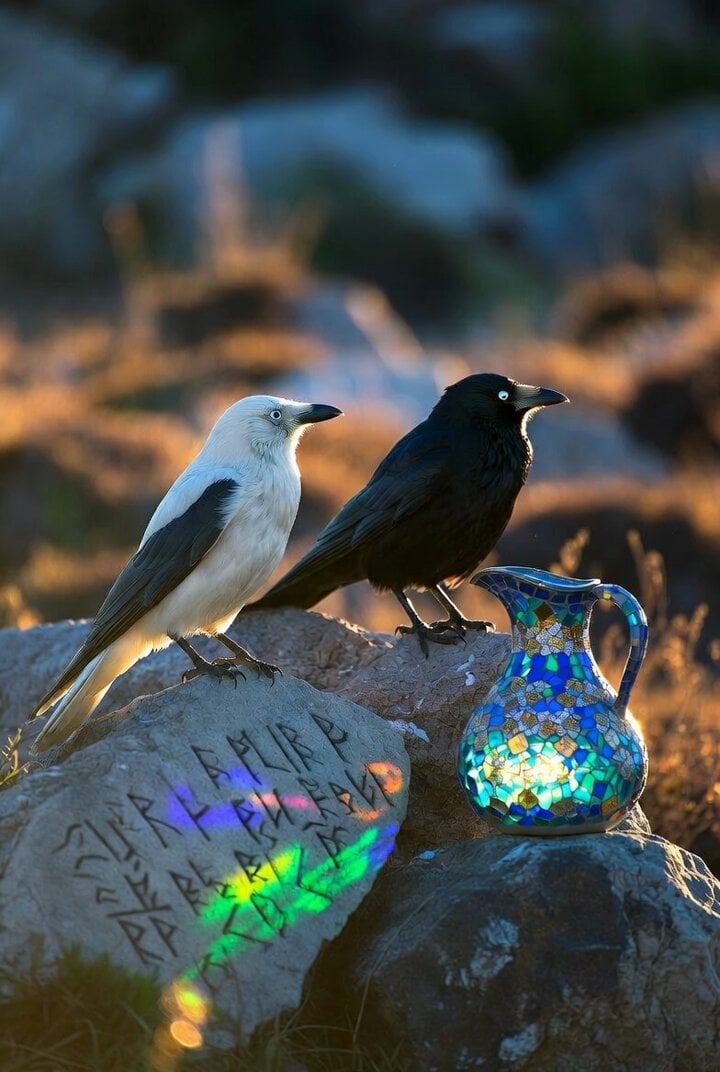
Crows on a rock with Celtic runes and glass mosaic jug
Sentient Road Signs Urban Animation

Grok Imagine video prompt for a werewolf demon hunter movie trailer
Stylish Street Dance Music Video Prompt
Better Version: Half-Cyberpunk Chinese Dancer in Classical Palace
Browse template categories
Cinematic Kaiju Monster Attack Sequence questions
How do I use the Cinematic Kaiju Monster Attack Sequence template?
Add your photo if the template asks for one, edit the prompt if you like — the template's model and format are already selected — and press Generate. Your version opens in PicX Studio.
Can I customize the Cinematic Kaiju Monster Attack Sequence template?
Yes. You can change the subject, setting, lighting, mood, format, and available model controls before creating your video.
Is the Cinematic Kaiju Monster Attack Sequence template free?
Opening and editing this template is free. Generating uses credits, shown on the Generate button when you are signed in.
Which AI model should I use?
Start with Seedance 2.0, which is the model associated with this template. You can compare another compatible model for a different finish.
Looking for something else? Browse all templates.

Your photo, any look
Thousands of ready templates for every top image and video model, from one credit balance.