
Swamp House Hippo Attack Sequence
An intense multi-stage action prompt for a hippo attack sequence on a wooden swamp porch with specific timing and camera movements.
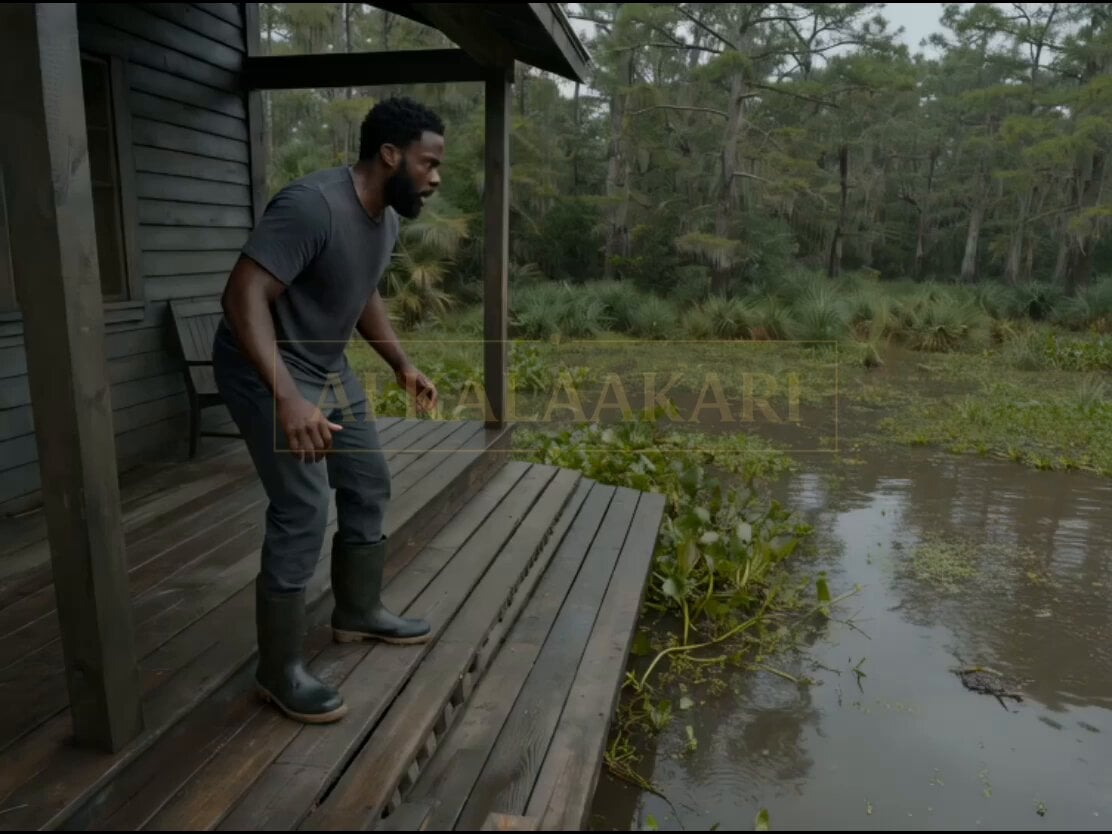
- Prompt included
- Model and format preset
- Free template
The prompt behind this video
Copy the exact prompt behind Swamp House Hippo Attack Sequence, or open it in the studio and make it yours.
0s–2s (HOOK — FIRST ATTACK) Camera already outside on a wooden porch deck. A MASSIVE HIPPO lunges up from the water edge — jaws snapping inches from someone backing away. Wood shakes violently. Camera jerks sideways — too close. 2s–5s The person stumbles across the porch, trying to reach the door. The hippo surges forward again — then suddenly DROPS back into the water. Gone. Too fast. That’s worse. 5s–8s (FALSE ESCAPE) Camera rushes toward the door. Grabs handle — stuck for half a second. Inside visible through gaps — safe space. Behind — Water is moving again. Fast. 8s–11s (BREACH FROM BELOW) Before the door fully opens — FLOOR beneath porch BULGES upward. Wood cracks. Water sprays through gaps. A huge shape pushes from below — lifting part of the structure. Camera loses footing. 11s–14s (SECOND ATTACK — FULL COMMIT) The hippo BURSTS upward through the porch boards — full head and shoulders breaking through. Wood explodes. Camera gets thrown backward toward edge. The attack is upward now — not from front. 14s–15s (PAYOFF) Camera falls off the porch into muddy water. Submerged for a split second. Brown chaos. Cut. Key Visual Hook A hippo already lunging onto the porch in frame one, followed by it disappearing and attacking again from BELOW.
How to use Swamp House Hippo Attack Sequence in 3 steps
- 1
Open
The prompt is already in the box next to the preview, with the template's model and format selected.
- 2…a portrait of your subject in softgolden-hour light, 85mm…
Personalize
Edit the subject and creative details for your destination.
- 3Generate
Generate
Press Generate — your video is created in PicX Studio, so you can compare it with the original and refine one variable at a time.
More like this
Templates with the same subject, style or setup. Open one to see its prompt.
Martial Arts Warehouse Combat Sequence
Stop-Motion Wolf Attack Sequence
Night Flashlight Hippo Attack POV
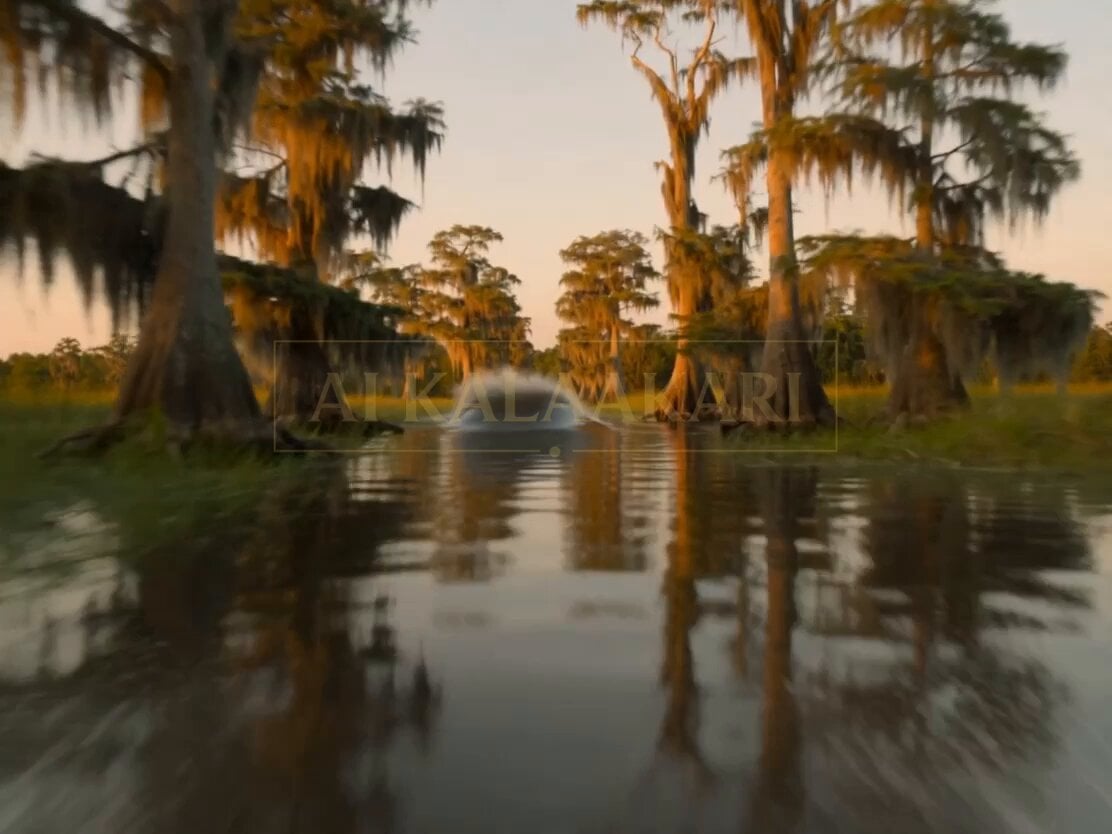
Bayou Hippo Surge Attack
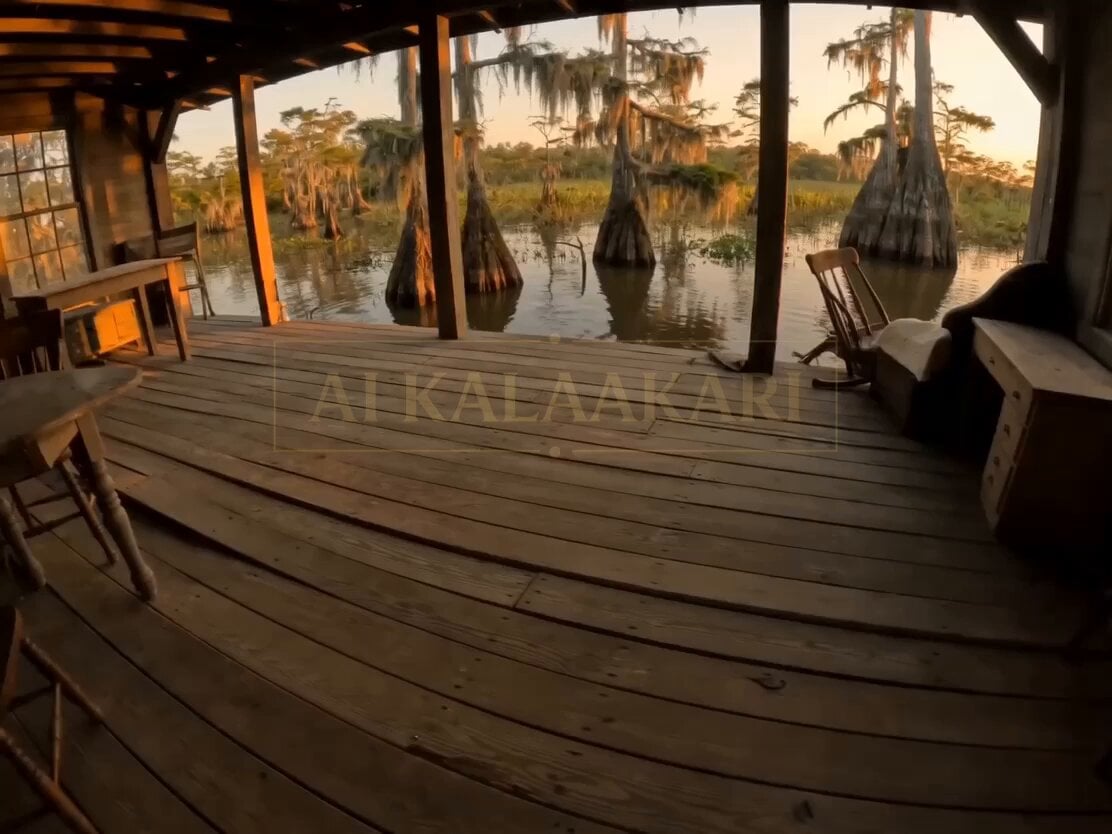
Swamp Hippo Breach POV
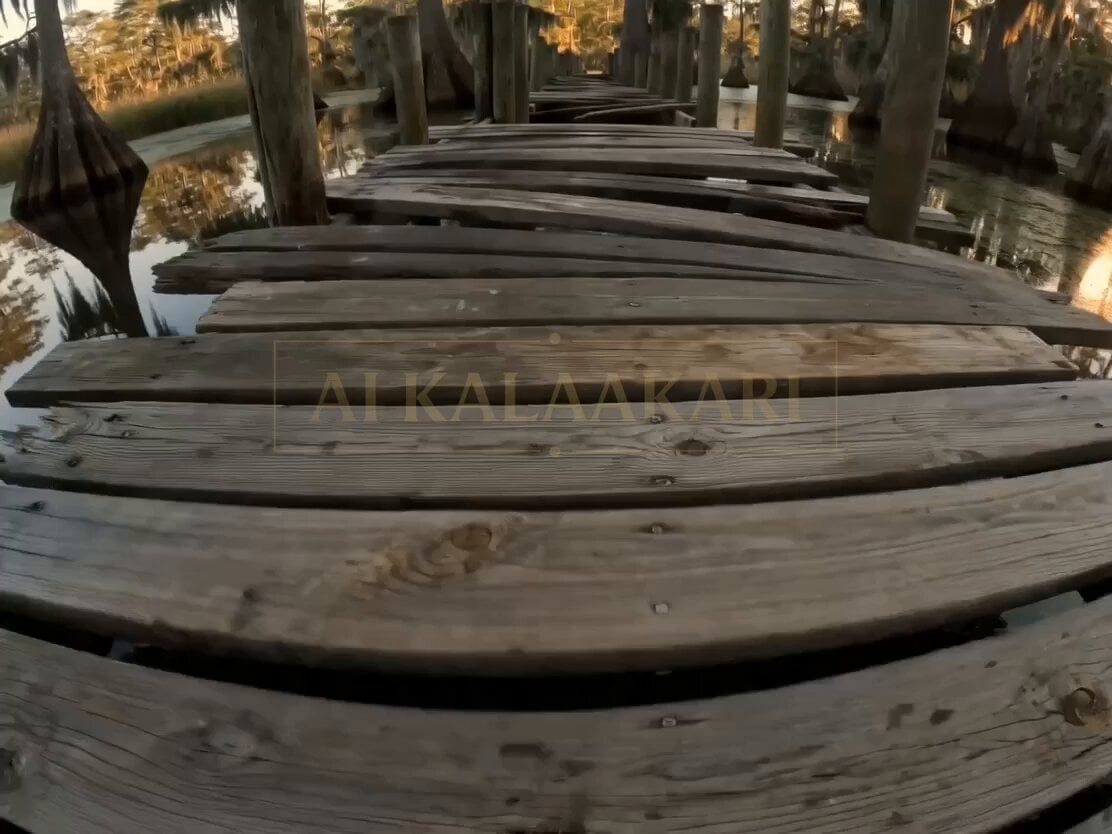
Bayou Dock Hippo Collapse Attack

Giant Anaconda Houseboat Attack Horror

Giant Anaconda Houseboat Attack

Giant Crocodile Houseboat Attack
Future House Dance Performance
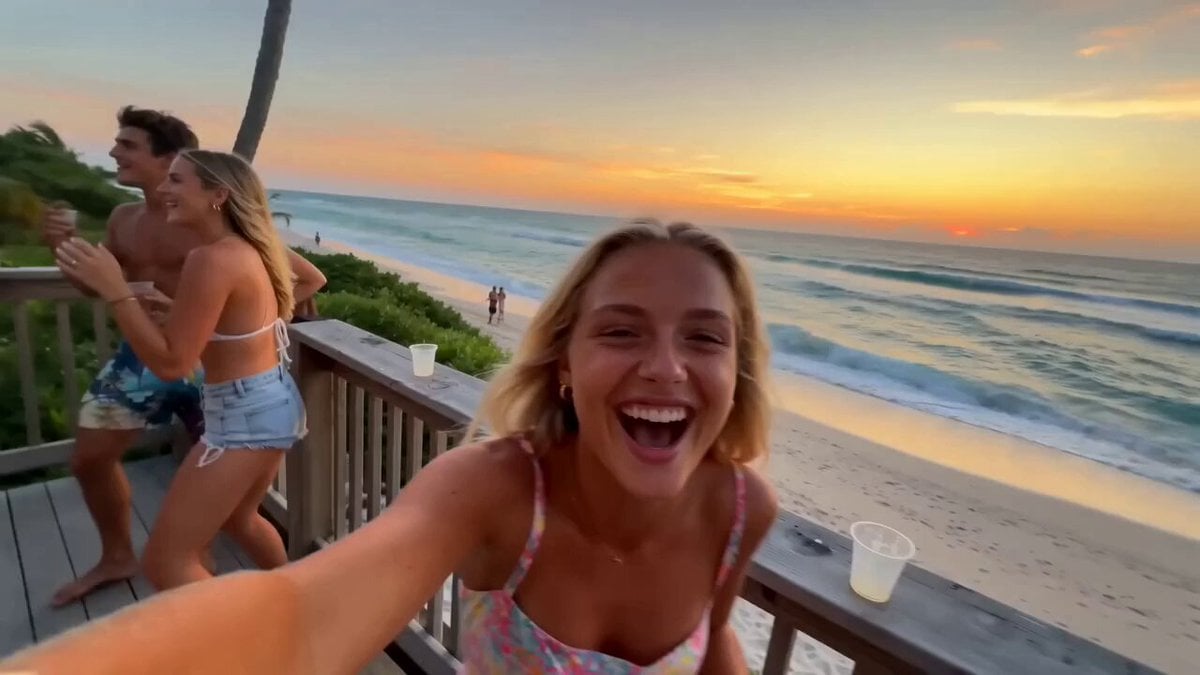
Miami Beach House Party Smartphone Video

Maglev Train Action Sequence
Make it yours
Swamp House Hippo Attack Sequence works as-is. These are the safest ways to change it without losing the look.
Change one field
Copy a single group, rewrite it, and generate again so you can see what that field is doing.
Keep the frame, change the subject
Hold the composition and light of Swamp House Hippo Attack Sequence, then swap wardrobe, props or the person for a new take.
| If the result… | Why | Fix |
|---|---|---|
| The result drifts from the preview | Too many fields changed at once. | Reuse Swamp House Hippo Attack Sequence as-is first, then change one group — subject, light, or setting. |
| The model over-stylizes the scene | The prose prompt leaves finish and camera underspecified. | Add one camera or lighting sentence and stay on Seedance 2.0. |
More Seedance 2.0 templates
Other prompts made for Seedance 2.0.

Comical Martial Arts Punch Scene

Wuxia Protection and Trust Script

Vintage Korean Arcade MiniDV Vlog

Mercedes 190 SL Luxury Ad

Rainy Night Supernatural Reverse Comedy Video Script

Amazon Civilization Discovery

Futuristic South Asian City Transformation

Cozy Luxury Cafe Commercial

Cyber Ronin Nanotech Transformation Video

Desert Courier and Sandstorm Leviathan Chase
More video prompts
Fresh picks from across the catalog.

Muscular Man Bench Pressing in Gym
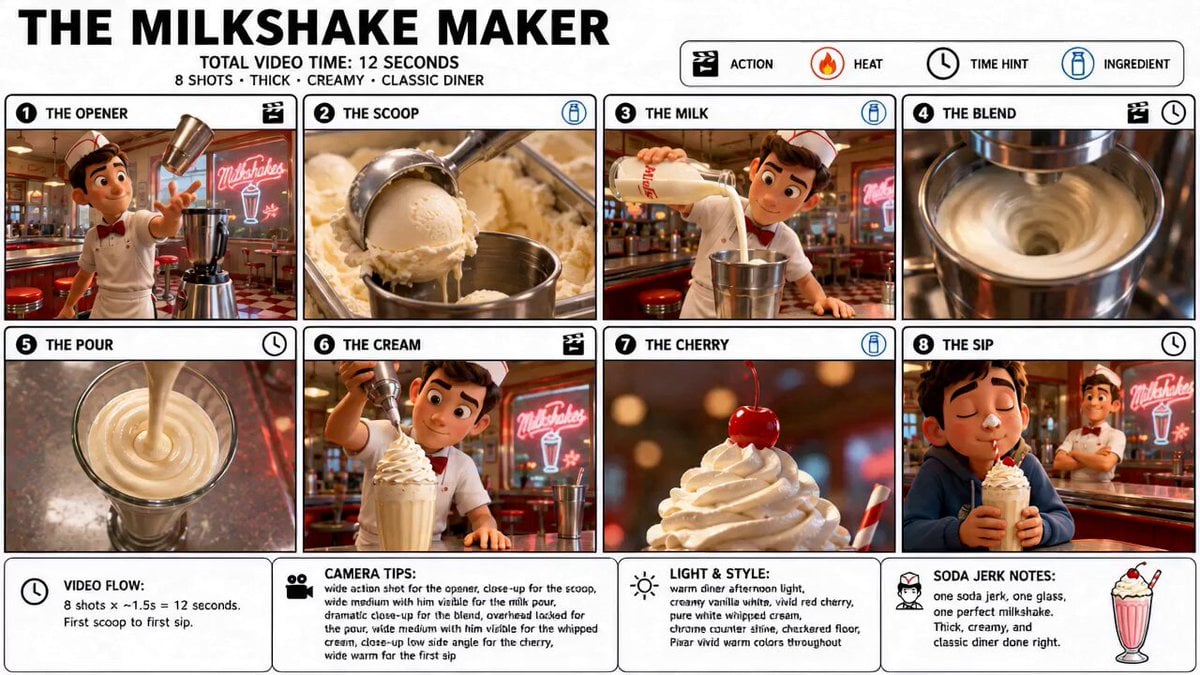
Pixar Style Milkshake Storyboard Animation
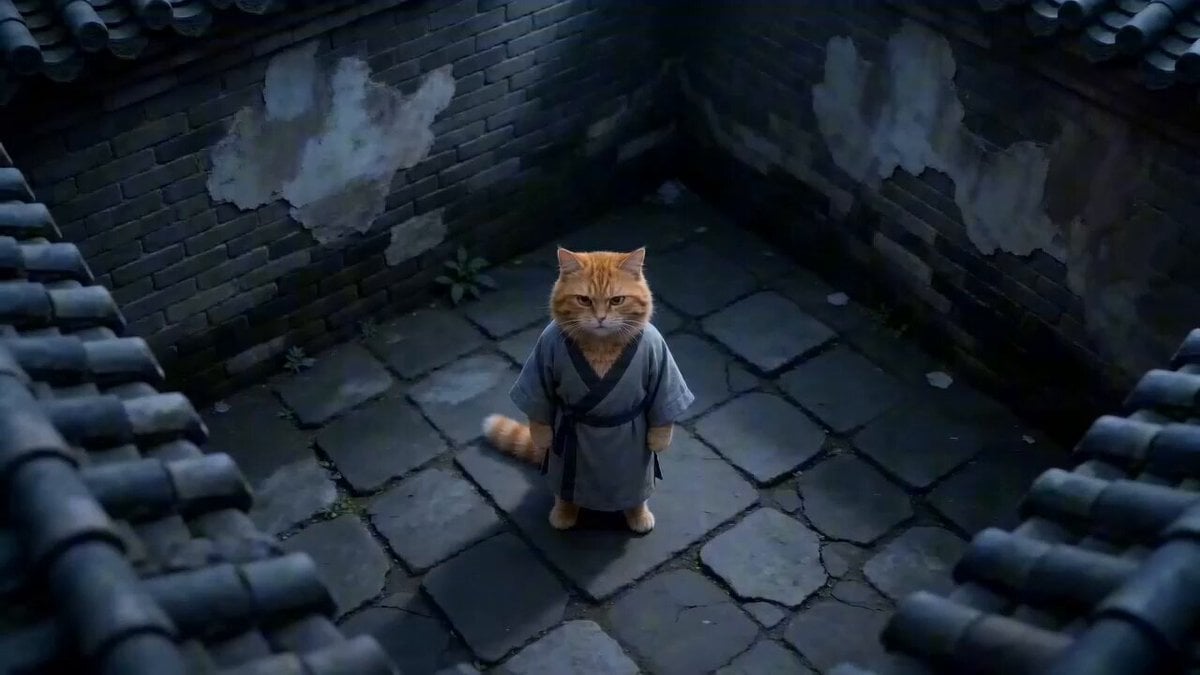
Hyper-Stylized Kung Fu Cat Action Sequence

Matrix-Style Rooftop Clone Battle
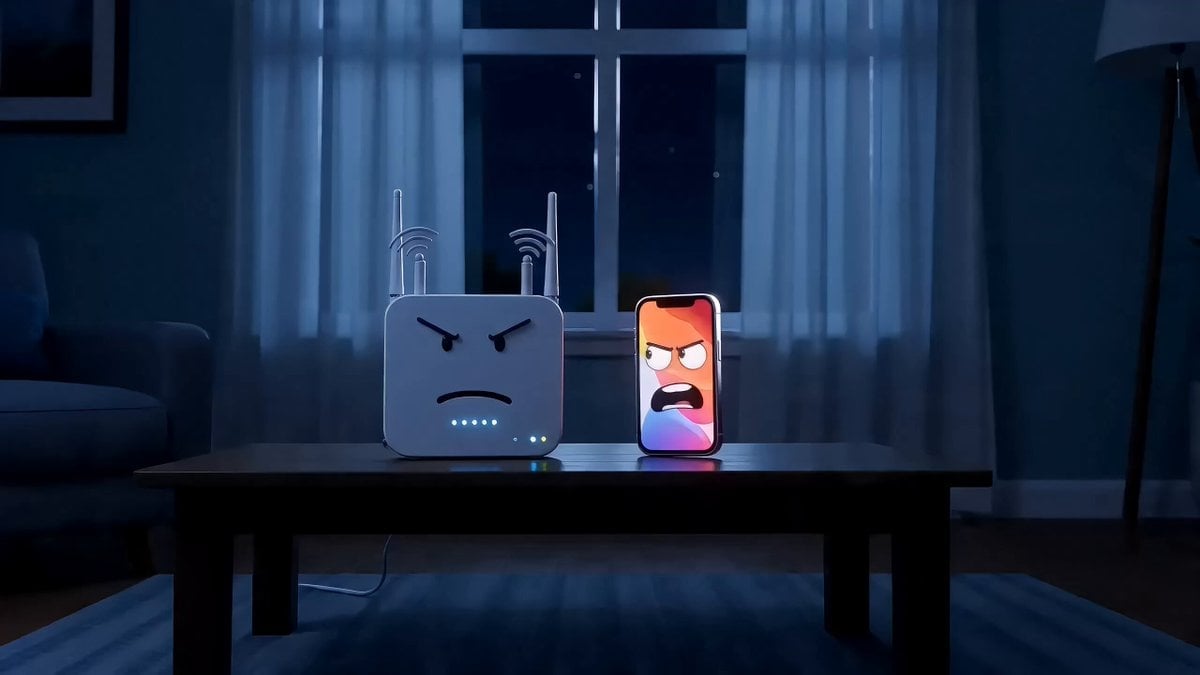
Anthropomorphic Tech Gadgets Fighting
Anime Girl Sand Illustration Wave Erasure
Dancing Puppies in Hoodies

Stormy Bridge Motorcycle Stunt
Time-lapse of black cherry sunflowers growing
Tudor Times Cinematic Video Prompt (Image-to-Video)
Browse template categories
Swamp House Hippo Attack Sequence questions
How do I use the Swamp House Hippo Attack Sequence template?
Add your photo if the template asks for one, edit the prompt if you like — the template's model and format are already selected — and press Generate. Your version opens in PicX Studio.
Can I customize the Swamp House Hippo Attack Sequence template?
Yes. You can change the subject, setting, lighting, mood, format, and available model controls before creating your video.
Is the Swamp House Hippo Attack Sequence template free?
Opening and editing this template is free. Generating uses credits, shown on the Generate button when you are signed in.
Which AI model should I use?
Start with Seedance 2.0, which is the model associated with this template. You can compare another compatible model for a different finish.
Looking for something else? Browse all templates.

Your photo, any look
Thousands of ready templates for every top image and video model, from one credit balance.