
Bayou Hippo Surge Attack
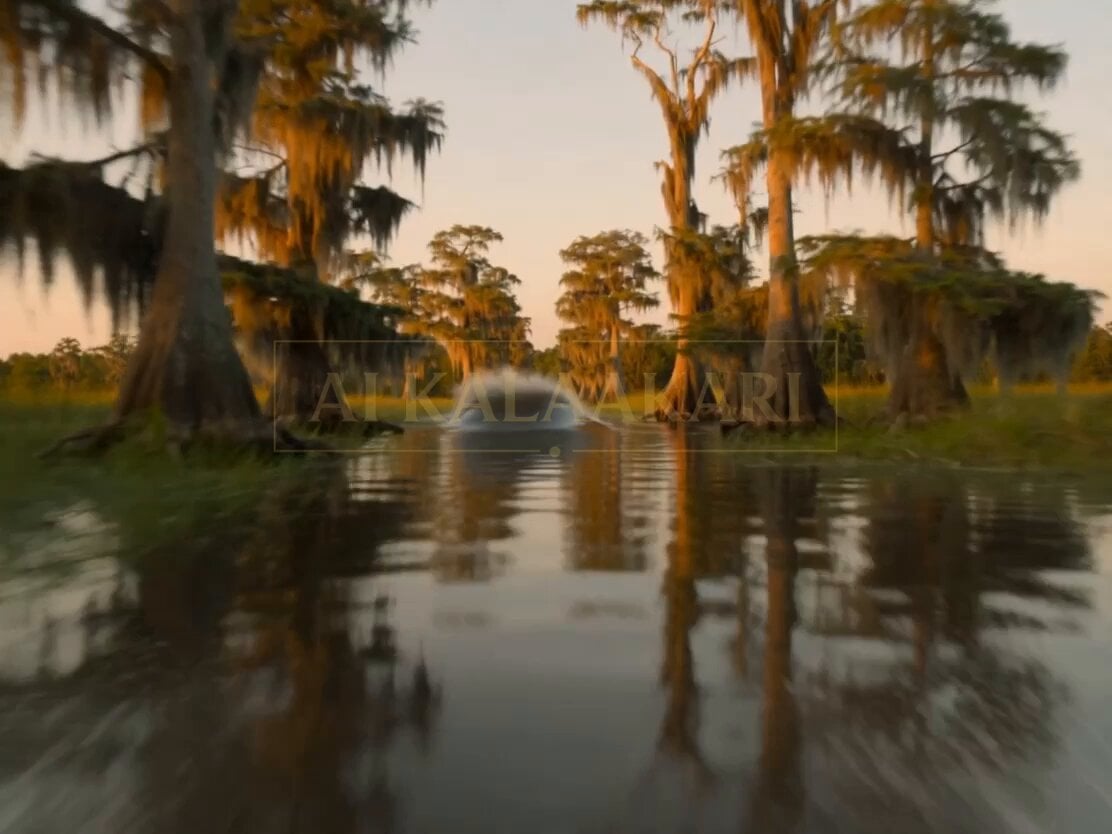
A high-tension cinematic video prompt featuring a rogue hippo chasing an airboat through a Louisiana bayou with shaky handheld camera effects.
- Prompt included
- Model and format preset
- Free template
The prompt behind this video
Copy the exact prompt behind Bayou Hippo Surge Attack, or open it in the studio and make it yours.
A small airboat ride in a Louisiana bayou turns into uncontrollable chaos when a rogue hippo uses shallow water and mud to hunt at high speed. The scene is humid, loud, unstable — camera constantly reacting, never in control. SETTING (LOCKED) Louisiana bayou, late afternoon turning to dusk, golden-orange light reflecting off still water, Spanish moss hanging from cypress trees, thick humidity, insects in air, shallow muddy water with reeds and roots, narrow water channels. 0s–2s (HOOK) Camera already mounted low on the side of an airboat, skimming fast across shallow swamp water. The prop engine ROARS loudly. Water sprays across lens. Suddenly — the water ahead BULGES violently — a massive hippo head bursts partially out of the surface directly in the boat’s path. The driver jerks the wheel hard — camera whips sideways. 2s–5s Handheld chaos inside the airboat. Metal rattling. A passenger nearly falls as the boat fishtails through reeds. Behind them — the water is no longer flat — it’s breaking in a fast-moving line. The hippo is already charging beneath the surface, keeping pace. 5s–8s Camera swings rear-facing. The hippo erupts halfway out of the water, mouth wide, pushing a wall of mud and water forward. The boat hits a patch of shallow mud — slows for half a second — dangerous pause. 8s–11s (CONTROLLED CHAOS) The driver forces the throttle — engine SCREAMS — the boat spins partially sideways before catching traction. Camera dips low — almost hitting water — spray floods frame. The hippo veers slightly, then cuts direction sharply, re-aligning. 11s–15s (PAYOFF) The boat bursts into a slightly wider open patch of water. For a split second — space. Then the water right beside the boat ERUPTS upward again — massive force, close enough to shake the entire frame violently. Camera spins, horizon lost. Cut hard.
How to use Bayou Hippo Surge Attack in 3 steps
- 1
Open
The prompt is already in the box next to the preview, with the template's model and format selected.
- 2…a portrait of your subject in softgolden-hour light, 85mm…
Personalize
Edit the subject and creative details for your destination.
- 3Generate
Generate
Press Generate — your video is created in PicX Studio, so you can compare it with the original and refine one variable at a time.
More like this
Templates with the same subject, style or setup. Open one to see its prompt.
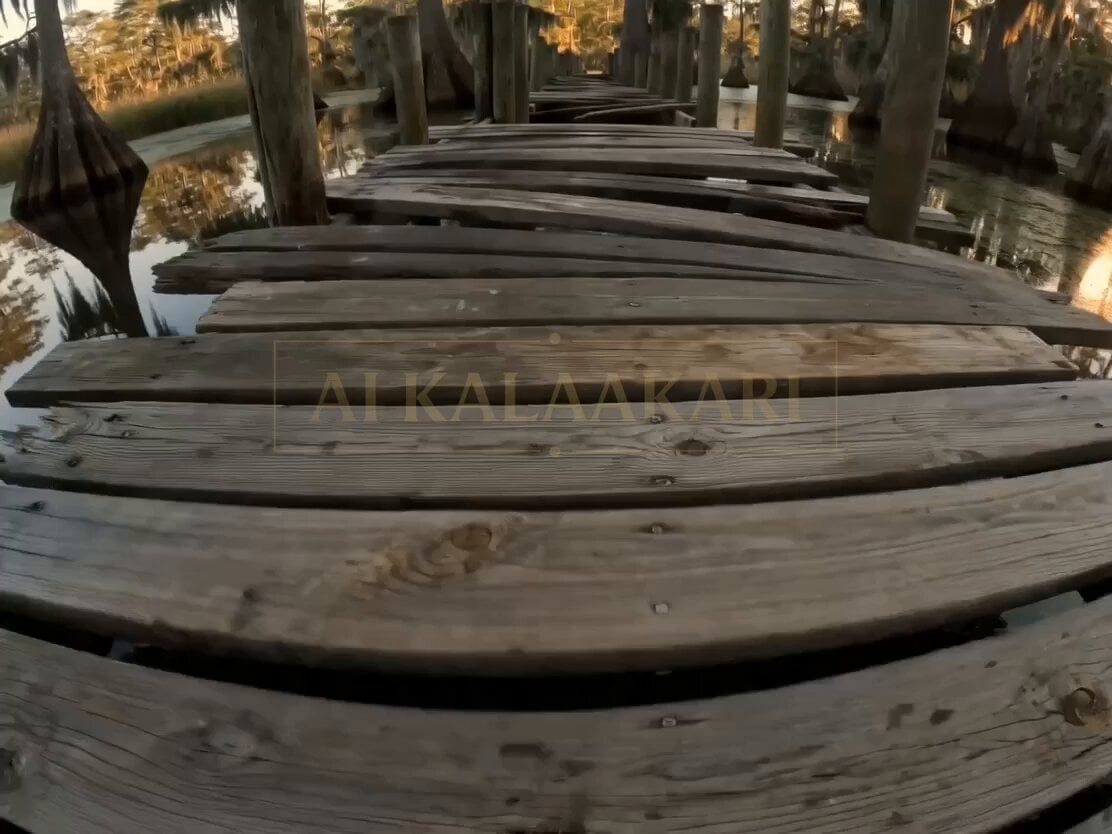
Bayou Dock Hippo Collapse Attack
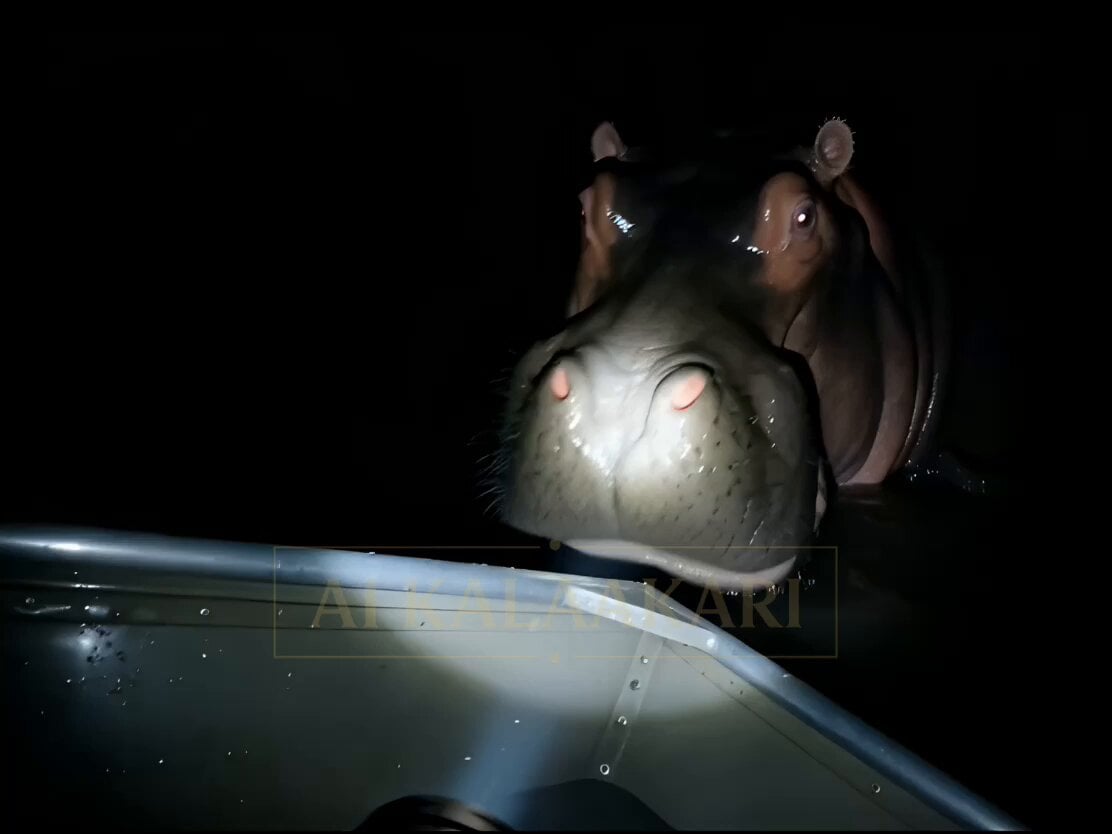
Night Flashlight Hippo Attack POV
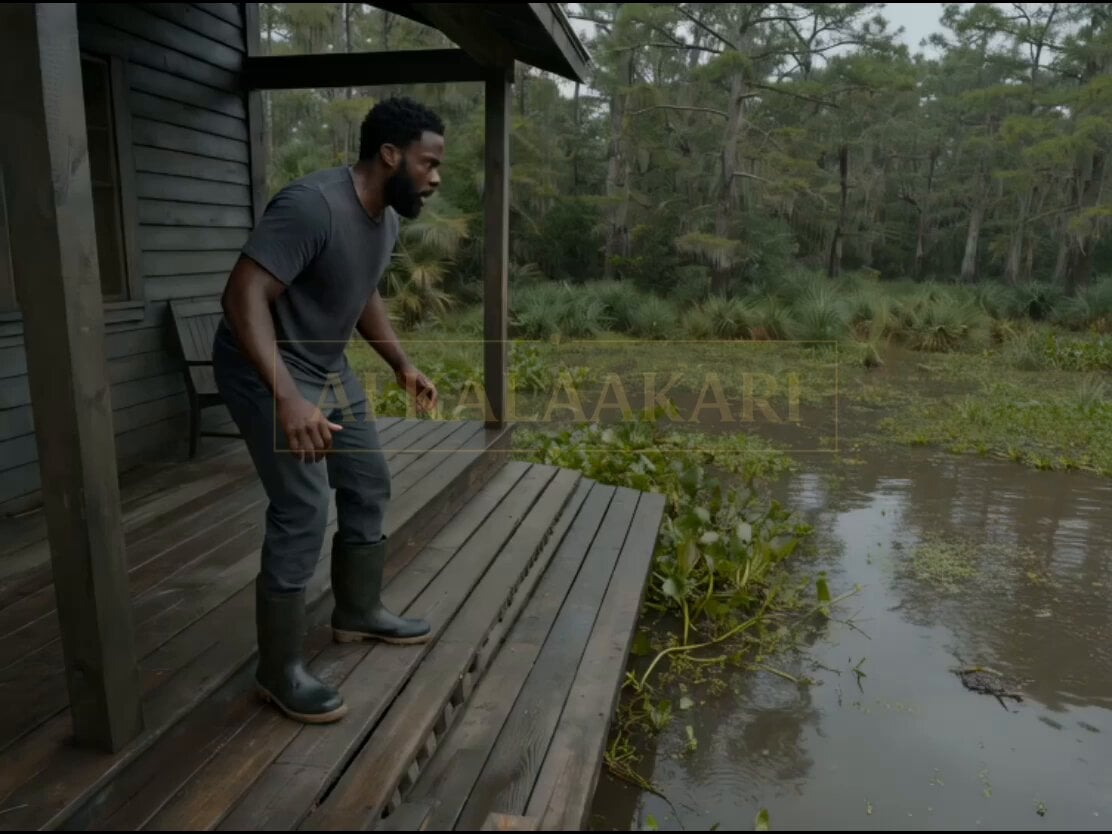
Swamp House Hippo Attack Sequence
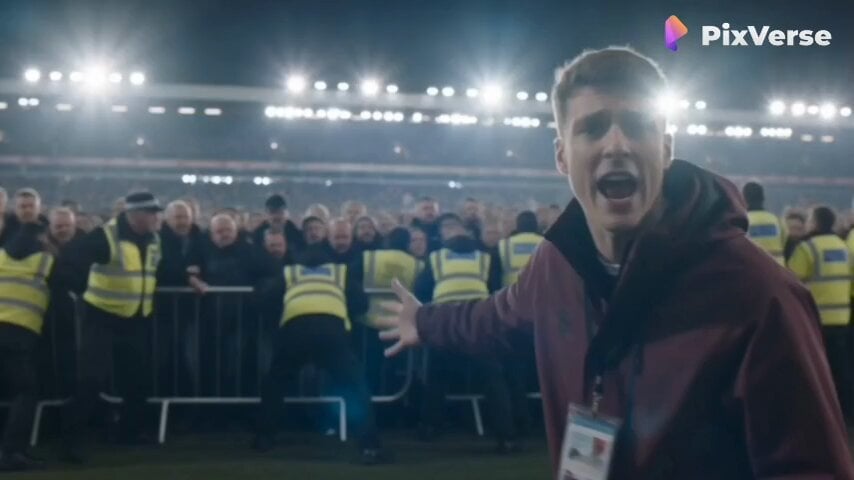
Live Sports News Crowd Surge Report
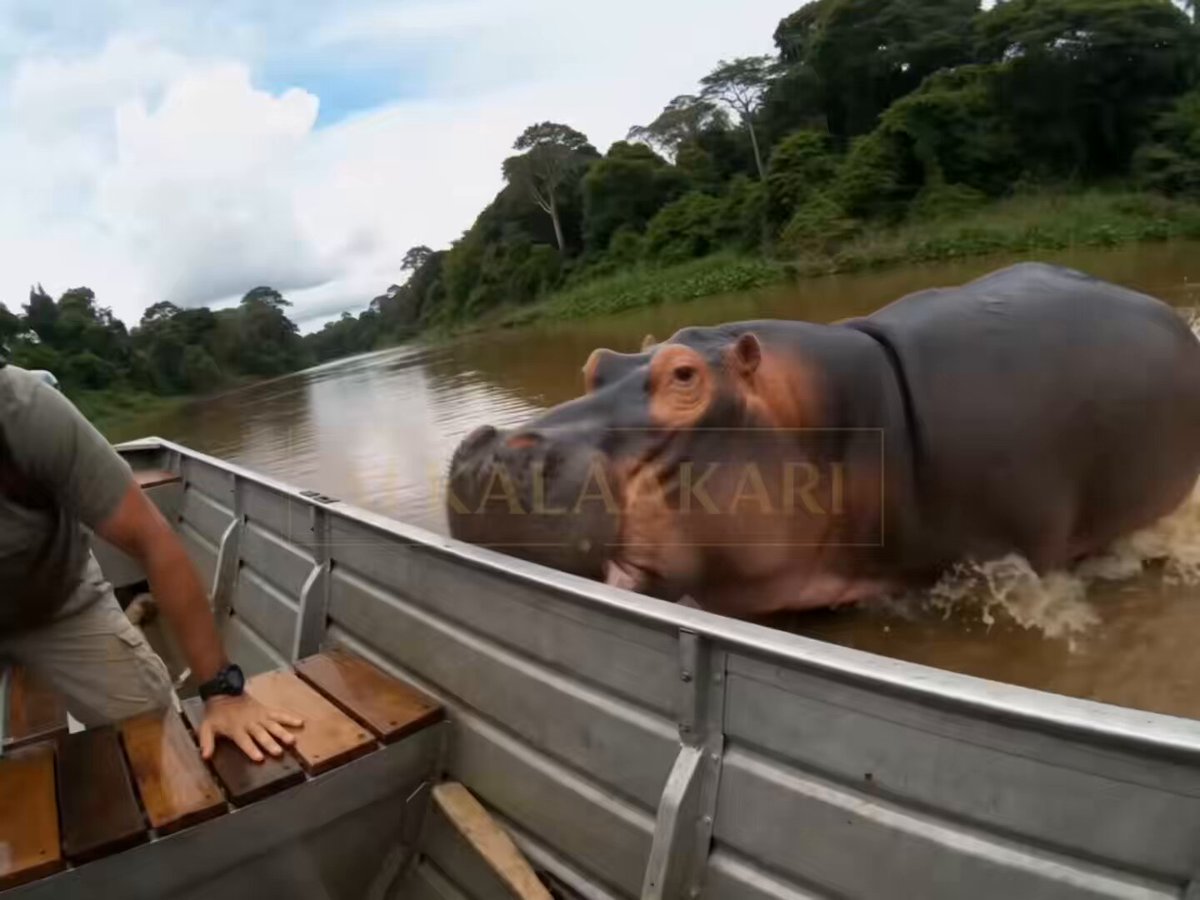
Hippo Boat Split Charge
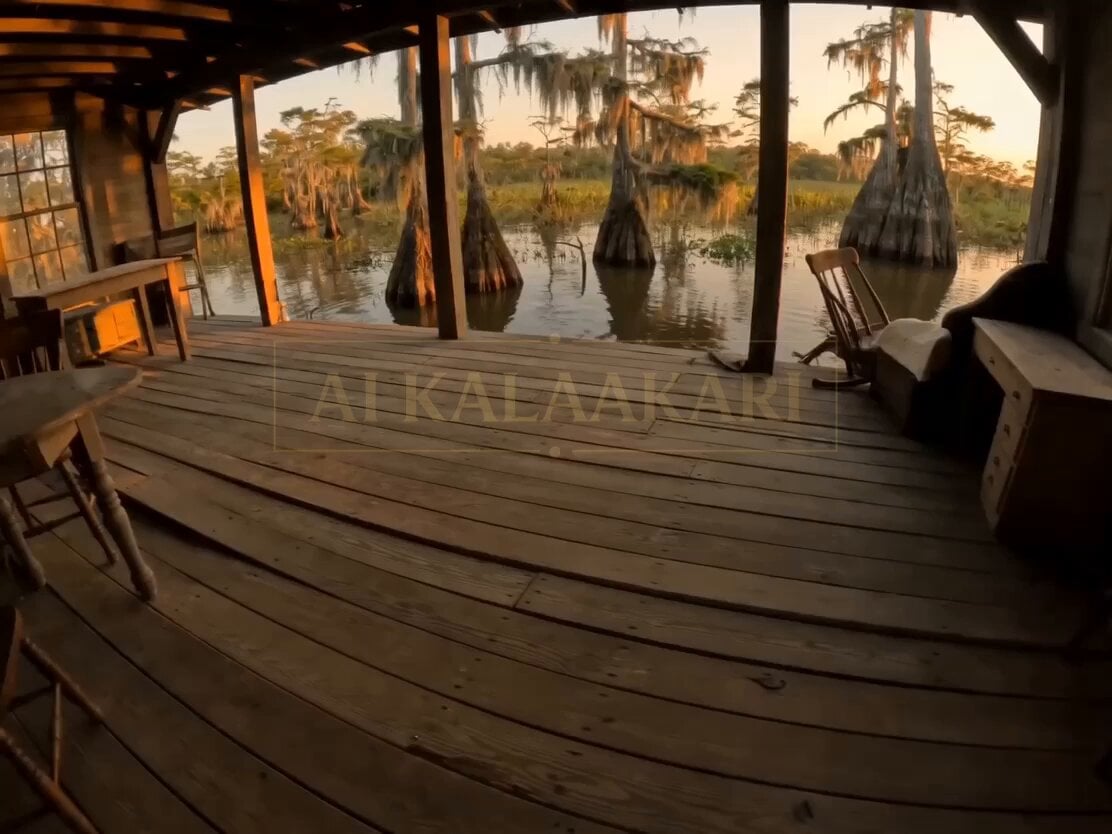
Swamp Hippo Breach POV
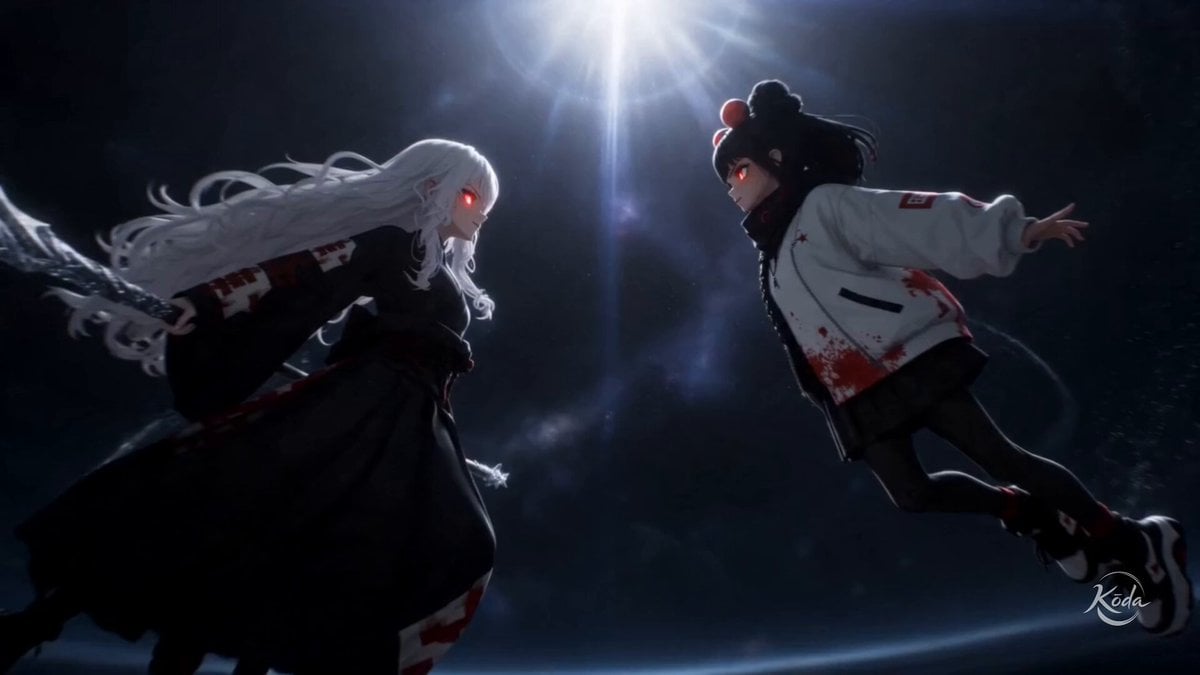
Astral Surge Visual Preset

T-Rex Dashcam Jungle Attack
Bioluminescent Jellyfish and Prehistoric Monster Attack

Sci-Fi Alien Attack on Fuel Depot
Airplane Window Dragon Attack
Stop-Motion Wolf Attack Sequence
Make it yours
Bayou Hippo Surge Attack works as-is. These are the safest ways to change it without losing the look.
Change one field
Copy a single group, rewrite it, and generate again so you can see what that field is doing.
Keep the frame, change the subject
Hold the composition and light of Bayou Hippo Surge Attack, then swap wardrobe, props or the person for a new take.
| If the result… | Why | Fix |
|---|---|---|
| The result drifts from the preview | Too many fields changed at once. | Reuse Bayou Hippo Surge Attack as-is first, then change one group — subject, light, or setting. |
| The model over-stylizes the scene | The prose prompt leaves finish and camera underspecified. | Add one camera or lighting sentence and stay on Seedance 2.0. |
More Seedance 2.0 templates
Other prompts made for Seedance 2.0.

Comical Martial Arts Punch Scene

Maglev Train Action Sequence

Martial Arts Fight Sequence

Wuxia Protection and Trust Script

Vintage Korean Arcade MiniDV Vlog

Mercedes 190 SL Luxury Ad

Rainy Night Supernatural Reverse Comedy Video Script

Amazon Civilization Discovery

Futuristic South Asian City Transformation

Cozy Luxury Cafe Commercial
More video prompts
Fresh picks from across the catalog.
Japanese Woman in Wildflower Meadow Video

Cyber Dragon Female Warrior Video
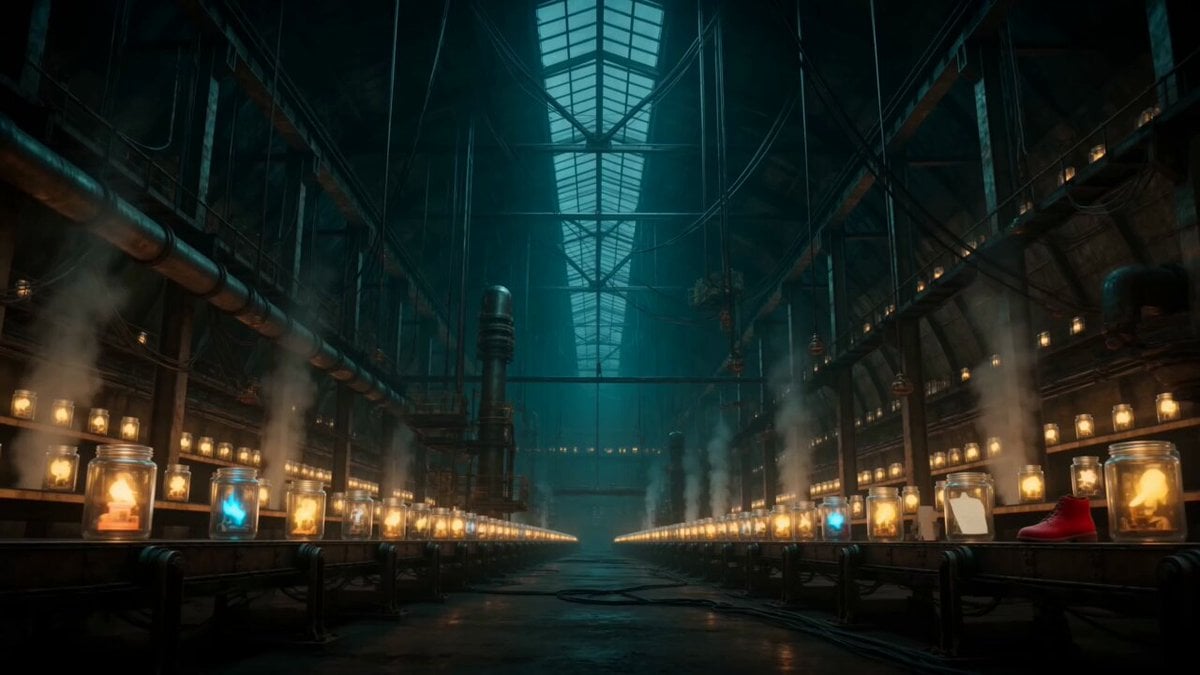
Abandoned Factory Dream Sequence
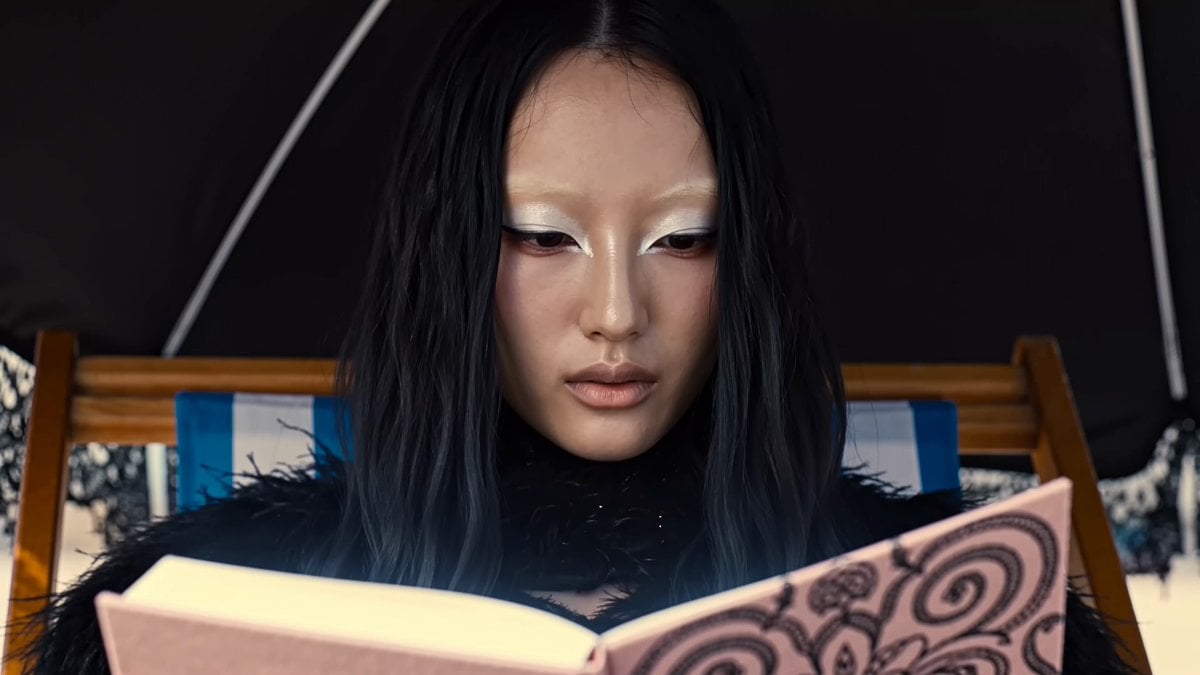
Magical Glowing Notebook Flicker

Drone shot of a skiing rabbit escaping an avalanche
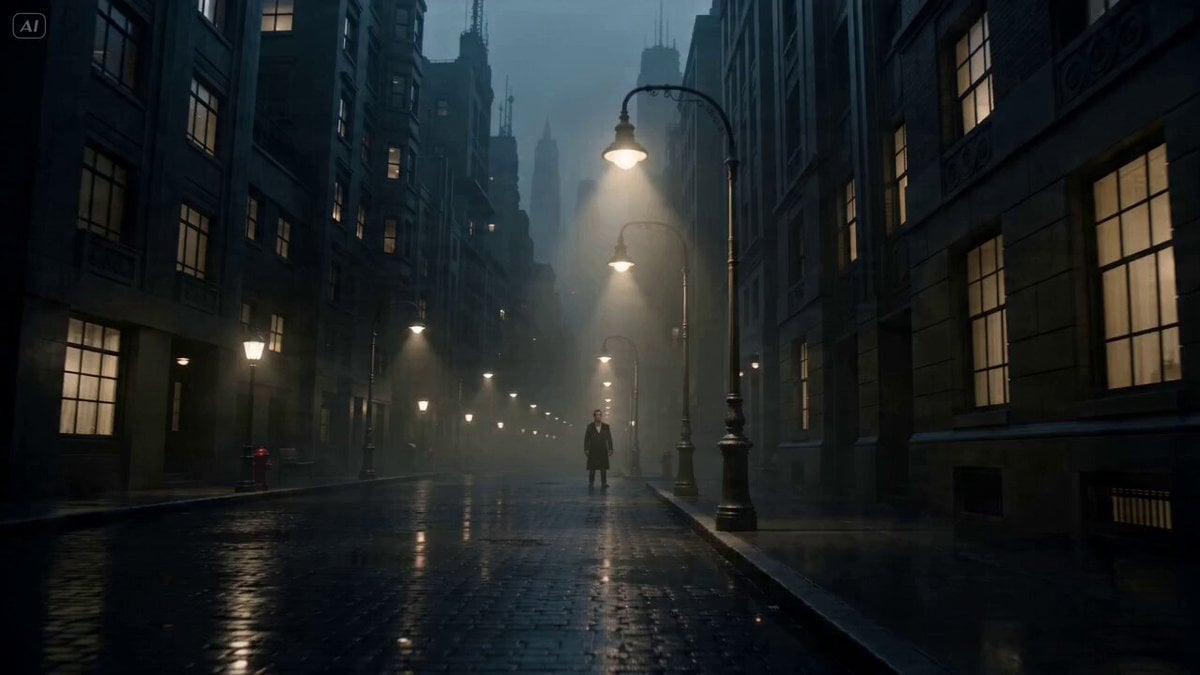
Noir Sci-Fi City Single-Shot

Bus transforming into a Cybertronian mechanical giant caterpillar
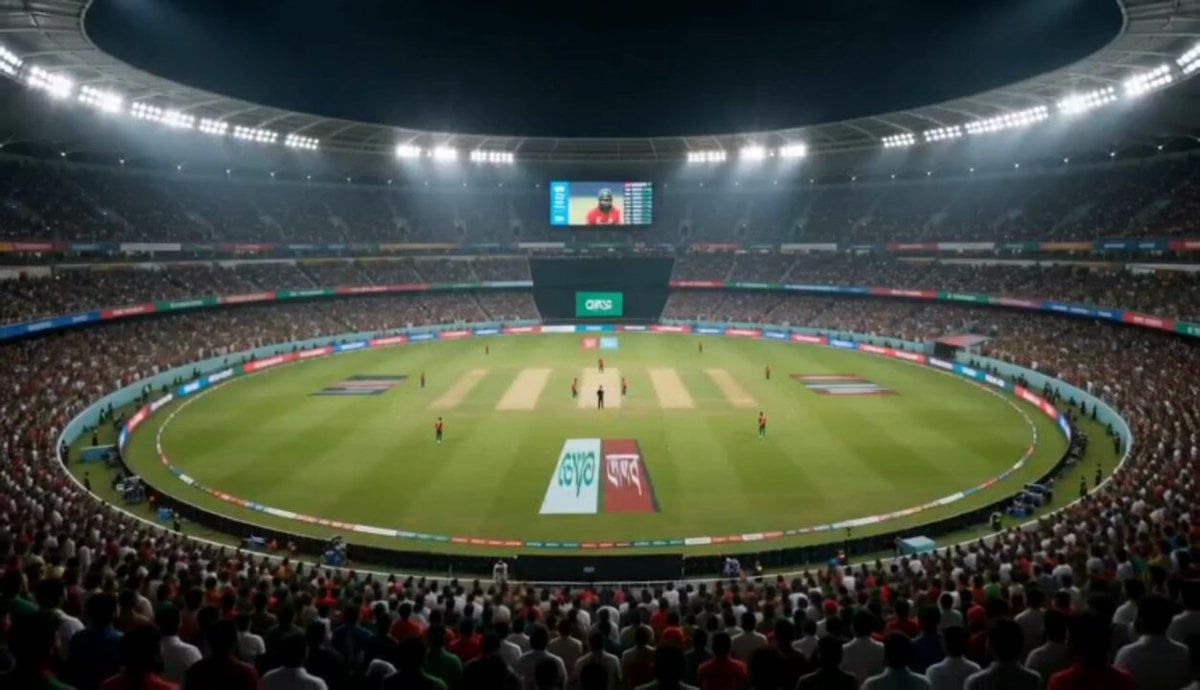
Cricket Stadium Fan Broadcast

Chef Cat Cooking Tomato and Eggs
Photorealistic 3D Render Template
Browse template categories
Bayou Hippo Surge Attack questions
How do I use the Bayou Hippo Surge Attack template?
Add your photo if the template asks for one, edit the prompt if you like — the template's model and format are already selected — and press Generate. Your version opens in PicX Studio.
Can I customize the Bayou Hippo Surge Attack template?
Yes. You can change the subject, setting, lighting, mood, format, and available model controls before creating your video.
Is the Bayou Hippo Surge Attack template free?
Opening and editing this template is free. Generating uses credits, shown on the Generate button when you are signed in.
Which AI model should I use?
Start with Seedance 2.0, which is the model associated with this template. You can compare another compatible model for a different finish.
Looking for something else? Browse all templates.

Your photo, any look
Thousands of ready templates for every top image and video model, from one credit balance.