
Astral Surge Visual Preset
A high-sakuga anime-style prompt featuring celestial energy, arcane symbols, and gravity-defying camera moves.
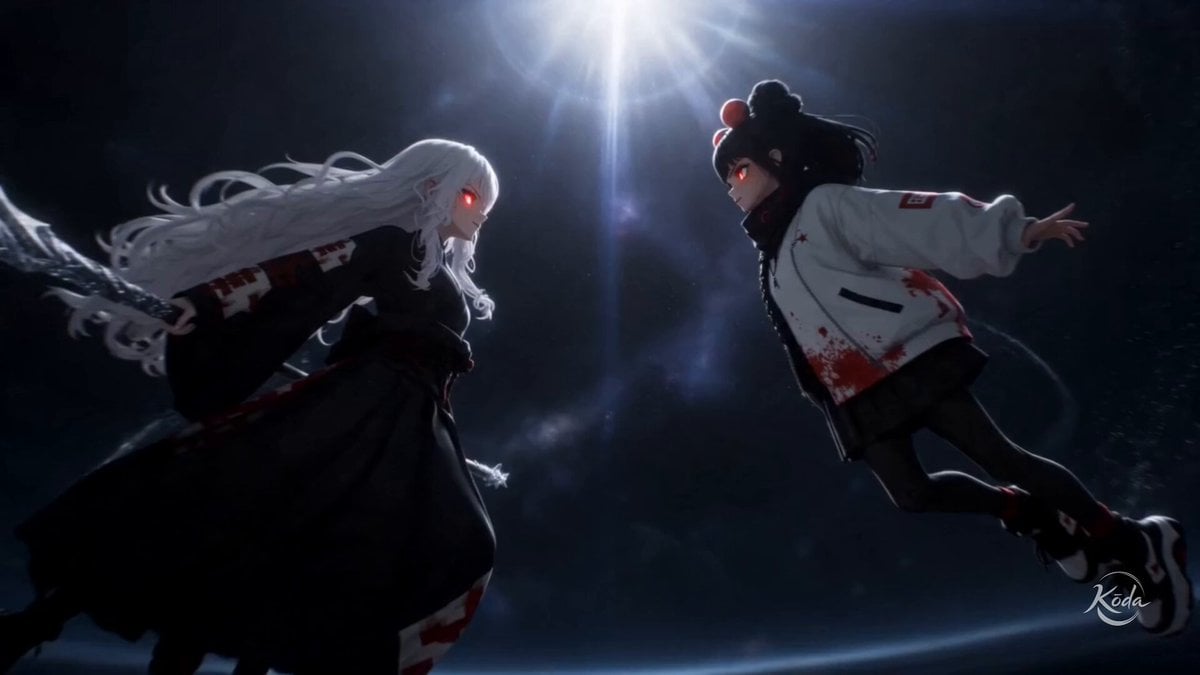
- Prompt included
- Model and format preset
- Free template
The prompt behind this video
Copy the exact prompt behind Astral Surge Visual Preset, or open it in the studio and make it yours.
High-end cinematic 3D realism fused with celestial arcane spectacle. High-sakuga anime choreography, radiant astral currents, luminous sigils, flowing cosmic energy ribbons and cascading stardust define every movement. Impossible cinematic camera language with seamless hyperspeed transitions, gravity-defying fly-throughs, extreme perspective shifts, orbital tracking, rapid push-ins and impossible continuous shots turns every spell into a breathtaking visual journey. Volumetric god rays, ethereal atmospheric haze, refracted light and expanding celestial shockwaves replace conventional visual effects, while realistic materials and feature-film rendering preserve depth, weight and epic scale.
How to use Astral Surge Visual Preset in 3 steps
- 1
Open
The prompt is already in the box next to the preview, with the template's model and format selected.
- 2…a portrait of your subject in softgolden-hour light, 85mm…
Personalize
Edit the subject and creative details for your destination.
- 3Generate
Generate
Press Generate — your video is created in PicX Studio, so you can compare it with the original and refine one variable at a time.
More like this
Templates with the same subject, style or setup. Open one to see its prompt.
Live Sports News Crowd Surge Report
Bayou Hippo Surge Attack
Boba Milk Commercial Visual Reference

Japanese Boxer Visual Identity
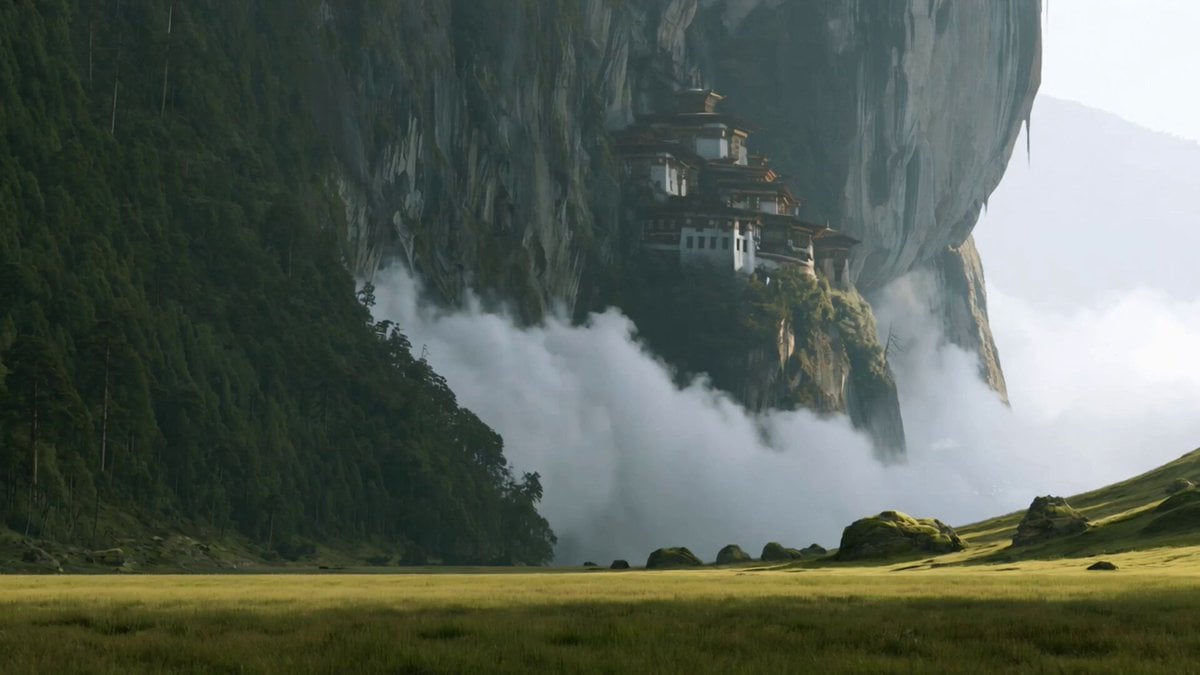
Wuxia Sword Maiden Visual Effects Prompt
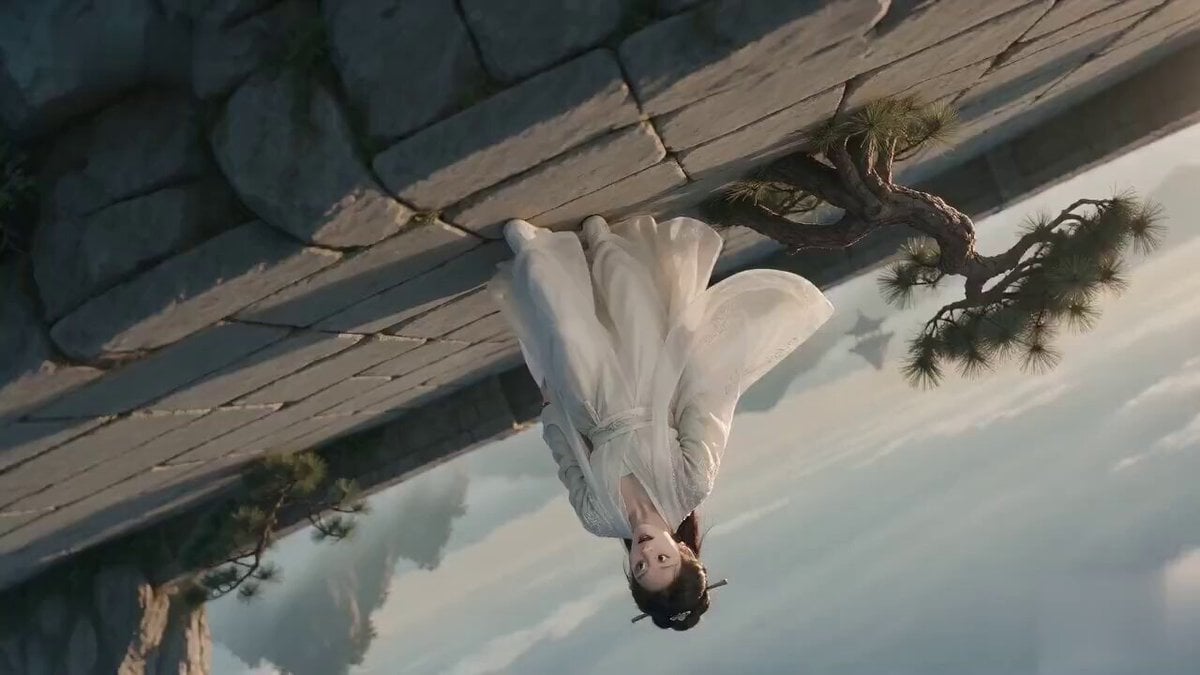
Poetic Xianxia Visual Illusion Comedy Video
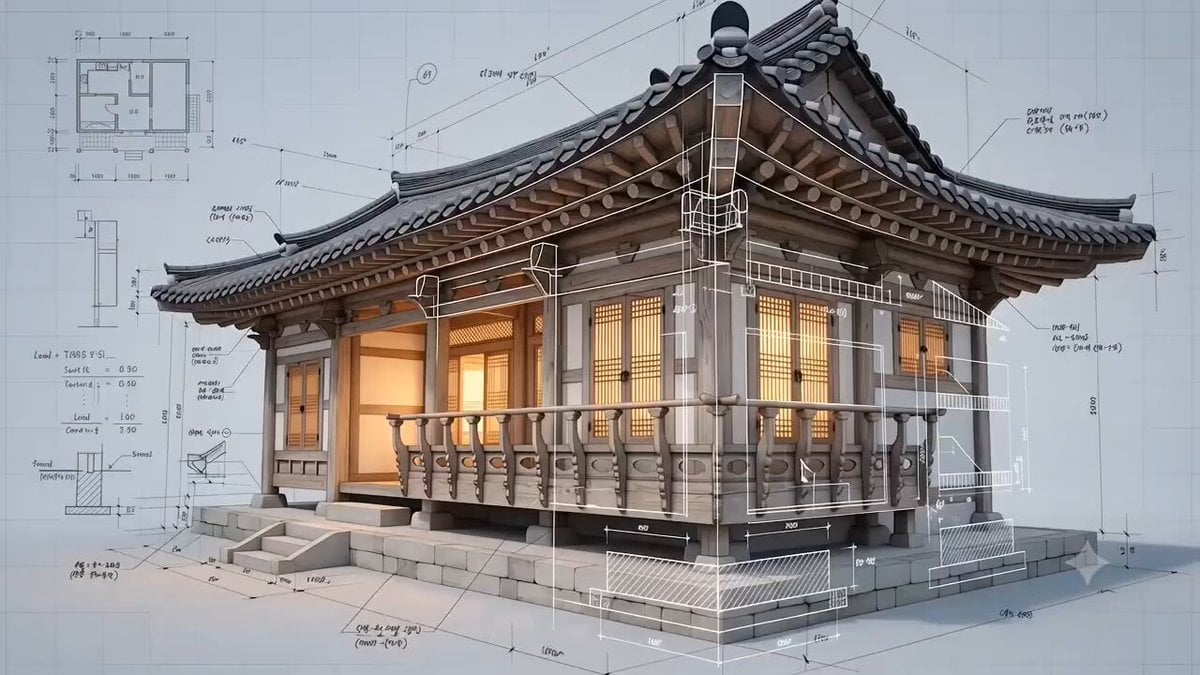
Korean Hanok Architectural Visualization
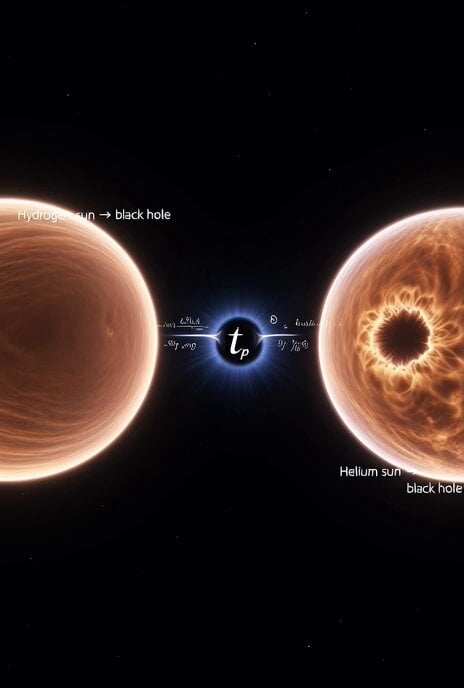
Cosmic Sun Collapse Visualization
Fictional Game Teaser Visual Card

Dynamic Image-to-Video Music Visualizer
Metal Forge Visual Effect

High-Energy Anime Arena Visuals
Make it yours
Astral Surge Visual Preset works as-is. These are the safest ways to change it without losing the look.
Change one field
Copy a single group, rewrite it, and generate again so you can see what that field is doing.
Keep the frame, change the subject
Hold the composition and light of Astral Surge Visual Preset, then swap wardrobe, props or the person for a new take.
| If the result… | Why | Fix |
|---|---|---|
| The result drifts from the preview | Too many fields changed at once. | Reuse Astral Surge Visual Preset as-is first, then change one group — subject, light, or setting. |
| The model over-stylizes the scene | The prose prompt leaves finish and camera underspecified. | Add one camera or lighting sentence and stay on Seedance 2.0. |
More Seedance 2.0 templates
Other prompts made for Seedance 2.0.

Comical Martial Arts Punch Scene

Maglev Train Action Sequence

Martial Arts Fight Sequence

Wuxia Protection and Trust Script

Mercedes 190 SL Luxury Ad

Rainy Night Supernatural Reverse Comedy Video Script

Amazon Civilization Discovery

Futuristic South Asian City Transformation

Cozy Luxury Cafe Commercial

Cyber Ronin Nanotech Transformation Video
More video prompts
Fresh picks from across the catalog.

LLM Memory Dump Prompt (for Claude/ChatGPT)
Seedance 2.0 Anime Short Film Video Prompt
Kitten Rescue in Residential Alley
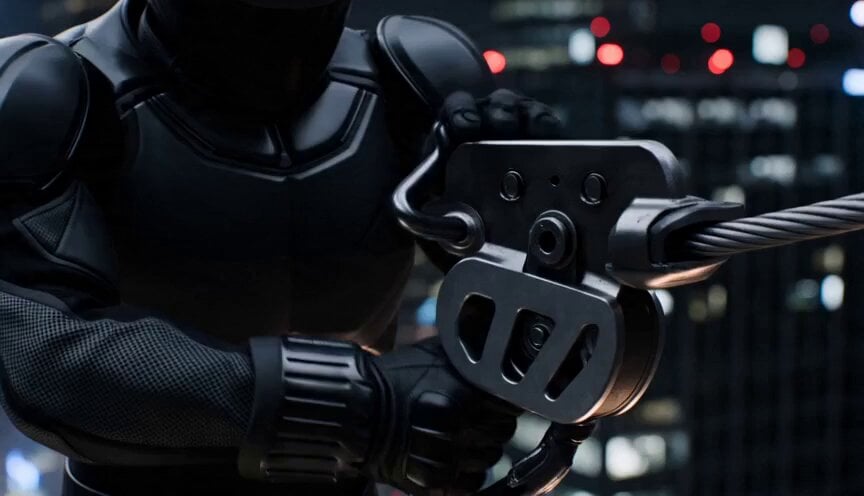
Neon City Zipline Action

Grok Imagine prompt for a complex, explicit Japanese subculture illustration

Character sheet prompt for Nano Banana 2 and Seedance 2.0

Baby Dragon Roar Animation

Frozen Matrix-Style Liquid Splash Video
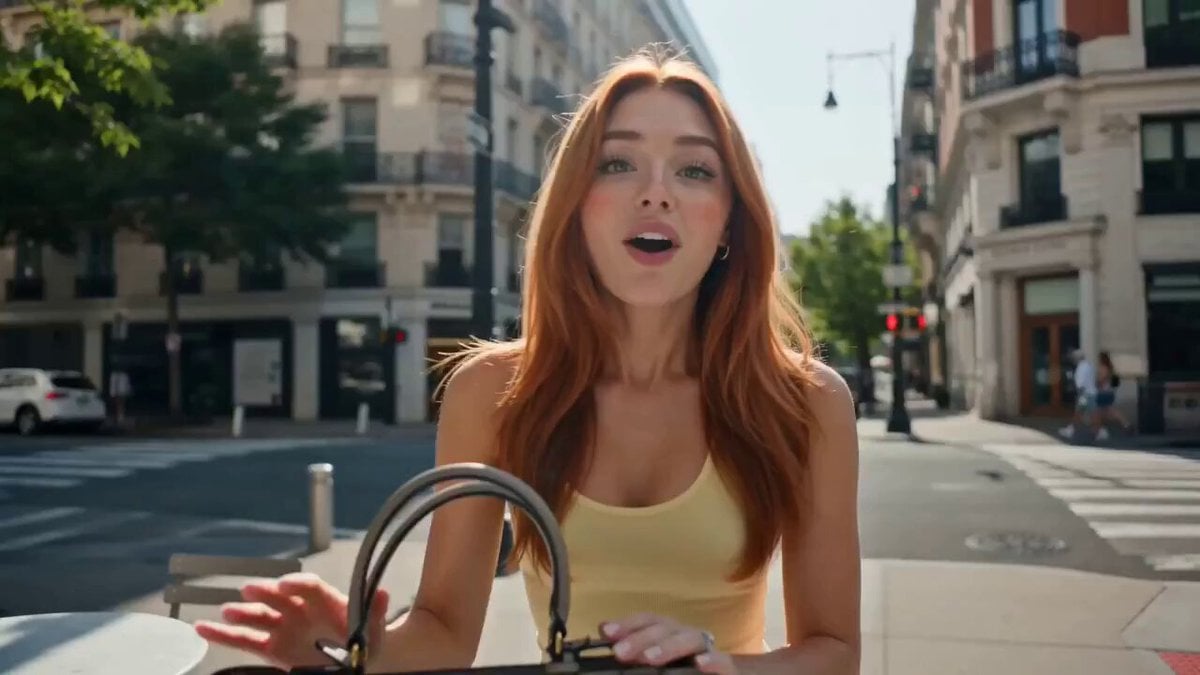
Influencer Lifestyle Showcase
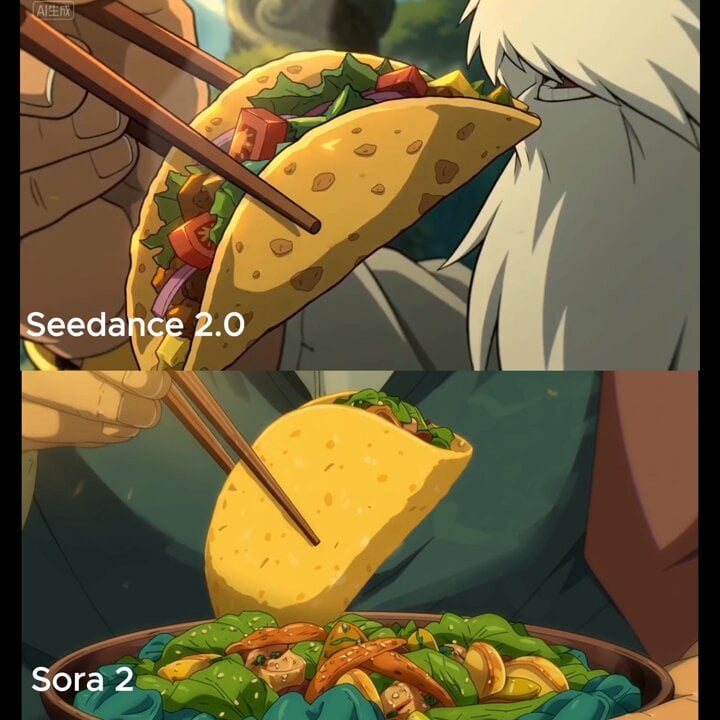
Close-up shot of taco filling shifting and warm light reflection
Browse template categories
Astral Surge Visual Preset questions
How do I use the Astral Surge Visual Preset template?
Add your photo if the template asks for one, edit the prompt if you like — the template's model and format are already selected — and press Generate. Your version opens in PicX Studio.
Can I customize the Astral Surge Visual Preset template?
Yes. You can change the subject, setting, lighting, mood, format, and available model controls before creating your video.
Is the Astral Surge Visual Preset template free?
Opening and editing this template is free. Generating uses credits, shown on the Generate button when you are signed in.
Which AI model should I use?
Start with Seedance 2.0, which is the model associated with this template. You can compare another compatible model for a different finish.
Looking for something else? Browse all templates.

Your photo, any look
Thousands of ready templates for every top image and video model, from one credit balance.