
Kitten Rescue in Residential Alley
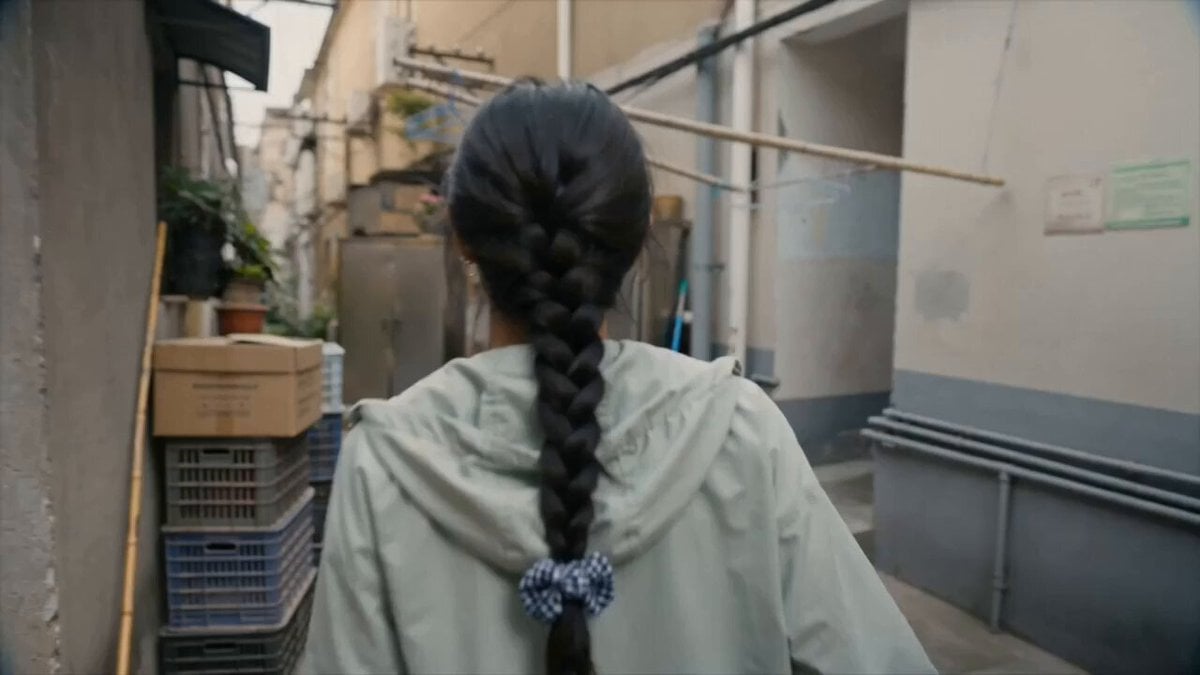
A heartwarming video prompt for Seedance 2.0 featuring a girl rescuing a kitten in a narrow alley, designed with a retro DV camera aesthetic.
- Prompt included
- Model and format preset
- Free template
The prompt behind this video
Copy the exact prompt behind Kitten Rescue in Residential Alley, or open it in the studio and make it yours.
The girl and her friend walked into a narrow residential alleyway when they first heard the persistent meowing of a kitten coming from above. She stopped in her tracks, followed the sound around a pile of plastic crates and old flower pots, and discovered a small orange-and-white kitten huddled on top of a fixed storage cabinet by the outer wall, too afraid to jump down. She turned a short plastic stool that had been upside down against the wall right side up and pushed it under the cabinet. After crouching down and gently patting the seat, the kitten jumped down using the lower step; the girl breathed a sigh of relief and crouched on the ground as it scampered over to her shoes. Her friend’s camcorder was a split second too slow to capture the moment she broke into a smile.
How to use Kitten Rescue in Residential Alley in 3 steps
- 1
Open
The prompt is already in the box next to the preview, with the template's model and format selected.
- 2…a portrait of your subject in softgolden-hour light, 85mm…
Personalize
Edit the subject and creative details for your destination.
- 3Generate
Generate
Press Generate — your video is created in PicX Studio, so you can compare it with the original and refine one variable at a time.
More like this
Templates with the same subject, style or setup. Open one to see its prompt.
Kind Yankee Boy Kitten Rescue Vlog

Wholesome Puppy and Kitten Story - Seedance 2.5

Rococo Superman Kitten Rescue
Live-Action Firefighter Rescue Night Scene

Tokyo Residential Alley Rain
Emotional Kitten Rescue Scene

Adorable 3D Animated Kitten Rescue Story
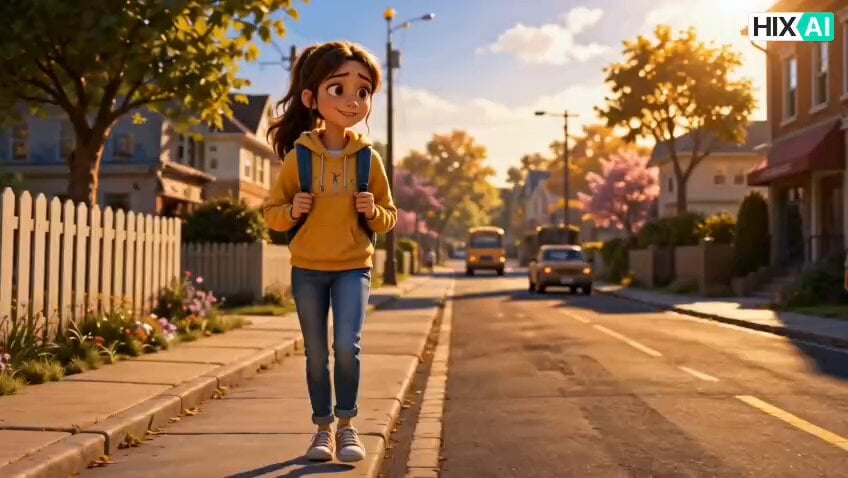
Injured Kitten Rescue Story Video

Elephant and Kitten River Rescue
Skybridge Rescue — Supertall Tower Collapse (Seedance)
Dragon Rescue — Volcanic Kingdom Collapse (Seedance)
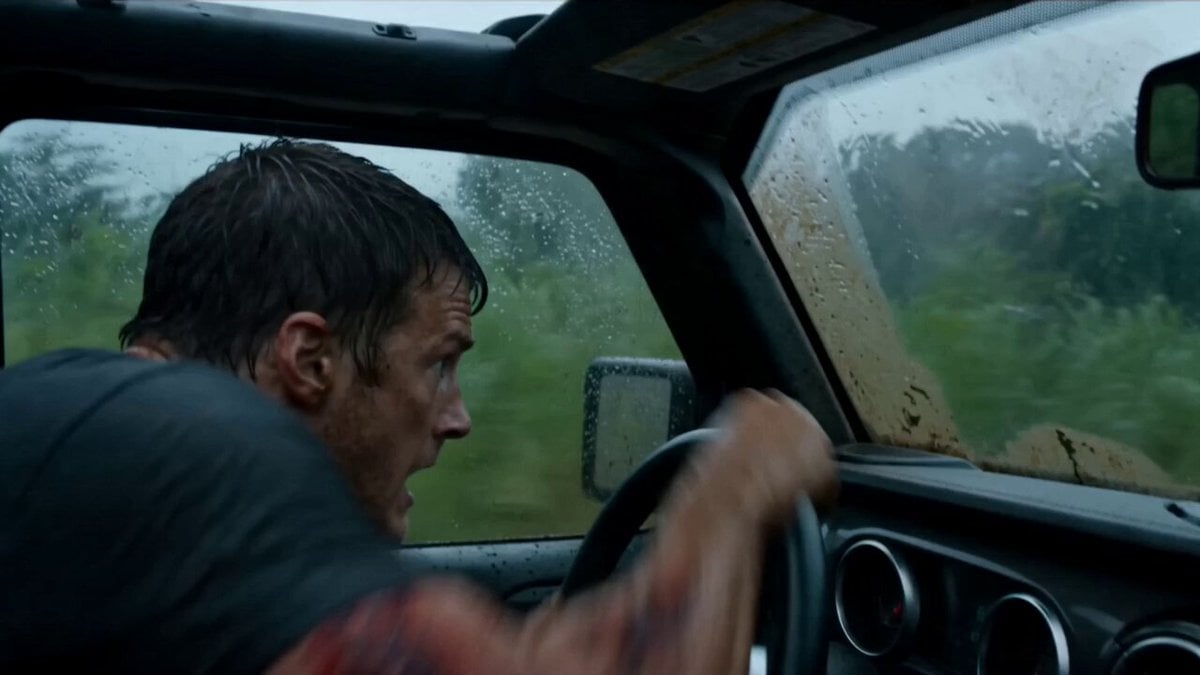
Alligator Mutant Rescue Scene
Make it yours
Kitten Rescue in Residential Alley works as-is. These are the safest ways to change it without losing the look.
Change one field
Copy a single group, rewrite it, and generate again so you can see what that field is doing.
Keep the frame, change the subject
Hold the composition and light of Kitten Rescue in Residential Alley, then swap wardrobe, props or the person for a new take.
| If the result… | Why | Fix |
|---|---|---|
| The result drifts from the preview | Too many fields changed at once. | Reuse Kitten Rescue in Residential Alley as-is first, then change one group — subject, light, or setting. |
| The model over-stylizes the scene | The prose prompt leaves finish and camera underspecified. | Add one camera or lighting sentence and stay on Seedance 2.0. |
More Seedance 2.0 templates
Other prompts made for Seedance 2.0.

Comical Martial Arts Punch Scene

Maglev Train Action Sequence

Martial Arts Fight Sequence

Wuxia Protection and Trust Script

Vintage Korean Arcade MiniDV Vlog

Mercedes 190 SL Luxury Ad

Rainy Night Supernatural Reverse Comedy Video Script

Amazon Civilization Discovery

Futuristic South Asian City Transformation

Cozy Luxury Cafe Commercial
More video prompts
Fresh picks from across the catalog.

Luxury Fashion Store Commercial Ad

Surreal Cinematic Whales Flying Over a City at Sunrise

High-Stakes Bank Heist Action
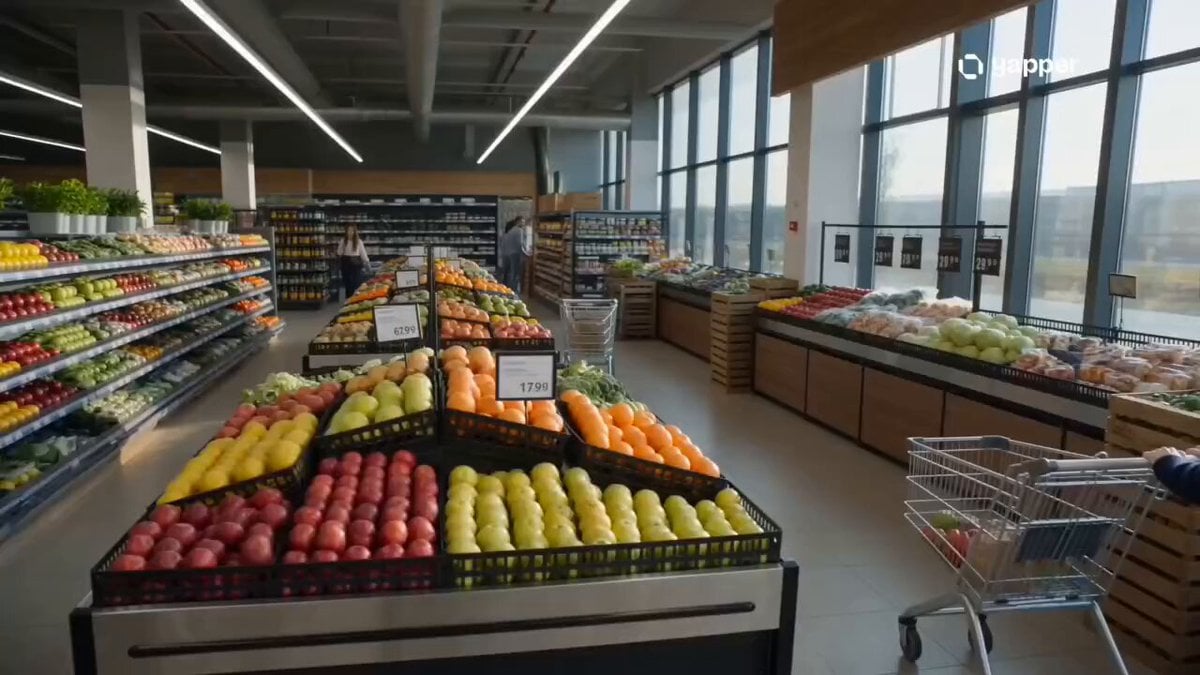
Cinematic Grocery Store Sequence

Fantasy Aquatic Rhinoceros Kingdom
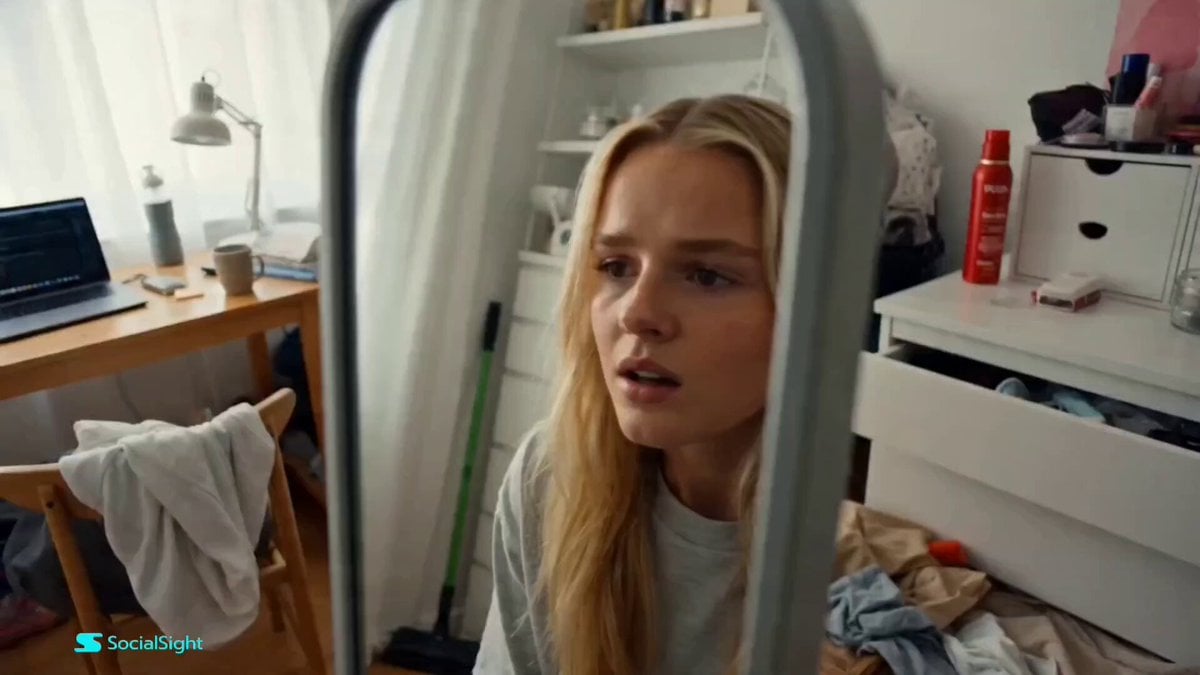
Beat-Synced Fitness Journey Arc

Spinning Sky Cosmic Video

Freestyle Football Performance Animation
Epic Anime Dungeon Raid Battle
Zero-Gravity Prison Fight Scene
Browse template categories
Kitten Rescue in Residential Alley questions
How do I use the Kitten Rescue in Residential Alley template?
Add your photo if the template asks for one, edit the prompt if you like — the template's model and format are already selected — and press Generate. Your version opens in PicX Studio.
Can I customize the Kitten Rescue in Residential Alley template?
Yes. You can change the subject, setting, lighting, mood, format, and available model controls before creating your video.
Is the Kitten Rescue in Residential Alley template free?
Opening and editing this template is free. Generating uses credits, shown on the Generate button when you are signed in.
Which AI model should I use?
Start with Seedance 2.0, which is the model associated with this template. You can compare another compatible model for a different finish.
Looking for something else? Browse all templates.

Your photo, any look
Thousands of ready templates for every top image and video model, from one credit balance.