How do I use the Zero-Gravity Prison Fight Scene template?
Edit the prompt in the box under the preview — the template's model and format are already selected — and press Generate. Your version appears right on this page.
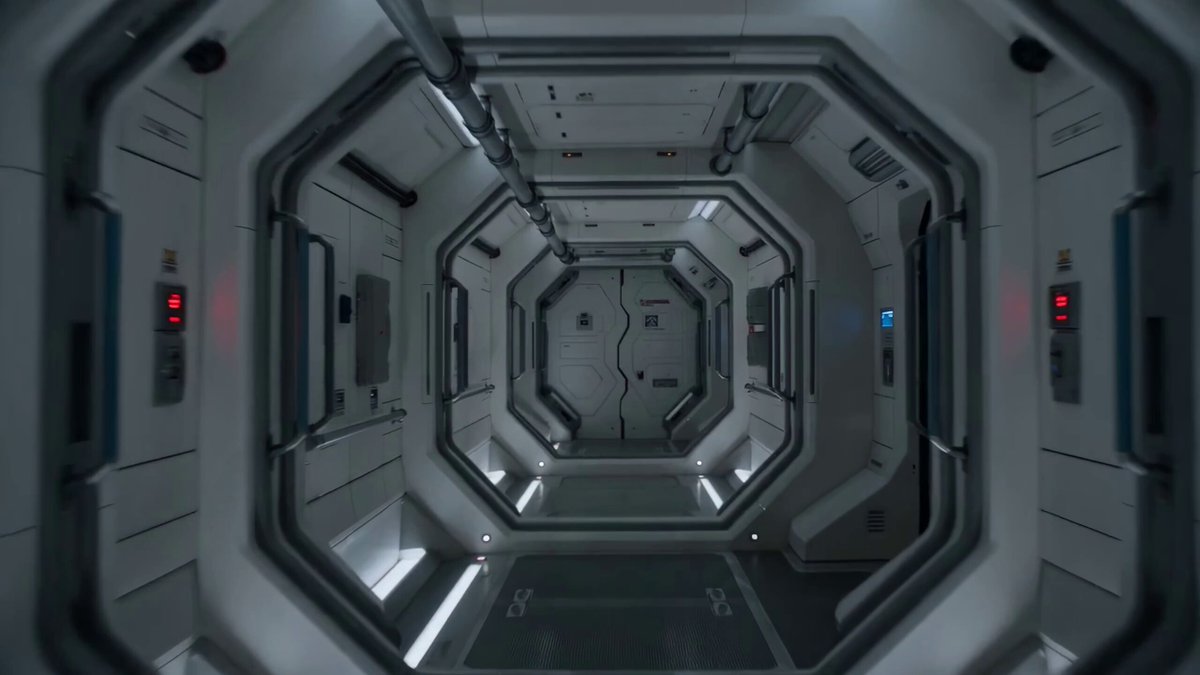
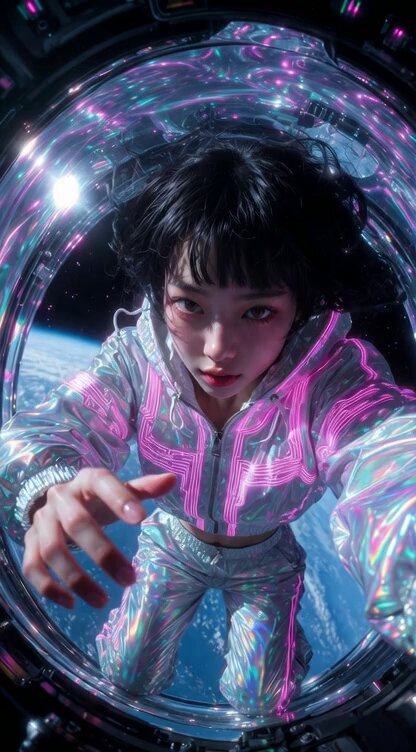
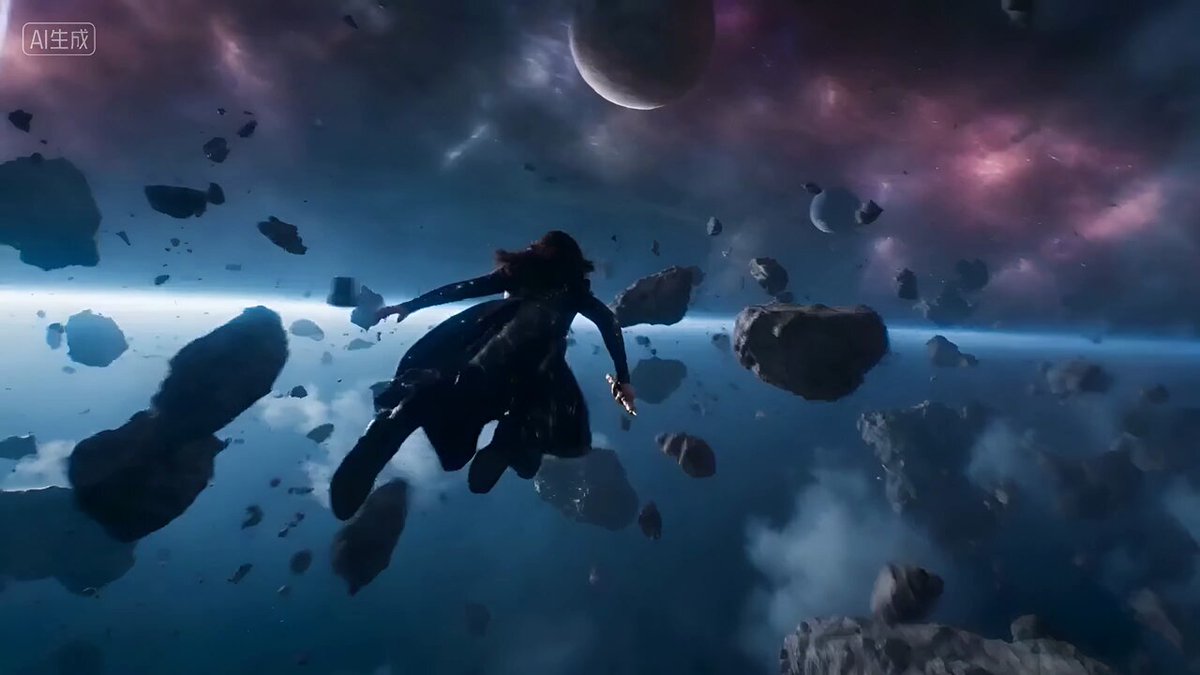
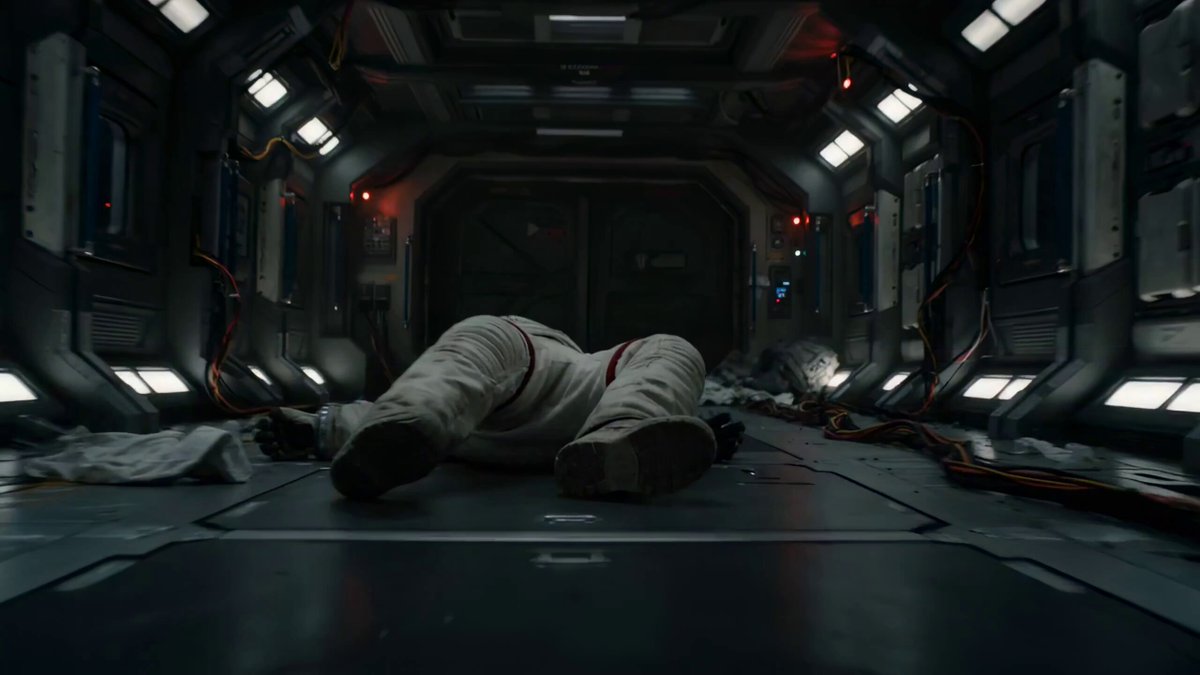
A cinematic prompt for generating a 15-second action sequence inside a rotating zero-gravity prison block featuring shifting gravity and intense cybernetic combat.
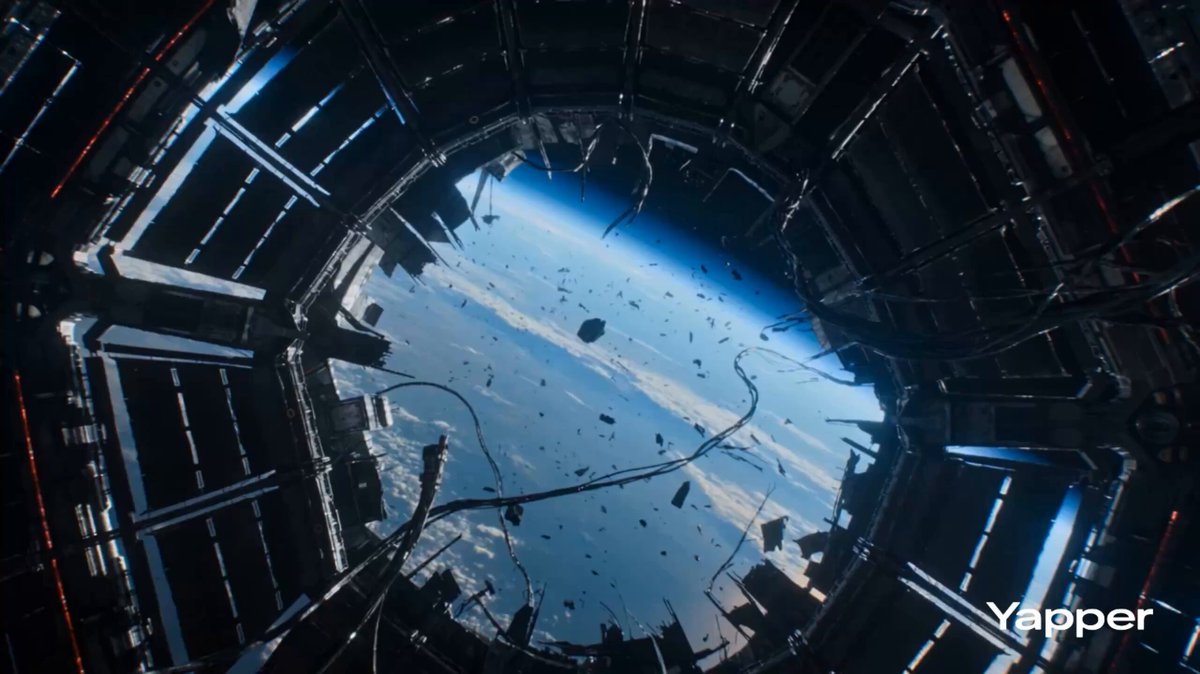
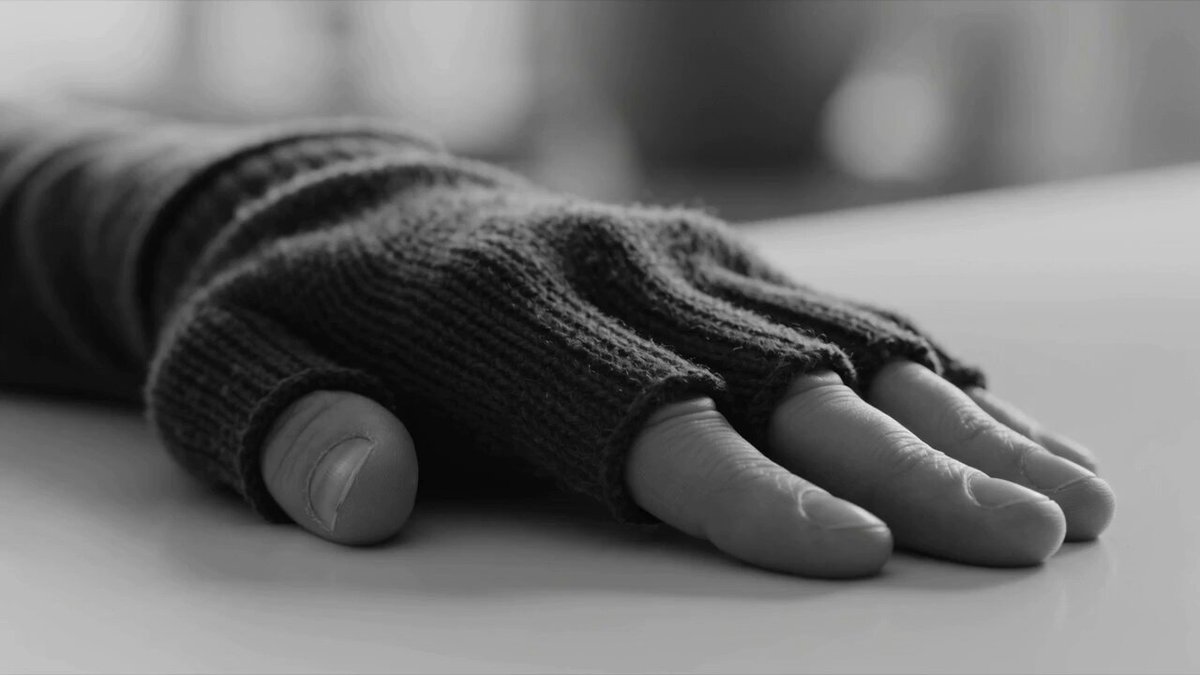
15-second cinematic action sequence inside a rotating zero-gravity prison block orbiting a dystopian planet, flickering emergency lights, shattered debris drifting through spinning corridors. 0.0–3.0s: Camera tumbles weightlessly through a damaged prison corridor as a bald cybernetic man launches himself off walls using magnetic gloves. 3.0–6.0s: Riot-control soldiers enter through an exploding bulkhead with illuminated riot shields and compact pulse weapons. Gravity flickers violently. 6.0–9.0s: Mid-air fight erupts in zero gravity, bodies spinning through floating debris while muzzle flashes illuminate the dark corridor. 9.0–12.0s: Combat intensifies through rotating prison modules as gravity repeatedly shifts direction, throwing debris and fighters across the environment. 12.0–15.0s: Pull-back reveals the entire prison ring rotating slowly above the planet while explosions spread across multiple sections.
15-second cinematic action sequence inside a rotating zero-gravity prison block orbiting a dystopian planet, flickering emergency lights, shattered debris drifting through spinning corridors. 0.0–3.0s: Camera tumbles weightlessly through a damaged prison corridor as a bald cybernetic man launches himself off walls using magnetic gloves. 3.0–6.0s: Riot-control soldiers enter through an exploding bulkhead with illuminated riot shields and compact pulse weapons. Gravity flickers violently. 6.0–9.0s: Mid-air fight erupts in zero gravity, bodies spinning through floating debris while muzzle flashes illuminate the dark corridor. 9.0–12.0s: Combat intensifies through rotating prison modules as gravity repeatedly shifts direction, throwing debris and fighters across the environment. 12.0–15.0s: Pull-back reveals the entire prison ring rotating slowly above the planet while explosions spread across multiple sections.
Edit the prompt in the box under the preview — the template's model and format are already selected — and press Generate. Your version appears right on this page.
Yes. You can change the subject, setting, lighting, mood, format, and available model controls before creating your video.
Opening and editing this template is free. Generating uses credits, shown on the Generate button when you are signed in.
Start with Seedance 2.0, which is the model associated with this template. You can compare another compatible model for a different finish.
Follow a topic to a crawlable collection of related PicX Studio templates.