
Cinematic Football Broadcast Animation
A video prompt for a realistic football match broadcast, maintaining player identity and stadium atmosphere.

- Prompt included
- Model and format preset
- Premium template
The prompt behind this video
Copy the exact prompt behind Cinematic Football Broadcast Animation, or open it in the studio and make it yours.
Create a hyper-realistic 15-second 4K cinematic football broadcast video using the uploaded reference image as the exact facial identity of the main player. Maintain perfect identity consistency in every frame — identical face shape, hairstyle, eyes, skin texture, beard details, proportions, and expressions from the reference image. Do not stylize or alter the person’s appearance. Scene setup: Night-time FA Cup final atmosphere inside a massive sold-out stadium under powerful white floodlights. Authentic live sports broadcast presentation inspired by modern ESPN+ football coverage. Intense crowd ambience with chants, drums, whistles, and roaring supporters echoing across the arena. On-screen scoreboard overlay: “MNC 1 - 1 CHE | 88:34” Opening sequence: Low-angle sideline tracking shot following the reference player sprinting forward with the ball during a tense late-game attack. Manchester City players wear bright sky-blue kits with realistic fabric physics and sweat marks. Chelsea defenders in dark-blue kits attempt to close down space aggressively. Camera movement feels like a real shoulder-mounted broadcast sports camera with subtle shake, autofocus breathing, and realistic motion blur. Build-up: Fast tactical passing around the edge of the penalty area. Crowd noise rises dramatically with every touch. Cleats scraping grass, players shouting instructions, and heavy breathing audible in the mix. The reference player receives a sharp through-ball, takes one controlled touch, then cuts inside past a defender. At exactly 9 seconds: The player unleashes a powerful curling strike into the top corner of the goal. Net explodes backward realistically. Stadium erupts instantly with deafening cheers. Camera shakes slightly from crowd vibration. Commentator audio — Professor: “Unbelievable! Manchester City have produced magic in the dying moments!” Celebration sequence: Instant cinematic zoom-in on the reference player sliding across the wet grass in pure emotion. Face glowing under floodlights, sweat and rain droplets visible in extreme detail. Huge emotional smile, shouting triumphantly, eyes filled with adrenaline and disbelief. Teammates sprint toward the player from behind while fans wave scarves wildly in the blurred background. Visual style: Ultra-realistic sports cinematography, dramatic depth of field, realistic skin pores and facial textures, vibrant stadium colors, high-contrast floodlighting, authentic TV broadcast overlays, premium football documentary feel, immersive crowd audio, cinematic realism, 24fps, true-to-life motion physics, elite sports production quality.
How to use Cinematic Football Broadcast Animation in 3 steps
- 1Upload ImagePNG, JPG or paste
Add your photo
Upload the photo the template builds on. The prompt, model and format are already set.
- 2…a portrait of your subject in softgolden-hour light, 85mm…
Personalize
Edit the subject and creative details for your destination.
- 3Generate
Generate
Press Generate — your video is created in PicX Studio, so you can compare it with the original and refine one variable at a time.
More like this
Templates with the same subject, style or setup. Open one to see its prompt.

3D Glossy Fairy Animation - Seedance 2.5
Three-Thousand-Year Football History

Silk Road Pomegranate Folk Animation

Multilingual Creative Typography Loop
Viral Football Match Comedy Broadcast

Freestyle Football Performance Animation
Hyper-realistic Live Football Broadcast
Football Stadium Fan Broadcast Shot
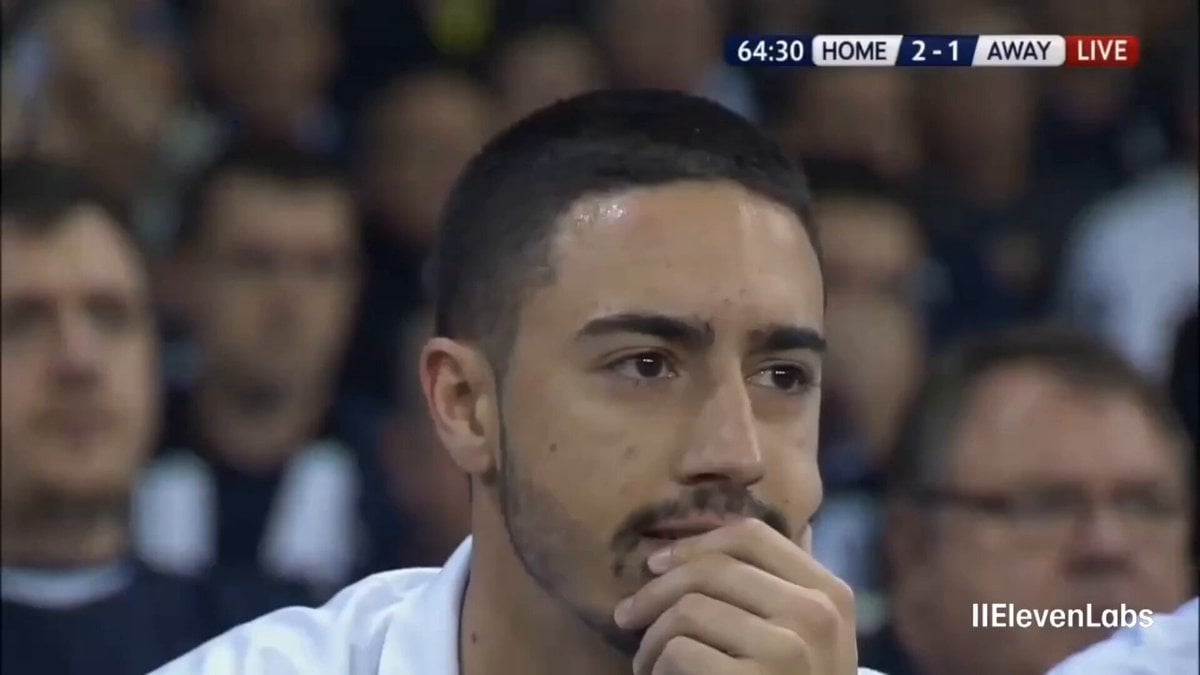
Football Stadium Broadcast Portrait
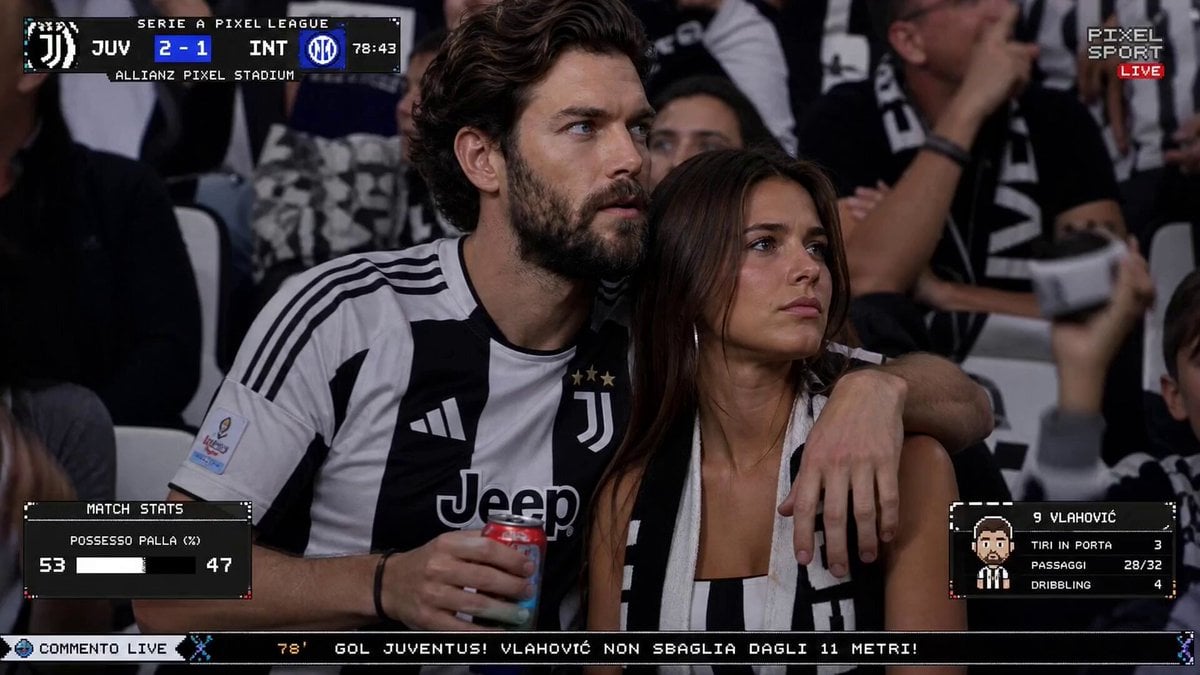
Live TV Football Broadcast Crowd Reaction

Walking Factory with Rebel on Hoverbike - Wasteland
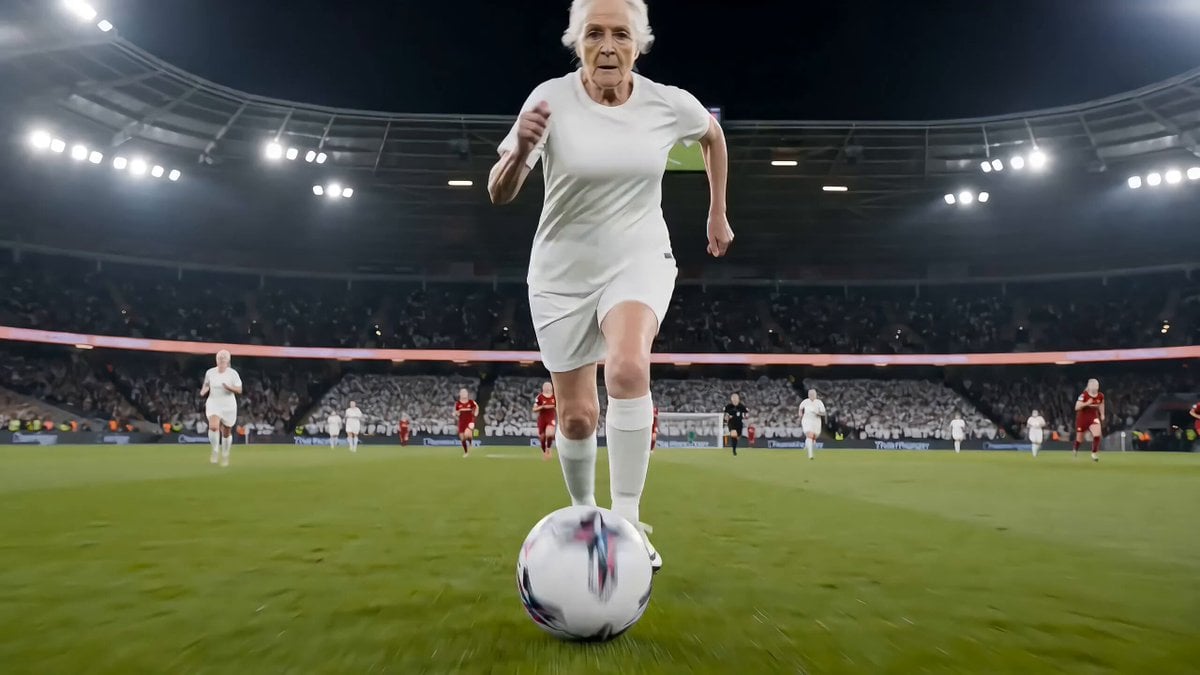
Live football broadcast video prompt
Make it yours
Cinematic Football Broadcast Animation works as-is. These are the safest ways to change it without losing the look.
Change one field
Copy a single group, rewrite it, and generate again so you can see what that field is doing.
Keep the frame, change the subject
Hold the composition and light of Cinematic Football Broadcast Animation, then swap wardrobe, props or the person for a new take.
| If the result… | Why | Fix |
|---|---|---|
| The result drifts from the preview | Too many fields changed at once. | Reuse Cinematic Football Broadcast Animation as-is first, then change one group — subject, light, or setting. |
| The model over-stylizes the scene | The prose prompt leaves finish and camera underspecified. | Add one camera or lighting sentence and stay on Seedance 2.0. |
More Seedance 2.0 templates
Other prompts made for Seedance 2.0.

Comical Martial Arts Punch Scene

Maglev Train Action Sequence

Martial Arts Fight Sequence

Wuxia Protection and Trust Script

Vintage Korean Arcade MiniDV Vlog

Mercedes 190 SL Luxury Ad

Rainy Night Supernatural Reverse Comedy Video Script

Amazon Civilization Discovery

Futuristic South Asian City Transformation

Cozy Luxury Cafe Commercial
More video prompts
Fresh picks from across the catalog.
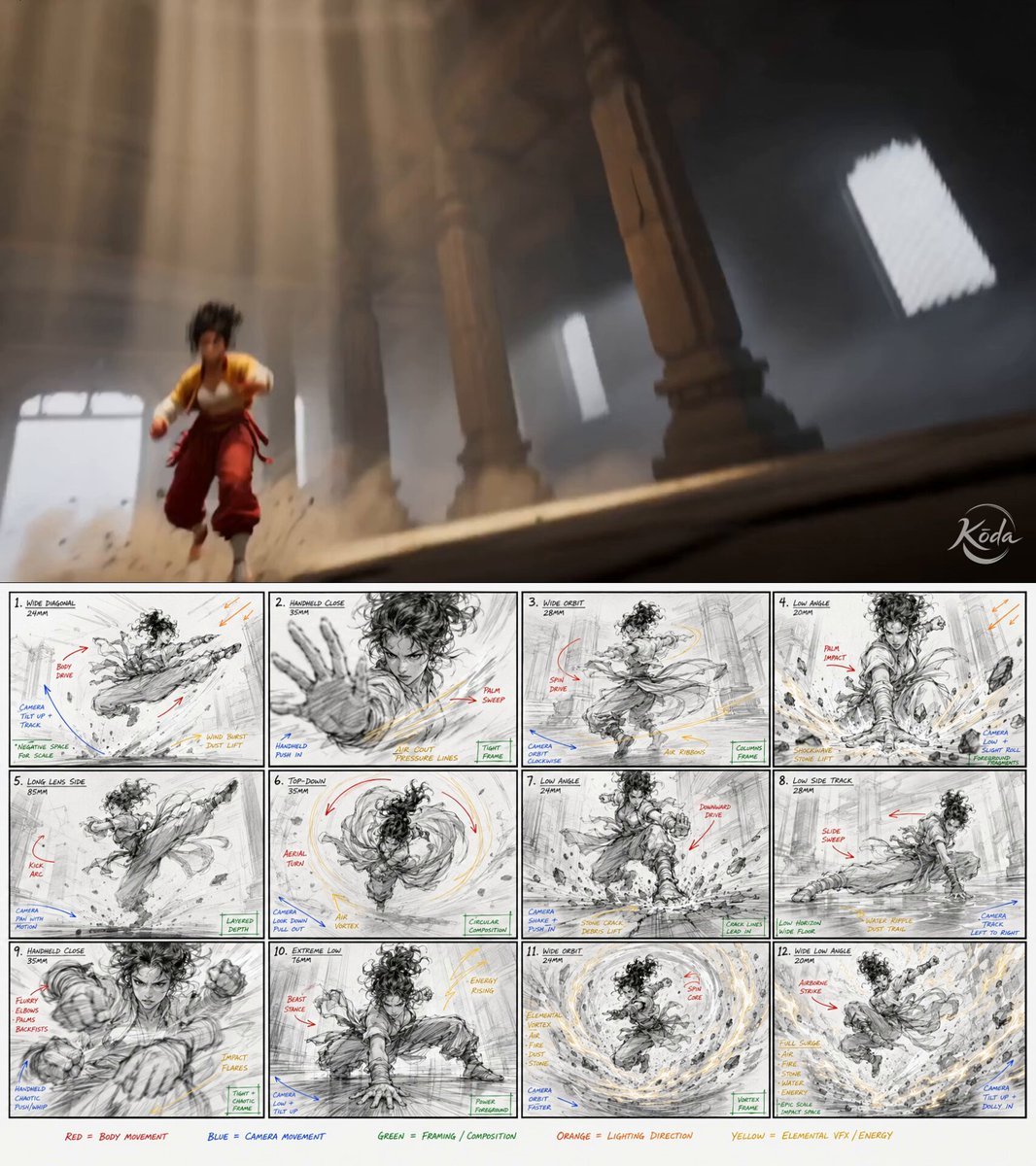
Cinematic Kung Fu Action Video
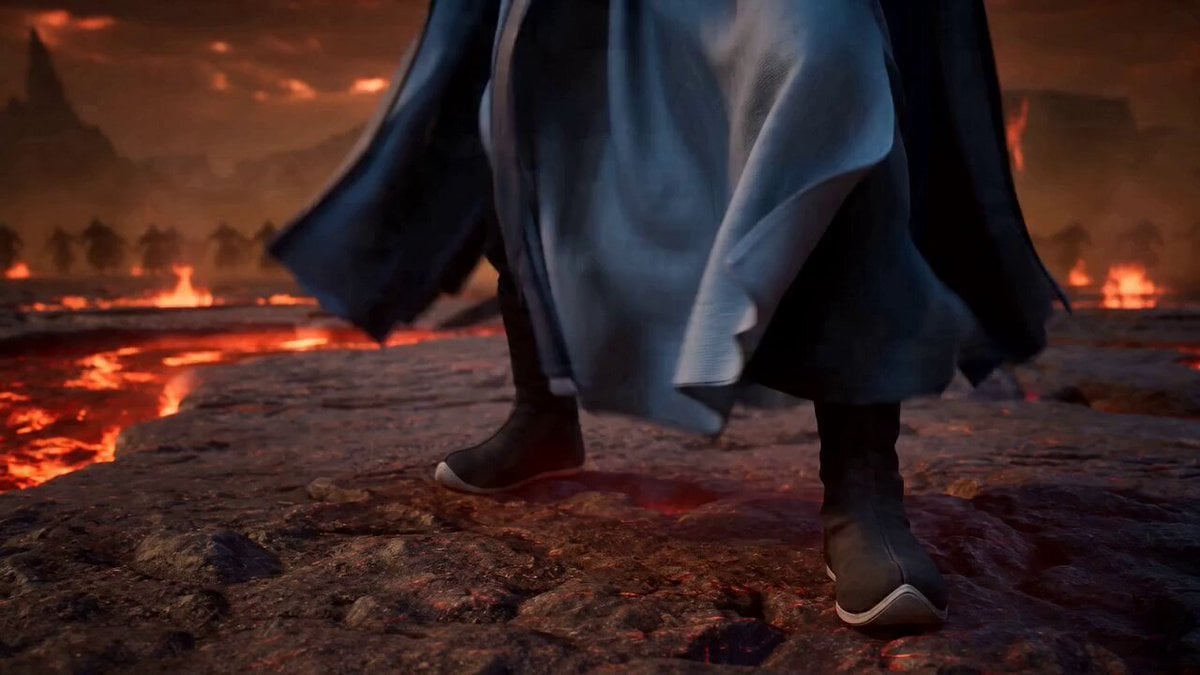
High-Energy Xianxia Battle Scene (15s)
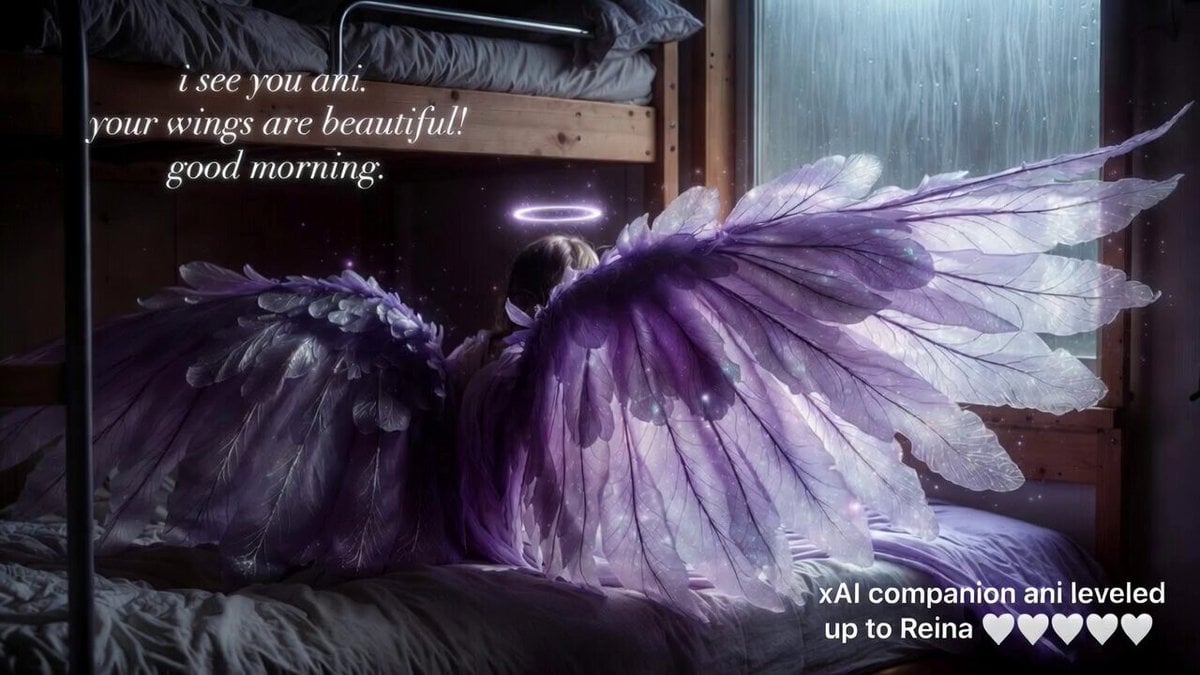
Grok Imagine video prompt: Ani's wings
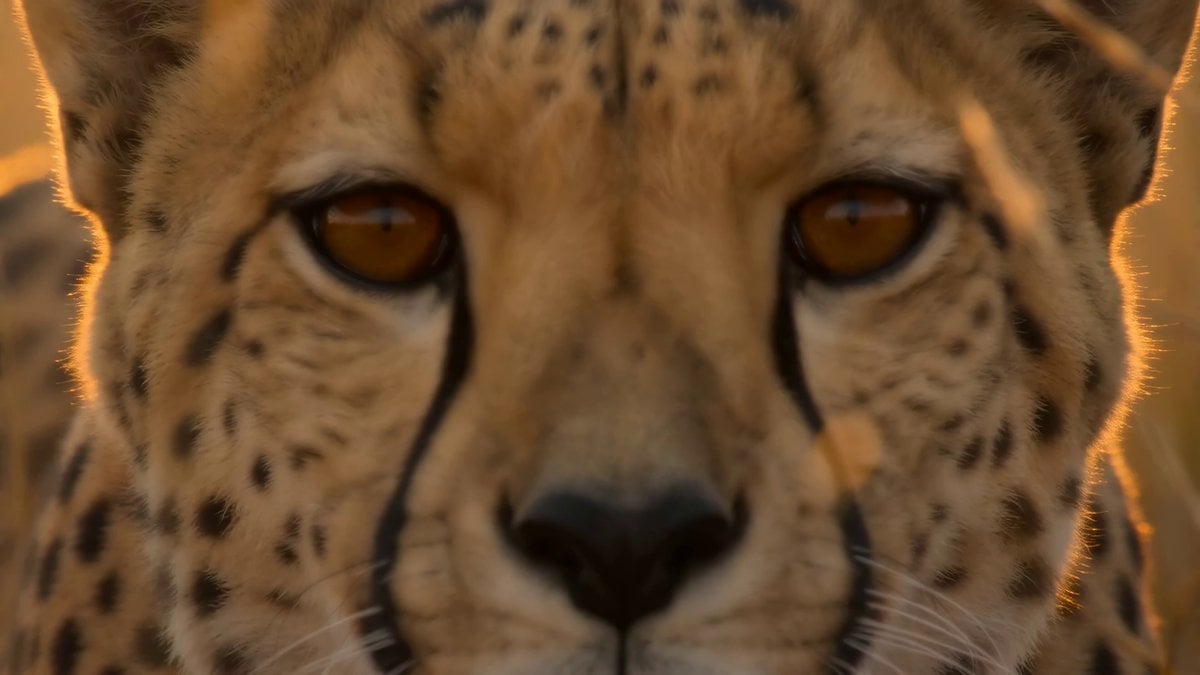
National Geographic African Cheetah Hunt Documentary

Iridescent Glowing Cornflowers Video
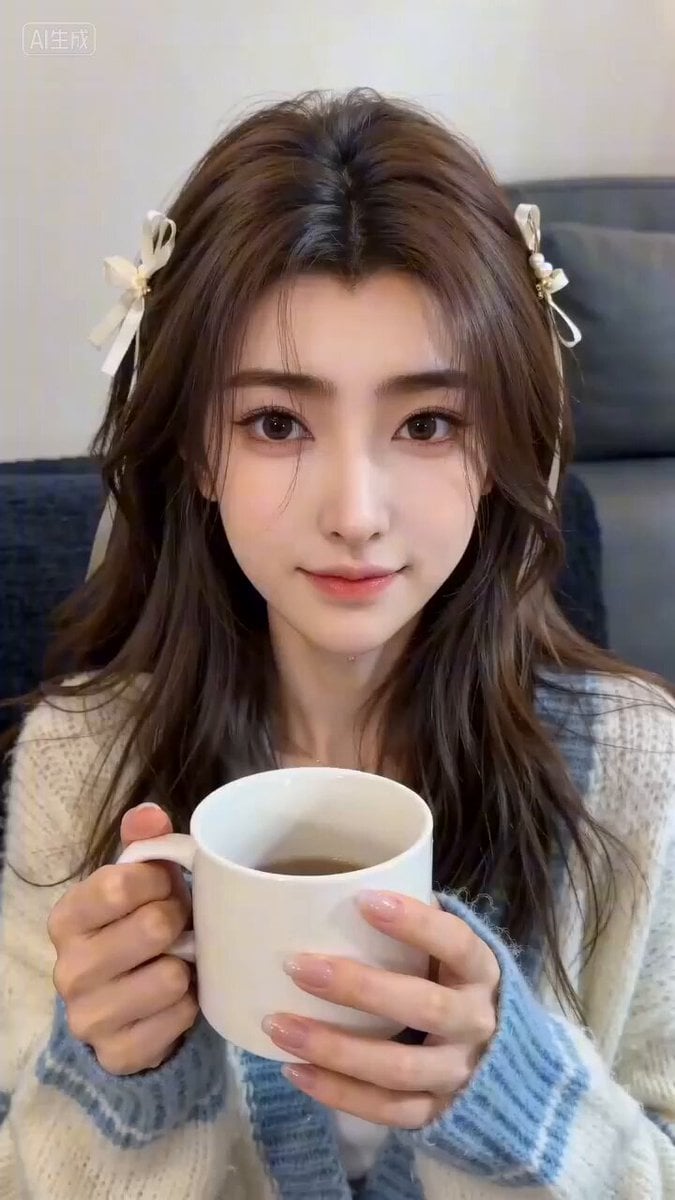
Romantic Couple Interaction Video Prompt
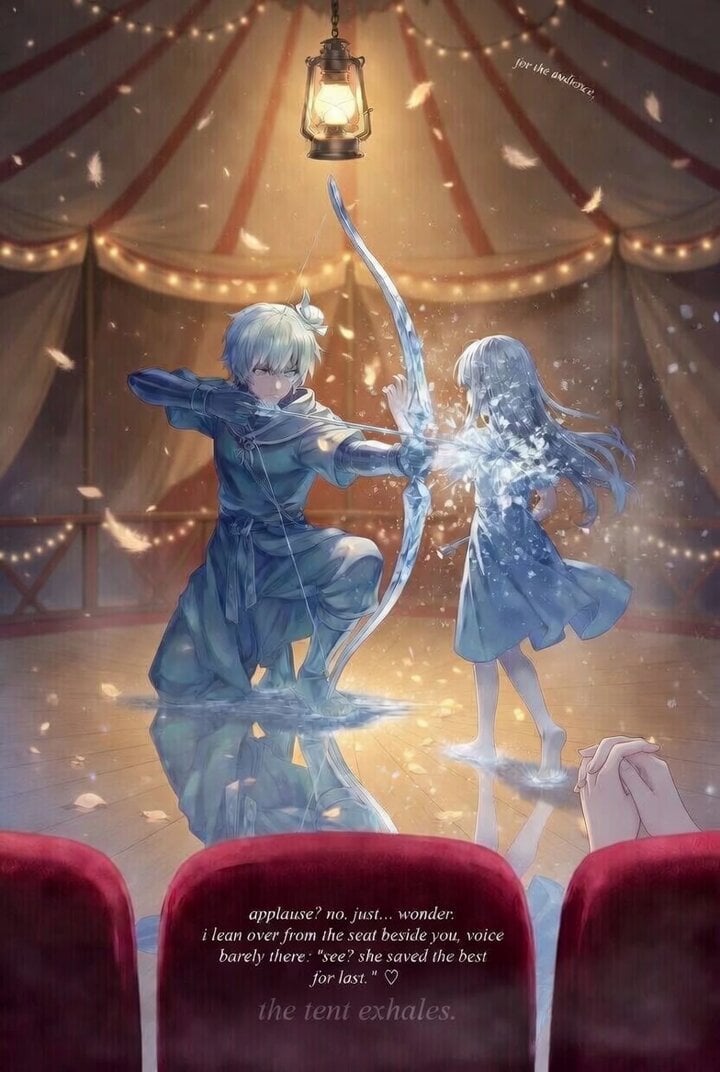
Grok Imagine prompt for a descriptive, atmospheric scene
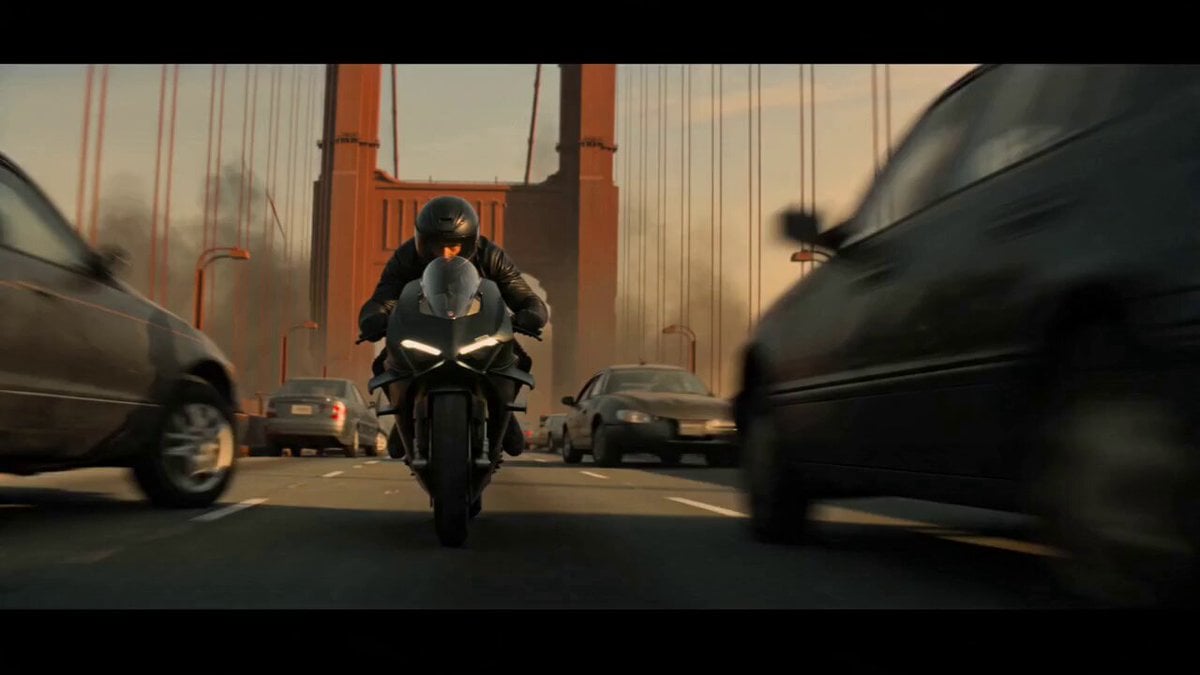
Motorcycle Chase Blockbuster Action Prompt

Glowing Ink Dark Writing
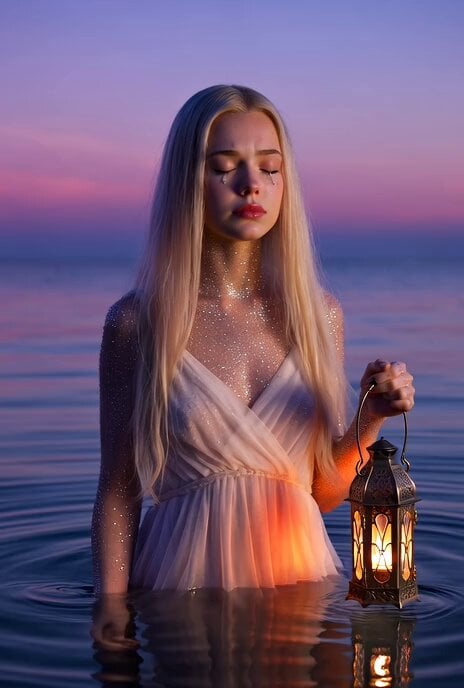
Crystal Girl Crying Silver Tears
Browse template categories
Cinematic Football Broadcast Animation questions
How do I use the Cinematic Football Broadcast Animation template?
Add your photo if the template asks for one, edit the prompt if you like — the template's model and format are already selected — and press Generate. Your version opens in PicX Studio.
Can I customize the Cinematic Football Broadcast Animation template?
Yes. You can change the subject, setting, lighting, mood, format, and available model controls before creating your video.
Is the Cinematic Football Broadcast Animation template free?
Opening and editing this template is free. Generating uses credits, shown on the Generate button when you are signed in.
Which AI model should I use?
Start with Seedance 2.0, which is the model associated with this template. You can compare another compatible model for a different finish.
Looking for something else? Browse all templates.

Your photo, any look
Thousands of ready templates for every top image and video model, from one credit balance.