
Art Deco Futuristic Royal Scene Video Prompt
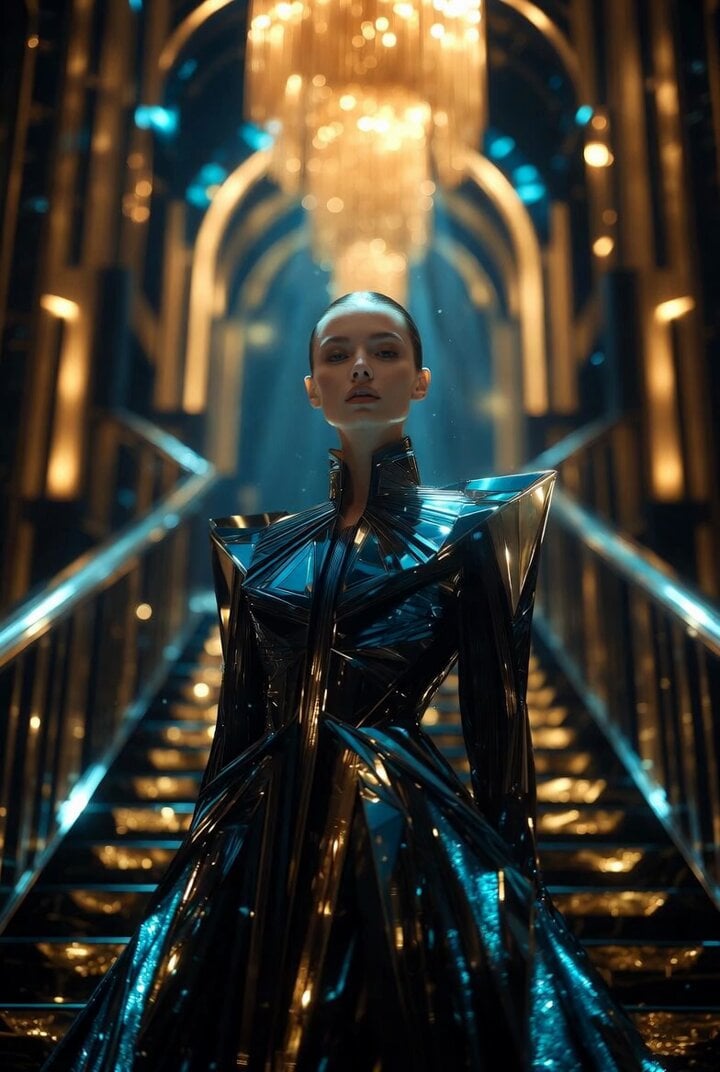
An extremely detailed, long-form prompt for Grok Imagine describing an Art Deco futuristic royal scene, focusing on a European woman in a sapphire couture gown on a grand staircase, specifying composition, lighting…
- Prompt included
- Model and format preset
- Premium template
The prompt behind this video
Copy the exact prompt behind Art Deco Futuristic Royal Scene Video Prompt, or open it in the studio and make it yours.
Art Deco futuristic royal scene, cinematic medium close up composition, elegant european woman standing on a grand staircase of polished obsidian and gold, framed from knees up, slightly low angle to enhance her presence and authority, her face in crystal clear sharp focus, ultra detailed skin texture, defined cheekbones, soft reflective highlights on her eyes, calm and powerful expression, shallow depth of field subtly separating her from the monumental background she wears a breathtaking deep sapphire couture gown, highly detailed geometric construction now clearly visible, sharp angular patterns layered with metallic thread, structured architectural silhouette hugging her form, reflective surfaces catching both warm gold and cool blue light, fine stitching and micro textures visible across the fabric, subtle crystalline accents embedded within the design, long elegant lines emphasizing height and grace the staircase beneath her is crafted from mirror like black obsidian with gold inlays, steps reflecting her lower silhouette in soft, controlled blur, chrome railings on either side catching light with crisp highlights, adding depth without distraction behind her, the Art Deco environment rises in a softly defocused grandeur, towering arches with glowing linear accents, symmetrical composition guiding the eye upward, massive golden chandeliers above rendered with slight bokeh glow, their light cascading down in warm tones, while cool sapphire blue highlights trace architectural edges a radiant sunburst ceiling expands above, partially visible, its geometric rays softened by depth of field but still recognizable, reinforcing the Art Deco aesthetic without overpowering the subject lighting is cinematically balanced a key light softly illuminating her face from above and slightly forward, creating gentle shadows and dimensionality, warm golden ambient light blending with cool blue reflections across her gown, subtle volumetric haze making light beams faintly visible in the background tiny floating dust particles shimmer in the air, adding realism and atmosphere, reflections shifting across chrome, gold, and obsidian surfaces, enhancing the sense of luxury and scale the mood is powerful, refined, and futuristic aristocracy, a poised moment before movement, where elegance meets architectural dominance, captured like a high fashion IMAX film still textures hyper defined obsidian glass, polished gold, chrome, silk, metallic thread, crystal, skin all rendered in extreme detail masterpiece, ultra photorealistic, hyper detailed, 85mm lens, f/1.8, shallow depth of field, cinematic lighting, sharp focus on subject, soft background blur, IMAX composition, high fashion editorial meets futuristic Art Deco royalty.
How to use Art Deco Futuristic Royal Scene Video Prompt in 3 steps
- 1
Open
The prompt is already in the box next to the preview, with the template's model and format selected.
- 2…a portrait of your subject in softgolden-hour light, 85mm…
Personalize
Edit the subject and creative details for your destination.
- 3Generate
Generate
Press Generate — your video is created in PicX Studio, so you can compare it with the original and refine one variable at a time.
More like this
Templates with the same subject, style or setup. Open one to see its prompt.
Futuristic Neon Metropolis Sky
Futuristic Robot Competition Showcase
Epic Art Deco imperial railway station interior video
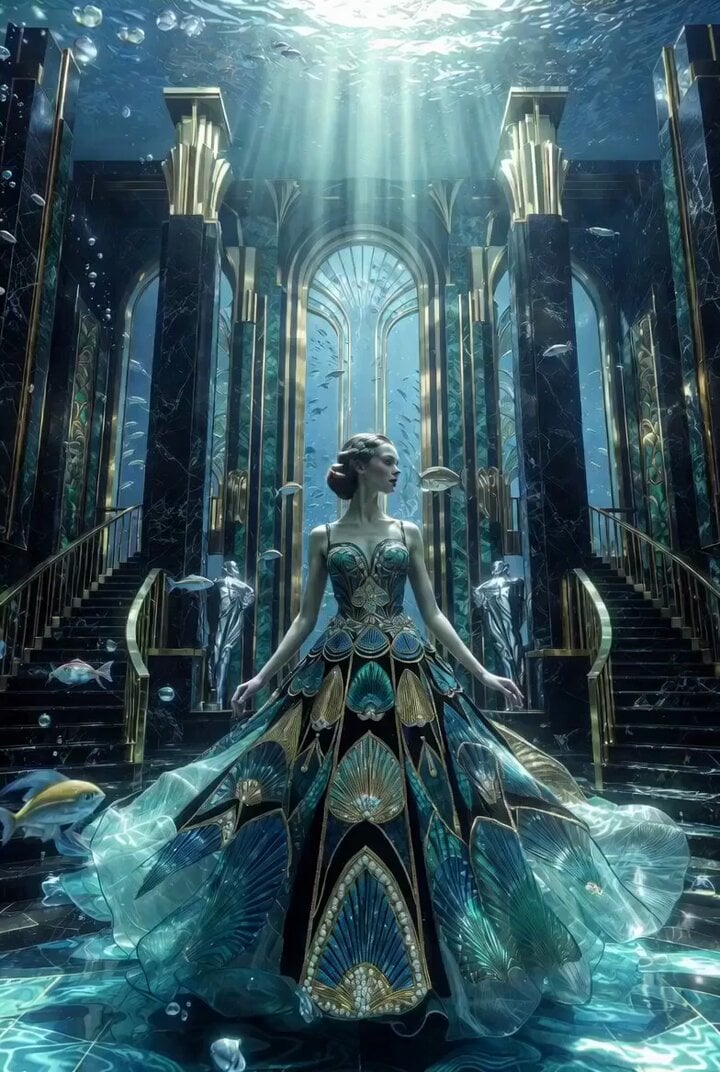
Continuous 30-second Art Deco underwater temple video
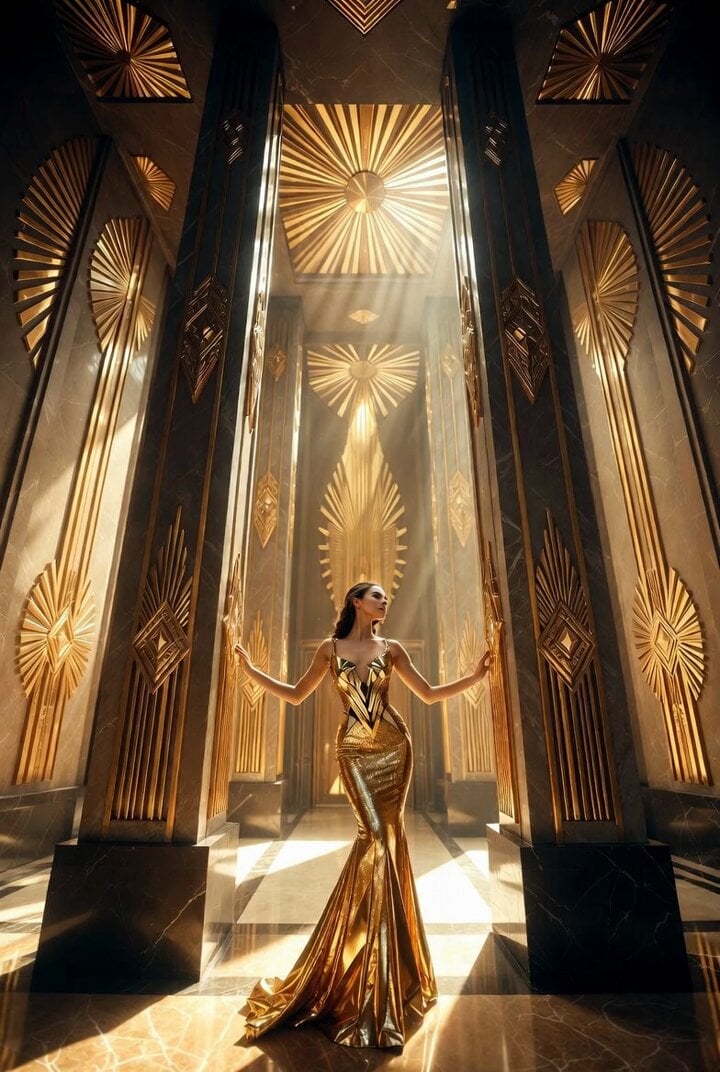
Detailed Grok Imagine prompt for Art Deco golden temple interior video
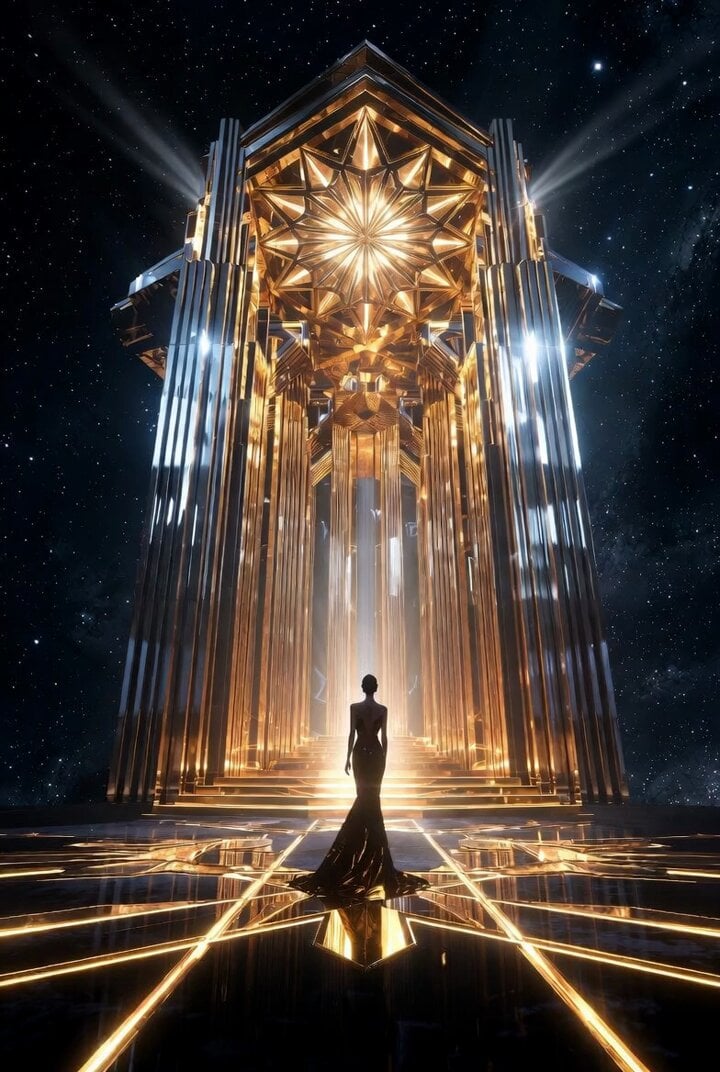
Detailed Grok Imagine prompt for Art Deco cosmic temple video
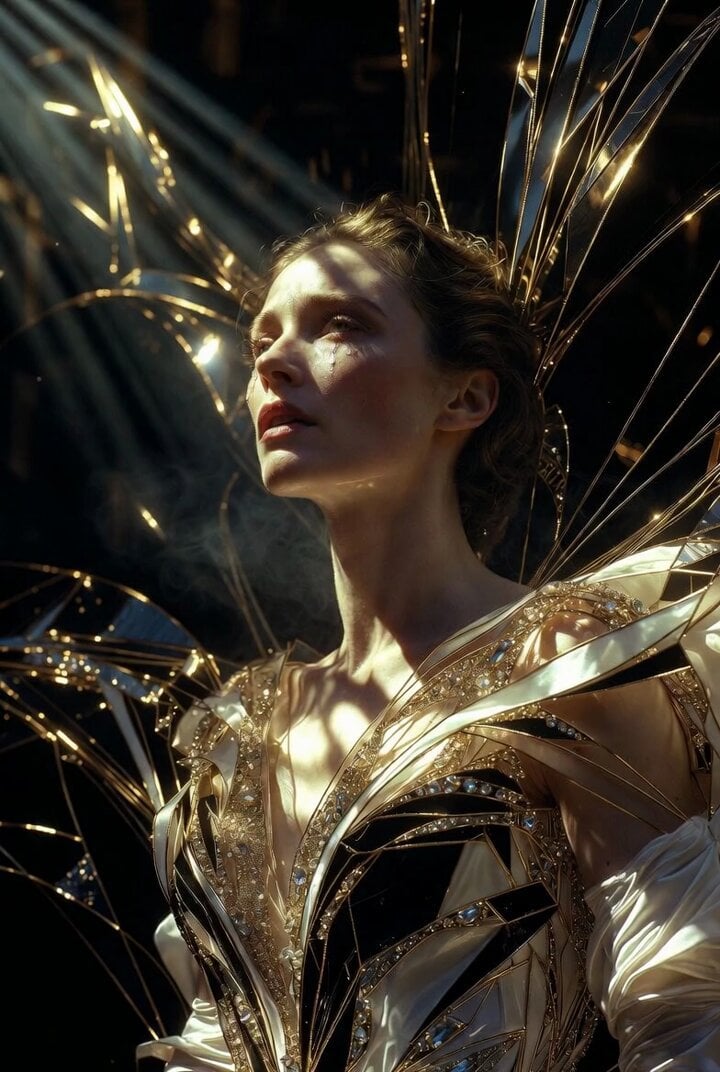
Grok Imagine Prompt: Ultra Luxurious Art Deco Imperial Opera Scene
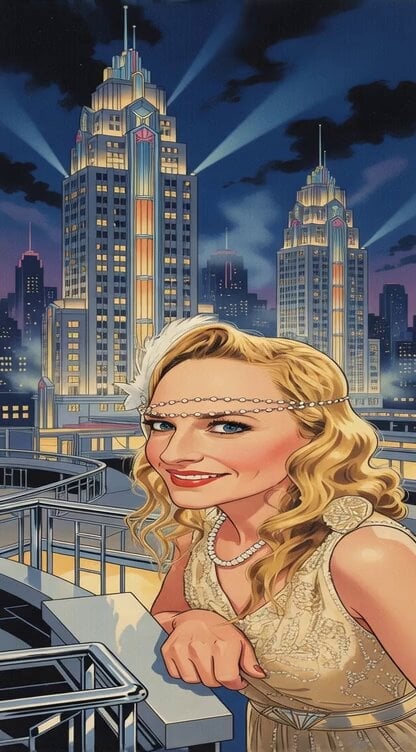
Transform image into Art Deco metropolis scene
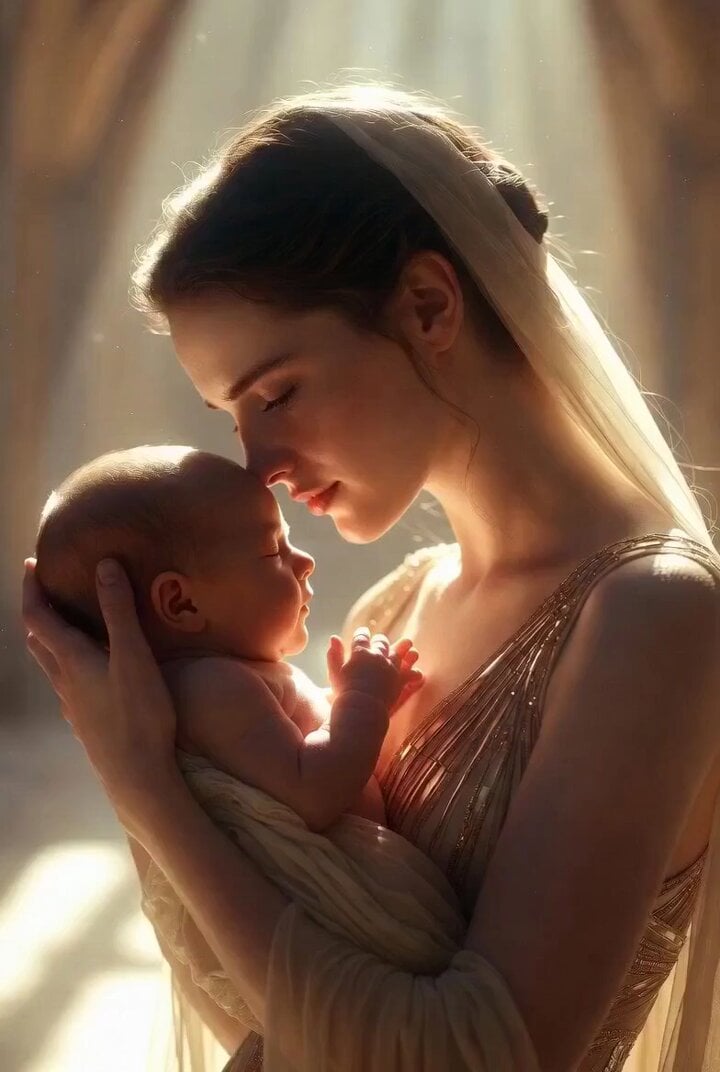
Ultra Emotional Art Deco Maternal Masterpiece
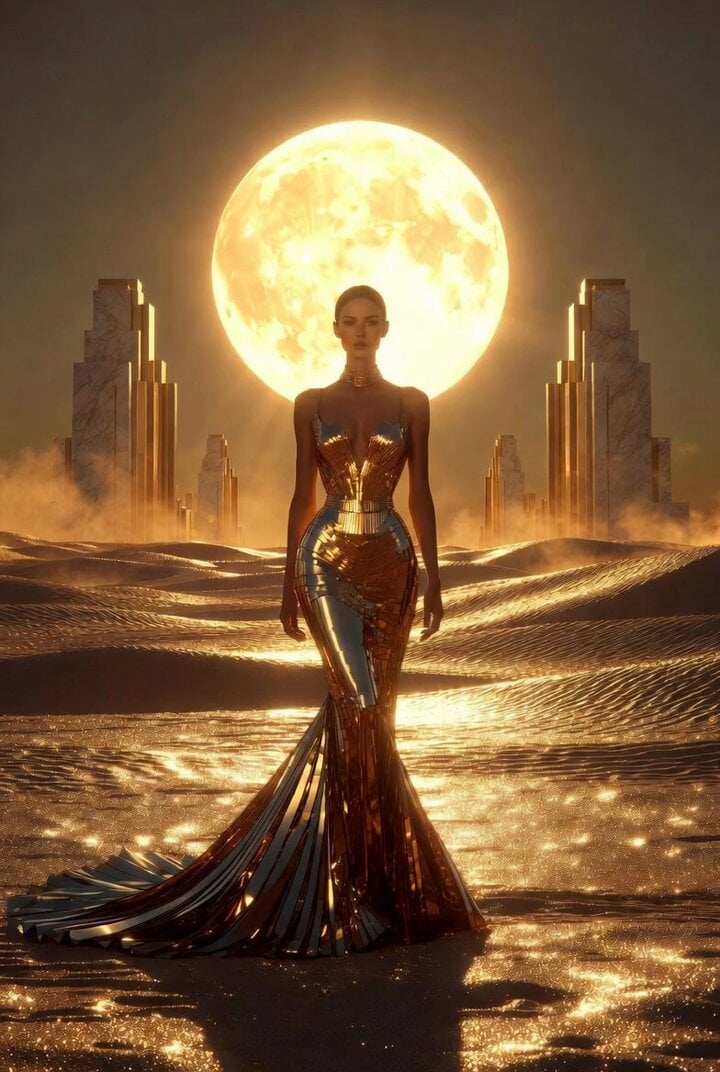
Art Deco desert goddess scene video prompt
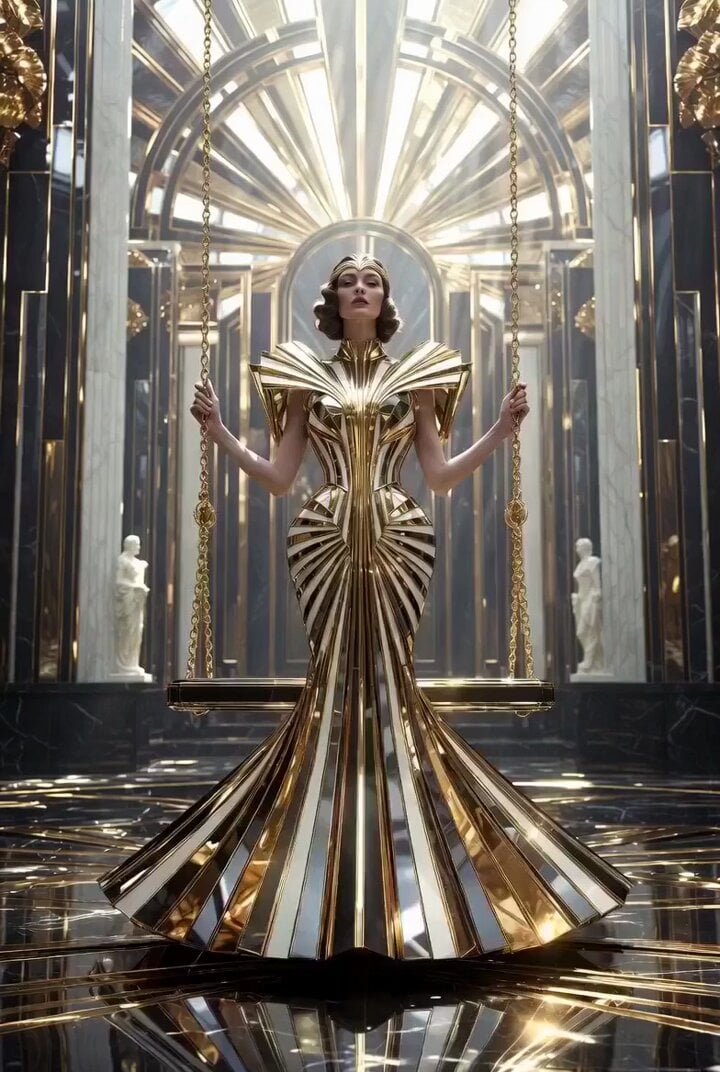
Ultra Luxurious Art Deco Dream Garden Swing (30s Video)
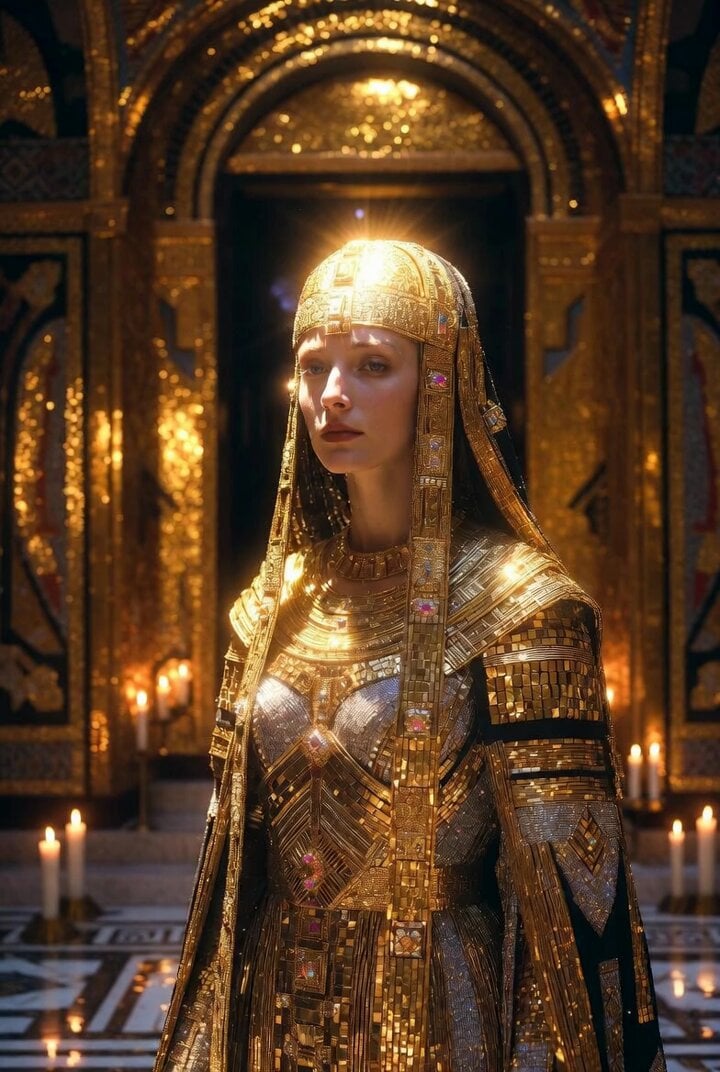
Byzantine Art Deco Fusion Empress
Make it yours
Art Deco Futuristic Royal Scene Video Prompt works as-is. These are the safest ways to change it without losing the look.
Change one field
Copy a single group, rewrite it, and generate again so you can see what that field is doing.
Keep the frame, change the subject
Hold the composition and light of Art Deco Futuristic Royal Scene Video Prompt, then swap wardrobe, props or the person for a new take.
| If the result… | Why | Fix |
|---|---|---|
| The result drifts from the preview | Too many fields changed at once. | Reuse Art Deco Futuristic Royal Scene Video Prompt as-is first, then change one group — subject, light, or setting. |
| The model over-stylizes the scene | The prose prompt leaves finish and camera underspecified. | Add one camera or lighting sentence and stay on Grok Imagine. |
More Grok Imagine templates
Other prompts made for Grok Imagine.

Kaleidoscopic Cosmic Dolphin Video

Horror Daffy Duck Video Transition

America 250th Anniversary Celebration

Glowing Water Forest Night Prompt

Soft Pink Roses Dreamer Prompt

Ninja Wizard Levitation Jump

Coffee Cup Interaction Motion

Voice Controlled Water Animation

Pterodactyl Transformation Journey

Candle Mandala Mirror Video
More video prompts
Fresh picks from across the catalog.
Character Animation Fashion Vlog

High-Speed Magic Battle Animation

Sinking of the Battleship Yamato
Live-Action Scenery Switching Prompt (Lat/Long)
Luxury Tropical Beverage Ad Script
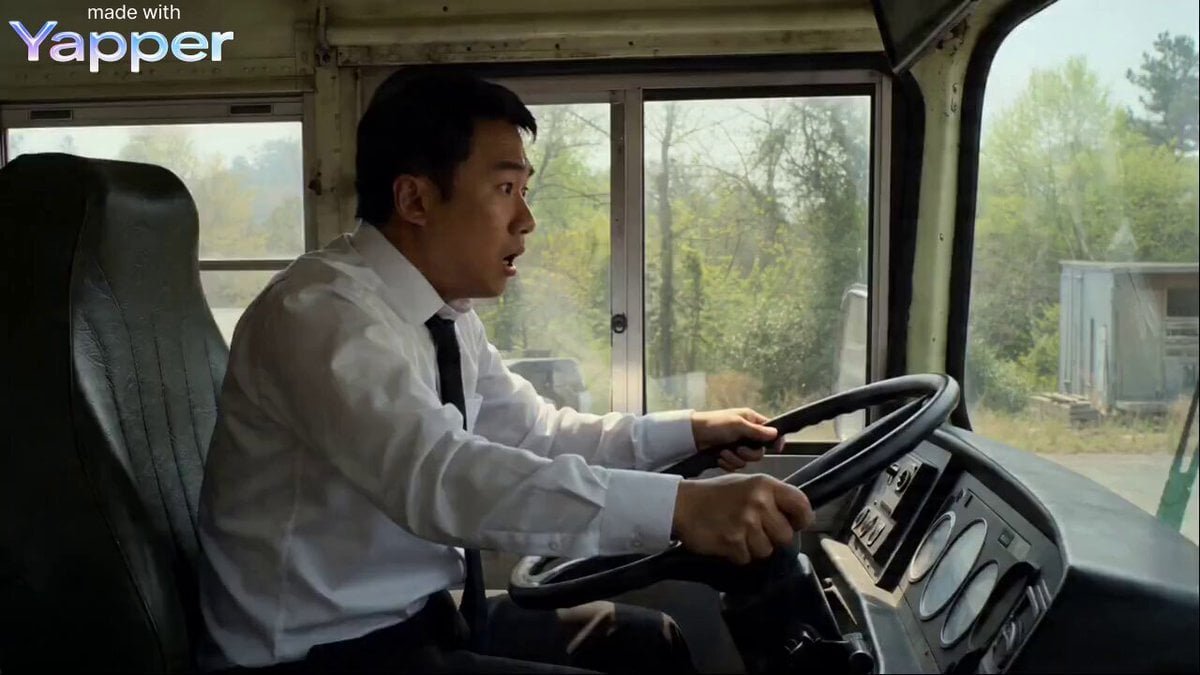
Bus Disassembly and Reorganization
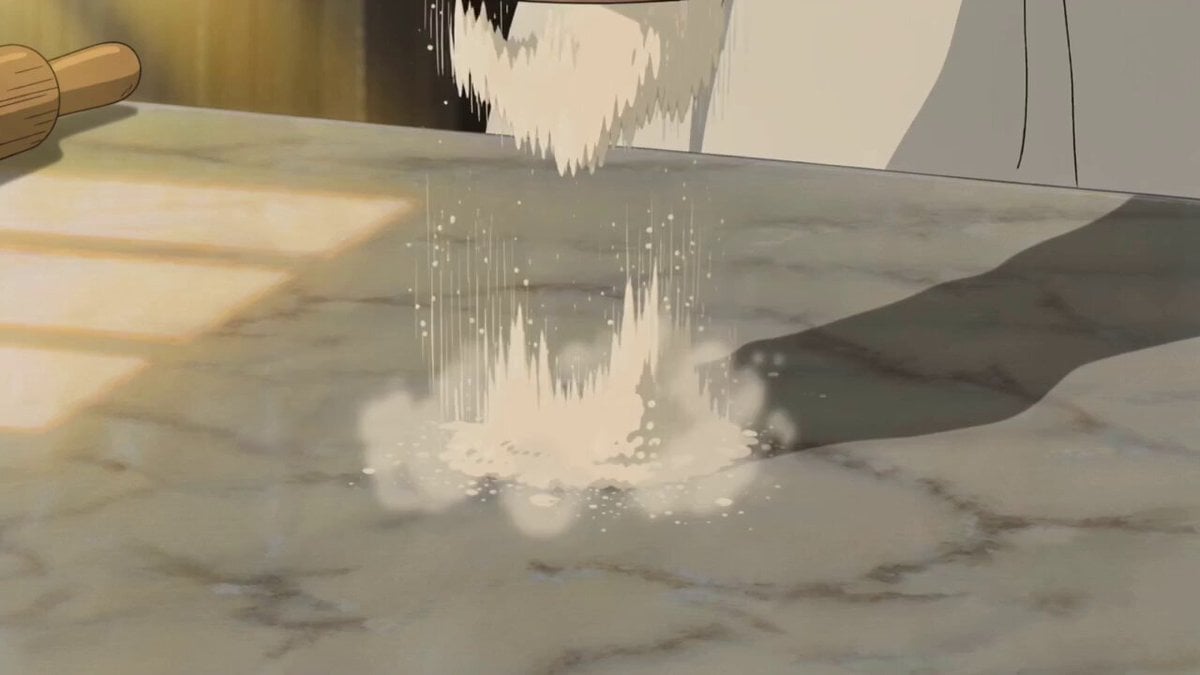
Ghibli Aesthetic Cooking Short
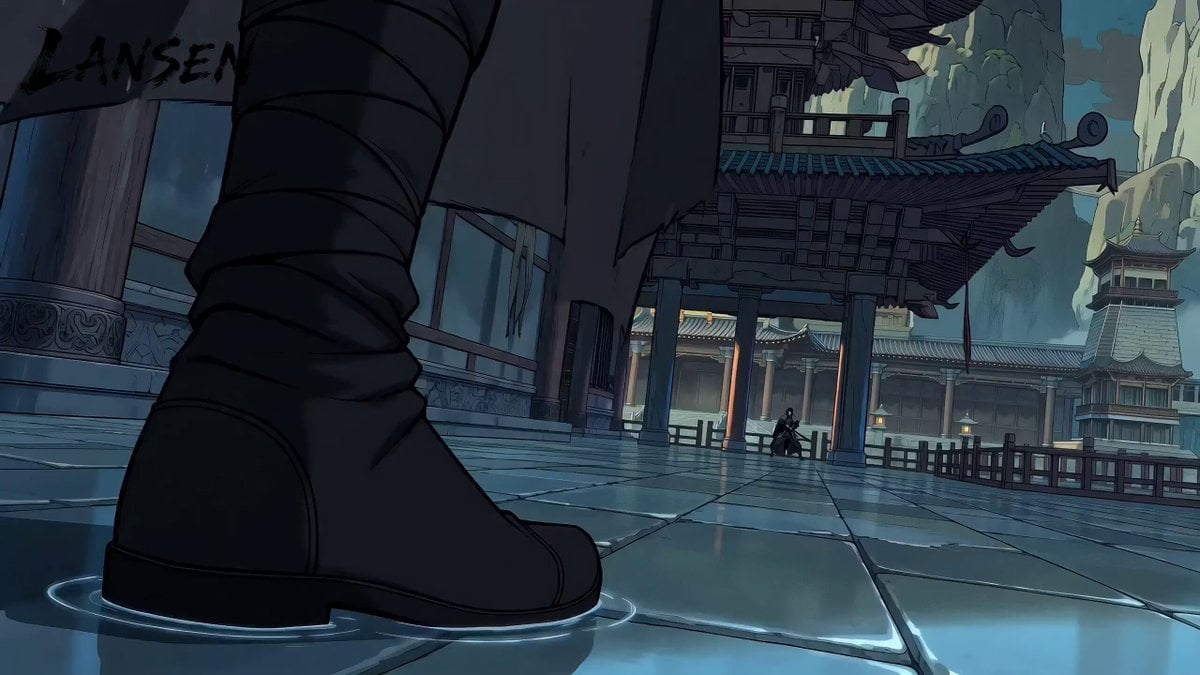
High-Octane Wuxia Anime Combat
City Timelapse Growth — Seedance 2.0
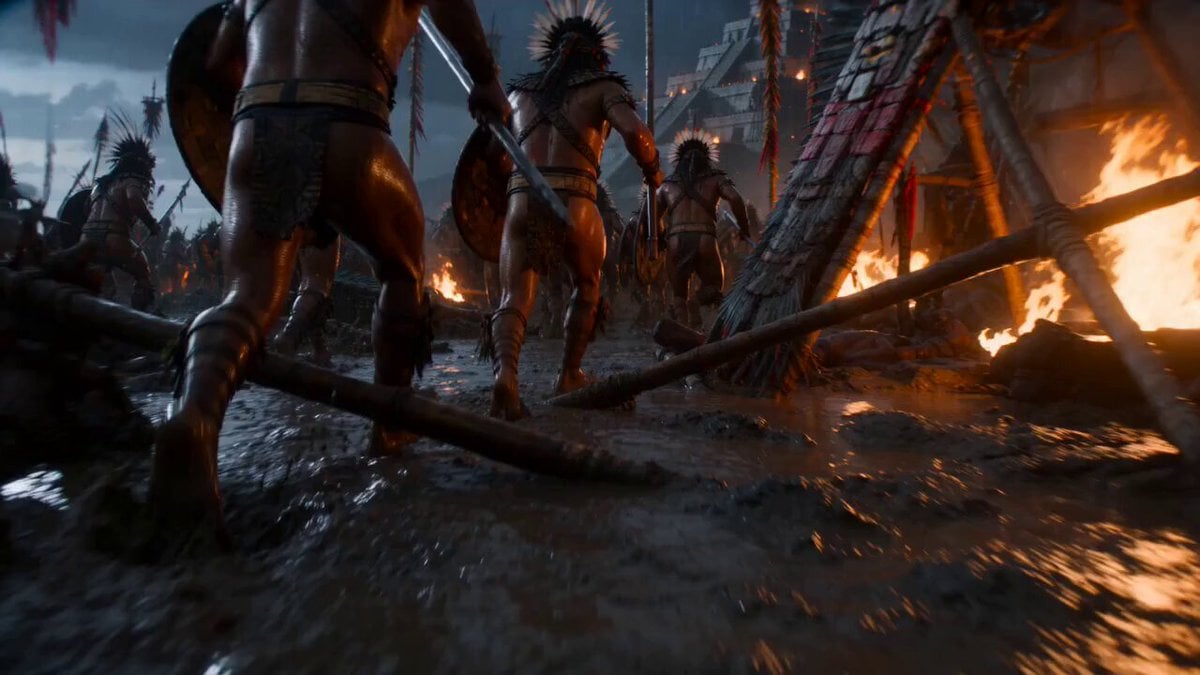
Cinematic War Rhythm Video Prompt
Browse template categories
Art Deco Futuristic Royal Scene Video Prompt questions
How do I use the Art Deco Futuristic Royal Scene Video Prompt template?
Add your photo if the template asks for one, edit the prompt if you like — the template's model and format are already selected — and press Generate. Your version opens in PicX Studio.
Can I customize the Art Deco Futuristic Royal Scene Video Prompt template?
Yes. You can change the subject, setting, lighting, mood, format, and available model controls before creating your video.
Is the Art Deco Futuristic Royal Scene Video Prompt template free?
Opening and editing this template is free. Generating uses credits, shown on the Generate button when you are signed in.
Which AI model should I use?
Start with Grok Imagine, which is the model associated with this template. You can compare another compatible model for a different finish.
Looking for something else? Browse all templates.

Your photo, any look
Thousands of ready templates for every top image and video model, from one credit balance.