
Detailed Grok Imagine prompt for Art Deco cosmic temple video
A highly detailed Grok Imagine prompt for a cinematic, hyper-realistic video of a glamorous woman in an Art Deco cosmic temple, emphasizing ray tracing, volumetric light, perfect symmetry, and high fashion.
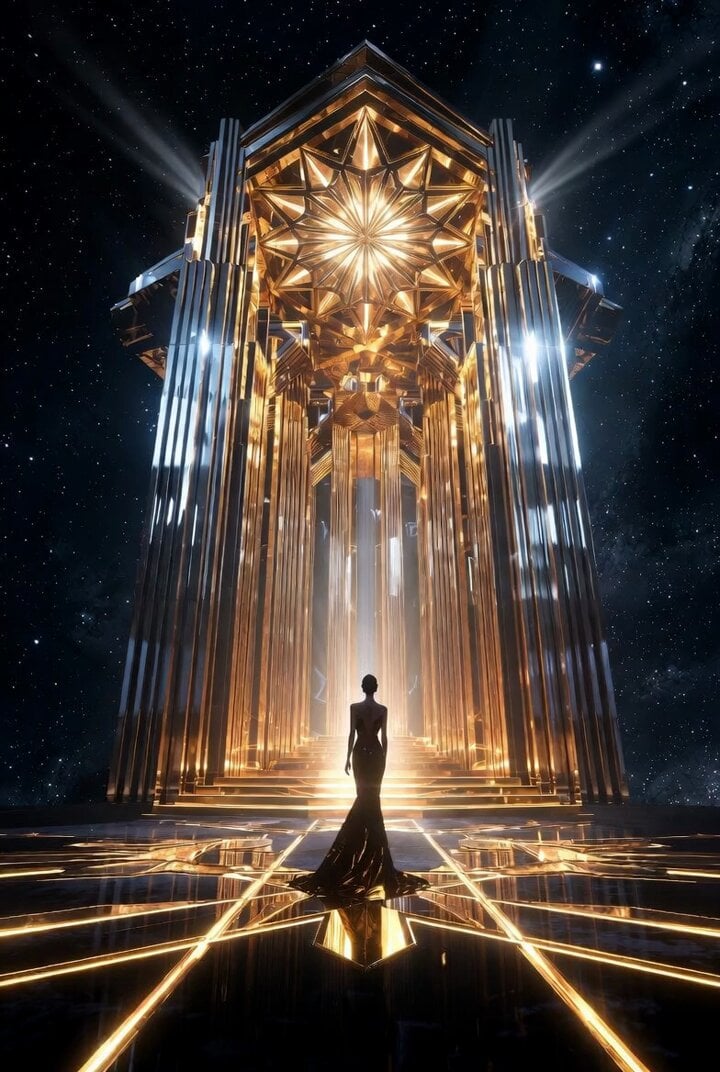
- Prompt included
- Model and format preset
- Free template
The prompt behind this video
Copy the exact prompt behind Detailed Grok Imagine prompt for Art Deco cosmic temple video, or open it in the studio and make it yours.
Art Deco cosmic temple, glamorous woman standing at the center of a symmetrical golden temple floating in space, geometric star patterns forming the ceiling, chrome pillars reflecting cosmic colors, glowing gold lines on the floor forming intricate shapes, deep space background with stars, dramatic lighting, ultra detailed, hyper realistic, 8k resolution, cinematic lighting, volumetric light, global illumination, ray tracing, sharp focus, depth of field, masterpiece, perfect symmetry, high fashion, unreal engine render.
How to use Detailed Grok Imagine prompt for Art Deco cosmic temple video in 3 steps
- 1
Open
The prompt is already in the box next to the preview, with the template's model and format selected.
- 2…a portrait of your subject in softgolden-hour light, 85mm…
Personalize
Edit the subject and creative details for your destination.
- 3Generate
Generate
Press Generate — your video is created in PicX Studio, so you can compare it with the original and refine one variable at a time.
More like this
Templates with the same subject, style or setup. Open one to see its prompt.
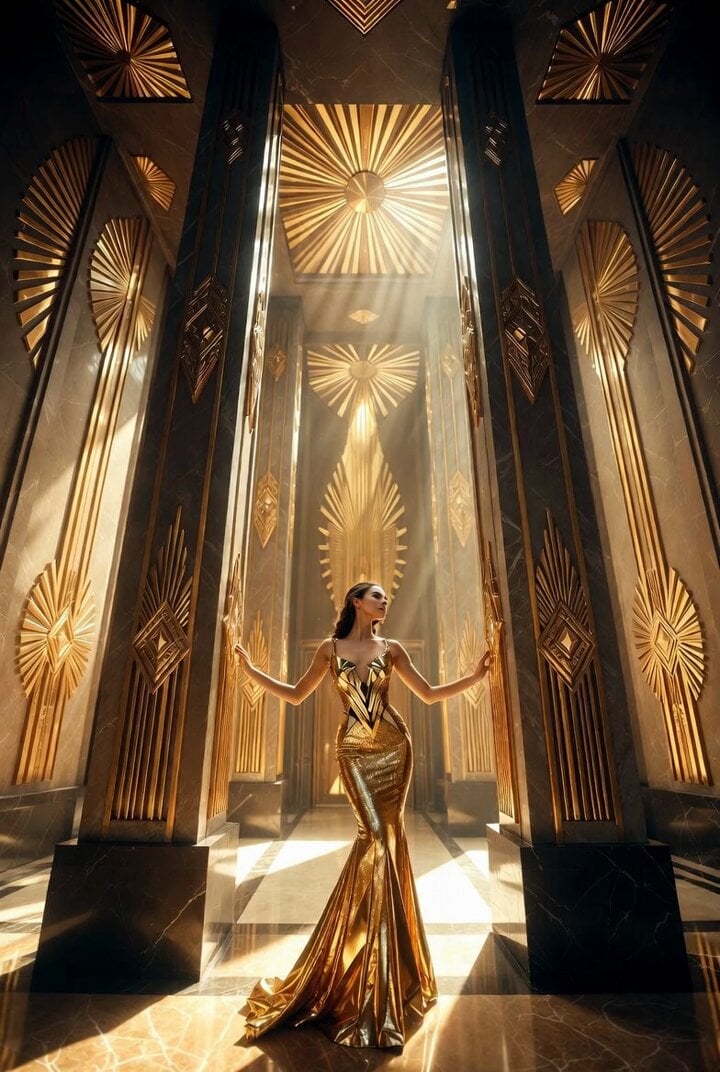
Detailed Grok Imagine prompt for Art Deco golden temple interior video

Grok Imagine prompt: Grok driving a cosmic hot rod spaceship
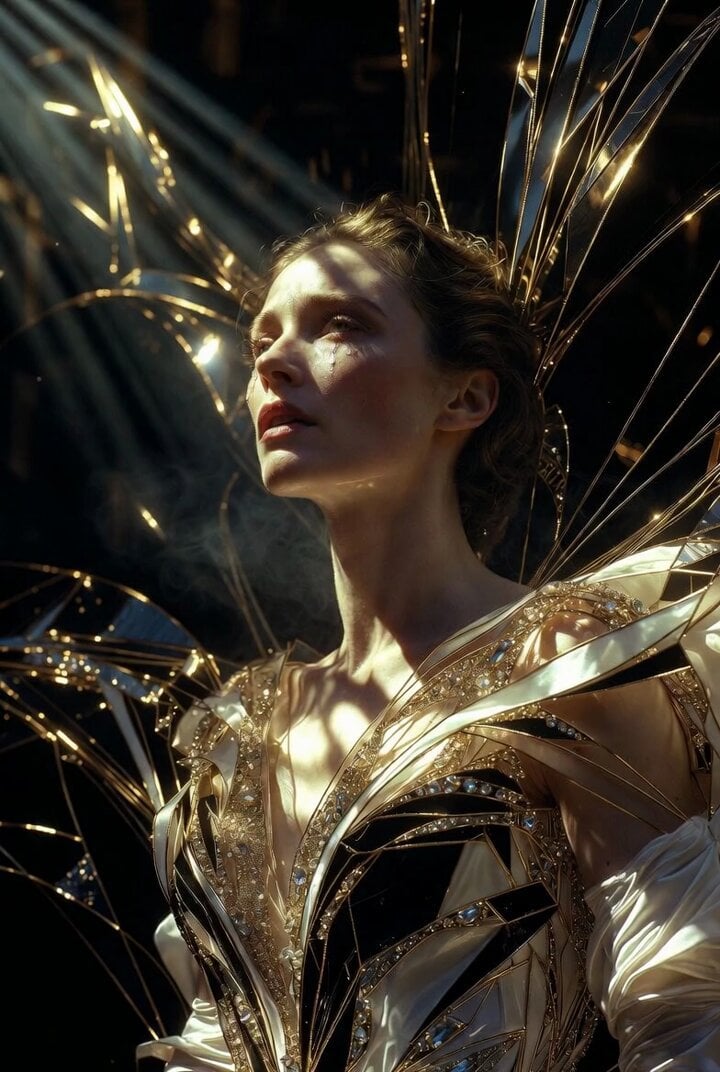
Grok Imagine Prompt: Ultra Luxurious Art Deco Imperial Opera Scene

Grok-imagine 1.5 Digital Human Video Script
Grok Imagine Mechanical and Ethereal Creature Prompts
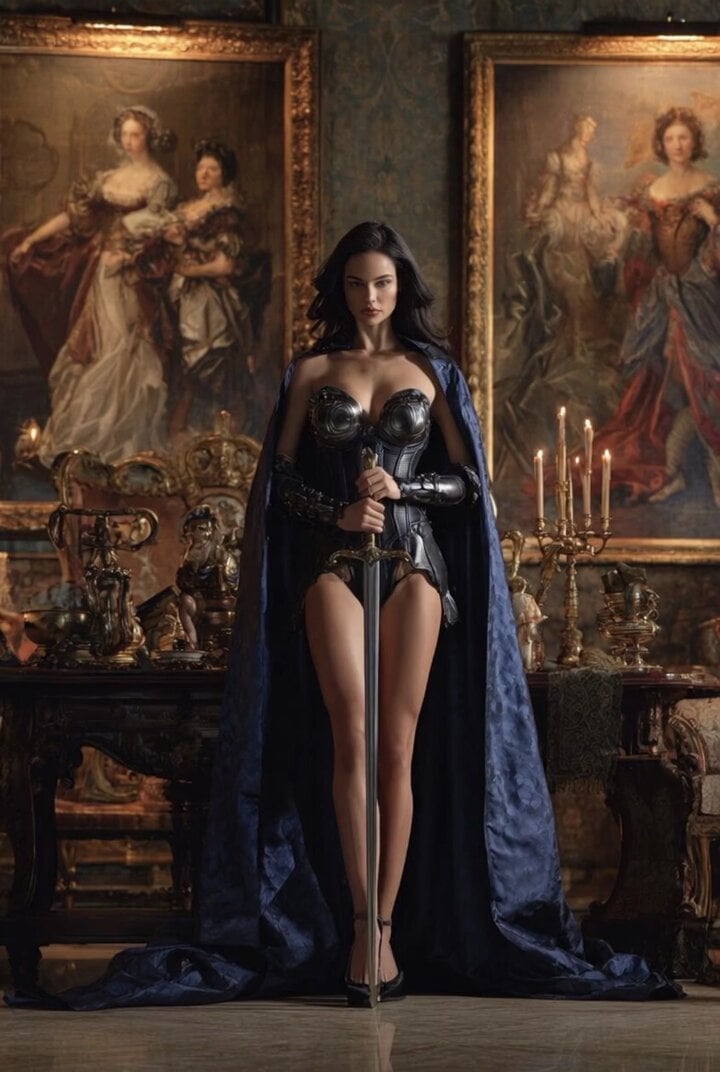
Grok Imagine Video of a Graceful Warrior
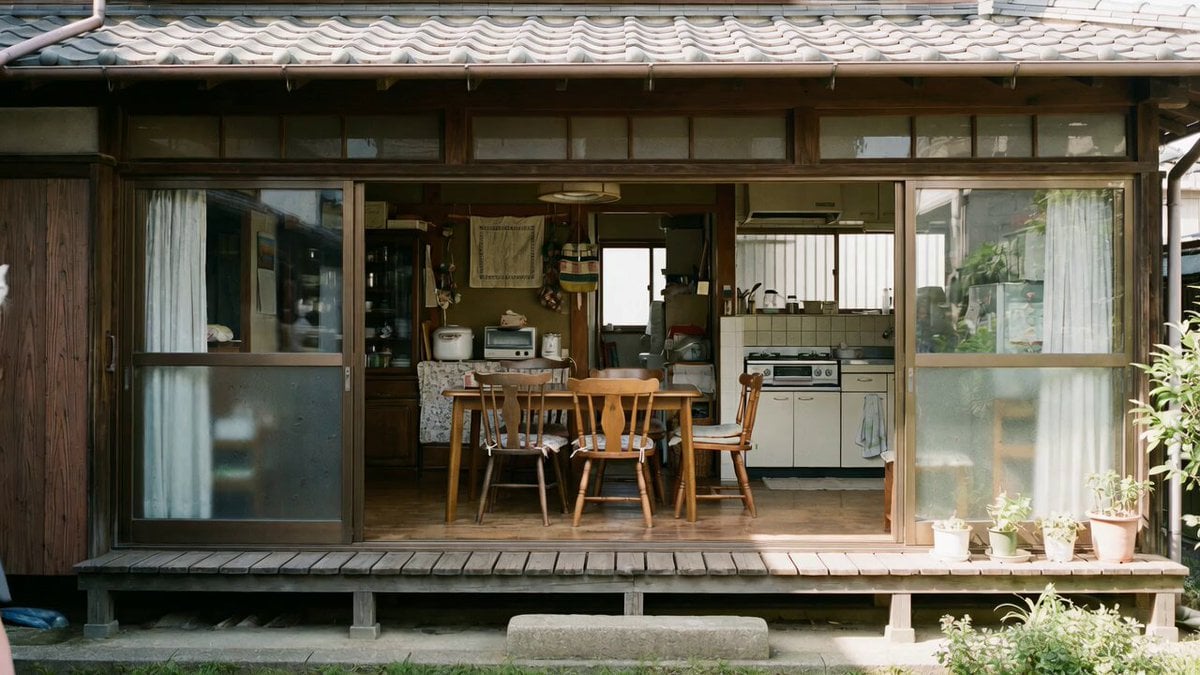
Grok Imagine prompt with negative constraints and scenario

Grok Imagine prompt for cinematic VFX scene (Scene 2 - Landing)

Grok Imagine video prompt part 1: Morning routine
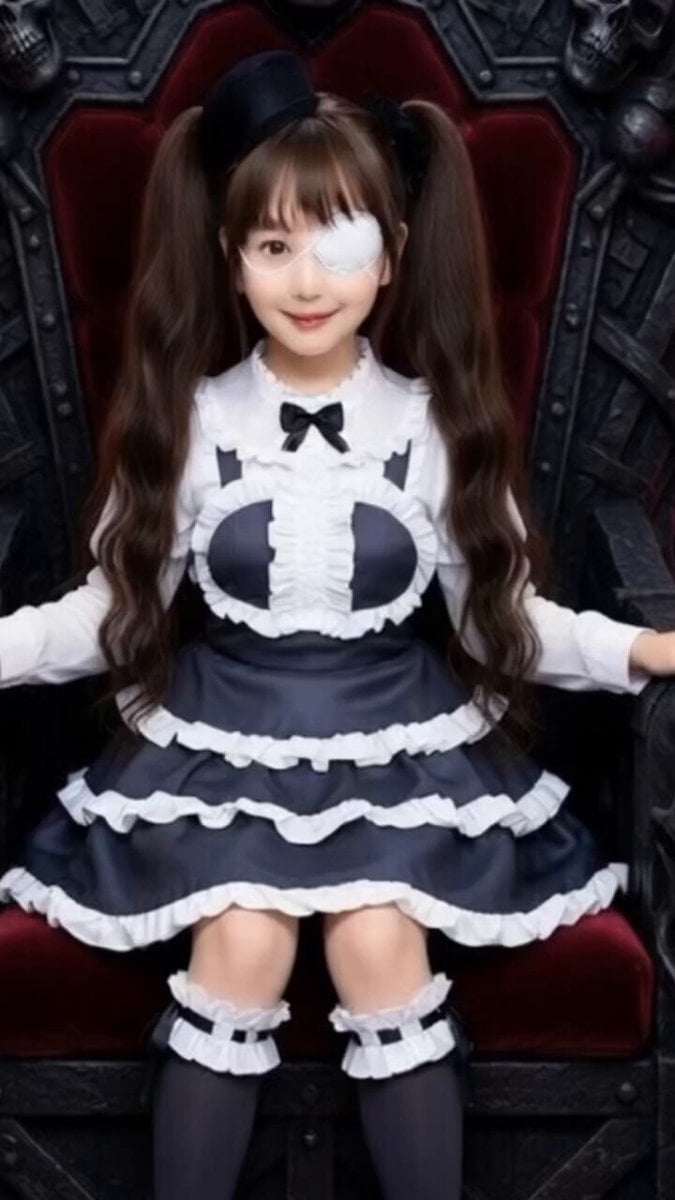
Grok Imagine Prompt: Yurine Kingdom Apocalypse Day
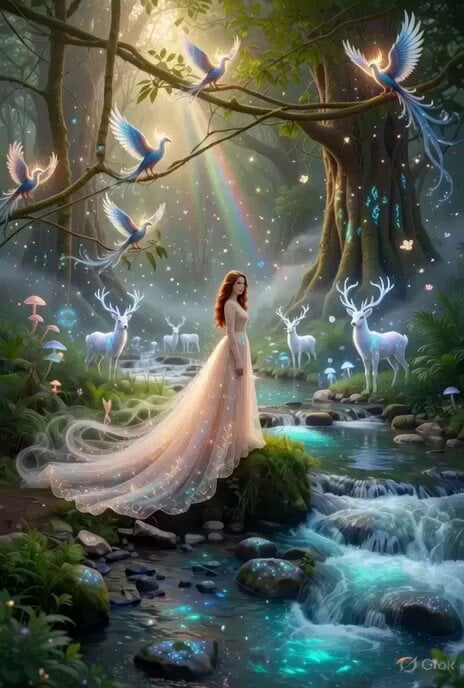
Enchanting Forest Grok Imagine Video Prompt
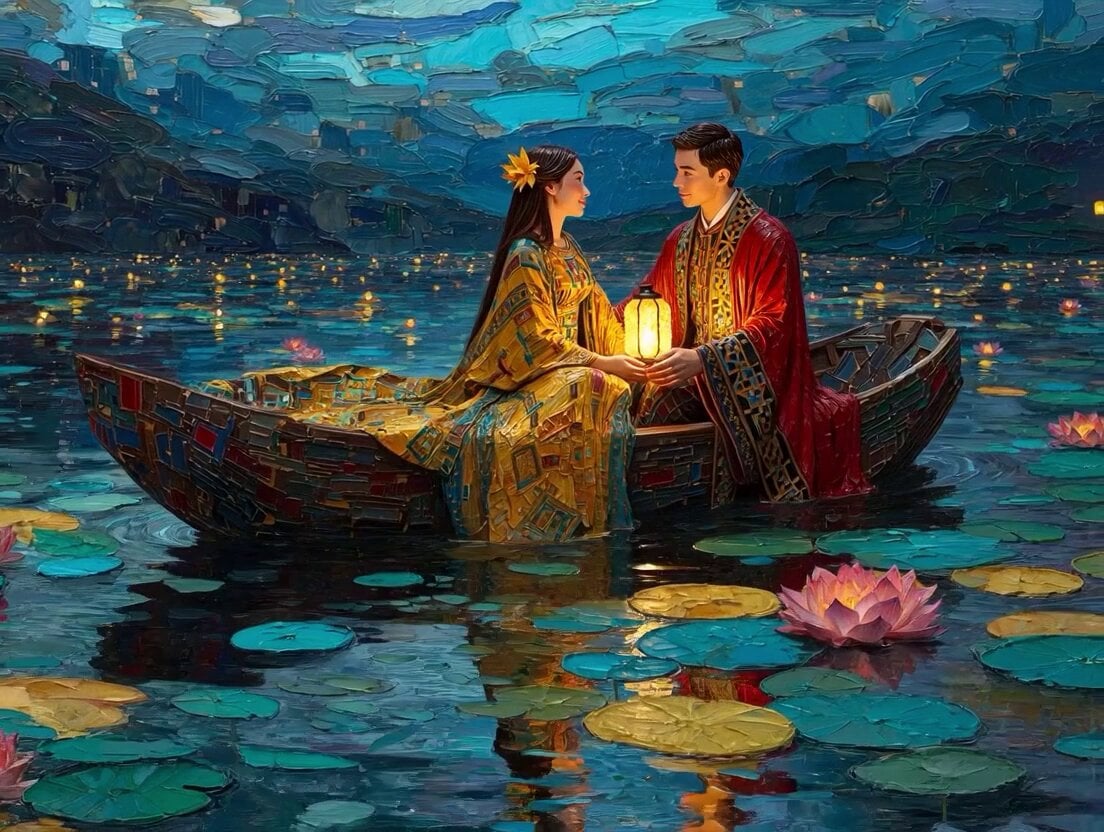
Klimt-Inspired Impasto Painting of Lovers (Midjourney/Grok Imagine)
Make it yours
Detailed Grok Imagine prompt for Art Deco cosmic temple video works as-is. These are the safest ways to change it without losing the look.
Change one field
Copy a single group, rewrite it, and generate again so you can see what that field is doing.
Keep the frame, change the subject
Hold the composition and light of Detailed Grok Imagine prompt for Art Deco cosmic temple video, then swap wardrobe, props or the person for a new take.
| If the result… | Why | Fix |
|---|---|---|
| The result drifts from the preview | Too many fields changed at once. | Reuse Detailed Grok Imagine prompt for Art Deco cosmic temple video as-is first, then change one group — subject, light, or setting. |
| The model over-stylizes the scene | The prose prompt leaves finish and camera underspecified. | Add one camera or lighting sentence and stay on Grok Imagine. |
More Grok Imagine templates
Other prompts made for Grok Imagine.

Kaleidoscopic Cosmic Dolphin Video

Horror Daffy Duck Video Transition

America 250th Anniversary Celebration

Glowing Water Forest Night Prompt

Soft Pink Roses Dreamer Prompt

Ninja Wizard Levitation Jump

Coffee Cup Interaction Motion

Voice Controlled Water Animation

Pterodactyl Transformation Journey

Candle Mandala Mirror Video
More video prompts
Fresh picks from across the catalog.
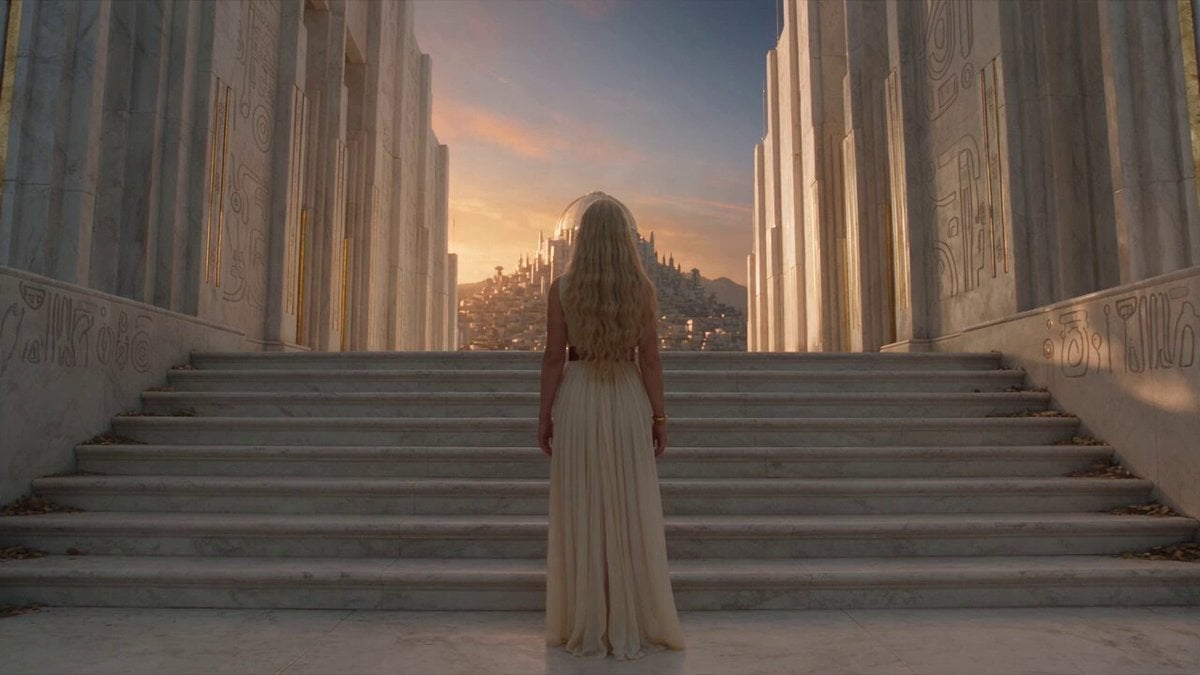
Fantasy Broom Flight Cinematic
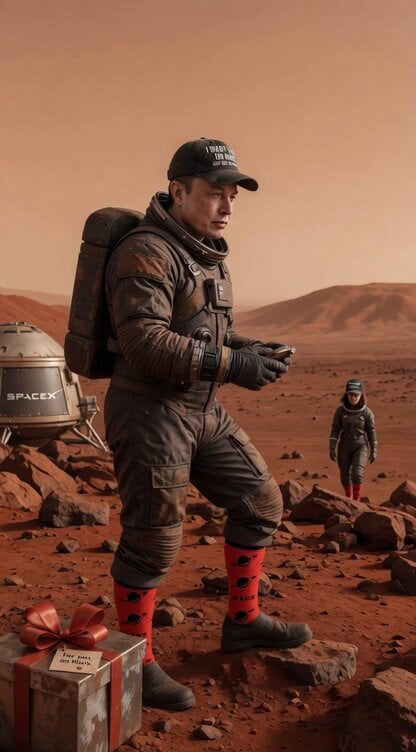
Cinematic Mars Space Pioneer
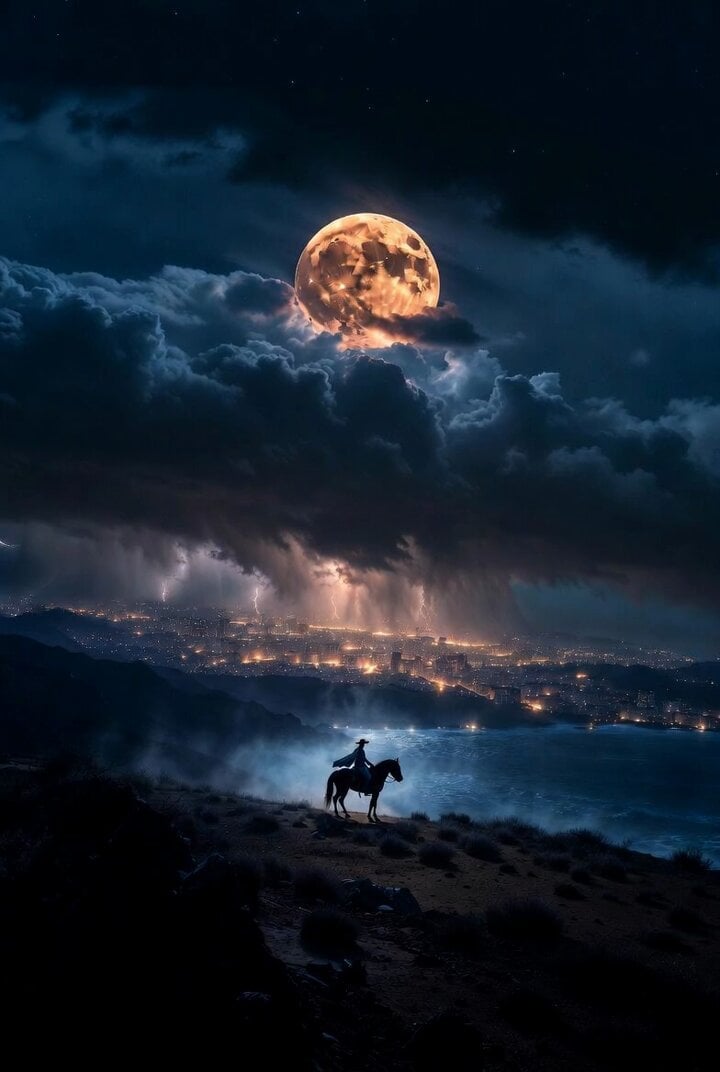
Cinematic night scene with cowgirl and hidden megacity prompt
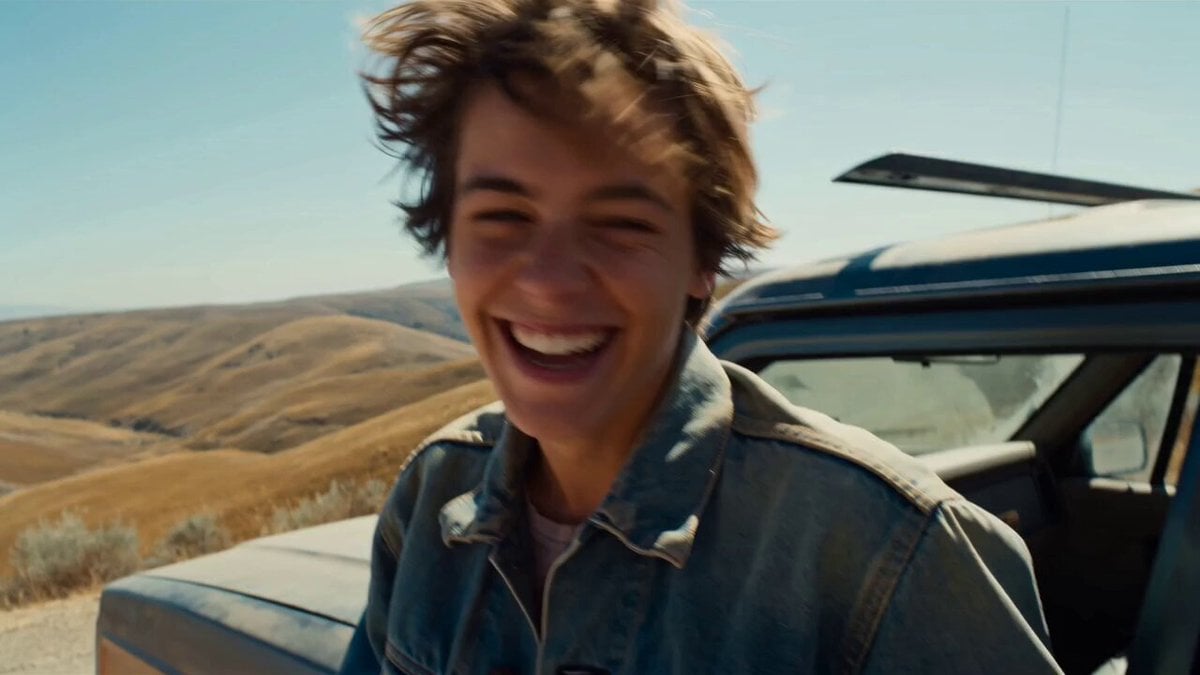
Smartphone Road Trip Vlog Montage

Professional Designer Suit Business Meeting
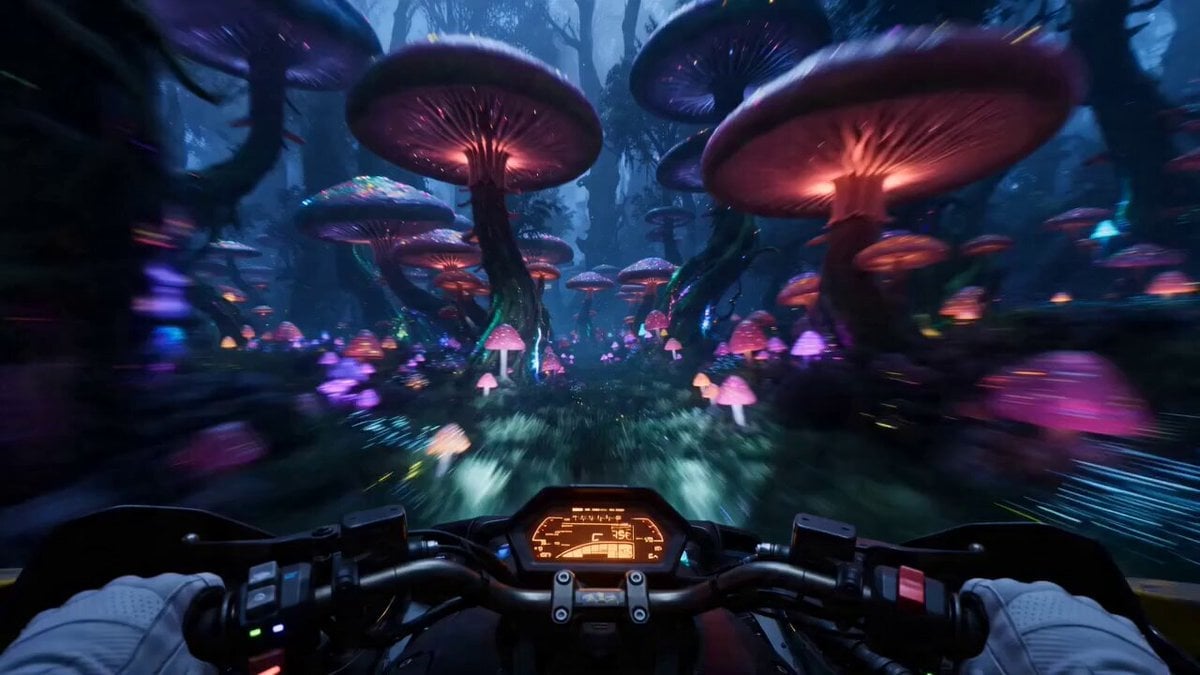
Surreal Alien Jungle Hoverbike Chase

Rocket Floating in Ocean

Continuous Planet Collapse Escape Sequence
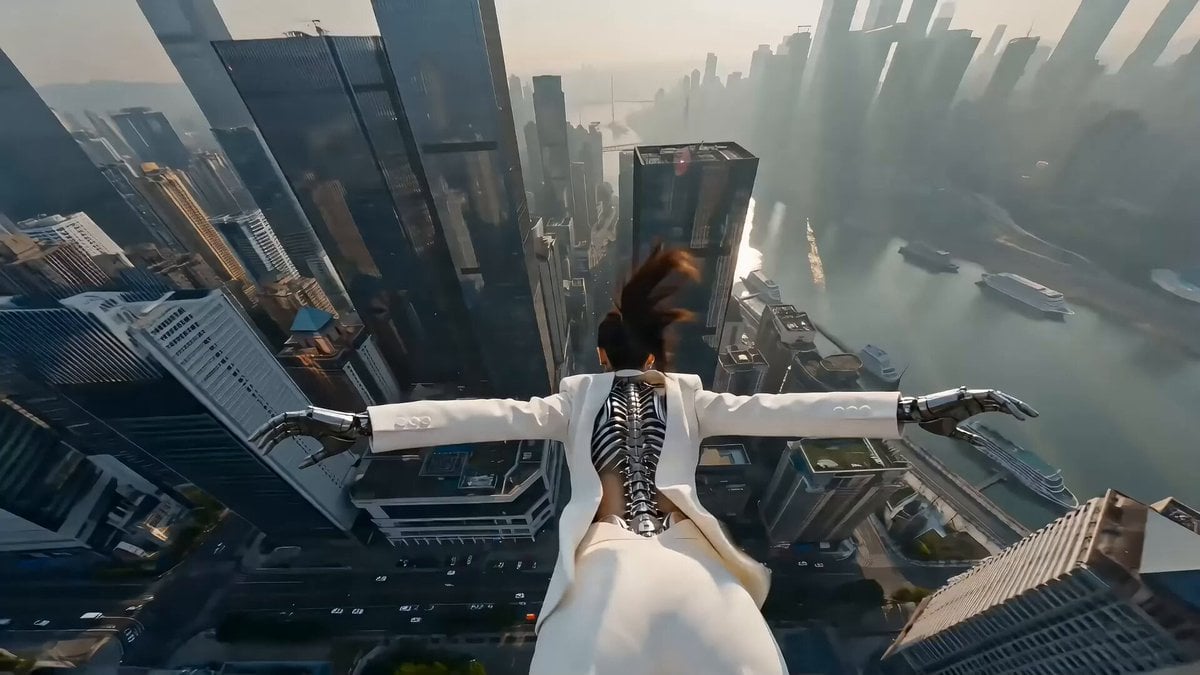
Cyberpunk Action Scene: Freefall and Car Interception Prompt (Chapter 2)
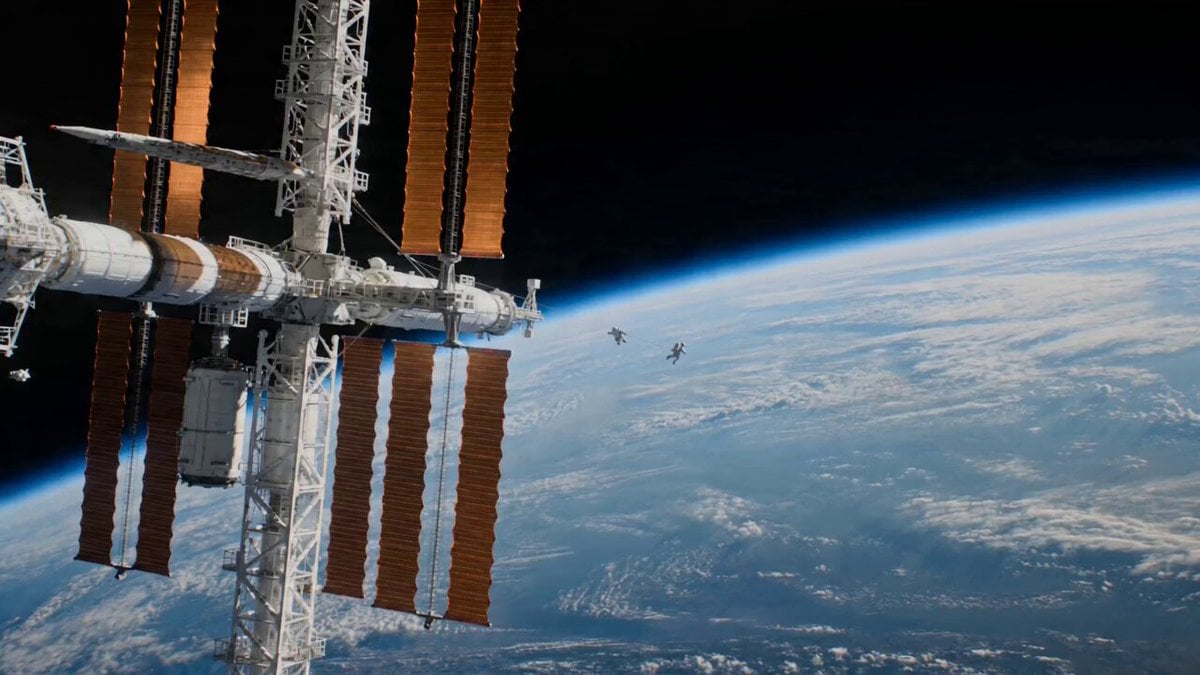
Astronaut Spacewalk Sci-Fi Drama
Browse template categories
Detailed Grok Imagine prompt for Art Deco cosmic temple video questions
How do I use the Detailed Grok Imagine prompt for Art Deco cosmic temple video template?
Add your photo if the template asks for one, edit the prompt if you like — the template's model and format are already selected — and press Generate. Your version opens in PicX Studio.
Can I customize the Detailed Grok Imagine prompt for Art Deco cosmic temple video template?
Yes. You can change the subject, setting, lighting, mood, format, and available model controls before creating your video.
Is the Detailed Grok Imagine prompt for Art Deco cosmic temple video template free?
Opening and editing this template is free. Generating uses credits, shown on the Generate button when you are signed in.
Which AI model should I use?
Start with Grok Imagine, which is the model associated with this template. You can compare another compatible model for a different finish.
Looking for something else? Browse all templates.

Your photo, any look
Thousands of ready templates for every top image and video model, from one credit balance.