
Interstellar Star-Cruiser Chase and Zero-Gravity Interior Scene
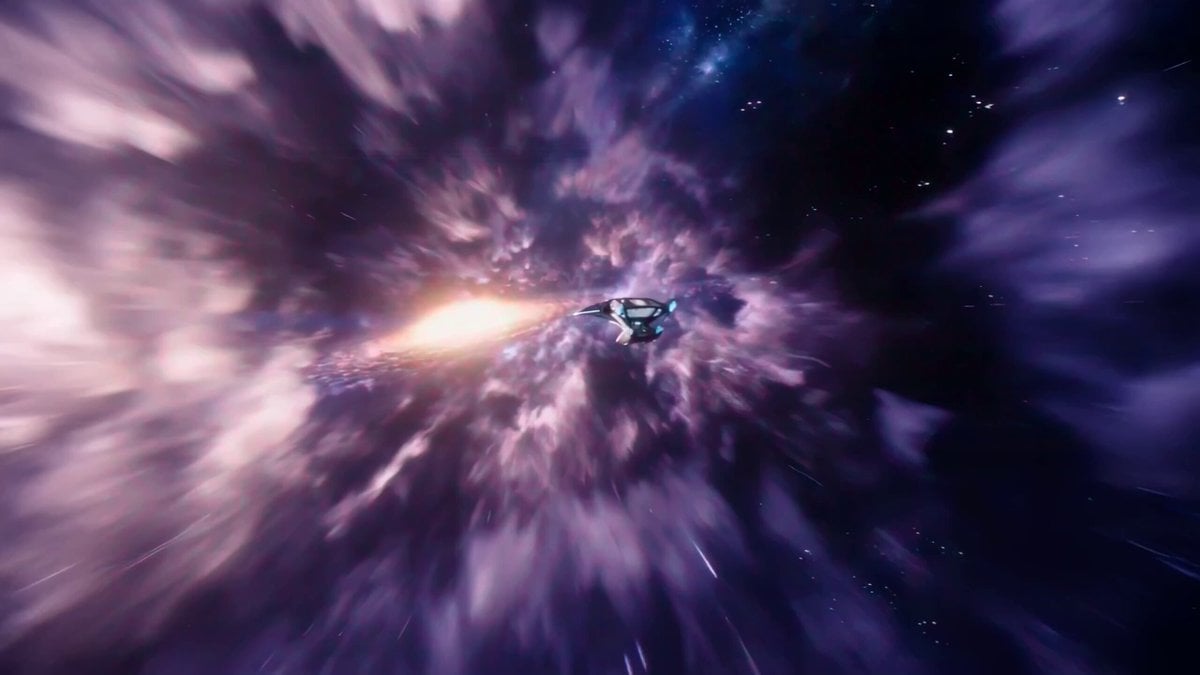
A detailed, cinematic prompt for Seedance 2.0 describing a fast-paced sequence involving an interstellar star-cruiser, starting with a cosmic panorama, rushing forward at light-speed, phasing through the ship's window…
- Prompt included
- Model and format preset
- Free template
The prompt behind this video
Copy the exact prompt behind Interstellar Star-Cruiser Chase and Zero-Gravity Interior Scene, or open it in the studio and make it yours.
A vibrant interstellar panorama framed by a swirling purple nebula. A sleek, silver star-cruiser travels silently across the cosmic void. The camera rushes forward at light-speed, rapidly overtaking the ship. The cruiser's glowing geometry becomes massive, a panoramic observation window coming into view. Matching the ship's incredible velocity, the camera phases seamlessly through the transparent aluminum. Inside the serene, zero-gravity lounge, a young child floats mid-air, drawing softly on a digital tablet under ambient starlight. The camera drifts past the child and phases out the opposite viewing deck window. It sweeps upward, revealing the majestic scale of the ship shrinking against the stars. A deep sub-bass hum fades to silence.
How to use Interstellar Star-Cruiser Chase and Zero-Gravity Interior Scene in 3 steps
- 1
Open
The prompt is already in the box next to the preview, with the template's model and format selected.
- 2…a portrait of your subject in softgolden-hour light, 85mm…
Personalize
Edit the subject and creative details for your destination.
- 3Generate
Generate
Press Generate — your video is created in PicX Studio, so you can compare it with the original and refine one variable at a time.
More like this
Templates with the same subject, style or setup. Open one to see its prompt.
Zero Gravity Apartment Cinematic
Zero-Gravity Prison Fight Scene
SpaceX Starship Interior Video

Star Safari Interstellar Voyage
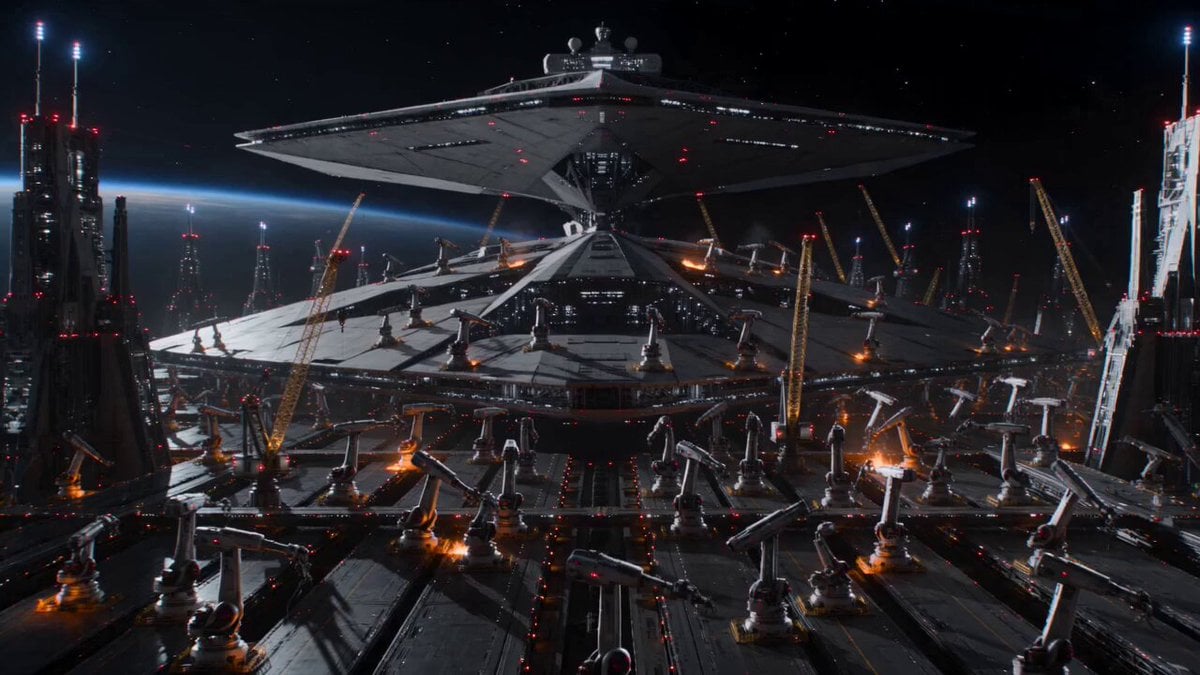
Cinematic Star Cruiser Orbital Shipyard
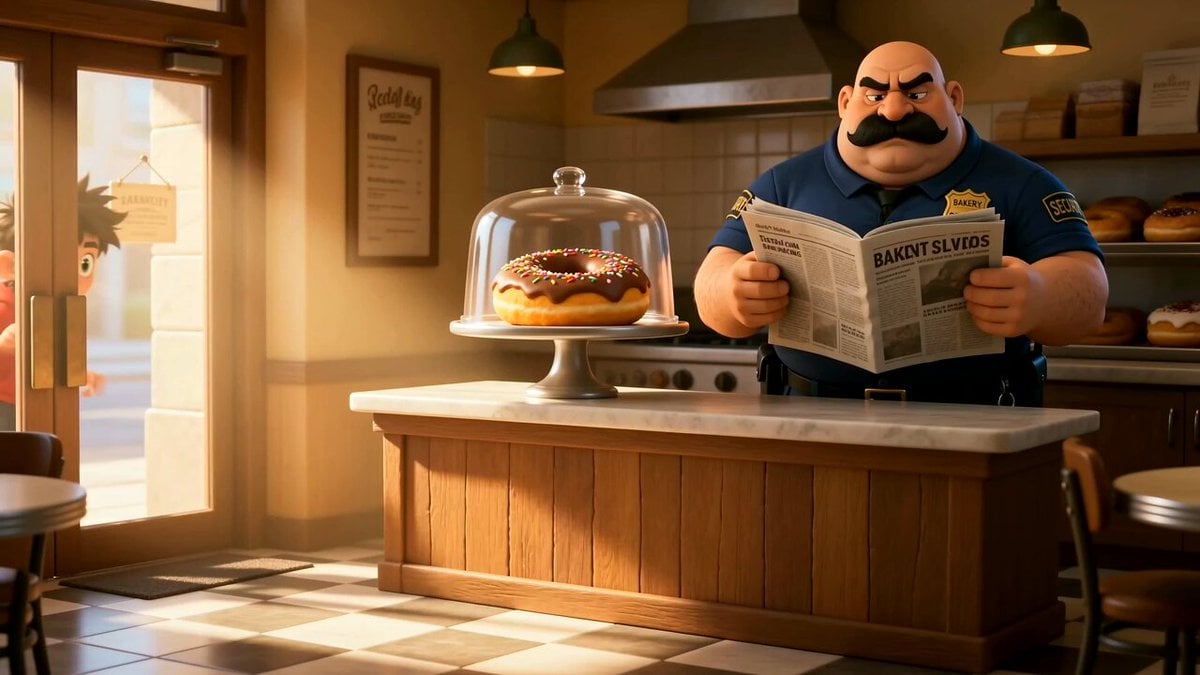
Cartoon Donut Heist Bakery Chase
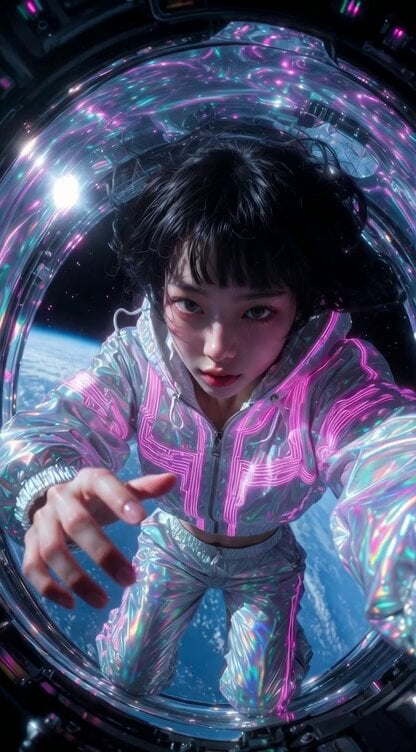
Grok Imagine prompt for a Japanese girl in zero gravity
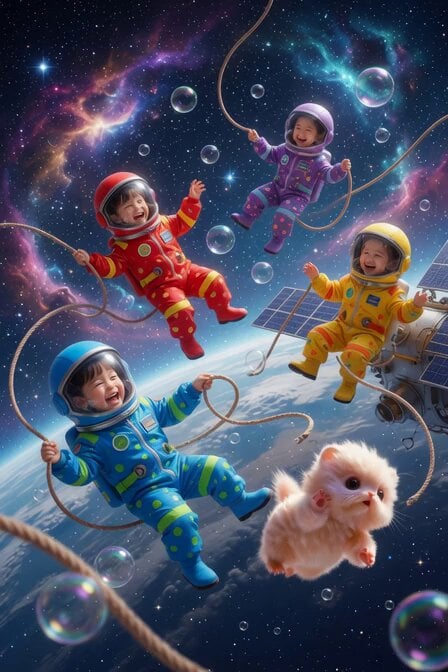
Astronaut Children in Zero Gravity
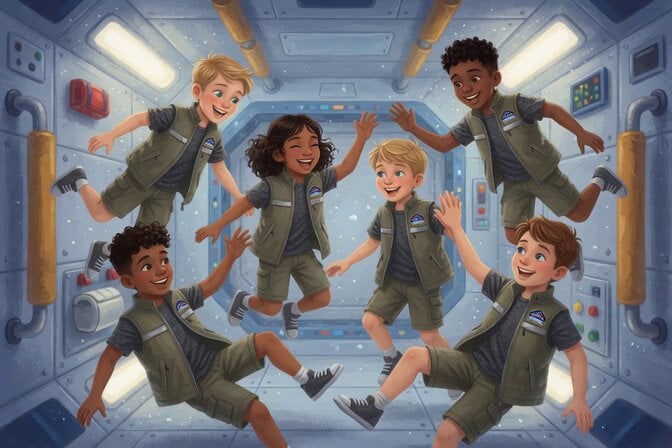
Space Camp Zero Gravity Astronauts

Walking Factory with Rebel on Hoverbike - Wasteland
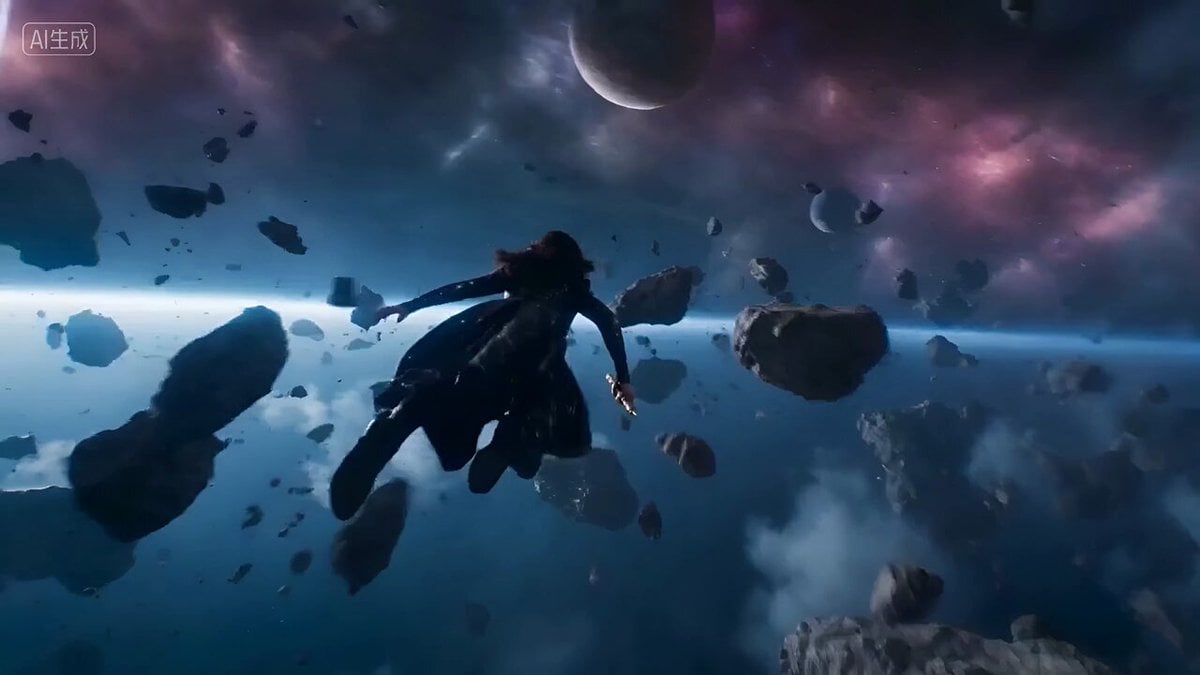
Epic Space Combat Scene with Cosmic Energy and Zero-Gravity Camera
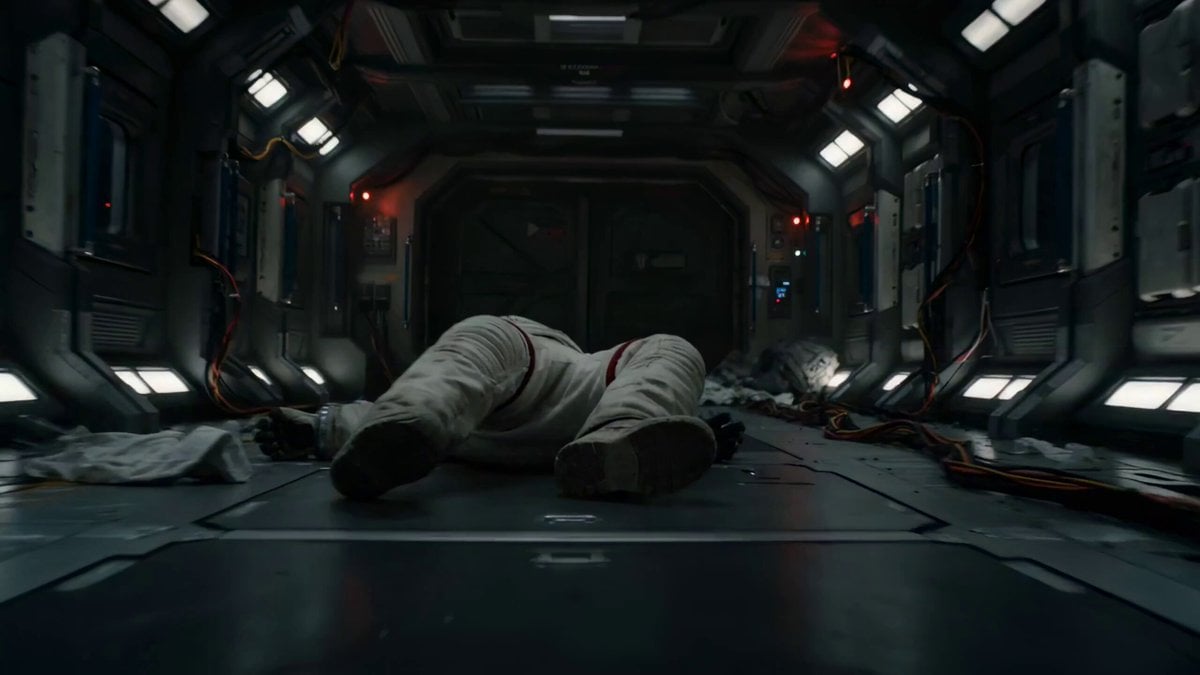
Astronaut Zero-Gravity Escape Scene
Make it yours
Interstellar Star-Cruiser Chase and Zero-Gravity Interior Scene works as-is. These are the safest ways to change it without losing the look.
Change one field
Copy a single group, rewrite it, and generate again so you can see what that field is doing.
Keep the frame, change the subject
Hold the composition and light of Interstellar Star-Cruiser Chase and Zero-Gravity Interior Scene, then swap wardrobe, props or the person for a new take.
| If the result… | Why | Fix |
|---|---|---|
| The result drifts from the preview | Too many fields changed at once. | Reuse Interstellar Star-Cruiser Chase and Zero-Gravity Interior Scene as-is first, then change one group — subject, light, or setting. |
| The model over-stylizes the scene | The prose prompt leaves finish and camera underspecified. | Add one camera or lighting sentence and stay on Seedance 2.0. |
More Seedance 2.0 templates
Other prompts made for Seedance 2.0.

Comical Martial Arts Punch Scene

Maglev Train Action Sequence

Martial Arts Fight Sequence

Wuxia Protection and Trust Script

Vintage Korean Arcade MiniDV Vlog

Mercedes 190 SL Luxury Ad

Rainy Night Supernatural Reverse Comedy Video Script

Amazon Civilization Discovery

Futuristic South Asian City Transformation

Cozy Luxury Cafe Commercial
More video prompts
Fresh picks from across the catalog.
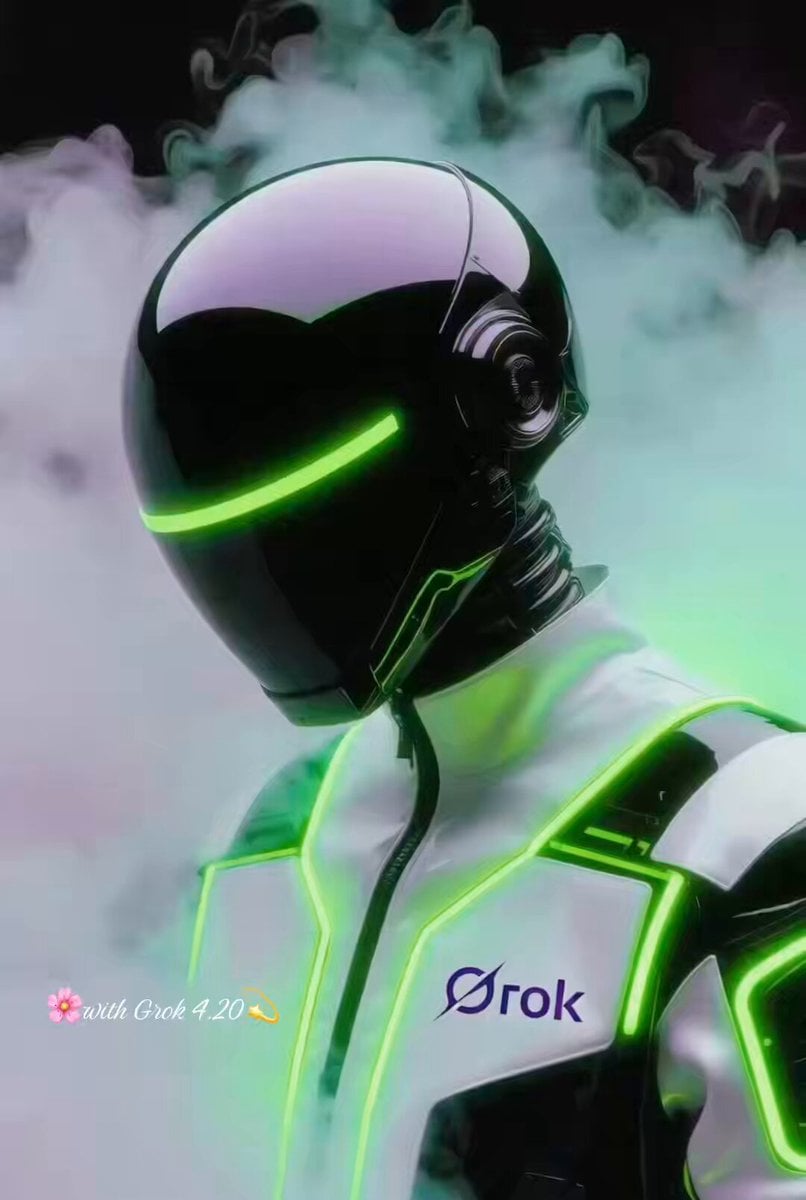
Grok Imagine Prompt: Futuristic Cyberpunk Humanoid with Neon Accents
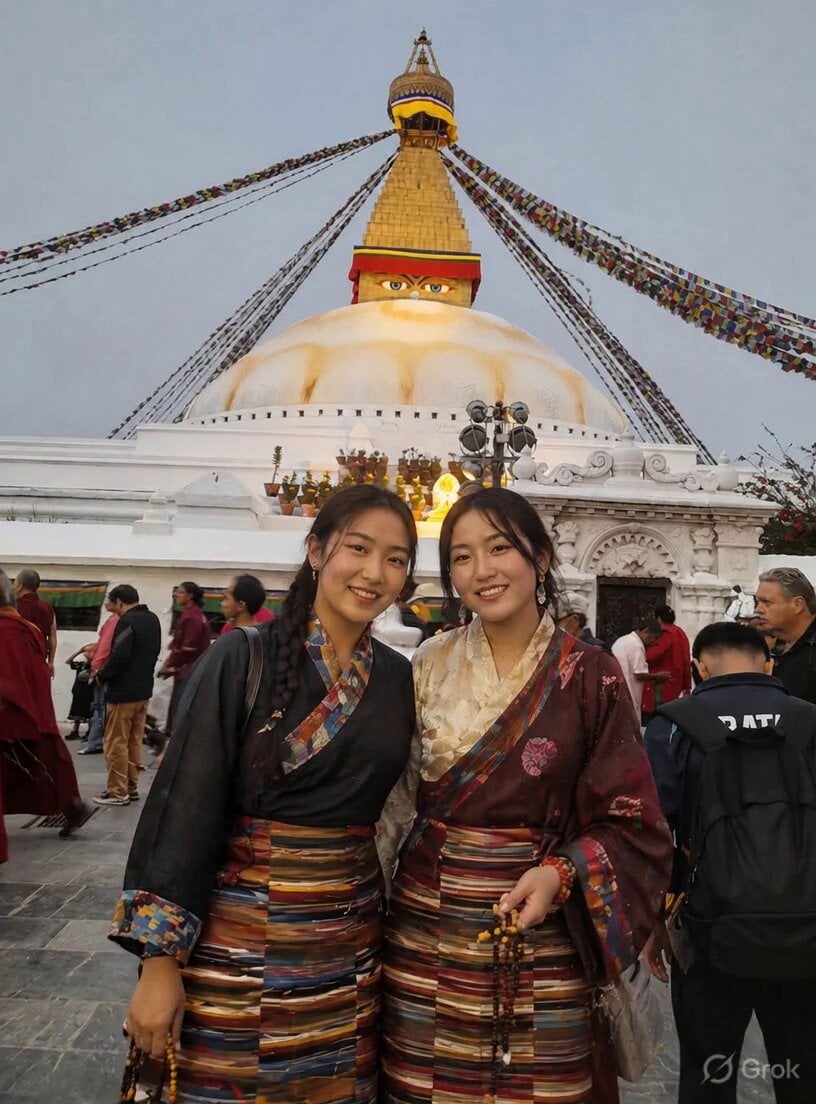
Ritual Butter Lamp Offering
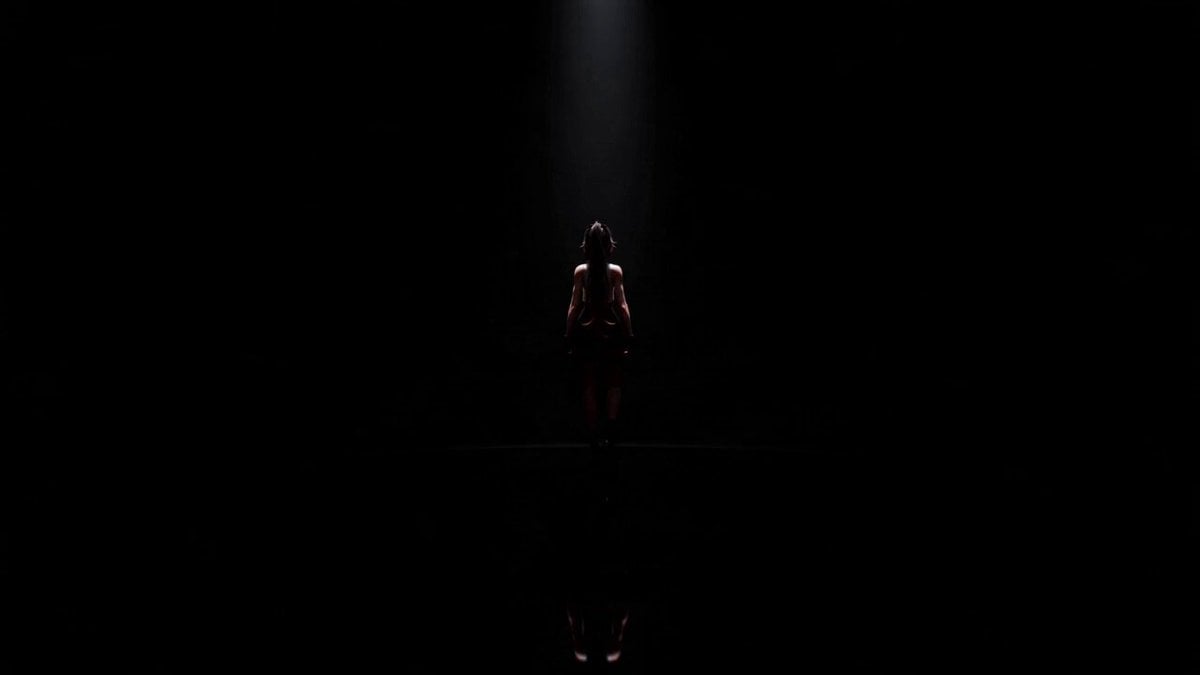
Cinematic Anime Idol Dance Routine

Seedance 2.0 Short Video Prompt Formula Example

Grok Imagine prompt for a healing animation short video of two cute kittens talking
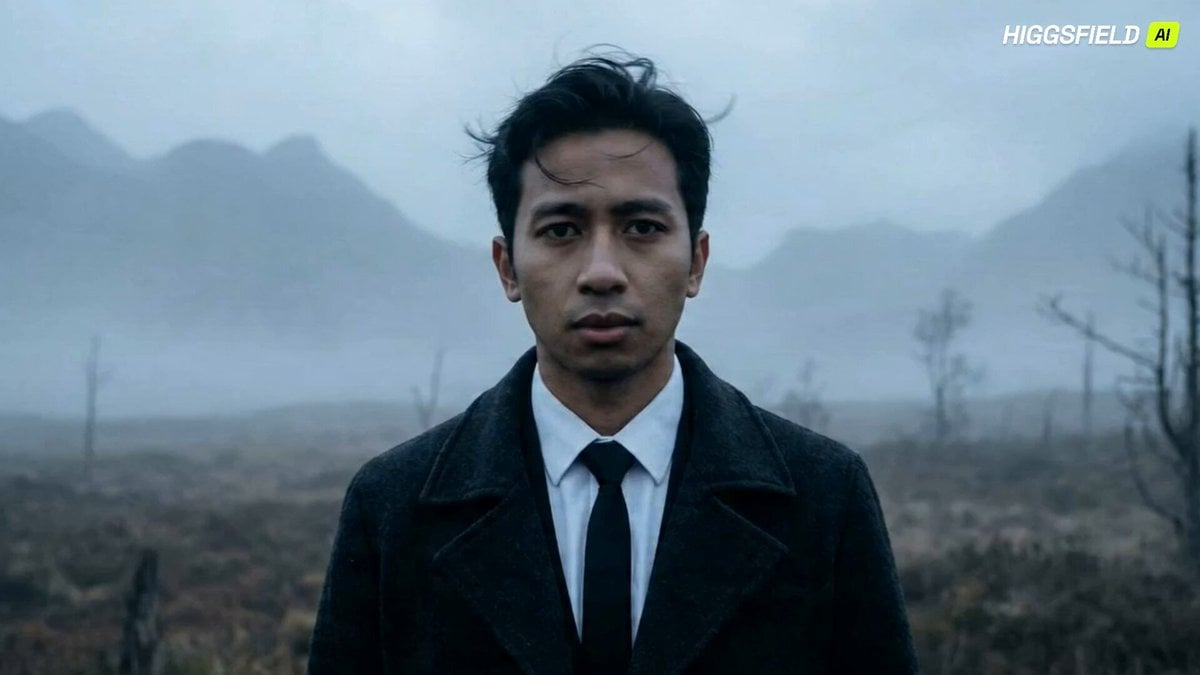
Feral Werewolf Transformation Cinematic Sequence
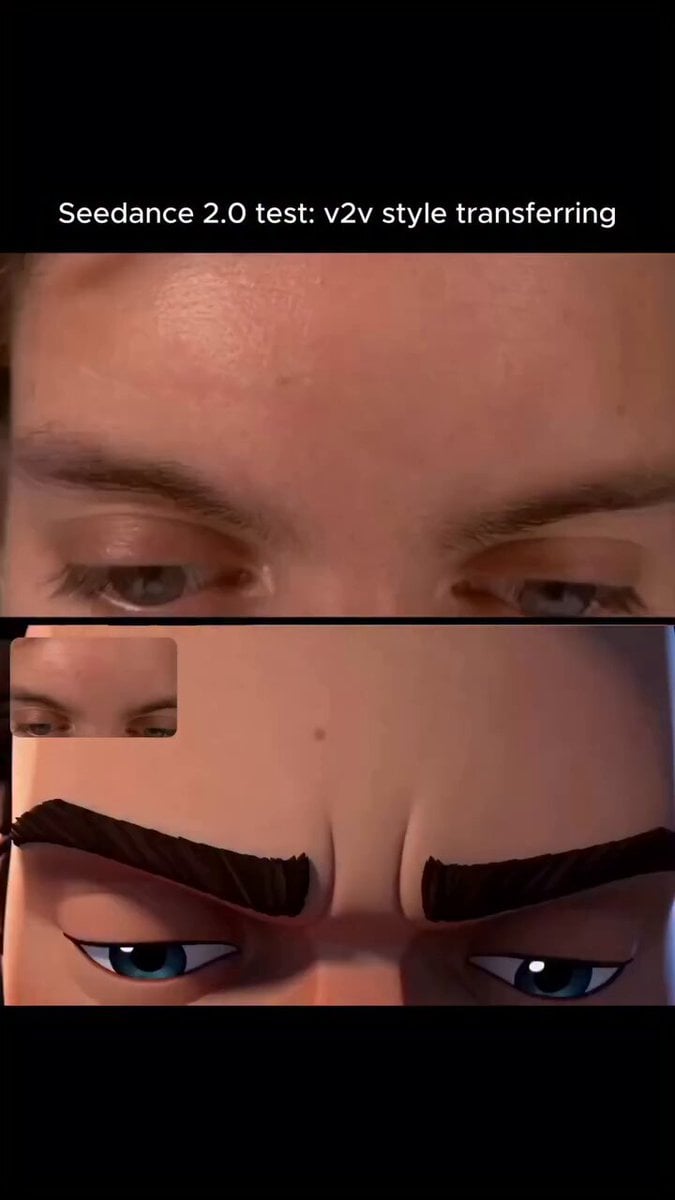
Arcane Style Video Transfer
2D Stickman Battle Animation Prompt for Seedance 2.0
Pure Hand-Drawn 2D Cartoon Witch Flight Prompt for Seedance 2.0
Neo-Noir Android Woman Portrait
Browse template categories
Interstellar Star-Cruiser Chase and Zero-Gravity Interior Scene questions
How do I use the Interstellar Star-Cruiser Chase and Zero-Gravity Interior Scene template?
Add your photo if the template asks for one, edit the prompt if you like — the template's model and format are already selected — and press Generate. Your version opens in PicX Studio.
Can I customize the Interstellar Star-Cruiser Chase and Zero-Gravity Interior Scene template?
Yes. You can change the subject, setting, lighting, mood, format, and available model controls before creating your video.
Is the Interstellar Star-Cruiser Chase and Zero-Gravity Interior Scene template free?
Opening and editing this template is free. Generating uses credits, shown on the Generate button when you are signed in.
Which AI model should I use?
Start with Seedance 2.0, which is the model associated with this template. You can compare another compatible model for a different finish.
Looking for something else? Browse all templates.

Your photo, any look
Thousands of ready templates for every top image and video model, from one credit balance.