How do I use the Feral Werewolf Transformation Cinematic Sequence template?
Edit the prompt in the box under the preview — the template's model and format are already selected — and press Generate. Your version appears right on this page.
An extensive, highly detailed prompt for Seedance 2.0 to generate a cinematic sequence of a feral werewolf transformation.
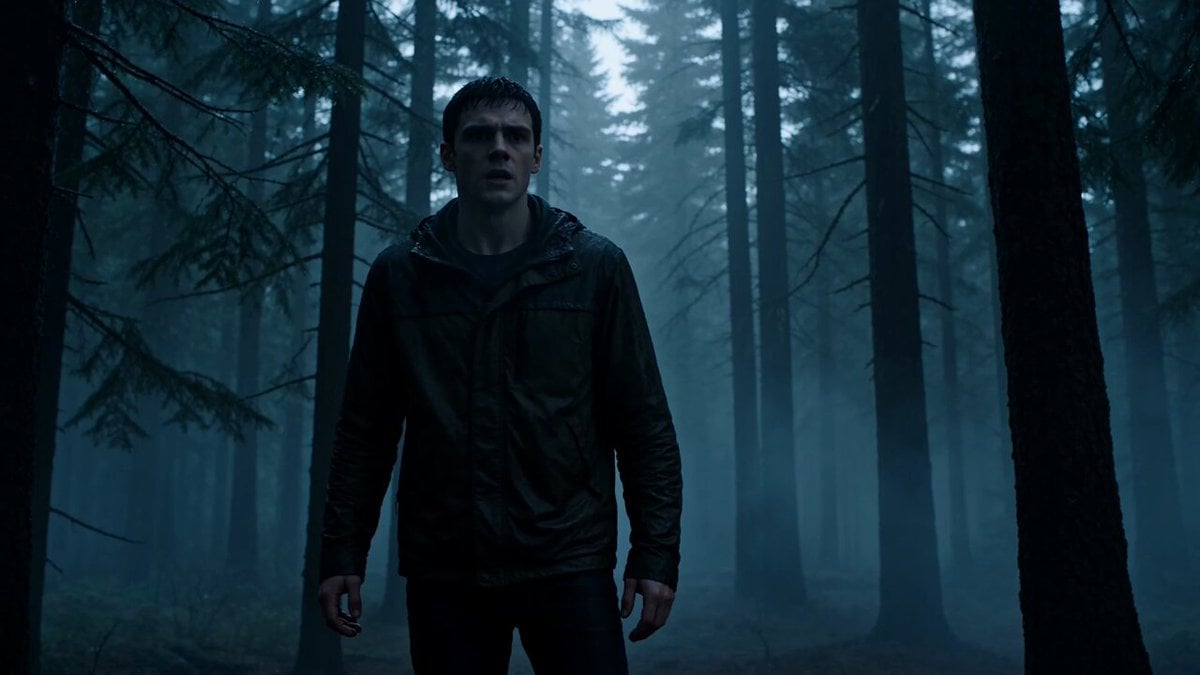
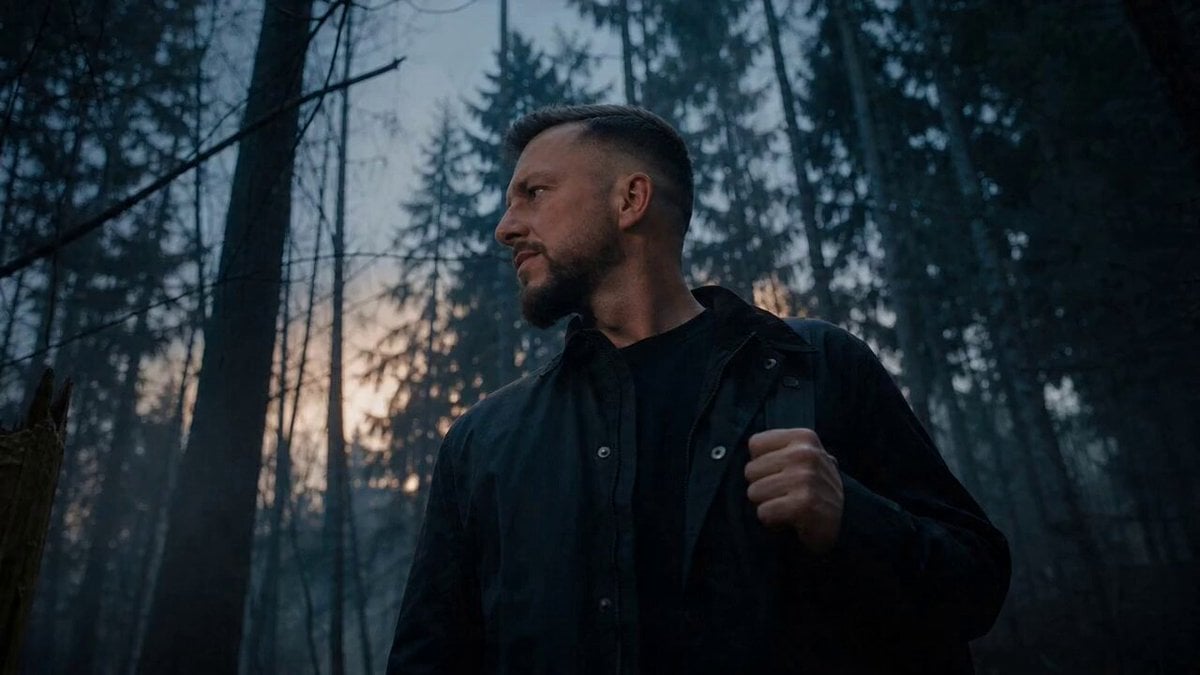
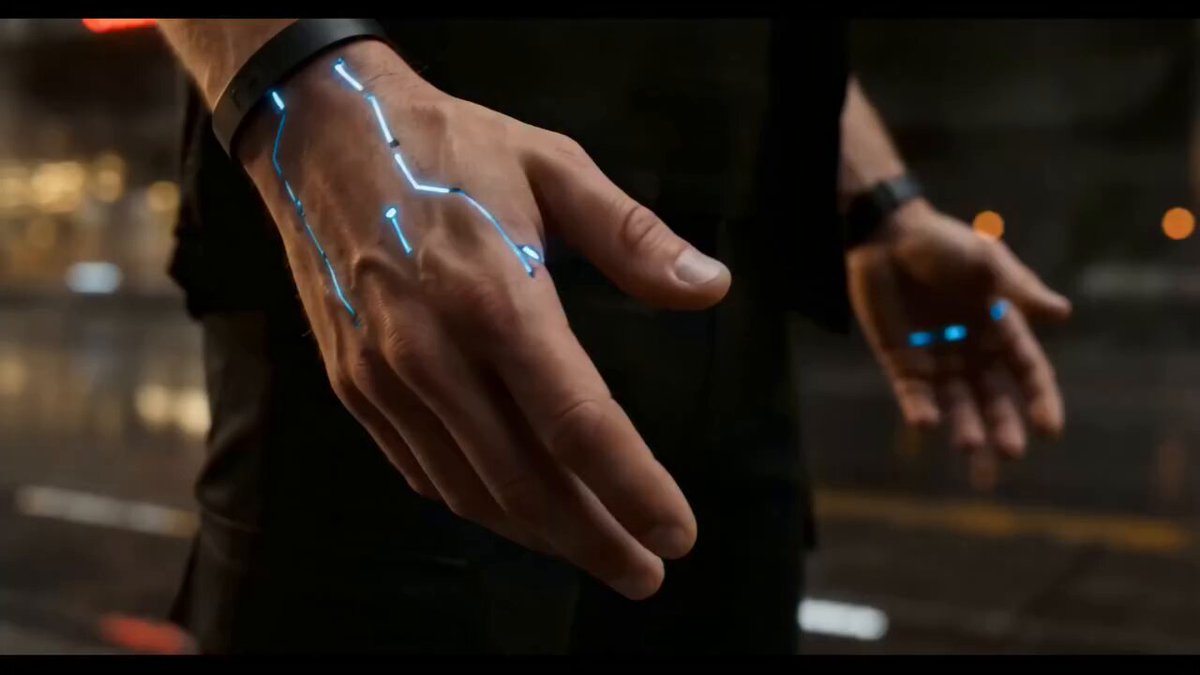
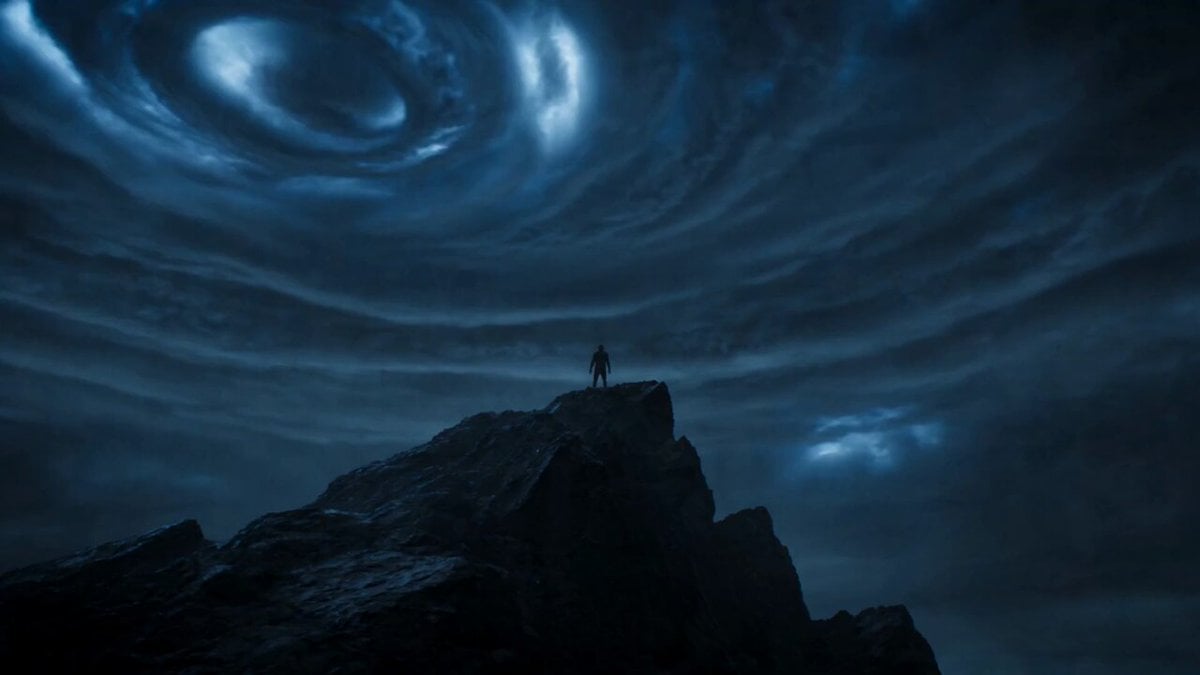
Camera Simulation Shot on 65mm IMAX film with a vintage anamorphic lens. Noticeable film grain, subtle gate weave, and soft halation on highlights. Occasional lens breathing subtly warps the image as the body mutates. Lighting Style A dead, fog-covered wasteland under a massive dim moon. Moonlight is unnaturally cold, casting blue-gray tones across the entire scene. As the transformation begins, a deep amber-gold light burns from inside his body, clashing with the cold lunar light. Dual-tone lighting: Outside: cold lunar blue Inside: feral burning orange Scene Description A man (use the uploaded face as reference, preserve exact facial identity and features) stands alone in a misty, desolate landscape. The camera moves in a handheld, slow circular orbit around him. Wind howls softly through the fog. He looks up at the moon—his expression tired, resisting something within. His breathing becomes heavier. His fingers twitch unnaturally. His body suddenly begins to break—his spine jerks, bones shift visibly beneath the skin in a disturbing, organic motion. A low growl escapes his throat, not fully human. Veins darken, then pulse with a dim amber glow from within. His fingernails crack and extend into rough, uneven claws. The transformation intensifies violently. His jaw stretches forward painfully, not snapping instantly but distorting in a slow, agonizing motion. Teeth push through his gums. Thick fur erupts unevenly across his body—messy, dirty, mixed with sweat and blood. His posture collapses forward into a half-beast stance. The camera shakes more aggressively, reacting to the energy and movement. He is caught in a disturbing hybrid state—not fully human, not fully beast: One arm fully wolf-like, the other still human but breaking apart. His face is asymmetrical—one eye human, the other glowing with feral light. Nearby metal debris subtly vibrates—not magnetically, but reacting to a primal energy frequency emanating from him. His chest glows faintly, as if something inside is trying to break out. Then—final snap. His body fully transforms into a towering werewolf: Massive, muscular frame Wet, matted fur Heavy breath steaming in the cold air Eyes reflecting cold moonlight mixed with inner fire His silhouette stands against the moon. Silence. He slowly lowers his head—not in rage, but pure instinct. The camera holds close on his face. A subtle twitch. Then suddenly—he bursts forward at extreme speed, vanishing into the fog.
Camera Simulation Shot on 65mm IMAX film with a vintage anamorphic lens. Noticeable film grain, subtle gate weave, and soft halation on highlights. Occasional lens breathing subtly warps the image as the body mutates. Lighting Style A dead, fog-covered wasteland under a massive dim moon. Moonlight is unnaturally cold, casting blue-gray tones across the entire scene. As the transformation begins, a deep amber-gold light burns from inside his body, clashing with the cold lunar light. Dual-tone lighting: Outside: cold lunar blue Inside: feral burning orange Scene Description A man (use the uploaded face as reference, preserve exact facial identity and features) stands alone in a misty, desolate landscape. The camera moves in a handheld, slow circular orbit around him. Wind howls softly through the fog. He looks up at the moon—his expression tired, resisting something within. His breathing becomes heavier. His fingers twitch unnaturally. His body suddenly begins to break—his spine jerks, bones shift visibly beneath the skin in a disturbing, organic motion. A low growl escapes his throat, not fully human. Veins darken, then pulse with a dim amber glow from within. His fingernails crack and extend into rough, uneven claws. The transformation intensifies violently. His jaw stretches forward painfully, not snapping instantly but distorting in a slow, agonizing motion. Teeth push through his gums. Thick fur erupts unevenly across his body—messy, dirty, mixed with sweat and blood. His posture collapses forward into a half-beast stance. The camera shakes more aggressively, reacting to the energy and movement. He is caught in a disturbing hybrid state—not fully human, not fully beast: One arm fully wolf-like, the other still human but breaking apart. His face is asymmetrical—one eye human, the other glowing with feral light. Nearby metal debris subtly vibrates—not magnetically, but reacting to a primal energy frequency emanating from him. His chest glows faintly, as if something inside is trying to break out. Then—final snap. His body fully transforms into a towering werewolf: Massive, muscular frame Wet, matted fur Heavy breath steaming in the cold air Eyes reflecting cold moonlight mixed with inner fire His silhouette stands against the moon. Silence. He slowly lowers his head—not in rage, but pure instinct. The camera holds close on his face. A subtle twitch. Then suddenly—he bursts forward at extreme speed, vanishing into the fog.
Edit the prompt in the box under the preview — the template's model and format are already selected — and press Generate. Your version appears right on this page.
Yes. You can change the subject, setting, lighting, mood, format, and available model controls before creating your video.
Opening and editing this template is free. Generating uses credits, shown on the Generate button when you are signed in.
Start with Seedance 2.0, which is the model associated with this template. You can compare another compatible model for a different finish.
Follow a topic to a crawlable collection of related PicX Studio templates.