
Werewolf Transformation VFX Shot
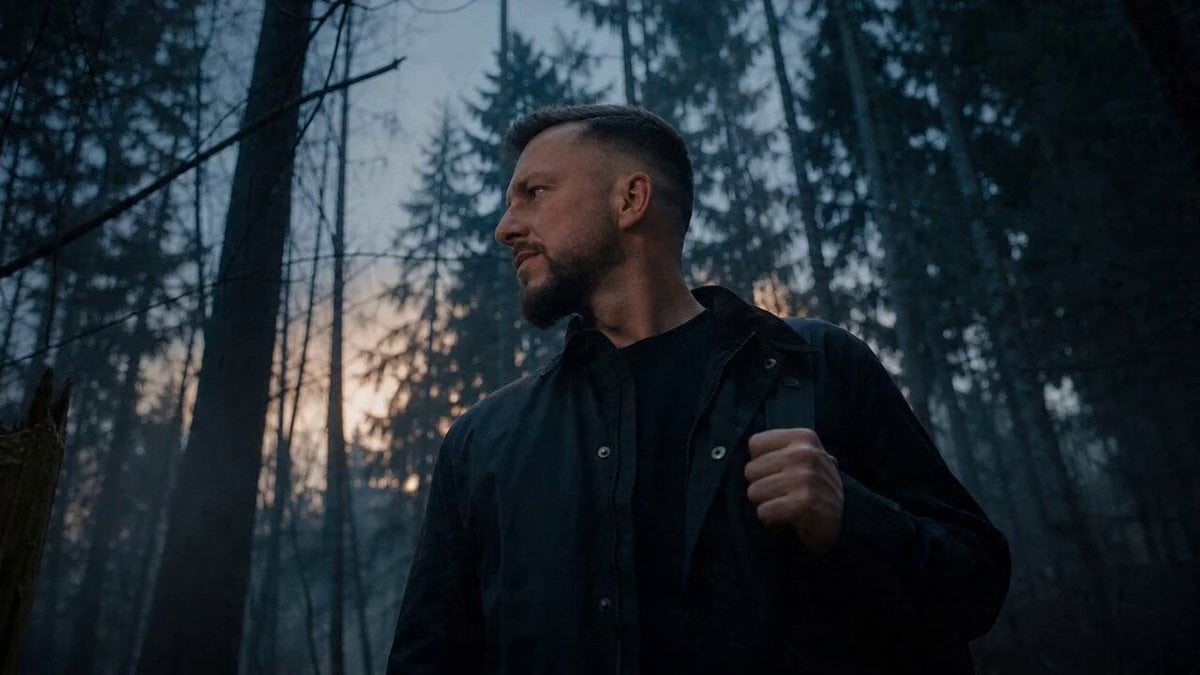
An intense, continuous 360-degree orbital camera shot capturing a man's violent physical transformation into a werewolf.
- Prompt included
- Model and format preset
- Free template
The prompt behind this video
Copy the exact prompt behind Werewolf Transformation VFX Shot, or open it in the studio and make it yours.
Cinematic dark fantasy VFX transformation shot on Arri Alexa 35 with Master Prime lenses, featuring a continuous high-speed 360-degree orbital camera move around a distressed 30-year-old german man in a dimly lit, foggy forest. The sequence begins with the man clutching his head in agony as his skin ripples and coarse brown fur erupts from his cheeks; his jaw audibly cracks and elongates into a lupine snout while his teeth sharpen into lethal fangs. As the camera revolves, his eyes shift from blue to a glowing predatory amber, and his fingernails transform into jagged black claws. The shot concludes with the fully transformed werewolf letting out a visceral roar toward the full moon as the camera completes its rotation. The atmosphere is dark, claustrophobic, and bone-crunching, with an intense rhythmic pace that mirrors the violent physical evolution.
How to use Werewolf Transformation VFX Shot in 3 steps
- 1
Open
The prompt is already in the box next to the preview, with the template's model and format selected.
- 2…a portrait of your subject in softgolden-hour light, 85mm…
Personalize
Edit the subject and creative details for your destination.
- 3Generate
Generate
Press Generate — your video is created in PicX Studio, so you can compare it with the original and refine one variable at a time.
More like this
Templates with the same subject, style or setup. Open one to see its prompt.

Magical Room Transformation - Seedance 2.5

Dark Tokusatsu Transformation - Seedance 2.5

RX-7 to Mech Transformation Cyberpunk
Charaspower Still World Higgsfield
Time Stealer — Seedance 2.0
Civilization Timelapse — Centuries in One Shot
Subway Flood — Epic Tunnel Chaos
Mecha Transformation vs Kaiju — 4-Scene Epic
Sea Serpent vs Crab Titan — Ocean Battle
Asteroid Impact City Destruction
Luxury Handbag Commercial — Hollywood VFX Ad
Superhero Transformation Cinematic VFX
Make it yours
Werewolf Transformation VFX Shot works as-is. These are the safest ways to change it without losing the look.
Change one field
Copy a single group, rewrite it, and generate again so you can see what that field is doing.
Keep the frame, change the subject
Hold the composition and light of Werewolf Transformation VFX Shot, then swap wardrobe, props or the person for a new take.
| If the result… | Why | Fix |
|---|---|---|
| The result drifts from the preview | Too many fields changed at once. | Reuse Werewolf Transformation VFX Shot as-is first, then change one group — subject, light, or setting. |
| The model over-stylizes the scene | The prose prompt leaves finish and camera underspecified. | Add one camera or lighting sentence and stay on Seedance 2.0. |
More Seedance 2.0 templates
Other prompts made for Seedance 2.0.

Comical Martial Arts Punch Scene

Maglev Train Action Sequence

Martial Arts Fight Sequence

Wuxia Protection and Trust Script

Vintage Korean Arcade MiniDV Vlog

Mercedes 190 SL Luxury Ad

Rainy Night Supernatural Reverse Comedy Video Script

Amazon Civilization Discovery

Futuristic South Asian City Transformation

Cozy Luxury Cafe Commercial
More video prompts
Fresh picks from across the catalog.
Video Generation Prompt: Fluid Ribbon in a Transparent Brain
Divine Hathorian Goddess Scifi

Ancient Style Dance with Dynamic Camera Movement
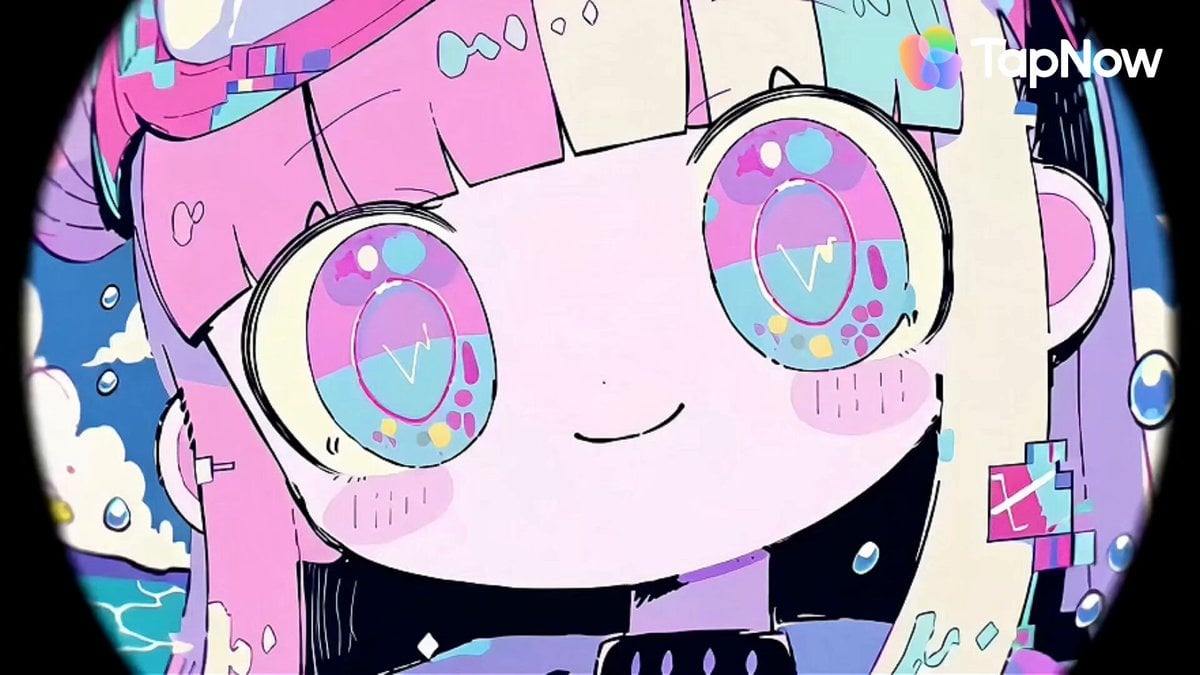
Pastel Beach Anime MV
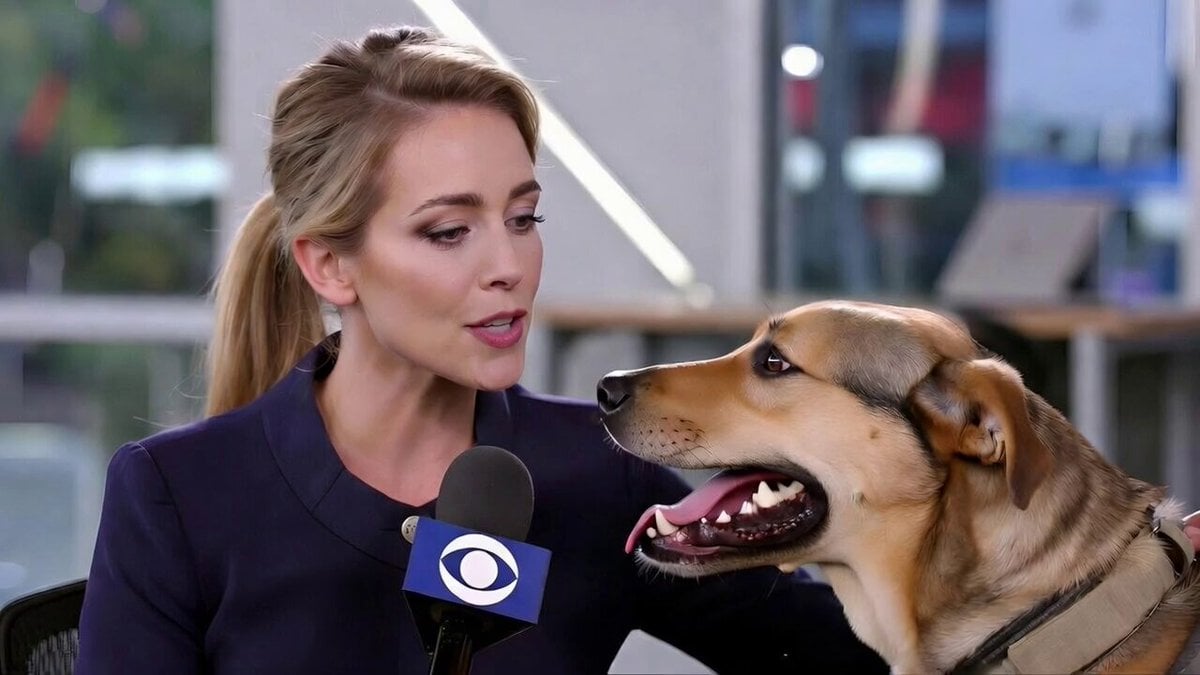
Realistic Dog News Interview
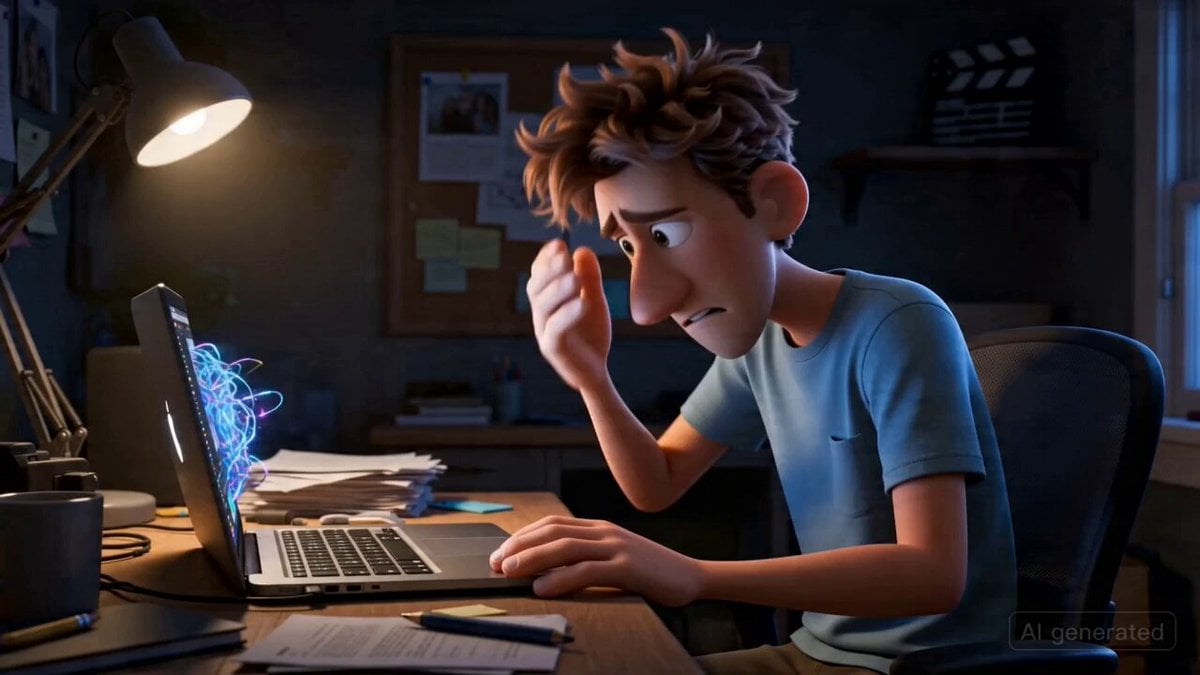
Pixar-Style Commercial for CapCut

Blonde Woman Driving Green 1960s Mustang Golden Hour
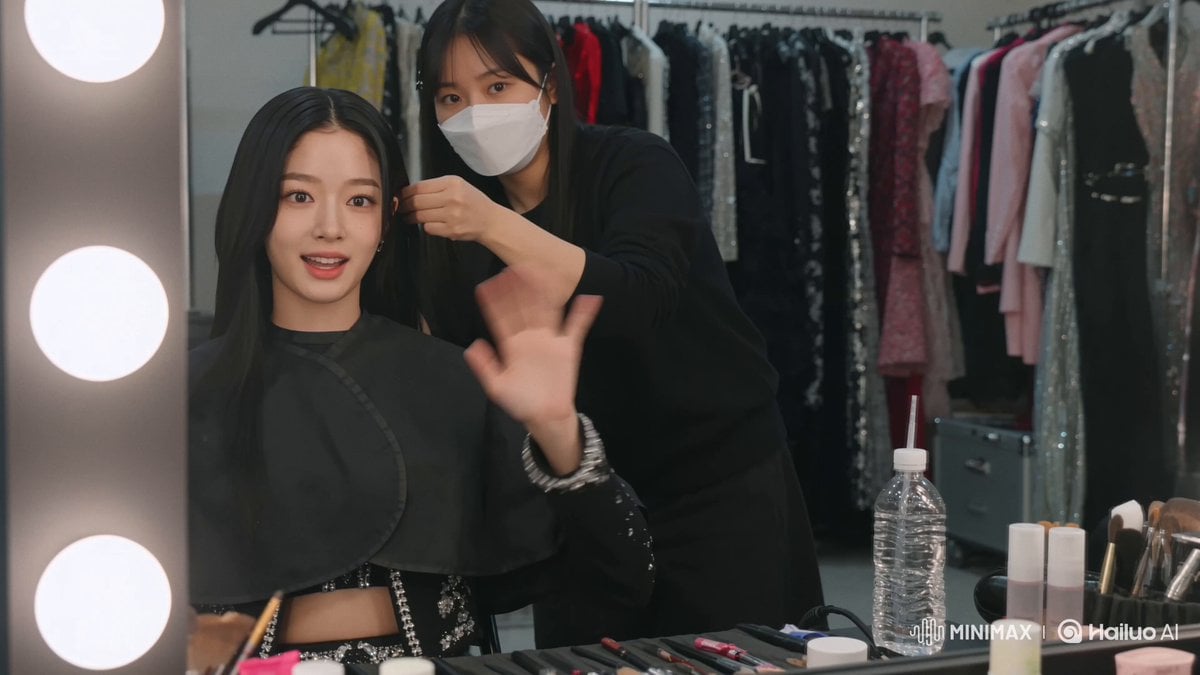
K-Pop Idol Backstage Vlog
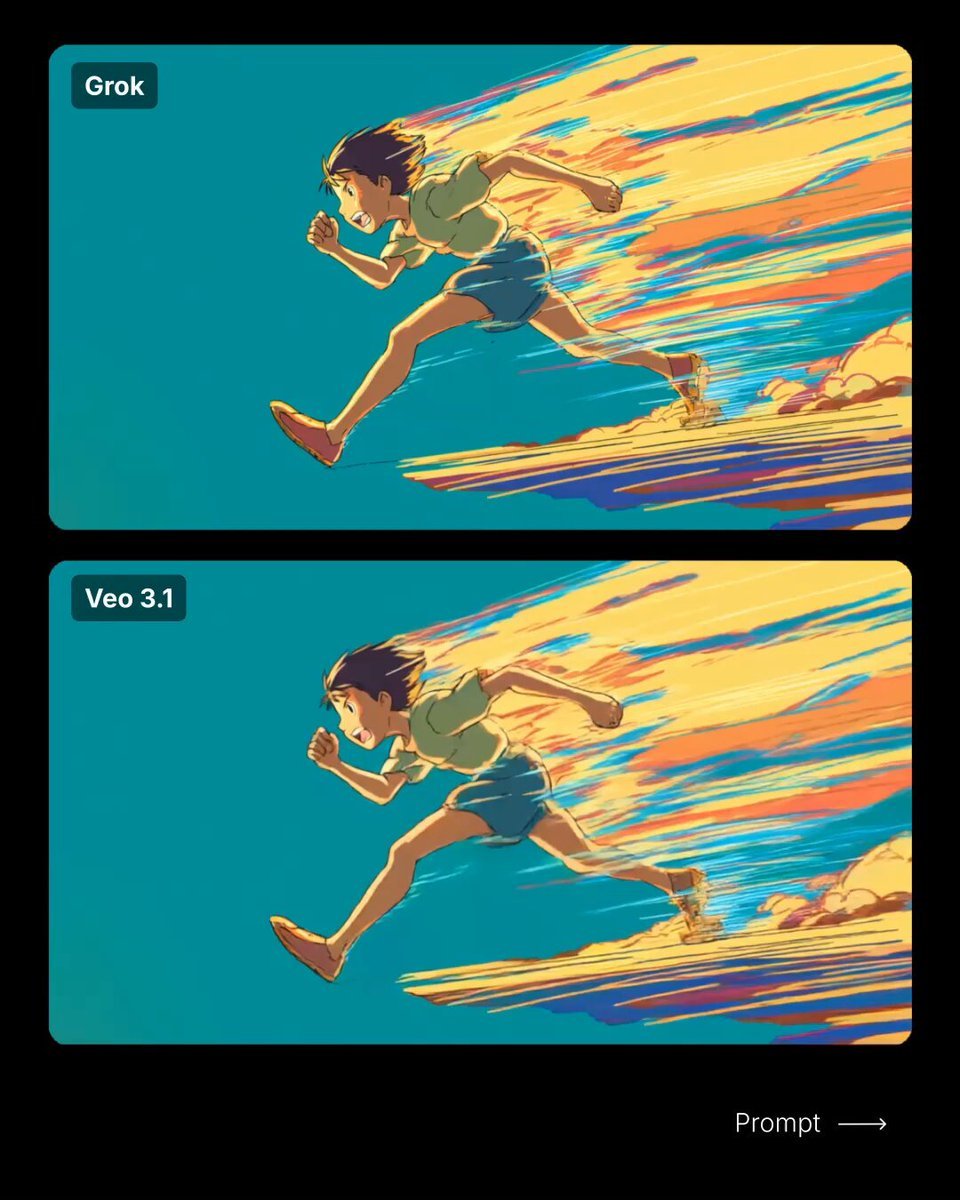
Anime-Style Running Boy Video Prompt
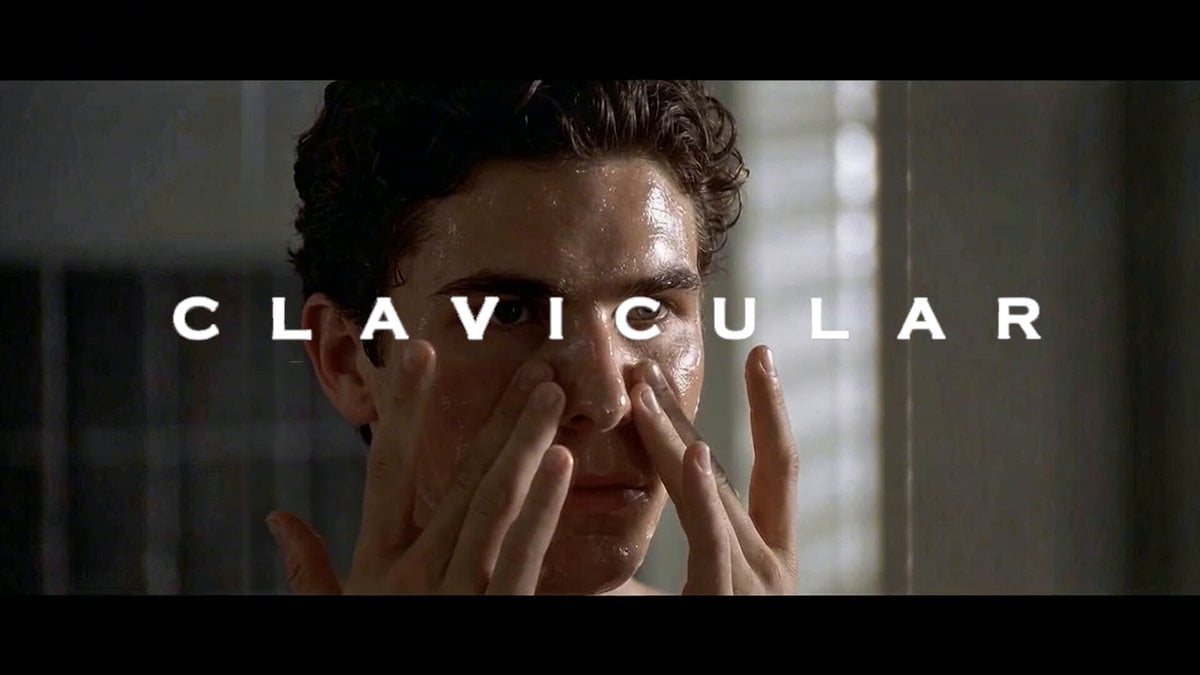
Clavicular's Morning Routine Prompt
Browse template categories
Werewolf Transformation VFX Shot questions
How do I use the Werewolf Transformation VFX Shot template?
Add your photo if the template asks for one, edit the prompt if you like — the template's model and format are already selected — and press Generate. Your version opens in PicX Studio.
Can I customize the Werewolf Transformation VFX Shot template?
Yes. You can change the subject, setting, lighting, mood, format, and available model controls before creating your video.
Is the Werewolf Transformation VFX Shot template free?
Opening and editing this template is free. Generating uses credits, shown on the Generate button when you are signed in.
Which AI model should I use?
Start with Seedance 2.0, which is the model associated with this template. You can compare another compatible model for a different finish.
Looking for something else? Browse all templates.

Your photo, any look
Thousands of ready templates for every top image and video model, from one credit balance.