
Pastel Beach Anime MV
A comprehensive prompt for Seedance 2.0 to generate a 15-second anime music video using multiple image references for characters and mood, focusing on group choreography and energetic transitions.
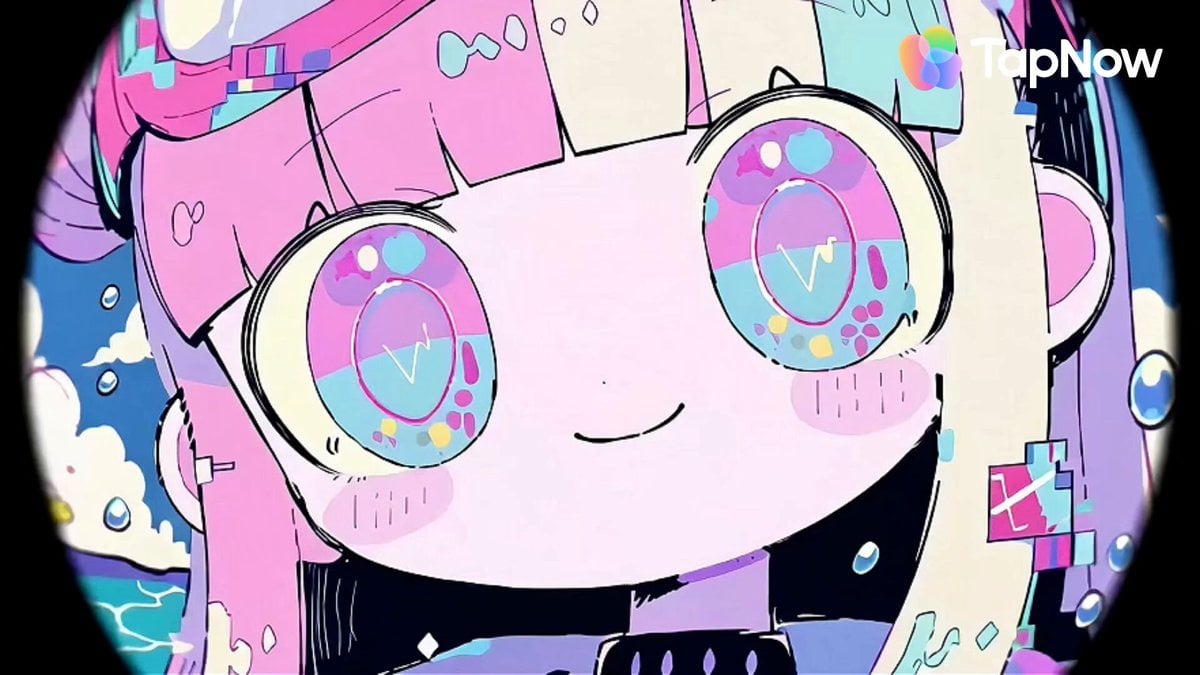
- Prompt included
- Model and format preset
- Free template
The prompt behind this video
Copy the exact prompt behind Pastel Beach Anime MV, or open it in the studio and make it yours.
A Japanese full-color anime with no captions, no background music, rapid-fire editing, a high frame count, and 24 FPS. Use 「アット」image1 as the main reference for the overall pastel beach-pop mood, shark-hoodie styling, cute character proportions, and playful summer energy. Use 「アット」image2 as the reference for calm-cute facial rendering, pastel eye design, and soft fashion balance. Use 「アット」image3 as the reference for the brighter pastel shark motif, simplified cute silhouette, and pop color blocking. Use 「アット」image4 as the reference for expressive face variety, comic-style split-panel layouts, and energetic reaction diversity. Use 「アット」image5 as the reference for exaggerated cute-chaotic expressions, candy-like graphic decoration, and playful visual intensity. Reference 「アット」audio1 only for beat timing and rhythm if an audio reference is later provided. Do not generate music. Goal: Create a 15-second 720p anime MV-style sequence showing a small group of cute pastel mob dancers joyfully dancing together. The scene should feel playful, bright, social, and energetic, like a fun crowd dance or kawaii flash-mob moment. Do not lock the performance into one exact choreography. Let Seedance infer the dance naturally from the references: group swaying, bouncing, step-touch rhythms, simple synchronized moves, playful arm gestures, turns, reactions, spacing changes, and cheerful group interaction. Focus on lively group motion, camera play, split-screen rhythm, and a cute party atmosphere. Use camera effects and panel composition actively, but keep the characters readable and fun. 0-3s: Open with a lively group reveal. Show multiple cute mob dancers already in motion, using a wide shot, medium group shot, or fisheye-led opening chosen naturally by the generation. Let the group feel immediately active and upbeat. Use playful camera motion, light fisheye distortion, and buoyant rhythm. The dancers should not hold one fixed pose; they should already be moving together in a casual but coordinated way. Floating bubbles, stars, candy-like shapes, clouds, pastel particles, and beachy pop motifs may move through the frame. 3-6s: Move into a more dance-focused section. Let Seedance infer a variety of cute mob-dance actions: small synchronized steps, side-to-side movement, hand waves, shoulder bounces, light turns, call-and-response gestures, and little formation changes. Use alternating camera sizes: medium group shots, brief close-ups, and occasional fisheye push-ins. Show the group’s fun and shared rhythm rather than one leader doing all the work. The dancers should feel like a cheerful crowd moving together. 6-10s: Introduce split-panel and collage rhythm. Break the frame into multiple angled panels that show different dancers, different moments, or different fragments of the same group dance. Some panels may show close-up expressions, some body movement, some group spacing, some hands or accessories. Do not repeat the same pose across all panels. Let the panels behave like a playful remix of the dance. Use sliding panel borders, snapping cuts, slight rotation, and rhythmic reassembly. Allow occasional prism-like edge duplication, cute glitch fragments, or macro inserts of accessories and eyes, but keep the dance energy central. 10-13s: Escalate the group energy. Let the mob dance become more animated and varied without becoming chaotic noise. Seedance may infer little jumps, spins, bounce accents, quick turns, mirrored motions, or playful interaction between neighboring dancers. Use camera effects more actively here: fisheye close-ups, brief macro flashes, snap zooms, whip-like transitions, and layered panel bursts. The group should feel increasingly joyful and lively, as if the dance is peaking. 13-15s: Do not force a standard final hero pose. Let the ending emerge naturally from the dance. Possible endings may include: the group clustering together while still moving, a playful freeze during motion, a split-panel collapse into one group image, a joyful reaction burst, a cute jump or bounce accent, or a clean energetic cut while the dance is still alive. The final beat should feel fun, spontaneous, and satisfying, without looking mechanically predetermined. Keep: - Keep the overall design language consistent with the references: pastel pink, cyan, mint, yellow, lavender, sky blue, and candy-pop accents. - Keep the characters chibi-cute, stylized, expressive, and visually unified, while allowing some variety between mob dancers. - Keep the shark-hoodie / beach-pop / candy-kawaii styling language from the references. - Keep the mood fun, light, social, and energetic. - Keep the animation group-oriented, with multiple dancers visible across the sequence. - Keep the visual emphasis on cheerful dancing, panel rhythm, cute expressions, and playful camera effects. - Keep the rendering flat, graphic, clean, colorful, and slightly sketchy with lively line energy. - Keep the sequence readable even when the edits become fast. Avoid: - No generated text, no subtitles, no logos, no readable signs. - No dark or horror tone. - No gore, no violent imagery. - No realistic live-action look. - No lonely solo performance for the whole clip; it should clearly feel like a mob dance or group dance. - No rigid repeated loop of the exact same move. - No overcomplicated choreography that looks stiff or mechanical. - No excessive effects that hide the dancers for long periods. - No muddy colors or desaturated lighting. - No off-model redesigns that break the reference style.
How to use Pastel Beach Anime MV in 3 steps
- 1
Open
The prompt is already in the box next to the preview, with the template's model and format selected.
- 2…a portrait of your subject in softgolden-hour light, 85mm…
Personalize
Edit the subject and creative details for your destination.
- 3Generate
Generate
Press Generate — your video is created in PicX Studio, so you can compare it with the original and refine one variable at a time.
More like this
Templates with the same subject, style or setup. Open one to see its prompt.
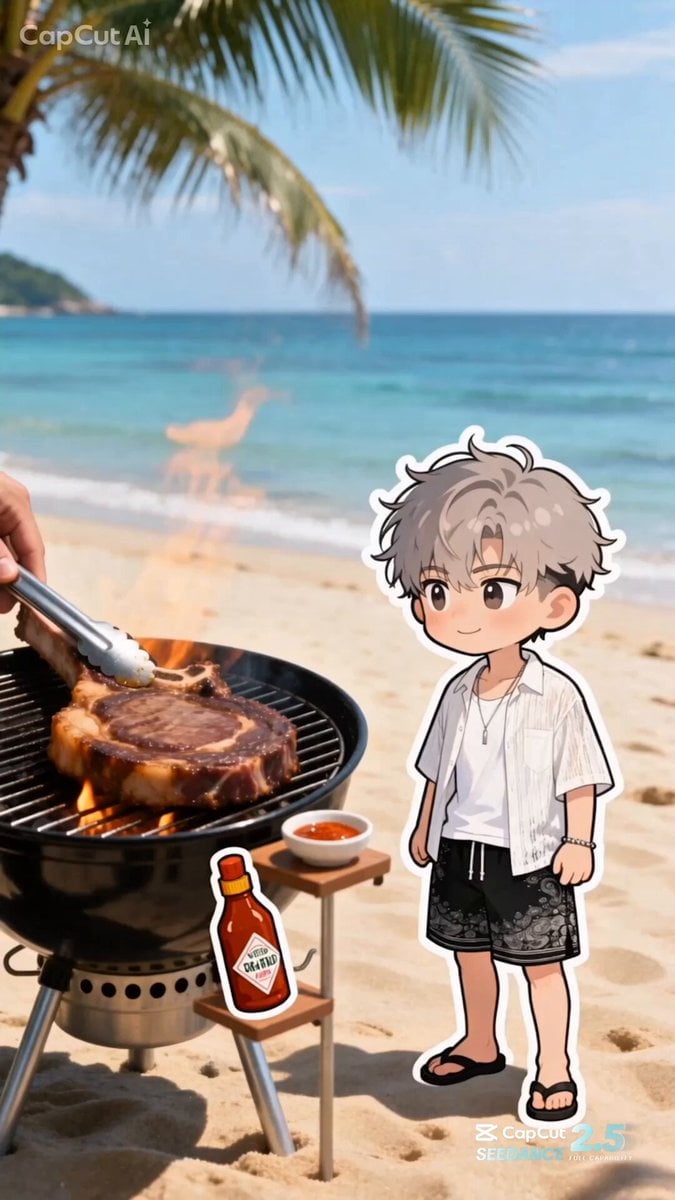
Summer Beach BBQ and Anime Character Sticker
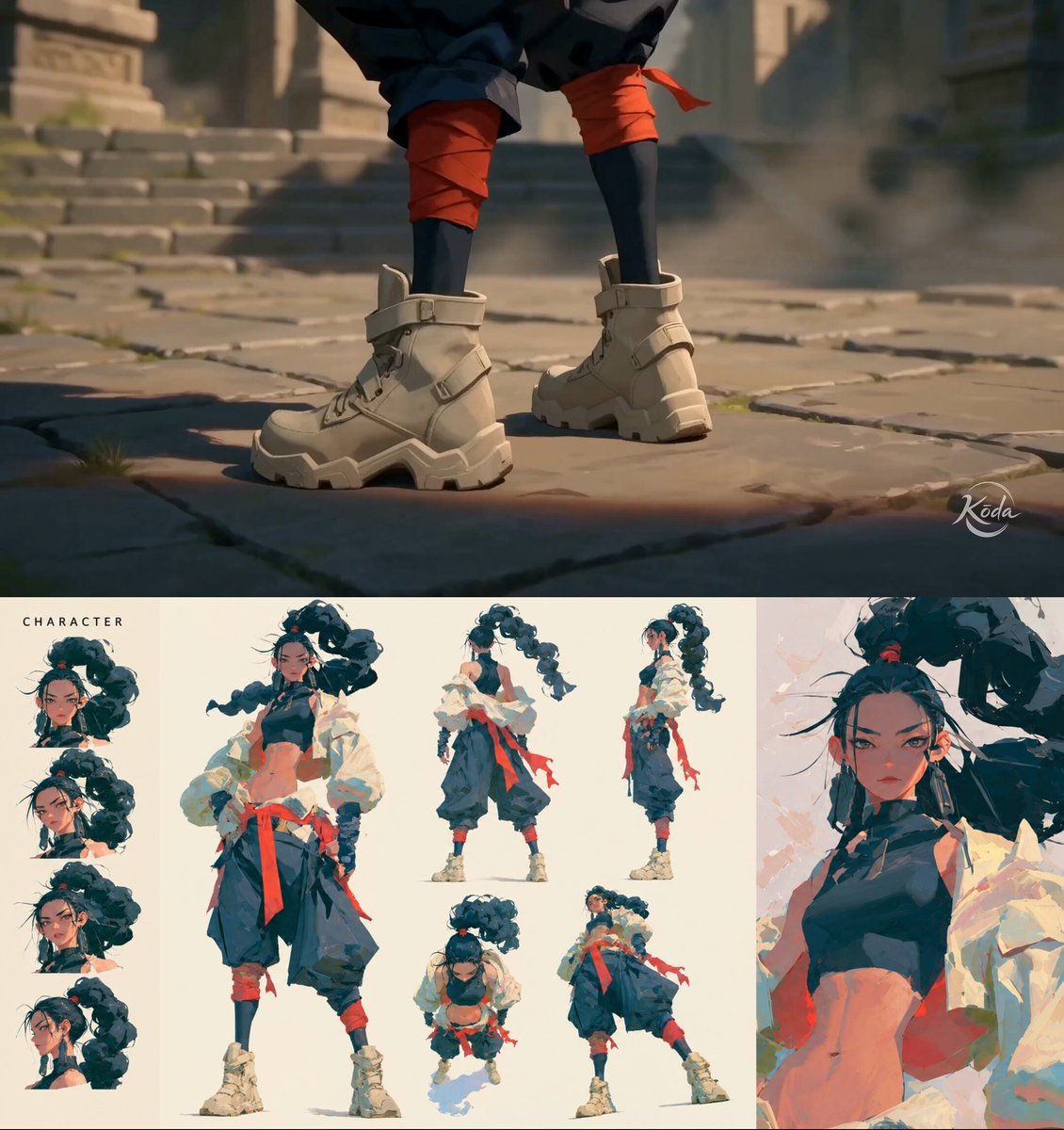
MiniMax H3 Character Introduction
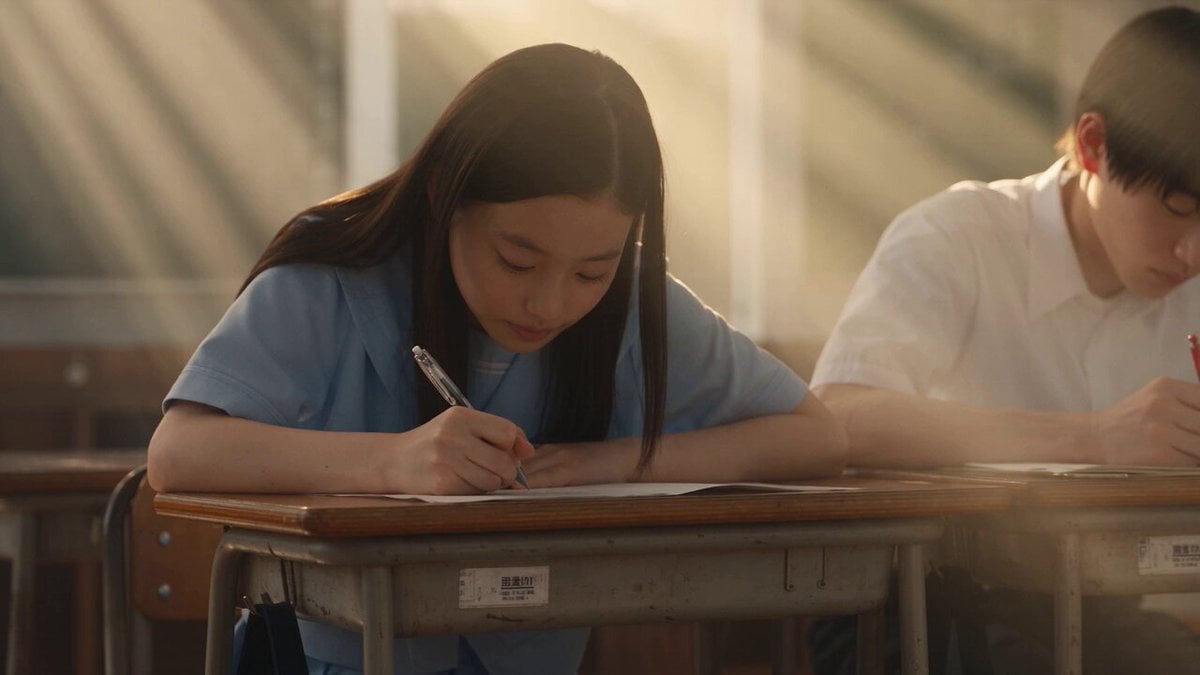
Japanese Pure Love Short Film
Studio Ghibli Dumpling Kitchen Cooking Scene
Anime Style Underwater to Beach Transition
Mecha Transformation vs Kaiju — 4-Scene Epic
2000s MiniDV Jeju Island Beach Walk
Golden Hour NYC Beach Stroll
Honeysuckle Flowers Pastel Dreamlight
Serene Sunset Beach Scene
Ethereal Pastel Angelic Wings
Pastel Psychedelic Mushroom Dream
Make it yours
Pastel Beach Anime MV works as-is. These are the safest ways to change it without losing the look.
Change one field
Copy a single group, rewrite it, and generate again so you can see what that field is doing.
Keep the frame, change the subject
Hold the composition and light of Pastel Beach Anime MV, then swap wardrobe, props or the person for a new take.
| If the result… | Why | Fix |
|---|---|---|
| The result drifts from the preview | Too many fields changed at once. | Reuse Pastel Beach Anime MV as-is first, then change one group — subject, light, or setting. |
| The model over-stylizes the scene | The prose prompt leaves finish and camera underspecified. | Add one camera or lighting sentence and stay on Seedance 2.0. |
More Seedance 2.0 templates
Other prompts made for Seedance 2.0.

Comical Martial Arts Punch Scene

Maglev Train Action Sequence

Martial Arts Fight Sequence

Wuxia Protection and Trust Script

Vintage Korean Arcade MiniDV Vlog

Mercedes 190 SL Luxury Ad

Rainy Night Supernatural Reverse Comedy Video Script

Amazon Civilization Discovery

Futuristic South Asian City Transformation

Cozy Luxury Cafe Commercial
More video prompts
Fresh picks from across the catalog.
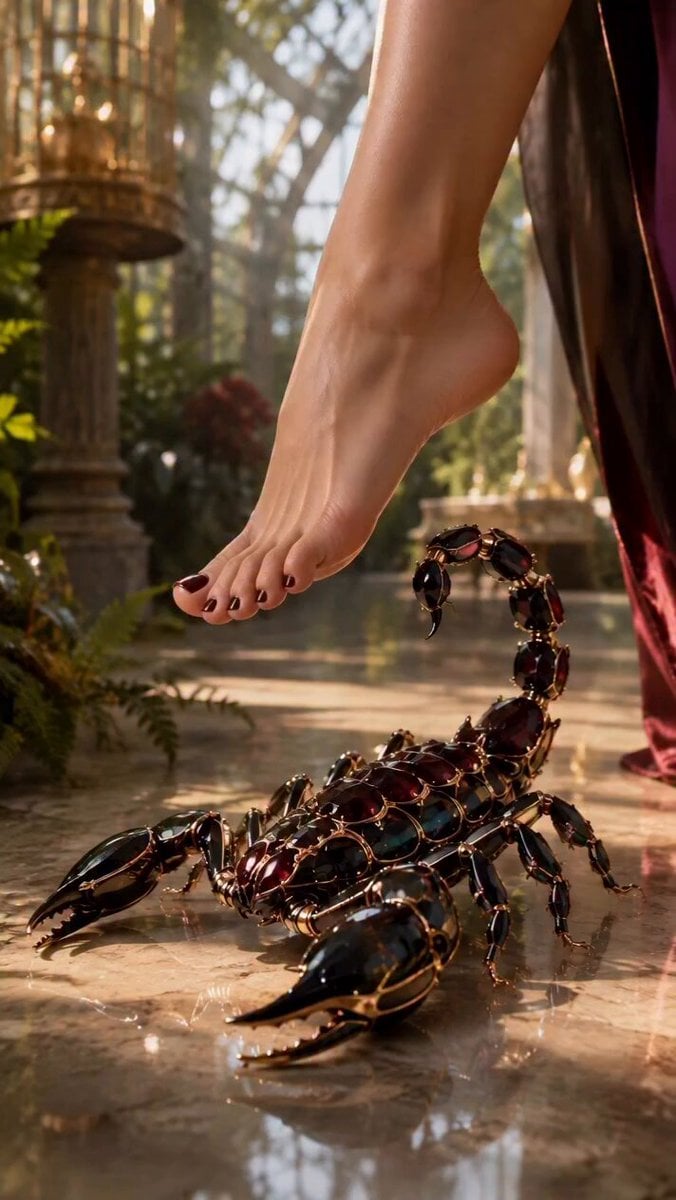
Scorpion to Luxury Stiletto Transformation
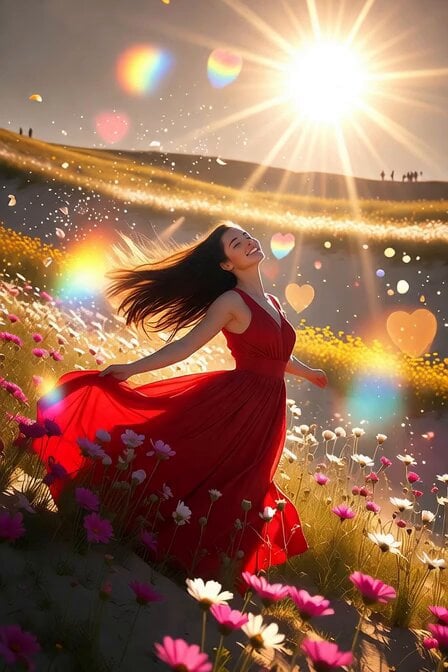
Red Dress Flower Field Dance Prompt
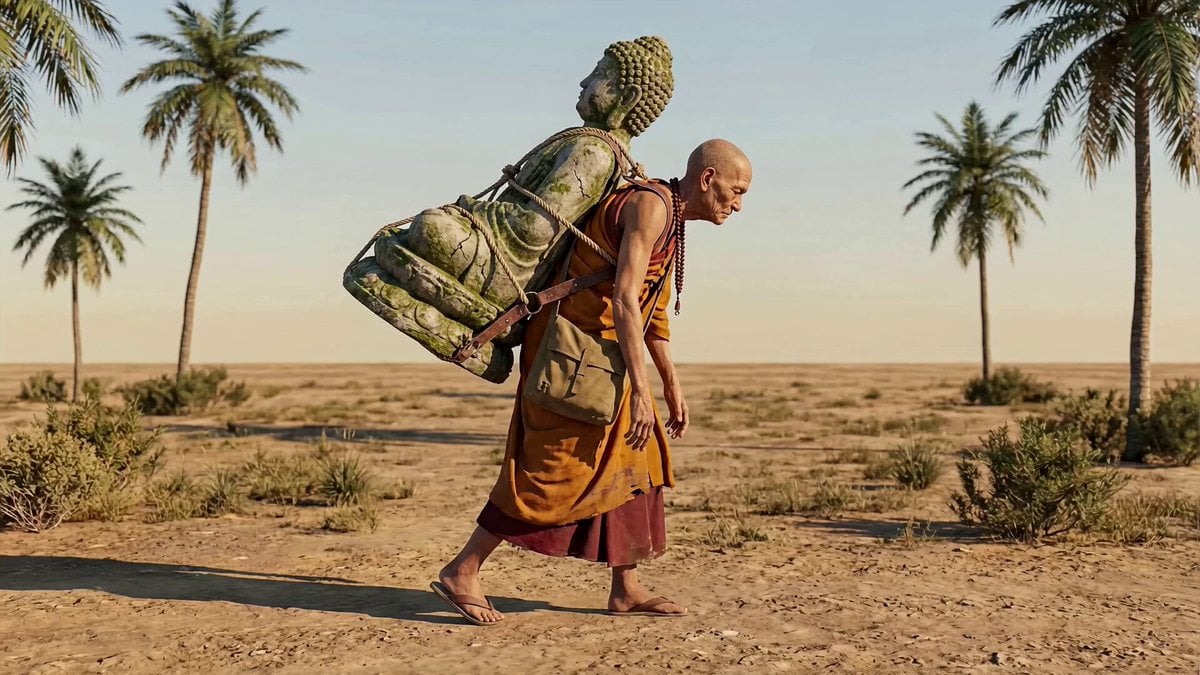
Animation transfer and camera tracking prompt

Realistic Fighting Game Action Sequence
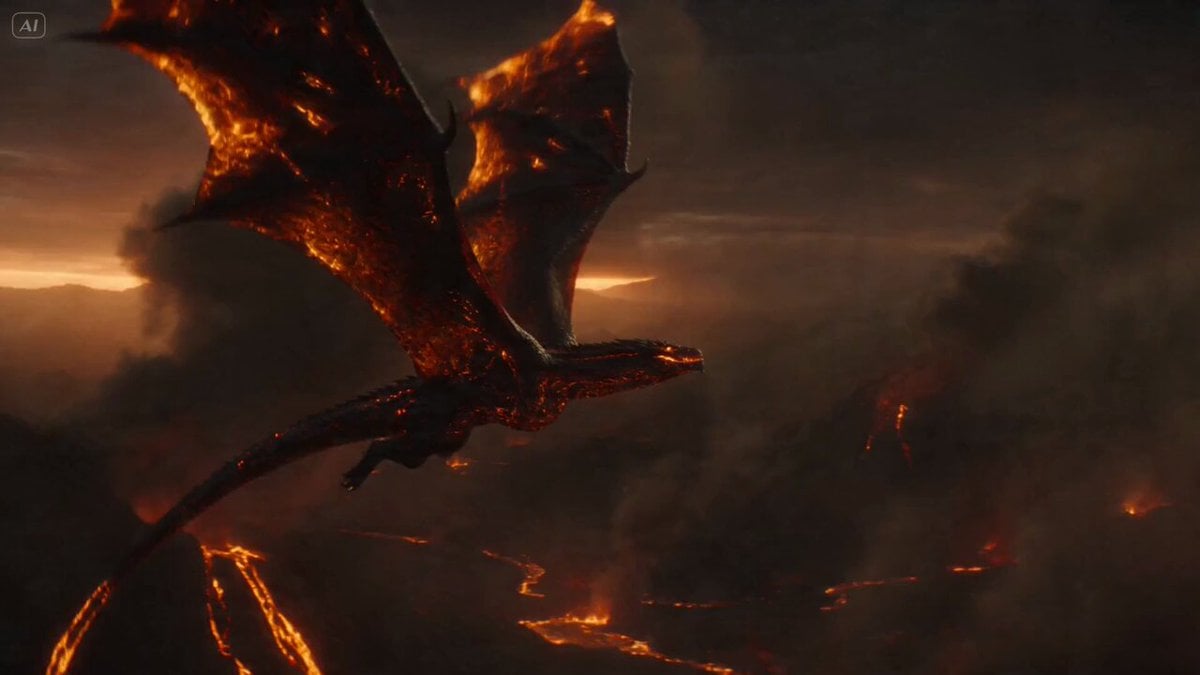
Massive Lava Dragon Metamorphosis
Cinematic School Rooftop Fight Sequence
Romantic Proposal Scene Video Prompt for Seedance 2.0
Cinematic Drone Dive into a Person's Eye
Shrine Maiden Battle Transformation
Sailor Moon Dialogue Scene
Browse template categories
Pastel Beach Anime MV questions
How do I use the Pastel Beach Anime MV template?
Add your photo if the template asks for one, edit the prompt if you like — the template's model and format are already selected — and press Generate. Your version opens in PicX Studio.
Can I customize the Pastel Beach Anime MV template?
Yes. You can change the subject, setting, lighting, mood, format, and available model controls before creating your video.
Is the Pastel Beach Anime MV template free?
Opening and editing this template is free. Generating uses credits, shown on the Generate button when you are signed in.
Which AI model should I use?
Start with Seedance 2.0, which is the model associated with this template. You can compare another compatible model for a different finish.
Looking for something else? Browse all templates.

Your photo, any look
Thousands of ready templates for every top image and video model, from one credit balance.