
Realistic Fighting Game Action Sequence
A prompt for generating high-quality martial arts combat scenes with a focus on character identity consistency and cinematic Tekken-style visuals.

- Prompt included
- Model and format preset
- Free template
The prompt behind this video
Copy the exact prompt behind Realistic Fighting Game Action Sequence, or open it in the studio and make it yours.
Create a realistic 10-second cinematic fighting game video using the reference photo. The man from the reference image is the main character, wearing a fitted black shirt, black dress pants, black belt, and black formal shoes. Keep the exact face, facial features, hairstyle, beard, skin tone, and identity of the person from the reference image unchanged throughout the entire video. Do not alter, replace, beautify, age, or modify the face in any frame. Maintain perfect facial consistency and identity lock from start to finish. 100% face consistency, identity preservation, same person in every frame, no face morphing, no face swap, no identity drift. The scene takes place in a realistic Tekken-style fighting arena at night with dramatic lighting, sparks, smoke, and crowd atmosphere. The camera starts with a close-up of the fighter's face, then smoothly zooms out. He aggressively attacks a tiger-headed fighter with multiple fast punches, powerful kicks, and martial arts combo moves. The tiger-headed opponent is pushed back, blocks some attacks, and gets hit by several strong strikes. Dynamic camera angles, cinematic slow motion on major impacts, realistic body movement, detailed facial expressions, high-energy action, dramatic visual effects, and intense combat choreography. In the final seconds, the fighter performs a powerful finishing kick that sends the tiger-headed opponent flying backward. Ultra-realistic graphics, 4K quality, sharp details, realistic shadows, cinematic action movie style, smooth motion, professional VFX, epic fighting sequence. Negative Prompt: blurry, low quality, face change, different person, face swap, identity drift, deformed face, extra fingers, extra limbs, bad anatomy, cartoon, anime, low resolution, traditional clothes, shalwar kameez, sandals, distorted eyes, watermark, logo, text, flickering face, inconsistent character appearance, duplicate body parts.
How to use Realistic Fighting Game Action Sequence in 3 steps
- 1Upload ImagePNG, JPG or paste
Add your photo
Upload the photo the template builds on. The prompt, model and format are already set.
- 2…a portrait of your subject in softgolden-hour light, 85mm…
Personalize
Edit the subject and creative details for your destination.
- 3Generate
Generate
Press Generate — your video is created in PicX Studio, so you can compare it with the original and refine one variable at a time.
More like this
Templates with the same subject, style or setup. Open one to see its prompt.
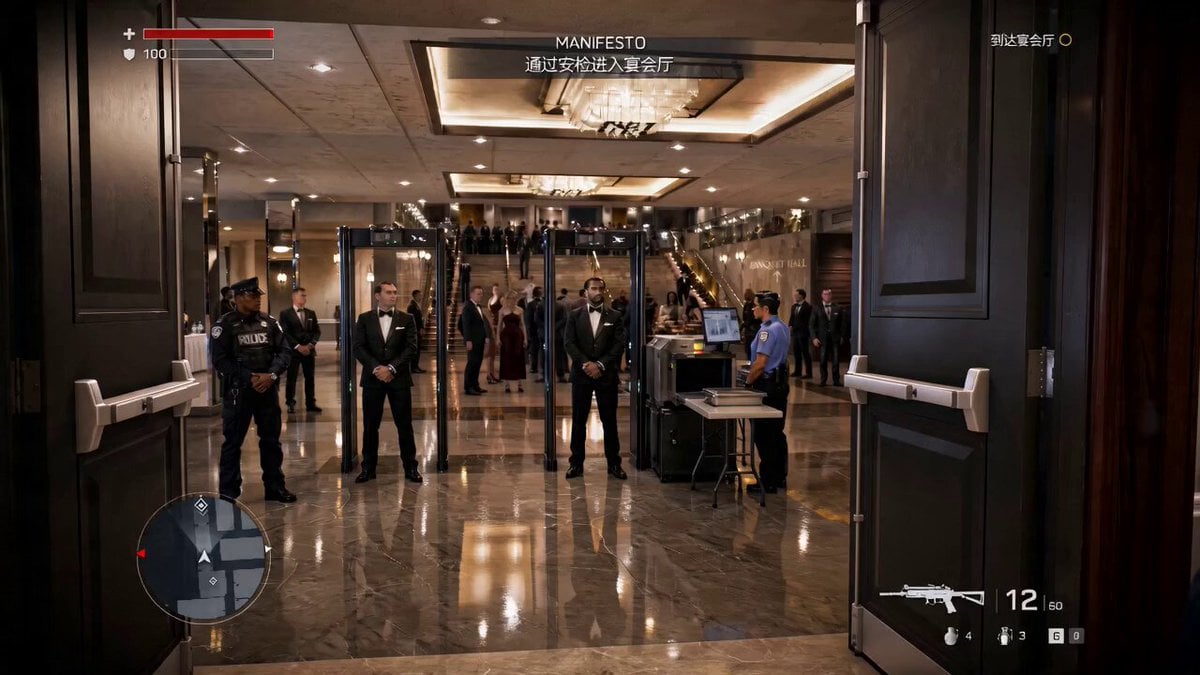
Action Game Combat Sequence
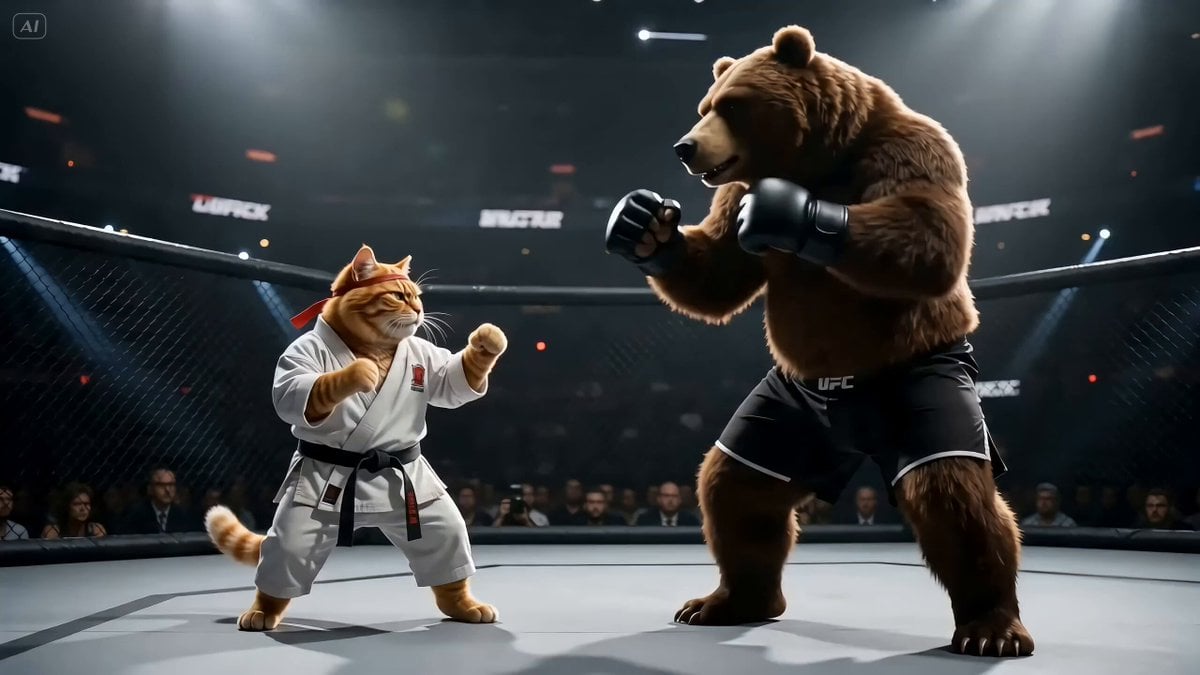
Fighting Game Uppercut Sequence from Reference Image
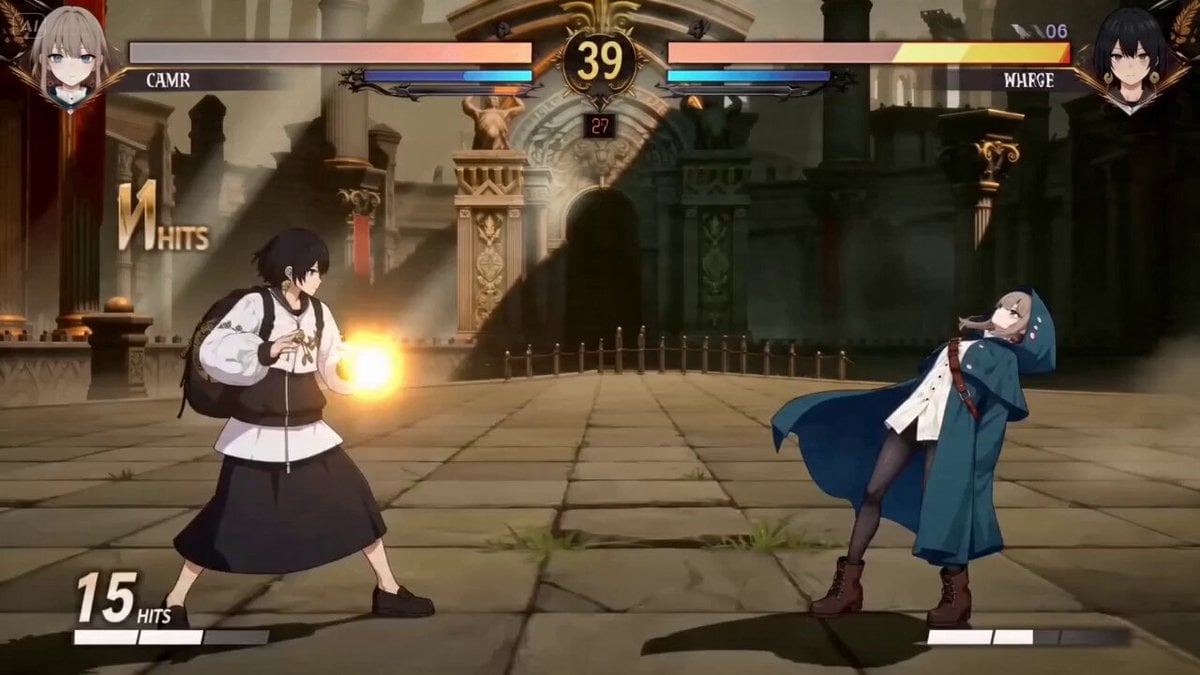
2D Fighting Game Sequence Prompt for Seedance 2.0
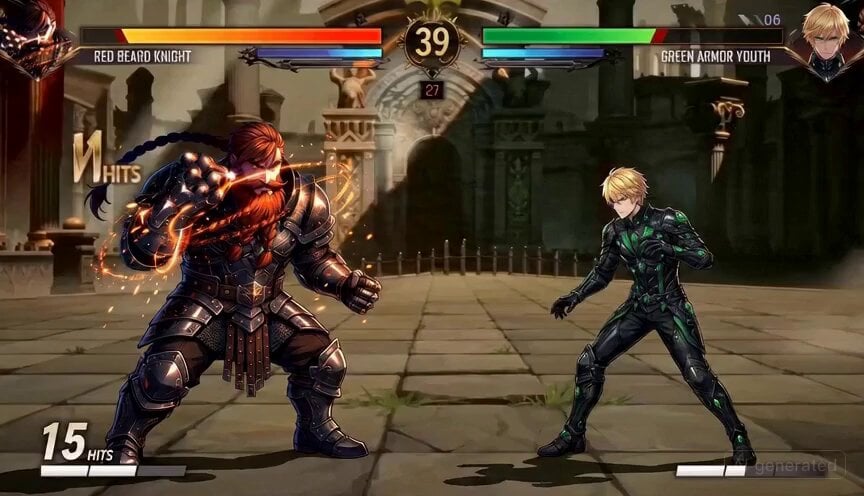
2D Fighting Game Sequence Prompt

Maglev Train Action Sequence
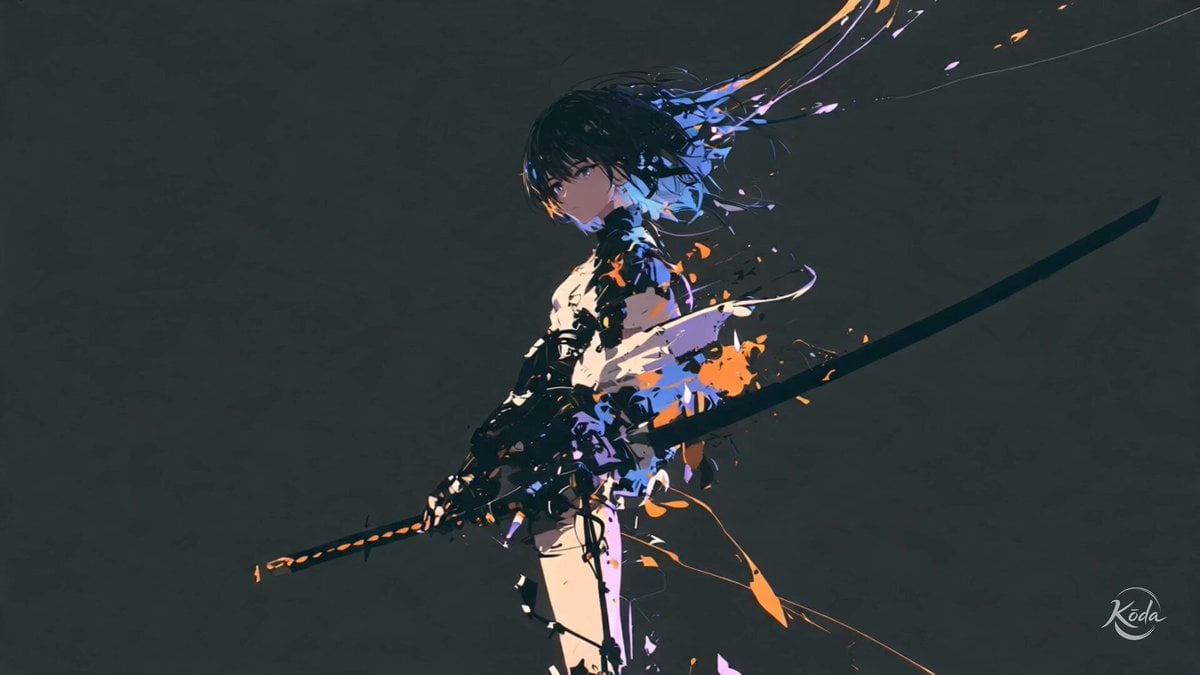
Cinematic Swordswoman Action Sequence
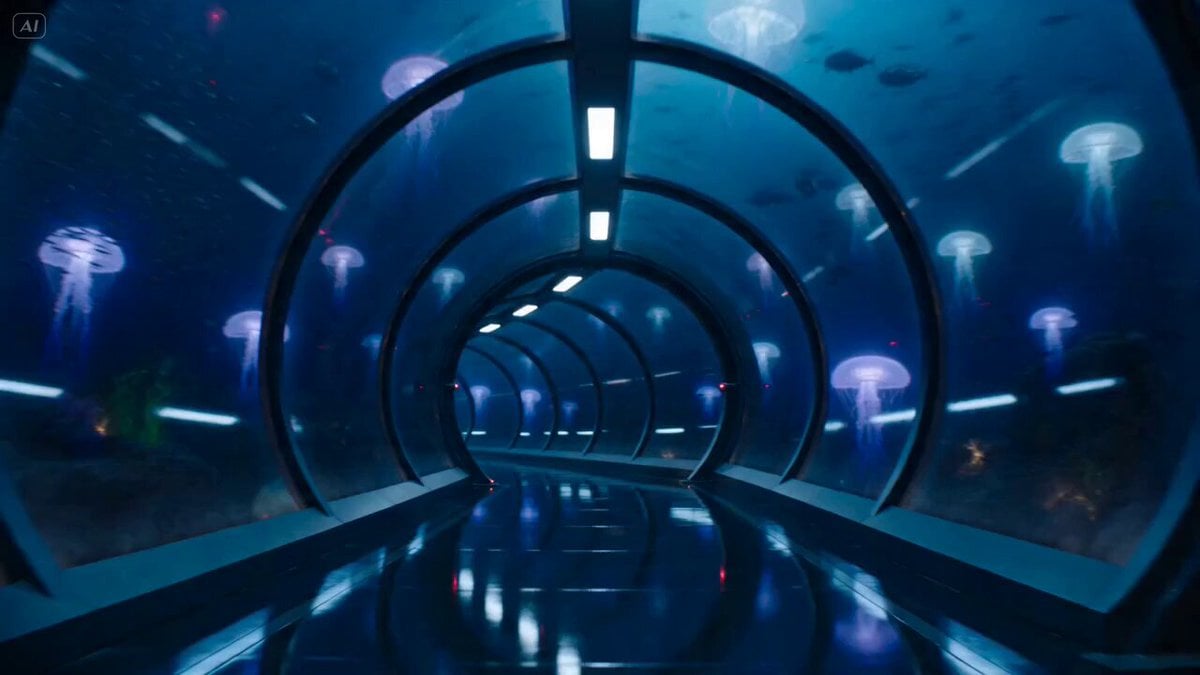
Underwater Glass Tunnel Action Sequence
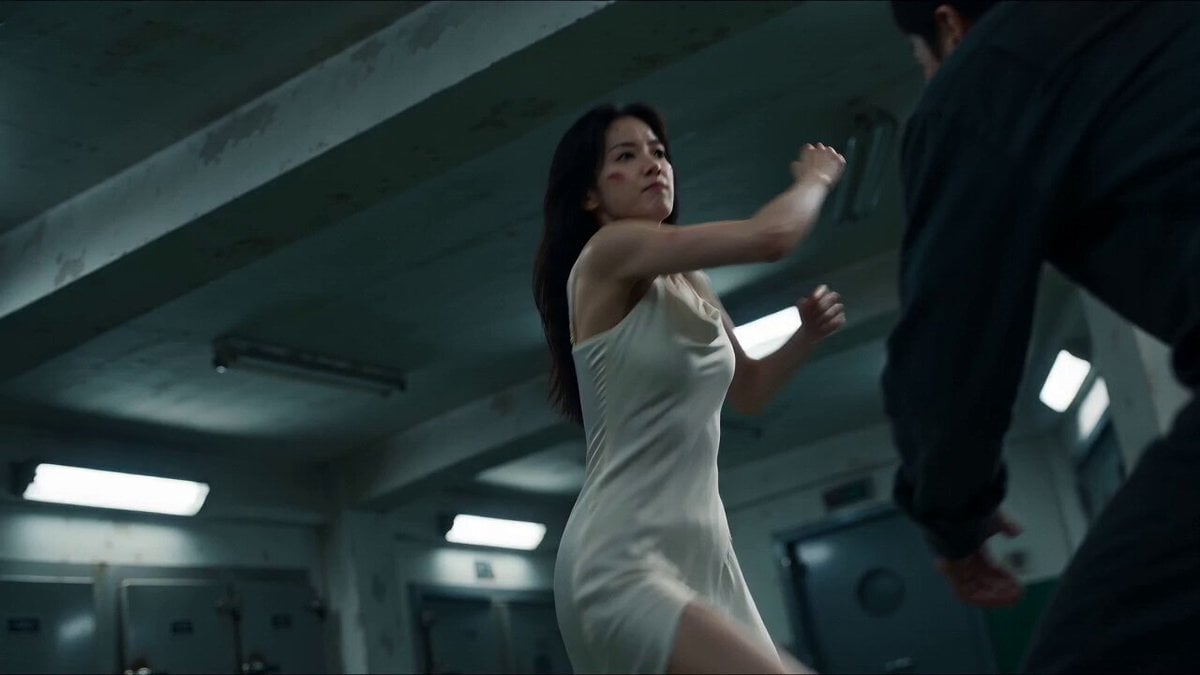
Cinematic Morgue Action Sequence
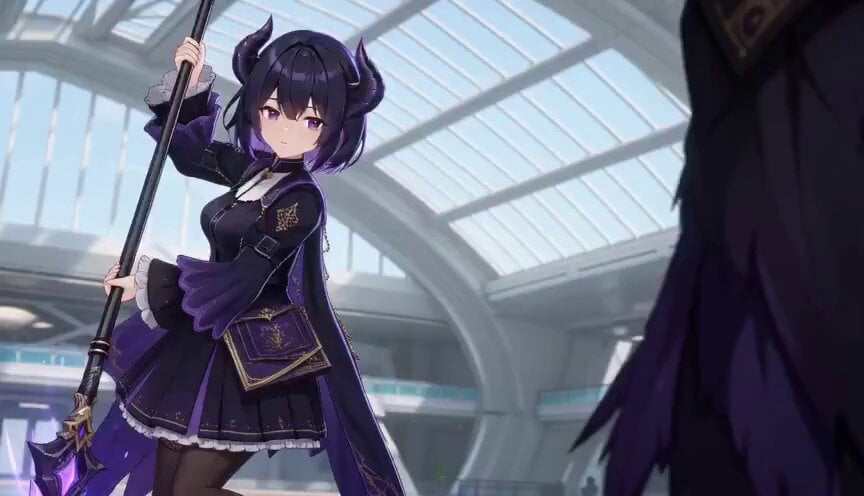
3D Toon Fantasy RPG Action Sequence
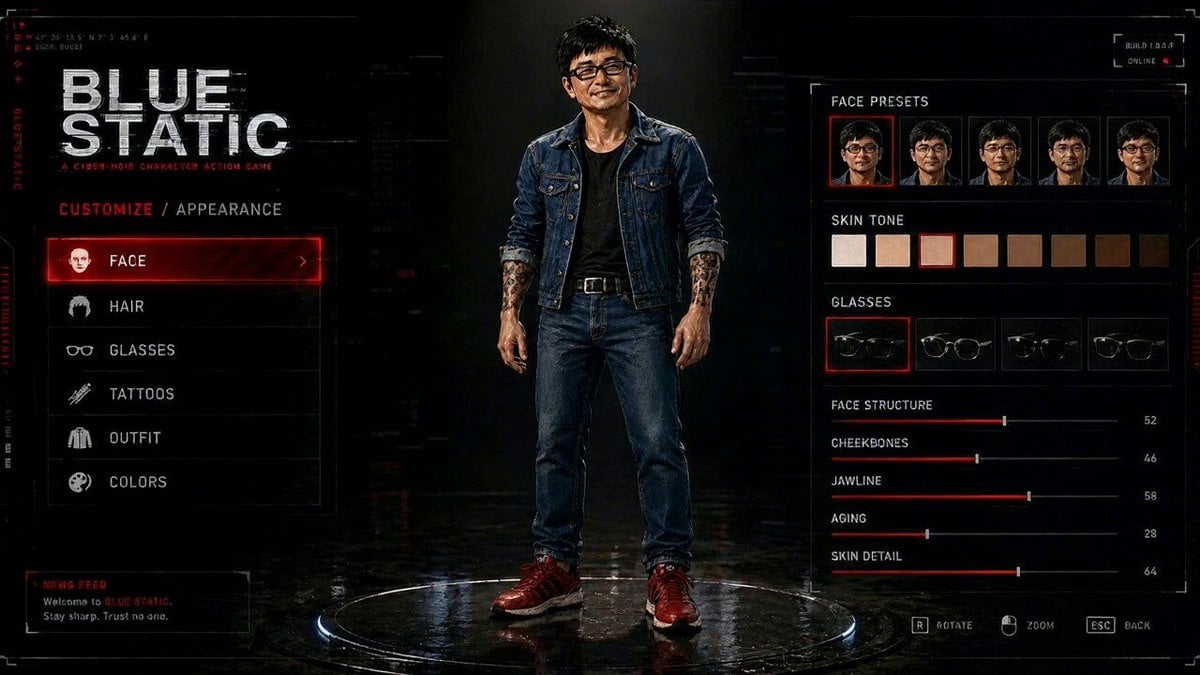
Cyberpunk Game Character Interaction Video
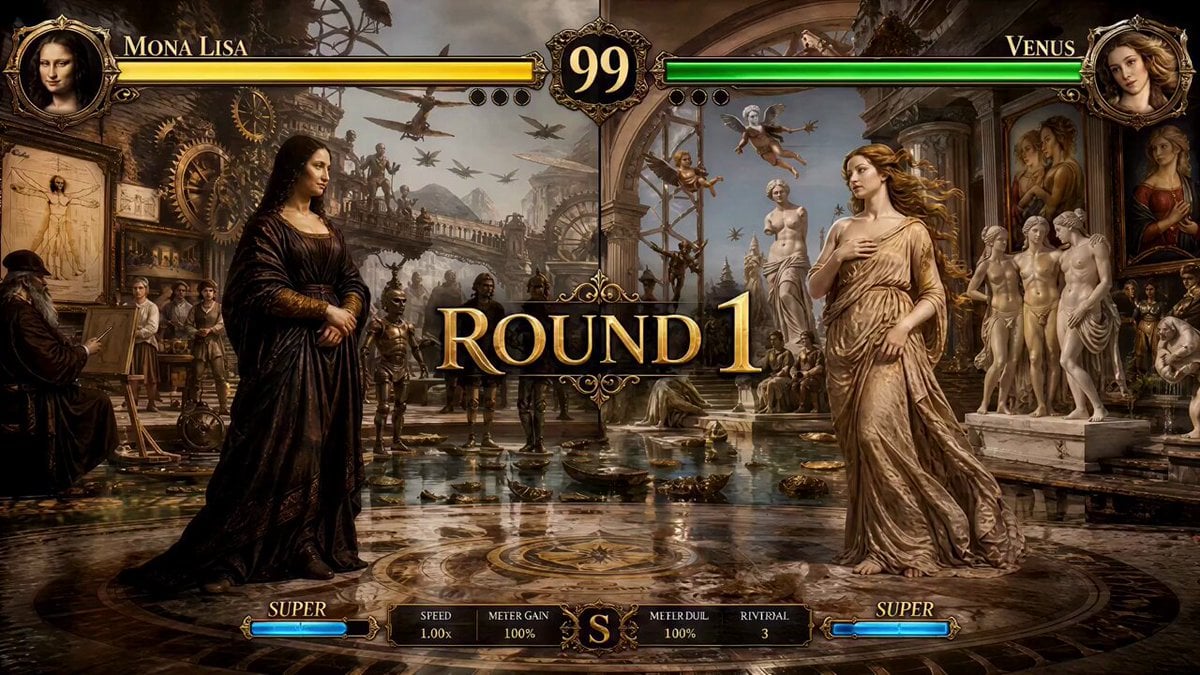
Mona Lisa vs Venus Fighting Game Style

Renaissance Fighting Game Round 1
Make it yours
Realistic Fighting Game Action Sequence works as-is. These are the safest ways to change it without losing the look.
Change one field
Copy a single group, rewrite it, and generate again so you can see what that field is doing.
Keep the frame, change the subject
Hold the composition and light of Realistic Fighting Game Action Sequence, then swap wardrobe, props or the person for a new take.
| If the result… | Why | Fix |
|---|---|---|
| The result drifts from the preview | Too many fields changed at once. | Reuse Realistic Fighting Game Action Sequence as-is first, then change one group — subject, light, or setting. |
| The model over-stylizes the scene | The prose prompt leaves finish and camera underspecified. | Add one camera or lighting sentence and stay on Seedance 2.0. |
More Seedance 2.0 templates
Other prompts made for Seedance 2.0.

Comical Martial Arts Punch Scene

Martial Arts Fight Sequence

Wuxia Protection and Trust Script

Vintage Korean Arcade MiniDV Vlog

Mercedes 190 SL Luxury Ad

Rainy Night Supernatural Reverse Comedy Video Script

Amazon Civilization Discovery

Futuristic South Asian City Transformation

Cozy Luxury Cafe Commercial

Cyber Ronin Nanotech Transformation Video
More video prompts
Fresh picks from across the catalog.
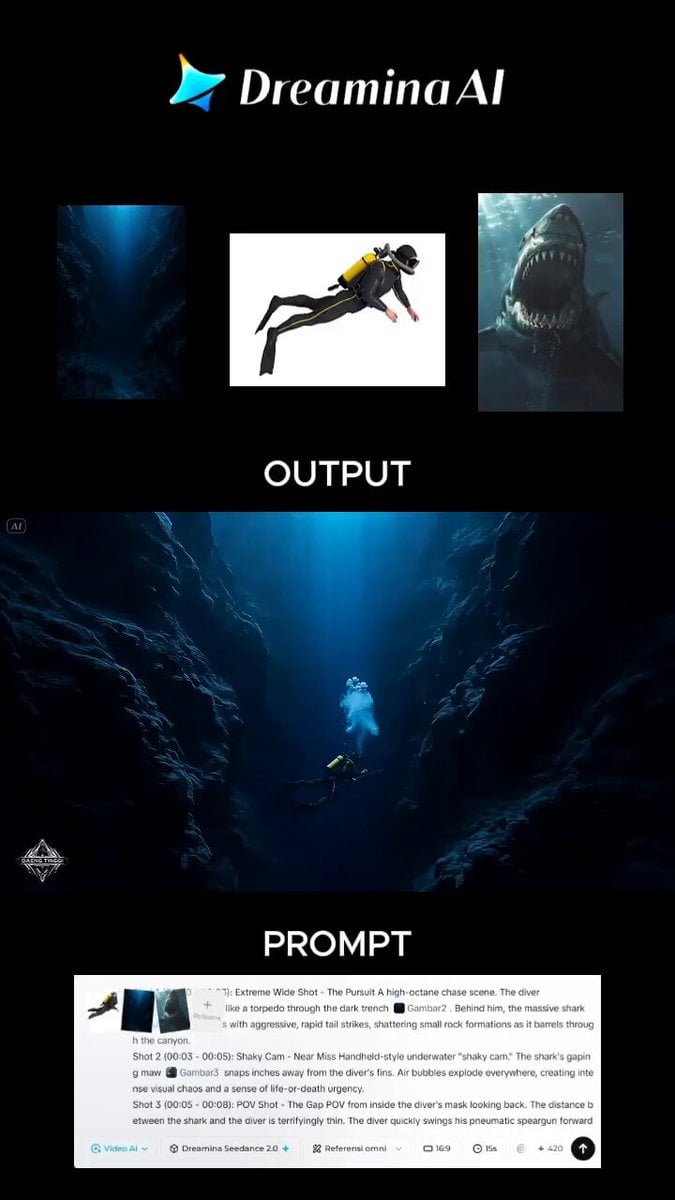
Action-Horror Underwater Chase Prompt
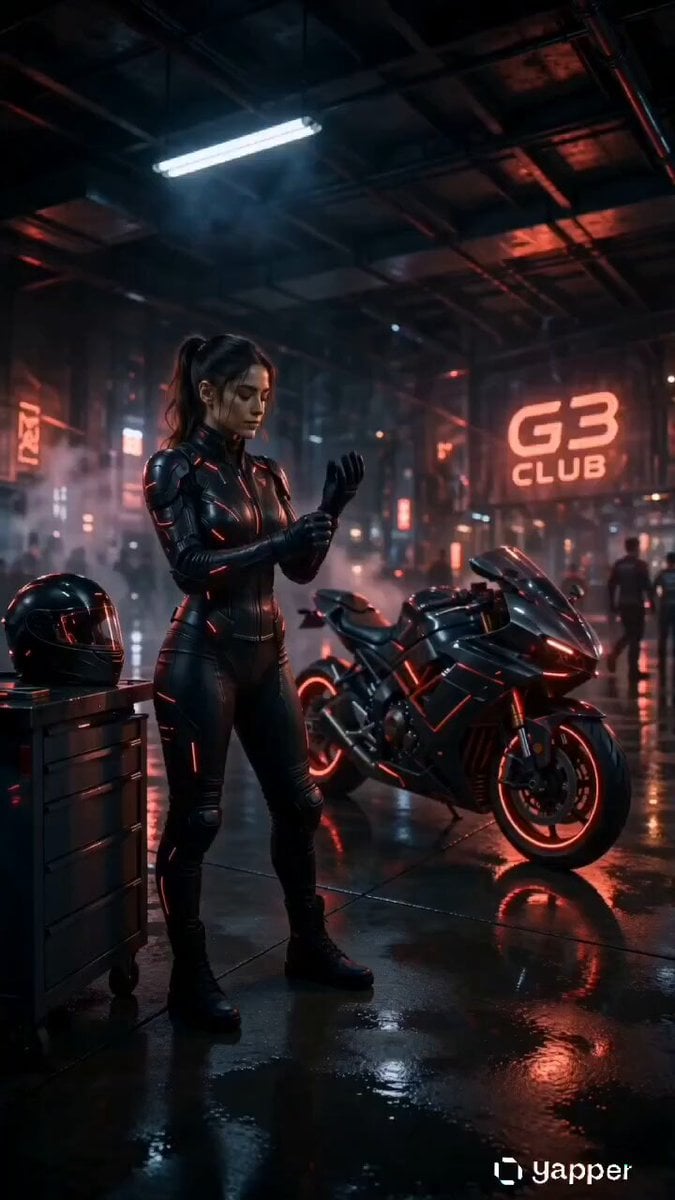
Cyberpunk Neon Motorcycle Action
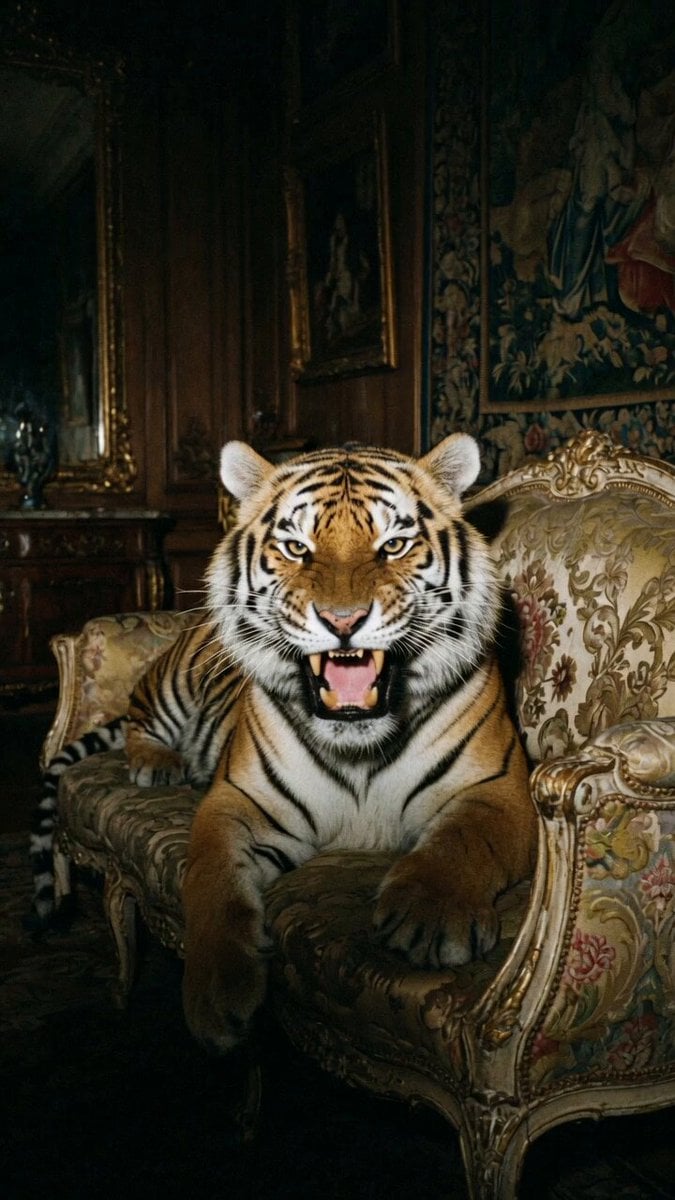
Growling Tiger on Luxury Sofa
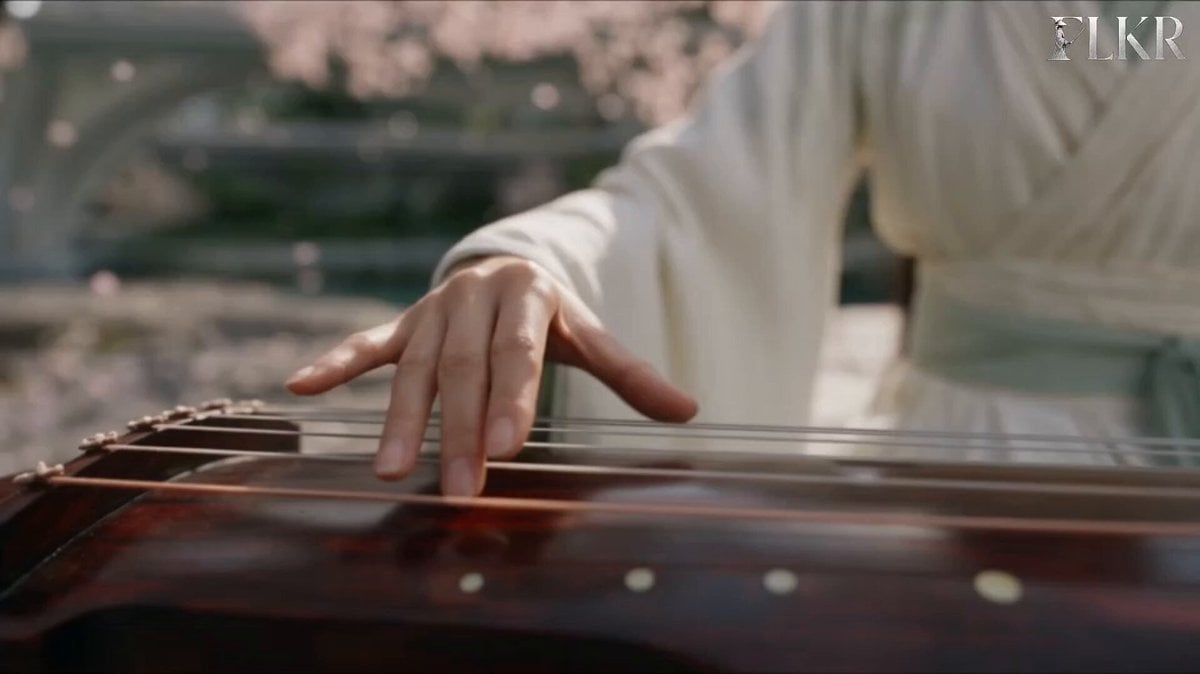
Ice vs Fire Wuxia Battle Scene Prompt
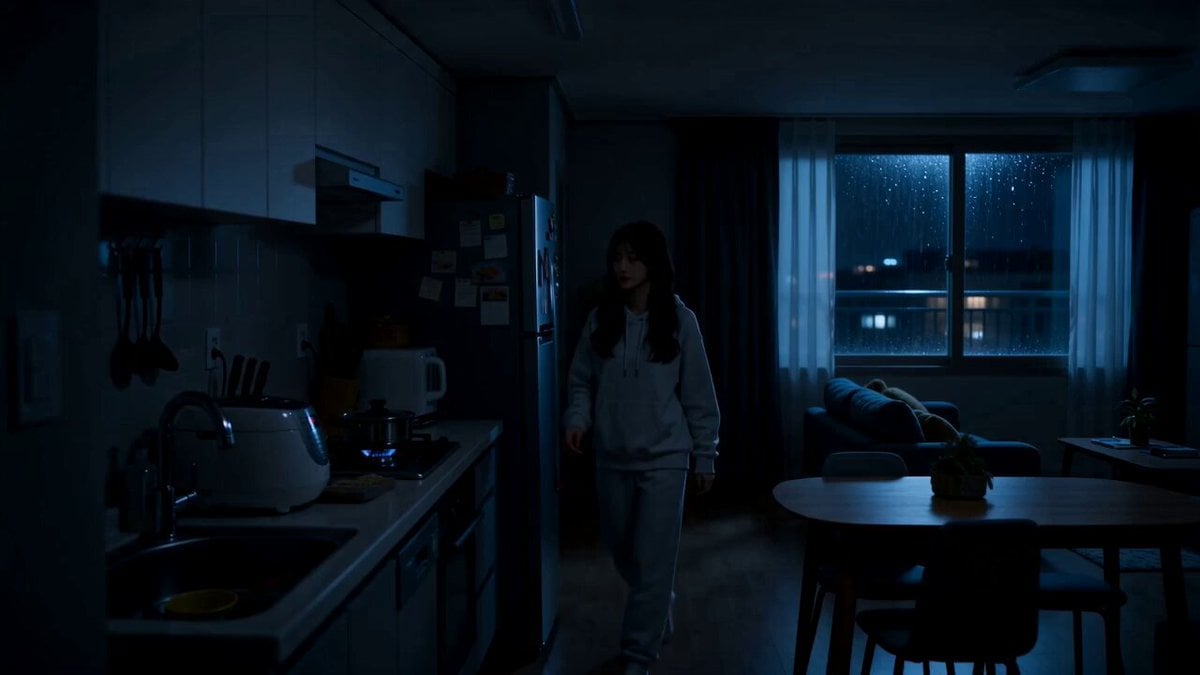
Midnight Apartment Cooking Scene
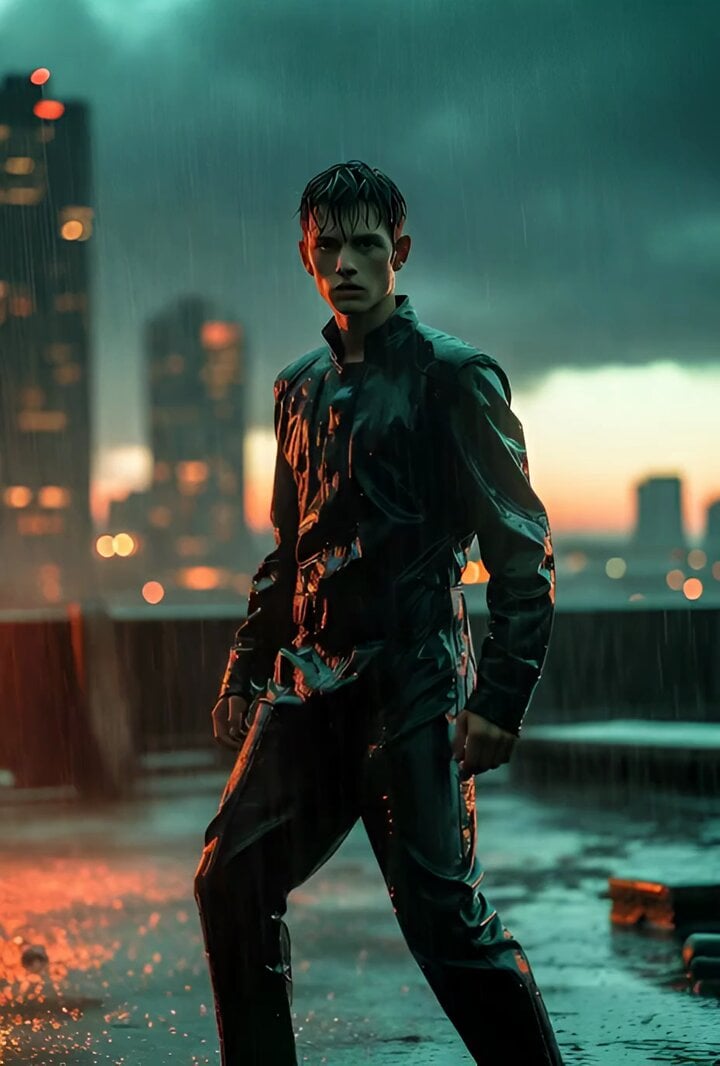
Hollywood Teal and Orange Action Hero

Cozy Home Cooking Video
Surreal Transformation to Cosmic Romance
Shaw Brothers Style Cat Fight Video Prompt
Cinematic Gym Training Intensity
Browse template categories
Realistic Fighting Game Action Sequence questions
How do I use the Realistic Fighting Game Action Sequence template?
Add your photo if the template asks for one, edit the prompt if you like — the template's model and format are already selected — and press Generate. Your version opens in PicX Studio.
Can I customize the Realistic Fighting Game Action Sequence template?
Yes. You can change the subject, setting, lighting, mood, format, and available model controls before creating your video.
Is the Realistic Fighting Game Action Sequence template free?
Opening and editing this template is free. Generating uses credits, shown on the Generate button when you are signed in.
Which AI model should I use?
Start with Seedance 2.0, which is the model associated with this template. You can compare another compatible model for a different finish.
Looking for something else? Browse all templates.

Your photo, any look
Thousands of ready templates for every top image and video model, from one credit balance.