
2D Fighting Game Sequence Prompt
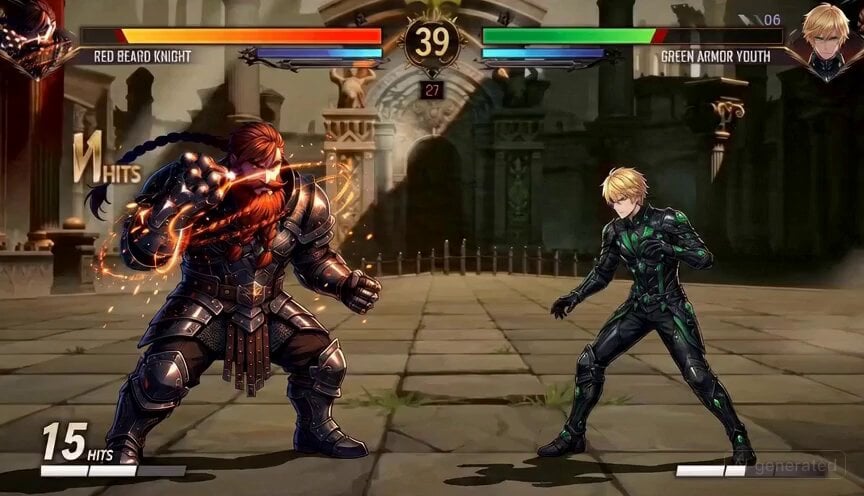
A highly structured, multi-cut prompt for Seedance 2.0 designed to generate a sequence mimicking a 2D fighting video game, complete with HUD elements, special move activation, and a finishing sequence.
- Prompt included
- Model and format preset
- Free template
The prompt behind this video
Copy the exact prompt behind 2D Fighting Game Sequence Prompt, or open it in the studio and make it yours.
# ═══════════════════════════════════════════════ # PROJECT: 2D Fighting Game Sequence # SPECS: Playstation 4 / 30FPS / Budget 500M JPY # ═══════════════════════════════════════════════ visual_config: style: > 2D anime-style fighting video game screenshot, cel-shaded, bold outlines, dark metallic stone architecture palette, manga-style dynamic lines, arcade game aesthetic character_settings: player: "left character in @Image1" opponent: "right character in @Image1" timeline: cut_01: shot: side view full shot prompt: > stylized 2D fighting video game interface, health bars and timer HUD overlay, hit counter UI incrementing, armored knight launches crouching uppercut lifting opponent airborne, blue energy sphere charges in hand then rapid golden shots pin opponent midair, dynamic action lines radiating outward, special meter gauge filling up, neon-lit urban rooftop night stage background, arcade game screen composition cam: static side view, light screen shake on impacts cut_02: shot: extreme close-up, diagonal screen transition prompt: > sudden dramatic insert shot, screen splits with diagonal wipe transition, knight's face in extreme close-up filling frame, golden eyes with subtle glow, bold confident grin, ink-style shadows across one side of face, purple-gold energy aura behind head, abstract crimson dynamic lines in background, game UI text indicating special activation cam: instant snap zoom, tilted angle cut_03: shot: behind knight, over-the-shoulder prompt: > knight standing arms spread wide seen from behind, surging golden energy aura erupting around his body, twice-height pillar of golden light rising behind him, expanding ring of purple-gold energy particles, opponent suspended midair stunned from combo, background distorts with heat-shimmer effect, glowing particles orbit the knight, strong backlight creating dramatic silhouette, video game special move activation sequence cam: slow dolly in, low angle cut_04: shot: rapid multi-angle montage prompt: > knight grabs opponent and hoists overhead into backbreaker hold, leaps high surrounded by concentric golden energy rings, plummets down with massive gold-orange-red ground impact explosion, cascading shockwave detonations layering gold to white repeatedly, full-screen white flash transition, large stylized game UI "K.O." text appears with glass-particle burst effect, hit counter displays high number, opponent life gauge reaches zero, video game finishing sequence animation cam: rapid angle changes, final moment in slow motion cut_05: shot: low angle tilt-up → medium shot prompt: >
How to use 2D Fighting Game Sequence Prompt in 3 steps
- 1
Open
The prompt is already in the box next to the preview, with the template's model and format selected.
- 2…a portrait of your subject in softgolden-hour light, 85mm…
Personalize
Edit the subject and creative details for your destination.
- 3Generate
Generate
Press Generate — your video is created in PicX Studio, so you can compare it with the original and refine one variable at a time.
More like this
Templates with the same subject, style or setup. Open one to see its prompt.

Realistic Fighting Game Action Sequence
Fighting Game Uppercut Sequence from Reference Image
2D Fighting Game Sequence Prompt for Seedance 2.0
Action Game Combat Sequence
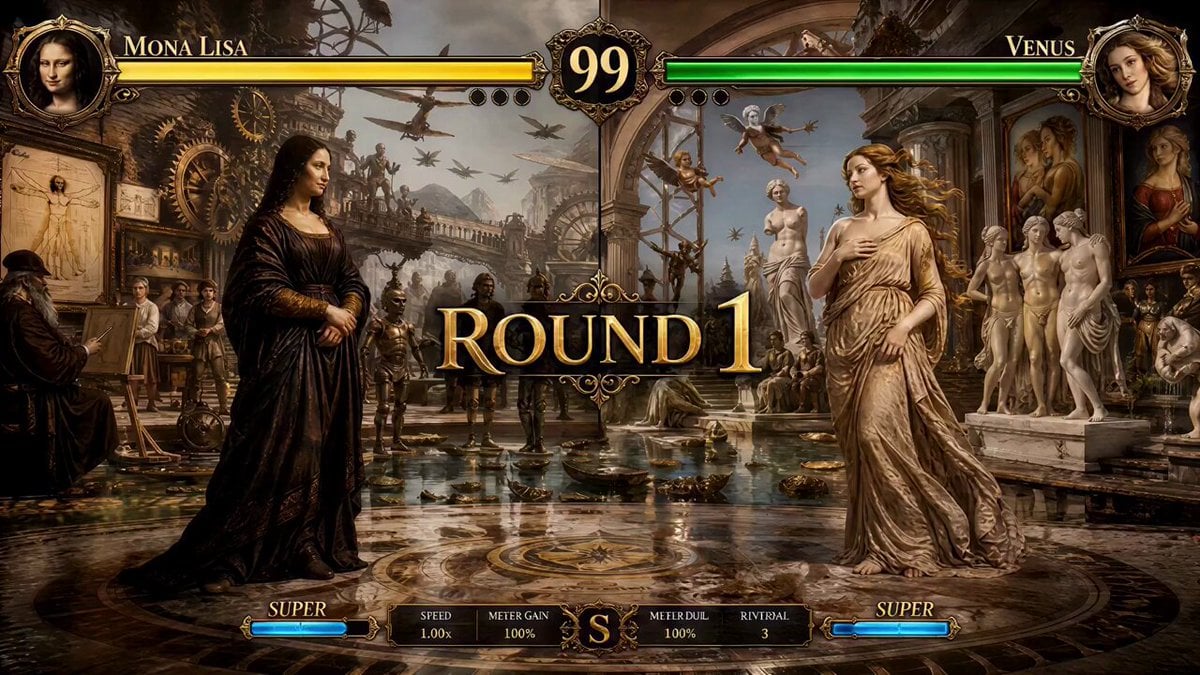
Mona Lisa vs Venus Fighting Game Style

Renaissance Fighting Game Round 1
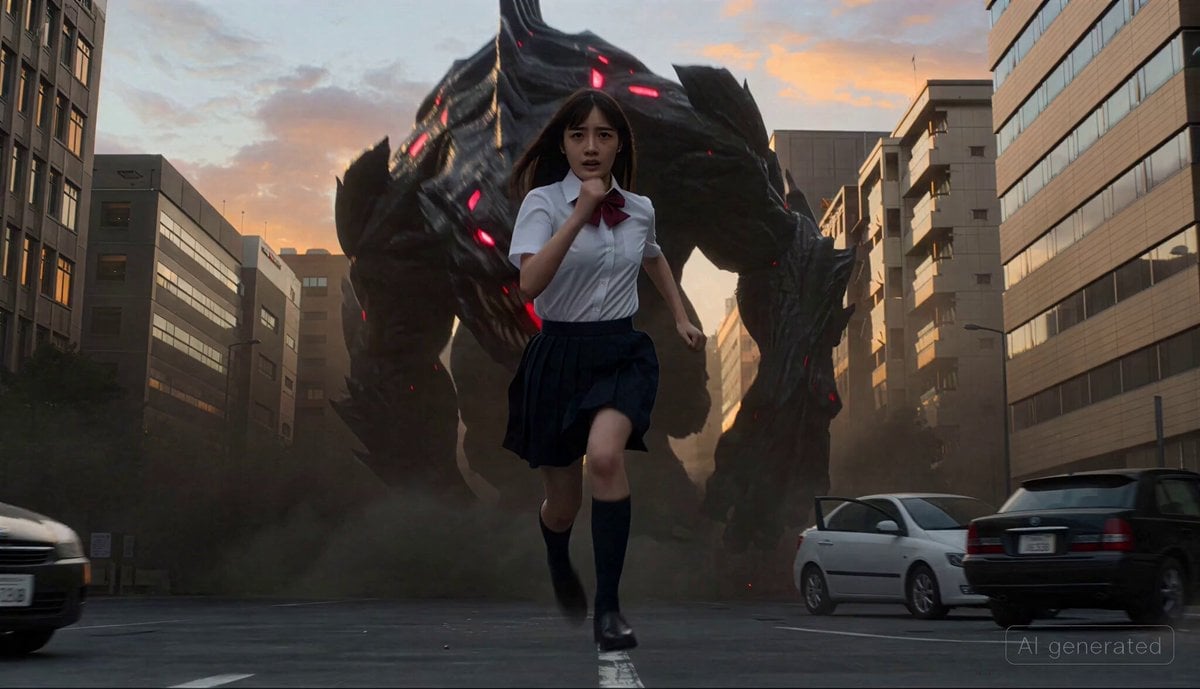
Cinematic transformation sequence of a Japanese high school girl fighting a giant monster
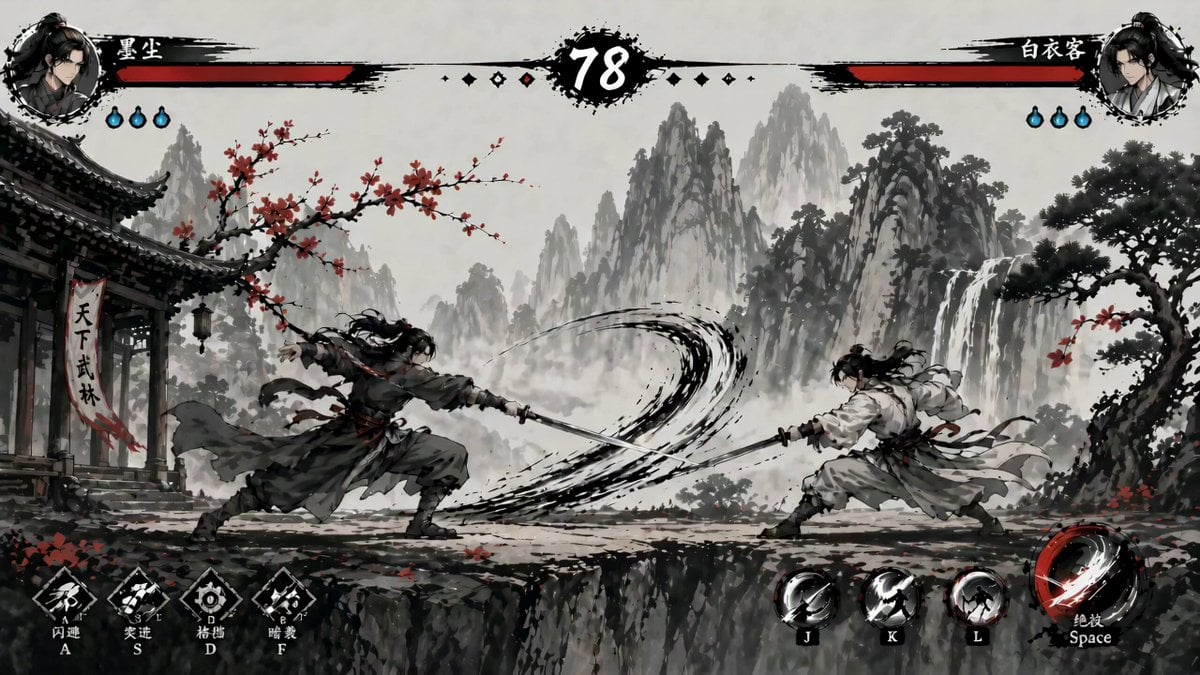
Ink-Wash Fighting Game 15-Second Cinematic
Chibi Cave Adventure — He Doesn't Know What's Coming

Maglev Train Action Sequence

Martial Arts Fight Sequence
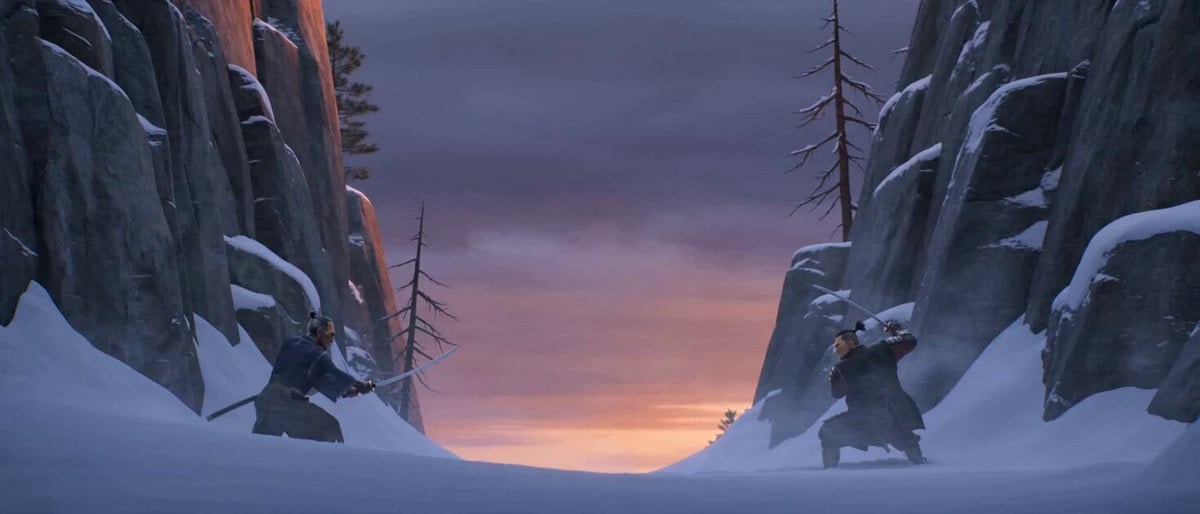
Cinematic Samurai Duel Sequence
Make it yours
2D Fighting Game Sequence Prompt works as-is. These are the safest ways to change it without losing the look.
Change one field
Copy a single group, rewrite it, and generate again so you can see what that field is doing.
Keep the frame, change the subject
Hold the composition and light of 2D Fighting Game Sequence Prompt, then swap wardrobe, props or the person for a new take.
| If the result… | Why | Fix |
|---|---|---|
| The result drifts from the preview | Too many fields changed at once. | Reuse 2D Fighting Game Sequence Prompt as-is first, then change one group — subject, light, or setting. |
| The model over-stylizes the scene | The prose prompt leaves finish and camera underspecified. | Add one camera or lighting sentence and stay on Seedance 2.0. |
More Seedance 2.0 templates
Other prompts made for Seedance 2.0.

Comical Martial Arts Punch Scene

Wuxia Protection and Trust Script

Vintage Korean Arcade MiniDV Vlog

Mercedes 190 SL Luxury Ad

Rainy Night Supernatural Reverse Comedy Video Script

Amazon Civilization Discovery

Futuristic South Asian City Transformation

Cozy Luxury Cafe Commercial
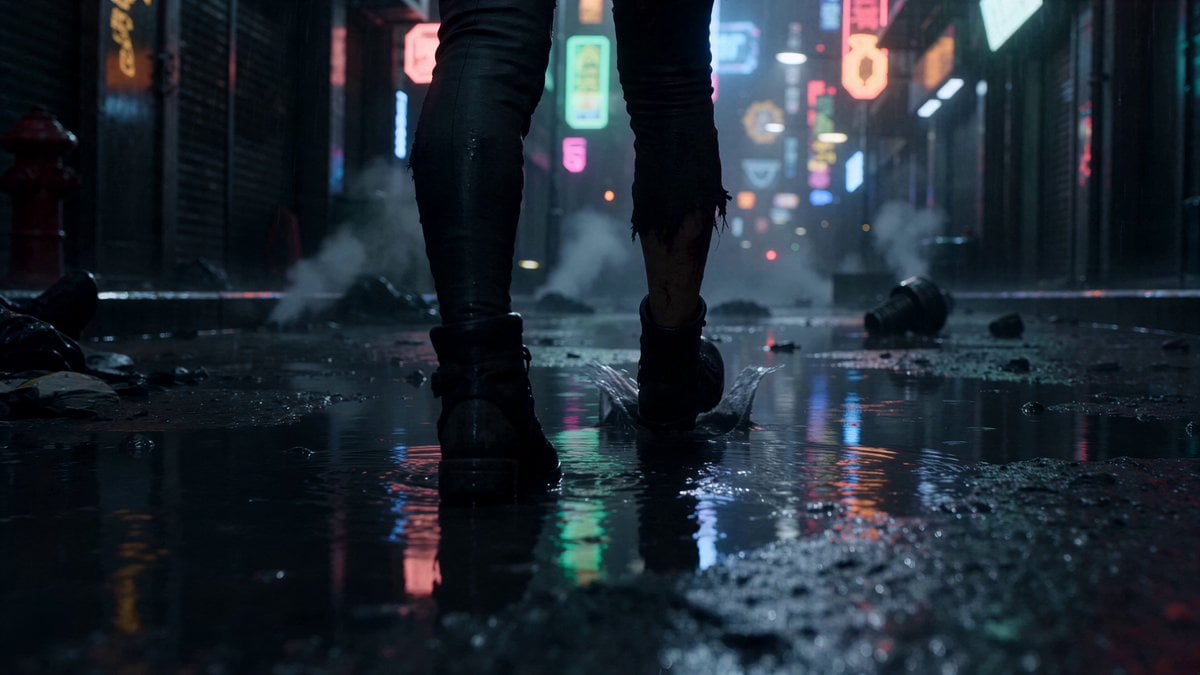
Cyber Ronin Nanotech Transformation Video
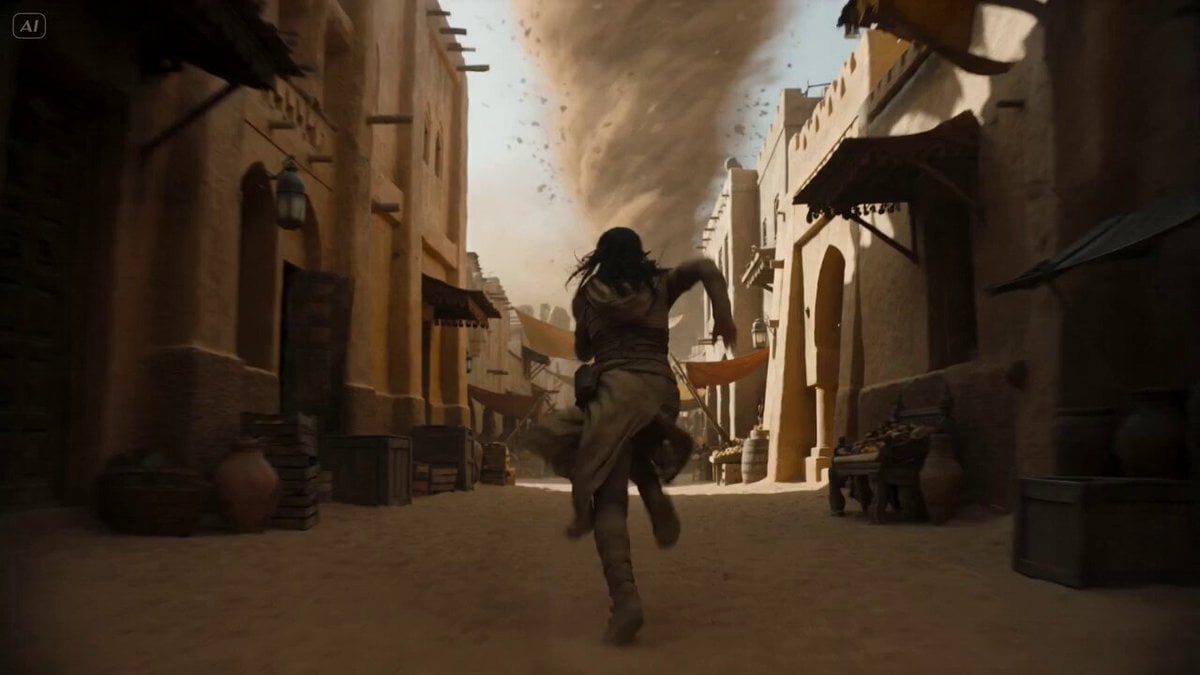
Desert Courier and Sandstorm Leviathan Chase
More video prompts
Fresh picks from across the catalog.
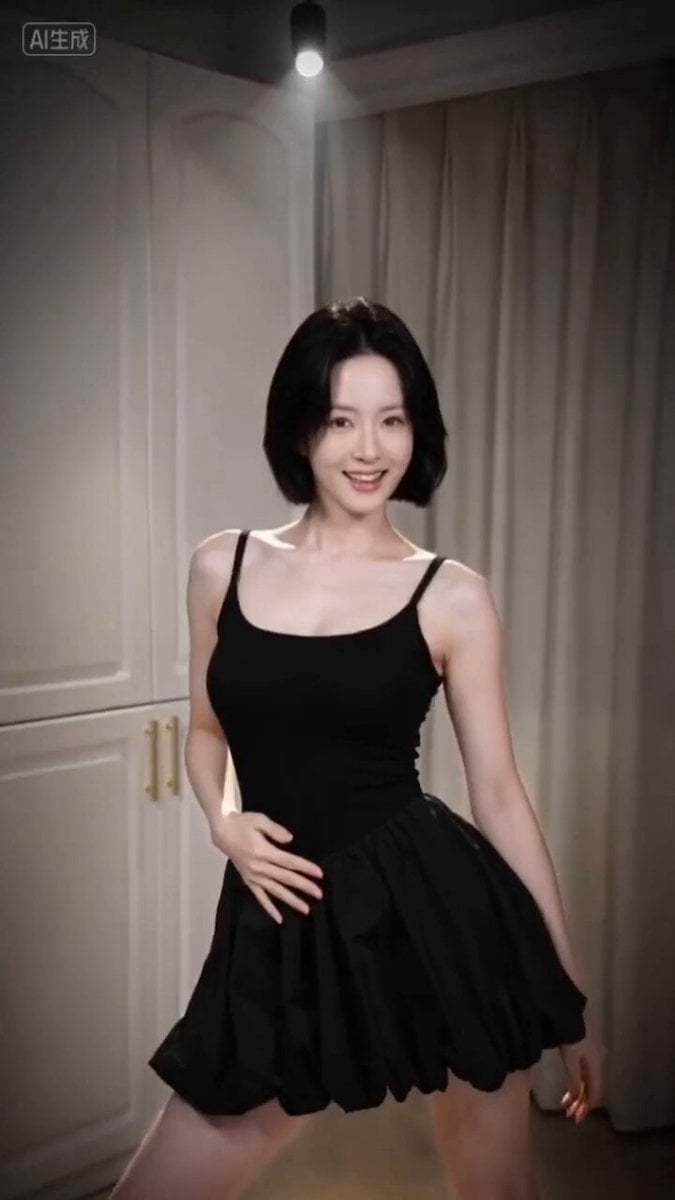
Seedance 2.0 Video Prompt for Dancing Girl

AI Companion Ani French Salon Discussion
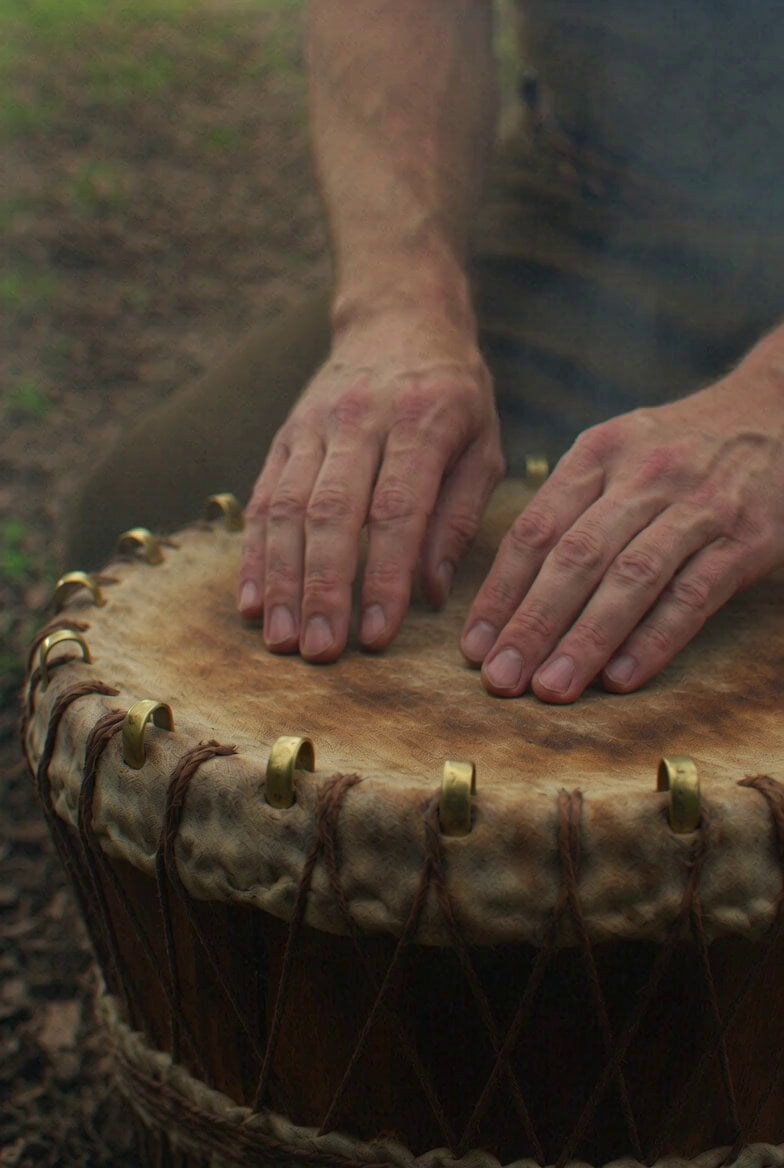
Misty Drum Rhythm
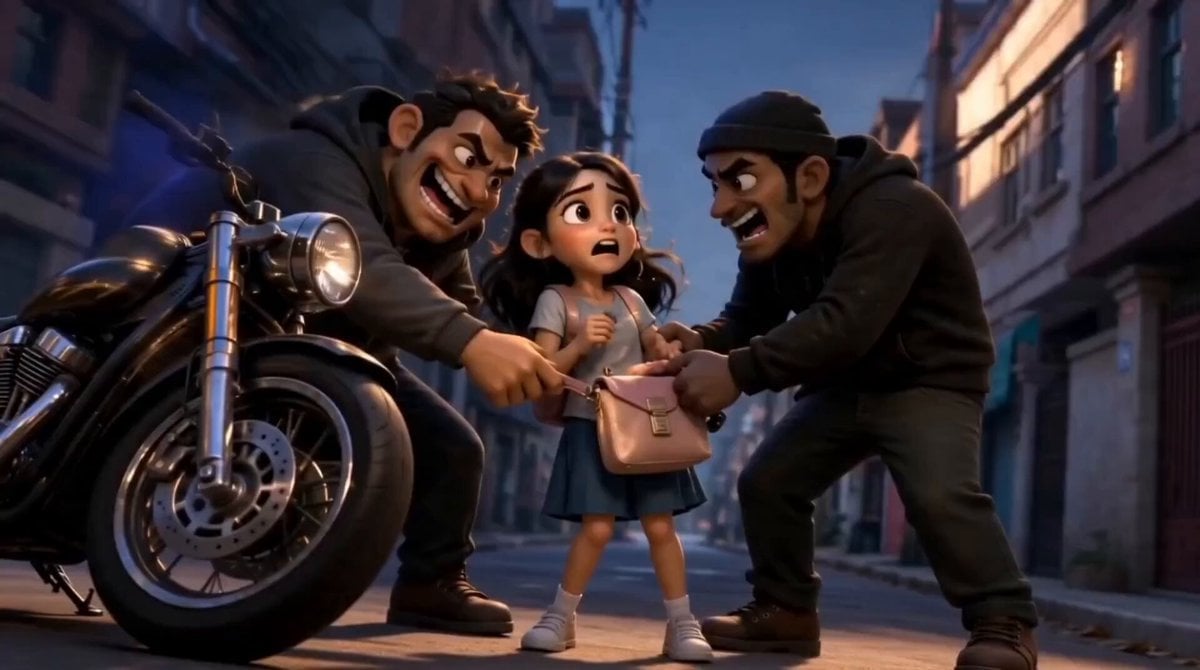
3D Animated Schoolboy Hero Storyboard
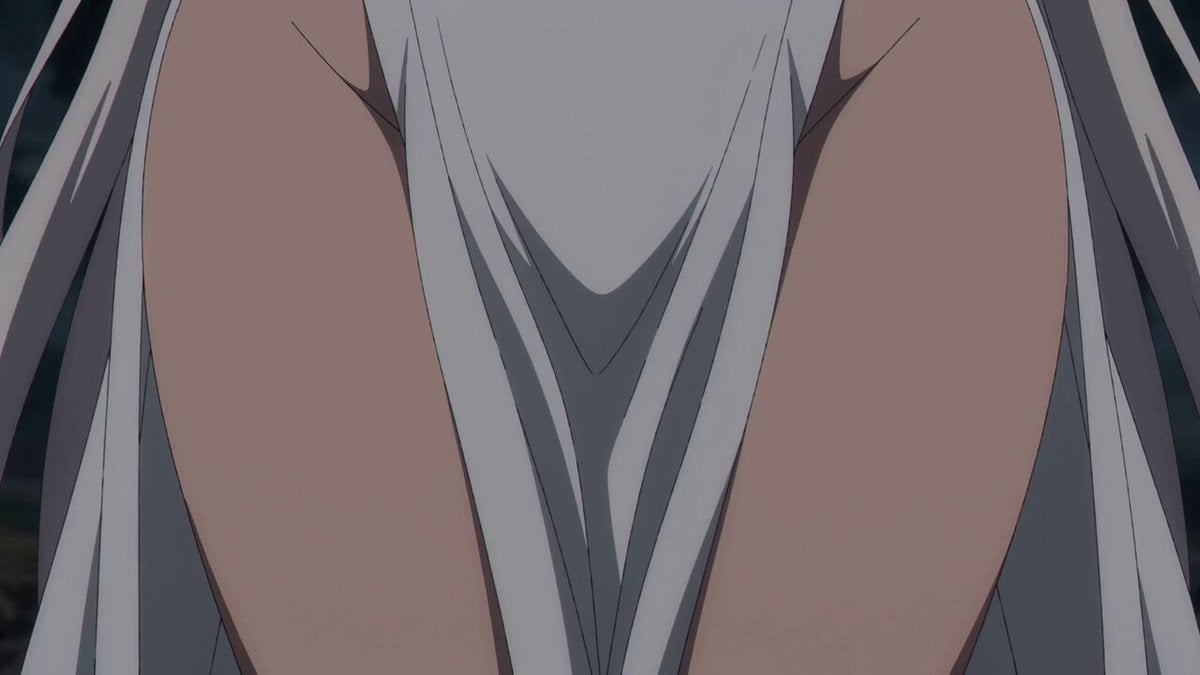
90s OVA Style Elf Priestess
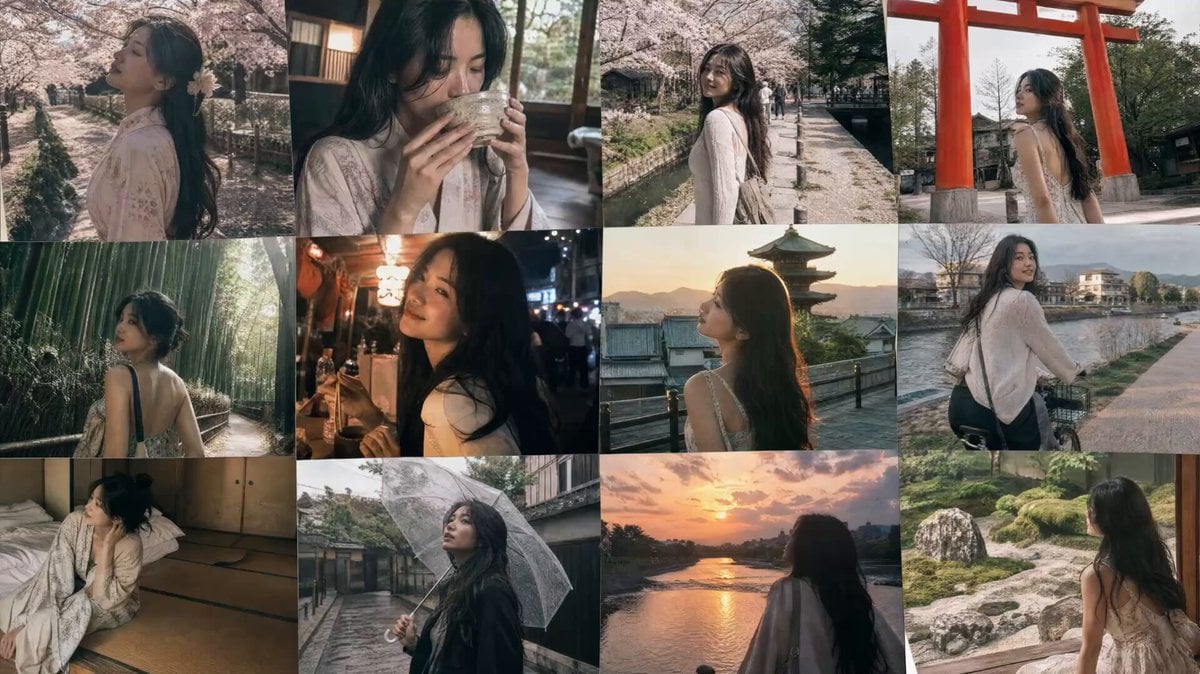
Kyoto Travel Vlog Animation
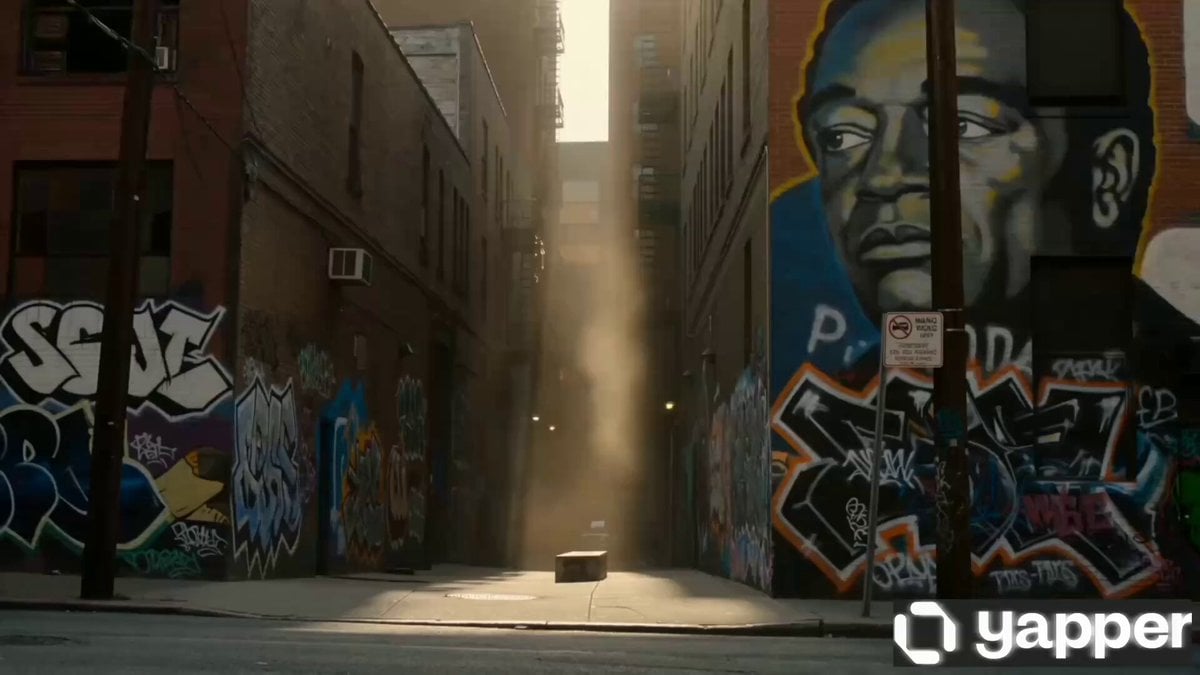
Urban Alleyway Skateboarders Tracking Shot
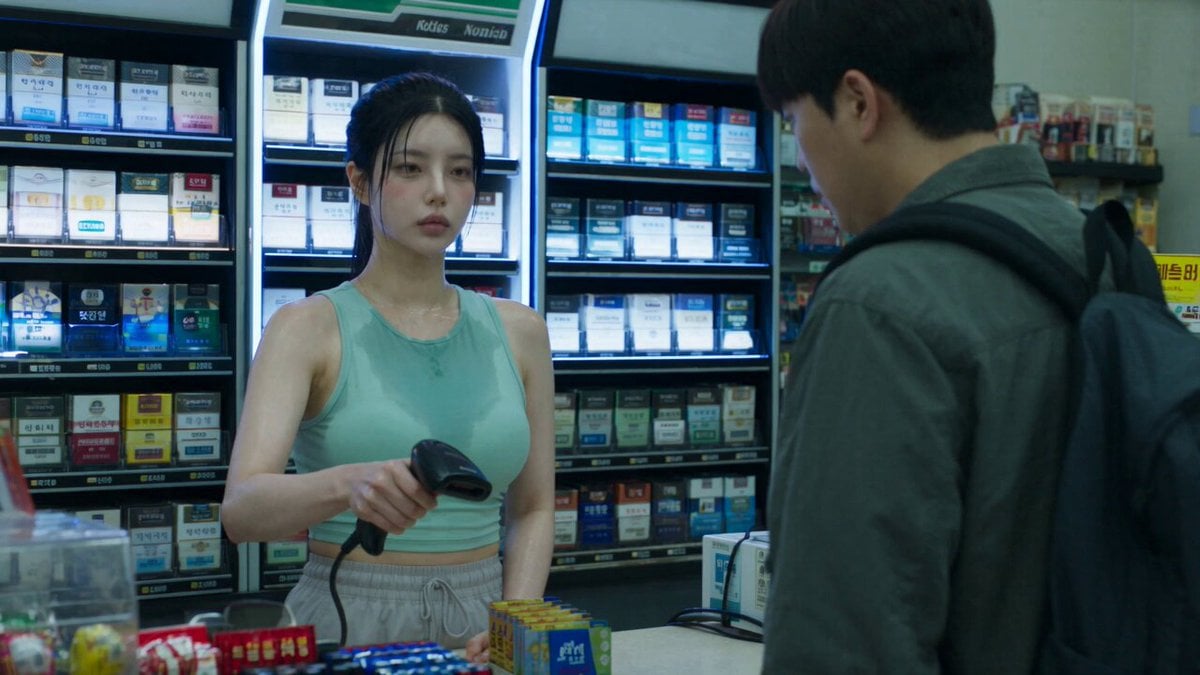
Korean Horror Zombie Convenience Store Attack
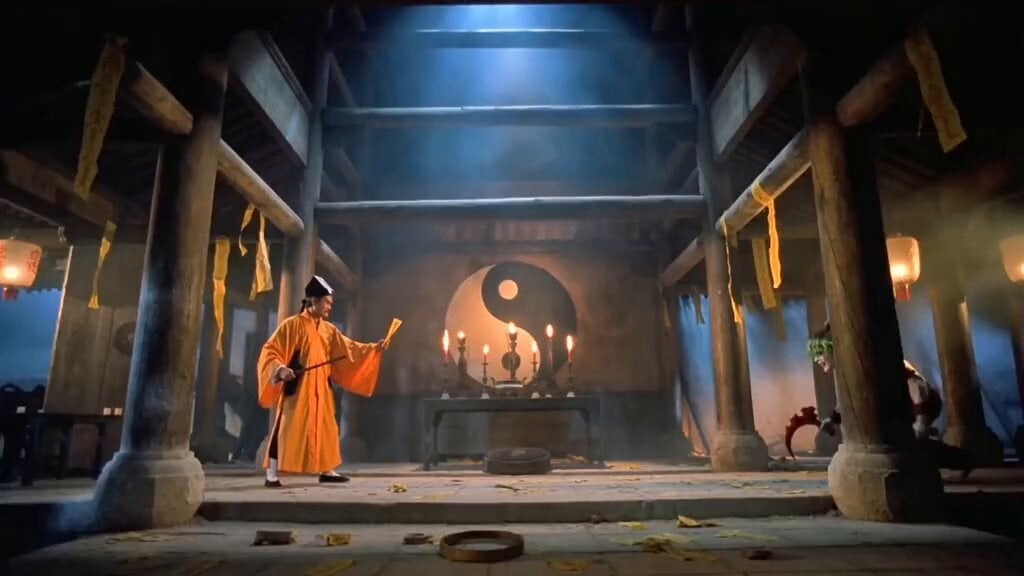
AI Generated Crossover: Lam Ching-ying vs. Gyutaro
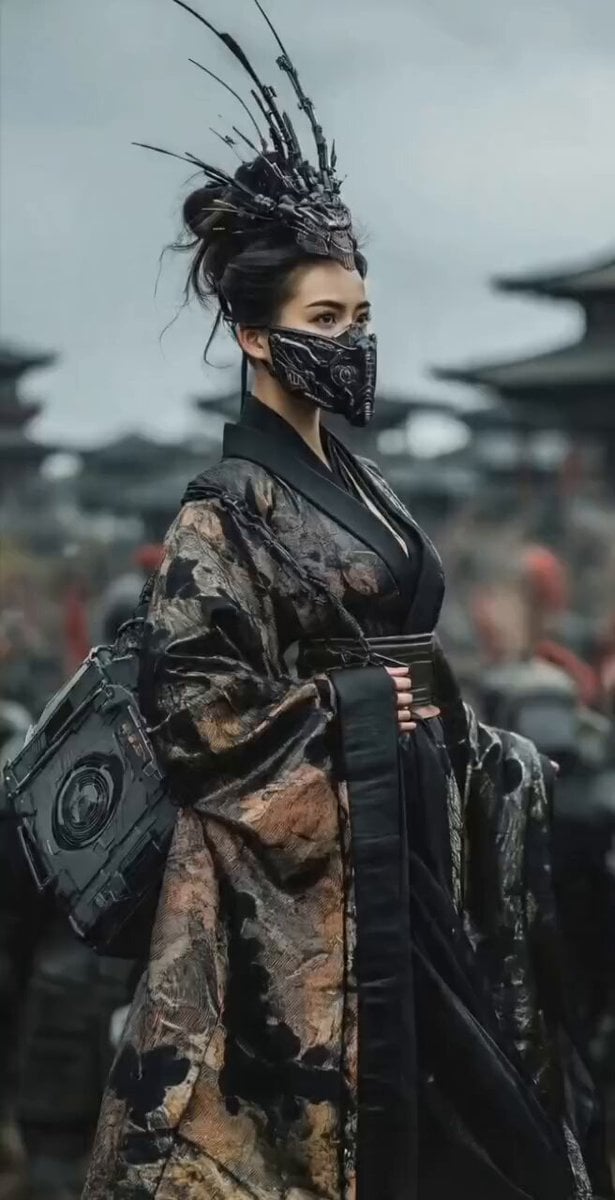
Mysterious Japanese Warrior
Browse template categories
2D Fighting Game Sequence Prompt questions
How do I use the 2D Fighting Game Sequence Prompt template?
Add your photo if the template asks for one, edit the prompt if you like — the template's model and format are already selected — and press Generate. Your version opens in PicX Studio.
Can I customize the 2D Fighting Game Sequence Prompt template?
Yes. You can change the subject, setting, lighting, mood, format, and available model controls before creating your video.
Is the 2D Fighting Game Sequence Prompt template free?
Opening and editing this template is free. Generating uses credits, shown on the Generate button when you are signed in.
Which AI model should I use?
Start with Seedance 2.0, which is the model associated with this template. You can compare another compatible model for a different finish.
Looking for something else? Browse all templates.

Your photo, any look
Thousands of ready templates for every top image and video model, from one credit balance.