
Cozy Home Cooking Video
A 15-second realistic home-video style prompt featuring a young woman preparing and tasting food in a warm, cozy kitchen.

- Prompt included
- Model and format preset
- Free template
The prompt behind this video
Copy the exact prompt behind Cozy Home Cooking Video, or open it in the studio and make it yours.
Use exactly one reference image for the woman. Preserve her identity, face, skin tone, hairstyle, body proportions and wardrobe consistently throughout. Format: 15s, 1080p, 16:9 Style: Ultra-realistic candid home-cooking footage, handheld smartphone or consumer camera style, as if filmed casually by someone in the kitchen. Natural imperfect framing, slight autofocus shifts, soft realistic grain, gentle handheld sway. No CGI, beauty filter, or overly polished commercial look. Warm natural kitchen lighting — soft daylight from a window mixed with warm indoor light, realistic exposure. Character: Young Korean woman, mid-20s, casual home outfit (oversized t-shirt or simple hoodie, apron loosely tied over it), hair tied up in a loose bun or ponytail, natural no-makeup look. Relaxed, focused expression, soft smile, easy unhurried movements. Setting: A cozy home kitchen — wooden countertop, a few pots and ingredients laid out, soft daylight coming through a nearby window, faint ambient sounds of chopping, sizzling, and kitchen background noise. 00:00–00:03 — Starting Prep She stands at the counter, tying her apron strings behind her back, glancing down at ingredients laid out in front of her — vegetables, a cutting board, a bowl. 00:03–00:06 — Chopping She picks up a knife and begins chopping vegetables with calm, practiced movements, occasionally glancing up with a small content smile, natural kitchen sounds in the background. 00:06–00:09 — Stirring the Pan She moves to the stove, stirring something in a pan, steam rising gently. She leans in slightly to smell the aroma, closing her eyes briefly with a satisfied expression. 00:09–00:12 — Tasting She dips a small spoon into the pot, tastes it, and reacts with a pleased nod and soft smile, wiping her hands on her apron. 00:12–00:15 — Plating She scoops the finished dish onto a plate, setting it down on the counter, stepping back slightly to admire her work with a warm, satisfied smile as natural light catches the steam rising from the food. now generatre this images face korian girl to natch this prompt start scene changes dress keep faces
How to use Cozy Home Cooking Video in 3 steps
- 1Upload ImagePNG, JPG or paste
Add your photo
Upload the photo the template builds on. The prompt, model and format are already set.
- 2…a portrait of your subject in softgolden-hour light, 85mm…
Personalize
Edit the subject and creative details for your destination.
- 3Generate
Generate
Press Generate — your video is created in PicX Studio, so you can compare it with the original and refine one variable at a time.
More like this
Templates with the same subject, style or setup. Open one to see its prompt.

Mysterious Home Exploration Vlog - Seedance 2.5

Cinematic Cozy Rain Home Sequence
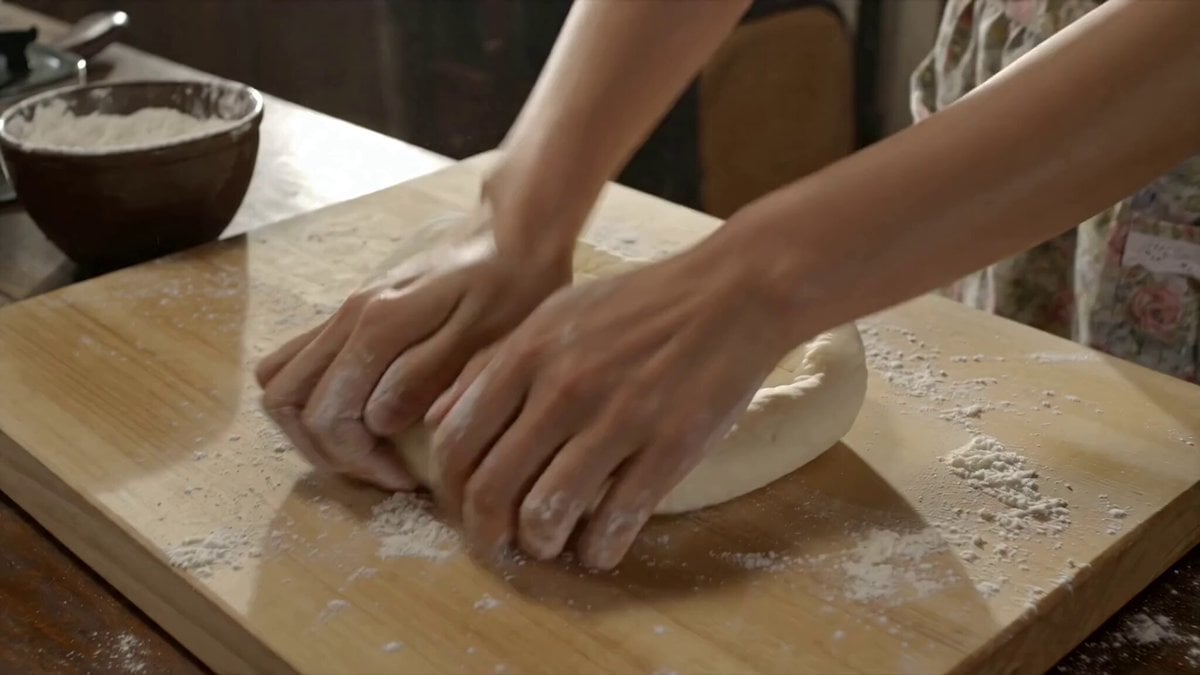
Traditional Korean Home Cooking Documentary

Mixed-Media Kitchen Cooking Animation
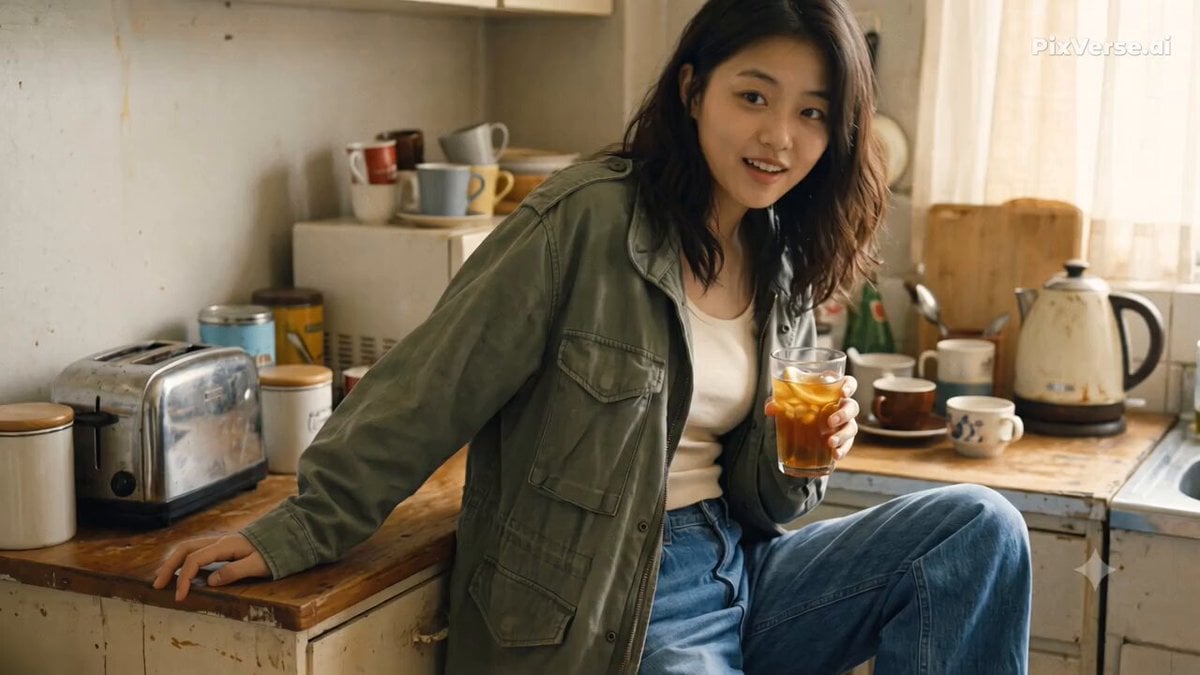
Nostalgic Early 2000s Handheld Home Footage
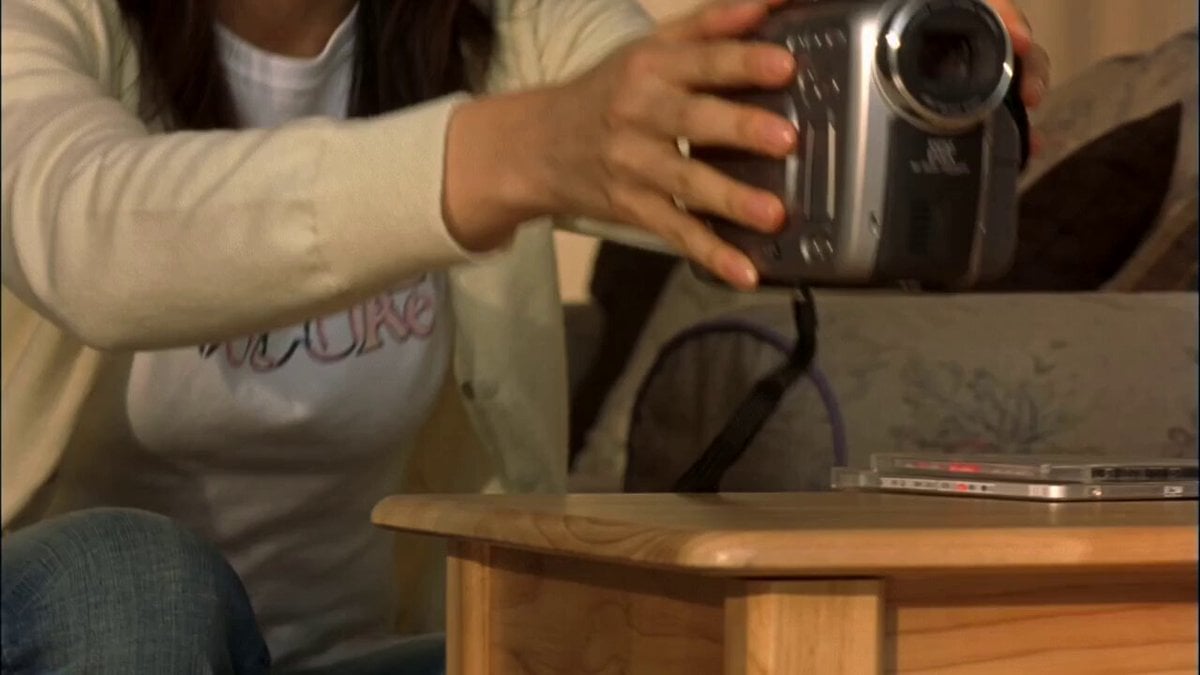
Early 2000s MiniDV home video aesthetic style

Wuxia Weakness and Home Drama
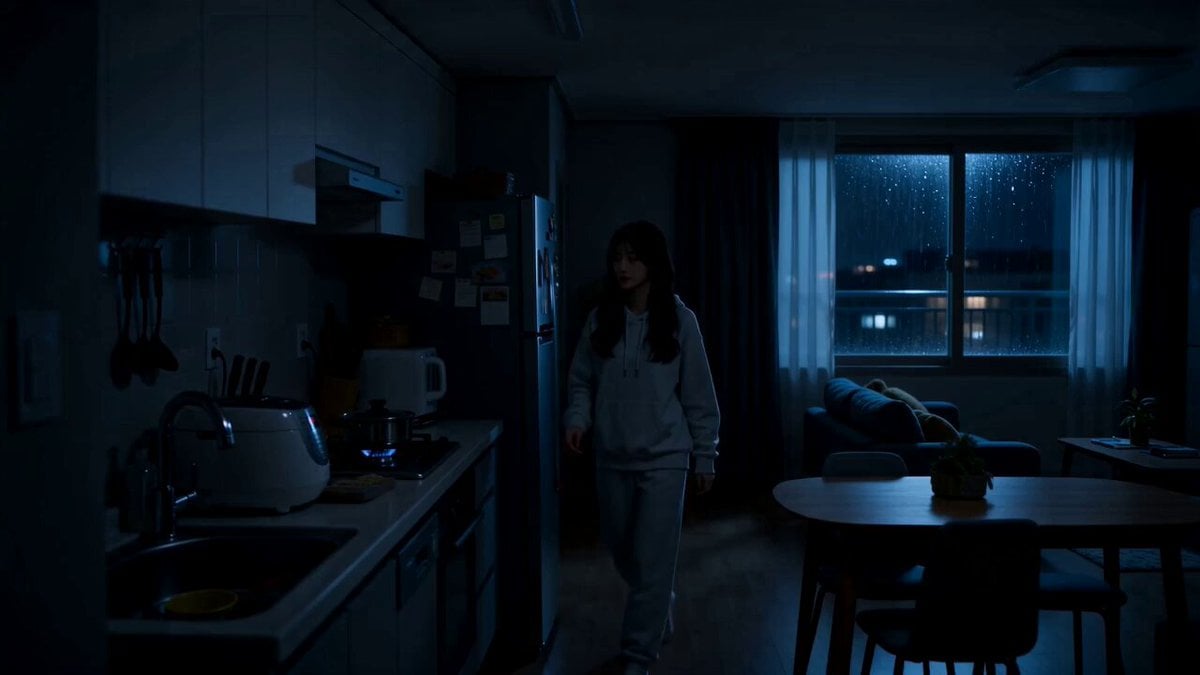
Midnight Apartment Cooking Scene
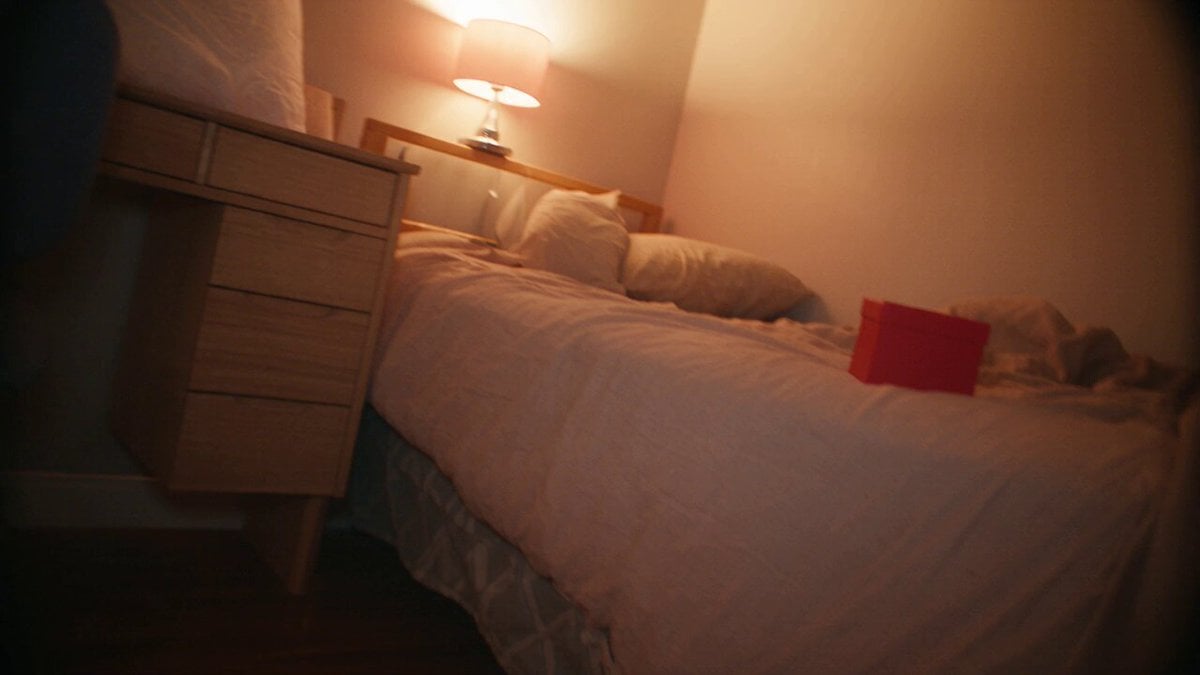
Nostalgic MiniDV Korean Home Video

Ghibli Style Shawarma Cooking Animation

1984 Showa Era Home Video

Realistic 2000s Home Video Snack Fail
Make it yours
Cozy Home Cooking Video works as-is. These are the safest ways to change it without losing the look.
Change one field
Copy a single group, rewrite it, and generate again so you can see what that field is doing.
Keep the frame, change the subject
Hold the composition and light of Cozy Home Cooking Video, then swap wardrobe, props or the person for a new take.
| If the result… | Why | Fix |
|---|---|---|
| The result drifts from the preview | Too many fields changed at once. | Reuse Cozy Home Cooking Video as-is first, then change one group — subject, light, or setting. |
| The model over-stylizes the scene | The prose prompt leaves finish and camera underspecified. | Add one camera or lighting sentence and stay on Seedance 2.0. |
More Seedance 2.0 templates
Other prompts made for Seedance 2.0.

Comical Martial Arts Punch Scene

Maglev Train Action Sequence

Martial Arts Fight Sequence

Wuxia Protection and Trust Script

Vintage Korean Arcade MiniDV Vlog

Mercedes 190 SL Luxury Ad

Rainy Night Supernatural Reverse Comedy Video Script

Amazon Civilization Discovery

Futuristic South Asian City Transformation

Cozy Luxury Cafe Commercial
More video prompts
Fresh picks from across the catalog.

Dark Hollywood Blockbuster Trailer

Blonde Woman Under Strawberry Moon

Frog and Dragonfly Video Generation Prompt

Toddler Tantrum Cinematic Commercial
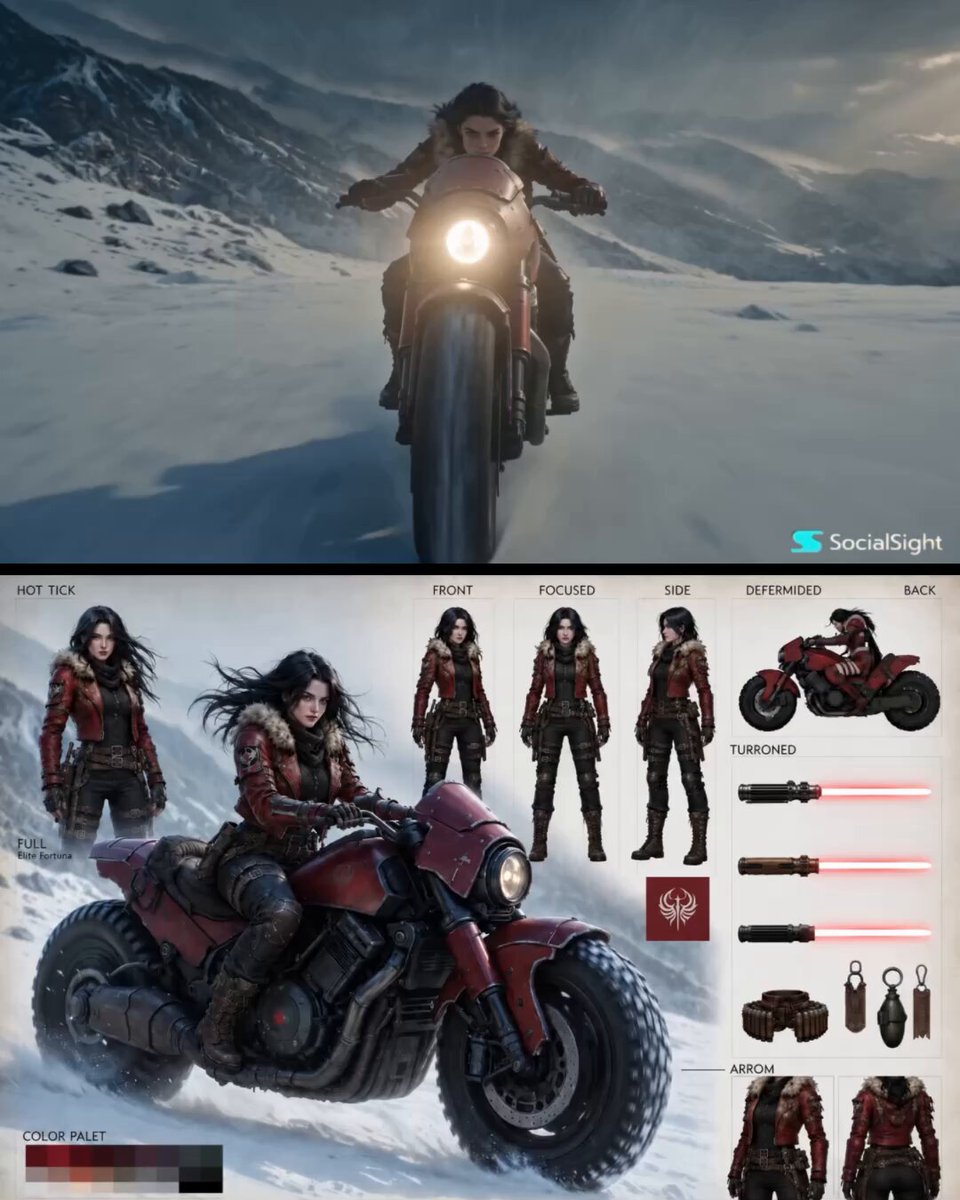
Epic Fantasy Action Cinema

Street Soccer Cinematic Short
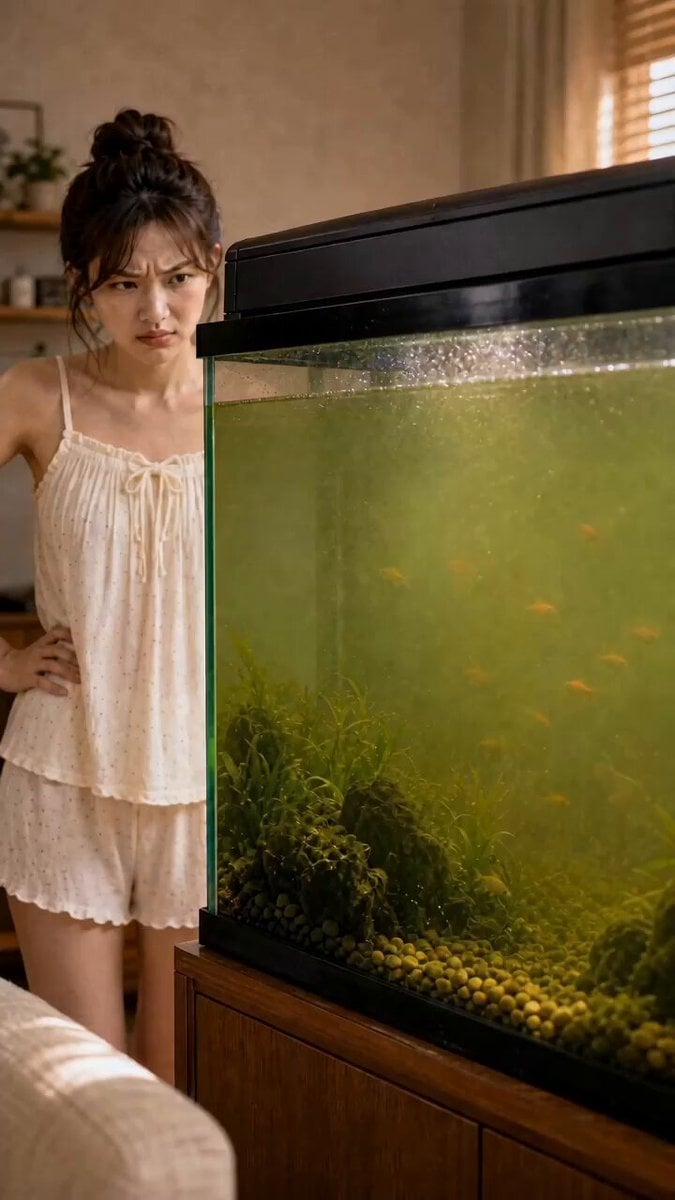
Fish Tank Water Purifier Ad

Samurai Odachi Overhead Strike

Futuristic Energy Device Prototype

Multi-Scene Cinematic Battle Prompt (Sun Wukong vs. Homelander)
Browse template categories
Cozy Home Cooking Video questions
How do I use the Cozy Home Cooking Video template?
Add your photo if the template asks for one, edit the prompt if you like — the template's model and format are already selected — and press Generate. Your version opens in PicX Studio.
Can I customize the Cozy Home Cooking Video template?
Yes. You can change the subject, setting, lighting, mood, format, and available model controls before creating your video.
Is the Cozy Home Cooking Video template free?
Opening and editing this template is free. Generating uses credits, shown on the Generate button when you are signed in.
Which AI model should I use?
Start with Seedance 2.0, which is the model associated with this template. You can compare another compatible model for a different finish.
Looking for something else? Browse all templates.

Your photo, any look
Thousands of ready templates for every top image and video model, from one credit balance.