
Traditional Korean Home Cooking Documentary
A detailed video prompt for generating a nostalgic documentary-style scene of a young woman cooking in a traditional Korean kitchen, featuring handheld camera movements and a specific timeline.
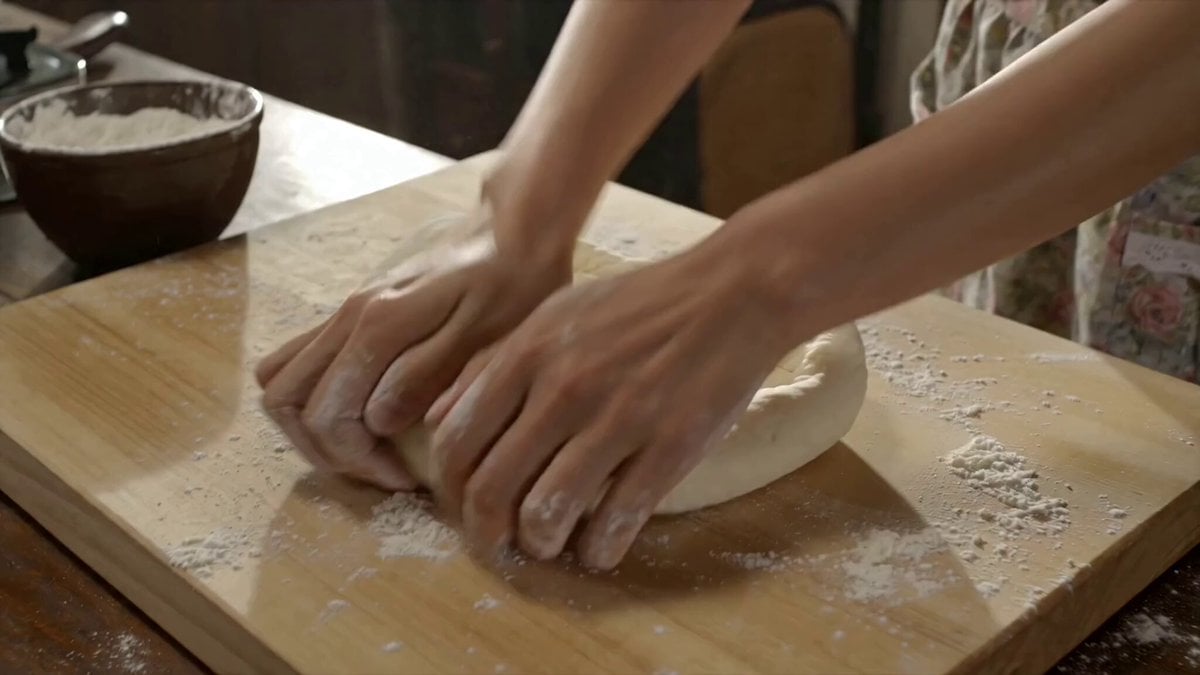
- Prompt included
- Model and format preset
- Free template
The prompt behind this video
Copy the exact prompt behind Traditional Korean Home Cooking Documentary, or open it in the studio and make it yours.
Young Korean woman, early 20s, hair tied back with a headband, floral apron over casual clothes, flour-dusted hands, warm nurturing energy. Location : Small home kitchen in a traditional Korean house, late morning. Wooden countertops, hanging pots, steaming rice cooker, side dishes prepped in bowls, sunlight through kitchen window. No modern appliances, no branding. Visual Style: Warm intimate documentary realism, homely and comforting, soft natural light. Camera Style : Early 2000s home camcorder, close handheld framing, frequent refocusing, warm indoor color cast, slight motion blur during movement. No stabilization. Timeline: 00:00–00:03 → She kneads dough on the counter, flour scattering lightly. 00:03–00:06 → She checks a simmering pot, stirring gently with a wooden spoon. 00:06–00:09 → She tastes the broth, nodding approvingly to herself. 00:09–00:12 → She plates the food carefully, arranging side dishes. 00:12–00:15 → She turns toward the camera, holding up the finished dish with a proud smile. Audio : Sizzling pan, bubbling broth, clinking utensils, faint radio hum in background. No music. Goal: A warm, homely cooking moment nurturing, authentic, comforting.
How to use Traditional Korean Home Cooking Documentary in 3 steps
- 1
Open
The prompt is already in the box next to the preview, with the template's model and format selected.
- 2…a portrait of your subject in softgolden-hour light, 85mm…
Personalize
Edit the subject and creative details for your destination.
- 3Generate
Generate
Press Generate — your video is created in PicX Studio, so you can compare it with the original and refine one variable at a time.
More like this
Templates with the same subject, style or setup. Open one to see its prompt.
Nostalgic MiniDV Korean Home Video

Cozy Home Cooking Video
Korean Idol Vlogger Documentary Aesthetic

Mysterious Home Exploration Vlog - Seedance 2.5

Korean Night Market Bullet-Time Scene - Seedance 2.5

Forgotten 1980s High School Documentary Seedance

Iced Coffee Dog Good-News Montage
Sunny Morning Laundry Vlog
Korean Woman Laundry Folding DV Camcorder Morning

Live-Action Firefighter Rescue Night Scene

Traditional Indonesian Cooking Animation
Traditional Korean Village Lo-Fi Vlog
Make it yours
Traditional Korean Home Cooking Documentary works as-is. These are the safest ways to change it without losing the look.
Change one field
Copy a single group, rewrite it, and generate again so you can see what that field is doing.
Keep the frame, change the subject
Hold the composition and light of Traditional Korean Home Cooking Documentary, then swap wardrobe, props or the person for a new take.
| If the result… | Why | Fix |
|---|---|---|
| The result drifts from the preview | Too many fields changed at once. | Reuse Traditional Korean Home Cooking Documentary as-is first, then change one group — subject, light, or setting. |
| The model over-stylizes the scene | The prose prompt leaves finish and camera underspecified. | Add one camera or lighting sentence and stay on Seedance 2.0. |
More Seedance 2.0 templates
Other prompts made for Seedance 2.0.

Comical Martial Arts Punch Scene

Maglev Train Action Sequence

Martial Arts Fight Sequence

Wuxia Protection and Trust Script

Mercedes 190 SL Luxury Ad

Rainy Night Supernatural Reverse Comedy Video Script

Amazon Civilization Discovery

Futuristic South Asian City Transformation

Cozy Luxury Cafe Commercial

Cyber Ronin Nanotech Transformation Video
More video prompts
Fresh picks from across the catalog.

Cinematic Horse in Snowy Forest

90s Action Film Train Yard Scene
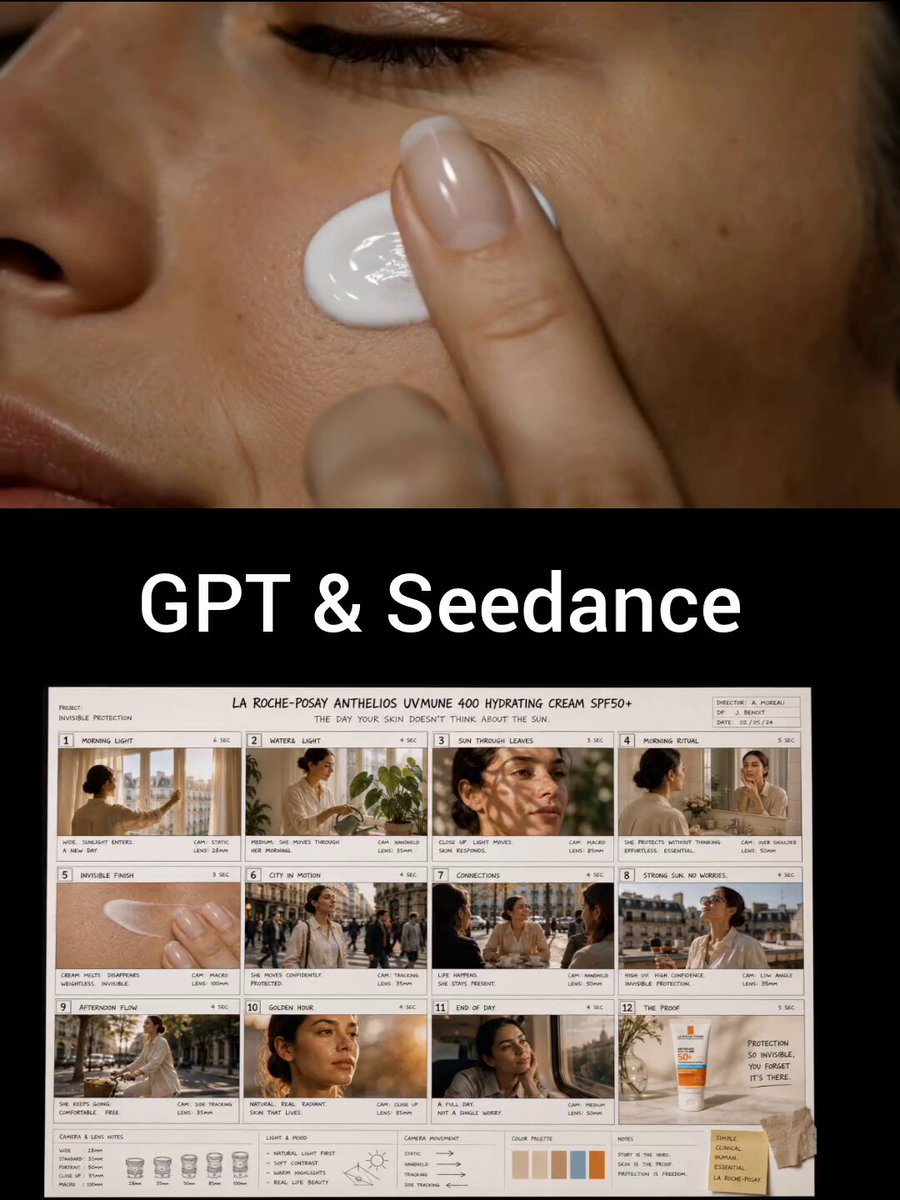
Luxury Skincare Commercial Storyboard

Impasto Oil Painting of a Layered City at Sunrise

Industrial Mecha Battle

Prison Cell Dialogue Prompt

Reaper Horn Echoes Across a Desolate Planet

Lop-Eared Bunny Takoyaki Chef

Futuristic Neon Megacity Aircraft Race

Satoshi Nakamoto Fast & Furious Invitation Video Prompt
Browse template categories
Traditional Korean Home Cooking Documentary questions
How do I use the Traditional Korean Home Cooking Documentary template?
Add your photo if the template asks for one, edit the prompt if you like — the template's model and format are already selected — and press Generate. Your version opens in PicX Studio.
Can I customize the Traditional Korean Home Cooking Documentary template?
Yes. You can change the subject, setting, lighting, mood, format, and available model controls before creating your video.
Is the Traditional Korean Home Cooking Documentary template free?
Opening and editing this template is free. Generating uses credits, shown on the Generate button when you are signed in.
Which AI model should I use?
Start with Seedance 2.0, which is the model associated with this template. You can compare another compatible model for a different finish.
Looking for something else? Browse all templates.

Your photo, any look
Thousands of ready templates for every top image and video model, from one credit balance.