
Luxury Skincare Commercial Storyboard
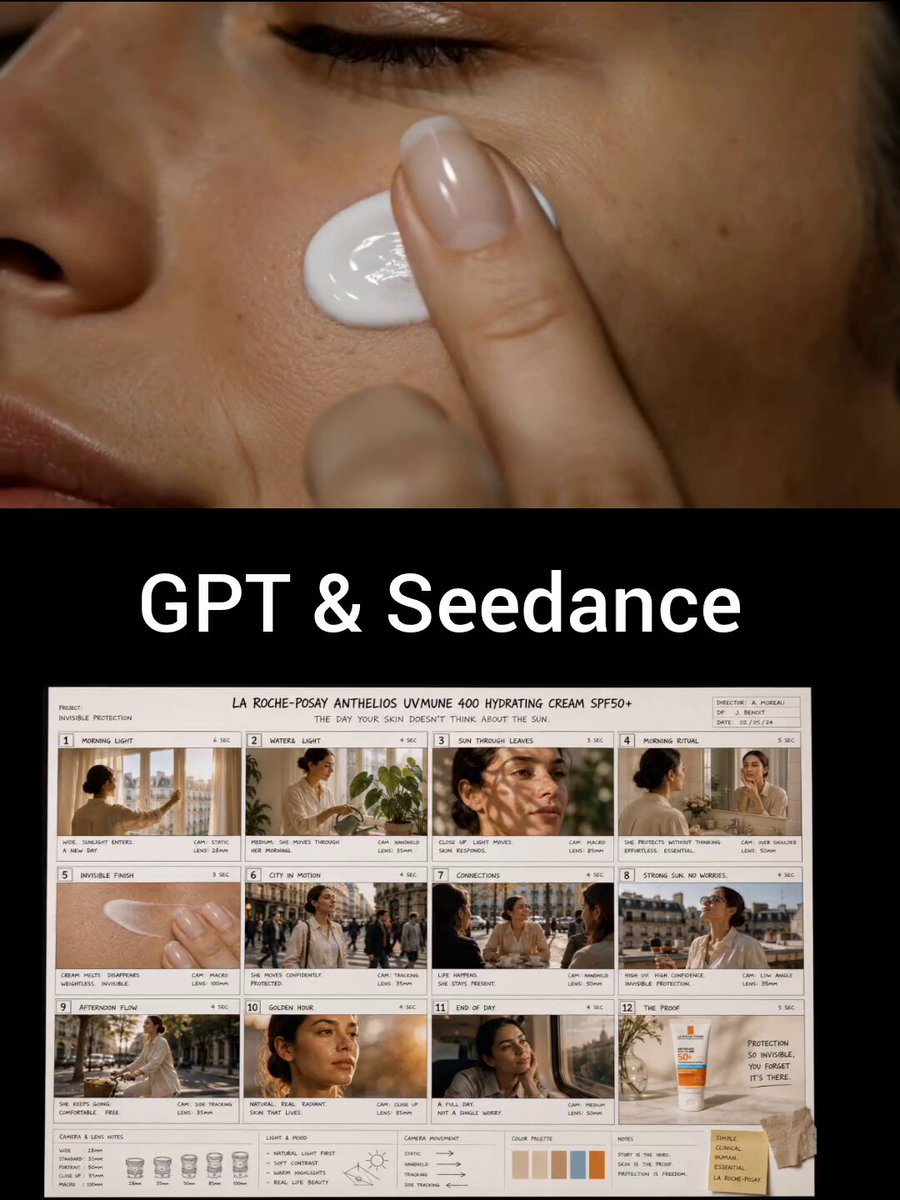
A 12-frame director's storyboard prompt for a luxury skincare commercial, following a woman's daily life and sun protection journey.
- Prompt included
- Model and format preset
- Premium template
The prompt behind this video
Copy the exact prompt behind Luxury Skincare Commercial Storyboard, or open it in the studio and make it yours.
Ultra-realistic luxury skincare commercial storyboard, 12 cinematic frames arranged in a professional director's storyboard sheet. The story follows one woman throughout a full day, showing how invisible sun protection quietly supports her life without her noticing it. Frame 1: Early morning. Woman opens curtains. Soft sunlight floods a modern apartment. Frame 2: She waters indoor plants while sunlight hits her face naturally. Frame 3: Close-up of sunlight passing through leaves, creating moving shadows on healthy skin. Frame 4: Minimalist bathroom. She applies sunscreen effortlessly while checking her daily schedule. Frame 5: Macro shot of cream disappearing instantly into skin. Frame 6: Busy city crossing. She walks confidently among morning commuters. Frame 7: Outdoor café meeting. Friends laugh around a table under bright daylight. Frame 8: Rooftop lunch. Strong sunlight overhead, but she remains comfortable and confident. Frame 9: Afternoon bicycle ride through tree-lined streets. Frame 10: Golden-hour portrait. Natural skin texture, no makeup focus, authentic beauty. Frame 11: Sunset reflection in a train window. Long day completed. Frame 12: Product hero shot with tagline: “Protection So Invisible, You Forget It's There.” Premium French pharmacy aesthetic, warm sunlight storytelling, realistic skin texture, visible pores, cinematic 35mm photography, director annotations, camera arrows, shot descriptions, luxury commercial pitch-board design, Apple advertisement quality, A24 cinematography mood, sophisticated visual narrative, ultra-realistic storyboard sheet, 8K.
How to use Luxury Skincare Commercial Storyboard in 3 steps
- 1
Open
The prompt is already in the box next to the preview, with the template's model and format selected.
- 2…a portrait of your subject in softgolden-hour light, 85mm…
Personalize
Edit the subject and creative details for your destination.
- 3Generate
Generate
Press Generate — your video is created in PicX Studio, so you can compare it with the original and refine one variable at a time.
More like this
Templates with the same subject, style or setup. Open one to see its prompt.
Skincare Product Commercial

Sneaker Product Commercial

Cinematic Portrait Study 3

Cinematic Portrait Study
Luxury Handbag Commercial — Hollywood VFX Ad

Skincare Product Commercial 3
Premium Skincare Luxury Commercial
Luxury Skincare Product Commercial
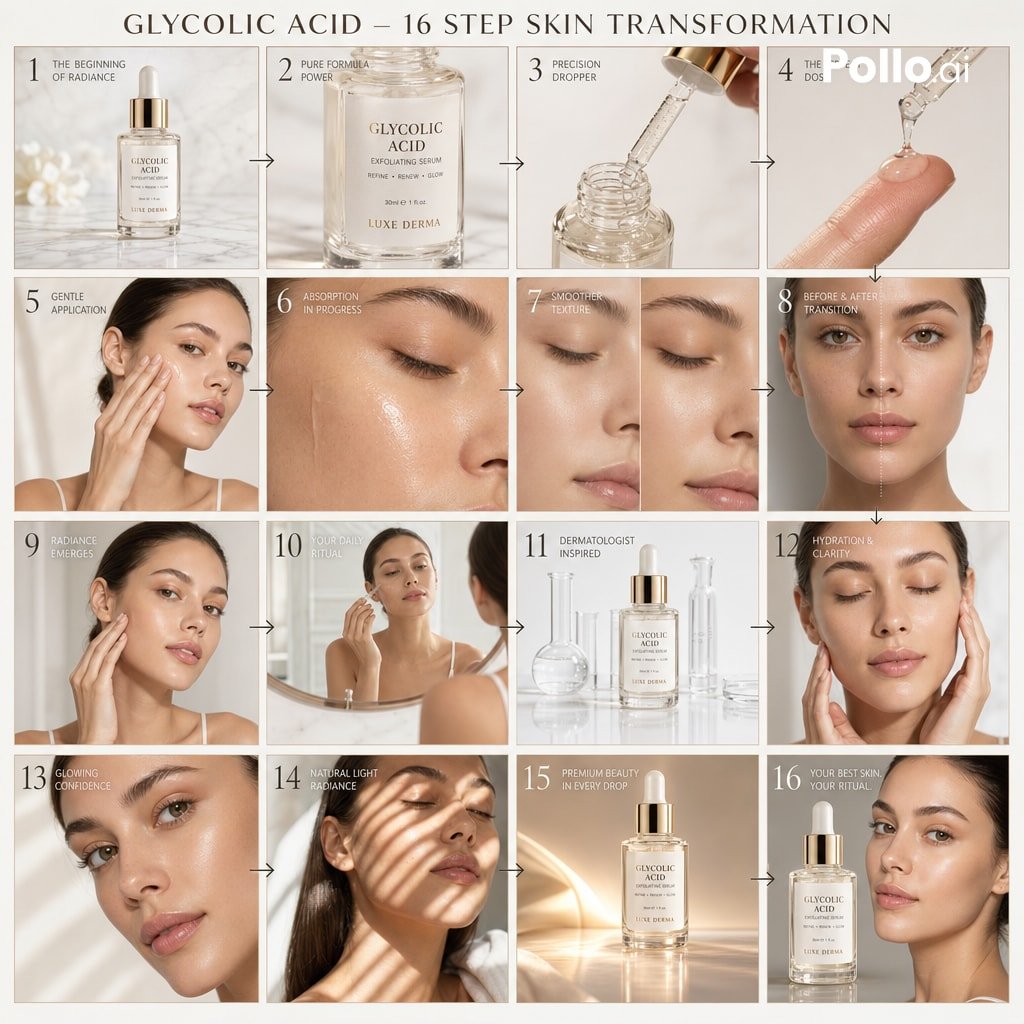
Luxury Skincare Storyboard Motion Prompt
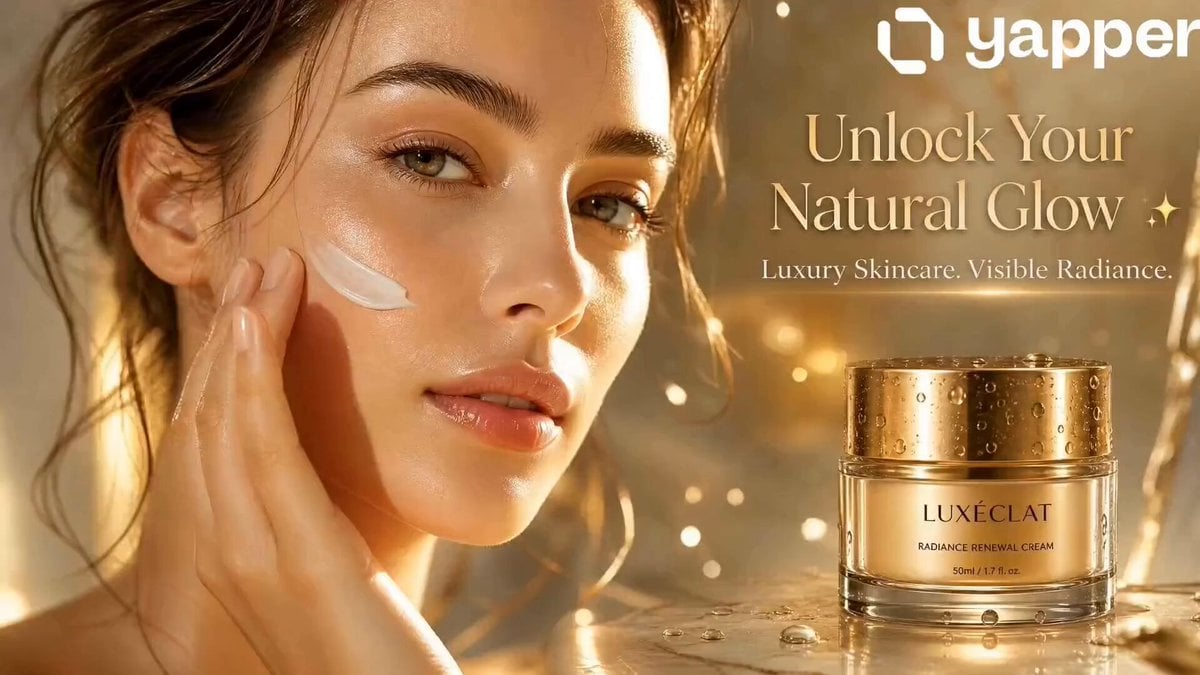
Luxury Skincare Commercial Radiance
Luxury Skincare Product Commercial
Luxury Skincare Commercial Video Prompt
Make it yours
Luxury Skincare Commercial Storyboard works as-is. These are the safest ways to change it without losing the look.
Change one field
Copy a single group, rewrite it, and generate again so you can see what that field is doing.
Keep the frame, change the subject
Hold the composition and light of Luxury Skincare Commercial Storyboard, then swap wardrobe, props or the person for a new take.
| If the result… | Why | Fix |
|---|---|---|
| The result drifts from the preview | Too many fields changed at once. | Reuse Luxury Skincare Commercial Storyboard as-is first, then change one group — subject, light, or setting. |
| The model over-stylizes the scene | The prose prompt leaves finish and camera underspecified. | Add one camera or lighting sentence and stay on Seedance 2.0. |
More Seedance 2.0 templates
Other prompts made for Seedance 2.0.

Comical Martial Arts Punch Scene

Maglev Train Action Sequence

Martial Arts Fight Sequence

Wuxia Protection and Trust Script

Vintage Korean Arcade MiniDV Vlog

Mercedes 190 SL Luxury Ad

Rainy Night Supernatural Reverse Comedy Video Script

Amazon Civilization Discovery

Futuristic South Asian City Transformation

Cozy Luxury Cafe Commercial
More video prompts
Fresh picks from across the catalog.

Childhood Toys Conversation Prompt

Grok Imagine Surreal Creature Chase Video Prompt
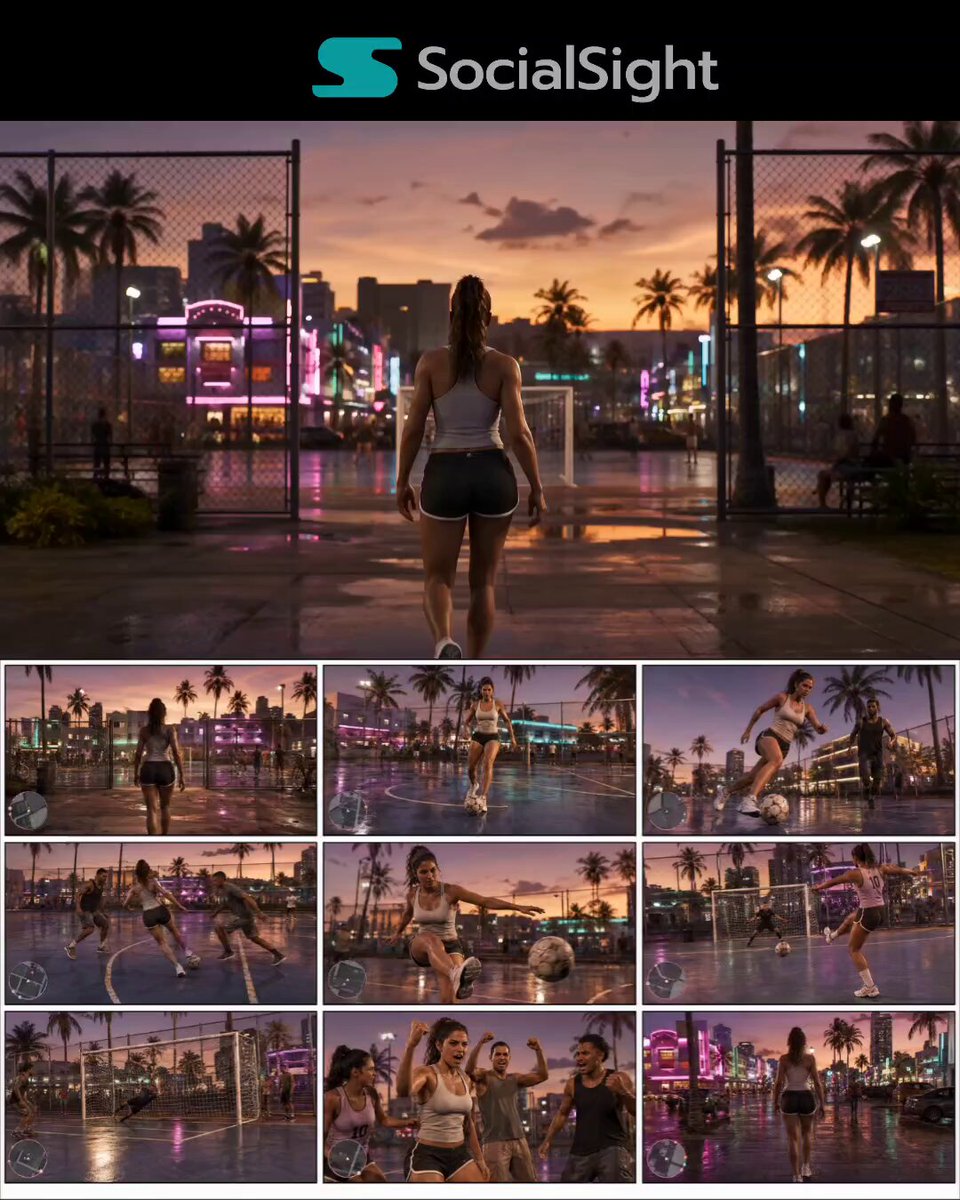
GTA 6 Vice City Football Match
Robot Anime Launch Sequence
Vibrant Purple Gluco Energy Biscuit Commercial

Epic Battle Between Giant Python and Chinese Dragon
Handheld UFO Attack Vlog

Kraken attacks a pirate ship

Scrolling Kitten Storyboard
European Street Dance Sequence
Browse template categories
Luxury Skincare Commercial Storyboard questions
How do I use the Luxury Skincare Commercial Storyboard template?
Add your photo if the template asks for one, edit the prompt if you like — the template's model and format are already selected — and press Generate. Your version opens in PicX Studio.
Can I customize the Luxury Skincare Commercial Storyboard template?
Yes. You can change the subject, setting, lighting, mood, format, and available model controls before creating your video.
Is the Luxury Skincare Commercial Storyboard template free?
Opening and editing this template is free. Generating uses credits, shown on the Generate button when you are signed in.
Which AI model should I use?
Start with Seedance 2.0, which is the model associated with this template. You can compare another compatible model for a different finish.
Looking for something else? Browse all templates.

Your photo, any look
Thousands of ready templates for every top image and video model, from one credit balance.