
Handheld UFO Attack Vlog
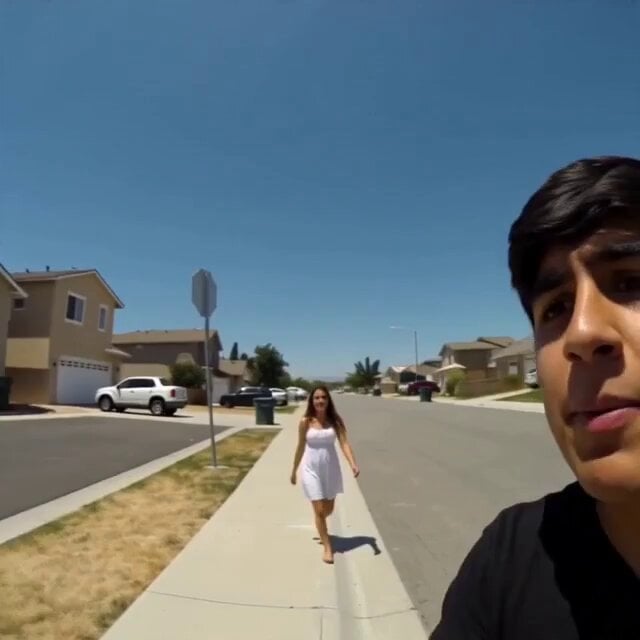
A found-footage horror prompt simulating a 2005-era mobile phone recording of a sudden UFO attack in a suburban neighborhood.
- Prompt included
- Model and format preset
- Free template
The prompt behind this video
Copy the exact prompt behind Handheld UFO Attack Vlog, or open it in the studio and make it yours.
single continuous shaky handheld mobile phone footage from 2005-2006, low bitrate, slight digital noise, authentic amateur camcorder look. Empty sunlit South American suburban street during bright daylight, clear blue sky, parked cars, quiet neighborhood. A young man is recording. In the first two seconds a girl in a summer dress walks toward him smiling. He excitedly says “Baby, baby, look up! Look up!” and quickly tilts the shaky camera upward. A massive realistic metallic UFO hovers silently in the bright sky, sunlight reflecting off its surface. He whispers in awe “Oh my God… I think that’s a UFO… Baby come here, this is gold! This is gold!” Suddenly the UFO fires a bright energy beam. A car 10 meters away explodes violently in a fireball. The couple screams in terror. He yells “Move back baby! Run!” while still filming. He turns back toward the UFO, camera shaking wildly, and shouts “Hey! What’s your problem?! We don’t mean any harm! Stop!” The UFO immediately fires again. A car a few meters away erupts in a huge explosion, debris flying. He screams “What the hell are you doing?! We’re just people!” The UFO suddenly accelerates at insane speed and zips away into the bright sky like The Flash, disappearing instantly. Extremely shaky panicked camera movement, raw found-footage horror style, intense sound design, photorealistic details.
How to use Handheld UFO Attack Vlog in 3 steps
- 1
Open
The prompt is already in the box next to the preview, with the template's model and format selected.
- 2…a portrait of your subject in softgolden-hour light, 85mm…
Personalize
Edit the subject and creative details for your destination.
- 3Generate
Generate
Press Generate — your video is created in PicX Studio, so you can compare it with the original and refine one variable at a time.
More like this
Templates with the same subject, style or setup. Open one to see its prompt.

Handheld Tokyo Travel Vlog - Seedance 2.5

Mediterranean Morning Coffee Run Vlog (Seedance 2.5)

Luxury Airport Travel Vlog

Kyoto Morning Selfie Vlog
Sunny Morning Laundry Vlog

Smartphone Travel Vlog Tokyo Trip Identity Preserved
Handheld Scandinavian Influencer Running Vlog
Realistic Handheld Travel Vlog

Mediterranean Coffee Run Vlog - Seedance 2.5

Mysterious Home Exploration Vlog - Seedance 2.5

Realistic Morning Routine Lifestyle Vlog - Seedance 2.5

Nostalgic MiniDV Convenience Store Vlog - Seedance 2.5
Make it yours
Handheld UFO Attack Vlog works as-is. These are the safest ways to change it without losing the look.
Change one field
Copy a single group, rewrite it, and generate again so you can see what that field is doing.
Keep the frame, change the subject
Hold the composition and light of Handheld UFO Attack Vlog, then swap wardrobe, props or the person for a new take.
| If the result… | Why | Fix |
|---|---|---|
| The result drifts from the preview | Too many fields changed at once. | Reuse Handheld UFO Attack Vlog as-is first, then change one group — subject, light, or setting. |
| The model over-stylizes the scene | The prose prompt leaves finish and camera underspecified. | Add one camera or lighting sentence and stay on Seedance 2.0. |
More Seedance 2.0 templates
Other prompts made for Seedance 2.0.

Comical Martial Arts Punch Scene

Maglev Train Action Sequence

Martial Arts Fight Sequence

Wuxia Protection and Trust Script

Vintage Korean Arcade MiniDV Vlog

Mercedes 190 SL Luxury Ad

Rainy Night Supernatural Reverse Comedy Video Script

Amazon Civilization Discovery

Futuristic South Asian City Transformation

Cozy Luxury Cafe Commercial
More video prompts
Fresh picks from across the catalog.
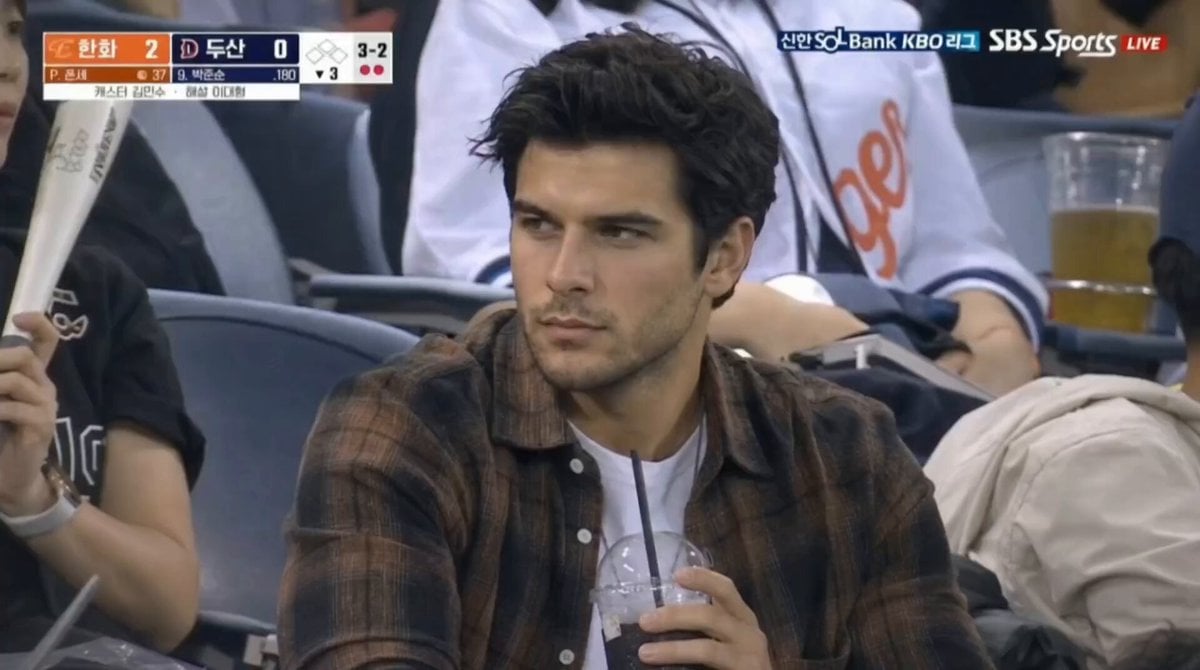
Baseball Stadium Spectator Shot
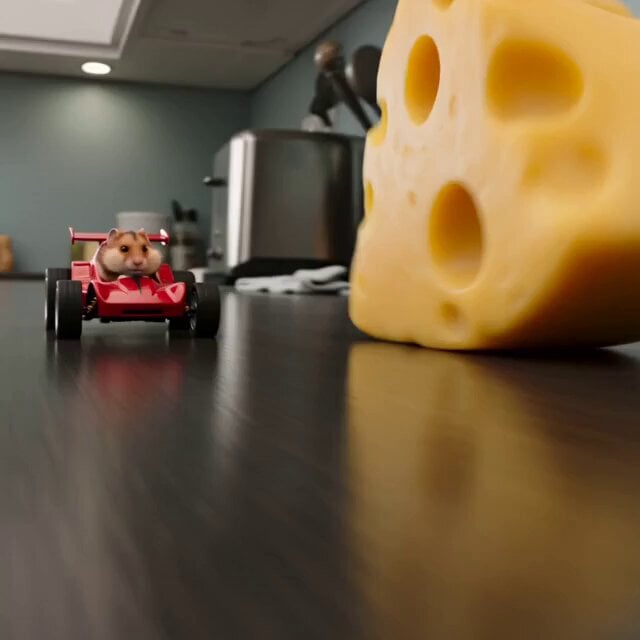
Hamster Cheese Pursuit
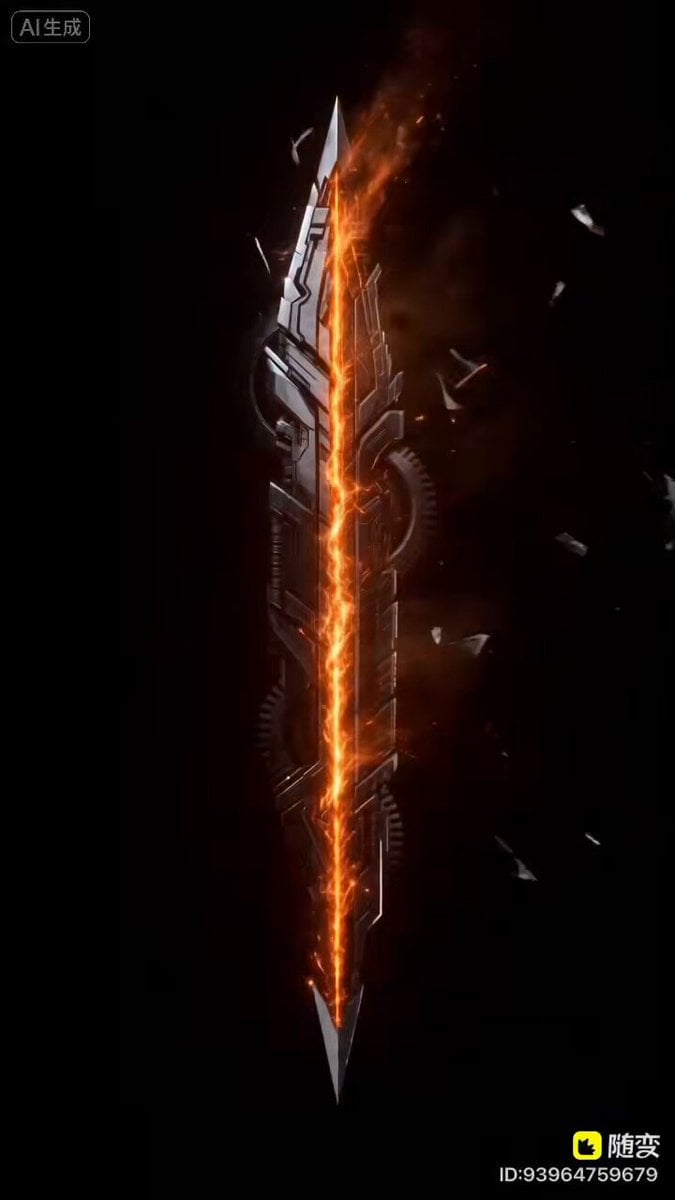
Mecha Style Text Animation Prompt for Seedance 2.0
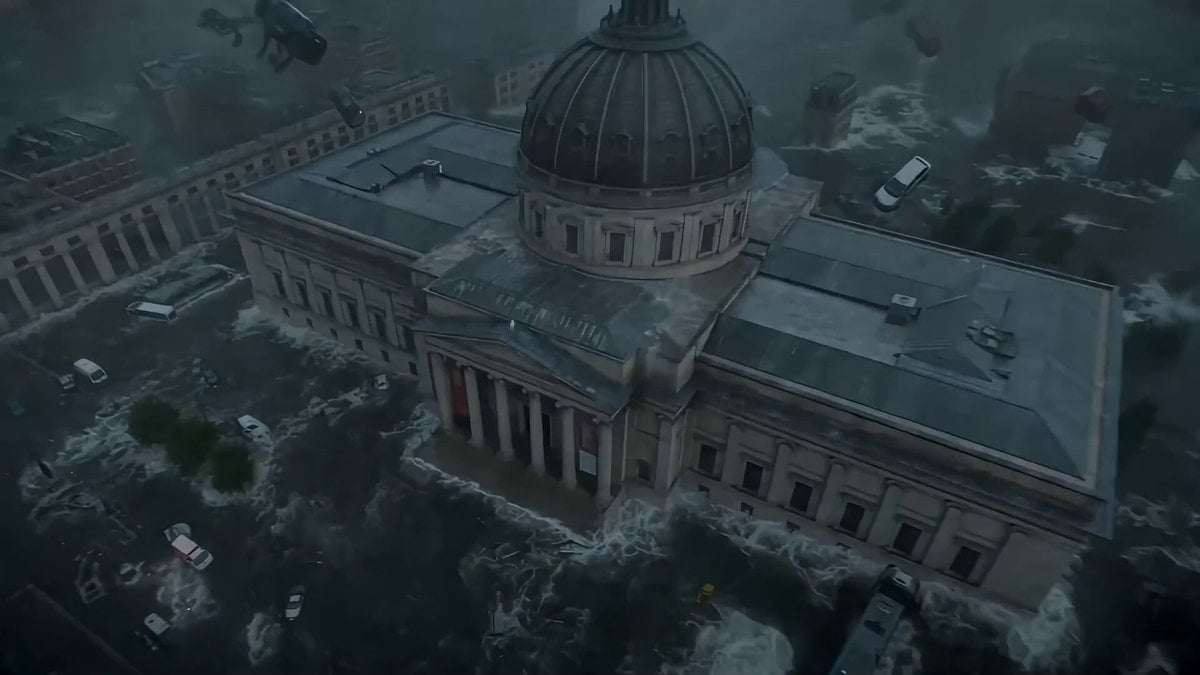
Seedance 2.0 Prompt: Cyberpunk Time Travel from Disaster to Ancient Market

Seedance 2.0 Video Prompt for Northeast MC Style Live Stream

Enchanted Fabergé Easter Egg Video Prompt
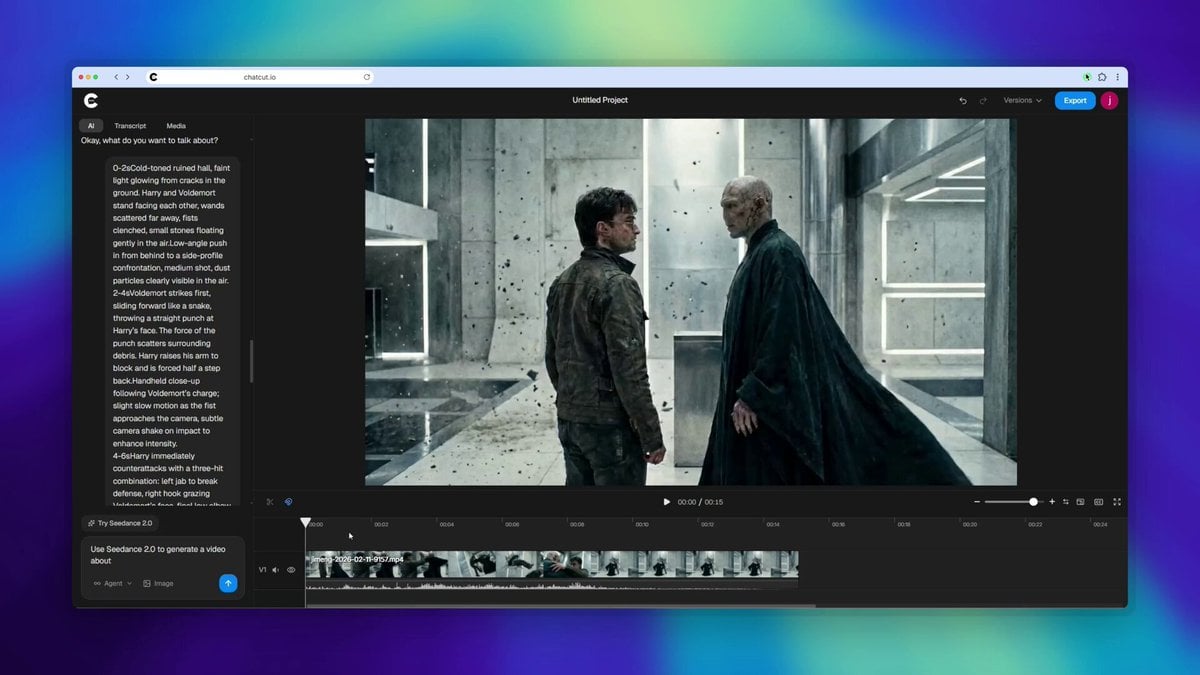
Harry Potter vs Voldemort Fight Scene
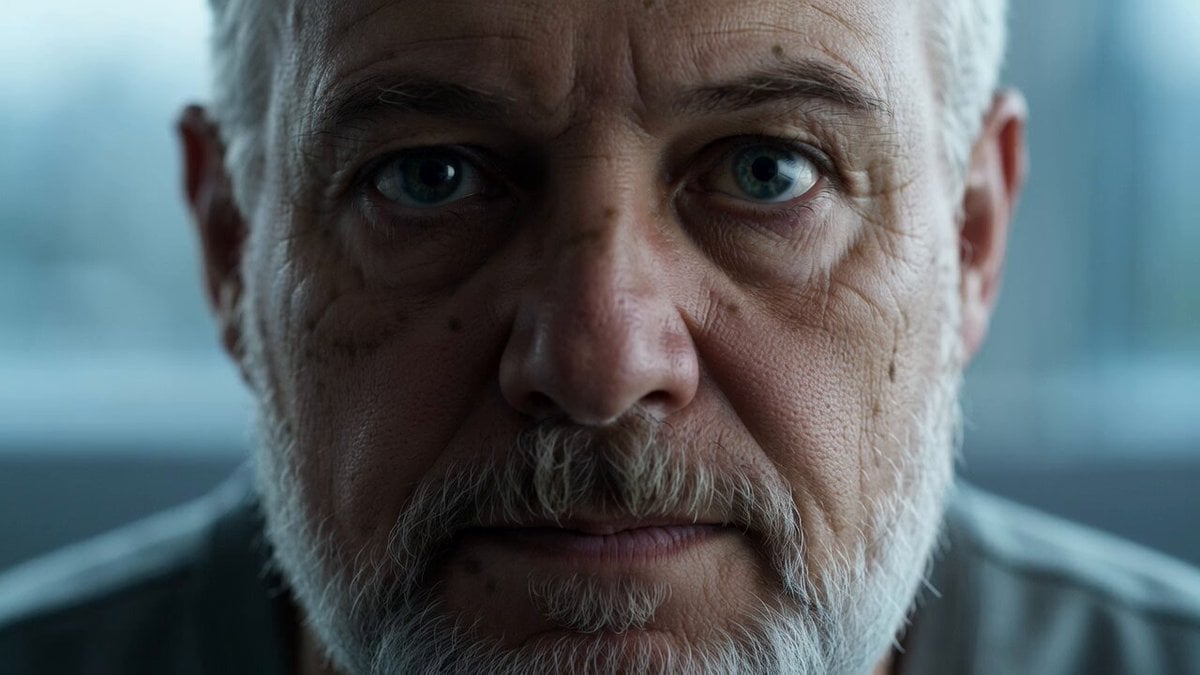
Reflective Elderly Man Documentary Portrait

Sword Array Lighting Fashion Shoot
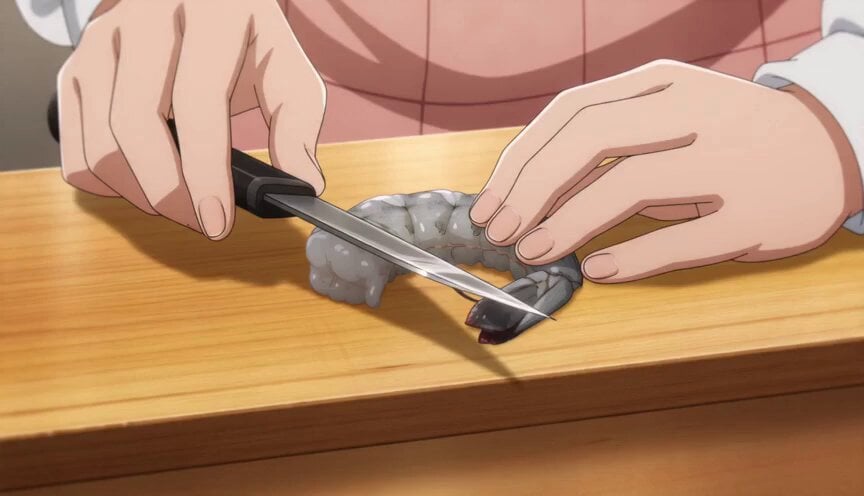
Anime Chef Shrimp Tempura Cooking
Browse template categories
Handheld UFO Attack Vlog questions
How do I use the Handheld UFO Attack Vlog template?
Add your photo if the template asks for one, edit the prompt if you like — the template's model and format are already selected — and press Generate. Your version opens in PicX Studio.
Can I customize the Handheld UFO Attack Vlog template?
Yes. You can change the subject, setting, lighting, mood, format, and available model controls before creating your video.
Is the Handheld UFO Attack Vlog template free?
Opening and editing this template is free. Generating uses credits, shown on the Generate button when you are signed in.
Which AI model should I use?
Start with Seedance 2.0, which is the model associated with this template. You can compare another compatible model for a different finish.
Looking for something else? Browse all templates.

Your photo, any look
Thousands of ready templates for every top image and video model, from one credit balance.