
Early 2000s MiniDV home video aesthetic style
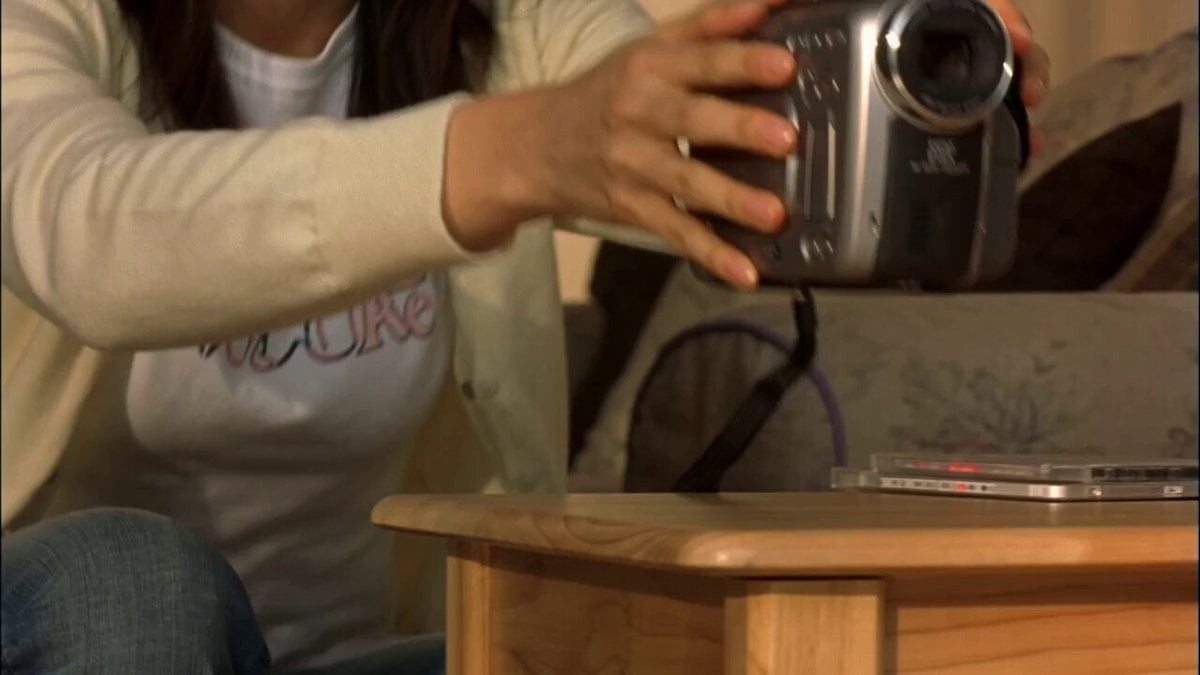
A 15-second timecoded video prompt designed to mimic an authentic early-2000s MiniDV home video, containing realistic camera movements, autofocus hunting, and physical actions.
- Prompt included
- Model and format preset
- Free template
The prompt behind this video
Copy the exact prompt behind Early 2000s MiniDV home video aesthetic style, or open it in the studio and make it yours.
15-sec Seedance prompt — 5 shots Style: Authentic early-2000s MiniDV home video. Young Korean woman, 24, naturally attractive, long dark hair, minimal makeup, cream cardigan over white T-shirt, loose blue jeans, white sneakers. Cozy apartment living room, warm late-afternoon light. 4:3, handheld shake, autofocus hunting, tape grain/compression, natural exposure. Keep woman, outfit, hair and environment consistent. SHOT 1 — 0:00–0:03 Close handheld shot as she places the MiniDV camera on a small table, adjusts framing, presses record, then quickly steps out of frame. SHOT 2 — 0:03–0:06 Wide camera POV. She hurries into frame to get into position, stops in the center and quickly fixes her hair. SHOT 3 — 0:06–0:09 She poses with a cute natural smile, tilting her head and placing one hand near her face. While shifting her weight, her foot slightly catches the rug. SHOT 4 — 0:09–0:12 She stumbles forward slightly, catches herself, freezes for a moment, then immediately returns to the exact same pose, pretending nothing happened. SHOT 5 — 0:12–0:15 She holds the pose, trying to stay serious, but breaks into a small laugh. She looks at the camera with an embarrassed grin. End: Naturally hold on her laughing expression with slight MiniDV shake. Subtle realistic stumble, no dramatic fall, no cinematic polish, no slow motion.
How to use Early 2000s MiniDV home video aesthetic style in 3 steps
- 1
Open
The prompt is already in the box next to the preview, with the template's model and format selected.
- 2…a portrait of your subject in softgolden-hour light, 85mm…
Personalize
Edit the subject and creative details for your destination.
- 3Generate
Generate
Press Generate — your video is created in PicX Studio, so you can compare it with the original and refine one variable at a time.
More like this
Templates with the same subject, style or setup. Open one to see its prompt.
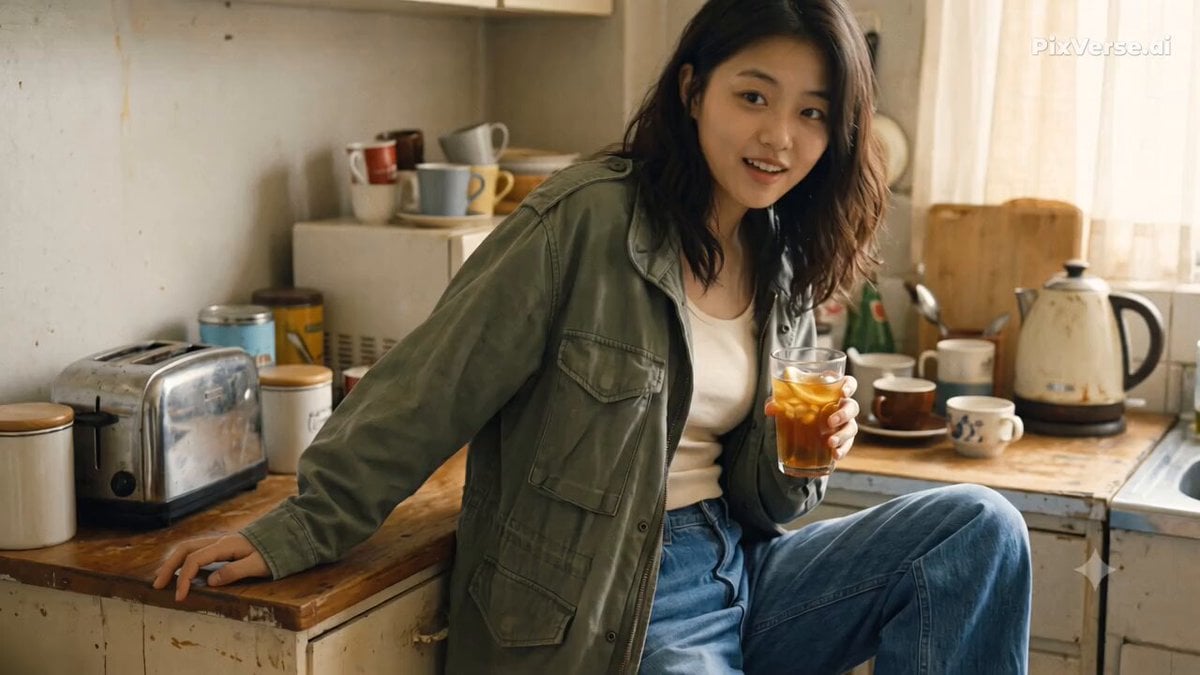
Nostalgic Early 2000s Handheld Home Footage
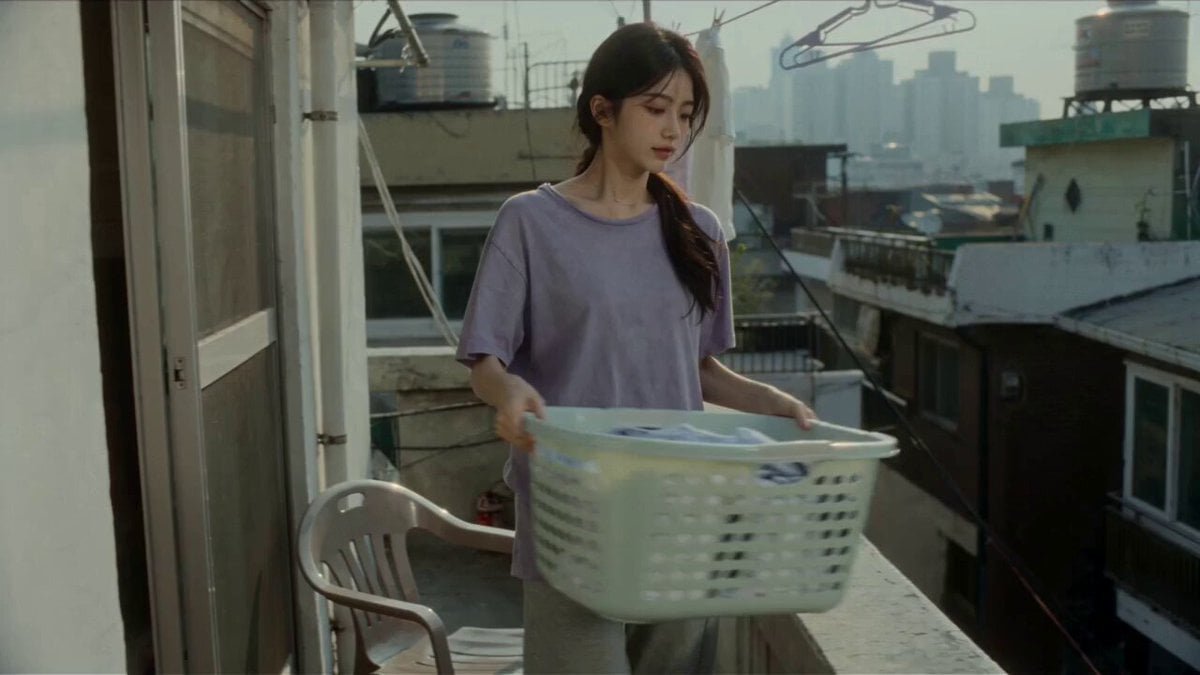
2000s Seoul Home Video
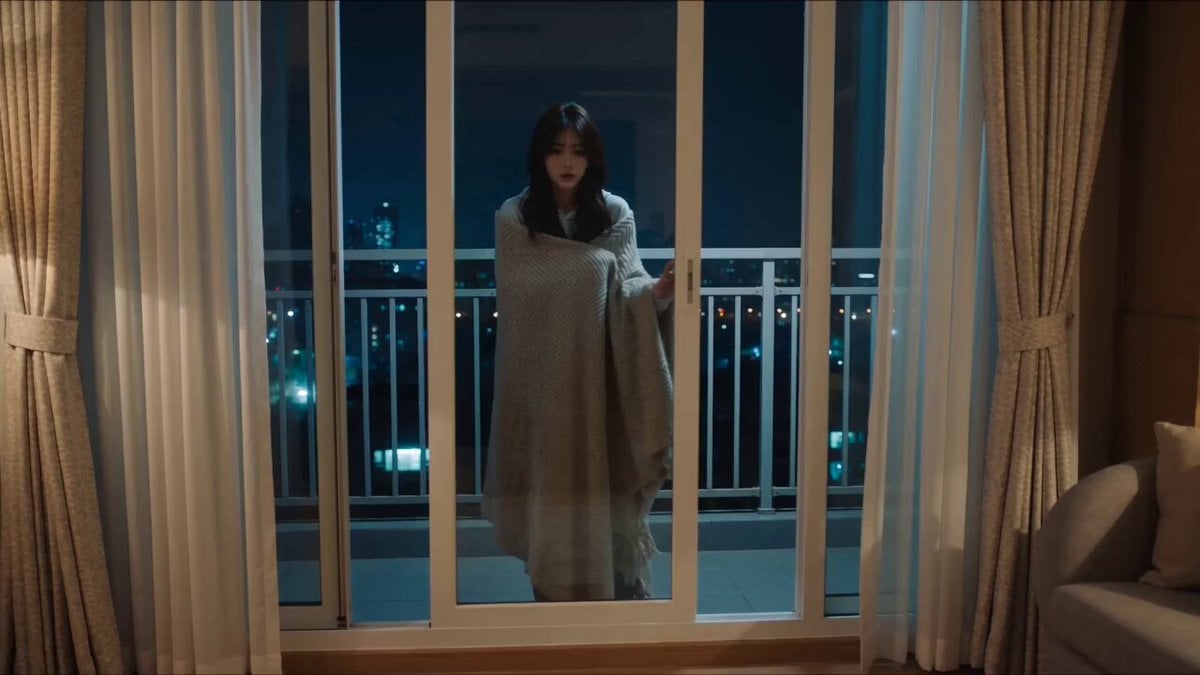
2000s MiniDV Balcony Night
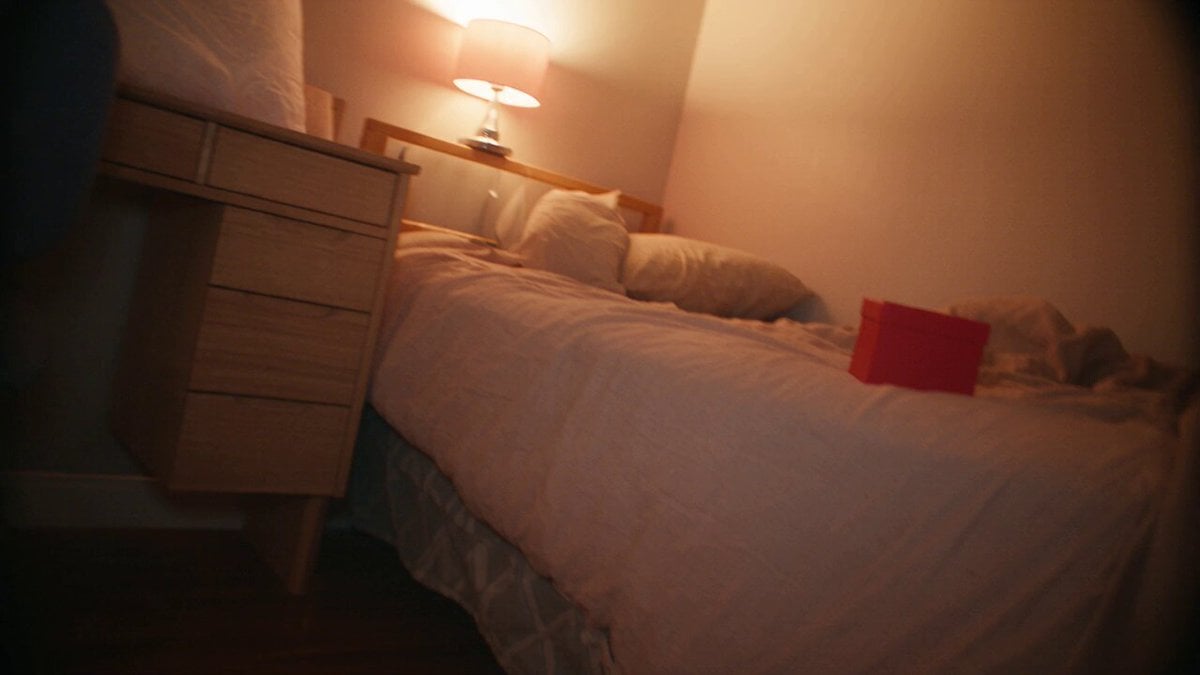
Nostalgic MiniDV Korean Home Video
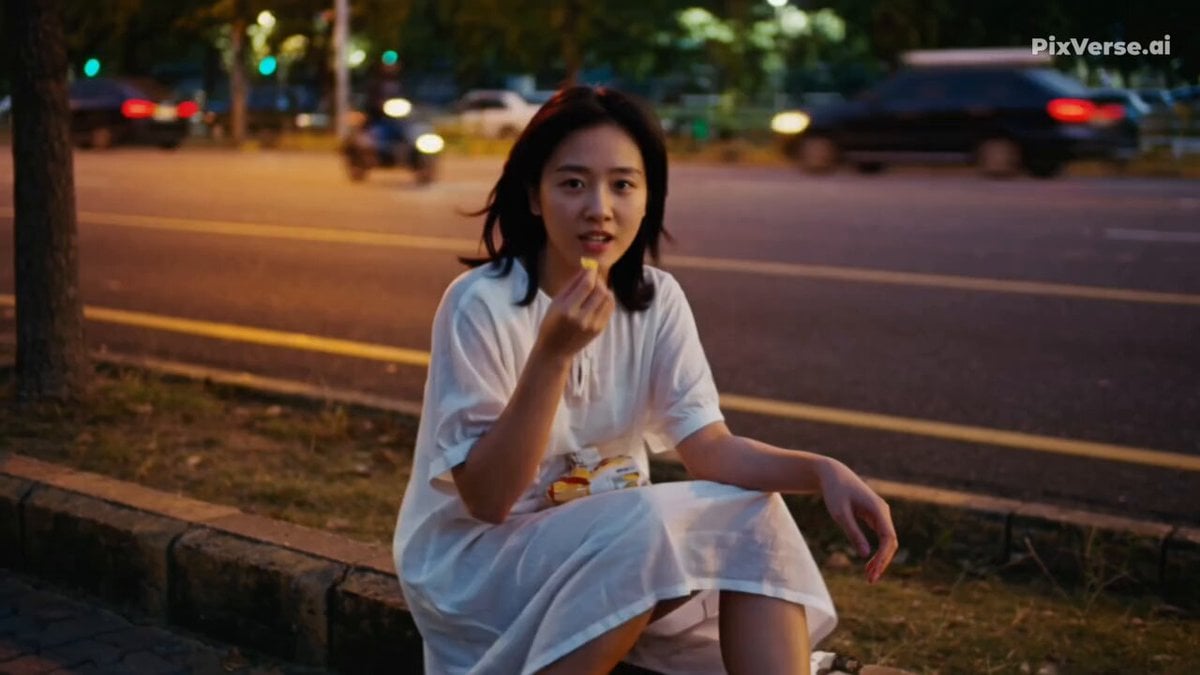
Realistic 2000s Home Video Snack Fail
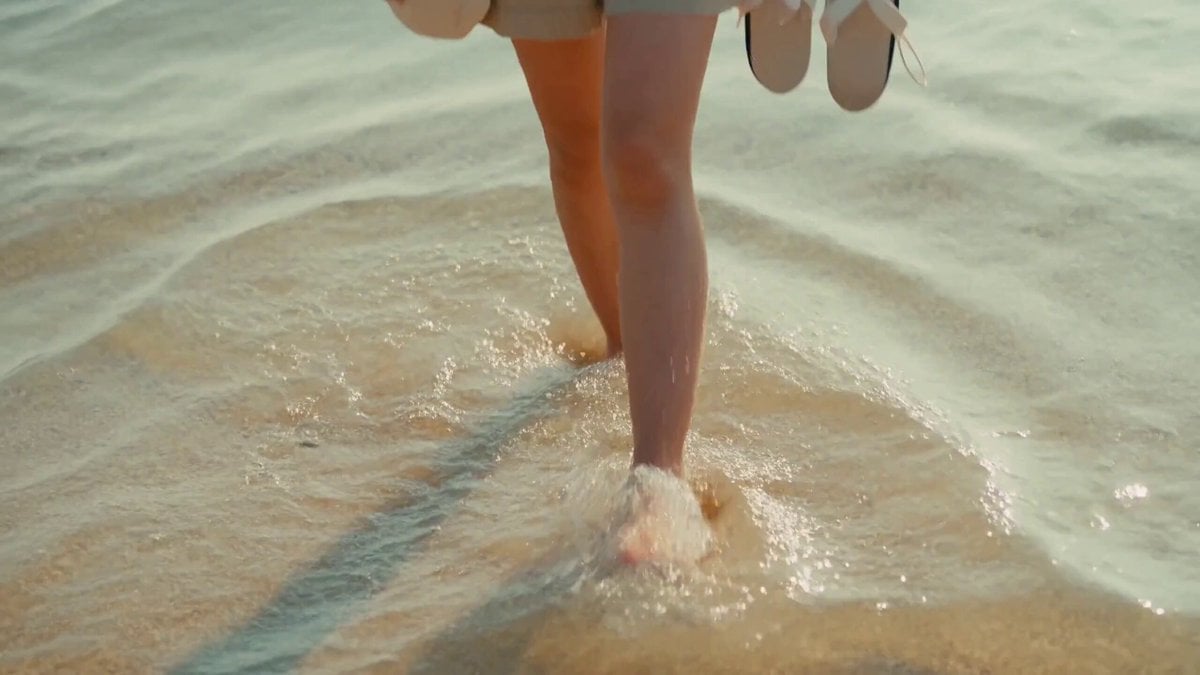
2000s MiniDV Jeju Island Beach Walk

Mysterious Home Exploration Vlog - Seedance 2.5

Nostalgic MiniDV Convenience Store Vlog - Seedance 2.5
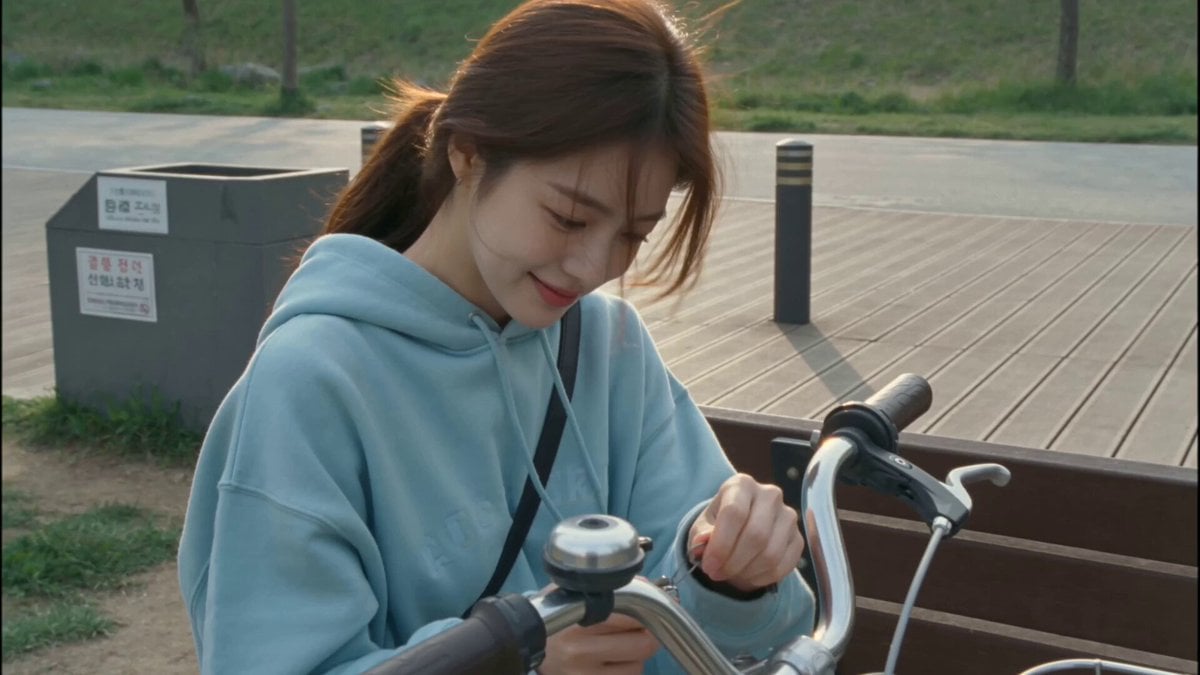
2000s MiniDV Han River Cycle
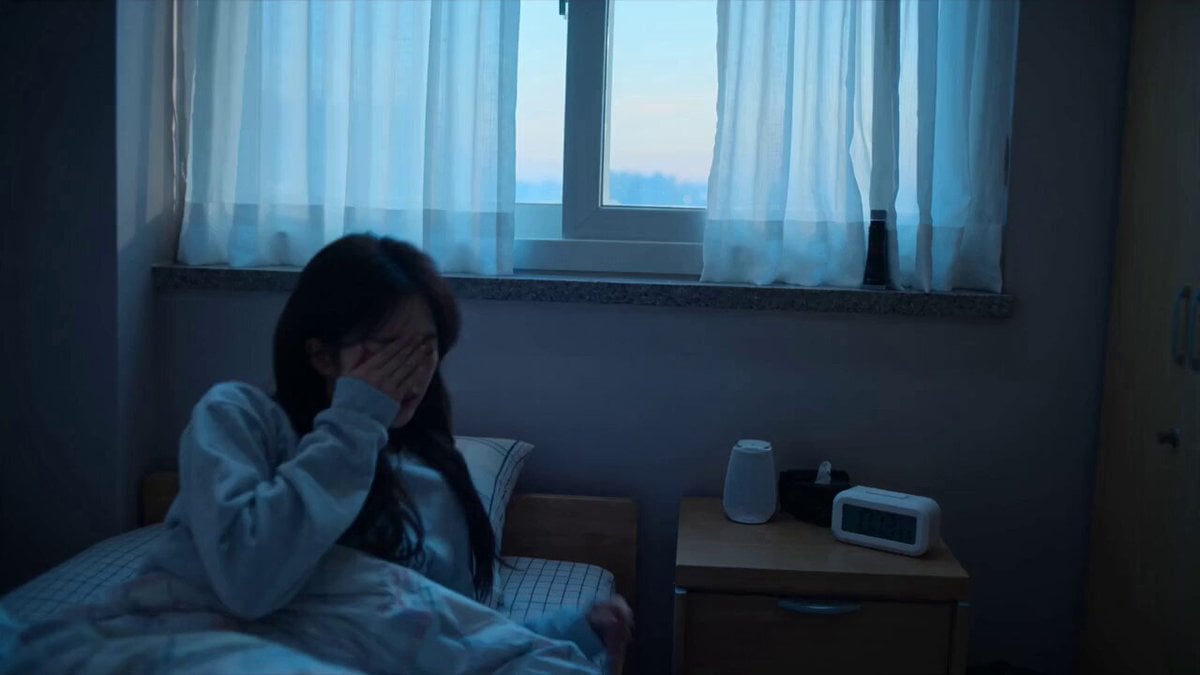
Early-2000s Trainee Flashback Film
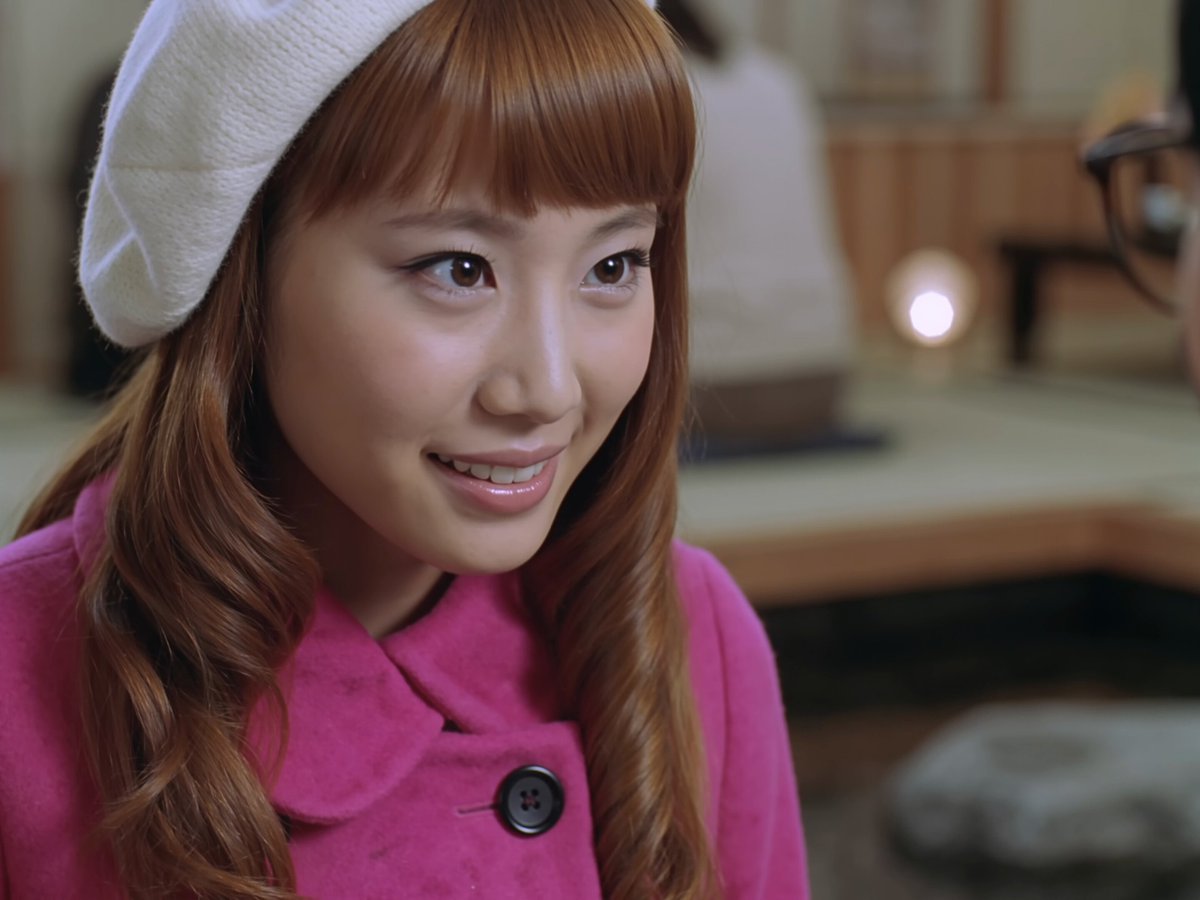
Early 2000s Asian Drama Hair Toss
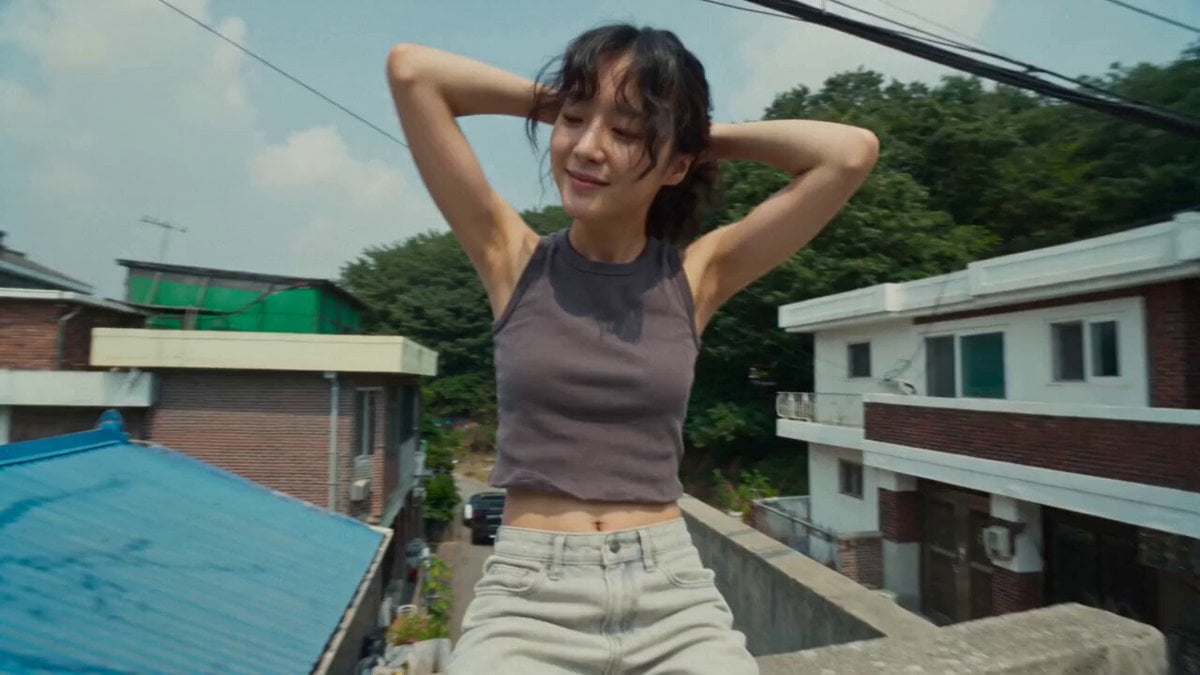
Nostalgic Early 2000s DV Style Korean Vlog
Make it yours
Early 2000s MiniDV home video aesthetic style works as-is. These are the safest ways to change it without losing the look.
Change one field
Copy a single group, rewrite it, and generate again so you can see what that field is doing.
Keep the frame, change the subject
Hold the composition and light of Early 2000s MiniDV home video aesthetic style, then swap wardrobe, props or the person for a new take.
| If the result… | Why | Fix |
|---|---|---|
| The result drifts from the preview | Too many fields changed at once. | Reuse Early 2000s MiniDV home video aesthetic style as-is first, then change one group — subject, light, or setting. |
| The model over-stylizes the scene | The prose prompt leaves finish and camera underspecified. | Add one camera or lighting sentence and stay on Seedance 2.0. |
More Seedance 2.0 templates
Other prompts made for Seedance 2.0.

Comical Martial Arts Punch Scene

Maglev Train Action Sequence

Martial Arts Fight Sequence

Wuxia Protection and Trust Script

Mercedes 190 SL Luxury Ad

Rainy Night Supernatural Reverse Comedy Video Script

Amazon Civilization Discovery

Futuristic South Asian City Transformation

Cozy Luxury Cafe Commercial

Cyber Ronin Nanotech Transformation Video
More video prompts
Fresh picks from across the catalog.
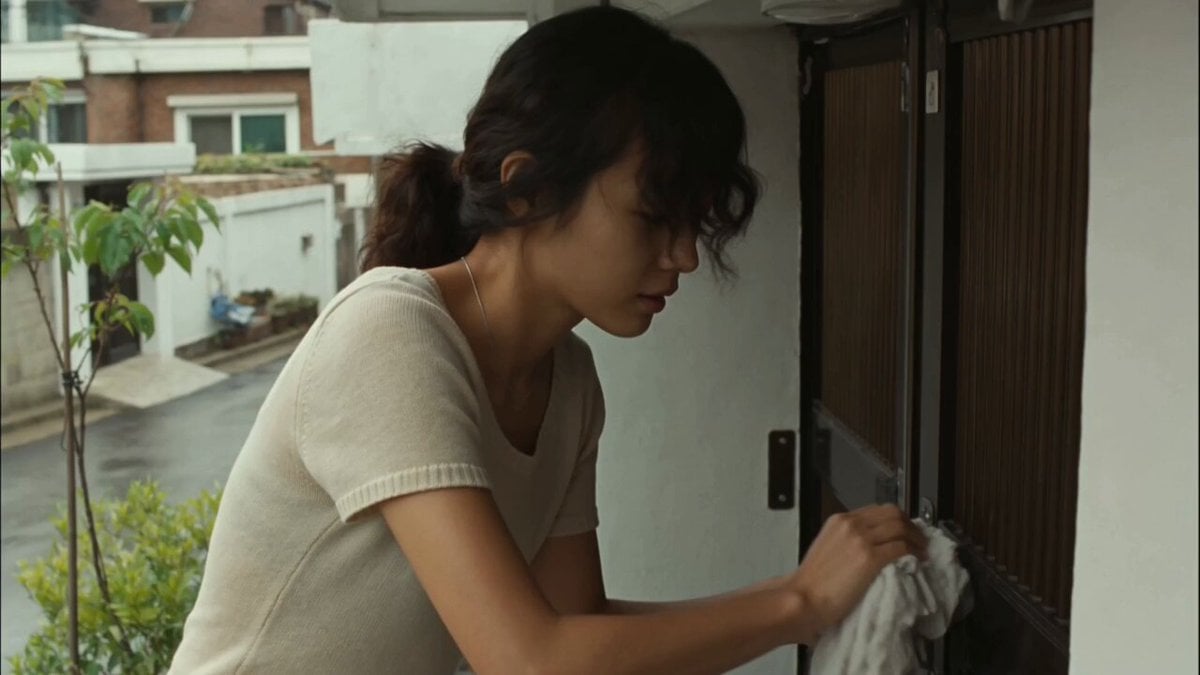
Korean Woman DV Camcorder Aesthetic
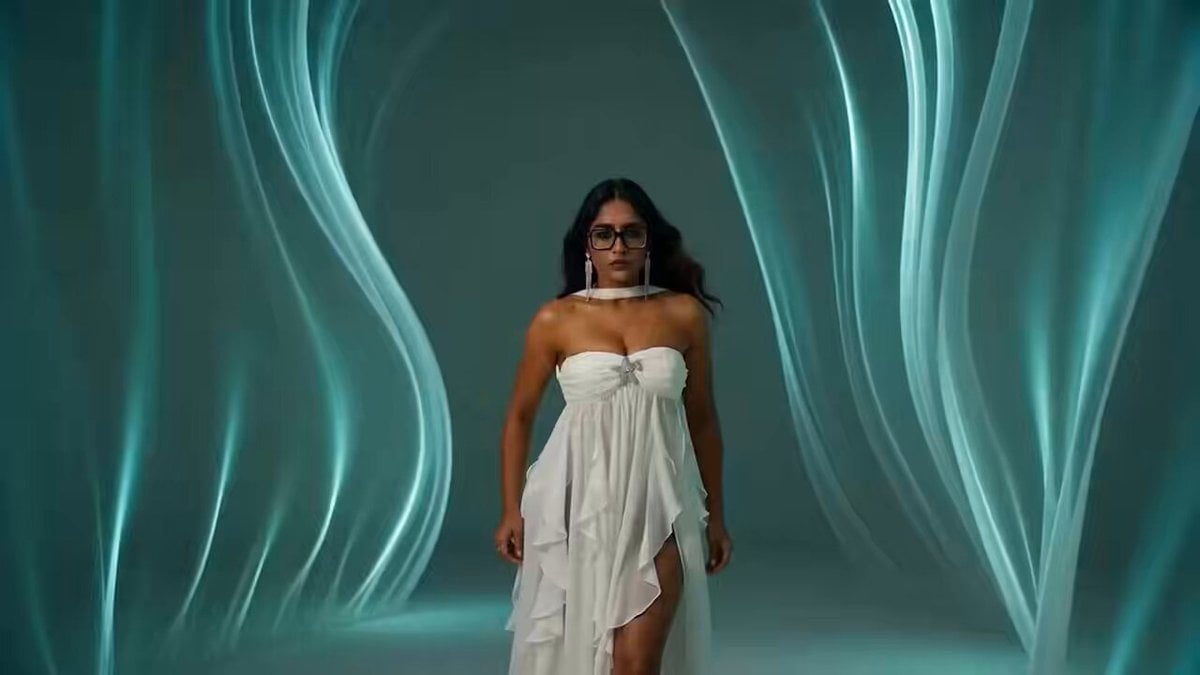
South Asian Woman Dancing in Void
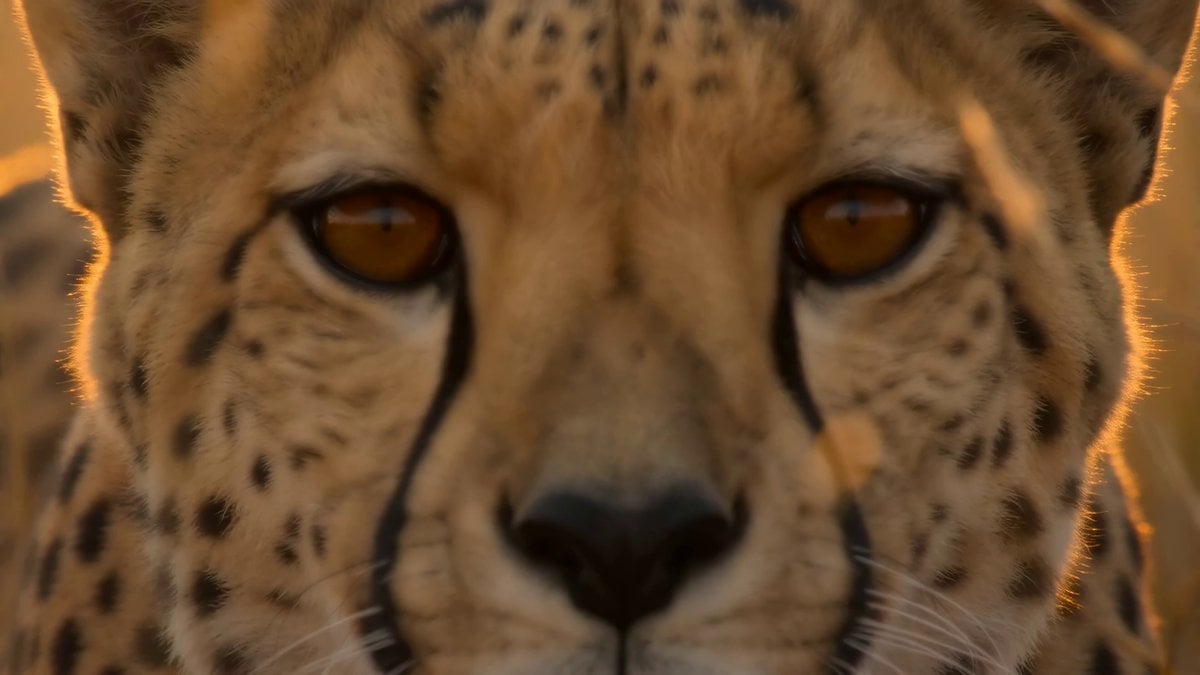
National Geographic African Cheetah Hunt Documentary
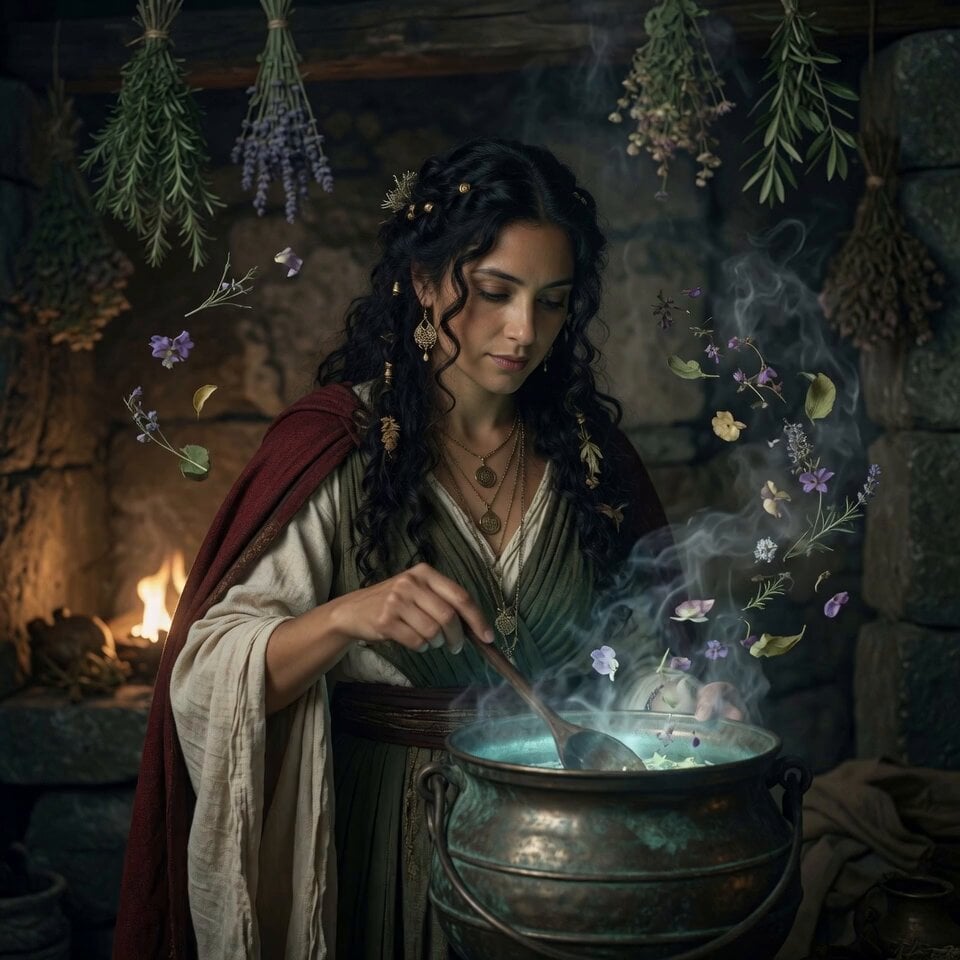
Fantasy Glowing Potion and Floating Herbs
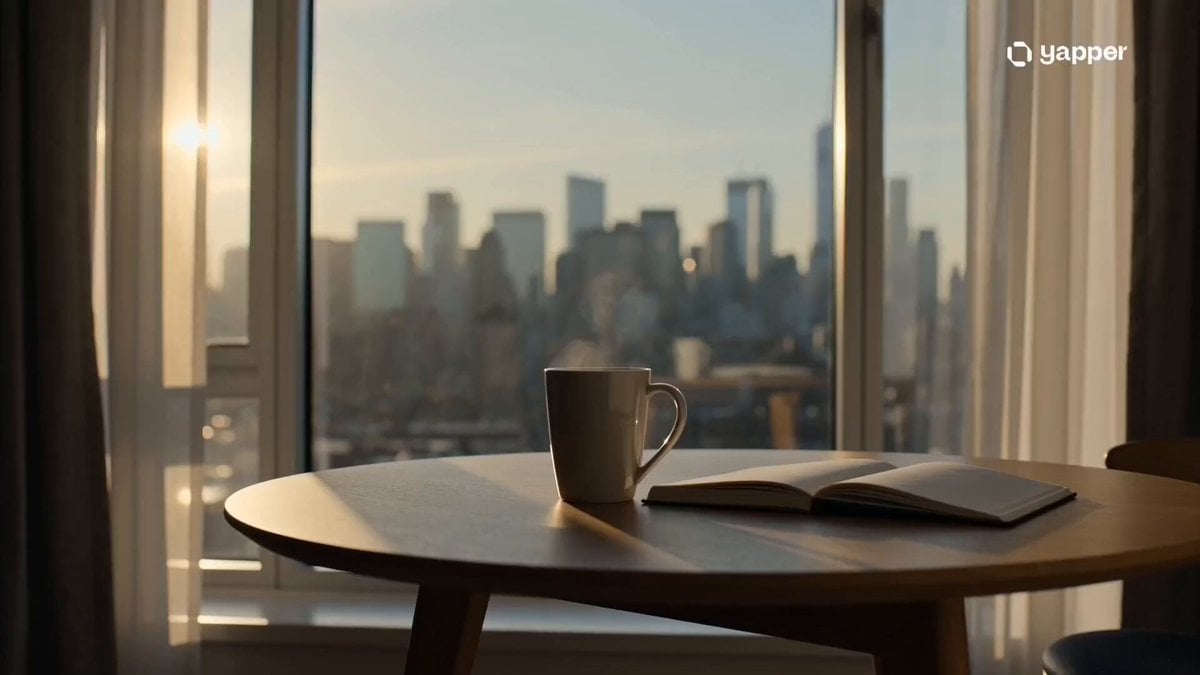
Cinematic Minimalist Urban Morning
16:9 Landscape Scene Reframe
Wuxia Sword Array Logic Comedy
Cyber Desert Martial Arts Duel Anime
Mystic Ocean Creature Heavenly Visitation
Japanese Summer Festival Selfie Vlog
Browse template categories
Early 2000s MiniDV home video aesthetic style questions
How do I use the Early 2000s MiniDV home video aesthetic style template?
Add your photo if the template asks for one, edit the prompt if you like — the template's model and format are already selected — and press Generate. Your version opens in PicX Studio.
Can I customize the Early 2000s MiniDV home video aesthetic style template?
Yes. You can change the subject, setting, lighting, mood, format, and available model controls before creating your video.
Is the Early 2000s MiniDV home video aesthetic style template free?
Opening and editing this template is free. Generating uses credits, shown on the Generate button when you are signed in.
Which AI model should I use?
Start with Seedance 2.0, which is the model associated with this template. You can compare another compatible model for a different finish.
Looking for something else? Browse all templates.

Your photo, any look
Thousands of ready templates for every top image and video model, from one credit balance.