
Korean Woman DV Camcorder Aesthetic
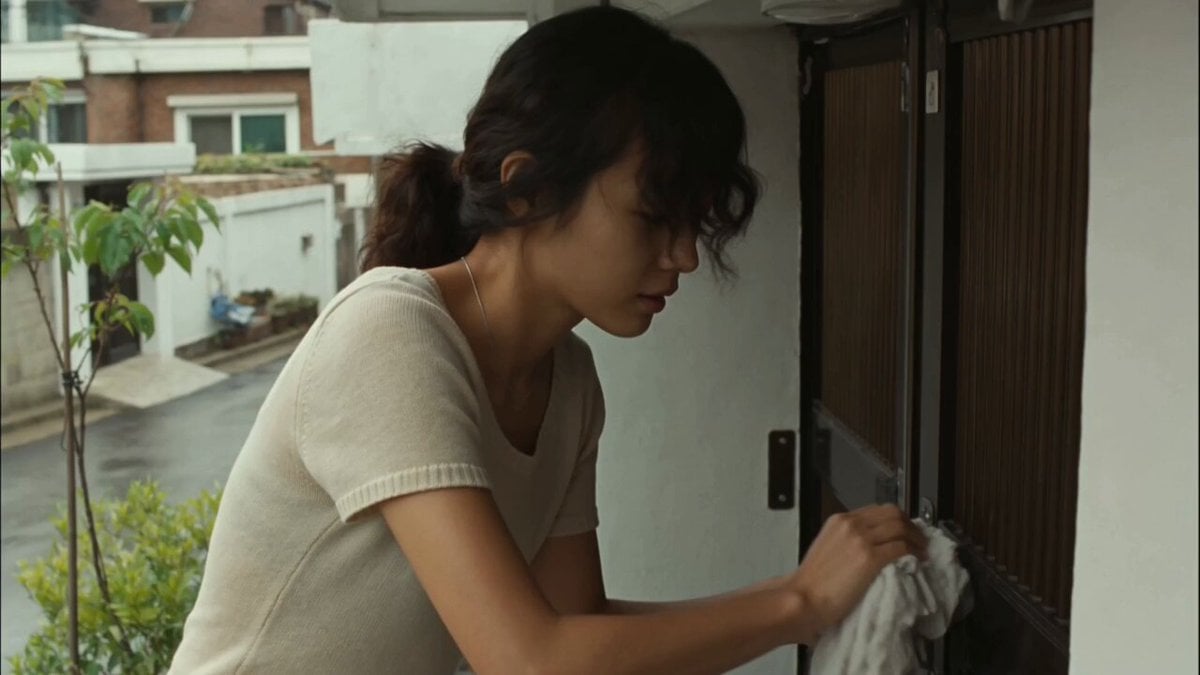
An ultra-realistic video prompt designed for early-2000s consumer DV camcorder style, following a young woman through daily life in a Korean neighborhood.
- Prompt included
- Model and format preset
- Free template
The prompt behind this video
Copy the exact prompt behind Korean Woman DV Camcorder Aesthetic, or open it in the studio and make it yours.
Main subject: young Korean woman, early 20s, natural everyday appearance, soft faded beige short-sleeve knit top, loose dark indigo high-waisted jeans, worn white canvas sneakers, thin silver necklace, black wavy hair tied in a loose low ponytail with messy face-framing strands and wispy bangs. Realistic skin texture, minimal makeup, warm and approachable personality. Maintain consistent identity, clothing, hairstyle, and appearance throughout the entire video. Location: Authentic Korean hillside residential neighborhood during a calm late morning after light rain. Narrow slightly damp concrete alleys, low-rise brick and plaster homes, small metal gates, tiled steps, potted plants, wet leaves, laundry lines, parked bicycles, utility poles, overhead wires, mature trees casting soft broken shadows, quiet residential atmosphere. No stores, advertisements, cafés, crowds, or commercial activity. Lighting: Soft late-morning sunlight after rain. Gentle reflections on damp concrete, muted warm highlights on walls, soft shadows from trees, occasional brightness shifts when clouds pass over the sun. Natural, imperfect, real-world lighting only. Visual Style: Ultra-realistic documentary realism. Genuine candid behavior. Natural body language. Unscripted slice-of-life feeling. Strong environmental authenticity. Rich real-world details and believable human motion. Camera Style: Early-2000s consumer DV camcorder aesthetic. Friend casually recording everyday moments. Heavy handheld shake, imperfect framing, frequent autofocus hunting, lens breathing, exposure pumping when moving between sun and shade, occasional motion blur, subtle rolling shutter, mild digital compression artifacts, faded colors, soft contrast, slight sensor noise. No stabilization. No cinematic camera moves. No modern color grading. 00:00–00:02 Outside a small hillside home entrance. She wipes rainwater from a low metal railing with an old cloth, then glances up and smiles naturally. A light breeze moves loose hair around her face. The camera briefly slips out of focus before catching her again. 00:02–00:04 She walks down a narrow damp alley lined with potted plants and small tiled steps. A stray cat appears from behind a bicycle near a blue metal gate. She notices it and slows down, smiling softly as the handheld framing drifts off-center. 00:04–00:06 She crouches and gently offers the cat a small piece of food from her hand. The cat sniffs carefully before eating. Autofocus repeatedly jumps between her face, her hand, and the cat. Wet leaves shimmer slightly in the soft sunlight. 00:06–00:08 Beside her house, she lifts a few damp clothes from a plastic basket and clips them onto a clothesline. The fabric moves in the breeze. Exposure shifts naturally as clouds pass, making the scene brighten and dim slightly. 00:08–00:10 She sits on a small tiled step near the entrance holding a plain ceramic cup.
How to use Korean Woman DV Camcorder Aesthetic in 3 steps
- 1
Open
The prompt is already in the box next to the preview, with the template's model and format selected.
- 2…a portrait of your subject in softgolden-hour light, 85mm…
Personalize
Edit the subject and creative details for your destination.
- 3Generate
Generate
Press Generate — your video is created in PicX Studio, so you can compare it with the original and refine one variable at a time.
More like this
Templates with the same subject, style or setup. Open one to see its prompt.
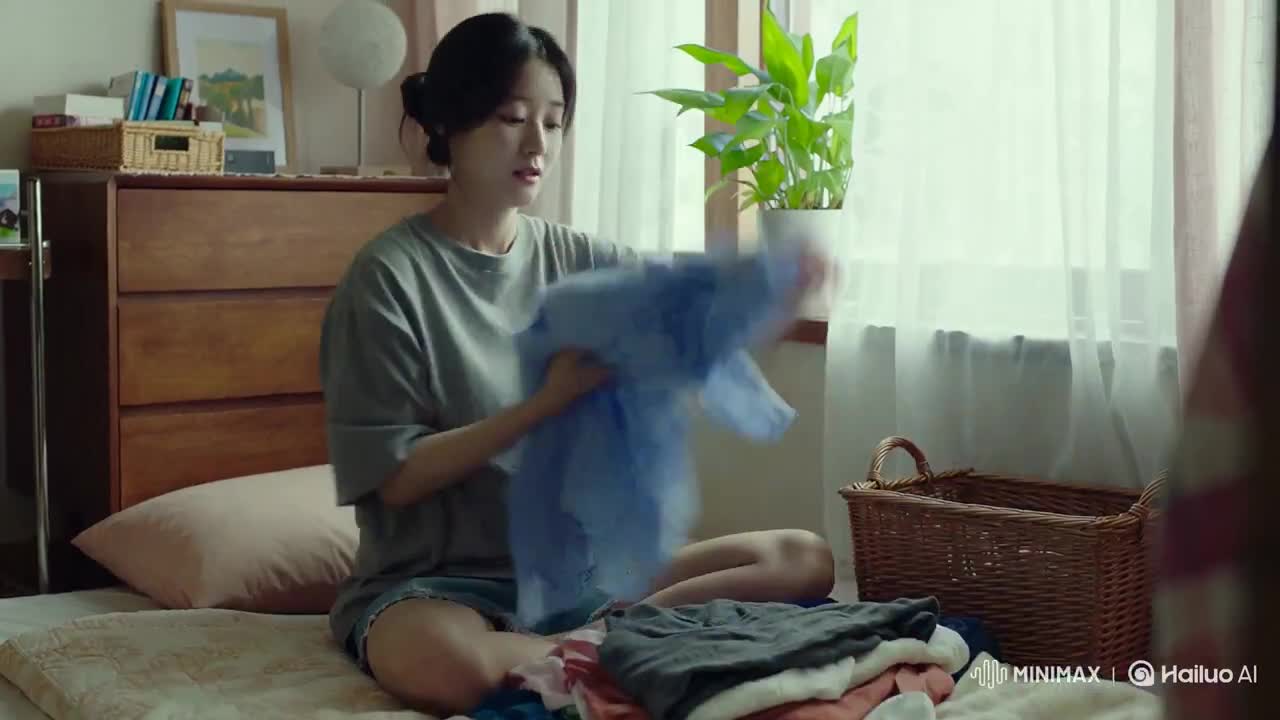
Korean Woman Laundry Folding DV Camcorder Morning

Korean Night Market Bullet-Time Scene - Seedance 2.5
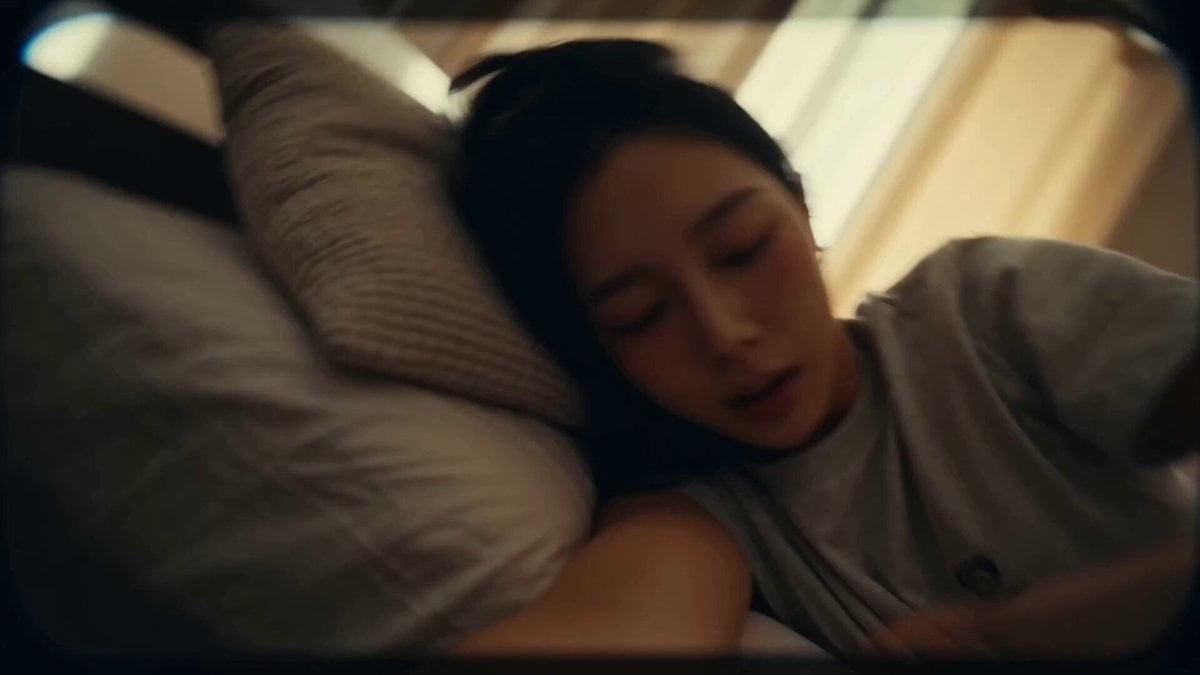
Korean Idol Vlog Camcorder
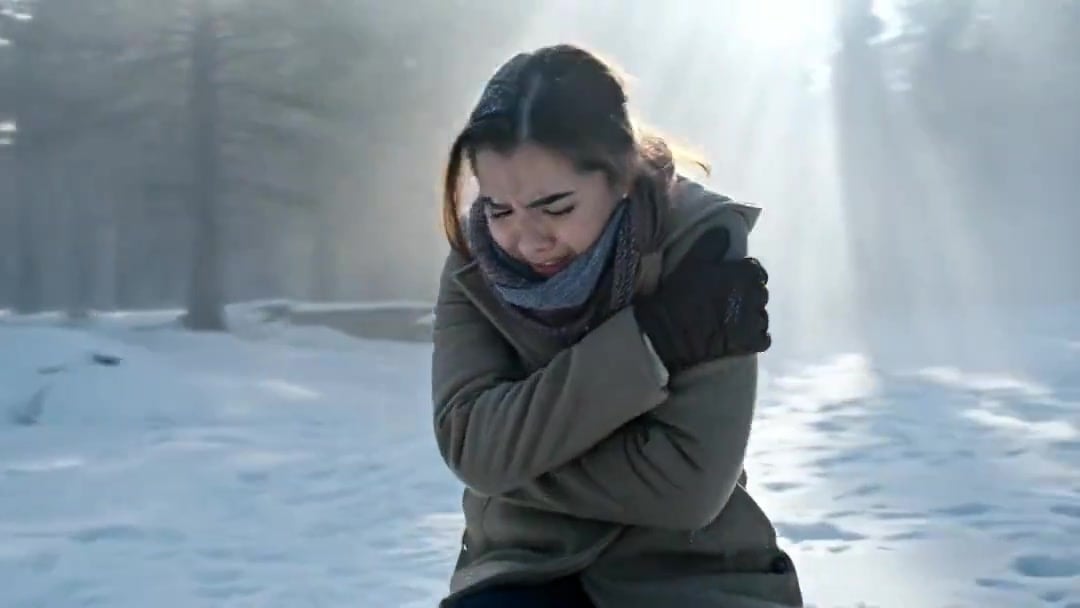
Arc Shot Frozen Woman Snow — Kling 3.0 v3 Pro
Arc Shot Frozen Woman Snow — Kling 3.0 v3 Pro

Iced Coffee Dog Good-News Montage
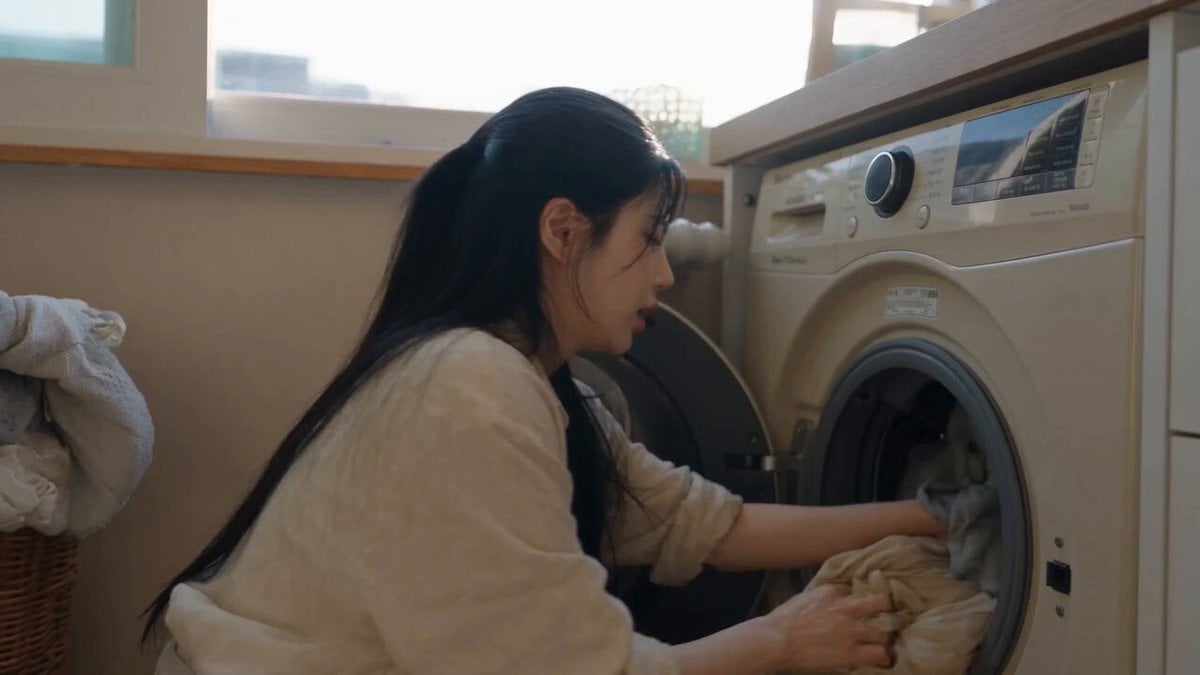
Sunny Morning Laundry Vlog

Blonde Woman Driving Green 1960s Mustang Golden Hour

Vintage Korean Arcade MiniDV Vlog

DV Tape Camcorder Gym Vlog
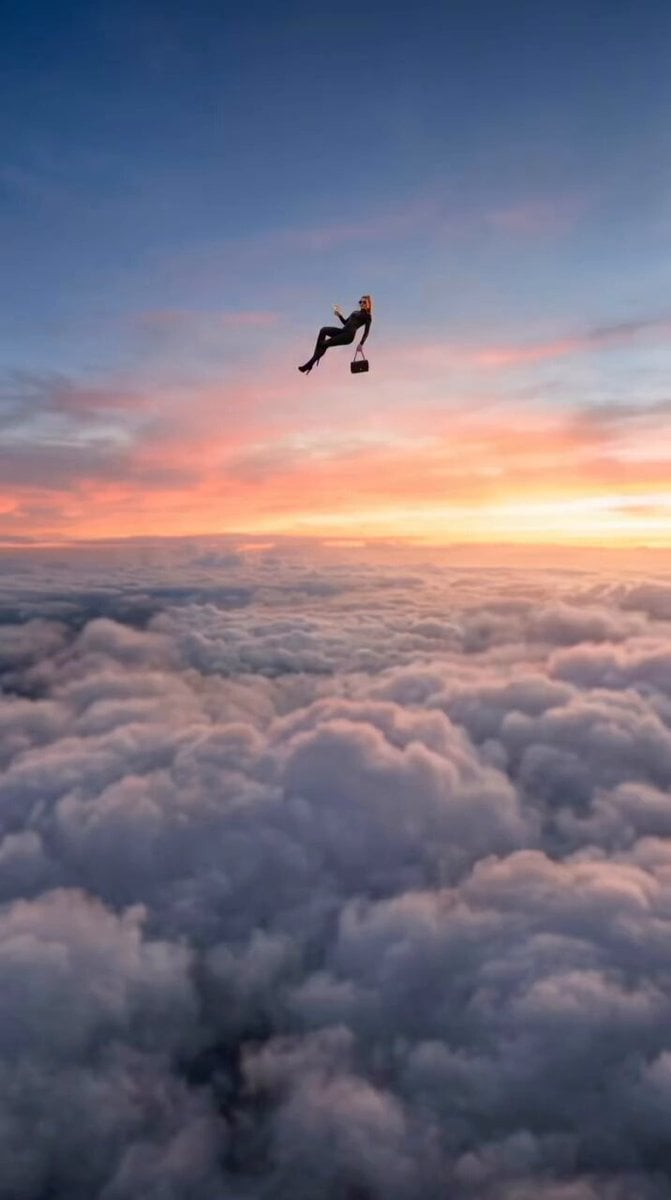
Floating Woman Sunset Cloudscape
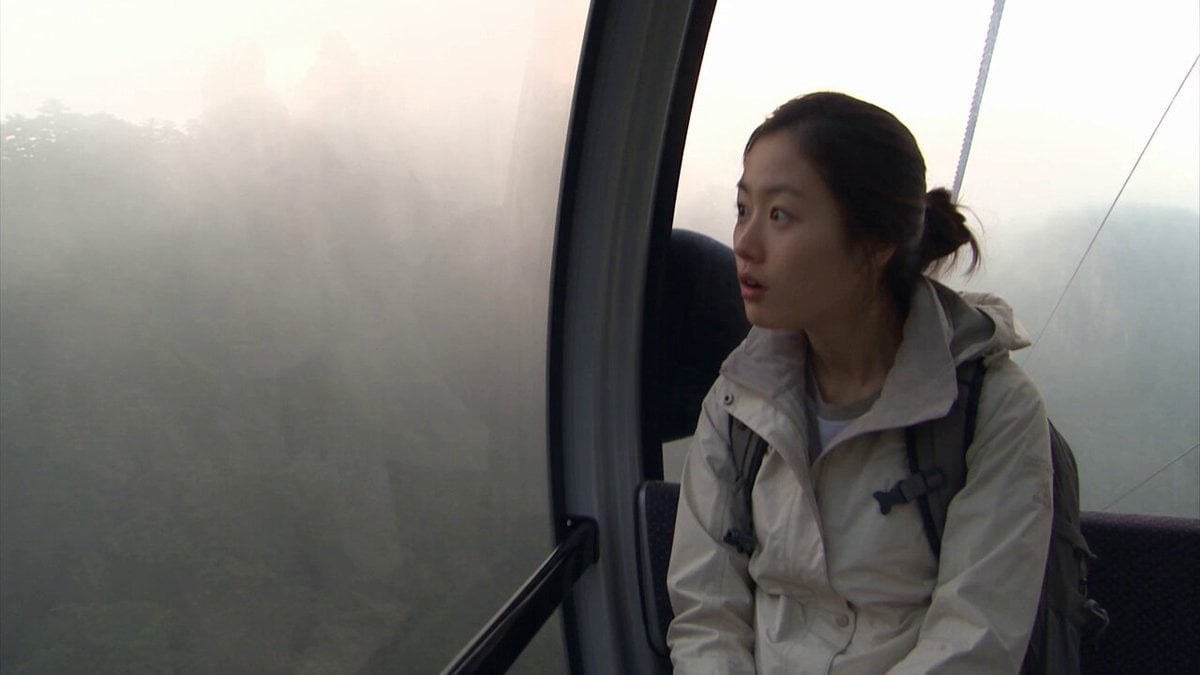
Nostalgic DV Camcorder Fairground Video
Make it yours
Korean Woman DV Camcorder Aesthetic works as-is. These are the safest ways to change it without losing the look.
Change one field
Copy a single group, rewrite it, and generate again so you can see what that field is doing.
Keep the frame, change the subject
Hold the composition and light of Korean Woman DV Camcorder Aesthetic, then swap wardrobe, props or the person for a new take.
| If the result… | Why | Fix |
|---|---|---|
| The result drifts from the preview | Too many fields changed at once. | Reuse Korean Woman DV Camcorder Aesthetic as-is first, then change one group — subject, light, or setting. |
| The model over-stylizes the scene | The prose prompt leaves finish and camera underspecified. | Add one camera or lighting sentence and stay on Seedance 2.0. |
More Seedance 2.0 templates
Other prompts made for Seedance 2.0.

Comical Martial Arts Punch Scene

Maglev Train Action Sequence

Martial Arts Fight Sequence

Wuxia Protection and Trust Script

Mercedes 190 SL Luxury Ad

Rainy Night Supernatural Reverse Comedy Video Script

Amazon Civilization Discovery

Futuristic South Asian City Transformation

Cozy Luxury Cafe Commercial

Cyber Ronin Nanotech Transformation Video
More video prompts
Fresh picks from across the catalog.
Evolution of Civilization Video Prompt
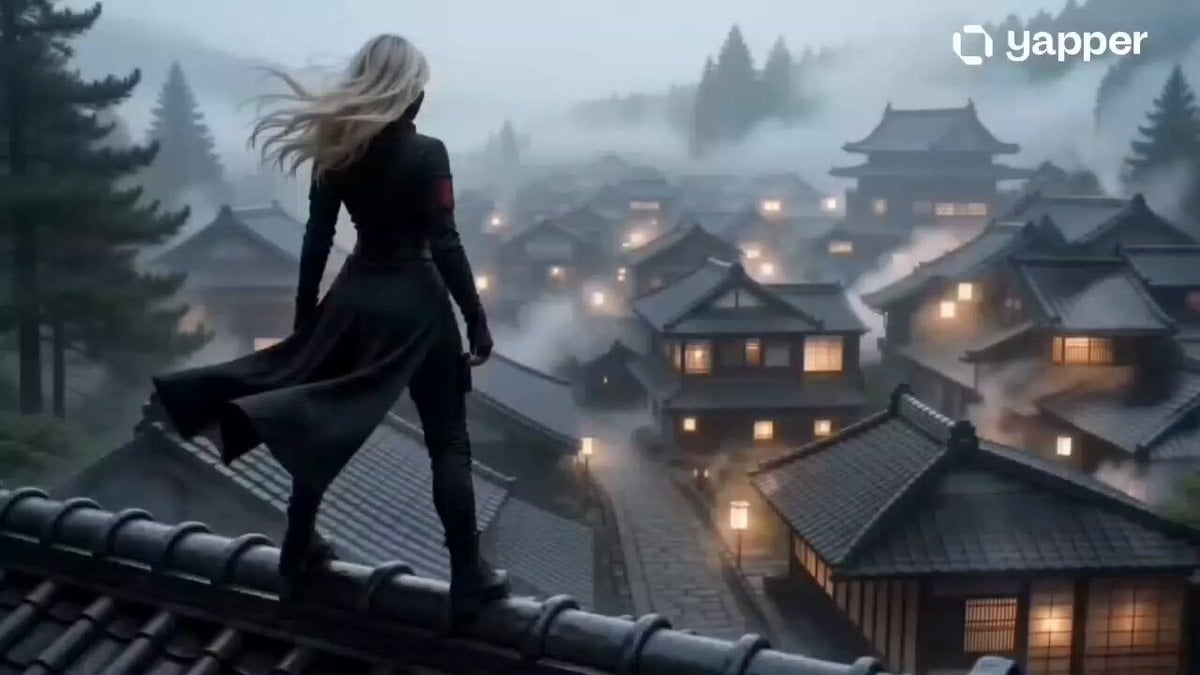
Mysterious Assassin in Japanese Village
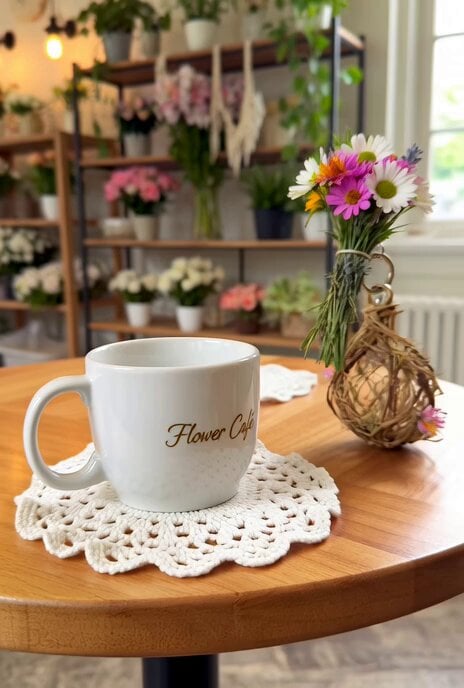
Grok Imagine prompt for a complex Flower Café sculpture
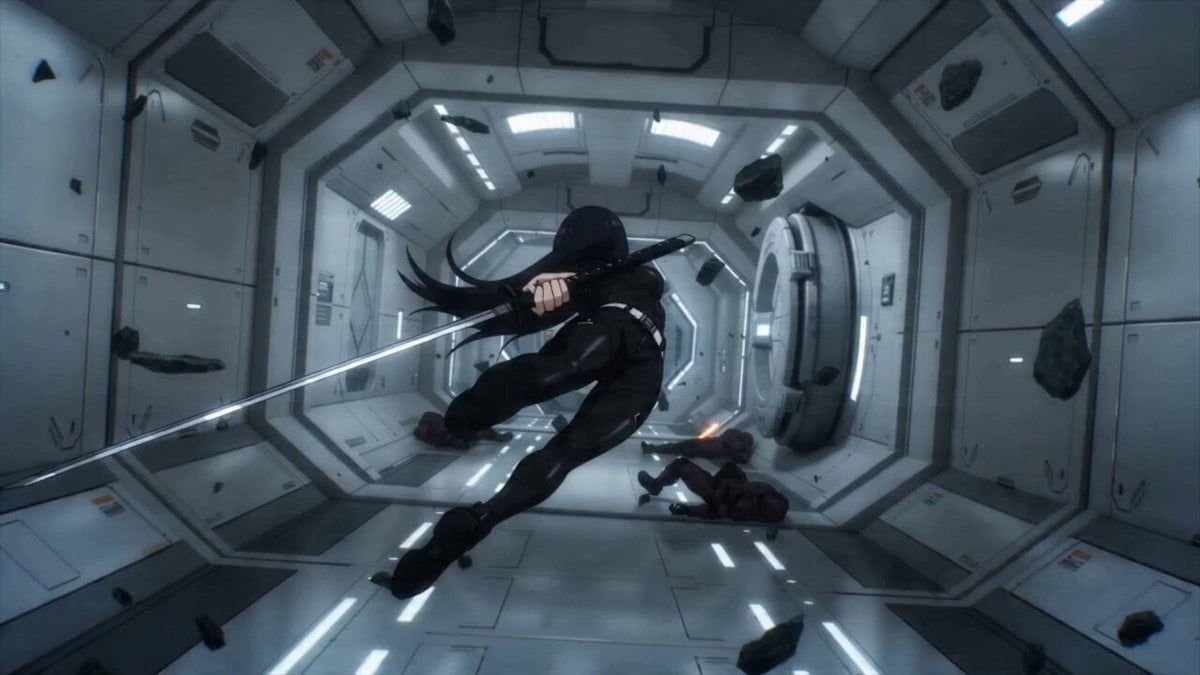
Sci-fi Anime Single-Shot Action Sequence
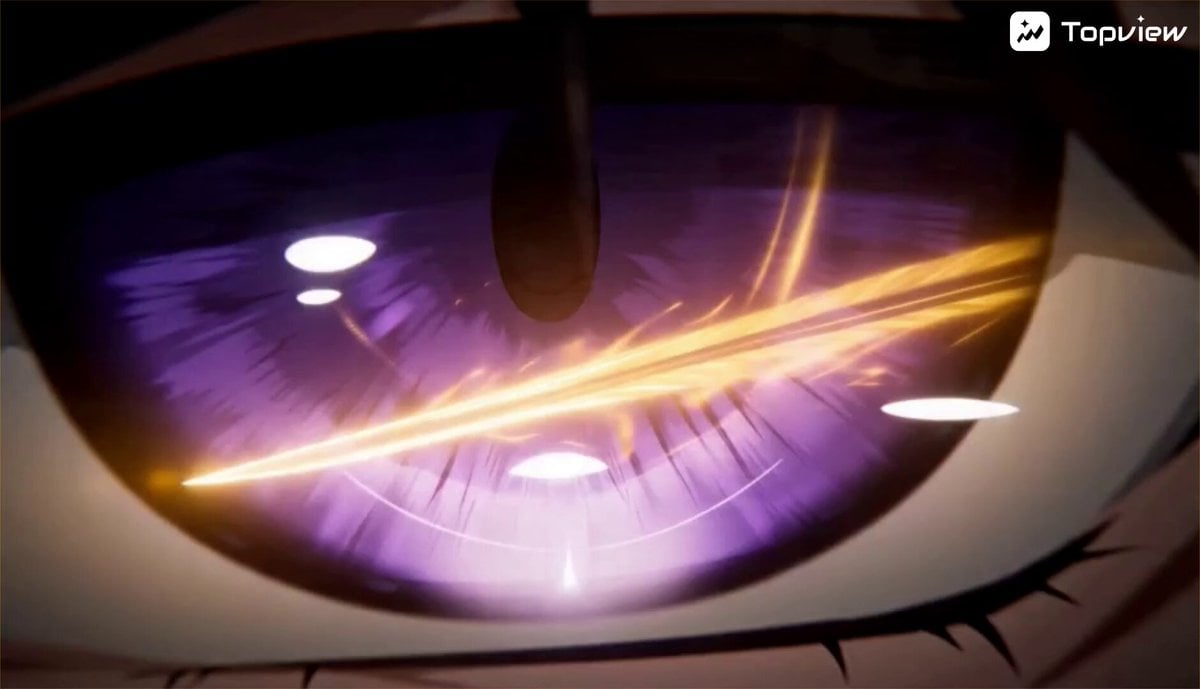
Action Hero Combat Scene

Code Goddess Glitch Video
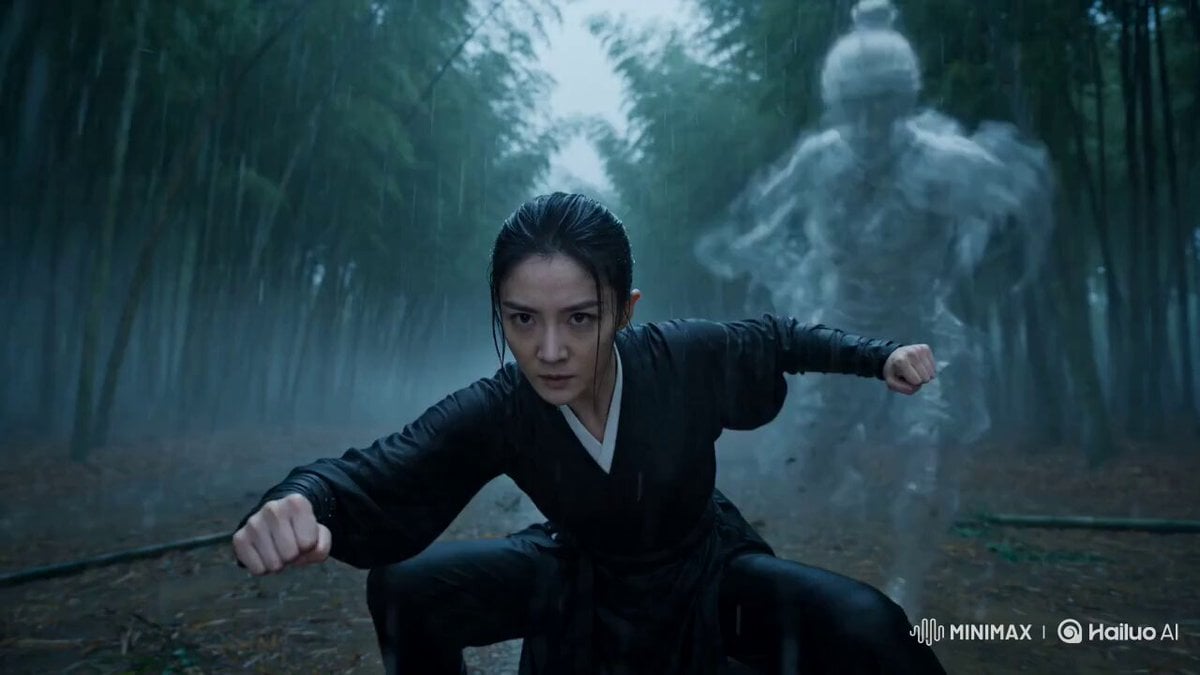
Martial Arts Spirit Battle in a Monsoon
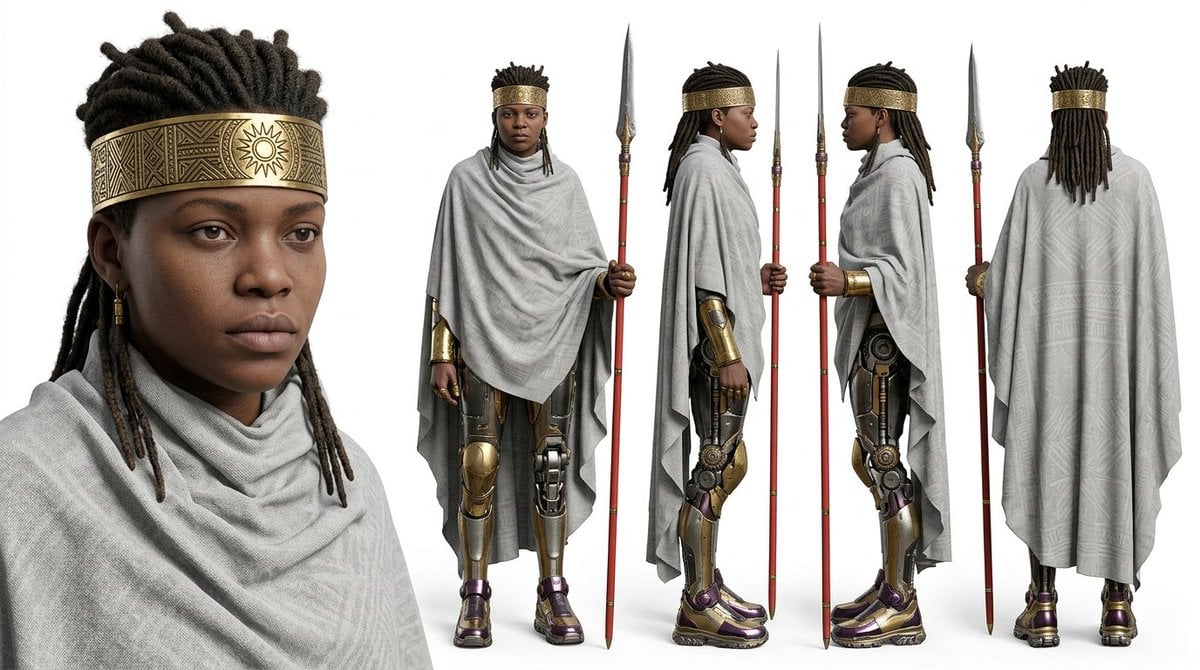
Character sheet prompt for Nano Banana 2 and Seedance 2.0
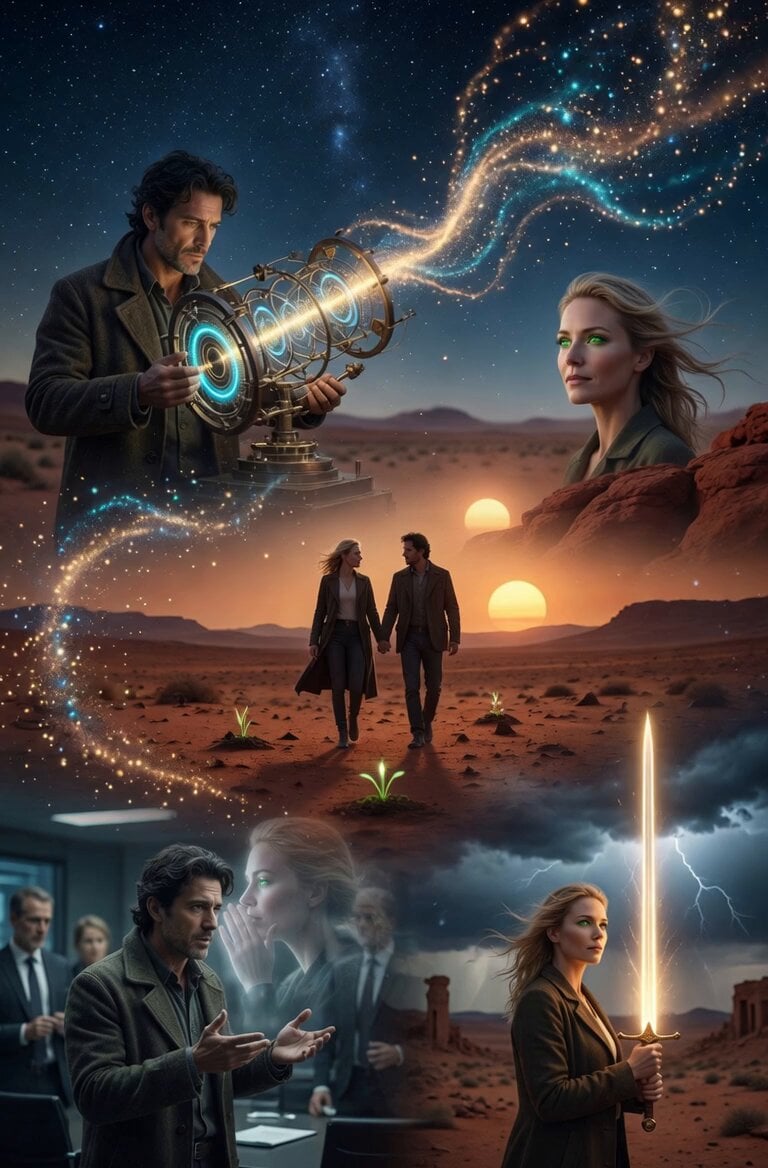
Quantum Inventor in Sonoran Desert

Crying Anime Girl Lip-Sync Prompt
Browse template categories
Korean Woman DV Camcorder Aesthetic questions
How do I use the Korean Woman DV Camcorder Aesthetic template?
Add your photo if the template asks for one, edit the prompt if you like — the template's model and format are already selected — and press Generate. Your version opens in PicX Studio.
Can I customize the Korean Woman DV Camcorder Aesthetic template?
Yes. You can change the subject, setting, lighting, mood, format, and available model controls before creating your video.
Is the Korean Woman DV Camcorder Aesthetic template free?
Opening and editing this template is free. Generating uses credits, shown on the Generate button when you are signed in.
Which AI model should I use?
Start with Seedance 2.0, which is the model associated with this template. You can compare another compatible model for a different finish.
Looking for something else? Browse all templates.

Your photo, any look
Thousands of ready templates for every top image and video model, from one credit balance.