
DV Tape Camcorder Gym Vlog
A 30-second multi-cut gym vlog script sequence featuring a Korean idol exercising, framed in an early 2000s handheld DV camcorder aesthetic.

- Prompt included
- Model and format preset
- Free template
The prompt behind this video
Copy the exact prompt behind DV Tape Camcorder Gym Vlog, or open it in the studio and make it yours.
30s Gym Vlog — 9 Cuts CAMERA/LOOK: DV 16mm tape camcorder, handheld POV by CHASE or propped on gym equipment for lifts. Shaky framing, delayed focus, clumsy zooms, occasional face cutoffs. Soft blurry tape texture, faint noise, bloomed gym lights, flickering exposure, muted contrast, realistic skin. STYLE: Focused, upbeat, authentic gym-vlog energy. CHASE talks through her progress between sets, showing genuine effort and small wins. CHASE: Korean idol in her 20s, long black high ponytail, expressive eyes, slim athletic build, light sweat. Modest long-sleeve athletic top, joggers/leggings, sneakers, towel around neck, no jewelry. SETTING: Evening gym with bench press, shoulder press machine, dip station, mirrors, water bottle, soft overhead lighting. STORYBOARD: 1. Bench setup (~3s): Propped medium shot. She adjusts grip and looks at camera. “Okay, push day — starting with bench press.” 2. Bench reps (~3.5s): Side angle, controlled reps, racks bar. “That’s ten — felt stronger than last week, honestly.” 3. Walk (~2.5s): Handheld as she grabs towel/water and heads to shoulder press. “Alright, shoulders next.” 4. Shoulder press (~3.5s): Adjusts seat, performs set, focused. “Okay, this one’s always tough for me.” 5. Grip insert (~2.5s): Macro close-up of hands gripping handles, sweat in light. Ambient gym audio only. 6. Recovery (~3s): Handheld. Shakes out arms, checks form in mirror. “Definitely feeling that already.” 7. Dips (~3.5s): Propped shot. Controlled tricep dips. “Okay, tricep dips — last one for today.” 8. Finish (~3s): Close handheld. Steps back, slightly breathless but pleased. “That’s a solid session, I think.” 9. Selfie outro (~3.5s): Arm’s-length selfie, wipes face, tired grin. “Push day, done — see you guys for pull day soon!”
How to use DV Tape Camcorder Gym Vlog in 3 steps
- 1
Open
The prompt is already in the box next to the preview, with the template's model and format selected.
- 2…a portrait of your subject in softgolden-hour light, 85mm…
Personalize
Edit the subject and creative details for your destination.
- 3Generate
Generate
Press Generate — your video is created in PicX Studio, so you can compare it with the original and refine one variable at a time.
More like this
Templates with the same subject, style or setup. Open one to see its prompt.
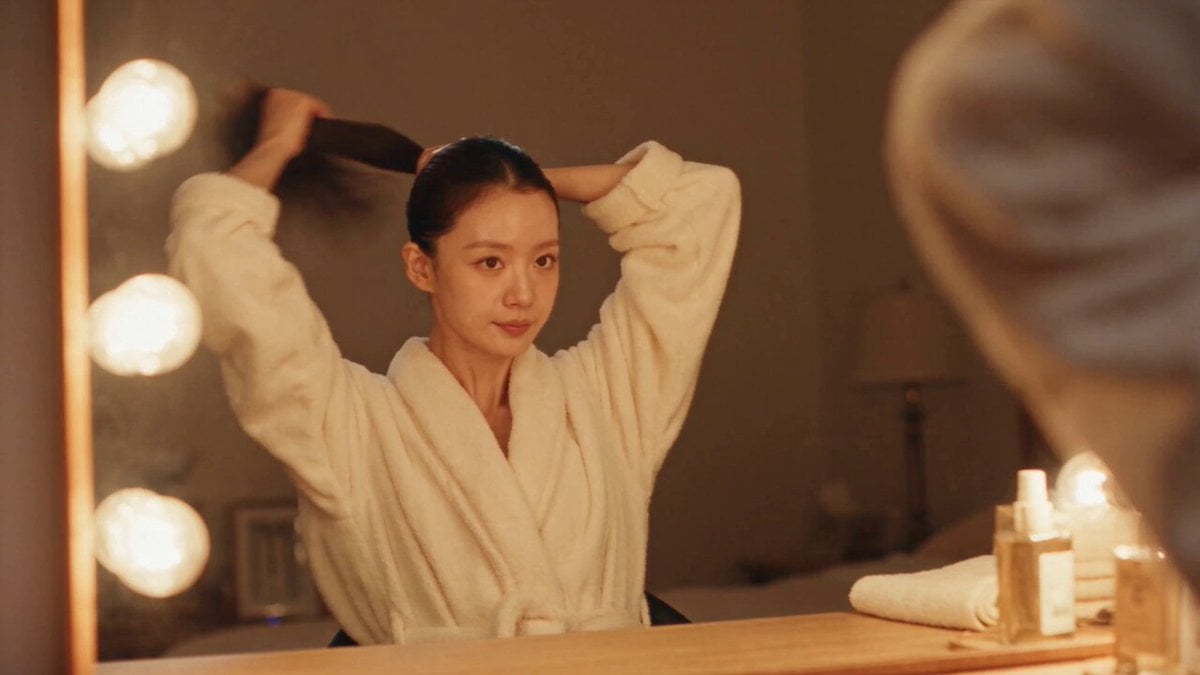
DV Camcorder POV Gym Montage — Seedance 2.5
DV Camcorder POV Gym Montage — Seedance 2.5
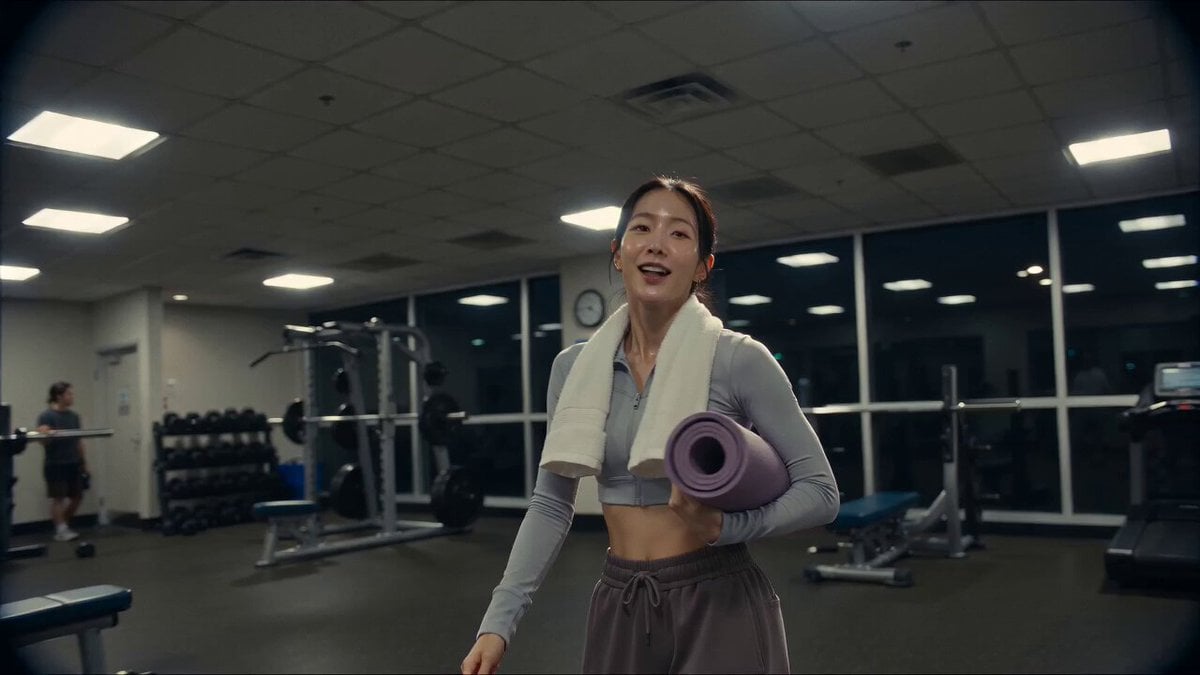
Vintage Camcorder Gym Vlog
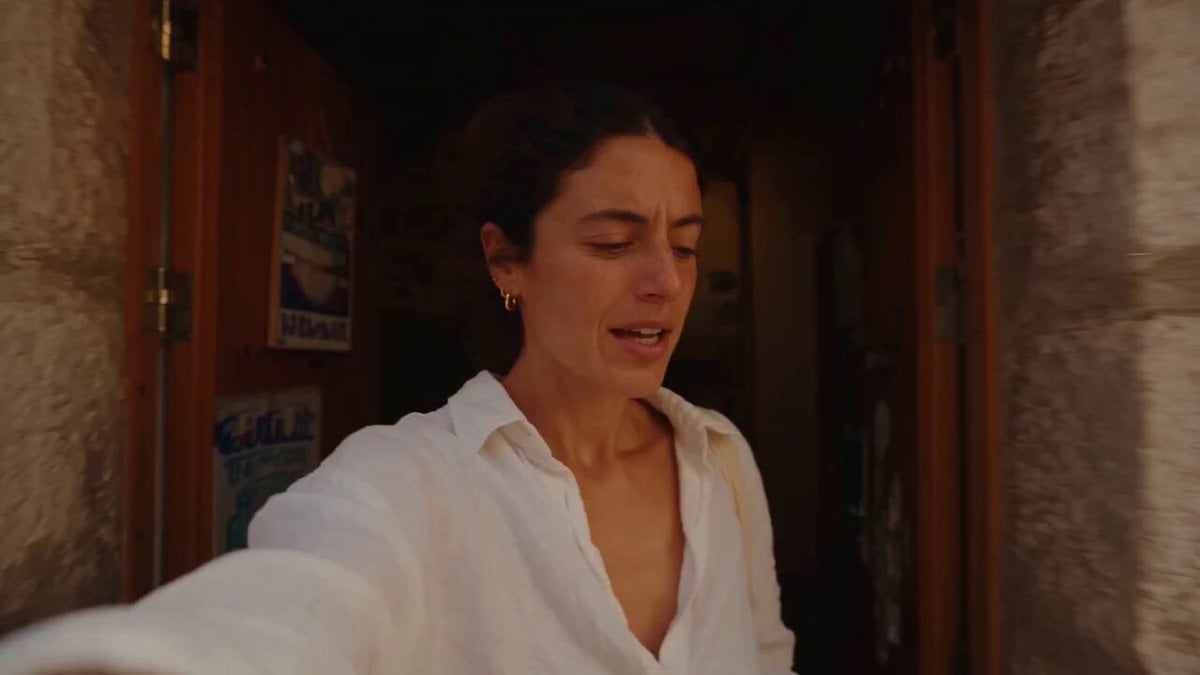
Mediterranean Coffee Run Vlog - Seedance 2.5

Mysterious Home Exploration Vlog - Seedance 2.5
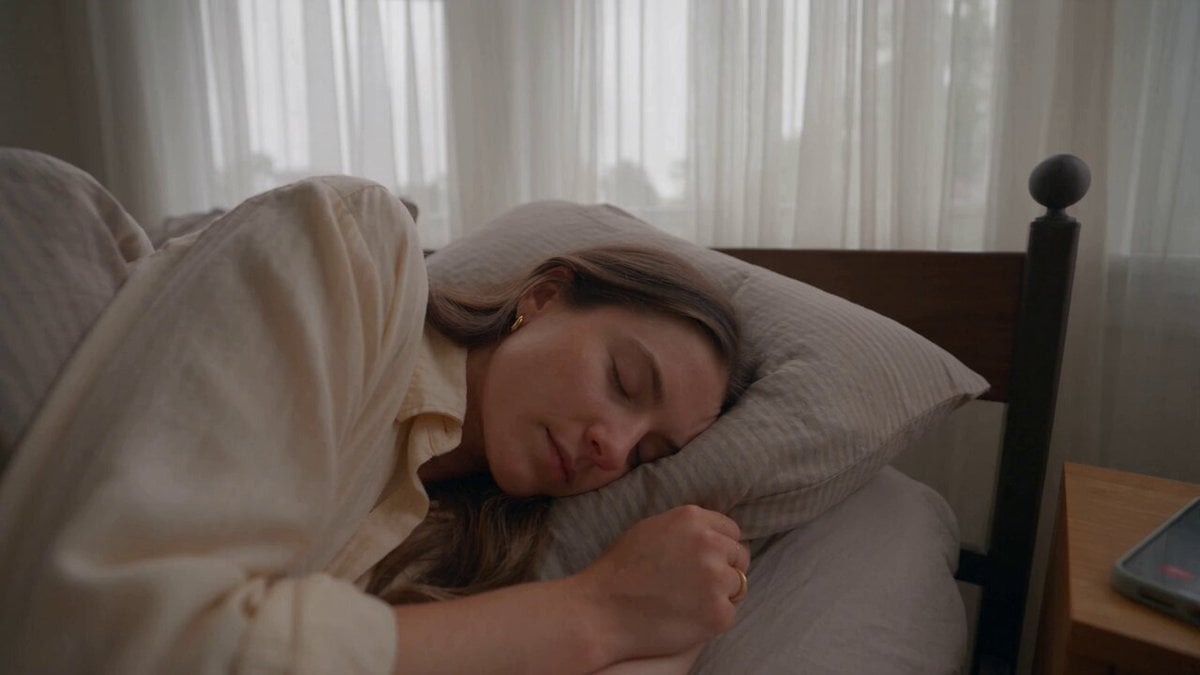
Realistic Morning Routine Lifestyle Vlog - Seedance 2.5

Handheld Tokyo Travel Vlog - Seedance 2.5
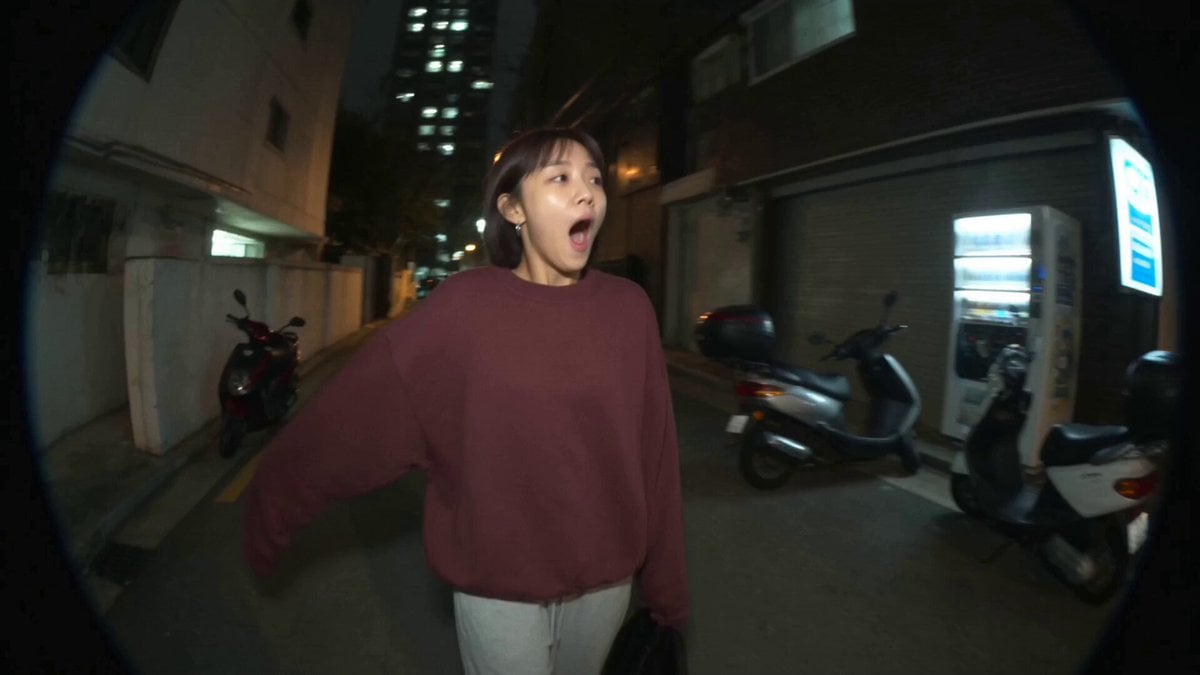
Nostalgic MiniDV Convenience Store Vlog - Seedance 2.5
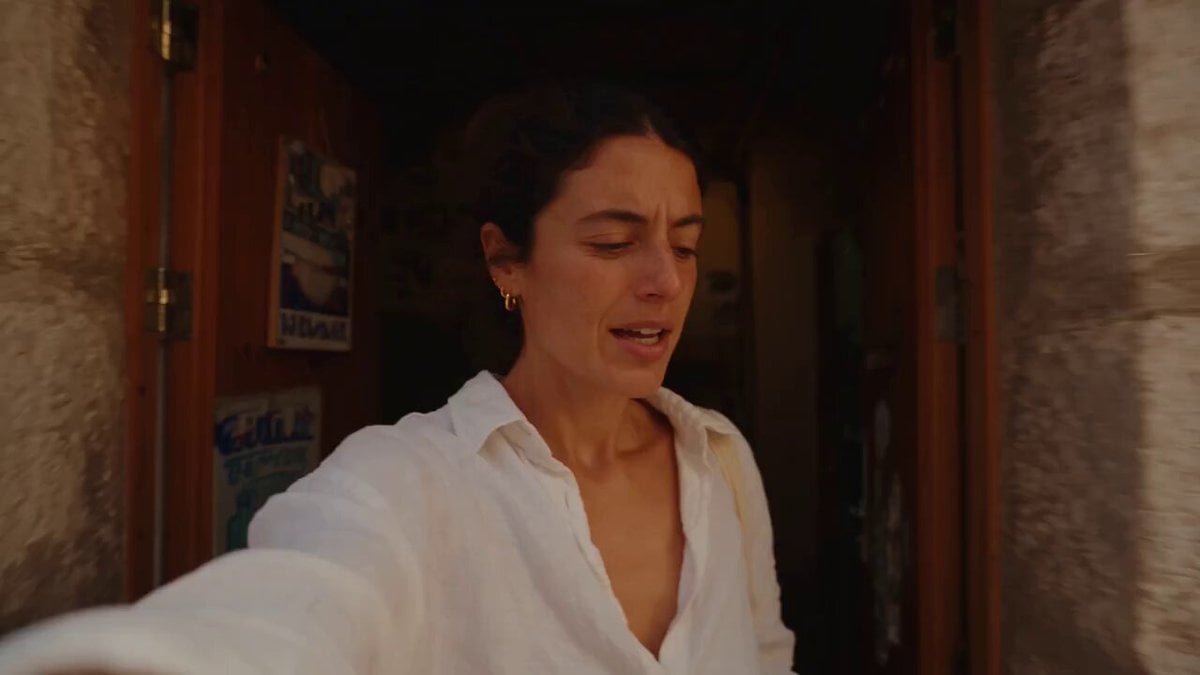
Mediterranean Morning Coffee Run Vlog (Seedance 2.5)

Luxury Lifestyle Day Vlog

Luxury Airport Travel Vlog
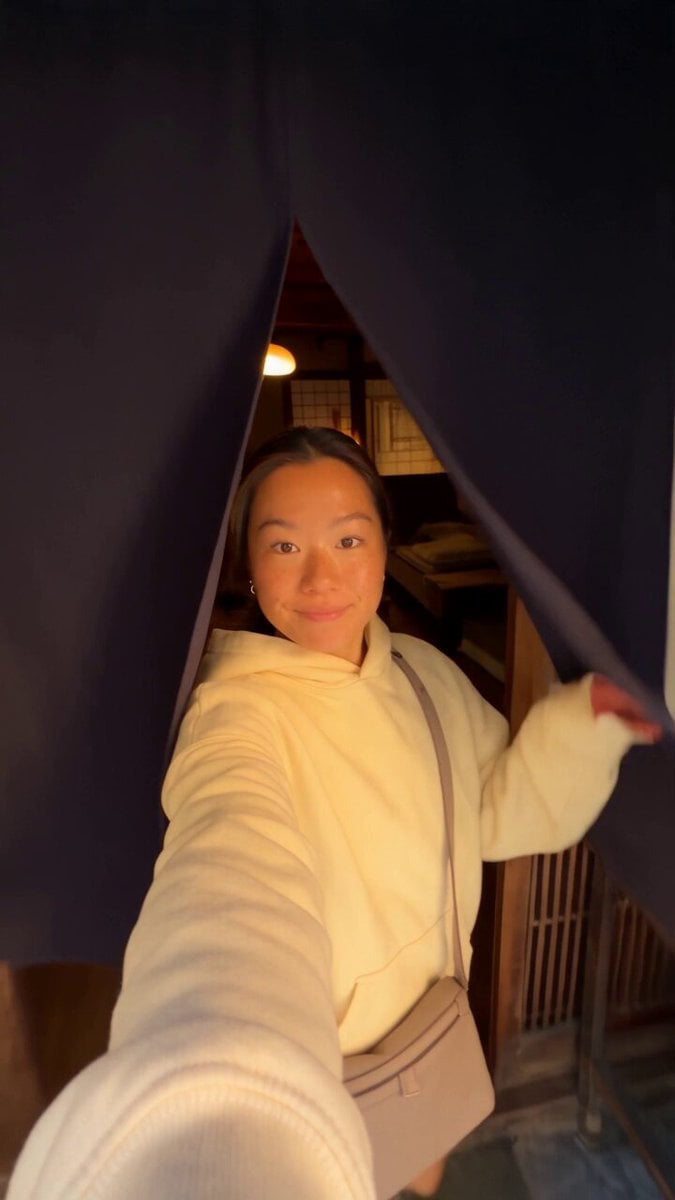
Kyoto Morning Selfie Vlog
Make it yours
DV Tape Camcorder Gym Vlog works as-is. These are the safest ways to change it without losing the look.
Change one field
Copy a single group, rewrite it, and generate again so you can see what that field is doing.
Keep the frame, change the subject
Hold the composition and light of DV Tape Camcorder Gym Vlog, then swap wardrobe, props or the person for a new take.
| If the result… | Why | Fix |
|---|---|---|
| The result drifts from the preview | Too many fields changed at once. | Reuse DV Tape Camcorder Gym Vlog as-is first, then change one group — subject, light, or setting. |
| The model over-stylizes the scene | The prose prompt leaves finish and camera underspecified. | Add one camera or lighting sentence and stay on Seedance 2.0. |
More Seedance 2.0 templates
Other prompts made for Seedance 2.0.

Comical Martial Arts Punch Scene

Maglev Train Action Sequence

Martial Arts Fight Sequence

Wuxia Protection and Trust Script

Vintage Korean Arcade MiniDV Vlog

Mercedes 190 SL Luxury Ad

Rainy Night Supernatural Reverse Comedy Video Script

Amazon Civilization Discovery

Futuristic South Asian City Transformation

Cozy Luxury Cafe Commercial
More video prompts
Fresh picks from across the catalog.
Horror Cabin Cabin Incantation Video
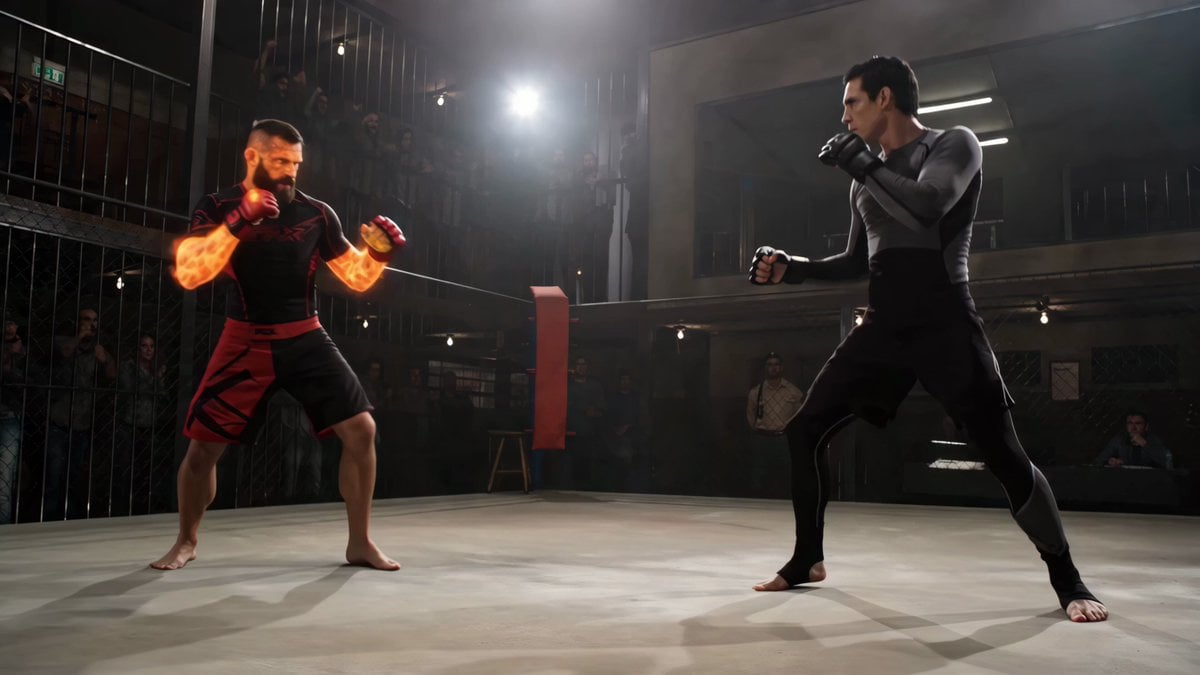
Martial Arts Combat Choreography
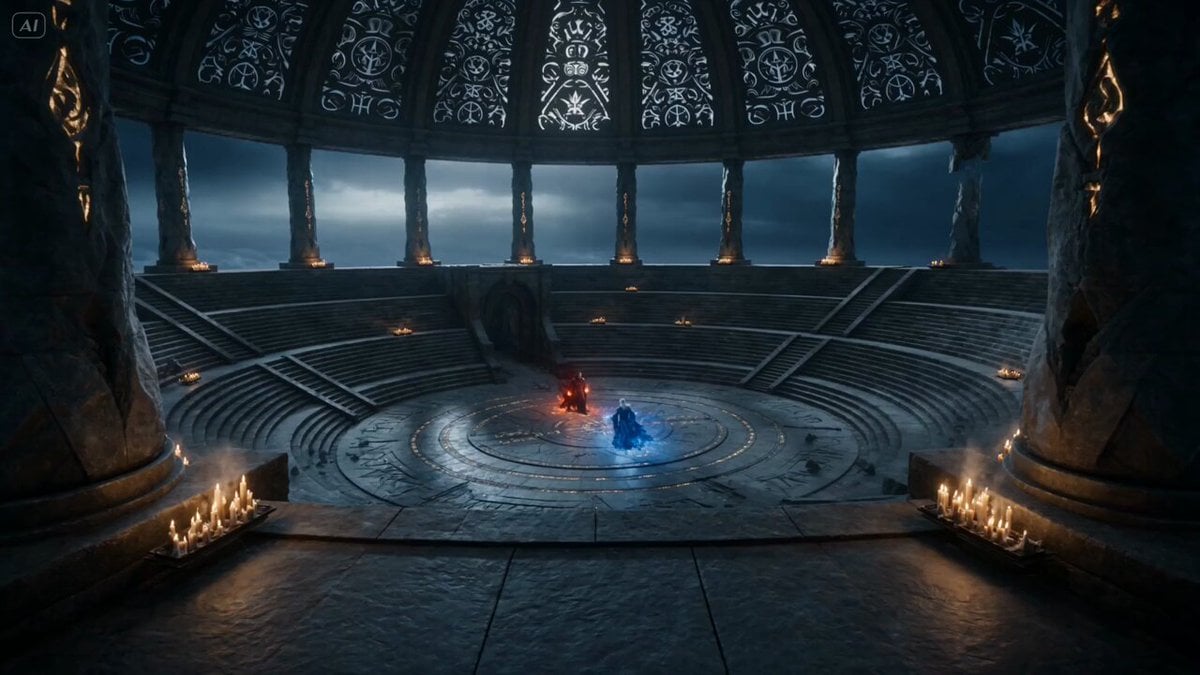
Dark Fantasy Mage Duel
Pixar Style Robot Adventure
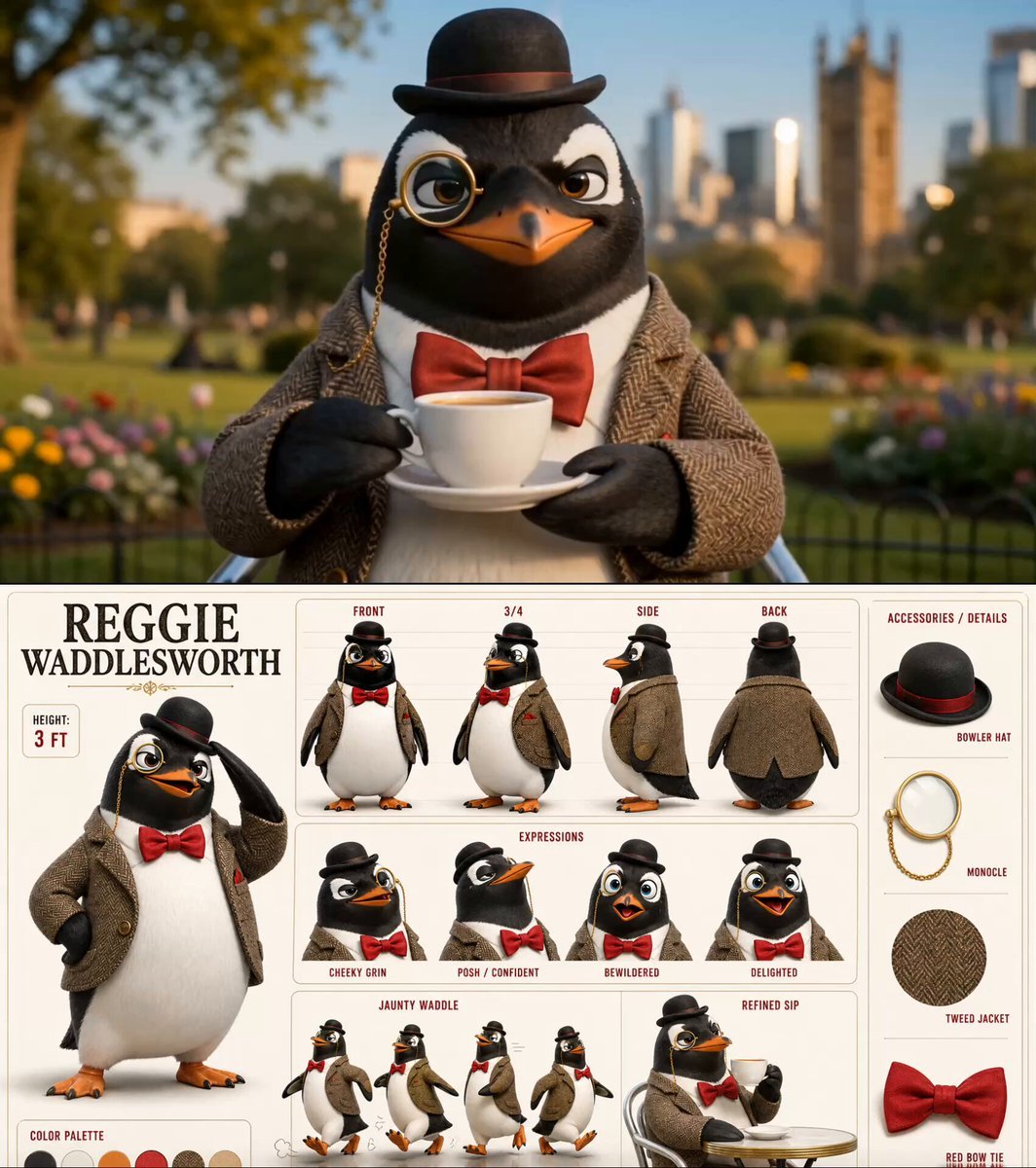
Dapper Penguin Morning Coffee
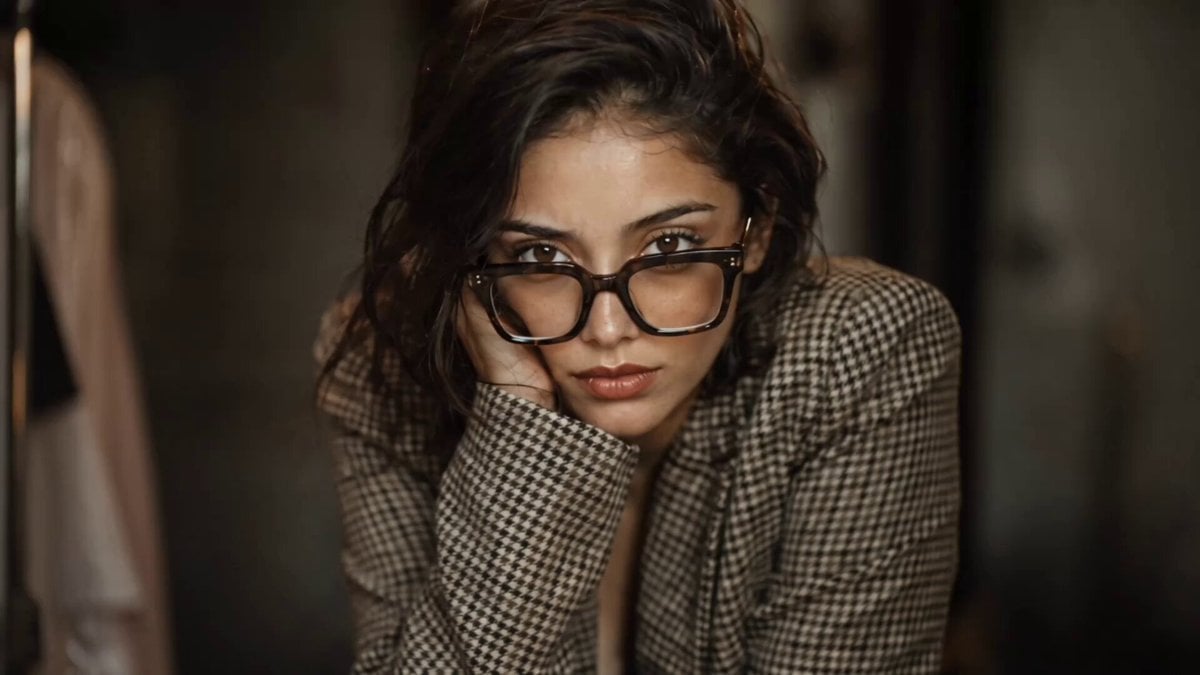
Realistic Vanity Character Monologue
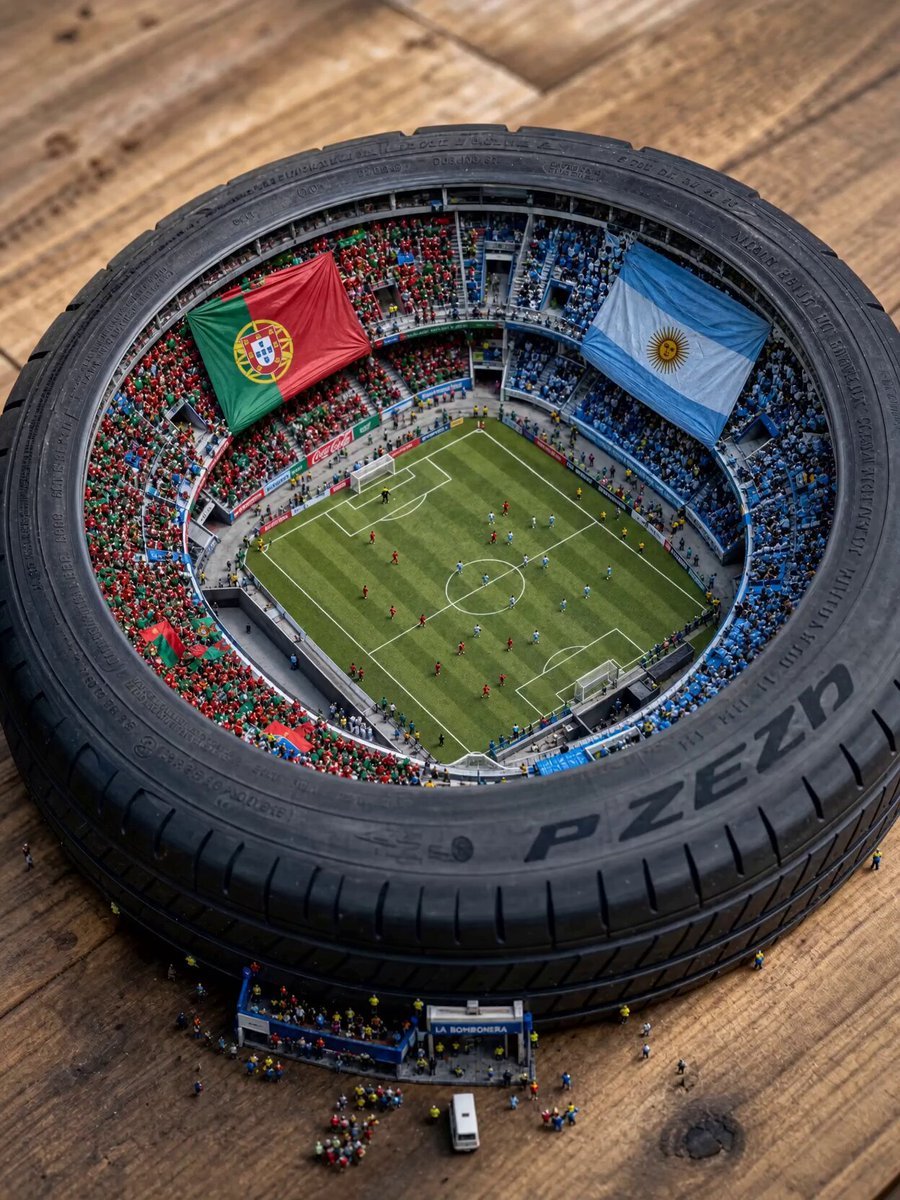
Miniature World Cup Tire Stadium
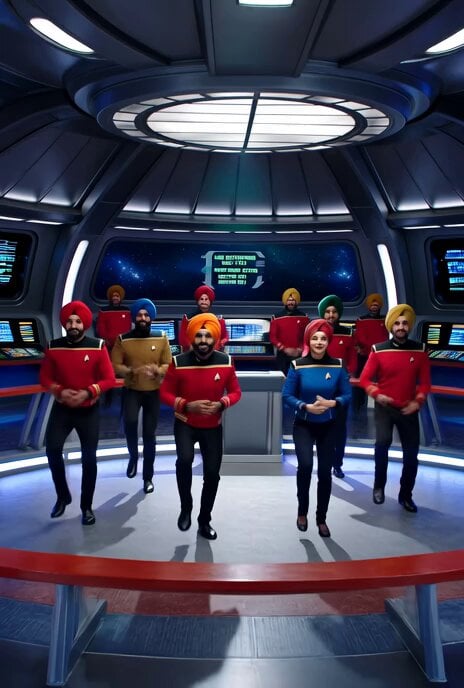
Bollywood Star Trek dance video
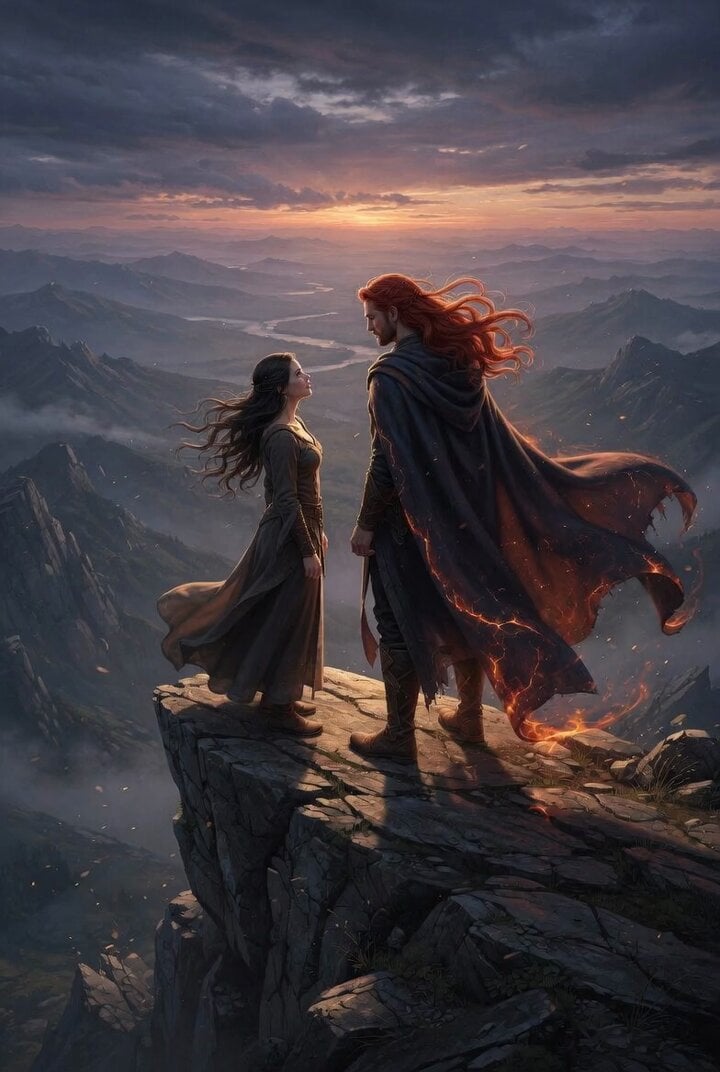
Kvothe on a Windswept Overlook Video Prompt
Xianxia Rehearsal Meta Comedy
Browse template categories
DV Tape Camcorder Gym Vlog questions
How do I use the DV Tape Camcorder Gym Vlog template?
Add your photo if the template asks for one, edit the prompt if you like — the template's model and format are already selected — and press Generate. Your version opens in PicX Studio.
Can I customize the DV Tape Camcorder Gym Vlog template?
Yes. You can change the subject, setting, lighting, mood, format, and available model controls before creating your video.
Is the DV Tape Camcorder Gym Vlog template free?
Opening and editing this template is free. Generating uses credits, shown on the Generate button when you are signed in.
Which AI model should I use?
Start with Seedance 2.0, which is the model associated with this template. You can compare another compatible model for a different finish.
Looking for something else? Browse all templates.

Your photo, any look
Thousands of ready templates for every top image and video model, from one credit balance.