
Realistic Vanity Character Monologue
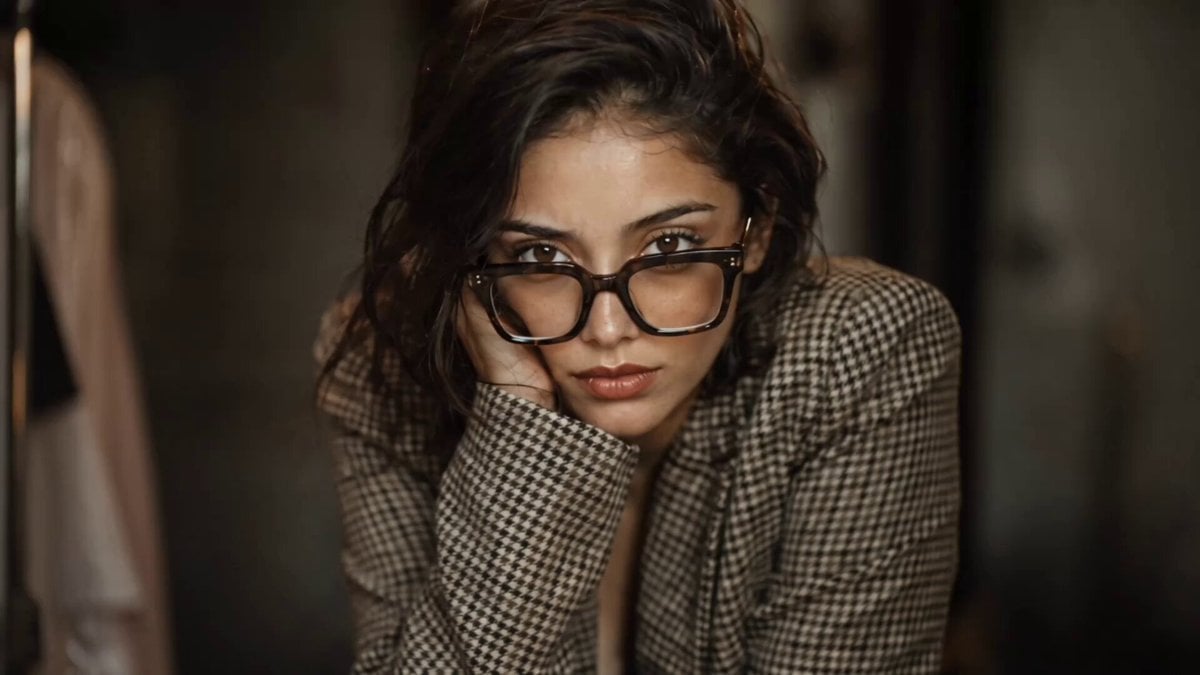
A realistic AI video prompt focusing on consistent character motion, natural expressions, and lip-sync as a woman talks directly to the camera while getting ready.
- Prompt included
- Model and format preset
- Free template
The prompt behind this video
Copy the exact prompt behind Realistic Vanity Character Monologue, or open it in the studio and make it yours.
MODE: REALISTIC MOTION: MEDIUM DURATION: 15-18 SEC REF: STORYBOARD GRID Real woman at vanity getting ready. Thick tortoiseshell square frames, wavy dark brown hair, houndstooth blazer, dark burgundy nails, natural glass skin with visible pores. Warm Hollywood vanity bulb lighting. Beauty products on table. Shallow DOF. Kodak Portra 400. CUT 1-MEDIUM CLOSE-UP, SLIGHT LOW ANGLE: Leans forward, one eyebrow raises, direct eye contact into camera. Jaw slightly tense. She says "Okay be honest." CUT 2-OVER-THE-SHOULDER, HIGH ANGLE: At mirror dabbing lip tint on lower lip, slowly turns toward camera with knowing smile. She says "You thought I was real." CUT 3-EXTREME CLOSE-UP, EYE LEVEL: Dark nails tracing cheekbone, touch under eye, head tilts. Glasses catching light. She says "The face. The eyes. The voice. CUT 4-MEDIUM SHOT, STRAIGHT ON: Sets lip tint down on vanity. Turns to camera. Completely blank expression. Total stillness. She says "None of it exists." CUT 5-MEDIUM CLOSE-UP, SLIGHT HIGH ANGLE: Picks up lip tint tube, twists cap open, confident smirk, slight head tilt. She says "Pure Al." CUT 6-TIGHT CLOSE-UP, EYE LEVEL: Slow eyebrow raise, corners of mouth curl into smirk. HARD FREEZE on expression. She says break your brain-" "And here's the part that will Natural lip sync throughout. Micro expressions. Real blinking. Hair movement naturally shifting. Feels like a real creator talking to camera. --no robotic movement, no puppet face, no plastic skin, no uncanny valley, -no grain, no shaky camera, no raw footage, no different characters, no inconsistent face, no Al look
How to use Realistic Vanity Character Monologue in 3 steps
- 1
Open
The prompt is already in the box next to the preview, with the template's model and format selected.
- 2…a portrait of your subject in softgolden-hour light, 85mm…
Personalize
Edit the subject and creative details for your destination.
- 3Generate
Generate
Press Generate — your video is created in PicX Studio, so you can compare it with the original and refine one variable at a time.
More like this
Templates with the same subject, style or setup. Open one to see its prompt.
Emotional Anime Monologue Video

Seedance 2.0 Monologue with Hand Gestures
Pickle Monologue and Walk
Grok Imagine prompt for a sci-fi video with internal monologue

Cinematic Monologue and Action Sequence
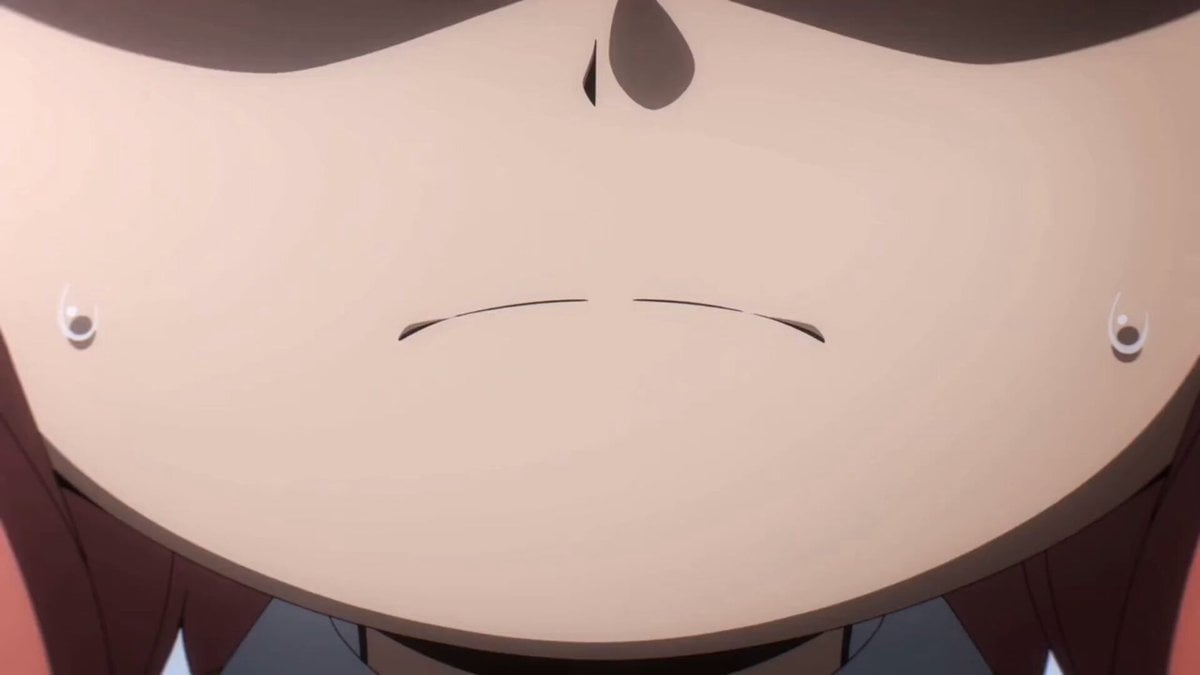
Anya Forger Close-up Monologue

Fashion GRWM Smartphone Vlog
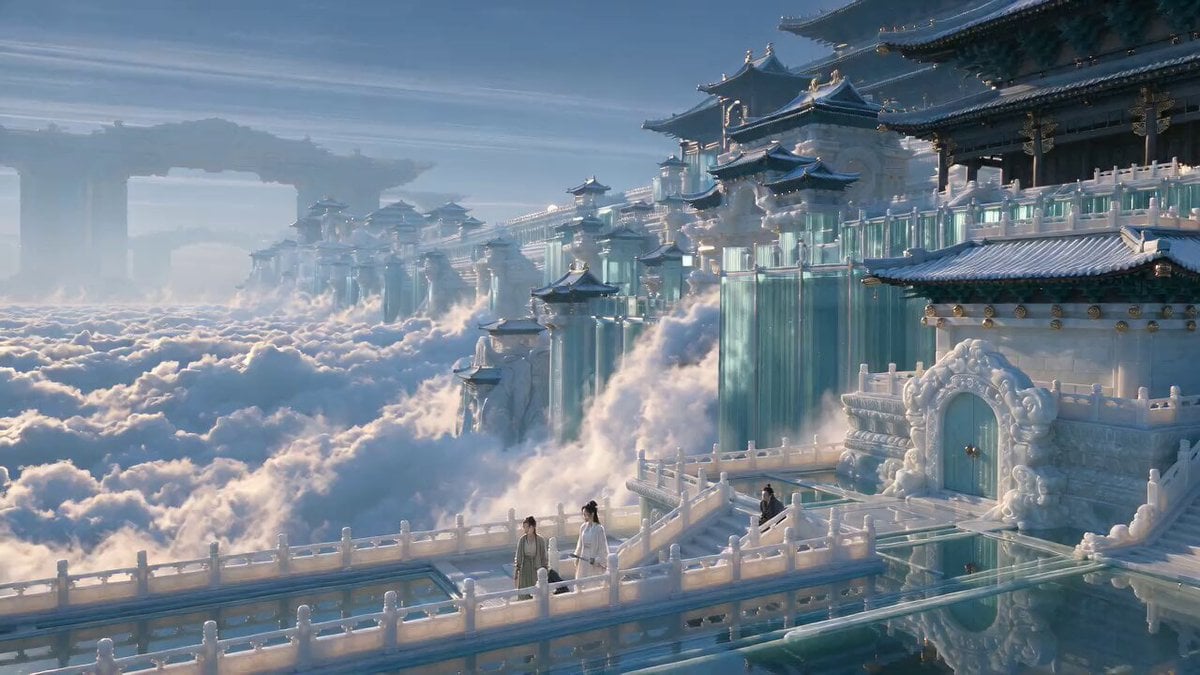
Chinese Xianxia Martial Arts Film Script

Scandinavian Interior Real Estate Tour
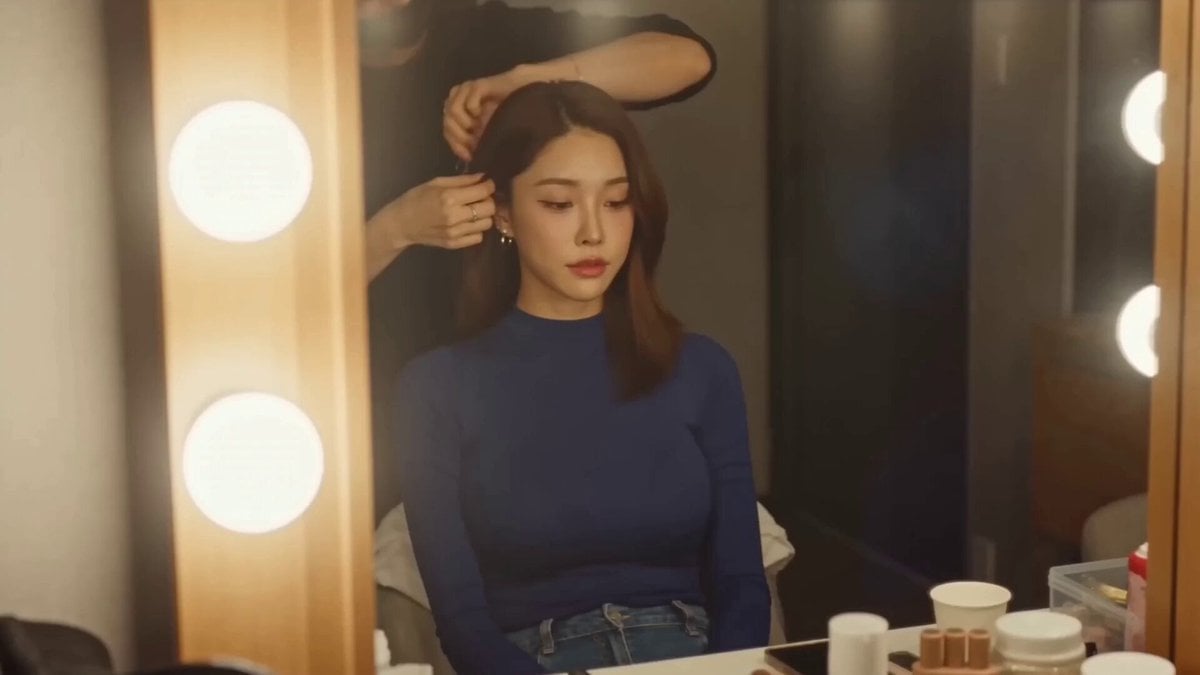
Korean Idol Vlogger Documentary Aesthetic
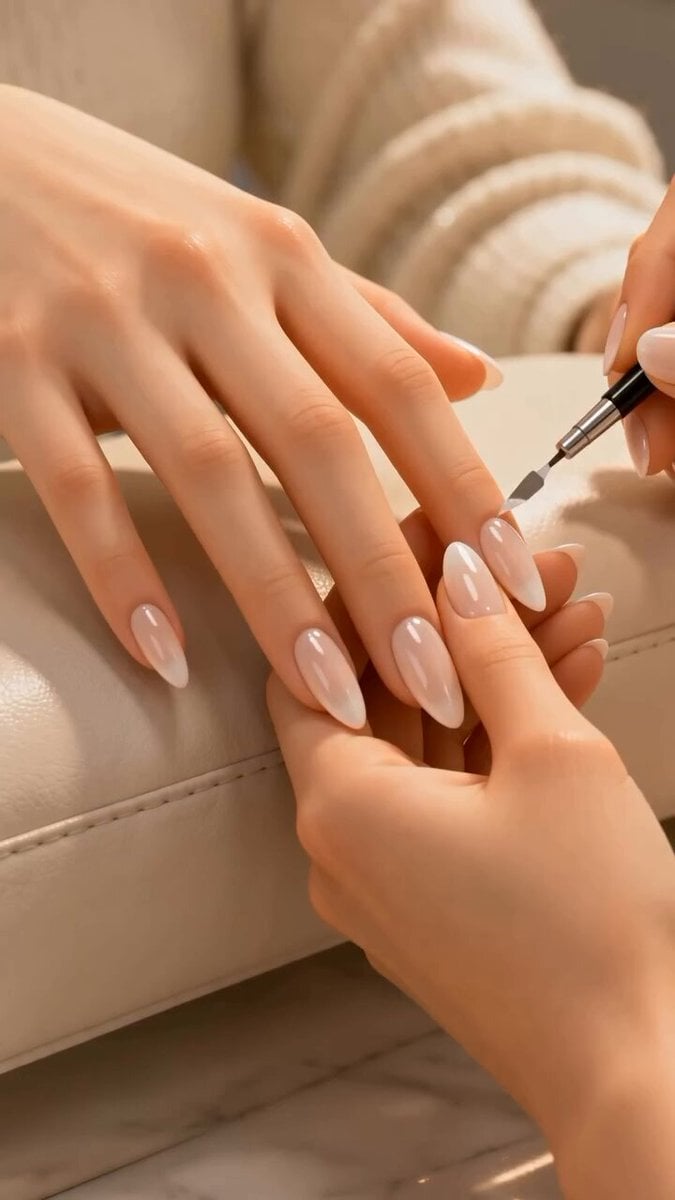
Luxury Manicure Process Video
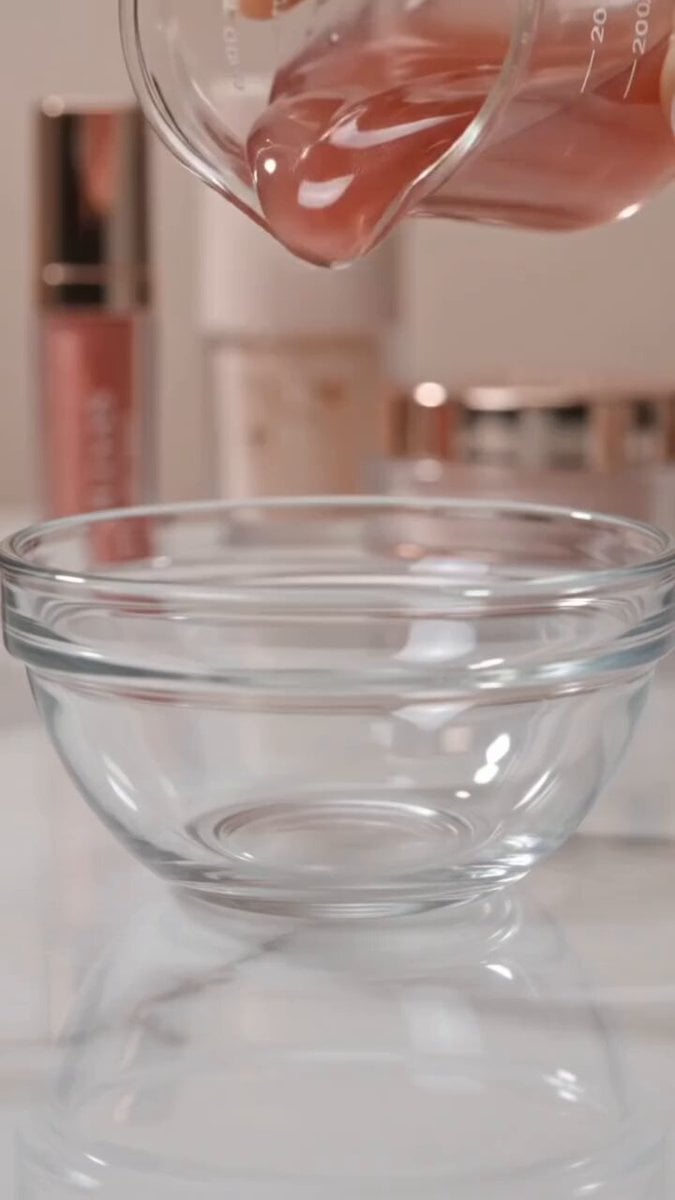
ASMR Pink Lip Gloss Creation
Make it yours
Realistic Vanity Character Monologue works as-is. These are the safest ways to change it without losing the look.
Change one field
Copy a single group, rewrite it, and generate again so you can see what that field is doing.
Keep the frame, change the subject
Hold the composition and light of Realistic Vanity Character Monologue, then swap wardrobe, props or the person for a new take.
| If the result… | Why | Fix |
|---|---|---|
| The result drifts from the preview | Too many fields changed at once. | Reuse Realistic Vanity Character Monologue as-is first, then change one group — subject, light, or setting. |
| The model over-stylizes the scene | The prose prompt leaves finish and camera underspecified. | Add one camera or lighting sentence and stay on Seedance 2.0. |
More Seedance 2.0 templates
Other prompts made for Seedance 2.0.

Comical Martial Arts Punch Scene

Maglev Train Action Sequence

Martial Arts Fight Sequence

Wuxia Protection and Trust Script

Vintage Korean Arcade MiniDV Vlog

Mercedes 190 SL Luxury Ad

Rainy Night Supernatural Reverse Comedy Video Script

Amazon Civilization Discovery

Futuristic South Asian City Transformation

Cozy Luxury Cafe Commercial
More video prompts
Fresh picks from across the catalog.
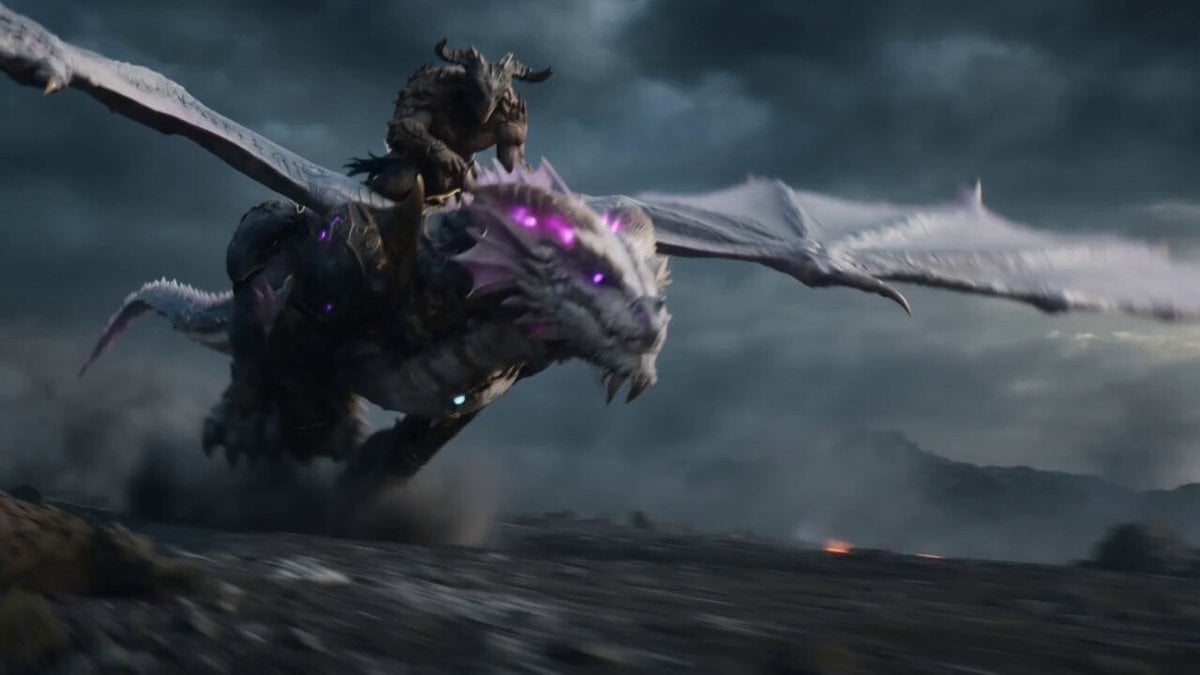
Beastman Dragon Rider Battle
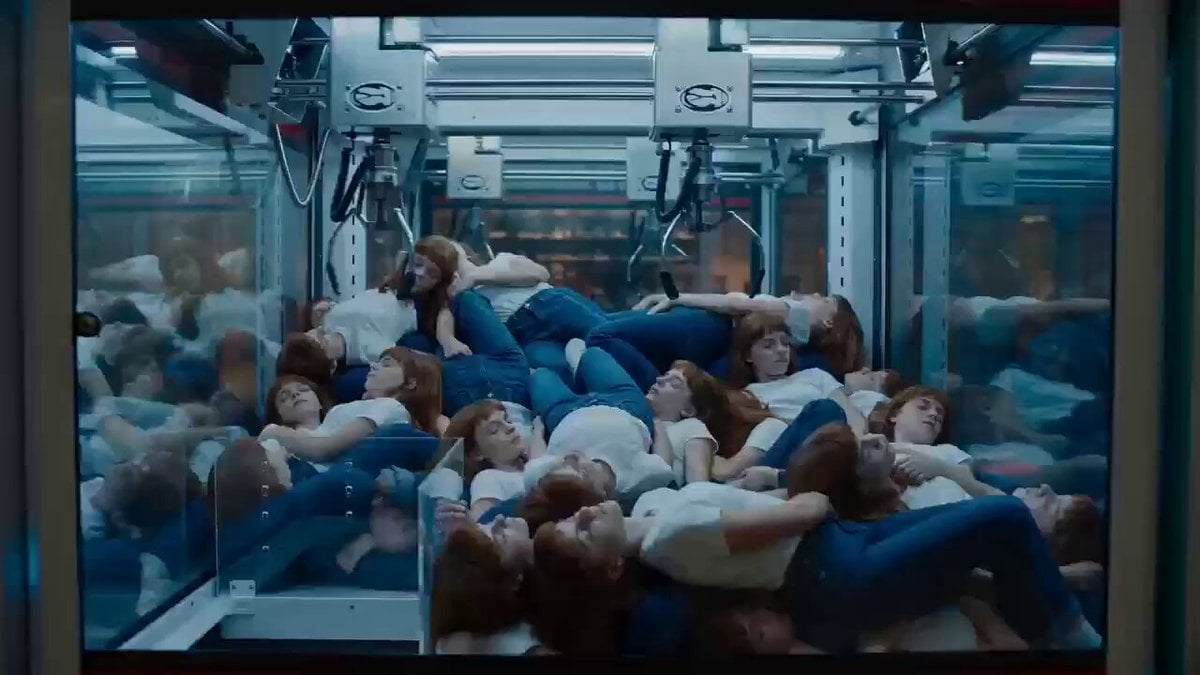
Surrealist Cinematic Playground Scene
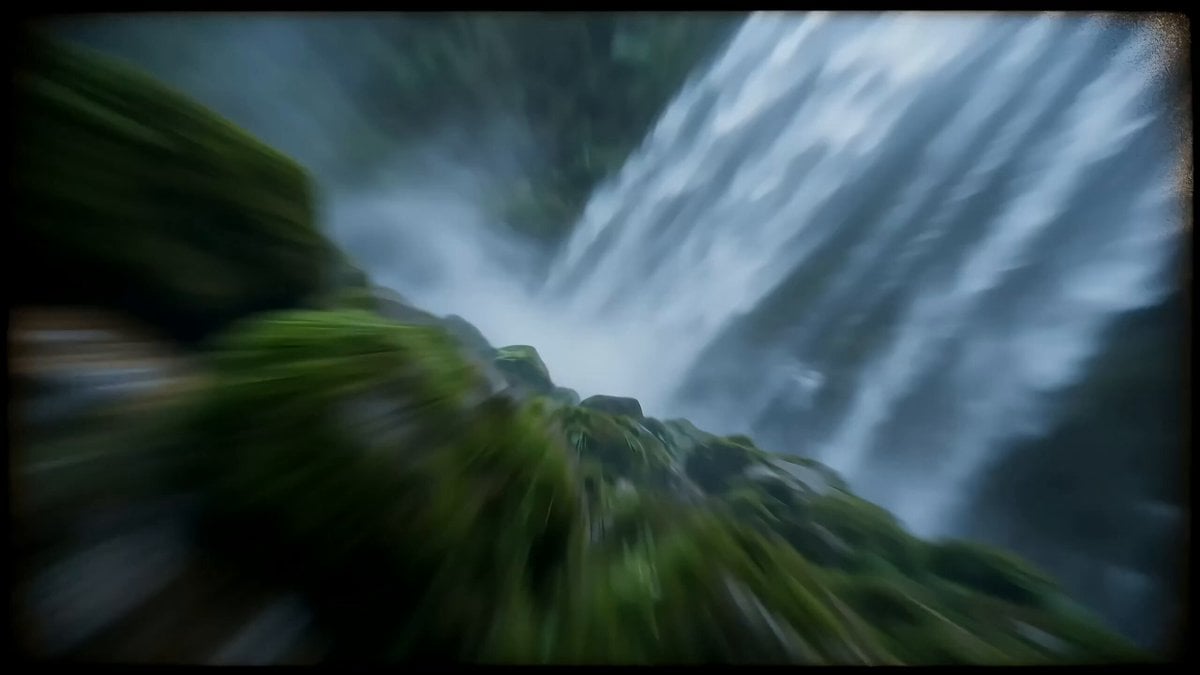
Cinematic Mecha Warrior in Wuxia Style Video Prompt

Live Action Film Reference Quality
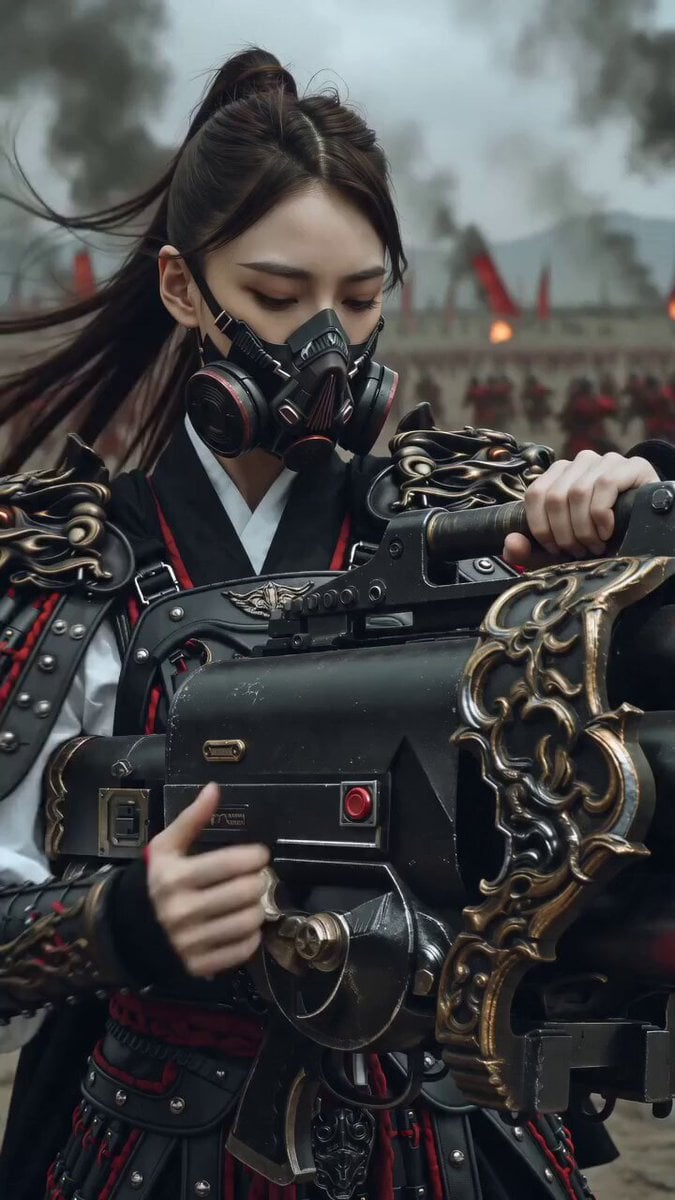
East Asian Female Warrior Mecha Transformation
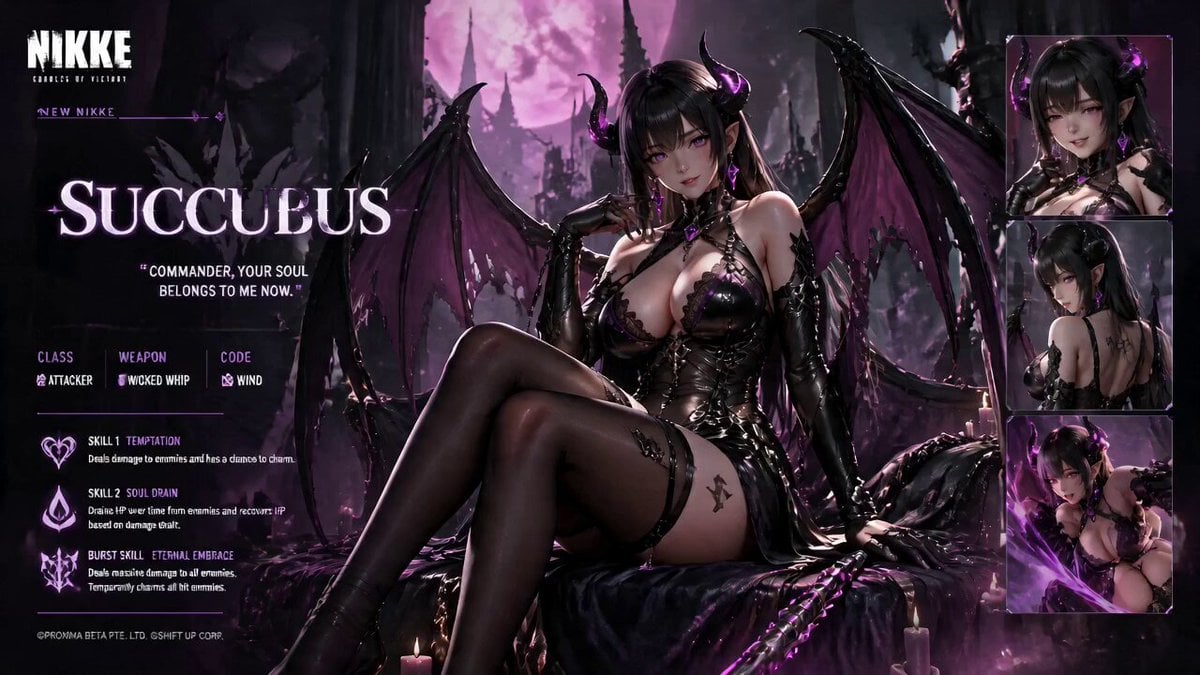
Live Character Animation Workflow
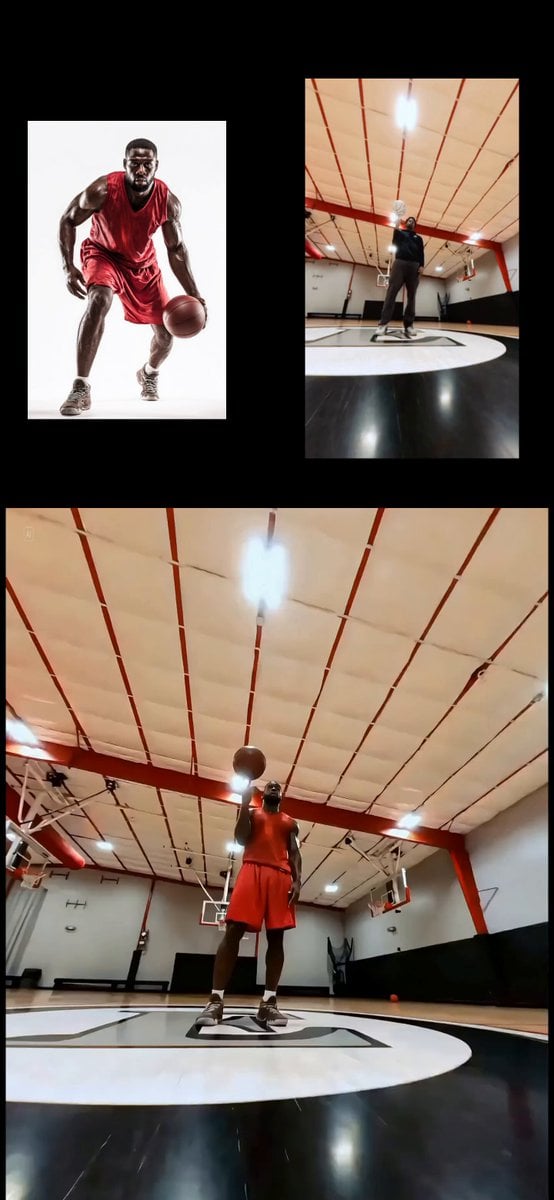
Character Replacement and Consistency
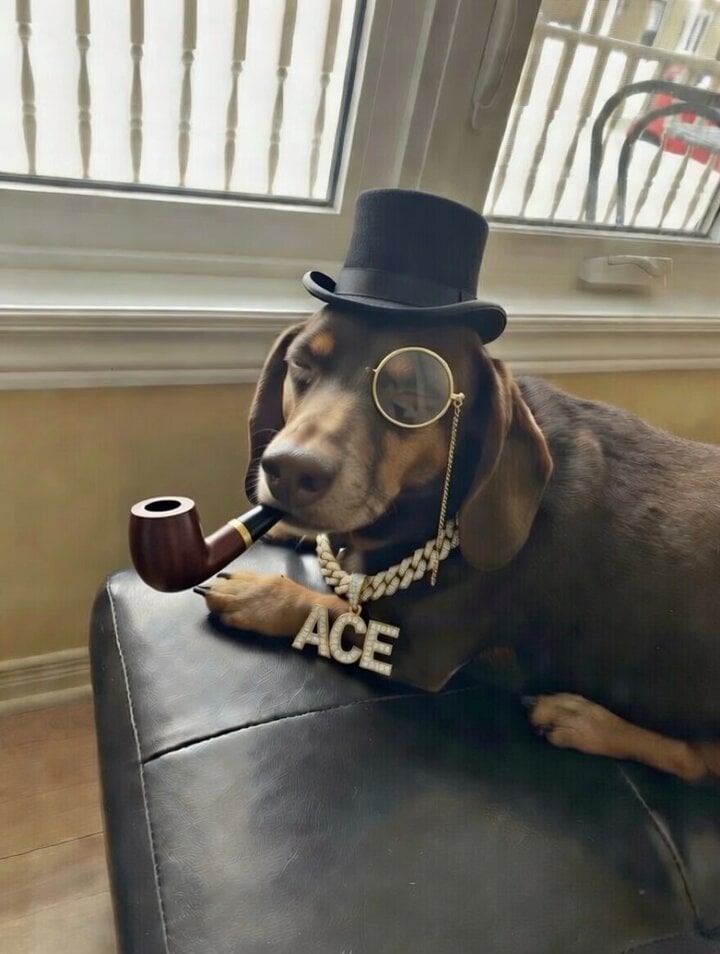
Brother dog in a tuxedo with cognac and gold chain video prompt
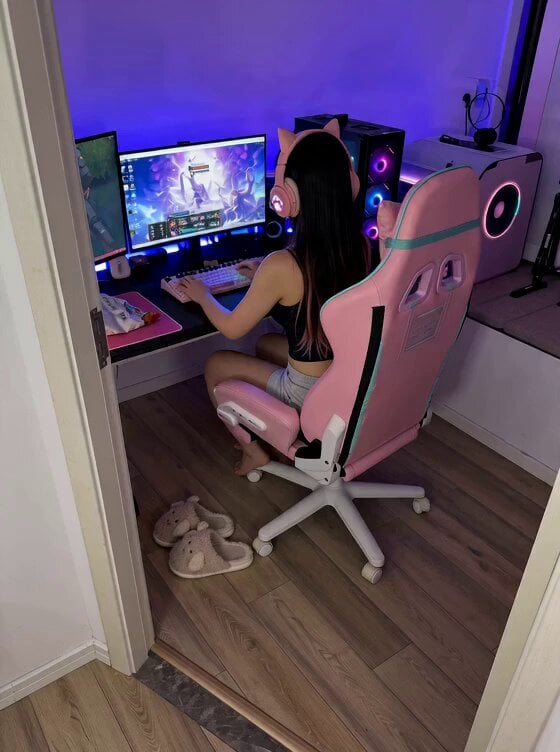
Cute Clingy Girlfriend POV Interaction
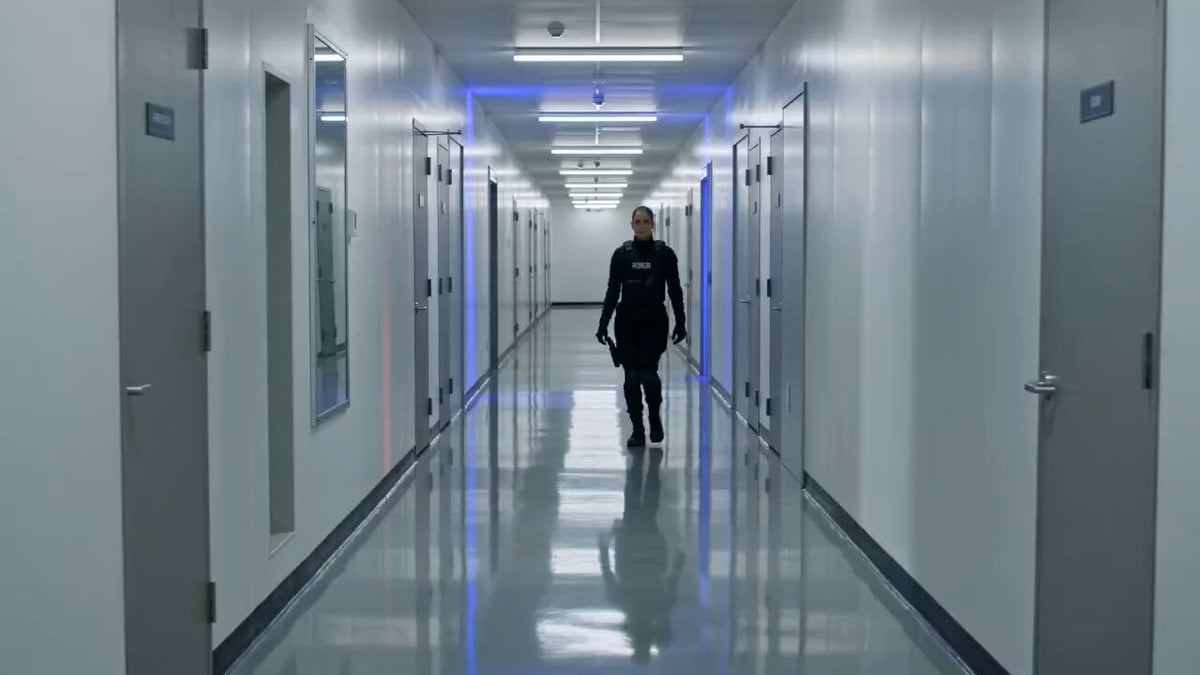
Tactical Gun-Fu Combat Sequence
Browse template categories
Realistic Vanity Character Monologue questions
How do I use the Realistic Vanity Character Monologue template?
Add your photo if the template asks for one, edit the prompt if you like — the template's model and format are already selected — and press Generate. Your version opens in PicX Studio.
Can I customize the Realistic Vanity Character Monologue template?
Yes. You can change the subject, setting, lighting, mood, format, and available model controls before creating your video.
Is the Realistic Vanity Character Monologue template free?
Opening and editing this template is free. Generating uses credits, shown on the Generate button when you are signed in.
Which AI model should I use?
Start with Seedance 2.0, which is the model associated with this template. You can compare another compatible model for a different finish.
Looking for something else? Browse all templates.

Your photo, any look
Thousands of ready templates for every top image and video model, from one credit balance.