
Pixar Style Robot Adventure
A heartwarming 3D animation prompt for Seedance 2.0 featuring a parent and child robot embarking on an emotional sci-fi journey, including detailed camera and lighting directions.
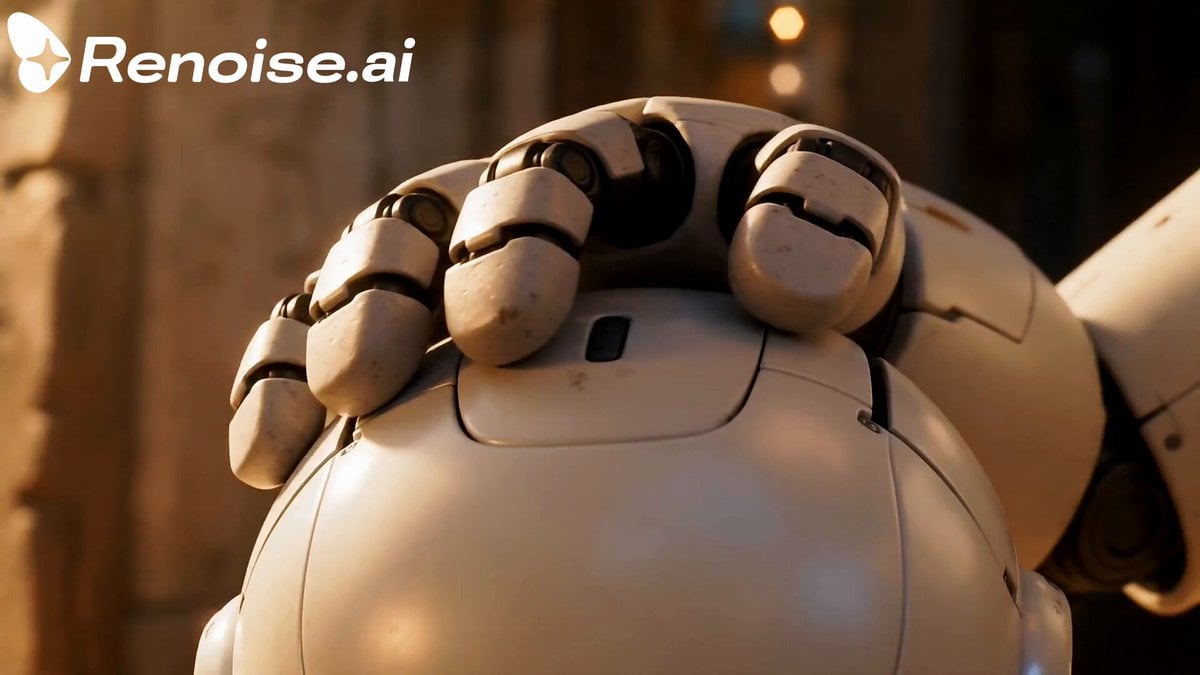
- Prompt included
- Model and format preset
- Premium template
The prompt behind this video
Copy the exact prompt behind Pixar Style Robot Adventure, or open it in the studio and make it yours.
[STYLE] Heartwarming cinematic 3D animation, emotional sci-fi adventure, soft lighting, detailed rendering, warm family atmosphere, animated movie quality [CHARACTERS] Small white child robot with glowing blue eyes Large white parent robot, gentle and protective appearance [SCENE] A warm futuristic world filled with nature and ruins. Soft sunlight, emotional storytelling, beautiful landscapes, cinematic camera movement. [SEQUENCE] The parent robot gently prepares the small robot for a journey inside a cozy mechanical home. The child robot steps outside into a bright unknown world for the first time. Wide cinematic shots: mountains, ancient ruins, grass moving in the wind, beautiful skies. The small robot climbs cliffs, crosses rivers, and explores mysterious environments. The robot meets a tiny forest creature and carefully helps it. Night falls. A storm begins. Heavy rain and lightning surround the small robot. The child robot looks frightened and alone. The robot remembers the warmth of the parent robot. The small robot stands up again and continues forward with determination. The child robot discovers a glowing crystal or ancient object in beautiful ruins at sunrise. After the adventure, the robot returns home. The parent robot kneels and opens its arms. The small robot runs forward and is tightly embraced. Final emotional close-up: the parent robot hugging the child robot gently, warm sunset light, soft glowing eyes, peaceful ending. [CAMERA] cinematic tracking shots, slow emotional camera movement, wide landscape shots, soft close_ups, gentle depth of field [EFFECTS] warm sunlight, soft particles, rain, wind, subtle lens flare, cinematic atmosphere [MOOD] heartwarming, emotional, hopeful, family love, gentle adventure
How to use Pixar Style Robot Adventure in 3 steps
- 1
Open
The prompt is already in the box next to the preview, with the template's model and format selected.
- 2…a portrait of your subject in softgolden-hour light, 85mm…
Personalize
Edit the subject and creative details for your destination.
- 3Generate
Generate
Press Generate — your video is created in PicX Studio, so you can compare it with the original and refine one variable at a time.
More like this
Templates with the same subject, style or setup. Open one to see its prompt.

Japanese Pure Love Short Film
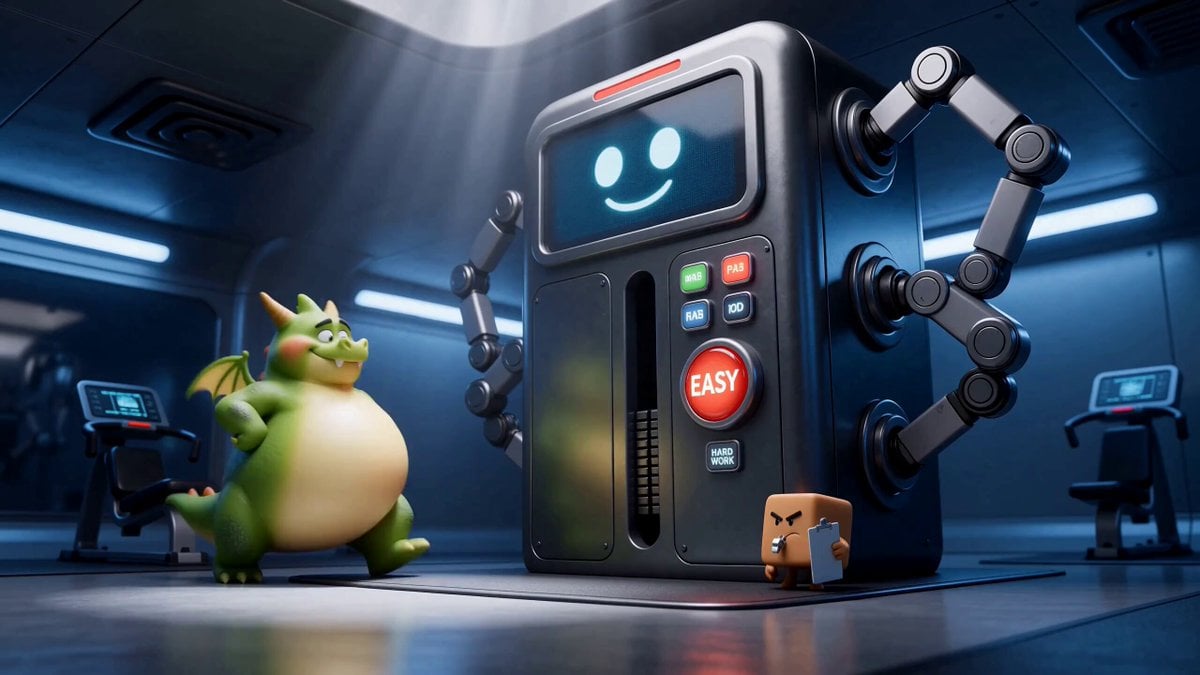
Green Dragon Training Short
Underground Temple Escape — Seedance 2.0
Chibi Cave Adventure — He Doesn't Know What's Coming
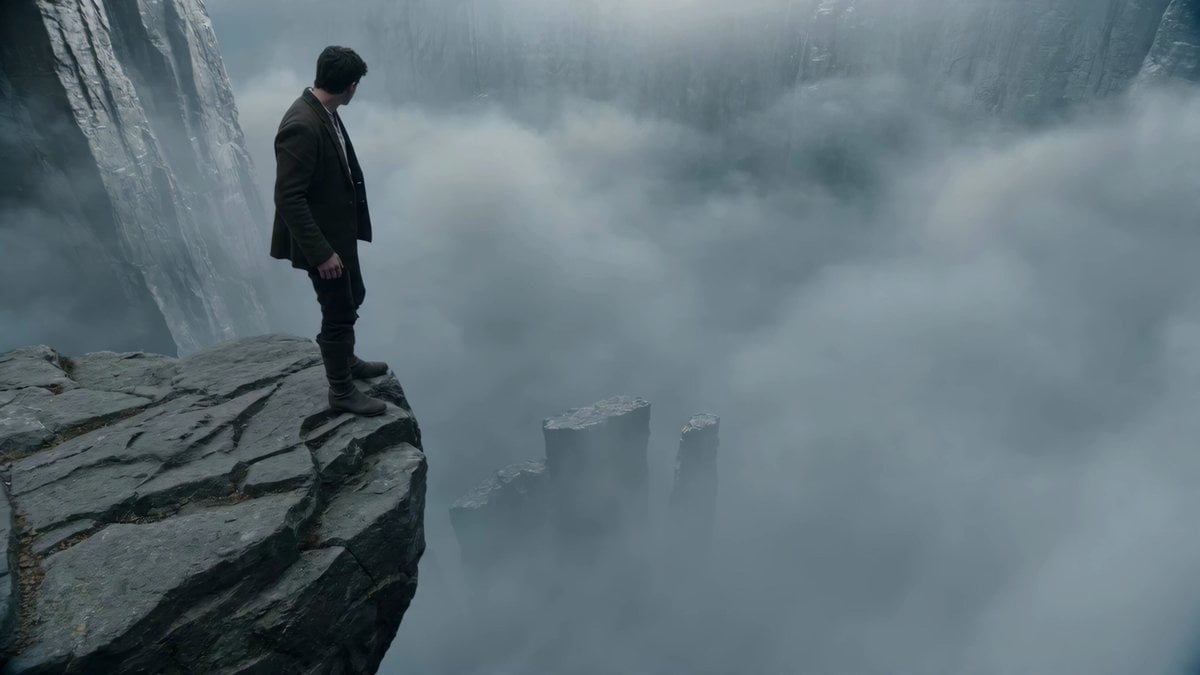
Adventurer Path Creator - Seedance 2
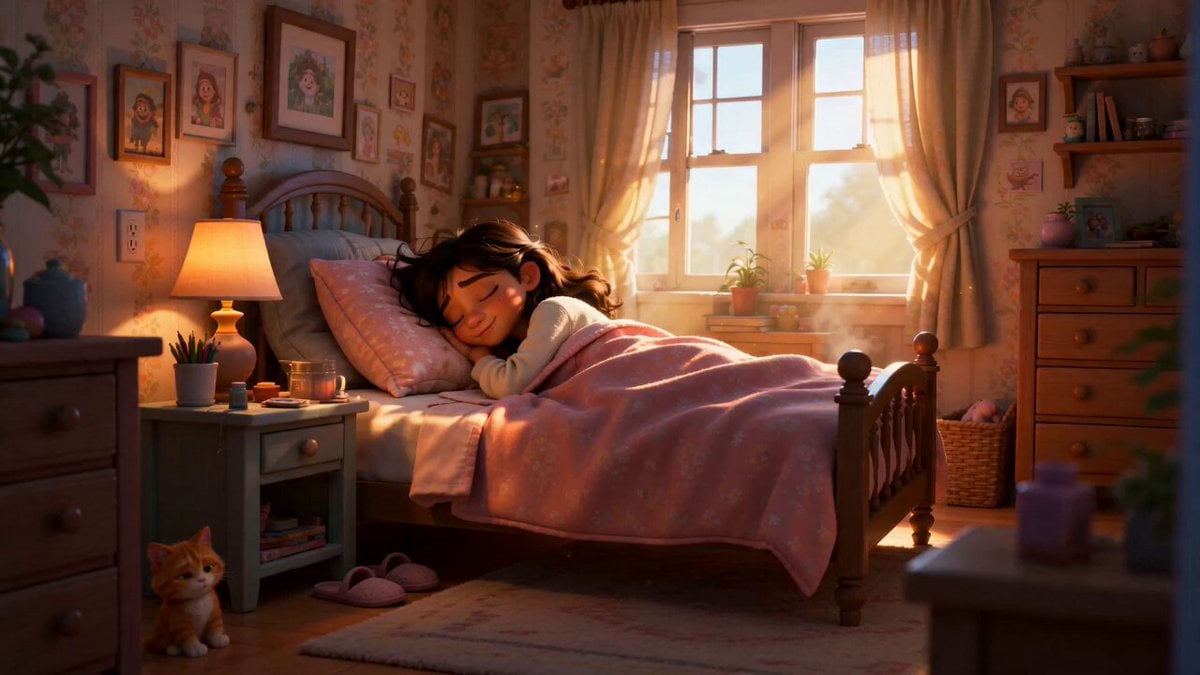
Pixar Style Sleeping Girl Animation
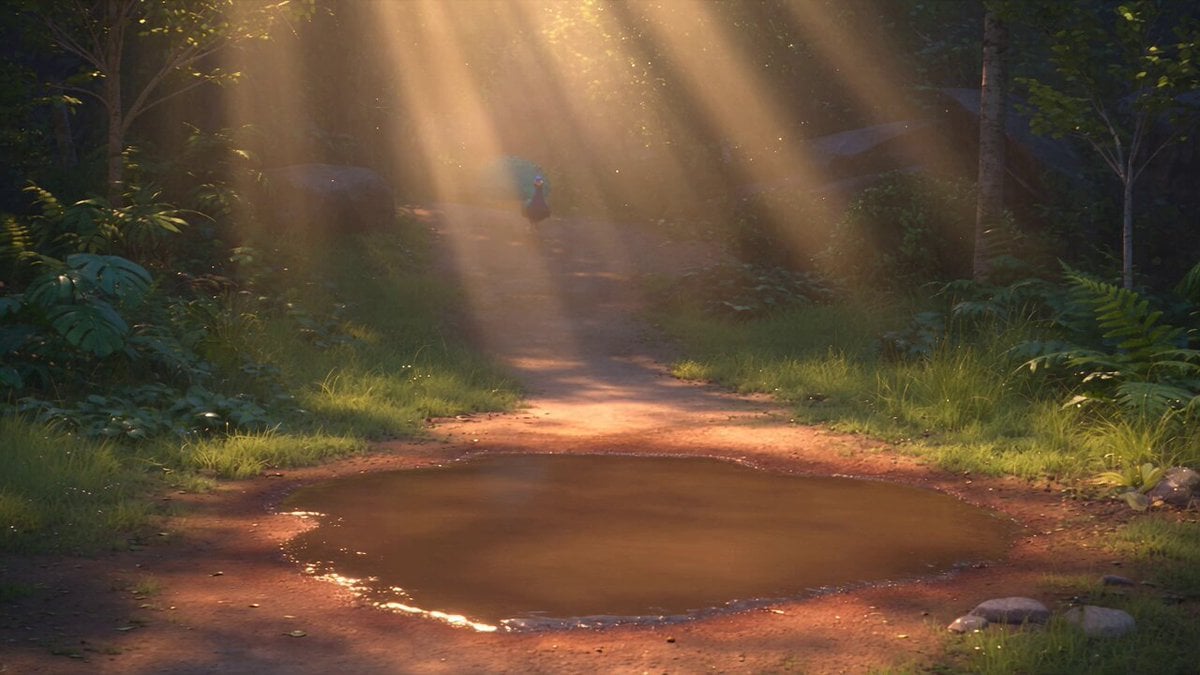
Pixar Style 3D Animation Prompt

Pixar Style Beauty Routine Animation

Pigeon Nemesis Pixar Animation Storyboard

One-Eyed Girl and Bear Companion Adventure
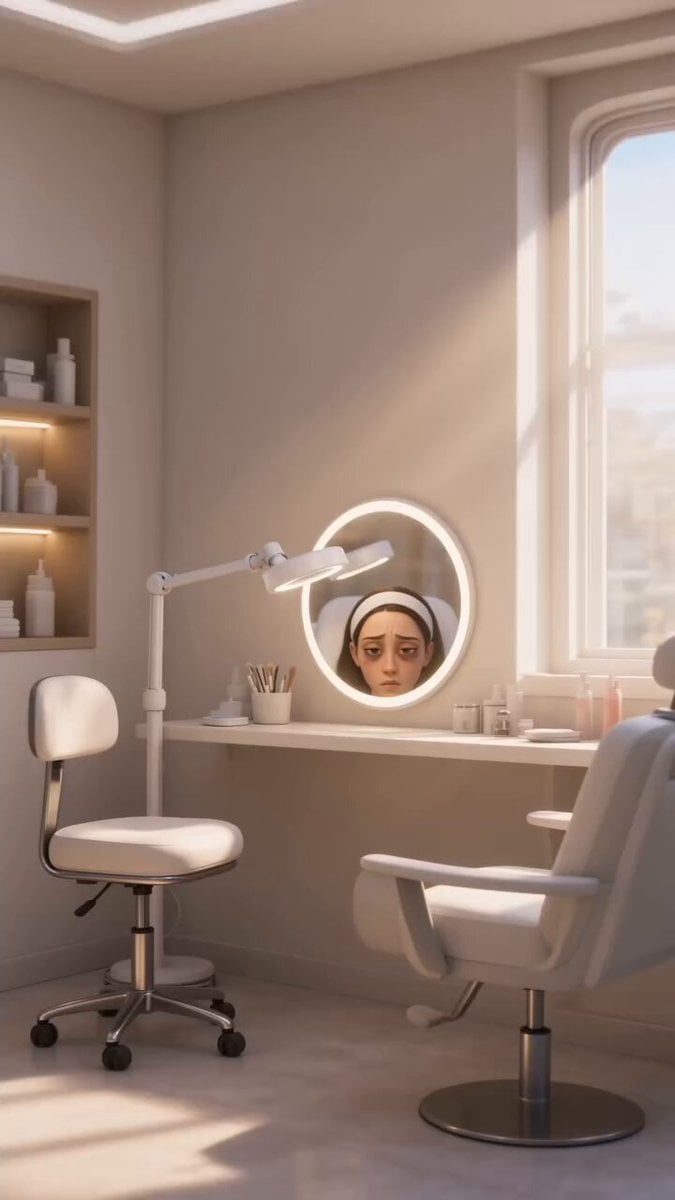
Disney Pixar Skincare Animation

Pixar Style Coffee Shop Kindness
Make it yours
Pixar Style Robot Adventure works as-is. These are the safest ways to change it without losing the look.
Change one field
Copy a single group, rewrite it, and generate again so you can see what that field is doing.
Keep the frame, change the subject
Hold the composition and light of Pixar Style Robot Adventure, then swap wardrobe, props or the person for a new take.
| If the result… | Why | Fix |
|---|---|---|
| The result drifts from the preview | Too many fields changed at once. | Reuse Pixar Style Robot Adventure as-is first, then change one group — subject, light, or setting. |
| The model over-stylizes the scene | The prose prompt leaves finish and camera underspecified. | Add one camera or lighting sentence and stay on Seedance 2.0. |
More Seedance 2.0 templates
Other prompts made for Seedance 2.0.

Comical Martial Arts Punch Scene

Maglev Train Action Sequence

Martial Arts Fight Sequence

Wuxia Protection and Trust Script

Vintage Korean Arcade MiniDV Vlog

Mercedes 190 SL Luxury Ad

Rainy Night Supernatural Reverse Comedy Video Script

Amazon Civilization Discovery

Futuristic South Asian City Transformation

Cozy Luxury Cafe Commercial
More video prompts
Fresh picks from across the catalog.
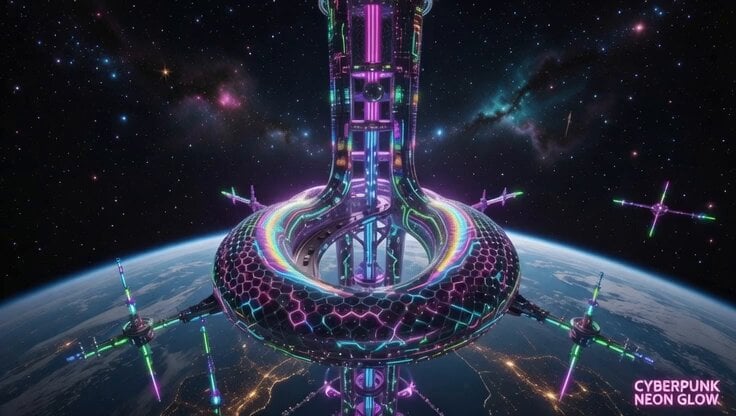
Space Elevator Psychedelic Journey
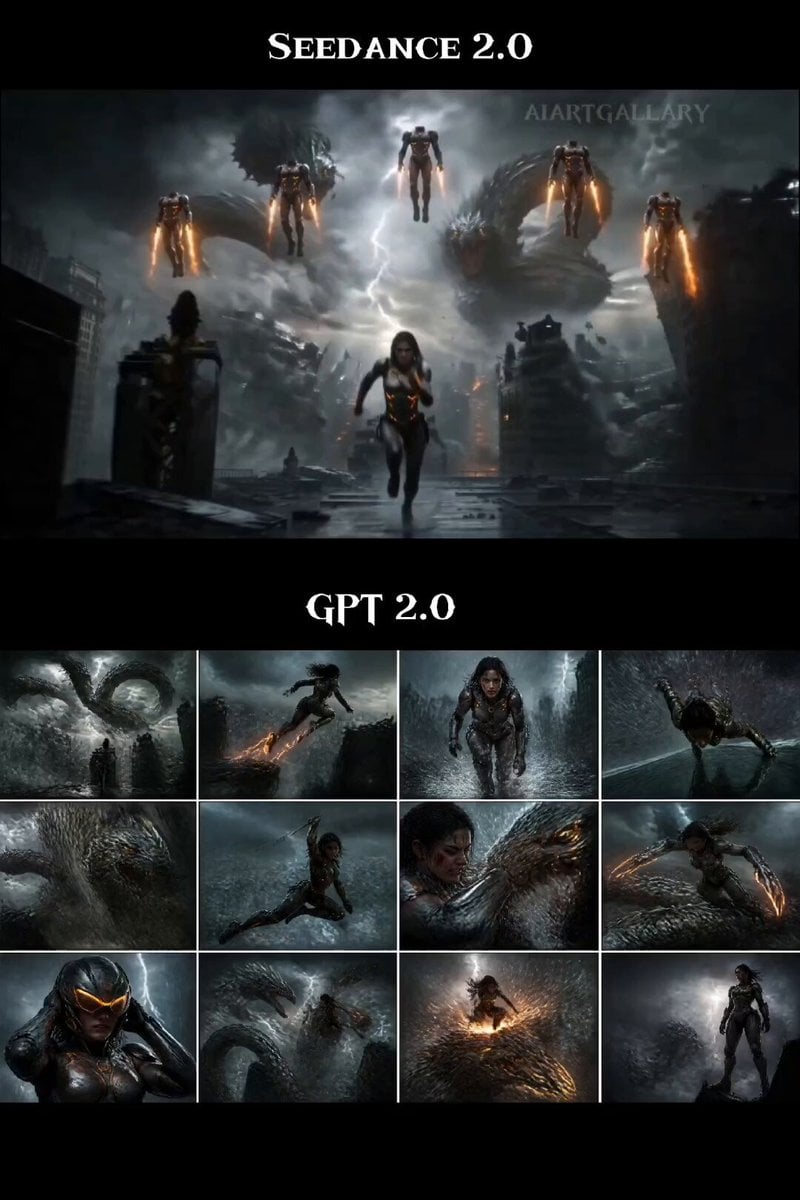
Female Warrior Rooftop Chase
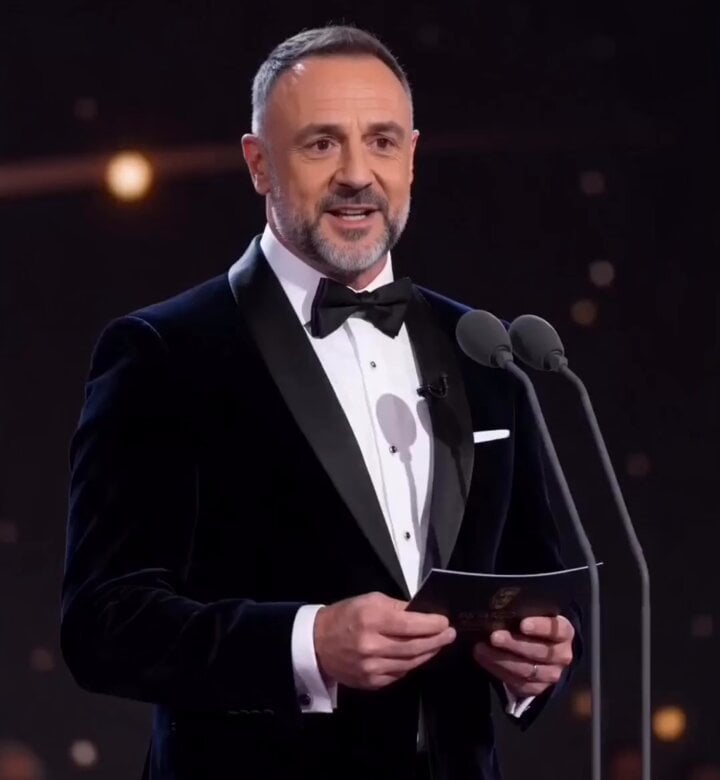
Grand Award Show Environment
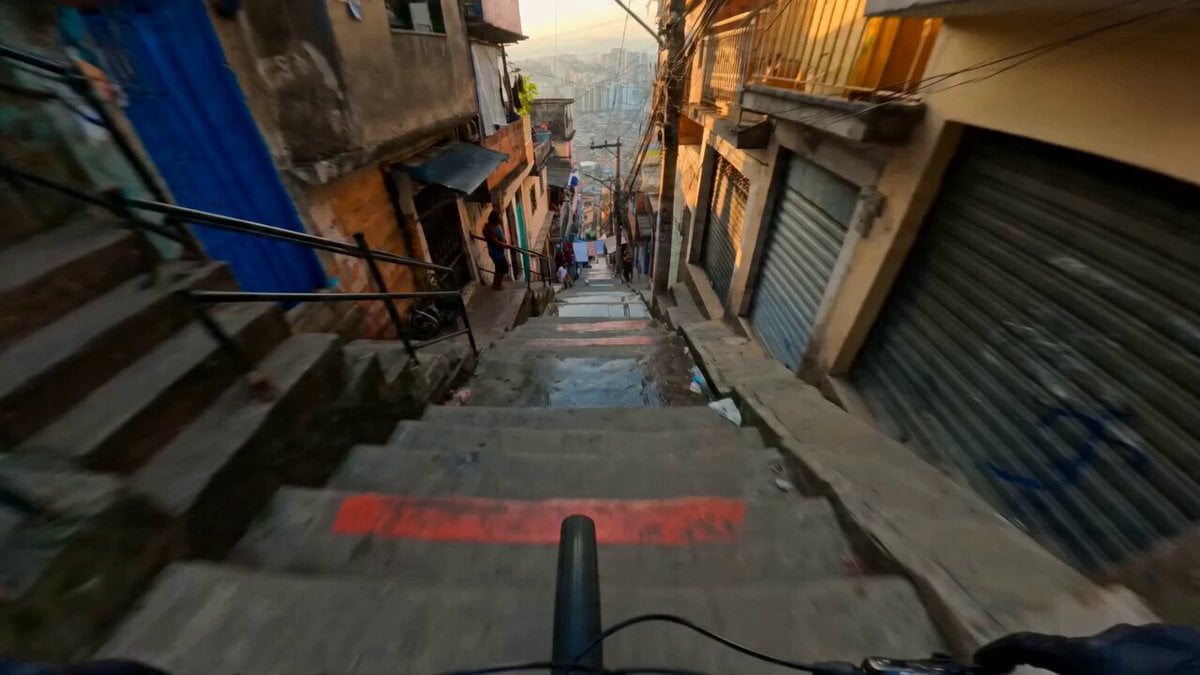
Hyperreal FPV Downhill Stair Run
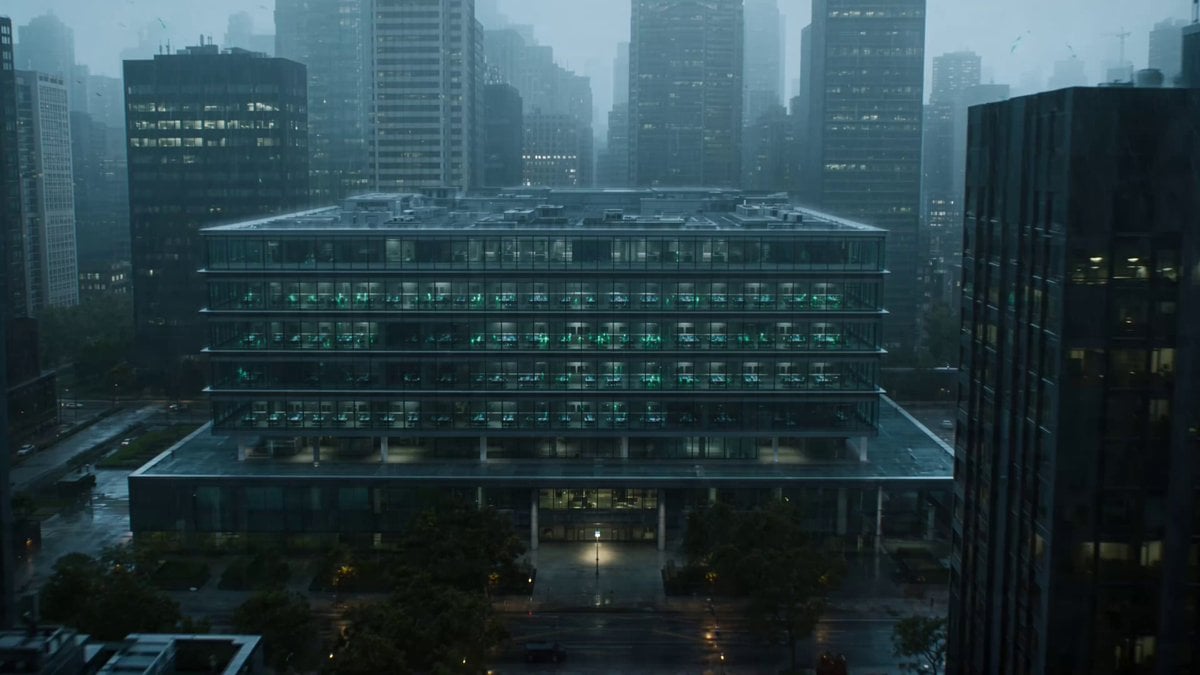
Neural Swarm Urban Horror Video

Cinematic Bioluminescent Ocean Lighthouse Prompt
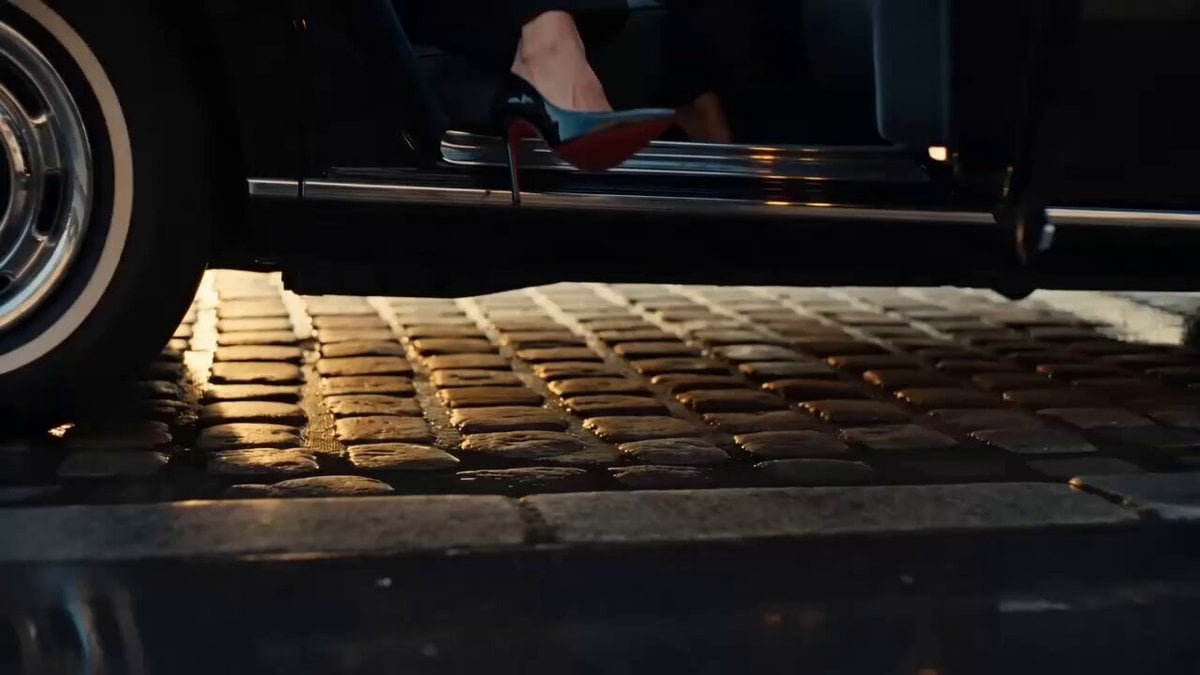
Ultra Realistic Paris Fashion Film
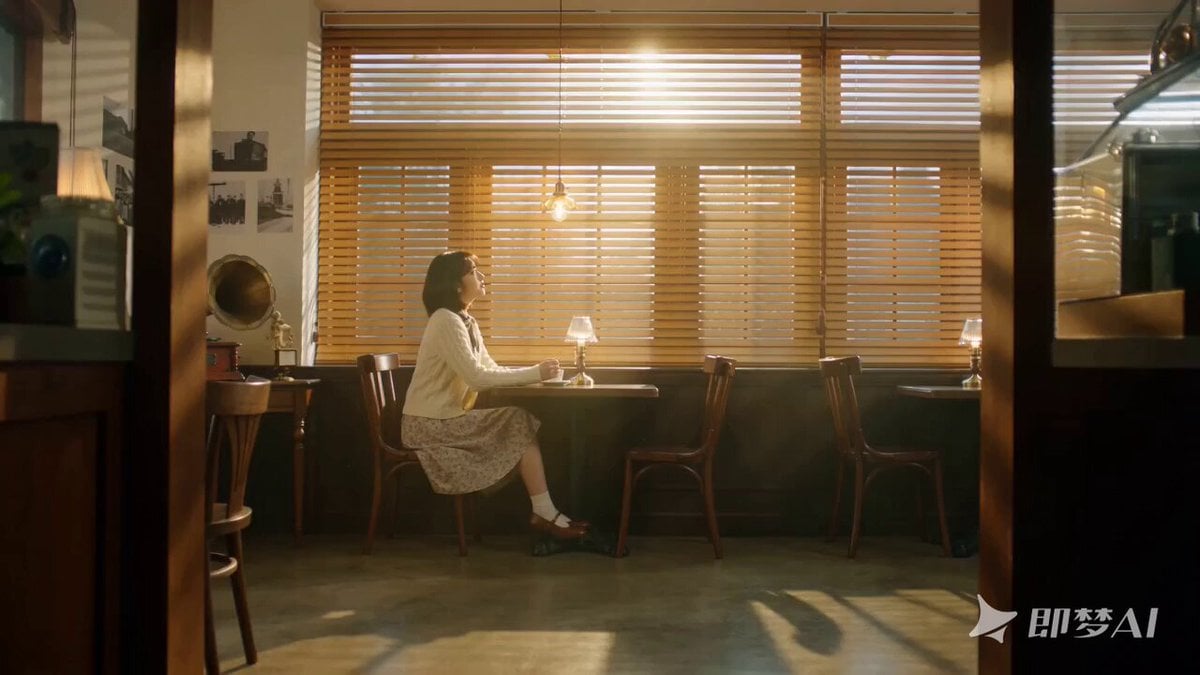
Seedance 2.0 K-pop Retro MV Prompt

Sci-fi short film: The Girl vs. the Robot Spider

Fantasy Enchantress and Mechanical Owl
Browse template categories
Pixar Style Robot Adventure questions
How do I use the Pixar Style Robot Adventure template?
Add your photo if the template asks for one, edit the prompt if you like — the template's model and format are already selected — and press Generate. Your version opens in PicX Studio.
Can I customize the Pixar Style Robot Adventure template?
Yes. You can change the subject, setting, lighting, mood, format, and available model controls before creating your video.
Is the Pixar Style Robot Adventure template free?
Opening and editing this template is free. Generating uses credits, shown on the Generate button when you are signed in.
Which AI model should I use?
Start with Seedance 2.0, which is the model associated with this template. You can compare another compatible model for a different finish.
Looking for something else? Browse all templates.

Your photo, any look
Thousands of ready templates for every top image and video model, from one credit balance.