How do I use the Sci-fi short film: The Girl vs. the Robot Spider template?
Edit the prompt in the box under the preview — the template's model and format are already selected — and press Generate. Your version appears right on this page.
A comprehensive multi-scene cinematic video prompt for a short film featuring a girl battling a giant robot spider, complete with camera directions and emotional cues.
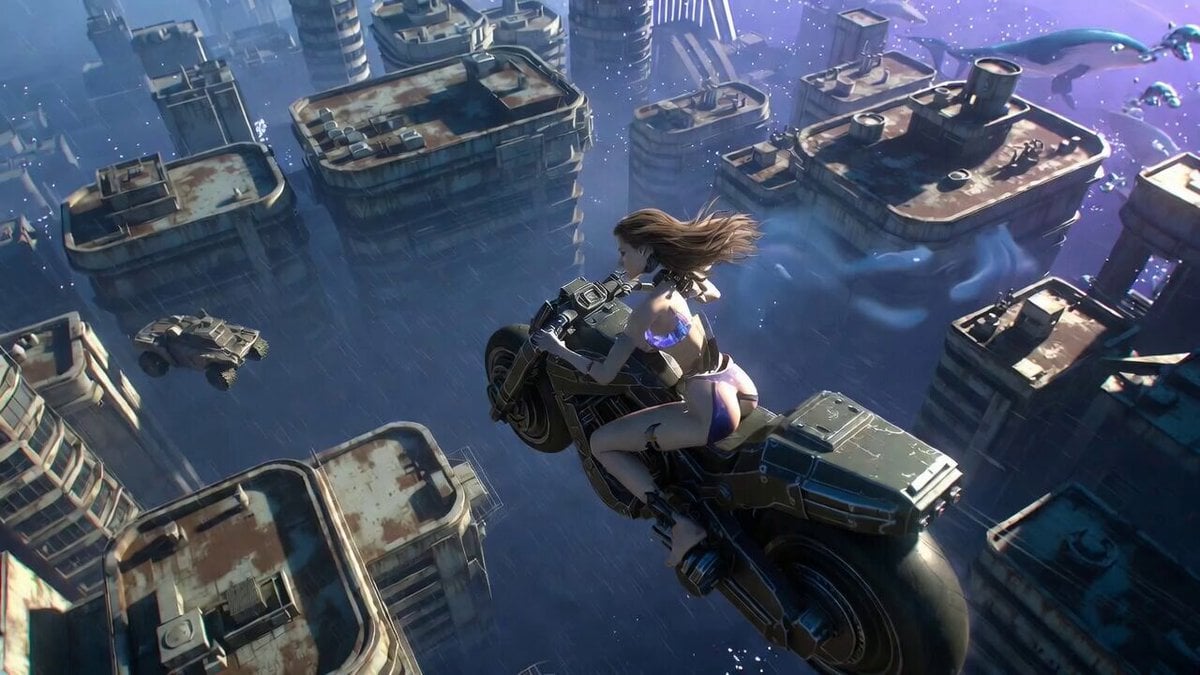
Scene 1 — Approaching the Machine (0–6s) Wide cinematic shot of a young girl standing on rocky terrain, facing a towering robot spider under stormy overcast light. Blue lightning pulses from the giant globe‑machine behind it. Slow dolly‑in toward her as wind pushes her hair and clothes. Mood: Dune‑meets‑Rebel‑hero energy. Deep atmospheric synths. Scene 2 — The Fight Begins (6–12s) Mid‑wide shot: the robot spider charges forward, mechanical legs slamming into the ground. The girl leaps aside with determination. Hard rim light from the left highlights the motion. Slow tracking shot following her movement. Mood: epic sci‑fi showdown. Percussive drums rising. Scene 3 — Turning the Tide (12–18s) Wide shot for clarity: the girl channels glowing energy through her arms, sending a shockwave that forces the robot spider backward. Sparks fly from its joints (non‑graphic). Golden backlight breaks through the clouds. Slow dolly‑out to emphasize scale. Mood: heroic reversal. Music swells. Scene 4 — Victory (18–24s) Static wide shot: the robot spider collapses in a burst of light, its legs folding as the girl stands tall. Overcast diffused light with a bright rim from the glowing globe behind her. Gentle camera tilt upward as she prepares to fly. Mood: triumph with awe. Choir‑like synths. Scene 5 — The Final Strike (24–30s) Epic aerial wide shot: the girl flies toward the massive globe‑machine, holding a small glowing bomb. Blue lightning arcs around the sphere. She throws the bomb into the lightning core. A brilliant flash erupts (non‑graphic), dissolving the storm. Slow dolly‑out as the sky clears. Mood: hopeful sci‑fi finale. Soft rising orchestral chords.
Scene 1 — Approaching the Machine (0–6s) Wide cinematic shot of a young girl standing on rocky terrain, facing a towering robot spider under stormy overcast light. Blue lightning pulses from the giant globe‑machine behind it. Slow dolly‑in toward her as wind pushes her hair and clothes. Mood: Dune‑meets‑Rebel‑hero energy. Deep atmospheric synths. Scene 2 — The Fight Begins (6–12s) Mid‑wide shot: the robot spider charges forward, mechanical legs slamming into the ground. The girl leaps aside with determination. Hard rim light from the left highlights the motion. Slow tracking shot following her movement. Mood: epic sci‑fi showdown. Percussive drums rising. Scene 3 — Turning the Tide (12–18s) Wide shot for clarity: the girl channels glowing energy through her arms, sending a shockwave that forces the robot spider backward. Sparks fly from its joints (non‑graphic). Golden backlight breaks through the clouds. Slow dolly‑out to emphasize scale. Mood: heroic reversal. Music swells. Scene 4 — Victory (18–24s) Static wide shot: the robot spider collapses in a burst of light, its legs folding as the girl stands tall. Overcast diffused light with a bright rim from the glowing globe behind her. Gentle camera tilt upward as she prepares to fly. Mood: triumph with awe. Choir‑like synths. Scene 5 — The Final Strike (24–30s) Epic aerial wide shot: the girl flies toward the massive globe‑machine, holding a small glowing bomb. Blue lightning arcs around the sphere. She throws the bomb into the lightning core. A brilliant flash erupts (non‑graphic), dissolving the storm. Slow dolly‑out as the sky clears. Mood: hopeful sci‑fi finale. Soft rising orchestral chords.
Edit the prompt in the box under the preview — the template's model and format are already selected — and press Generate. Your version appears right on this page.
Yes. You can change the subject, setting, lighting, mood, format, and available model controls before creating your video.
Opening and editing this template is free. Generating uses credits, shown on the Generate button when you are signed in.
Start with Grok Imagine, which is the model associated with this template. You can compare another compatible model for a different finish.
Follow a topic to a crawlable collection of related PicX Studio templates.