
Deep Space Convoy Failure
A sci-fi action prompt for a deep space scenario where a cargo convoy suffers a catastrophic collision chain reaction.
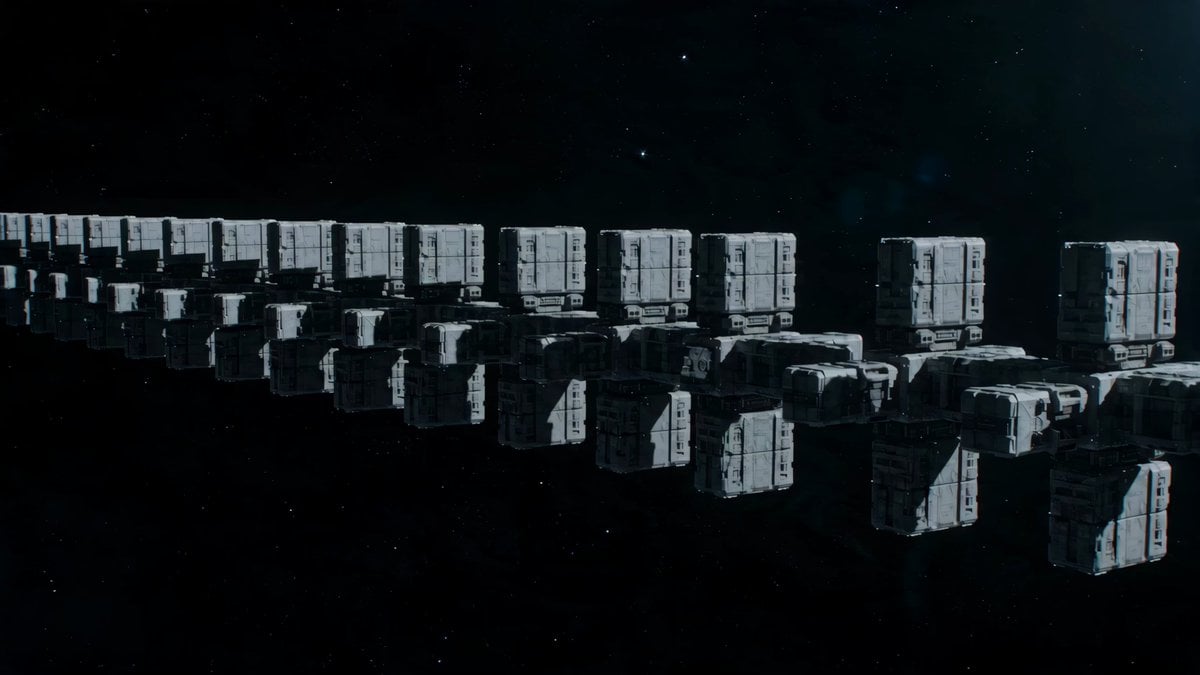
- Prompt included
- Model and format preset
- Premium template
The prompt behind this video
Copy the exact prompt behind Deep Space Convoy Failure, or open it in the studio and make it yours.
Deep space cargo convoy: massive containers and industrial modules being transported when a single failure triggers a cascading chain reaction. Wide shot: convoy moving in formation, huge cargo blocks linked together. Failure point: one connector snaps, a container drifting slightly off-path. Immediate danger: another module clips it, sending both into slow but unstoppable rotation. Chain reaction: collisions spread across the convoy, each impact changing trajectories. Close tracking: a ship weaving through spinning cargo, gaps constantly closing. Near-crush: two massive containers slam together just behind the ship. Tight squeeze: pilot threads through a collapsing corridor of shifting metal blocks. Momentum shift: a giant module starts drifting directly into the escape path. Last-second dive: ship drops under it, barely clearing the edge. Final moment: debris field expanding, everything still moving, no stable space left. Heavy, readable motion, physical weight, constant “closing gaps” tension.
How to use Deep Space Convoy Failure in 3 steps
- 1
Open
The prompt is already in the box next to the preview, with the template's model and format selected.
- 2…a portrait of your subject in softgolden-hour light, 85mm…
Personalize
Edit the subject and creative details for your destination.
- 3Generate
Generate
Press Generate — your video is created in PicX Studio, so you can compare it with the original and refine one variable at a time.
More like this
Templates with the same subject, style or setup. Open one to see its prompt.
High-Speed Ship Descent with Seedance 2.0
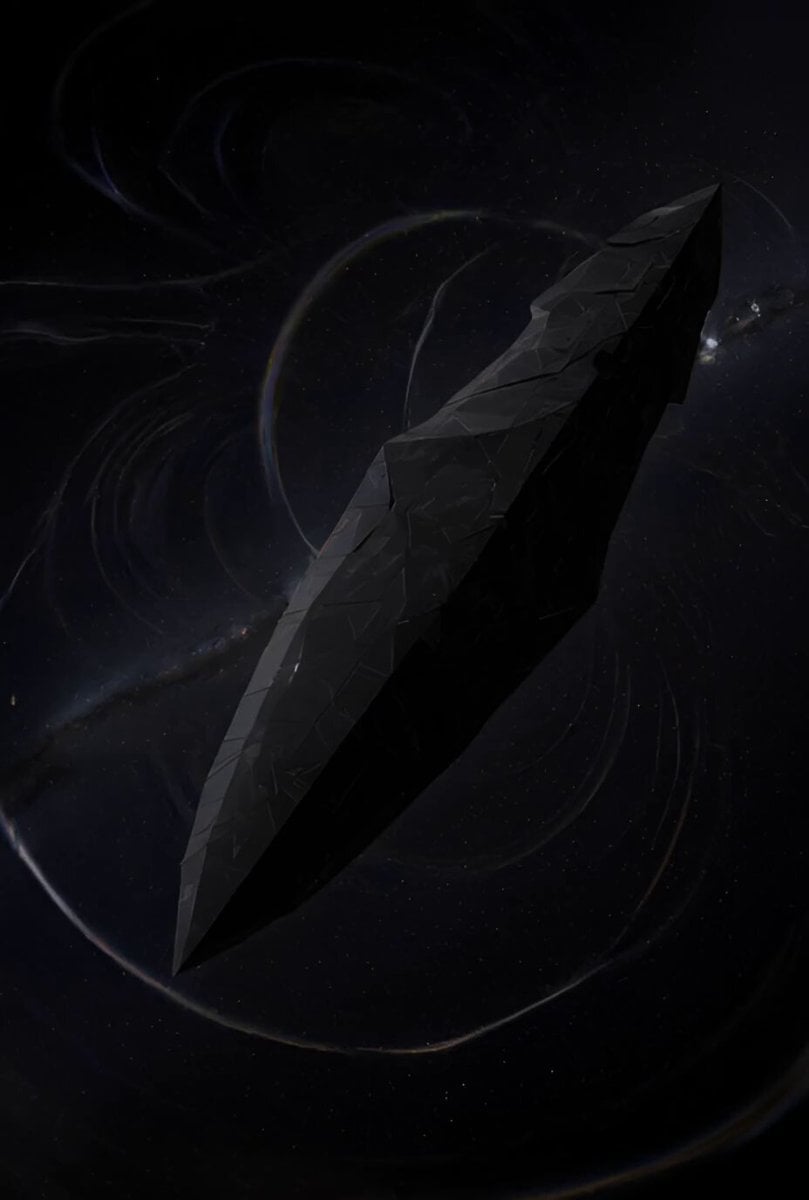
Ancient Deep Space Structure
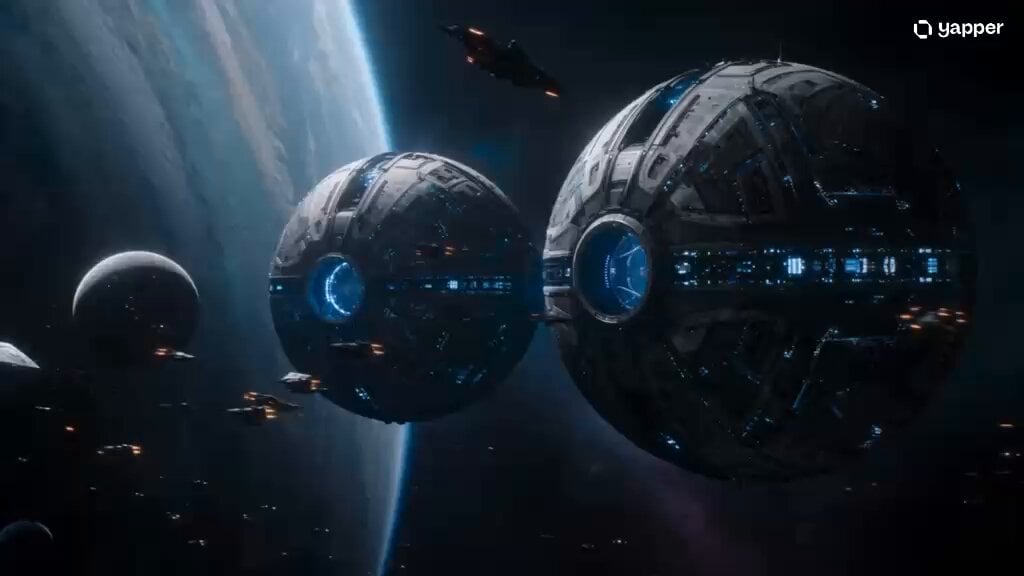
Deep Space Zero-G Warrior Combat
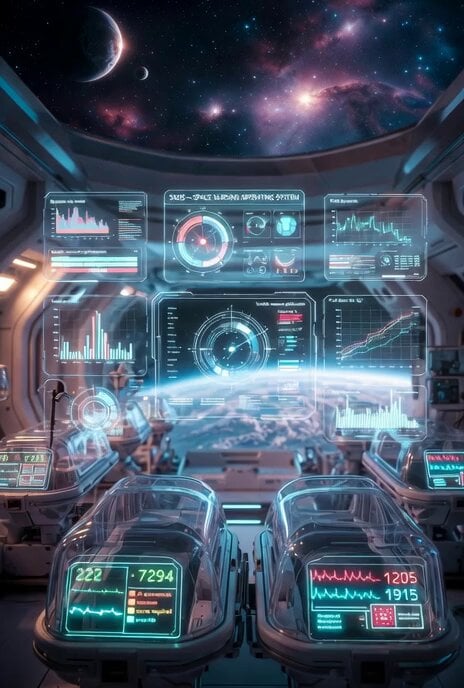
Futuristic deep space healthcare facility video prompt
Bioluminescent Deep Sea Abyss
Abandoned Deep-Sea Drilling Platform
Deep-Sea Coral Reef Jellyfish Scene
Military Convoy Desert Chase
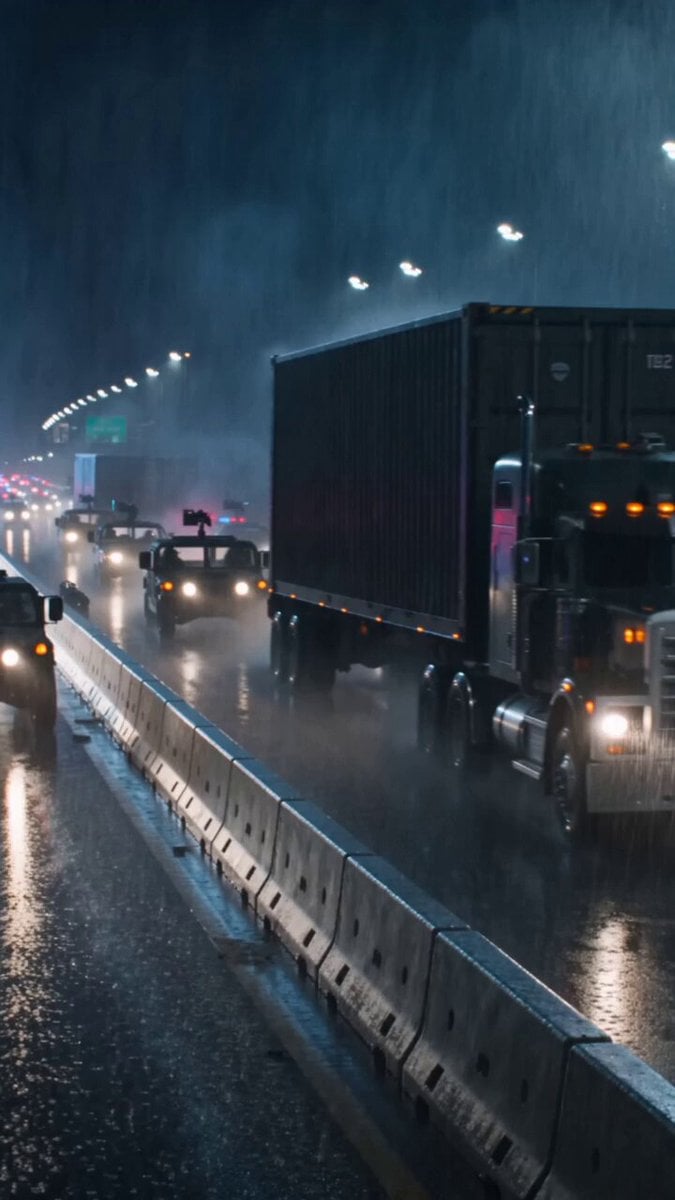
T-Rex Highway Convoy Breakout
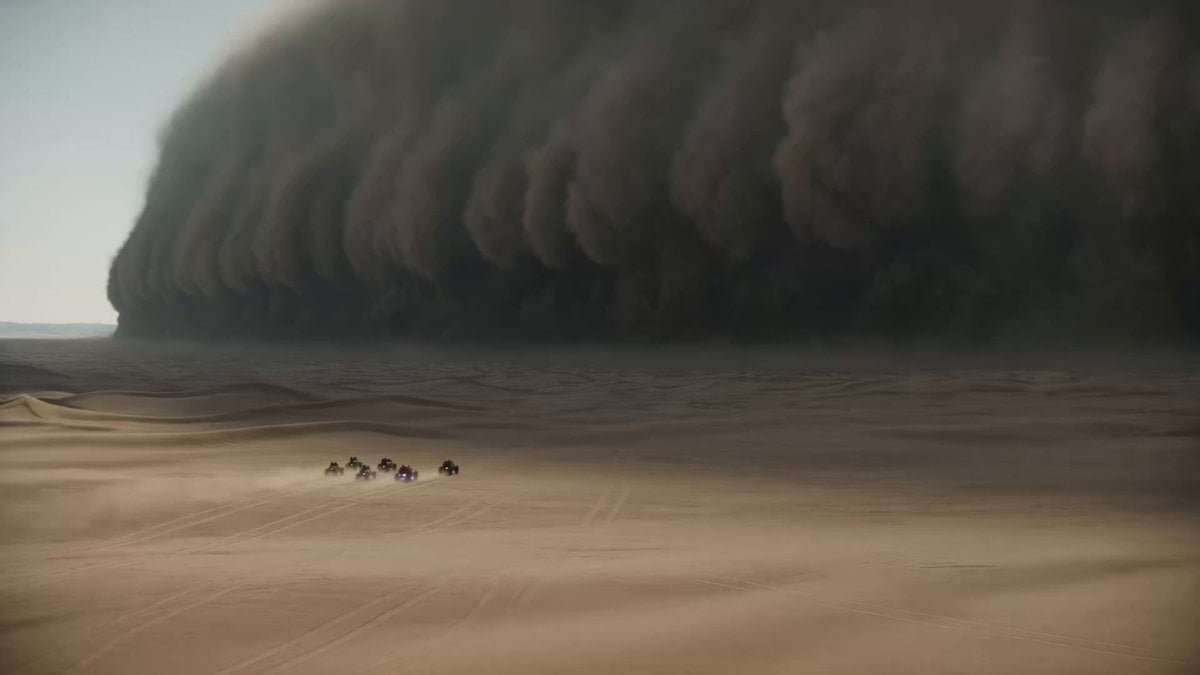
Epic Sci-Fi Sandstorm Desert Convoy
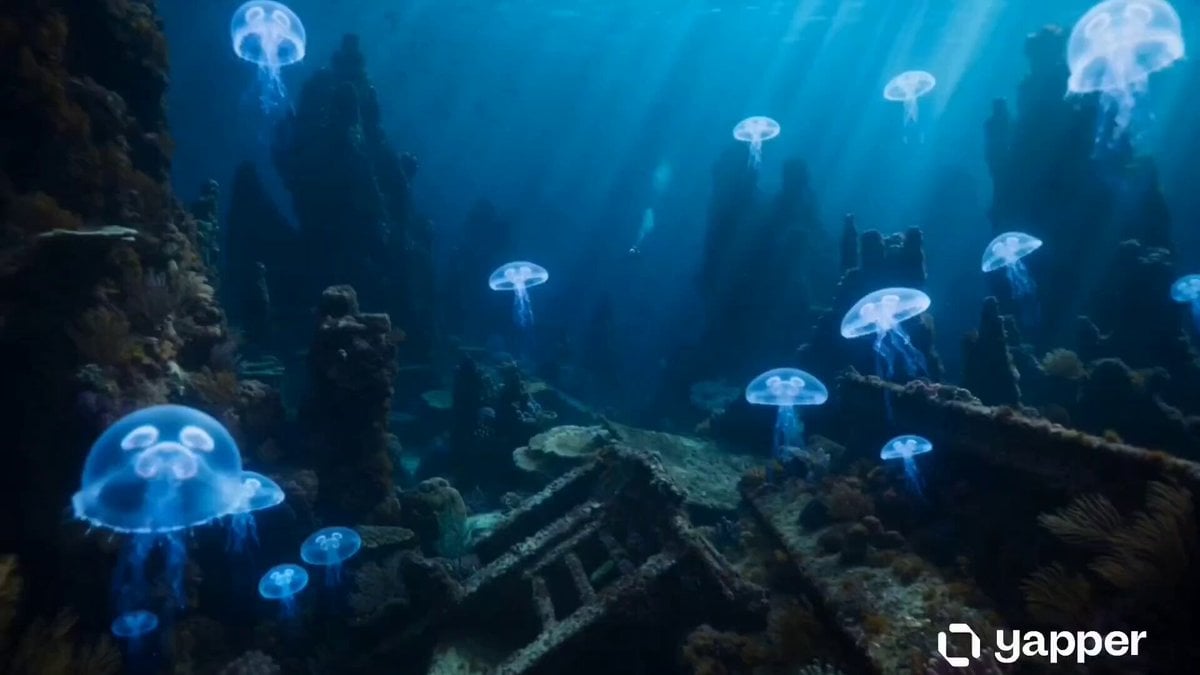
Underwater Abyss Deep Sea Explorer
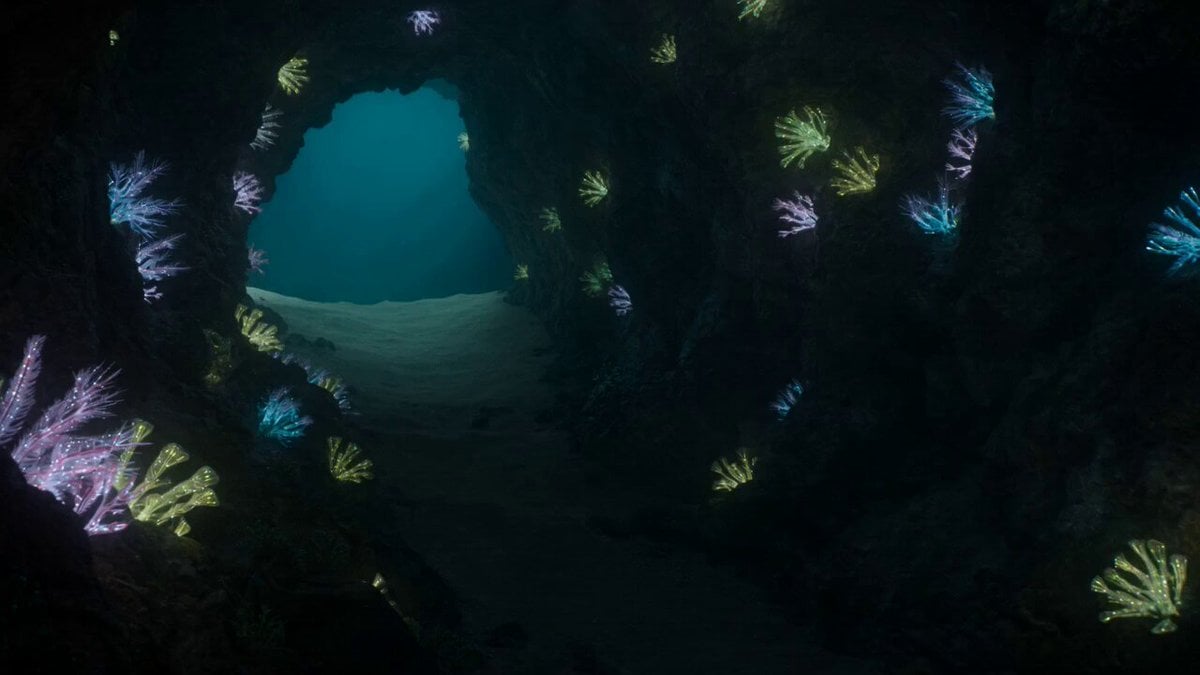
Bioluminescent Deep Sea Predator Chase
Make it yours
Deep Space Convoy Failure works as-is. These are the safest ways to change it without losing the look.
Change one field
Copy a single group, rewrite it, and generate again so you can see what that field is doing.
Keep the frame, change the subject
Hold the composition and light of Deep Space Convoy Failure, then swap wardrobe, props or the person for a new take.
| If the result… | Why | Fix |
|---|---|---|
| The result drifts from the preview | Too many fields changed at once. | Reuse Deep Space Convoy Failure as-is first, then change one group — subject, light, or setting. |
| The model over-stylizes the scene | The prose prompt leaves finish and camera underspecified. | Add one camera or lighting sentence and stay on Seedance 2.0. |
More Seedance 2.0 templates
Other prompts made for Seedance 2.0.

Comical Martial Arts Punch Scene

Maglev Train Action Sequence

Martial Arts Fight Sequence

Wuxia Protection and Trust Script

Vintage Korean Arcade MiniDV Vlog

Mercedes 190 SL Luxury Ad

Rainy Night Supernatural Reverse Comedy Video Script

Amazon Civilization Discovery

Futuristic South Asian City Transformation

Cozy Luxury Cafe Commercial
More video prompts
Fresh picks from across the catalog.

Mermaid and Bully Fish Cooperation
Dune Ridge Military Base Sequence
1990 Shanghai Textile Factory Documentary

Charming Painterly Illustration
Realistic Cinematic Storyboard Sequence
Mech Warfare Post-Apocalyptic Thriller
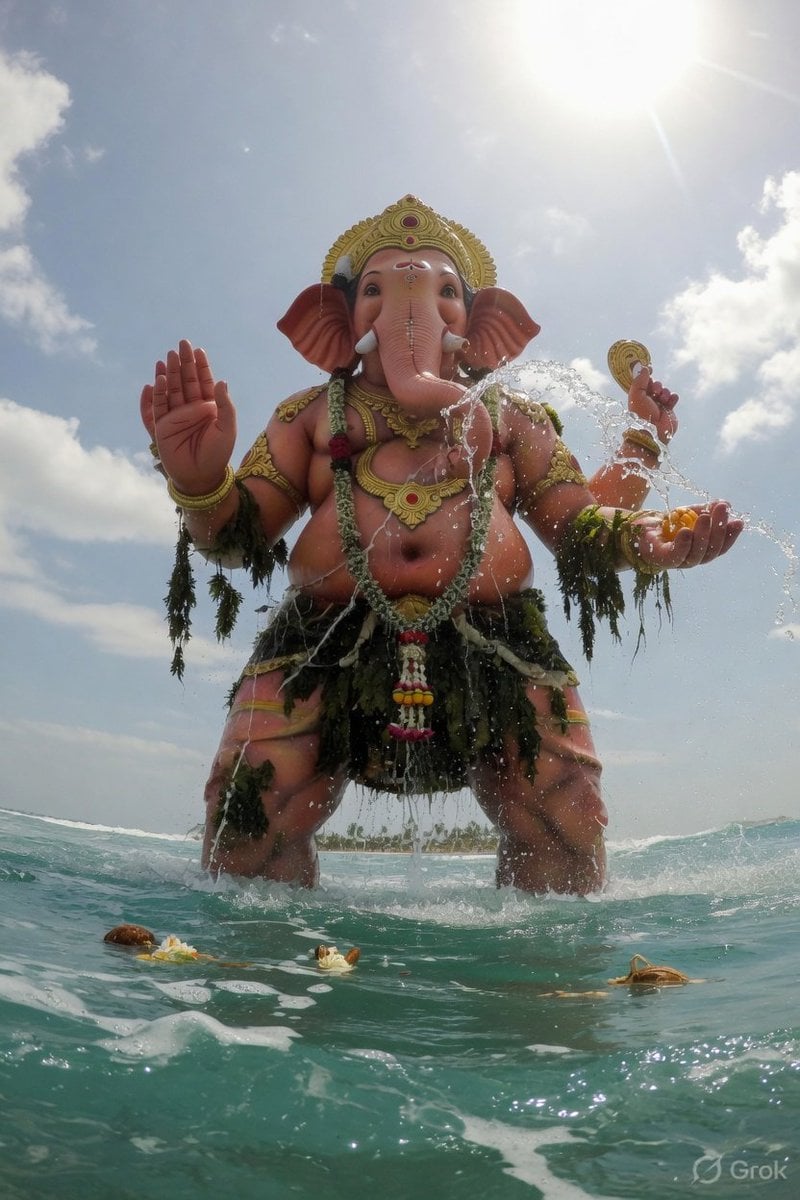
Ganesha Ocean POV Video

Seedance 2.0 Video Prompt: Cats on a Scooter
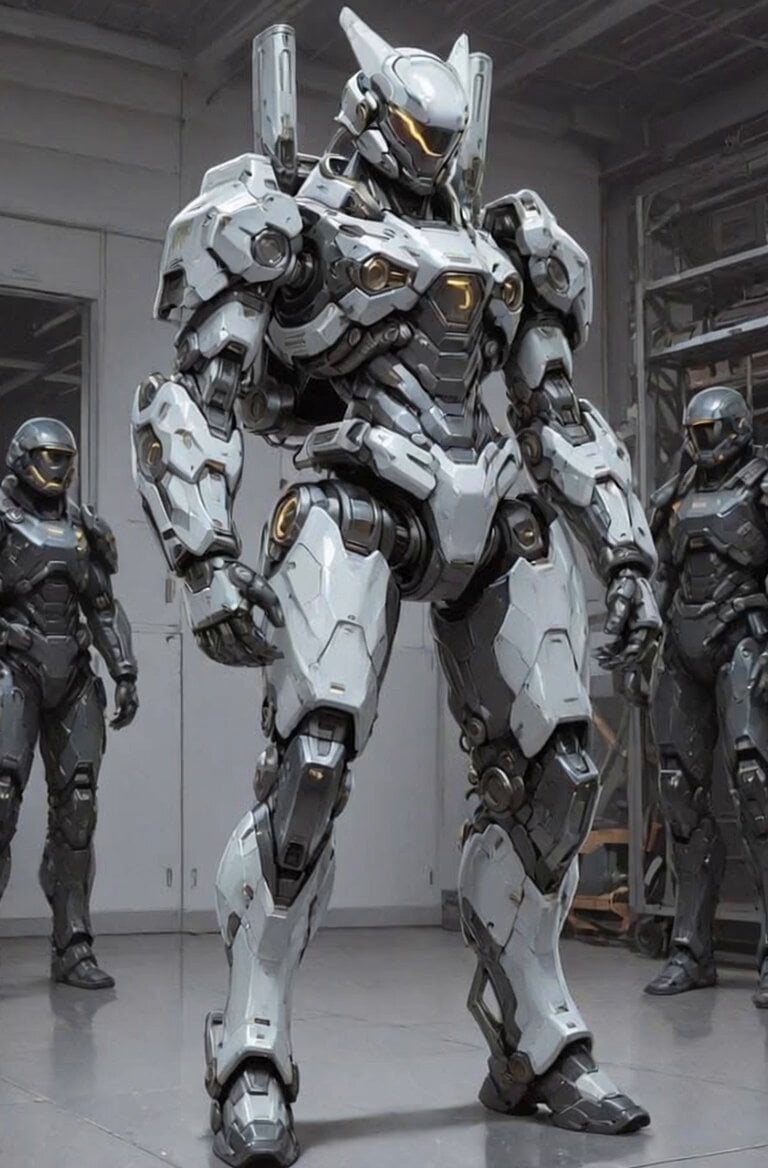
Futuristic Robot Competition Showcase
Humanoid Bat Creature on Mumbai Street Light
Browse template categories
Deep Space Convoy Failure questions
How do I use the Deep Space Convoy Failure template?
Add your photo if the template asks for one, edit the prompt if you like — the template's model and format are already selected — and press Generate. Your version opens in PicX Studio.
Can I customize the Deep Space Convoy Failure template?
Yes. You can change the subject, setting, lighting, mood, format, and available model controls before creating your video.
Is the Deep Space Convoy Failure template free?
Opening and editing this template is free. Generating uses credits, shown on the Generate button when you are signed in.
Which AI model should I use?
Start with Seedance 2.0, which is the model associated with this template. You can compare another compatible model for a different finish.
Looking for something else? Browse all templates.

Your photo, any look
Thousands of ready templates for every top image and video model, from one credit balance.