
Bioluminescent Deep Sea Predator Chase
A high-stakes cinematic underwater sequence featuring a research submersible escaping a prehistoric predator in a single continuous shot.
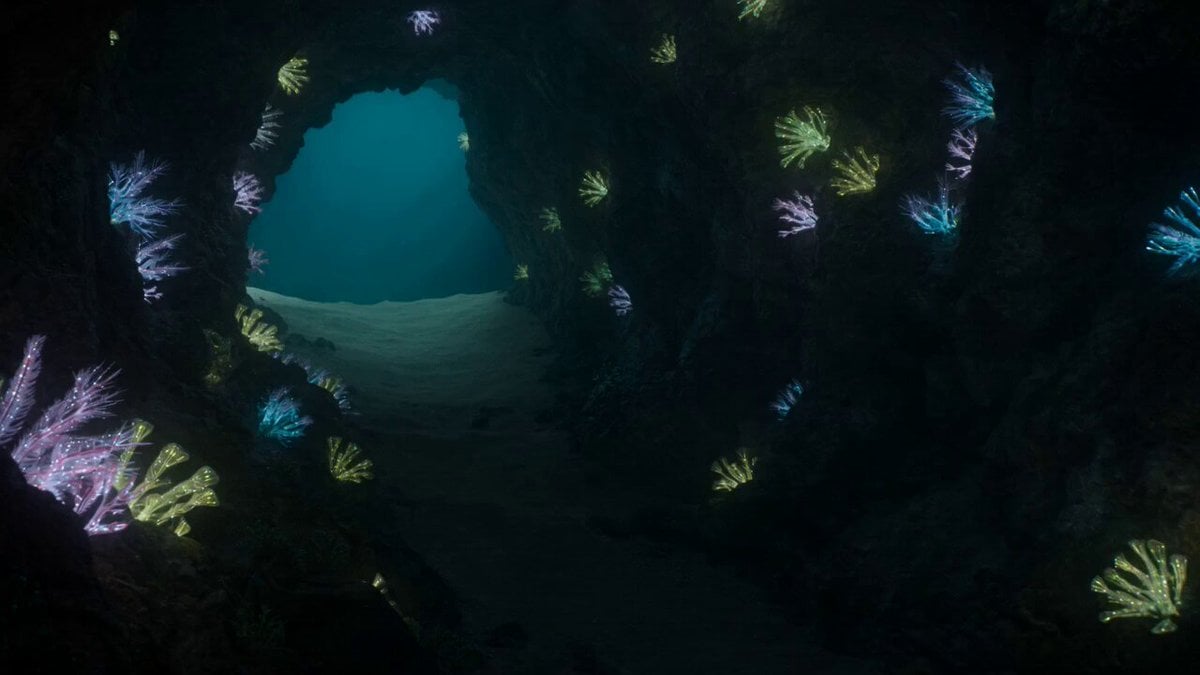
- Prompt included
- Model and format preset
- Premium template
The prompt behind this video
Copy the exact prompt behind Bioluminescent Deep Sea Predator Chase, or open it in the studio and make it yours.
Hyper-realistic blockbuster cinematic 15-second action sequence in one true unbroken continuous shot, with no cuts, no morphing, and no scene transitions.A high-tech research submersible maneuvers through a narrow, bioluminescent underwater canyon while being chased by a colossal prehistoric predator in the murky, deep-sea darkness. The camera begins as a wide panoramic shot of the silent, glowing abyss. As the predator strikes, the camera whips forward, diving into a claustrophobic tracking shot that scrapes along the rocky canyon walls, capturing bubbles and debris kicked up by the sub’s thrusters. It spirals around the vessel’s hull, moves into a macro close-up of the pilot's panicked face through the reinforced glass, then pushes through the external lights to reveal the massive rows of teeth closing in from behind. The shot concludes by banking sharply upward, tracking the sub as it launches into a vertical ascent toward the shimmering surface light, narrowly escaping the closing jaws.
How to use Bioluminescent Deep Sea Predator Chase in 3 steps
- 1
Open
The prompt is already in the box next to the preview, with the template's model and format selected.
- 2…a portrait of your subject in softgolden-hour light, 85mm…
Personalize
Edit the subject and creative details for your destination.
- 3Generate
Generate
Press Generate — your video is created in PicX Studio, so you can compare it with the original and refine one variable at a time.
More like this
Templates with the same subject, style or setup. Open one to see its prompt.
Speeder Chase Across a Cliff City
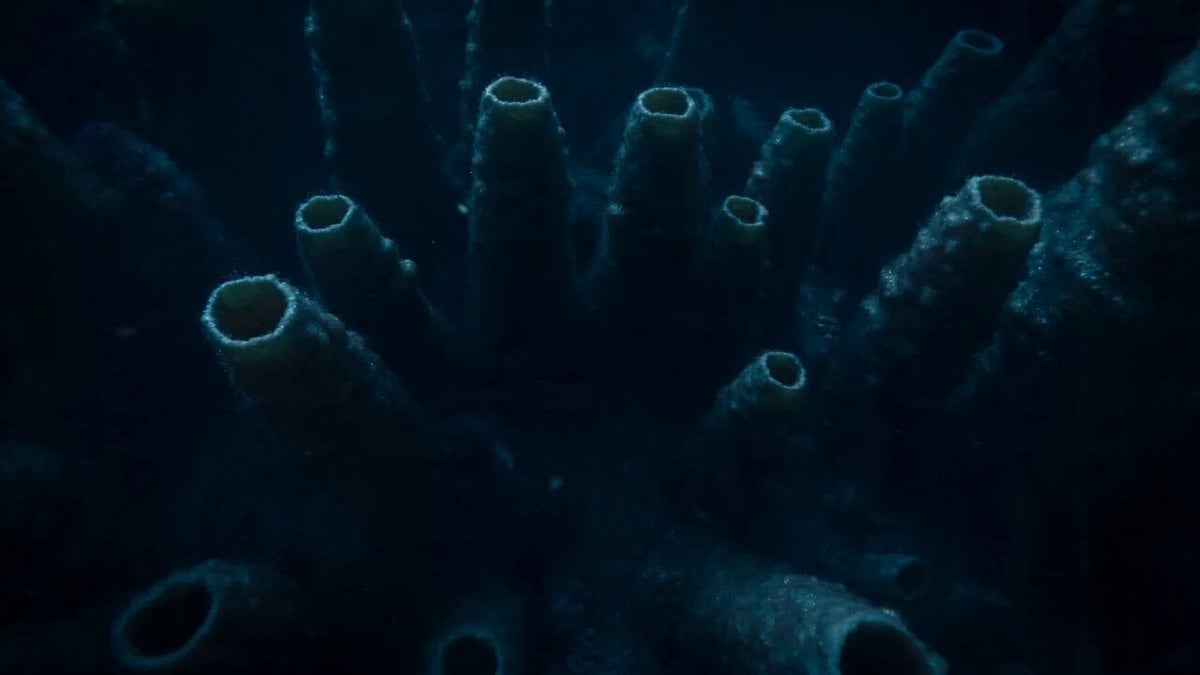
Bioluminescent Deep Sea Abyss
Sea Serpent vs Crab Titan — Ocean Battle
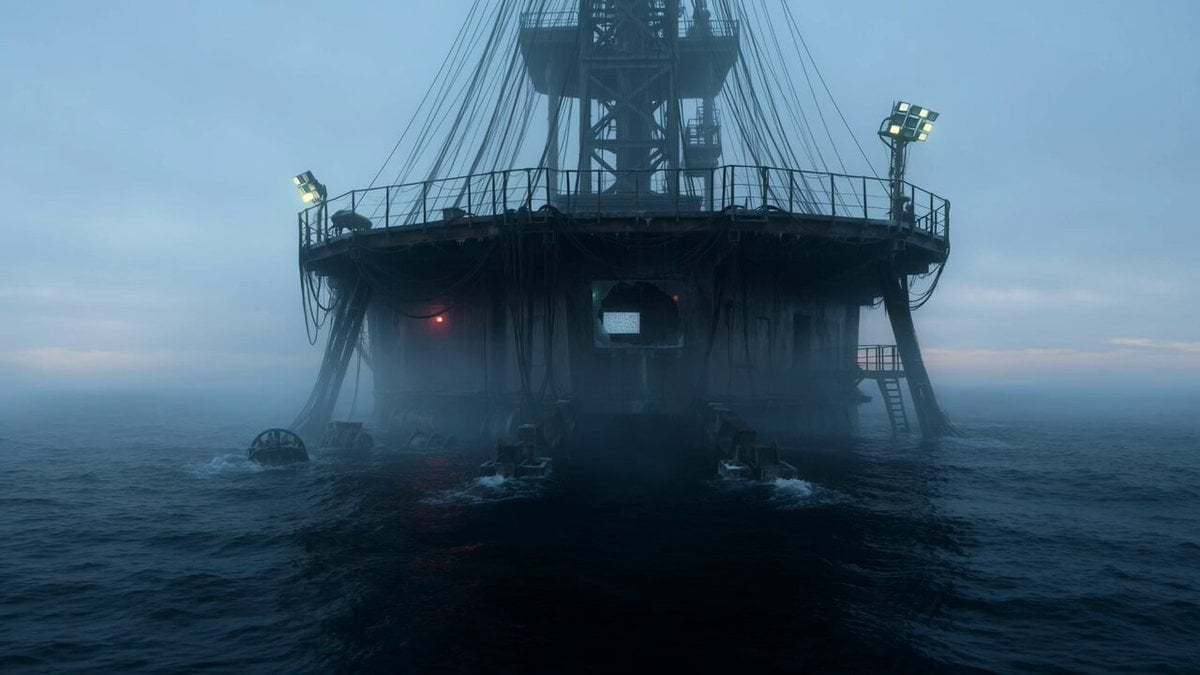
Abandoned Deep-Sea Drilling Platform
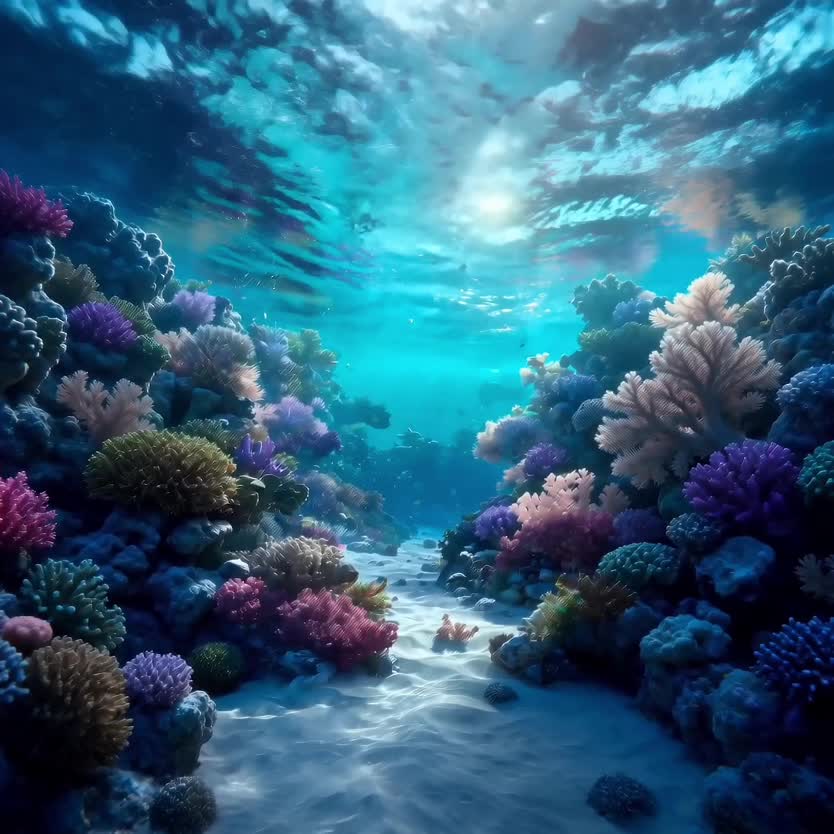
Deep-Sea Coral Reef Jellyfish Scene

Cartoon Donut Heist Bakery Chase
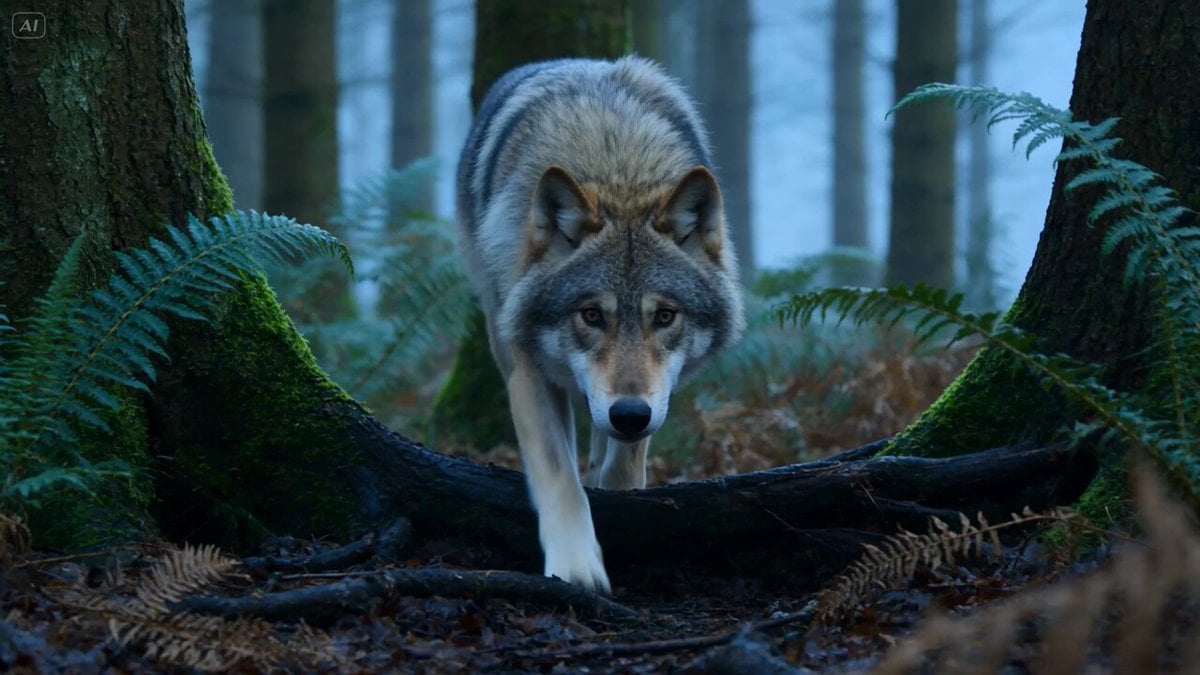
Wildlife Predator-Prey Chase
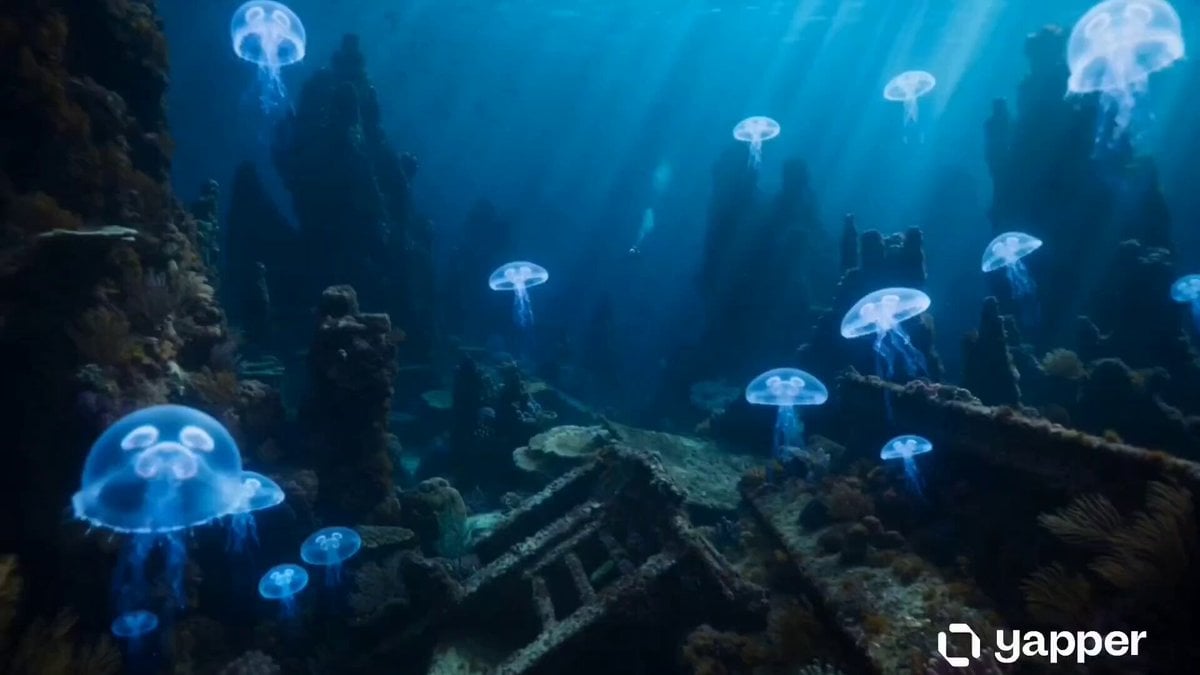
Underwater Abyss Deep Sea Explorer
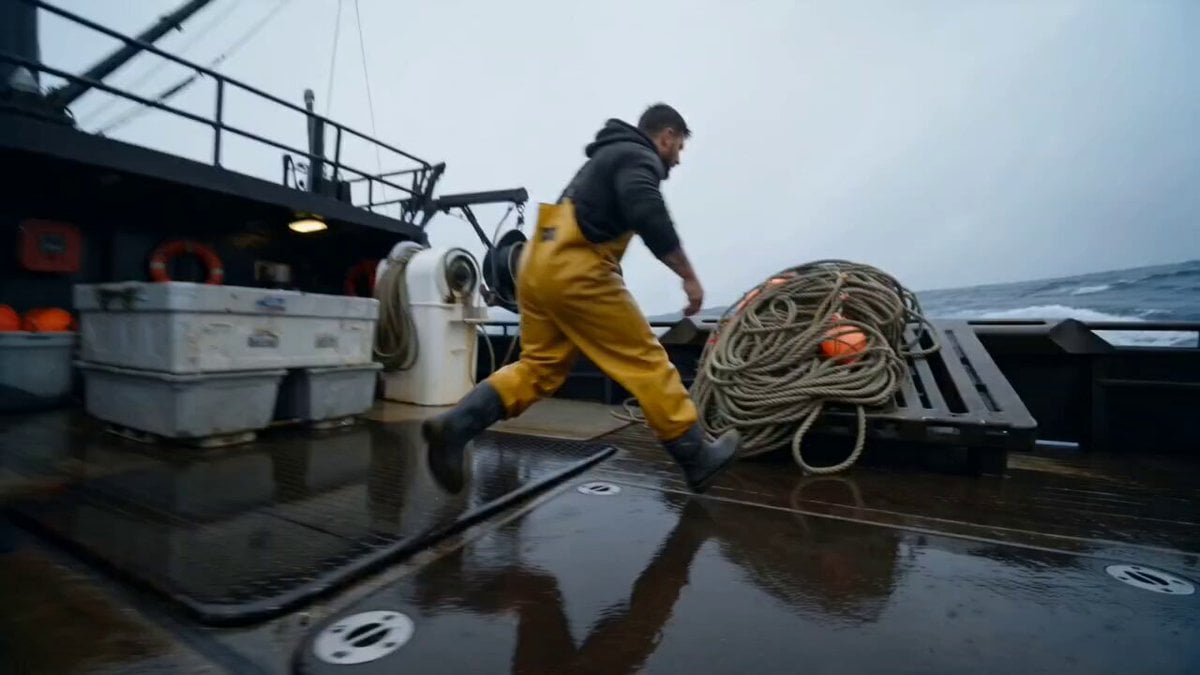
Deep-Sea Fisherman Documentary
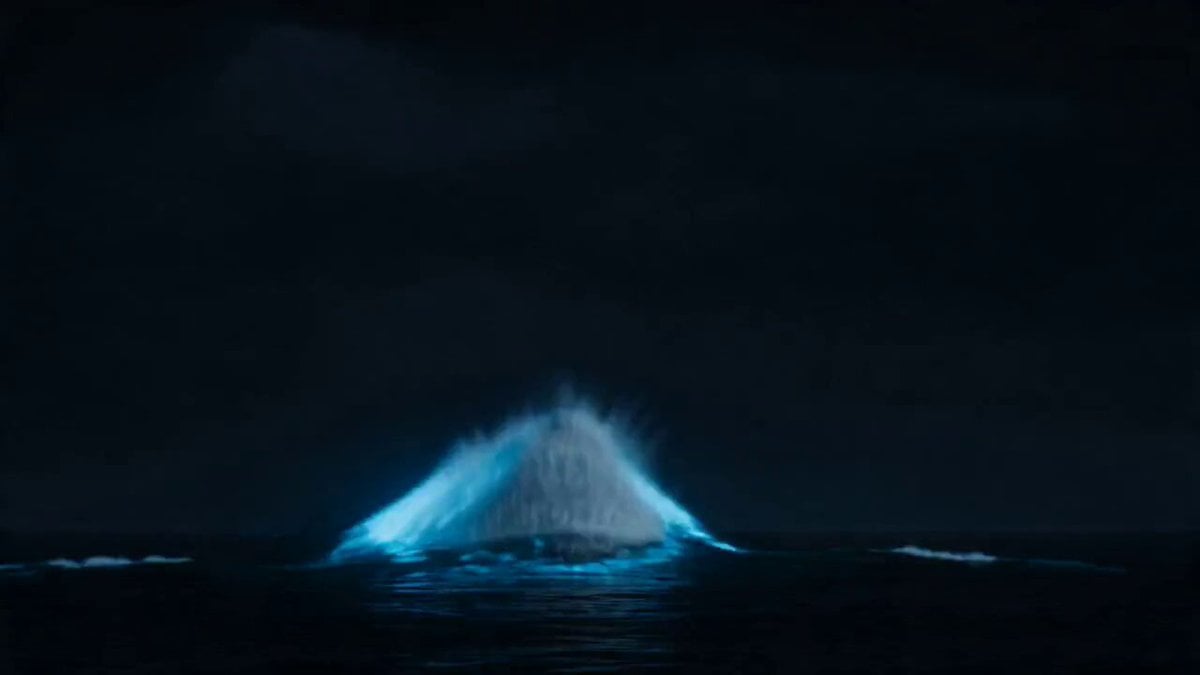
Deep Sea Leviathan Eruption
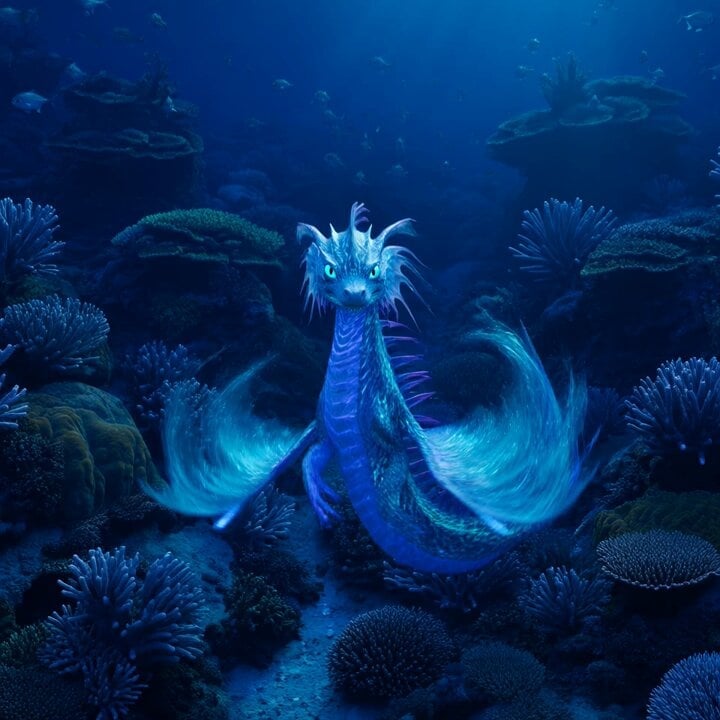
Bioluminescent Sea Dragon in Coral Reef

Walking Factory with Rebel on Hoverbike - Wasteland
Make it yours
Bioluminescent Deep Sea Predator Chase works as-is. These are the safest ways to change it without losing the look.
Change one field
Copy a single group, rewrite it, and generate again so you can see what that field is doing.
Keep the frame, change the subject
Hold the composition and light of Bioluminescent Deep Sea Predator Chase, then swap wardrobe, props or the person for a new take.
| If the result… | Why | Fix |
|---|---|---|
| The result drifts from the preview | Too many fields changed at once. | Reuse Bioluminescent Deep Sea Predator Chase as-is first, then change one group — subject, light, or setting. |
| The model over-stylizes the scene | The prose prompt leaves finish and camera underspecified. | Add one camera or lighting sentence and stay on Seedance 2.0. |
More Seedance 2.0 templates
Other prompts made for Seedance 2.0.

Comical Martial Arts Punch Scene

Maglev Train Action Sequence

Martial Arts Fight Sequence

Wuxia Protection and Trust Script

Vintage Korean Arcade MiniDV Vlog

Mercedes 190 SL Luxury Ad

Rainy Night Supernatural Reverse Comedy Video Script

Amazon Civilization Discovery

Futuristic South Asian City Transformation

Cozy Luxury Cafe Commercial
More video prompts
Fresh picks from across the catalog.

Shiba Inu Girl in Space Outfit Video

Ancient Myth Tragic Cinematic Drama
Coffee Stop-Motion Morning Ritual
Celestial Giant Formation Over Mountain Range Video Prompt

3D Bakery Animation Sequence
Jungle Canopy Speeder Chase
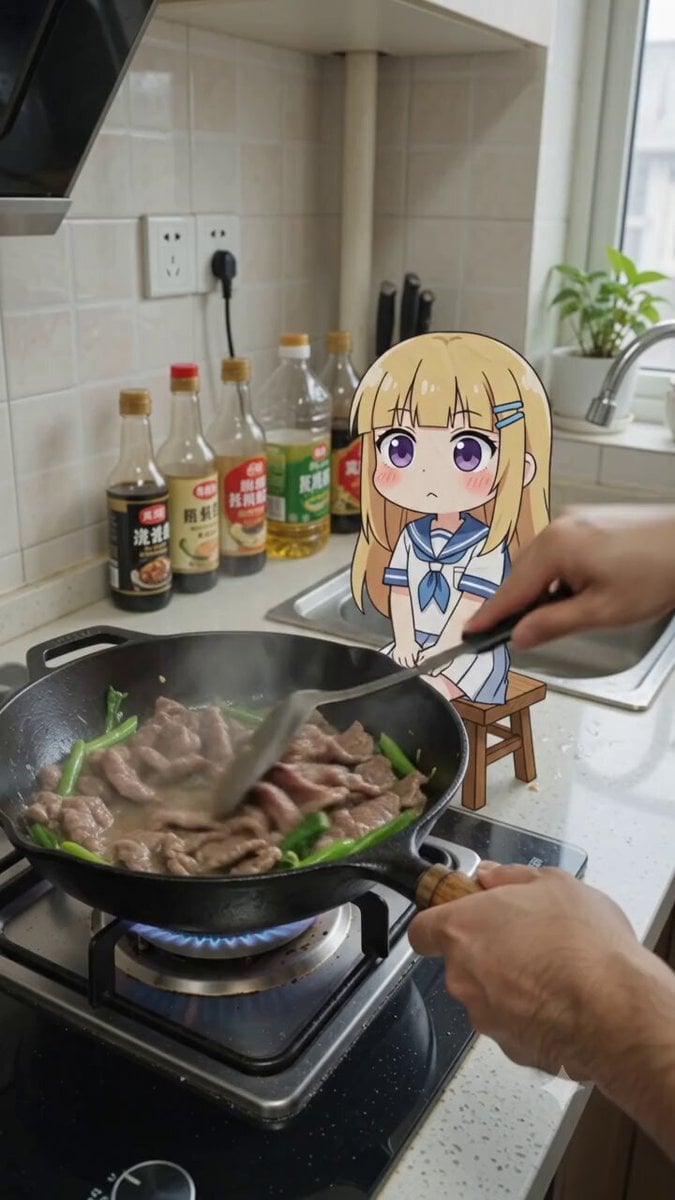
POV Cooking Vlog with 2D Sticker Animation

Skincare Ad Concept Video
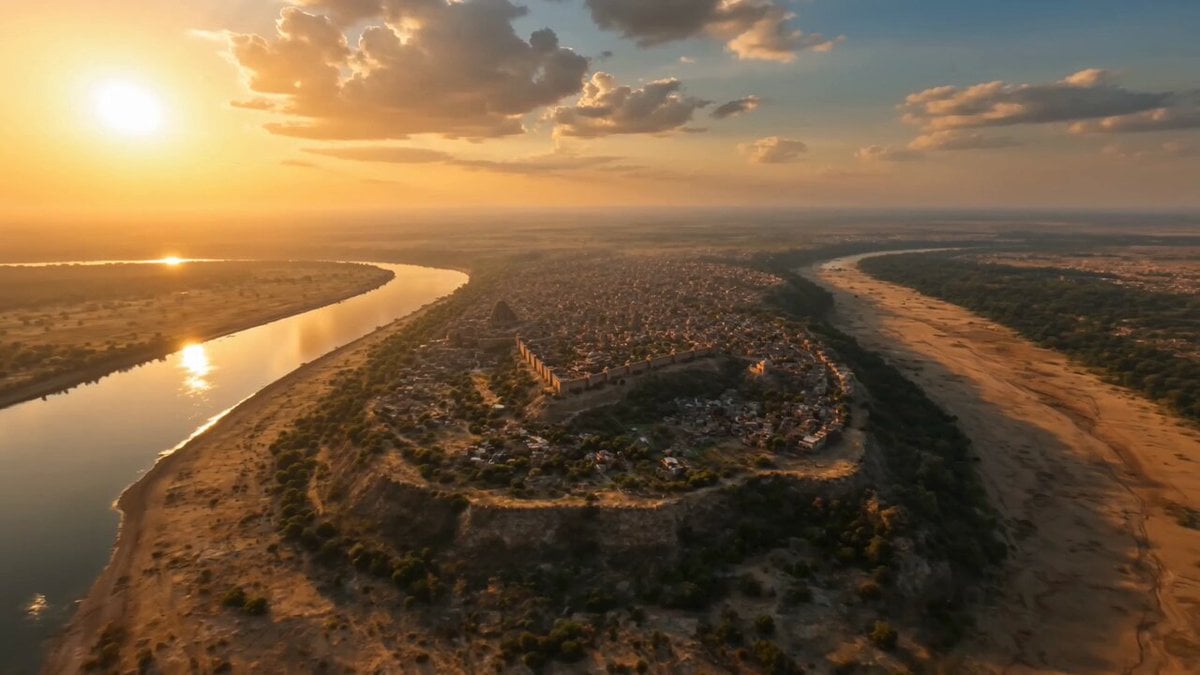
Ancient Sauvira Kingdom FPV
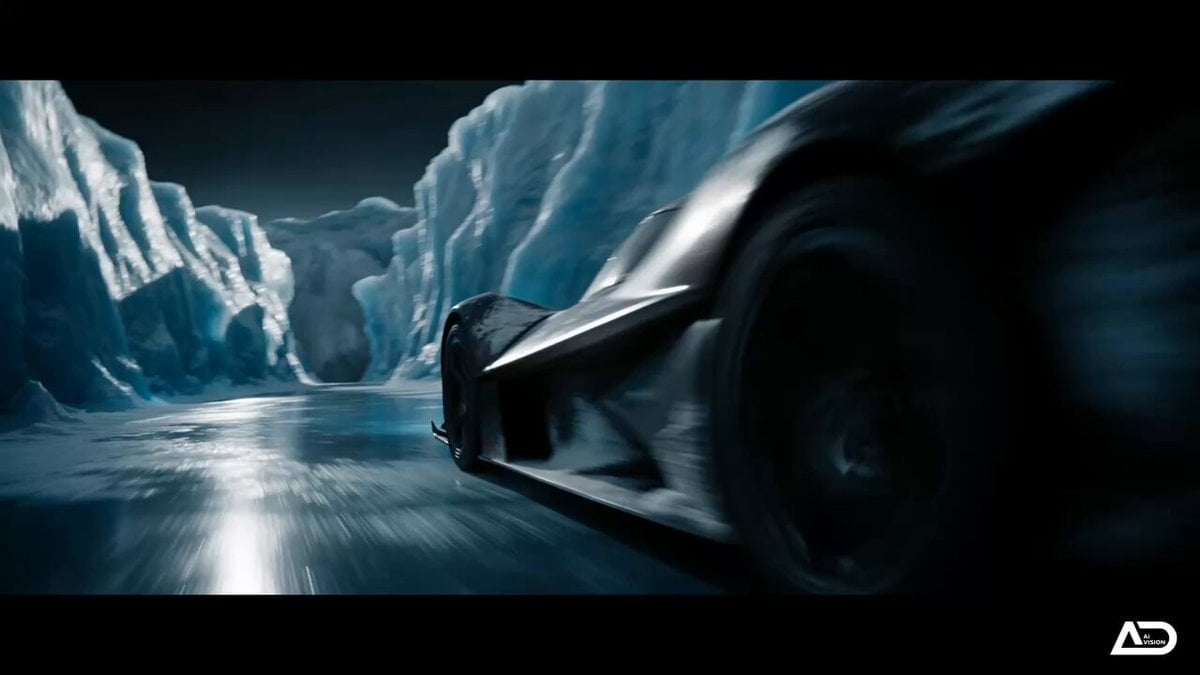
Futuristic Ice Canyon Racer Sequence
Browse template categories
Bioluminescent Deep Sea Predator Chase questions
How do I use the Bioluminescent Deep Sea Predator Chase template?
Add your photo if the template asks for one, edit the prompt if you like — the template's model and format are already selected — and press Generate. Your version opens in PicX Studio.
Can I customize the Bioluminescent Deep Sea Predator Chase template?
Yes. You can change the subject, setting, lighting, mood, format, and available model controls before creating your video.
Is the Bioluminescent Deep Sea Predator Chase template free?
Opening and editing this template is free. Generating uses credits, shown on the Generate button when you are signed in.
Which AI model should I use?
Start with Seedance 2.0, which is the model associated with this template. You can compare another compatible model for a different finish.
Looking for something else? Browse all templates.

Your photo, any look
Thousands of ready templates for every top image and video model, from one credit balance.