How do I use the Bioluminescent Sea Dragon in Coral Reef template?
Edit the prompt in the box under the preview — the template's model and format are already selected — and press Generate. Your version appears right on this page.
A detailed 10-second Grok Imagine video prompt describing a graceful bioluminescent sea dragon gliding through an underwater coral reef at night, focusing on electric cyan and violet patterns, magical underwater style…
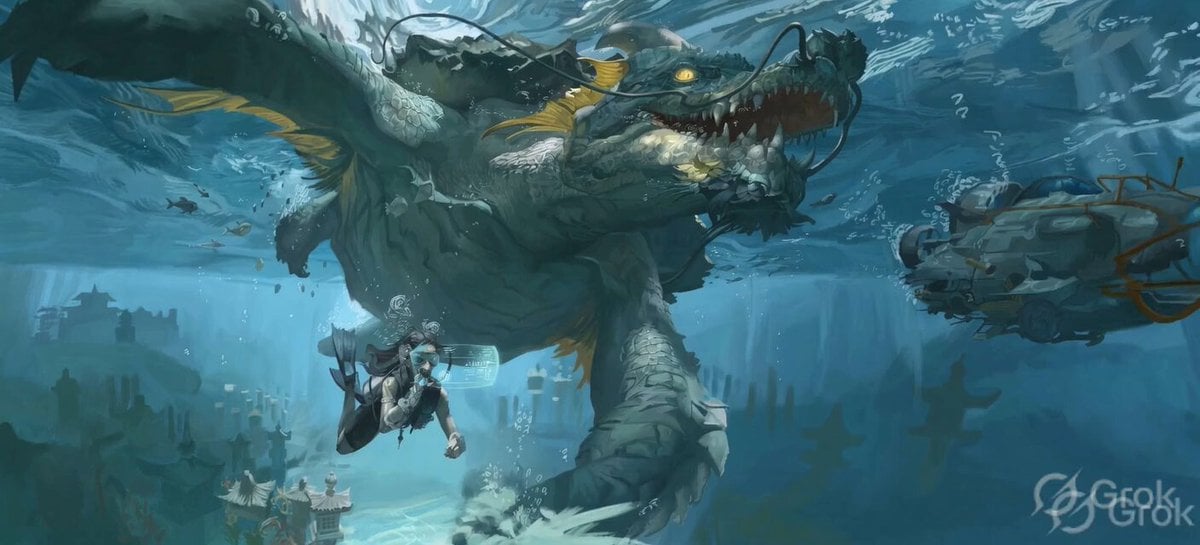
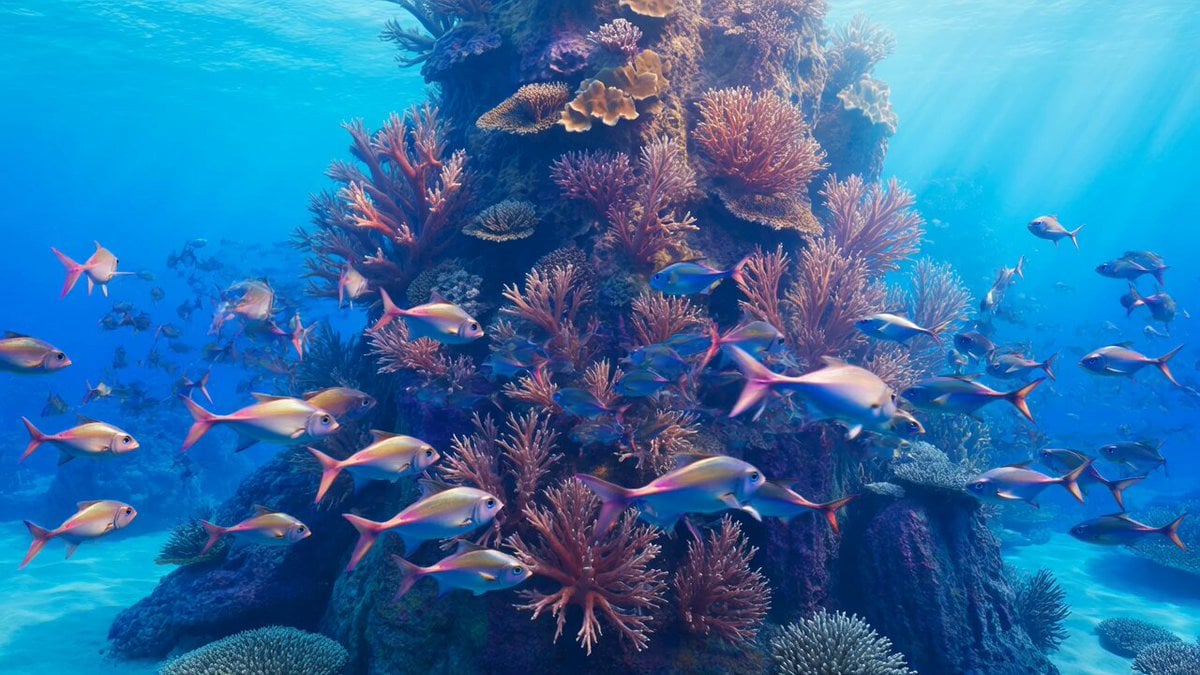
A graceful bioluminescent sea dragon gliding through an underwater coral reef at night, body glowing in electric cyan and violet patterns, long flowing fins trailing light, schools of fish following it, soft moonlight shafts from above, ultra-detailed textures – glowing scales, fin membrane, coral polyps, realistic magical underwater style, vibrant color palette of deep blues and electric cyans, 16k resolution. Animation (10 seconds): STRONG START – At 0–2 seconds sudden burst as the sea dragon surges forward with glowing trails. At 3 seconds the camera transitions into smooth forward tracking following its glide. Final 4 seconds: the tracking rises gently upward through the water, ending with powerful hold on the dragon turning to look directly at the camera with glowing eyes. Soundtrack: Gentle underwater whooshes at start, layered with soft glowing hum and fish movement, ethereal synth pads rising to magical climax.
A graceful bioluminescent sea dragon gliding through an underwater coral reef at night, body glowing in electric cyan and violet patterns, long flowing fins trailing light, schools of fish following it, soft moonlight shafts from above, ultra-detailed textures – glowing scales, fin membrane, coral polyps, realistic magical underwater style, vibrant color palette of deep blues and electric cyans, 16k resolution. Animation (10 seconds): STRONG START – At 0–2 seconds sudden burst as the sea dragon surges forward with glowing trails. At 3 seconds the camera transitions into smooth forward tracking following its glide. Final 4 seconds: the tracking rises gently upward through the water, ending with powerful hold on the dragon turning to look directly at the camera with glowing eyes. Soundtrack: Gentle underwater whooshes at start, layered with soft glowing hum and fish movement, ethereal synth pads rising to magical climax.
Edit the prompt in the box under the preview — the template's model and format are already selected — and press Generate. Your version appears right on this page.
Yes. You can change the subject, setting, lighting, mood, format, and available model controls before creating your video.
Opening and editing this template is free. Generating uses credits, shown on the Generate button when you are signed in.
Start with Grok Imagine, which is the model associated with this template. You can compare another compatible model for a different finish.
Follow a topic to a crawlable collection of related PicX Studio templates.