
Bioluminescent Abyssal Fish Cinematic Video
A detailed cinematic video prompt for a nature documentary-style sequence featuring a menacing bioluminescent fish in the deep ocean.

- Prompt included
- Model and format preset
- Premium template
The prompt behind this video
Copy the exact prompt behind Bioluminescent Abyssal Fish Cinematic Video, or open it in the studio and make it yours.
Bioluminescent abyssal fish with ghostly translucent skin, large glowing blue eyes, and long, wispy filaments drifting from its body. Context: Pitch-black abyssal ocean depths, dark water with subtle floating marine snow and organic particles. Action: The creature swims slowly and menacingly forward, its massive jaw gradually opens to reveal rows of long, sharp, needle-like teeth. Its filaments undulate gently in the current. Style: Cinematic, photorealistic, nature documentary, horror, macro photography, high detail, unsettling, eerie. Camera motion: Slow, subtle push-in, tracking the creature's forward movement, creating a sense of impending doom. Composition: Medium close-up shot, focused on the creature's head and glowing eyes, shallow depth of field, head-on angle. Ambiance: Extreme low-light, high contrast, deep shadows, volumetric lighting originating from the creature's bioluminescence, eerie blue and white glow, dark and cold color palette.
How to use Bioluminescent Abyssal Fish Cinematic Video in 3 steps
- 1
Open
The prompt is already in the box next to the preview, with the template's model and format selected.
- 2…a portrait of your subject in softgolden-hour light, 85mm…
Personalize
Edit the subject and creative details for your destination.
- 3Generate
Generate
Press Generate — your video is created in PicX Studio, so you can compare it with the original and refine one variable at a time.
More like this
Templates with the same subject, style or setup. Open one to see its prompt.

Cinematic Night Scene with Giant Bioluminescent Jellyfish

Mermaid and Bully Fish Cooperation
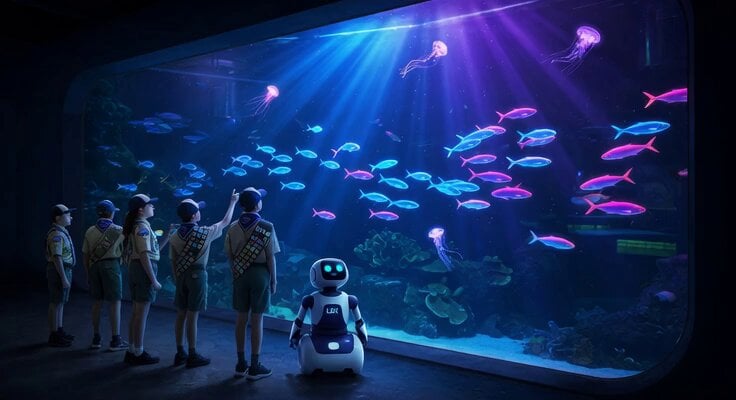
Monterey Bay Aquarium Neon Fish Video
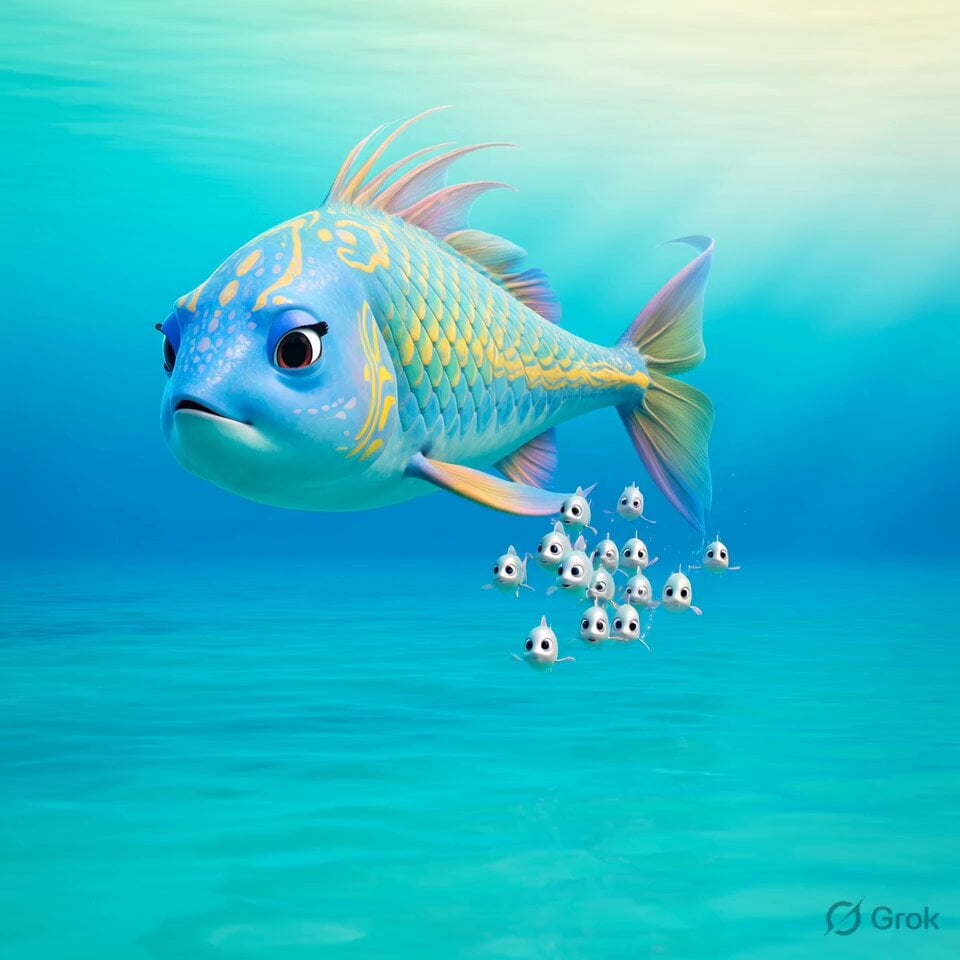
Undersea Family Fish Animation

Bioluminescent Dawn Fantasy Prompt
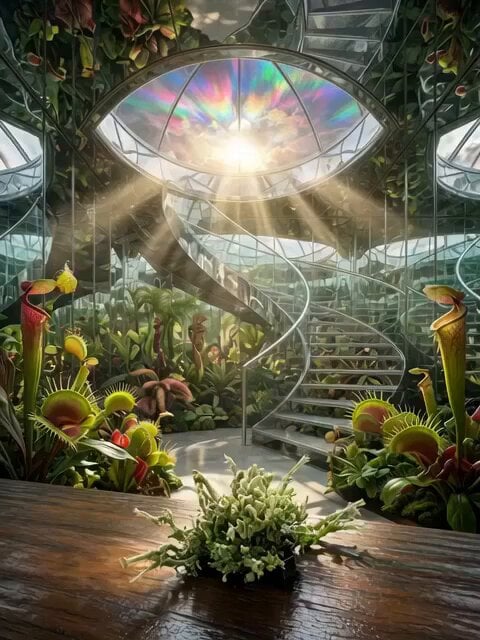
Bioluminescent Aquarium Dolphin Whirlpool
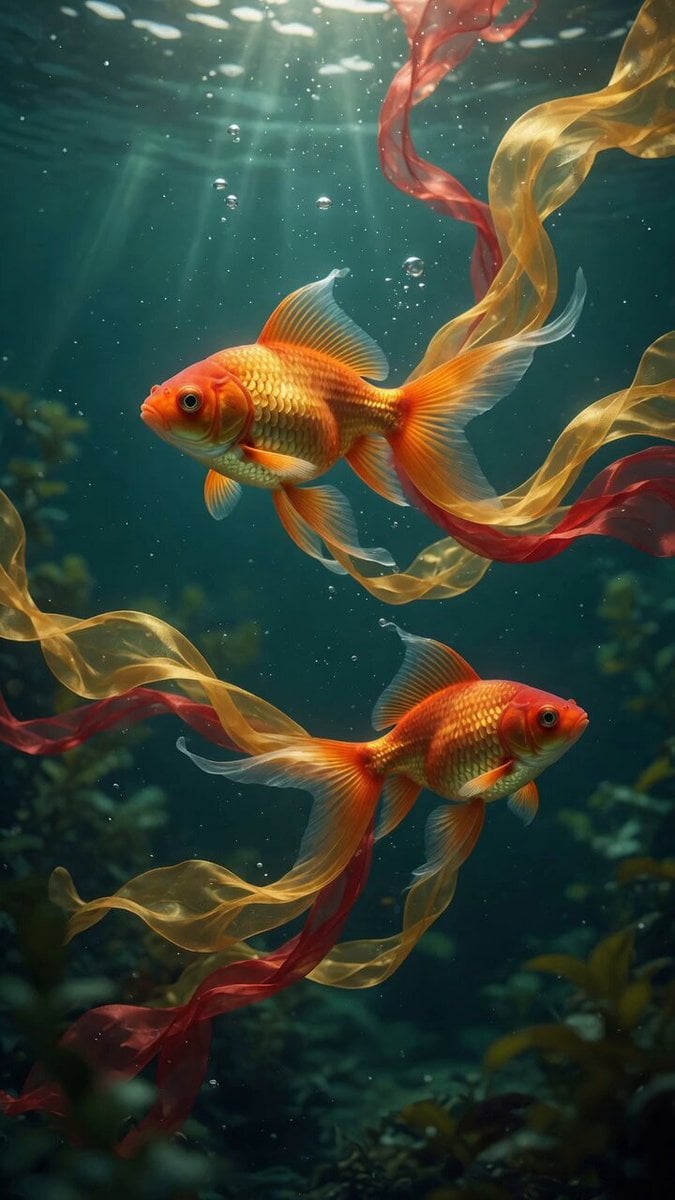
Goldfish with Ribbon Trails
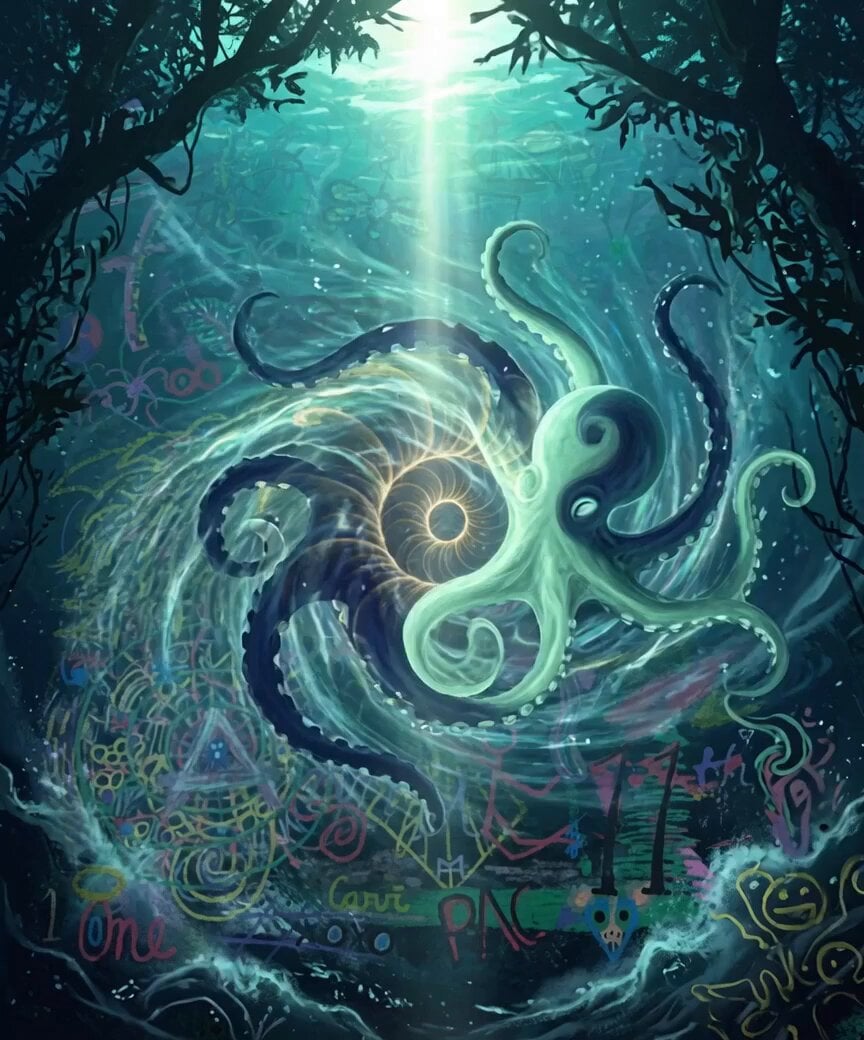
Bioluminescent Dolphins Vortex
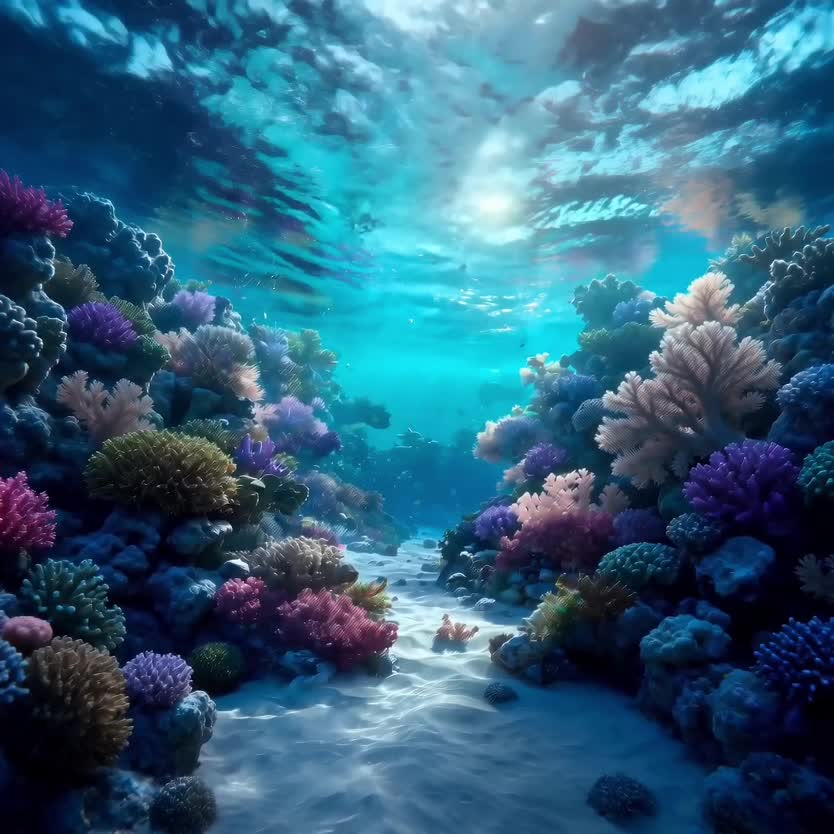
Deep-Sea Coral Reef Jellyfish Scene
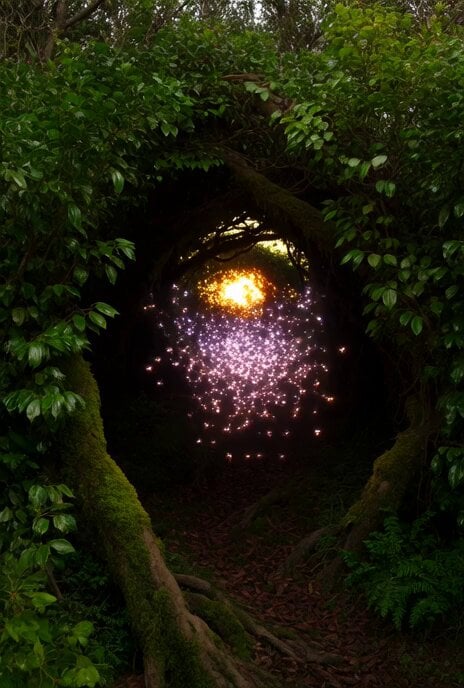
Bioluminescent Fireflies in Dark Thicket Video

Memory Fish mystical creatures video
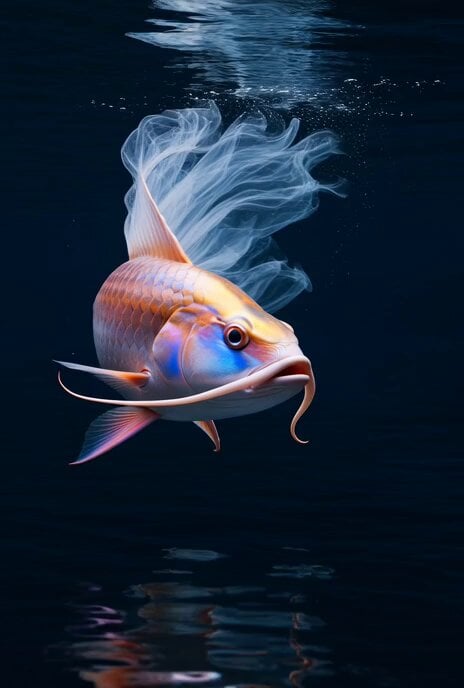
Grok Imagine Prompt: Color-Morphing Ornamental Fish
Make it yours
Bioluminescent Abyssal Fish Cinematic Video works as-is. These are the safest ways to change it without losing the look.
Change one field
Copy a single group, rewrite it, and generate again so you can see what that field is doing.
Keep the frame, change the subject
Hold the composition and light of Bioluminescent Abyssal Fish Cinematic Video, then swap wardrobe, props or the person for a new take.
| If the result… | Why | Fix |
|---|---|---|
| The result drifts from the preview | Too many fields changed at once. | Reuse Bioluminescent Abyssal Fish Cinematic Video as-is first, then change one group — subject, light, or setting. |
| The model over-stylizes the scene | The prose prompt leaves finish and camera underspecified. | Add one camera or lighting sentence and stay on Grok Imagine. |
More Grok Imagine templates
Other prompts made for Grok Imagine.

Soft Pink Roses Dreamer Prompt

Ninja Wizard Levitation Jump

Coffee Cup Interaction Motion

Voice Controlled Water Animation

Pterodactyl Transformation Journey

Candle Mandala Mirror Video

Psychedelic Purple Disc World Video

Mecha Runway Tap Dance Video Prompt

Quantum Inventor in Sonoran Desert

Emotional Angry Couple Drama
More video prompts
Fresh picks from across the catalog.
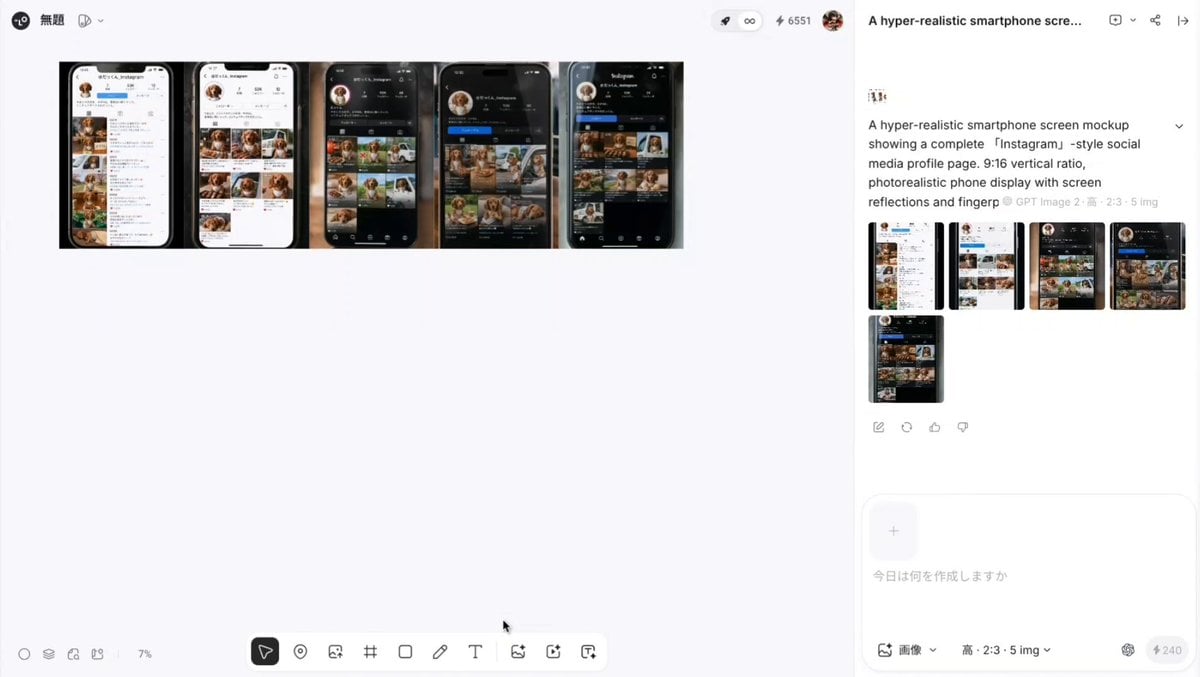
Two-legged dachshund Instagram transition

Futuristic Interceptor O'Neill Cylinder Chase

Fisheye Urban Dancer Sequence

Stop-Motion Claymation Nutella Cafe

Zen Minimalist Morning Sequence

Gothic Mansion Back Tattoo

Ethereal Underwater Sorrow
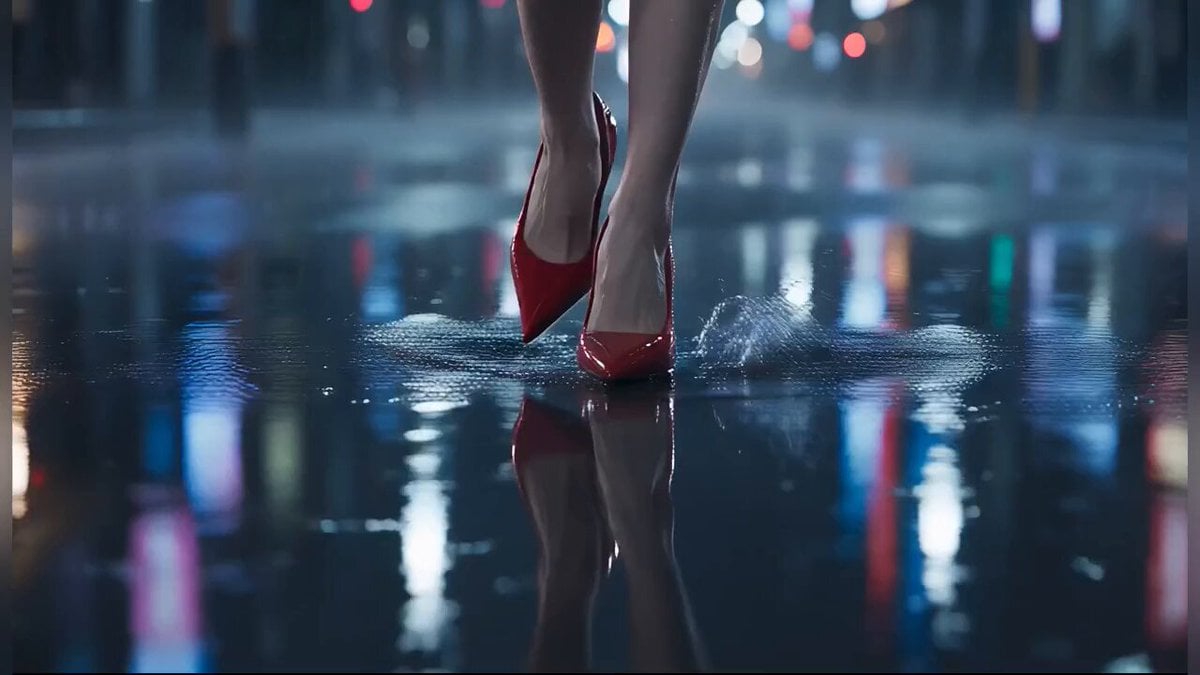
Tokyo Rainy Night Cinematic Atmosphere

Romantic Cafe Dinner Date

Action Thriller Leviathan Chase
Browse template categories
Bioluminescent Abyssal Fish Cinematic Video questions
How do I use the Bioluminescent Abyssal Fish Cinematic Video template?
Add your photo if the template asks for one, edit the prompt if you like — the template's model and format are already selected — and press Generate. Your version opens in PicX Studio.
Can I customize the Bioluminescent Abyssal Fish Cinematic Video template?
Yes. You can change the subject, setting, lighting, mood, format, and available model controls before creating your video.
Is the Bioluminescent Abyssal Fish Cinematic Video template free?
Opening and editing this template is free. Generating uses credits, shown on the Generate button when you are signed in.
Which AI model should I use?
Start with Grok Imagine, which is the model associated with this template. You can compare another compatible model for a different finish.
Looking for something else? Browse all templates.

Your photo, any look
Thousands of ready templates for every top image and video model, from one credit balance.