How do I use the Deep-Sea Coral Reef Jellyfish Scene template?
Edit the prompt in the box under the preview — the template's model and format are already selected — and press Generate. Your version appears right on this page.
cinematic text-to-video direction, camera movement, and scene planning.
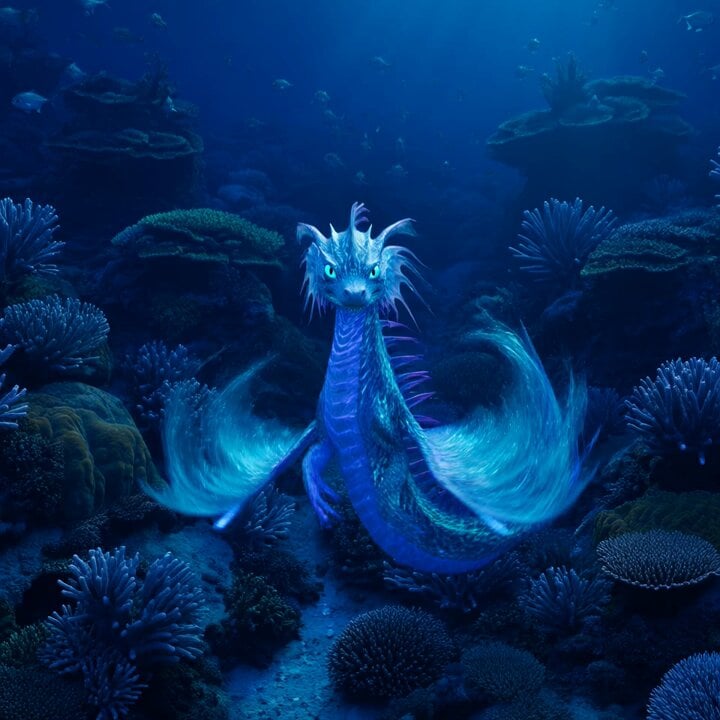
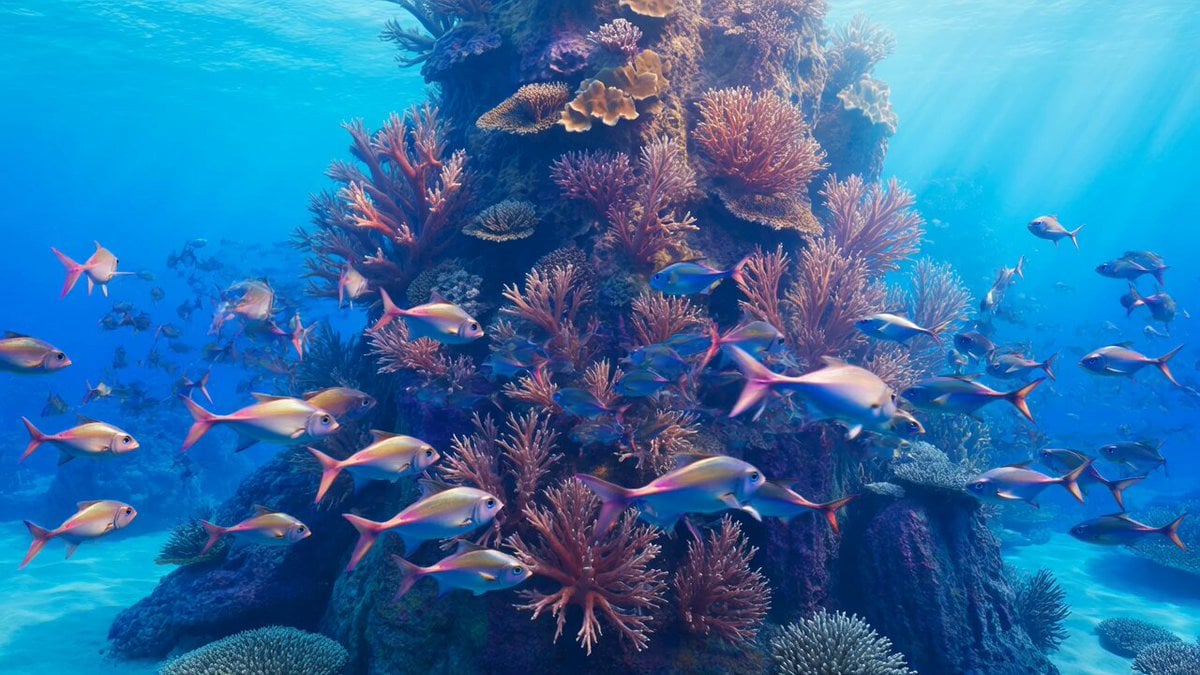
A deep-sea coral reef scene in a tropical underwater world with a blue overall tone. Large areas of healthy, thriving colorful living coral, including branching coral, brain coral, plate coral, and soft sea-fan coral. Schools of tropical fish swim naturally through the reef. The foreground is clear and vivid; the background gradually shifts blue-gray with reduced contrast. Natural light from above is filtered through seawater, forming soft volumetric beams. Tiny suspended particles and slight water movement are visible. Soft coral sways gently and fish movement is smooth and coordinated. Add a group of translucent pale-purple glowing jellyfish, 8 to 12 in total, slowly appearing in different sizes. Their umbrella bodies pulse gently with flowing tentacles, moving elegantly through the coral reef while the whole scene stays calm, realistic, and dreamlike.
A deep-sea coral reef scene in a tropical underwater world with a blue overall tone. Large areas of healthy, thriving colorful living coral, including branching coral, brain coral, plate coral, and soft sea-fan coral. Schools of tropical fish swim naturally through the reef. The foreground is clear and vivid; the background gradually shifts blue-gray with reduced contrast. Natural light from above is filtered through seawater, forming soft volumetric beams. Tiny suspended particles and slight water movement are visible. Soft coral sways gently and fish movement is smooth and coordinated. Add a group of translucent pale-purple glowing jellyfish, 8 to 12 in total, slowly appearing in different sizes. Their umbrella bodies pulse gently with flowing tentacles, moving elegantly through the coral reef while the whole scene stays calm, realistic, and dreamlike.
Edit the prompt in the box under the preview — the template's model and format are already selected — and press Generate. Your version appears right on this page.
Yes. You can change the subject, setting, lighting, mood, format, and available model controls before creating your video.
Opening and editing this template is free. Generating uses credits, shown on the Generate button when you are signed in.
Start with seedance-2.5, which is the model associated with this template. You can compare another compatible model for a different finish.
Follow a topic to a crawlable collection of related PicX Studio templates.