
Comic-Pop Car Debate
A stylized comic-pop animation prompt featuring a humorous dialogue between a couple in a car regarding phone brands.
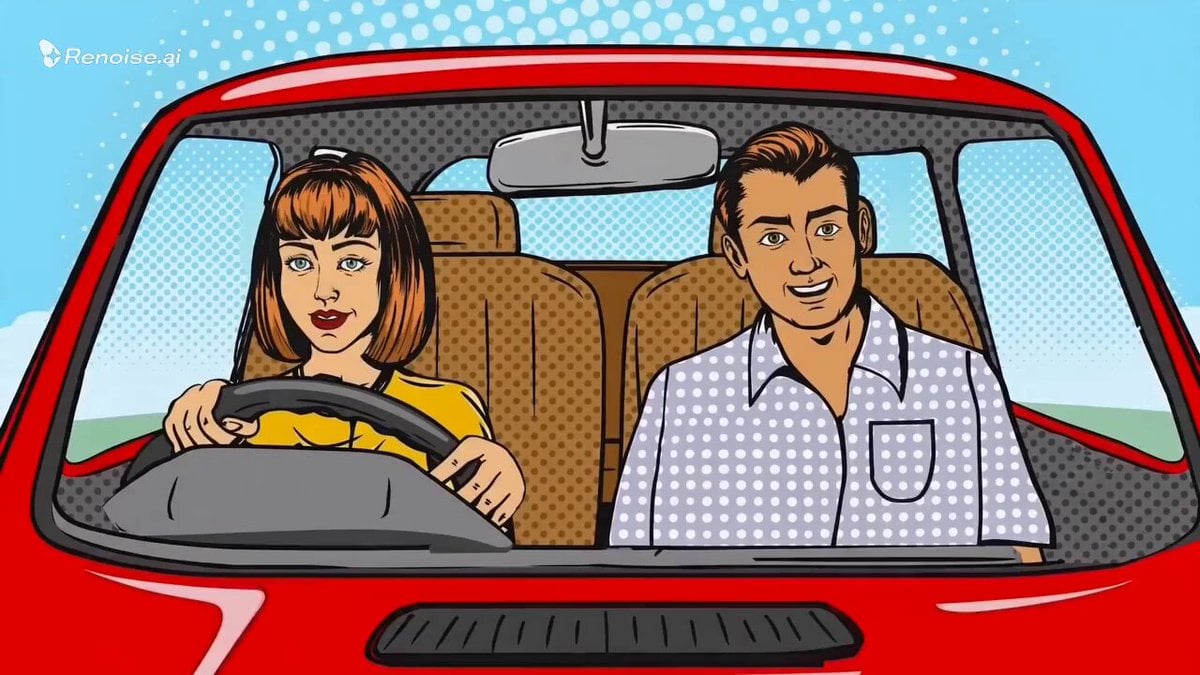
- Prompt included
- Model and format preset
- Free template
The prompt behind this video
Copy the exact prompt behind Comic-Pop Car Debate, or open it in the studio and make it yours.
15-second stylized comic-pop animation, retro halftone texture, bold outlines, vibrant colors, front windshield view of a red car interior. Light, playful background music throughout (bouncy, cheeky tone with soft drums and synth plucks). 0–4s: A young couple rides casually @1000006688.jpg . Girl (relaxed, confident): “I’ll always pick Samsung.” Boy (grinning, teasing): “Android isn’t even better.” 4–8s: Music dips slightly as tension builds. Girl (side-eye, controlled): “Say that again.” Boy (shrugs): “It’s just facts.” 8–11s: Beat drops. Car slows sharply. Girl (flat, decisive): “Get out.” 11–13s: Door opens, boy is left standing, confused. Door shuts. Music cuts for a split second @1000006681.jpg . 13–15s: Music resumes playful. She drives off, calm again, taps her Samsung phone, slight smirk @cartoon-smart-phone-vector-drawing-illustration_1316704-44023.jpg . On-screen text (last frame): “Debate ended.”
How to use Comic-Pop Car Debate in 3 steps
- 1
Open
The prompt is already in the box next to the preview, with the template's model and format selected.
- 2…a portrait of your subject in softgolden-hour light, 85mm…
Personalize
Edit the subject and creative details for your destination.
- 3Generate
Generate
Press Generate — your video is created in PicX Studio, so you can compare it with the original and refine one variable at a time.
More like this
Templates with the same subject, style or setup. Open one to see its prompt.
Pop-Art Cartoon vs Live-Action Fight
Superhero Joyrides — Seedance 2.0
French Comic Octopus Detective Mystery
K-Pop Fancam Style Dance Animation
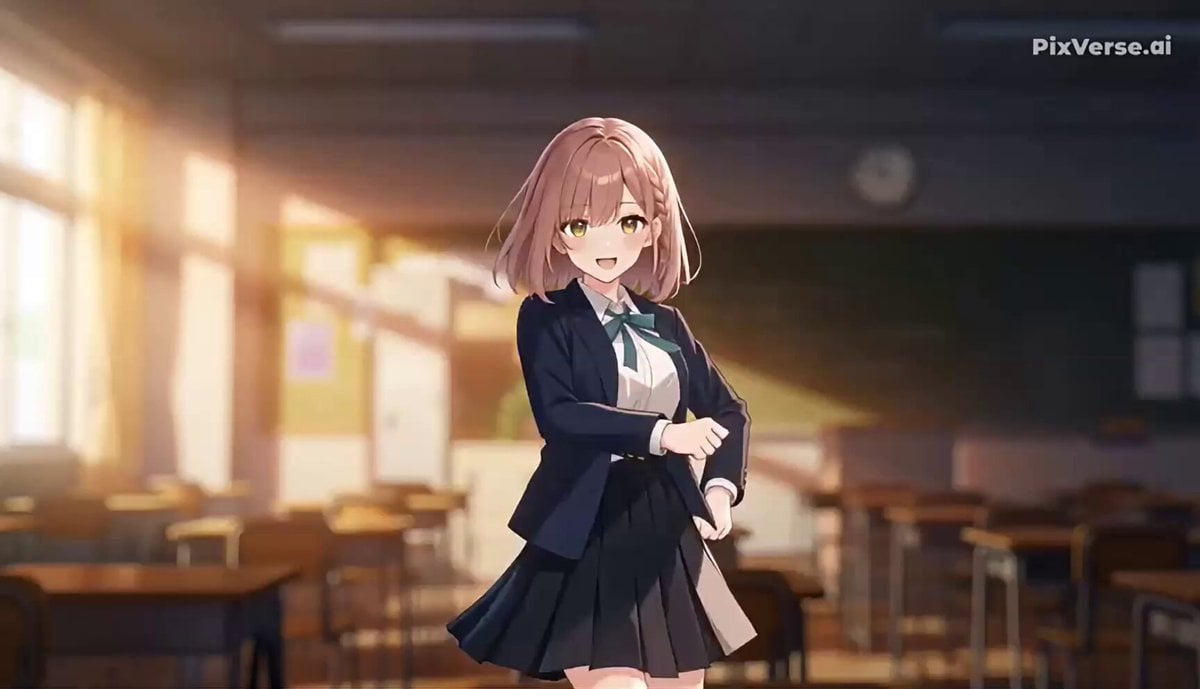
J-Pop Idol Classroom Dance Sequence
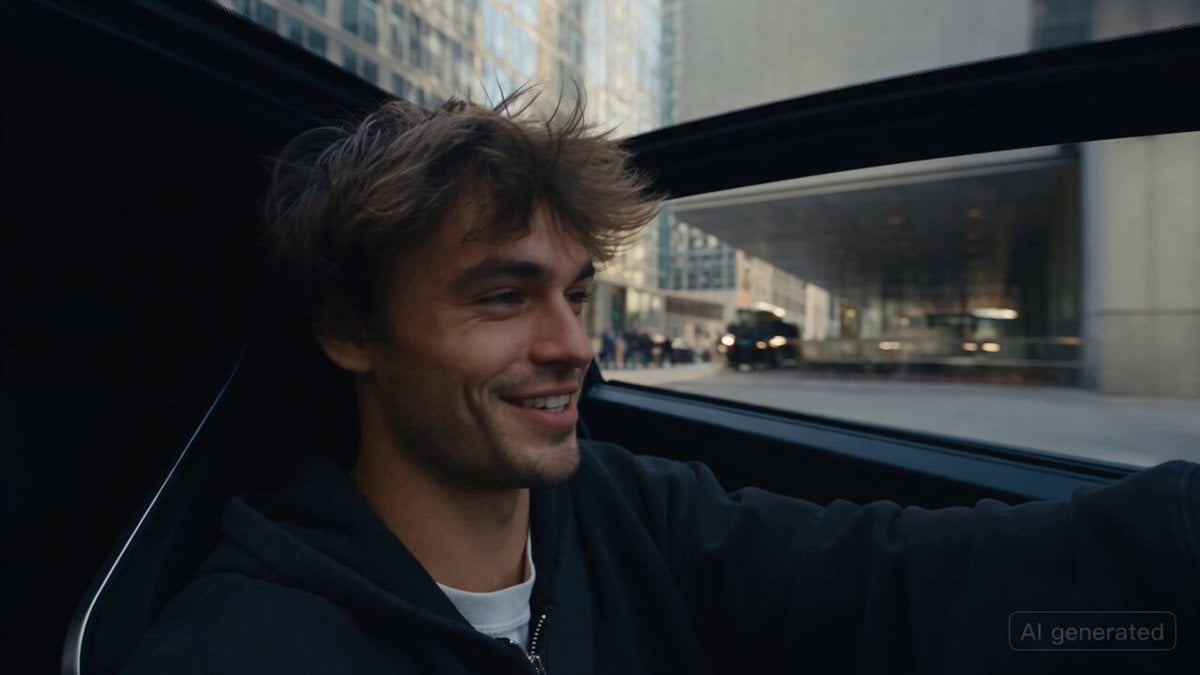
Car Guardian Mechanical Transformation Vlog

Comical Martial Arts Punch Scene
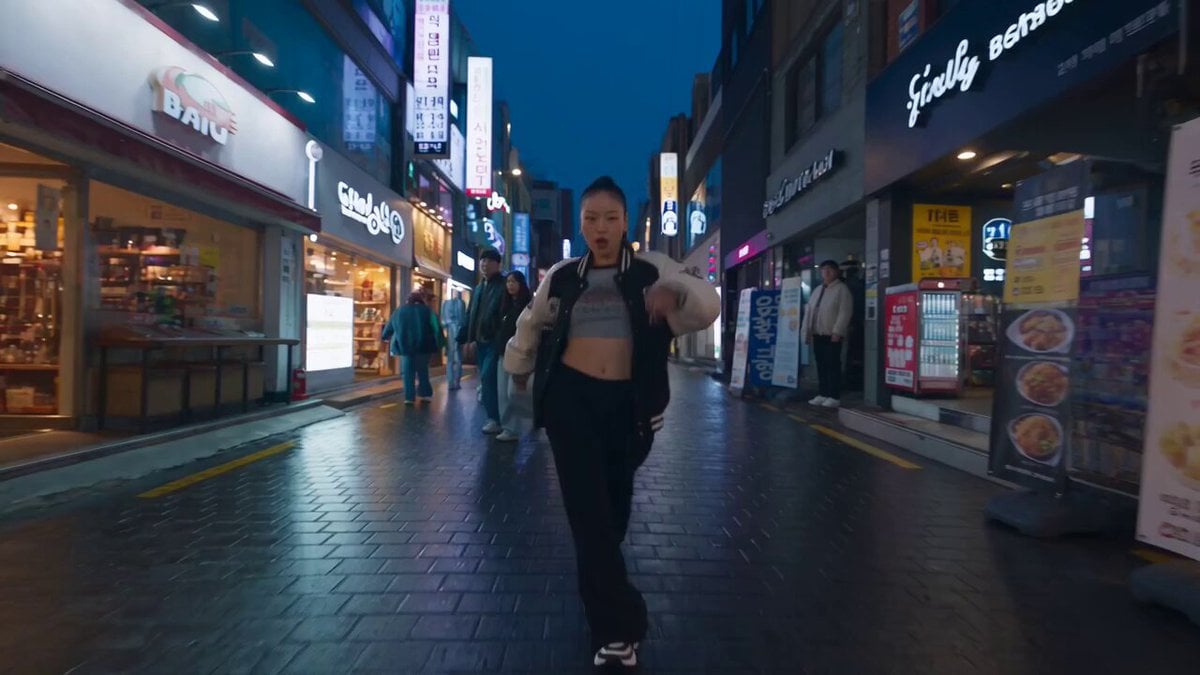
K-pop Flash Mob Music Video
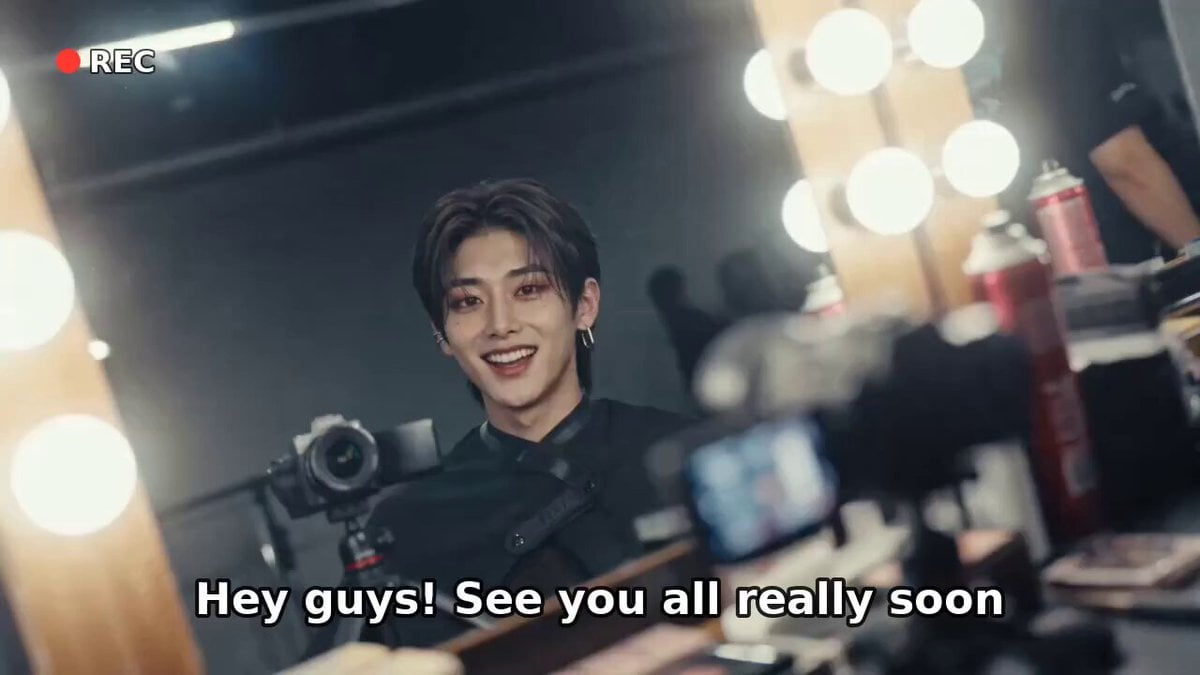
K-Pop Male Idol Backstage Vlog
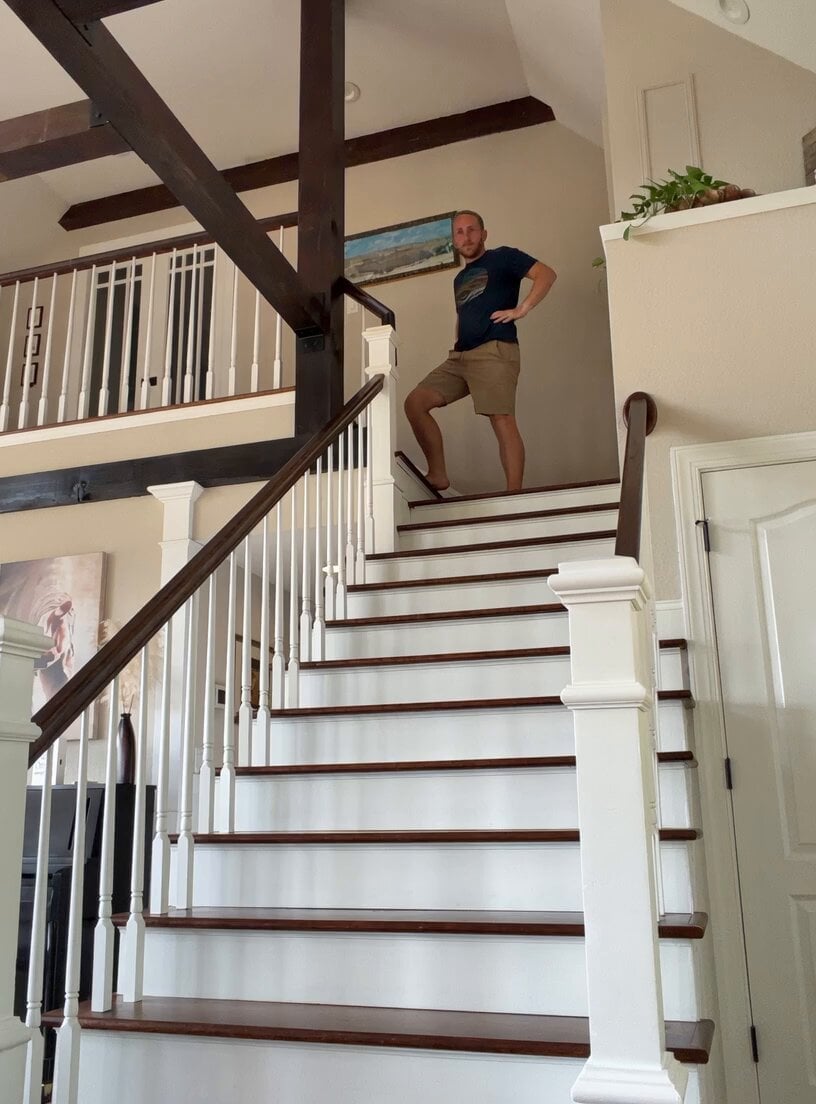
Comical Family Guy Style Stair Fall
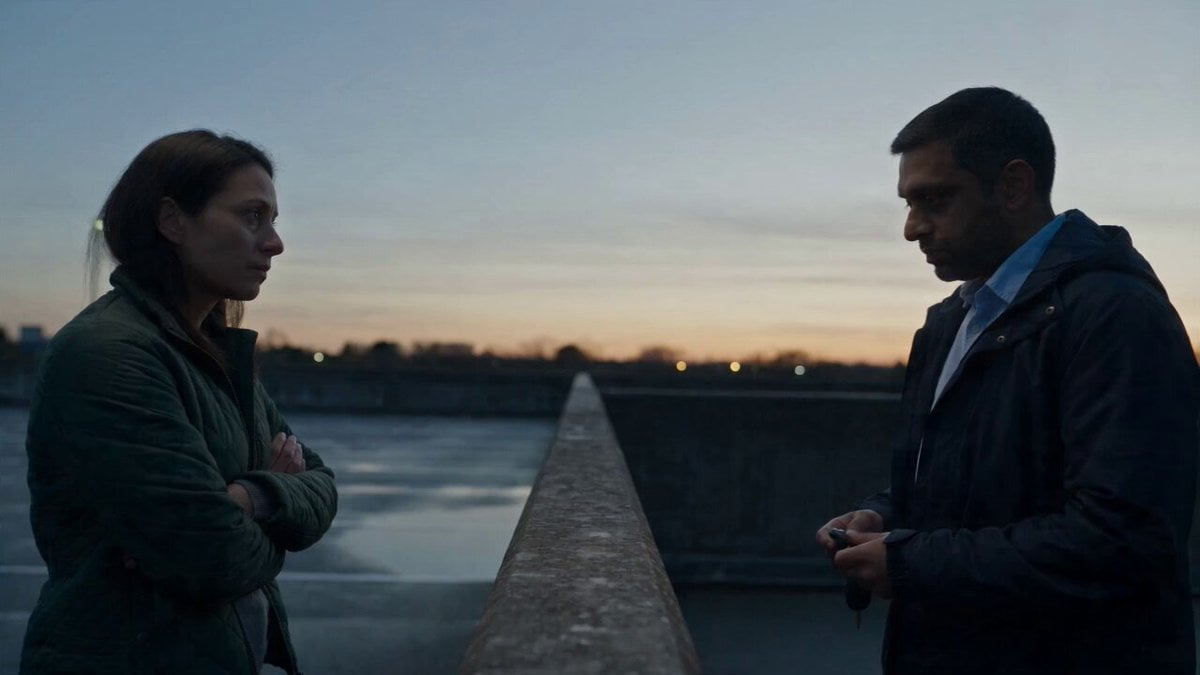
Hospital Car Park Dialogue Lip Sync
K-Pop Red Room Music Video
Make it yours
Comic-Pop Car Debate works as-is. These are the safest ways to change it without losing the look.
Change one field
Copy a single group, rewrite it, and generate again so you can see what that field is doing.
Keep the frame, change the subject
Hold the composition and light of Comic-Pop Car Debate, then swap wardrobe, props or the person for a new take.
| If the result… | Why | Fix |
|---|---|---|
| The result drifts from the preview | Too many fields changed at once. | Reuse Comic-Pop Car Debate as-is first, then change one group — subject, light, or setting. |
| The model over-stylizes the scene | The prose prompt leaves finish and camera underspecified. | Add one camera or lighting sentence and stay on Seedance 2.0. |
More Seedance 2.0 templates
Other prompts made for Seedance 2.0.

Maglev Train Action Sequence

Martial Arts Fight Sequence

Wuxia Protection and Trust Script

Vintage Korean Arcade MiniDV Vlog

Mercedes 190 SL Luxury Ad

Rainy Night Supernatural Reverse Comedy Video Script

Amazon Civilization Discovery

Futuristic South Asian City Transformation

Cozy Luxury Cafe Commercial

Cyber Ronin Nanotech Transformation Video
More video prompts
Fresh picks from across the catalog.

Luxury Perfume Boutique Tracking Shot

Chaotic Neural Palette Animation
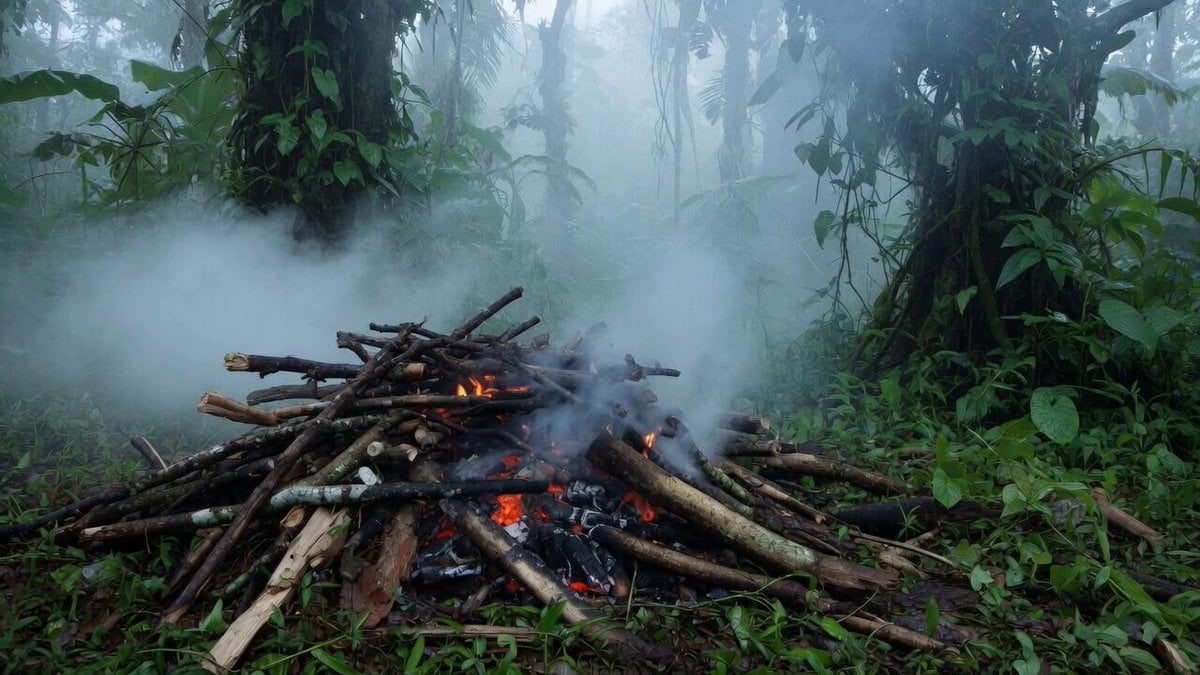
Jungle Woods Fire Video Prompt
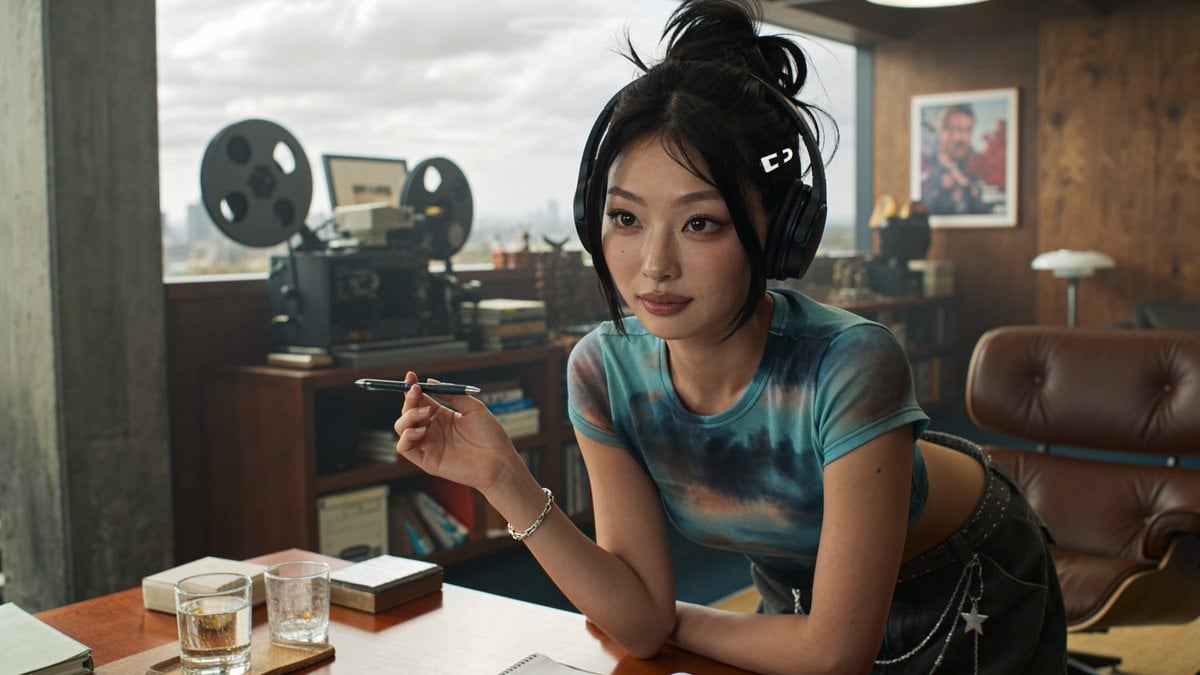
Producer's Office Dialogue Scene

Asian Female Soccer Player Sports Ad
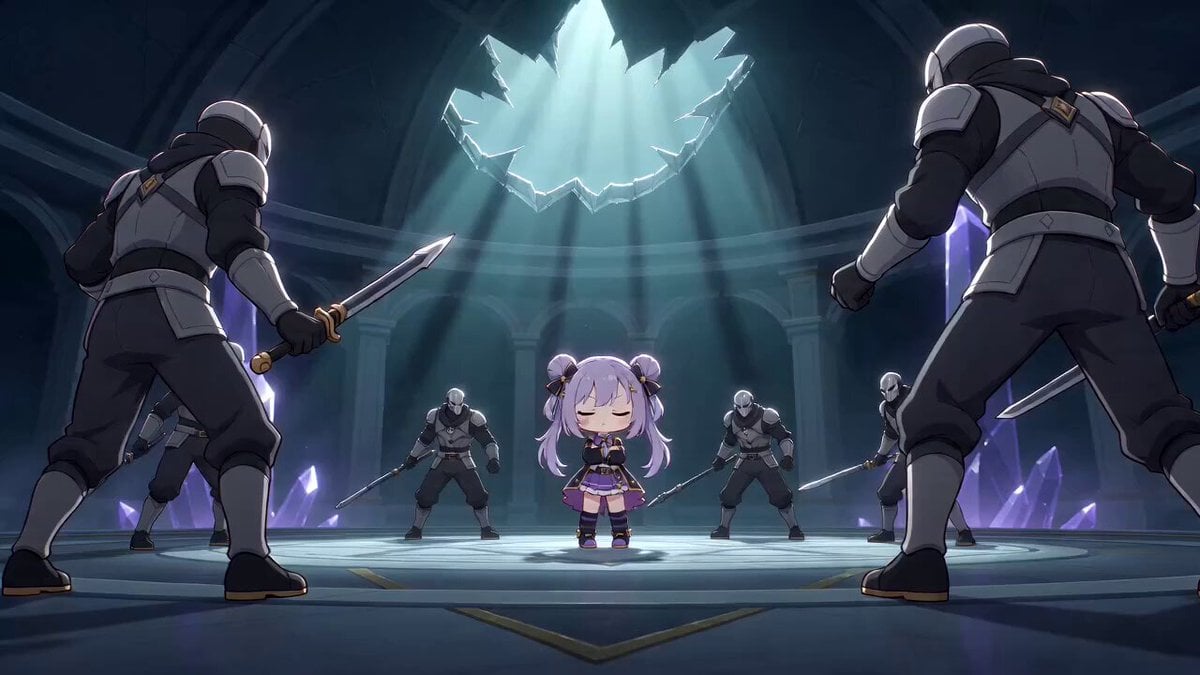
Cinematic Anime Multi-Attack Sequence
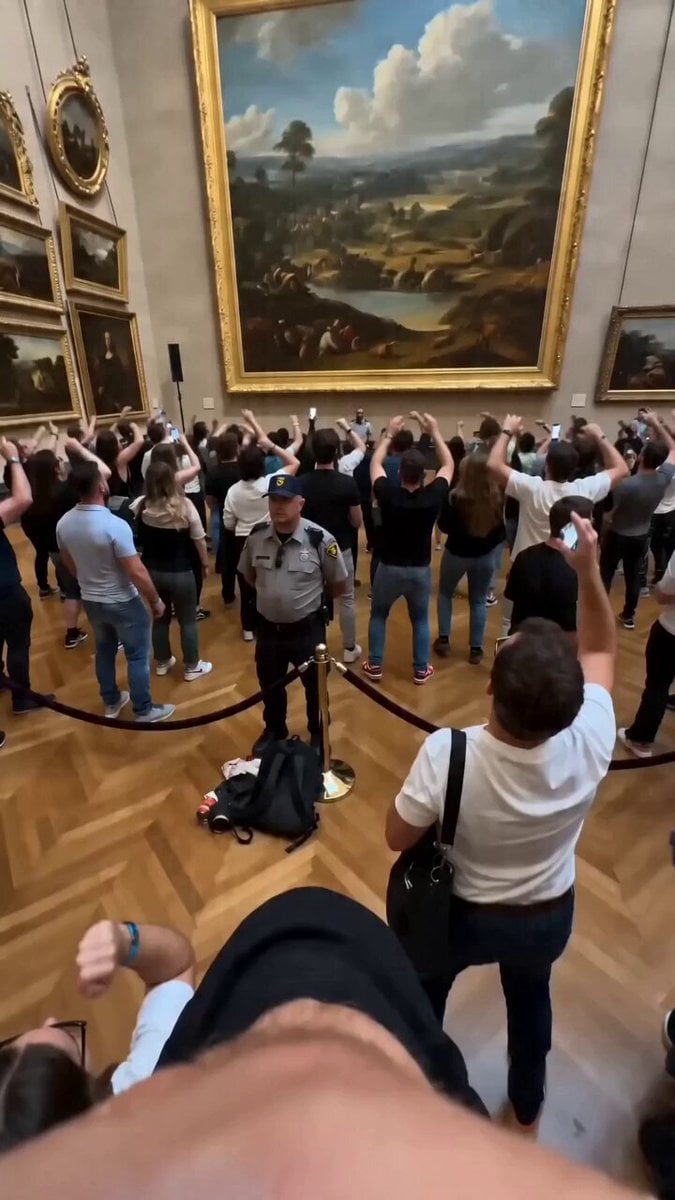
Museum Crowd Phone Camera Aesthetic

Rhythmic Hairstyle Transformation Video Prompt
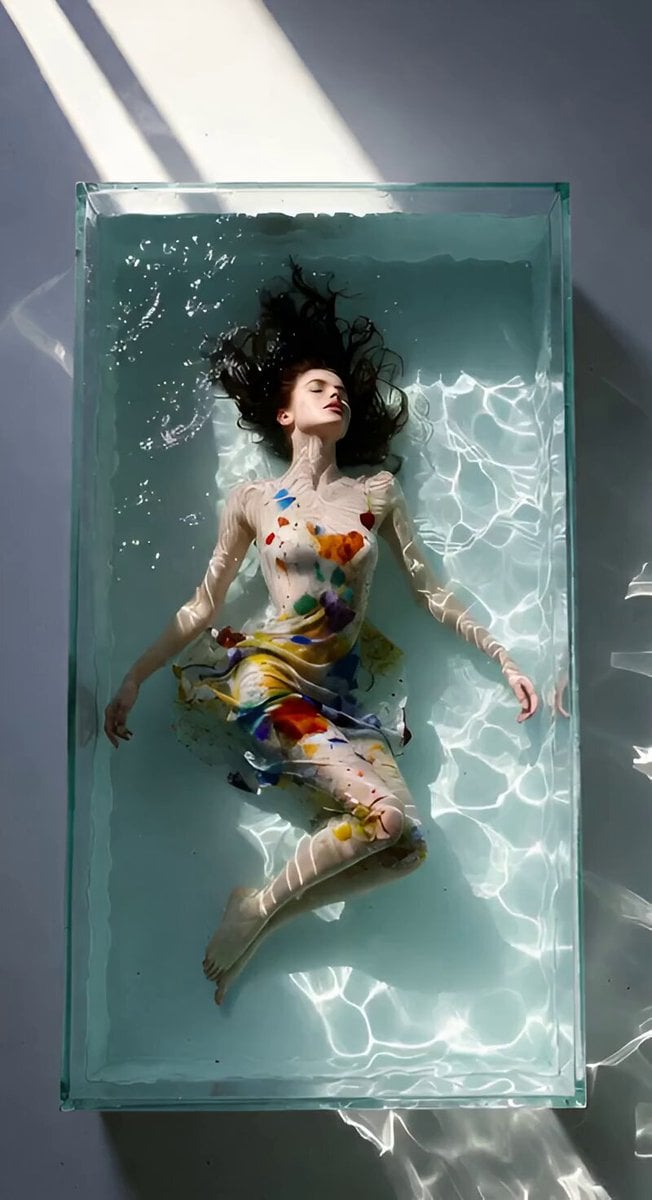
Dreamy Soft Motion and Echoing Water
Reality-Shattering Glitch Metamorphosis
Browse template categories
Comic-Pop Car Debate questions
How do I use the Comic-Pop Car Debate template?
Add your photo if the template asks for one, edit the prompt if you like — the template's model and format are already selected — and press Generate. Your version opens in PicX Studio.
Can I customize the Comic-Pop Car Debate template?
Yes. You can change the subject, setting, lighting, mood, format, and available model controls before creating your video.
Is the Comic-Pop Car Debate template free?
Opening and editing this template is free. Generating uses credits, shown on the Generate button when you are signed in.
Which AI model should I use?
Start with Seedance 2.0, which is the model associated with this template. You can compare another compatible model for a different finish.
Looking for something else? Browse all templates.

Your photo, any look
Thousands of ready templates for every top image and video model, from one credit balance.