
Reality-Shattering Glitch Metamorphosis
A complex video prompt for a digital glitch sequence where reality shatters to reveal a character stepping through multiple artistic styles.
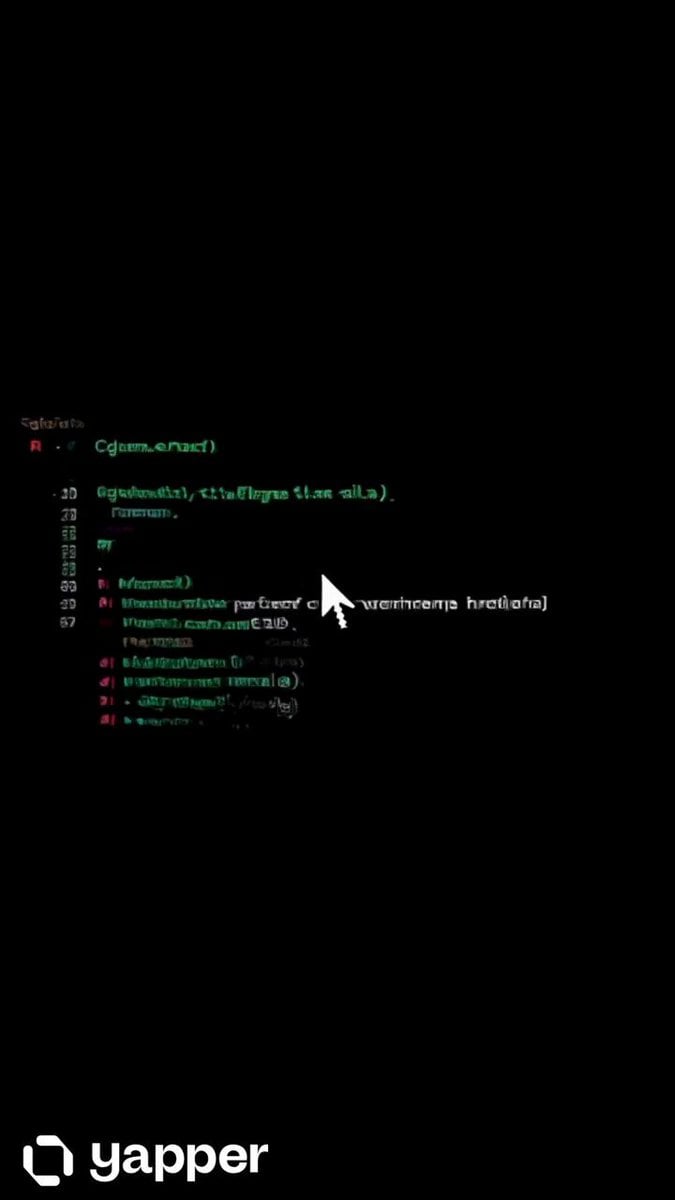
- Prompt included
- Model and format preset
- Free template
The prompt behind this video
Copy the exact prompt behind Reality-Shattering Glitch Metamorphosis, or open it in the studio and make it yours.
Video begins as a completely black screen. A single digital cursor blinks. Code begins scrolling upward, then FRACTURES. The screen shatters like glass, and through the cracks, golden light bleeds in. A hand reaches through, then a FULL FIGURE steps out of the broken screen into reality. Camera pulls back dramatically revealing a young man standing in an empty infinite white void, dressed in a sharp monochrome suit, completely still. He looks down at his hands they're glitching, flickering between art styles. He looks up at the camera — and smirks. CHARACTER DESCRIPTION: Male figure, late 20s, striking angular features, calm but electric presence. Sharp jawline, dark expressive eyes, short textured hair. Tall, lean, perfectly composed. Wears a base outfit of an all-black slim-fit suit with no tie, open collar this suit morphs in texture/material each scene but silhouette stays constant. CORE ACTION — THE ARCHITECT'S WALK: He walks. Not dances — walks. But every step is intentional, cinematic, powerful. Slow-motion stride. Each footfall sends ripples of color and style transformation radiating outward across the entire frame. He gestures — points, adjusts his collar, looks over his shoulder — every micro-movement triggering a reality shift. The void around him constructs and deconstructs entire worlds per frame. THE WORLD TRANSFORMS WITH HIM (not just his clothing): Each style shift changes the entire environment, not just him: Neo-Tokyo cyberpunk alley — rain, neon signs, holographic billboards Ancient Roman marble courtyard — columns, golden hour, white stone Floating Japanese zen garden — cherry blossoms frozen mid-fall 1920s jazz club — smoky amber light, art deco geometry Arctic ice cave — bioluminescent blue, crystalline formations Abstract geometric void — Mondrian color blocks, pure math Baroque oil painting universe — dark chiaroscuro, dramatic shadows Brutalist concrete megastructure — raw texture, harsh overhead light Deep ocean abyss — bioluminescent creatures drifting past Burning desert at golden hour — heat shimmer, cracked earth STYLE TRANSFORMATION (Full frame shifts — not just the character): Photorealistic cinematic rendering (Arri Alexa look) Ukiyo-e woodblock print style 3D isometric illustration Brutalist graphic poster art Expressionist oil painting (thick brushstrokes) Blueprint / architectural draft style 16-bit pixel art Linocut print style (high contrast carved look) Risograph print (limited palette, slight misprint offset) Byzantine mosaic tile style Technical wireframe / hologram rendering Sumi-e ink wash (extreme minimalism) Constructivist propaganda poster style Stipple engraving illustration Studio Ghibli background painting style STYLE BURSTS: Occasionally two aesthetic universes collide mid-frame — one half of the screen is Ukiyo-e, the other is cyberpunk. They fight for dominance, then snap to a new unified style.
How to use Reality-Shattering Glitch Metamorphosis in 3 steps
- 1
Open
The prompt is already in the box next to the preview, with the template's model and format selected.
- 2…a portrait of your subject in softgolden-hour light, 85mm…
Personalize
Edit the subject and creative details for your destination.
- 3Generate
Generate
Press Generate — your video is created in PicX Studio, so you can compare it with the original and refine one variable at a time.
More like this
Templates with the same subject, style or setup. Open one to see its prompt.
Glitch Reality Living Room Transition
Glitch Mirror DNA Transformation
Romance Reality Show Confession
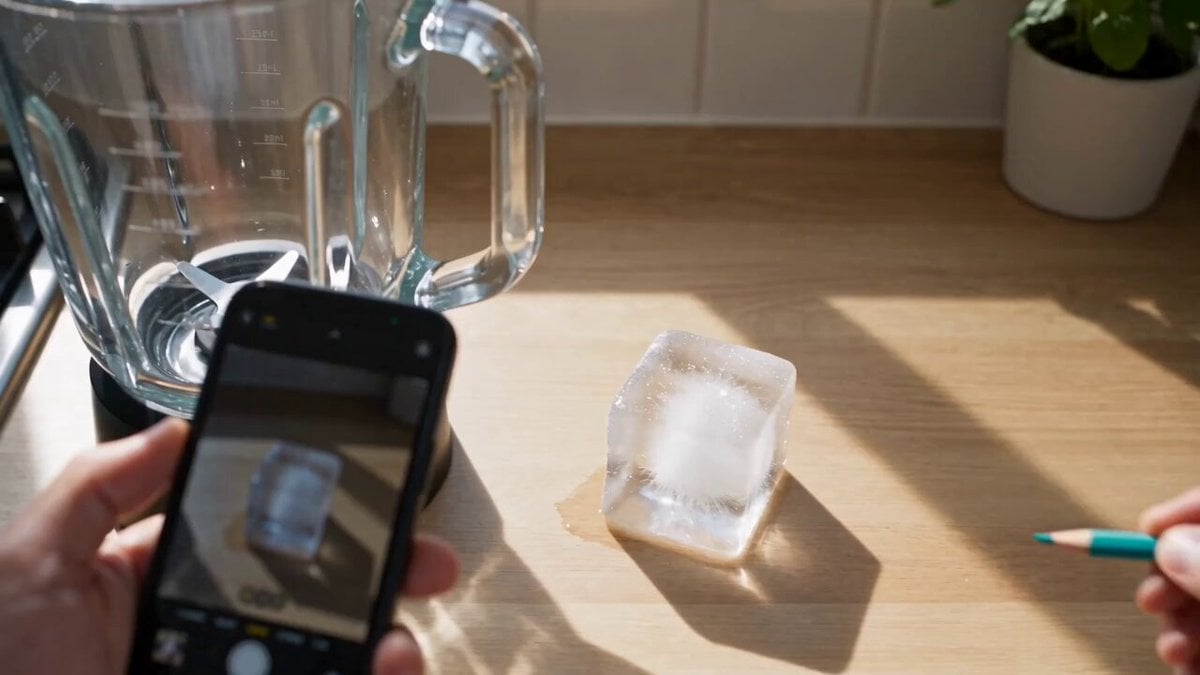
Mixed-Reality Stop-Motion Transformation
Reality TV Water Obstacle Competition
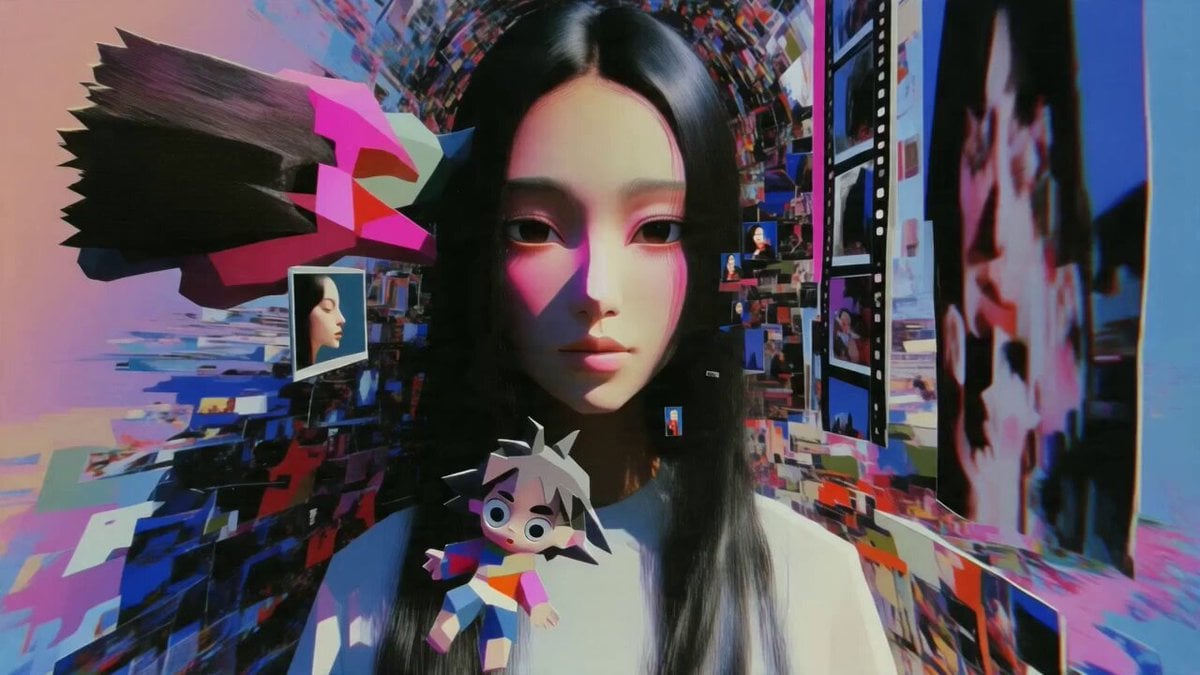
Multidimensional Glitch Morphing Animation
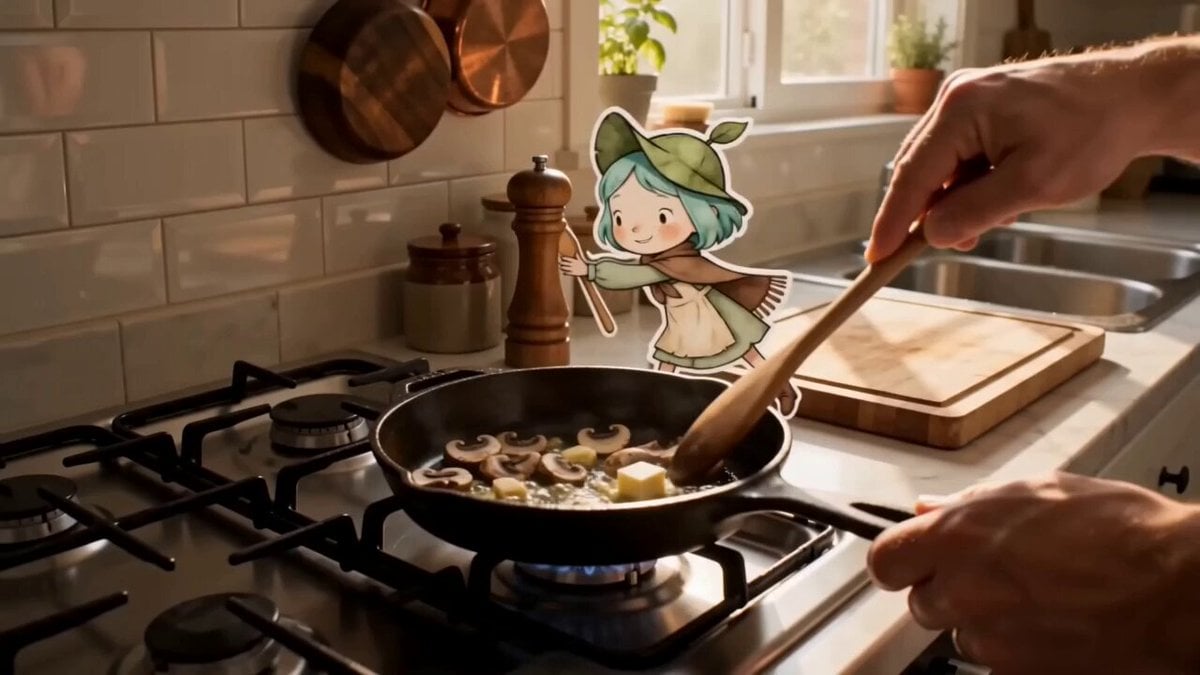
Mixed Reality Anime Sticker Cooking

Reality vs Graffiti Interaction
Glitches in the Simulation Prompt
Haunted Painting Reality Window
Honey to Apple Metamorphosis
Photorealistic Water Reality Show Action
Make it yours
Reality-Shattering Glitch Metamorphosis works as-is. These are the safest ways to change it without losing the look.
Change one field
Copy a single group, rewrite it, and generate again so you can see what that field is doing.
Keep the frame, change the subject
Hold the composition and light of Reality-Shattering Glitch Metamorphosis, then swap wardrobe, props or the person for a new take.
| If the result… | Why | Fix |
|---|---|---|
| The result drifts from the preview | Too many fields changed at once. | Reuse Reality-Shattering Glitch Metamorphosis as-is first, then change one group — subject, light, or setting. |
| The model over-stylizes the scene | The prose prompt leaves finish and camera underspecified. | Add one camera or lighting sentence and stay on Seedance 2.0. |
More Seedance 2.0 templates
Other prompts made for Seedance 2.0.

Comical Martial Arts Punch Scene

Maglev Train Action Sequence

Martial Arts Fight Sequence

Wuxia Protection and Trust Script

Vintage Korean Arcade MiniDV Vlog

Mercedes 190 SL Luxury Ad

Rainy Night Supernatural Reverse Comedy Video Script

Amazon Civilization Discovery

Futuristic South Asian City Transformation

Cozy Luxury Cafe Commercial
More video prompts
Fresh picks from across the catalog.
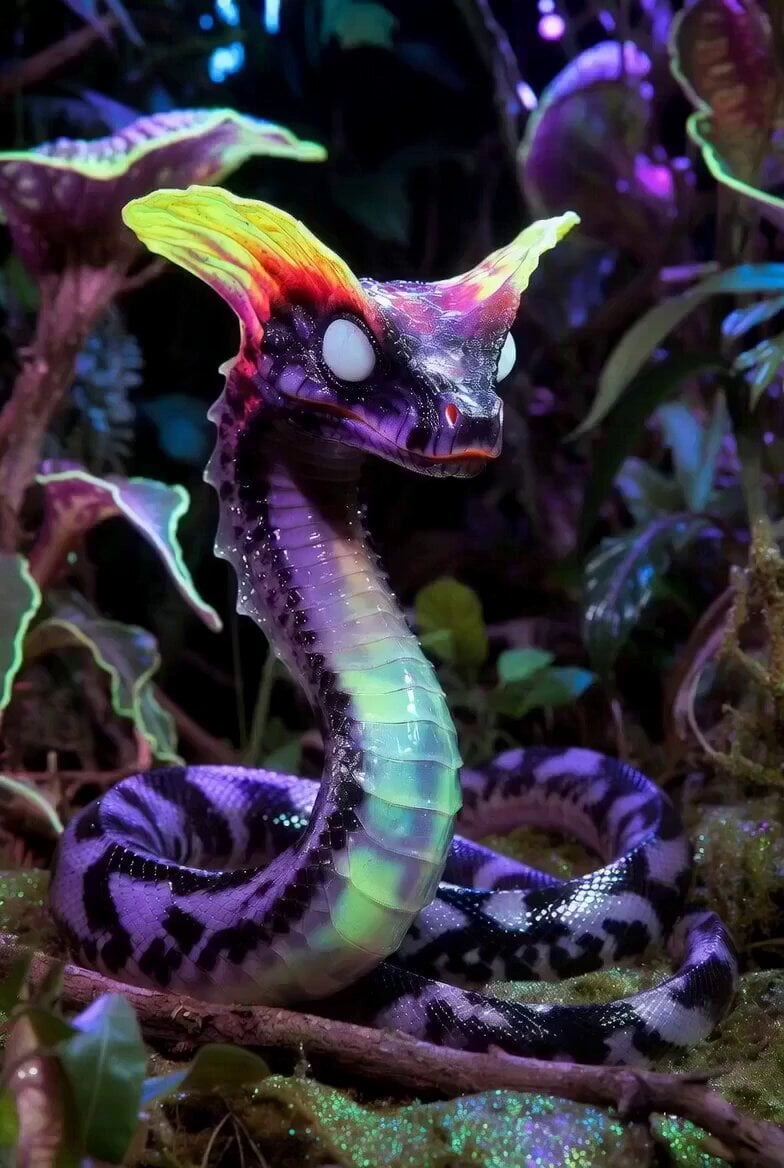
Serpentine Movement Motion Prompt
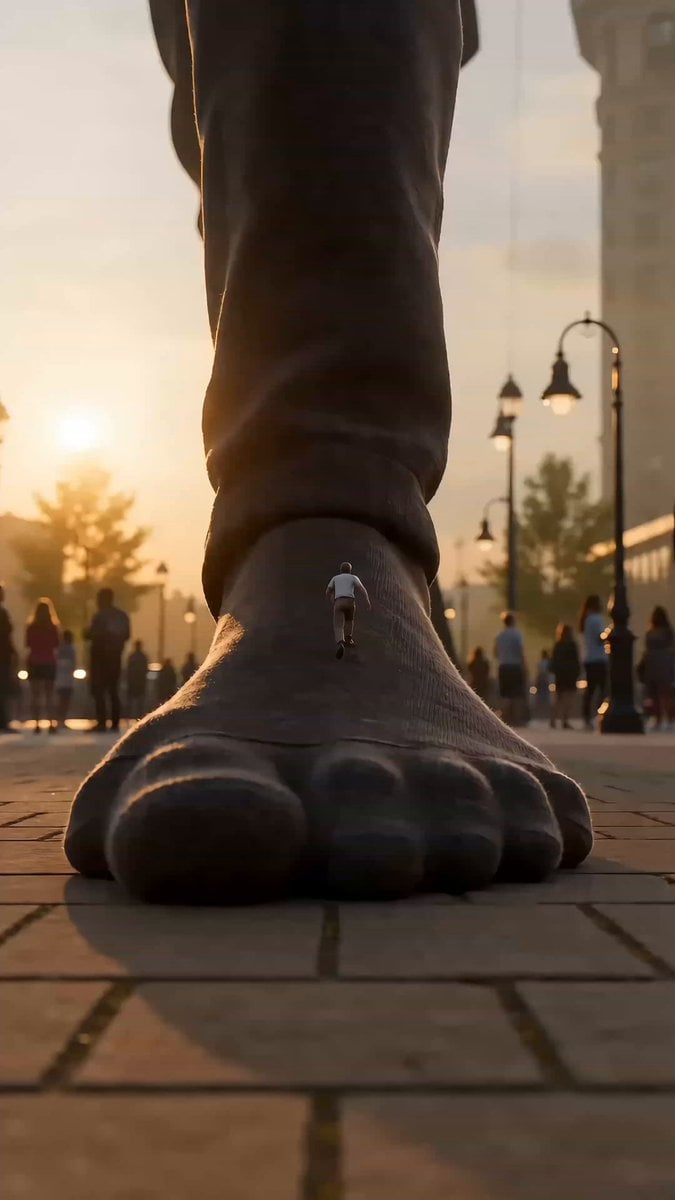
Colossal Scale Surprise Interaction
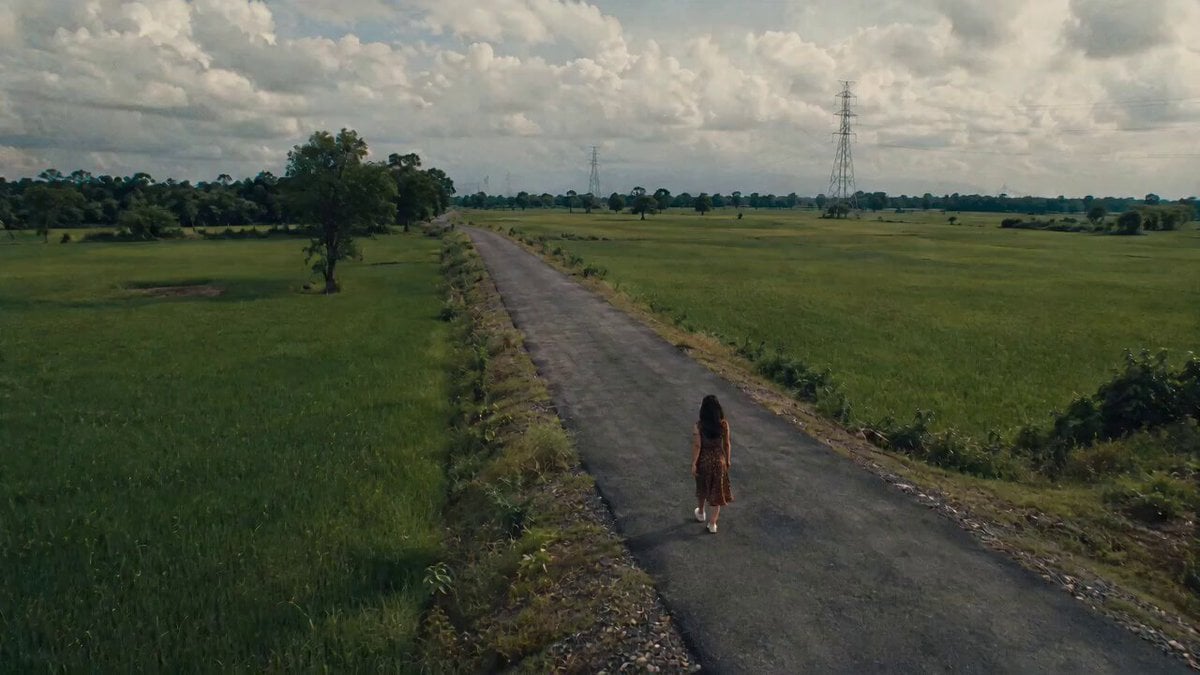
Uncanny Rural Road Cinematic Video
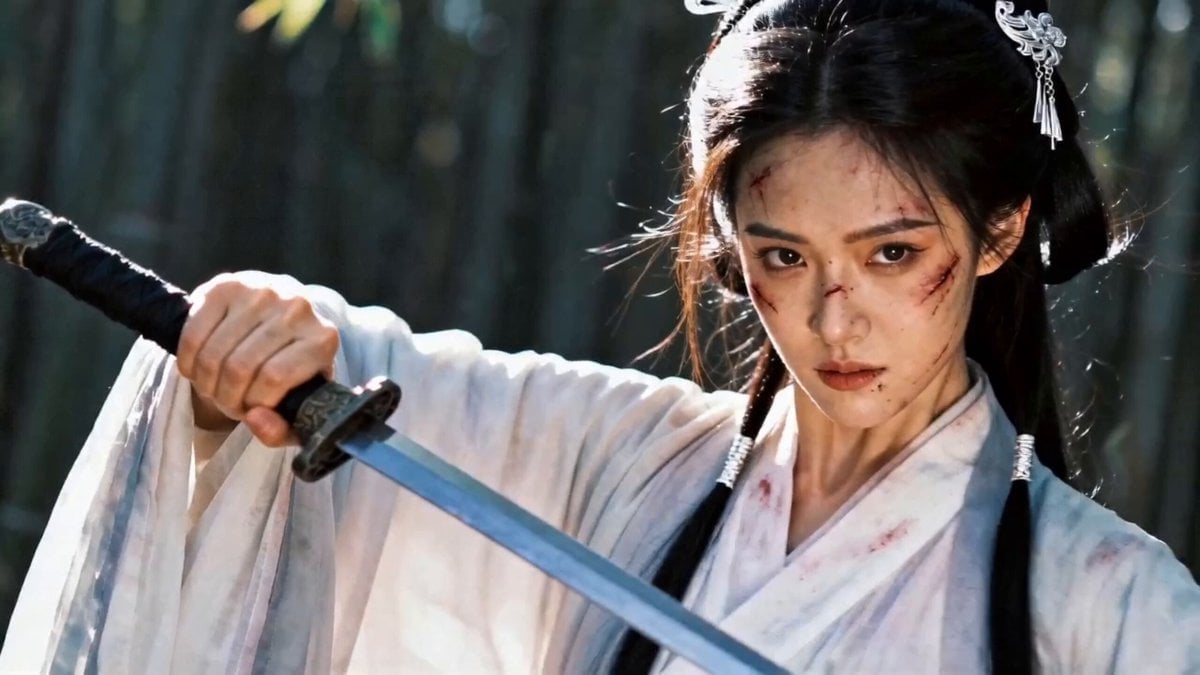
Wuxia Bamboo Forest Duel Video Prompt for Seedance 2.0
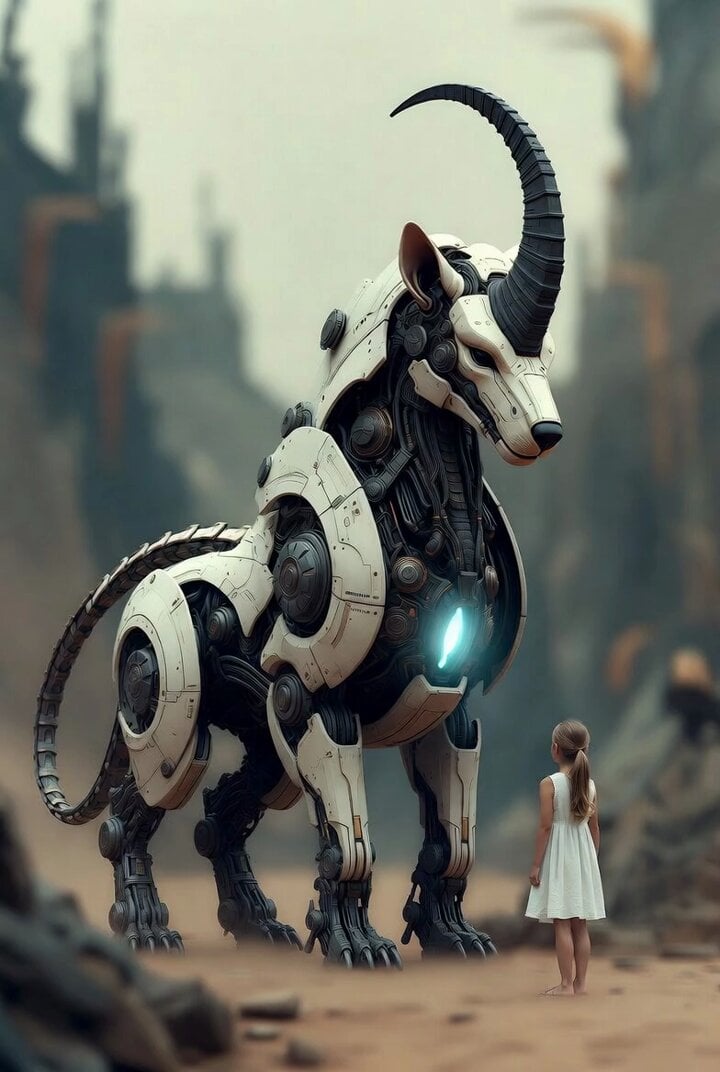
Surreal cyborg animal and young girl
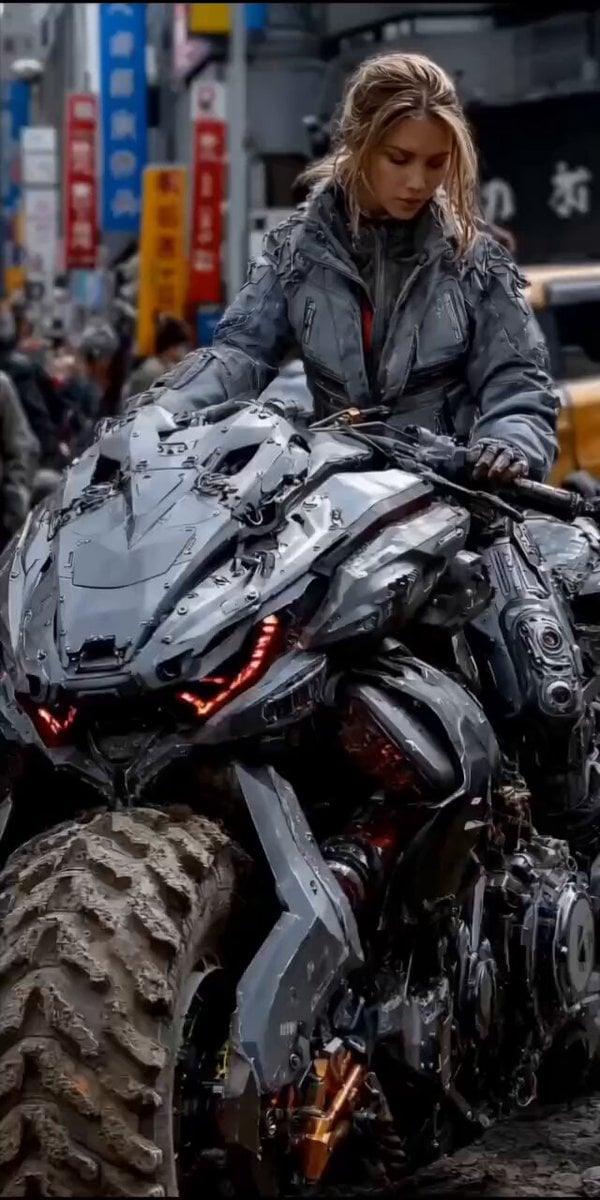
second cinematic video of a woman on a cyberpunk motorcycle in rainy Tokyo
Hollywood Blockbuster Fantasy Trailer
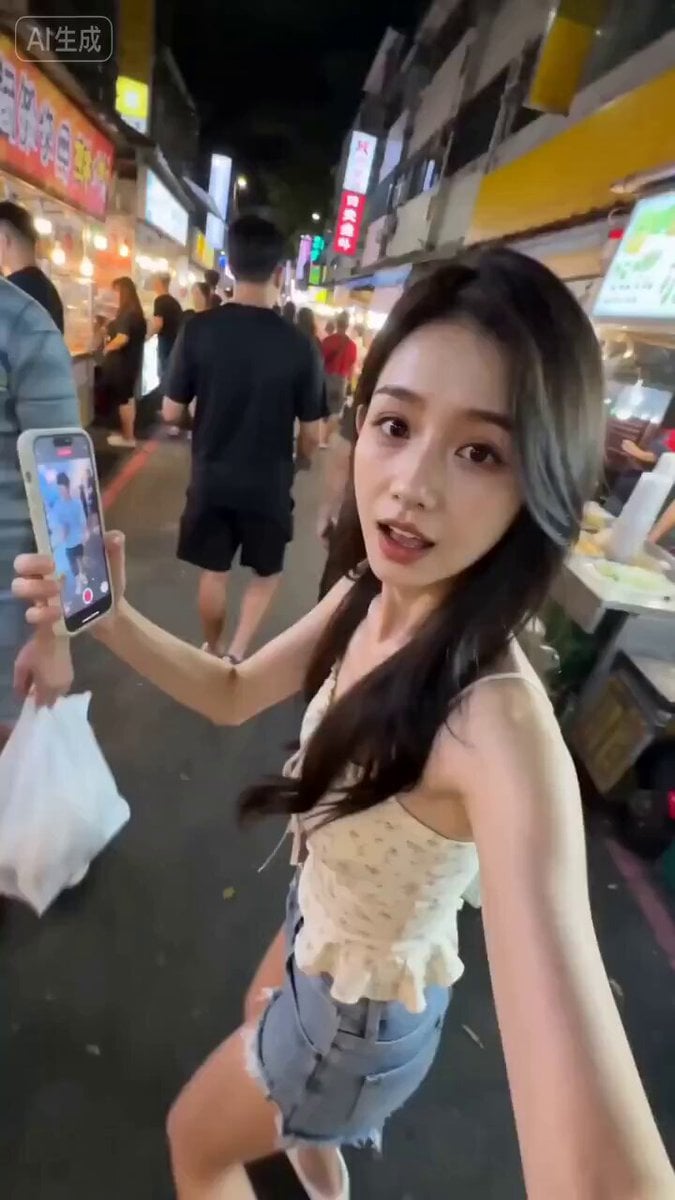
Taiwanese Girlfriend Night Market POV Video
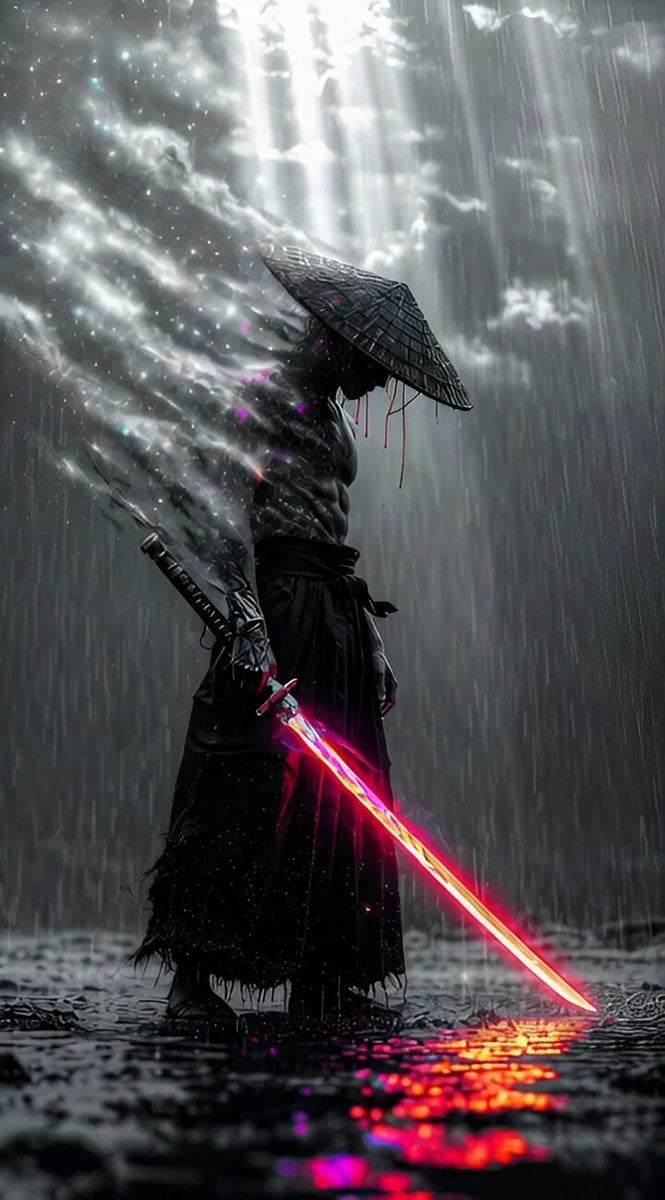
Cybernetic Ronin in Neon Rain (Long Prompt)
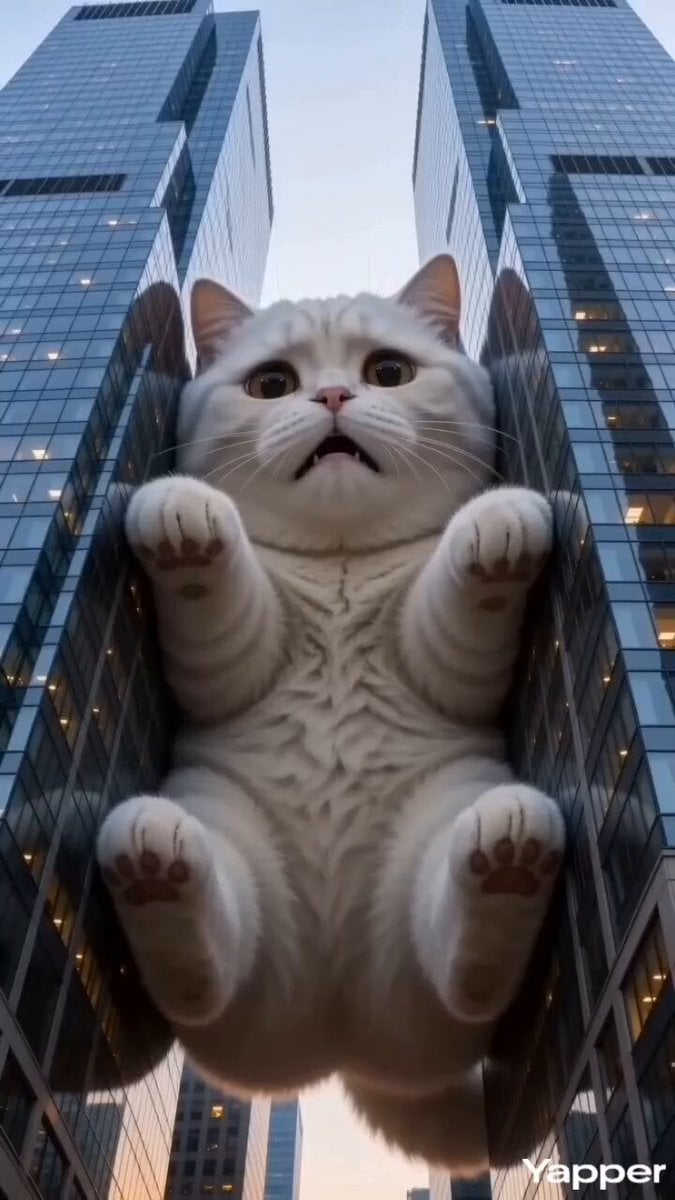
Godzilla-Sized White Tabby Cat in Chongqing
Browse template categories
Reality-Shattering Glitch Metamorphosis questions
How do I use the Reality-Shattering Glitch Metamorphosis template?
Add your photo if the template asks for one, edit the prompt if you like — the template's model and format are already selected — and press Generate. Your version opens in PicX Studio.
Can I customize the Reality-Shattering Glitch Metamorphosis template?
Yes. You can change the subject, setting, lighting, mood, format, and available model controls before creating your video.
Is the Reality-Shattering Glitch Metamorphosis template free?
Opening and editing this template is free. Generating uses credits, shown on the Generate button when you are signed in.
Which AI model should I use?
Start with Seedance 2.0, which is the model associated with this template. You can compare another compatible model for a different finish.
Looking for something else? Browse all templates.

Your photo, any look
Thousands of ready templates for every top image and video model, from one credit balance.