How do I use the Uncanny Rural Road Cinematic Video template?
Edit the prompt in the box under the preview — the template's model and format are already selected — and press Generate. Your version appears right on this page.
A complex multi-scene prompt for Seedance 2.0 creating an unsettling rural road scene with specific camera movements and eerie puddle reflections.
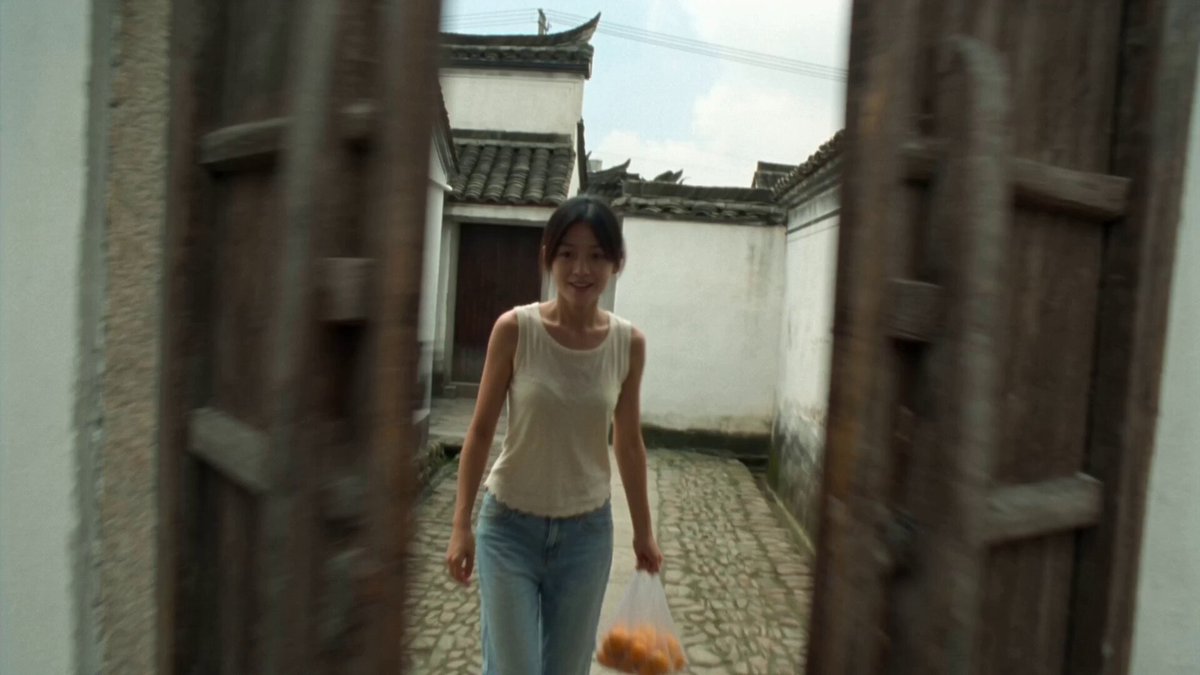
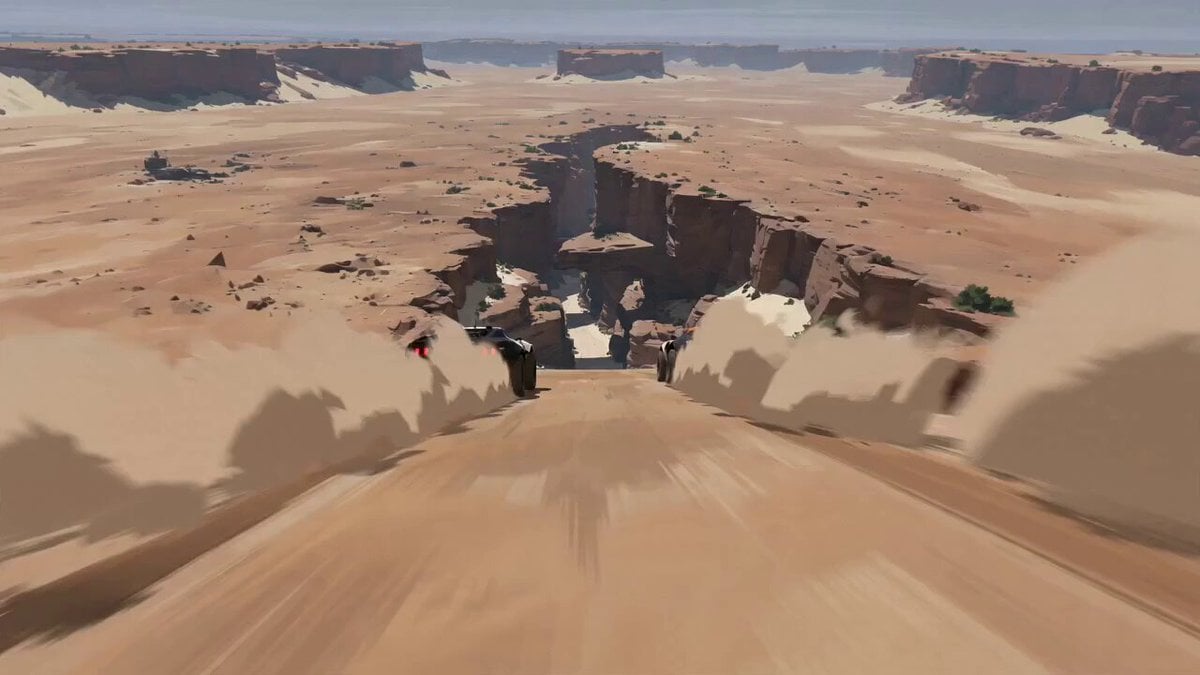
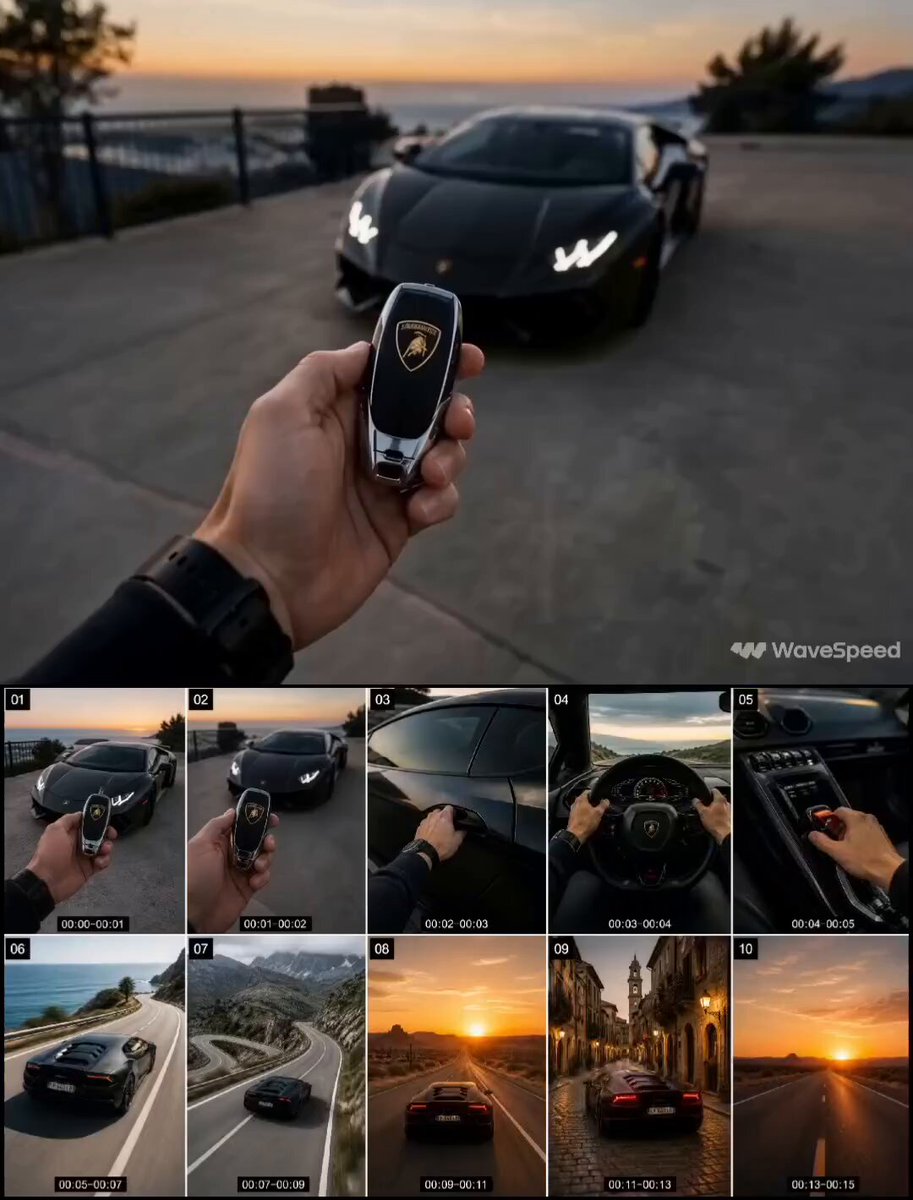
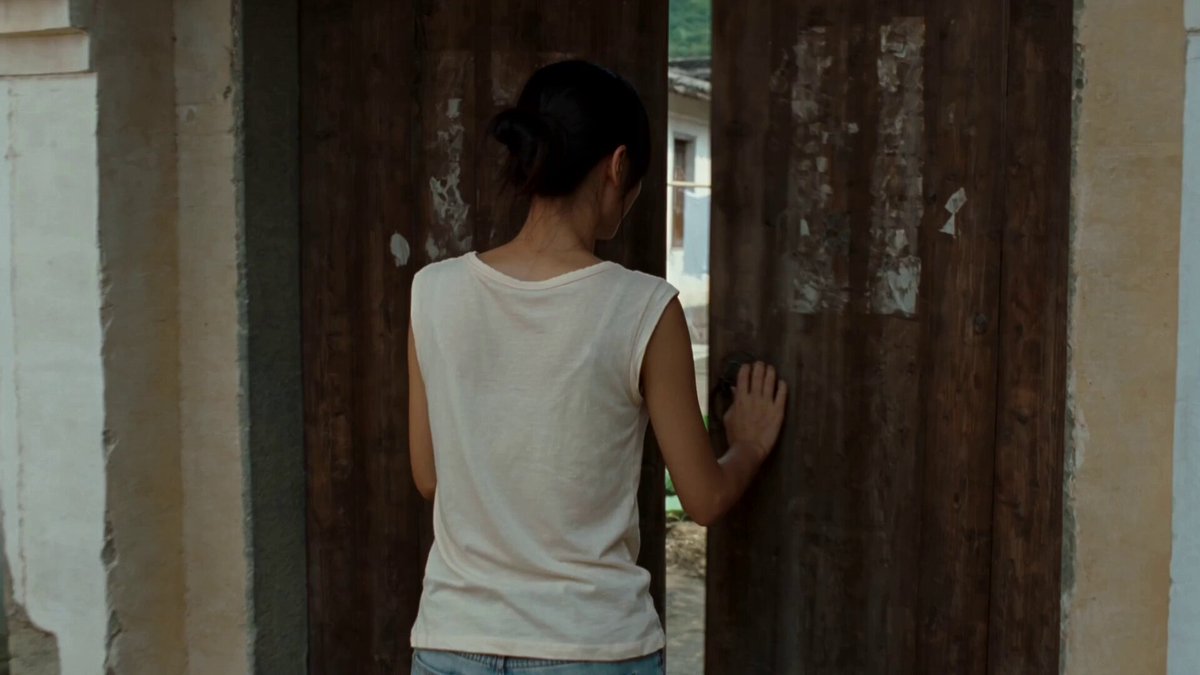
Scene & Mood: A quiet uncanny rural road scene. The open countryside from image2 feels real and natural, but the surveillance mood of image1 leaks into the road through shallow puddle reflections. Lonely, restrained, realistic, unsettling. Frame Map: Start high and wide above the road from image2 , road running from lower foreground to deep center horizon. Green fields stretch on both sides, pylons sit far in the distance, heavy clouds fill the sky. The woman is small, lower center right, walking away from camera. As the camera lowers behind her, keep the road as the main leading line. End with her centered in the middle distance and one foreground puddle reflecting a single painted eye from image1 . Subject Lock image2 : Preserve the lone rear view woman from image2 : long dark hair, sleeveless dark patterned dress, white shoes, slim body shape, quiet walking posture, small silhouette against the landscape. Her face is never revealed. image2 keeps the same visible body shape, hair, wardrobe, scale, and silhouette throughout. Do not add bags, accessories, new clothing, or a full turn toward camera. Cross Frame Rules: Keep the woman on the same road, walking away, with stable scale and screen position. Maintain the same rural road, green fields, pylons, cloud cover, and natural daylight palette. The eyes from image1 appear only as reflections in shallow puddles, never as literal tanks or objects in the field. No extra people, vehicles, animals, fantasy glow, or signage text. Movement: Shot 1 (0–5s): High wide elevated tracking shot glides forward above the rural road. The woman walks slowly away. Fields ripple in light wind, clouds drift, pylons remain distant and still. Shot 2 (5–10s): Camera lowers behind her into a grounded rear-follow angle. Her dress hem moves softly, hair shifts in the wind, shoulders rise and fall with breath. Small puddles on the asphalt begin catching dark curved reflections like the painted eyes from image1. Shot 3 (10–15s): Camera continues a slow push. She stops in the middle of the road without turning around. Wind moves the fields in broad waves. One foreground puddle sharpens into a clear reflected painted eye, aligned beneath her path. Camera settles into a locked final hold. Last Frame: At 15 seconds, the woman stands still in the middle distance, back to camera, centered on the road under heavy clouds. Green fields stay wide and quiet on both sides, pylons faint on the horizon. In the lower foreground, one shallow puddle holds a crisp reflected eye from image1 . Camera locked. No on screen text, no captions, no signage typography, no rendered text in the frame. World Plate: Use image2 as the main world: rural asphalt road, green fields, scattered trees, distant pylons, heavy clouds, open horizon, natural field texture, muted daylight. Use image1 only for wet road reflection mood, cool gray undertone, and weathered painted-eye detail. Road is damp, not mirror glossy. Mild haze and soft air dep
Scene & Mood: A quiet uncanny rural road scene. The open countryside from image2 feels real and natural, but the surveillance mood of image1 leaks into the road through shallow puddle reflections. Lonely, restrained, realistic, unsettling. Frame Map: Start high and wide above the road from image2 , road running from lower foreground to deep center horizon. Green fields stretch on both sides, pylons sit far in the distance, heavy clouds fill the sky. The woman is small, lower center right, walking away from camera. As the camera lowers behind her, keep the road as the main leading line. End with her centered in the middle distance and one foreground puddle reflecting a single painted eye from image1 . Subject Lock image2 : Preserve the lone rear view woman from image2 : long dark hair, sleeveless dark patterned dress, white shoes, slim body shape, quiet walking posture, small silhouette against the landscape. Her face is never revealed. image2 keeps the same visible body shape, hair, wardrobe, scale, and silhouette throughout. Do not add bags, accessories, new clothing, or a full turn toward camera. Cross Frame Rules: Keep the woman on the same road, walking away, with stable scale and screen position. Maintain the same rural road, green fields, pylons, cloud cover, and natural daylight palette. The eyes from image1 appear only as reflections in shallow puddles, never as literal tanks or objects in the field. No extra people, vehicles, animals, fantasy glow, or signage text. Movement: Shot 1 (0–5s): High wide elevated tracking shot glides forward above the rural road. The woman walks slowly away. Fields ripple in light wind, clouds drift, pylons remain distant and still. Shot 2 (5–10s): Camera lowers behind her into a grounded rear-follow angle. Her dress hem moves softly, hair shifts in the wind, shoulders rise and fall with breath. Small puddles on the asphalt begin catching dark curved reflections like the painted eyes from image1. Shot 3 (10–15s): Camera continues a slow push. She stops in the middle of the road without turning around. Wind moves the fields in broad waves. One foreground puddle sharpens into a clear reflected painted eye, aligned beneath her path. Camera settles into a locked final hold. Last Frame: At 15 seconds, the woman stands still in the middle distance, back to camera, centered on the road under heavy clouds. Green fields stay wide and quiet on both sides, pylons faint on the horizon. In the lower foreground, one shallow puddle holds a crisp reflected eye from image1 . Camera locked. No on screen text, no captions, no signage typography, no rendered text in the frame. World Plate: Use image2 as the main world: rural asphalt road, green fields, scattered trees, distant pylons, heavy clouds, open horizon, natural field texture, muted daylight. Use image1 only for wet road reflection mood, cool gray undertone, and weathered painted-eye detail. Road is damp, not mirror glossy. Mild haze and soft air dep
Edit the prompt in the box under the preview — the template's model and format are already selected — and press Generate. Your version appears right on this page.
Yes. You can change the subject, setting, lighting, mood, format, and available model controls before creating your video.
Opening and editing this template is free. Generating uses credits, shown on the Generate button when you are signed in.
Start with Seedance 2.0, which is the model associated with this template. You can compare another compatible model for a different finish.
Follow a topic to a crawlable collection of related PicX Studio templates.