
Rural African Village Life Documentary
A detailed narrative video prompt for Seedance 2.0 capturing a slice-of-life morning in an African village with a realistic handheld camcorder aesthetic.
- Prompt included
- Model and format preset
- Free template
The prompt behind this video
Copy the exact prompt behind Rural African Village Life Documentary, or open it in the studio and make it yours.
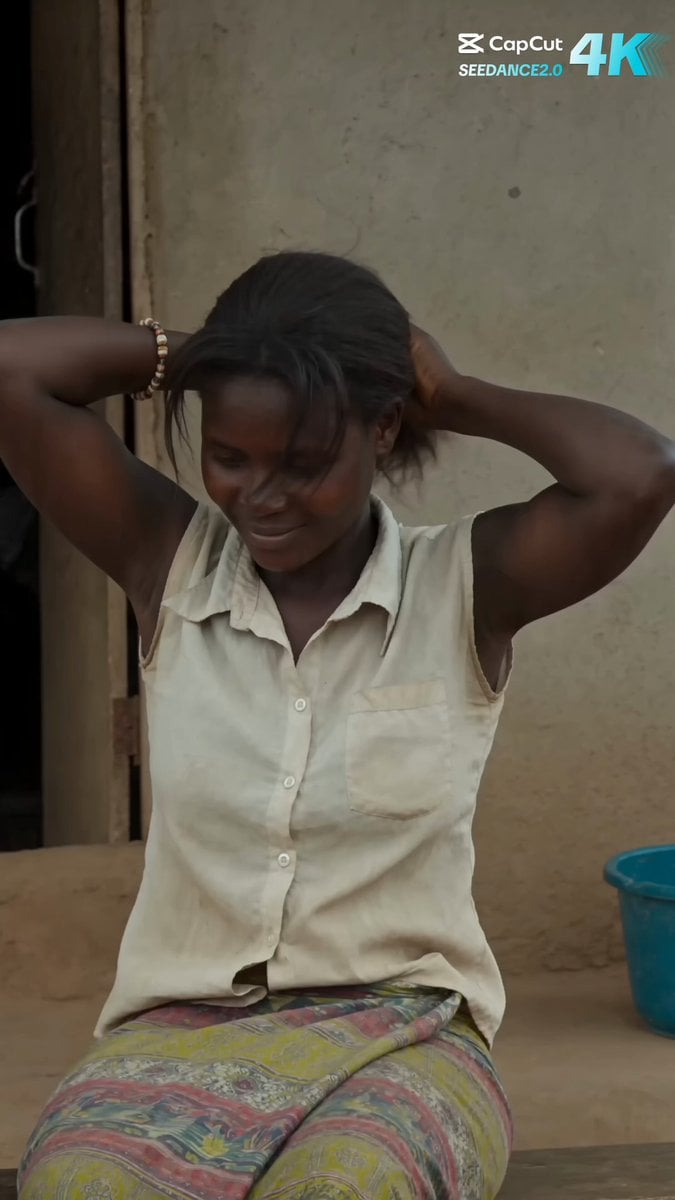
Main Subject: Young African woman, early 20s, native to the region. Warm brown skin with realistic skin texture, minimal to no makeup. She has dark hair tied in a simple low ponytail with a few loose strands. She wears a faded sleeveless light-colored blouse, a simple long wrap skirt with a faded colorful pattern, and worn sandals. Small beaded bracelet on one wrist. Warm, approachable, and grounded personality. Maintain consistent identity, clothing, hairstyle, and appearance throughout the entire video. Location: Authentic rural African village during a calm late morning. Dirt paths, simple mud-brick and concrete block houses with corrugated metal or thatched roofs, scattered trees and vegetation, chickens roaming freely, low stick fences, laundry hanging on lines, plastic basins, simple wooden benches, and water containers. Quiet village atmosphere with natural daily life. No modern buildings or urban elements. Visual Style: Ultra-realistic documentary realism. Genuine candid behavior. Natural body language. Unscripted slice-of-life feeling. Strong environmental authenticity. Rich real-world details and believable human motion. Camera Style: Early-2000s consumer DV camcorder aesthetic. Friend casually recording everyday moments. Heavy handheld shake, imperfect framing, frequent autofocus hunting, lens breathing, exposure pumping when moving between sun and shade, occasional motion blur, subtle rolling shutter, mild digital compression artifacts, faded colors, soft contrast, slight sensor noise. No stabilization. No cinematic camera moves. No modern color grading. TIMED SCENES (00:00–00:15) 00:00–00:02Outside a small village house. She sits on a low wooden bench adjusting her ponytail with both hands. A light breeze moves loose strands of hair. She smiles naturally while the camera struggles to hold focus. 00:02–00:04The camera follows her as she walks along a dirt path through the village. She notices a chicken running freely nearby and slows down to watch it. Framing drifts slightly as the operator tries to keep up. 00:04–00:06She crouches and tries to catch the chicken, moving carefully with her hands outstretched. The chicken flutters and runs a short distance. Autofocus repeatedly shifts between her face and the chicken. Morning sunlight filters through tree leaves overhead. 00:06–00:08In the small dirt yard beside her house. She picks up a simple broom made of sticks and begins sweeping the ground in steady motions. Dust rises lightly as she sweeps. Exposure changes slightly as clouds pass overhead. 00:08–00:10She sits on a low wooden bench near the house, resting after sweeping. She wipes sweat from her forehead with the back of her hand and looks around the quiet village. Loose handheld side angle with natural camera drift. 00:10–00:12Close side profile. Someone off-camera greets her warmly. She turns toward the voice, raises her hand, smiles genuinely, and replies with
How to use Rural African Village Life Documentary in 3 steps
- 1
Open
The prompt is already in the box next to the preview, with the template's model and format selected.
- 2…a portrait of your subject in softgolden-hour light, 85mm…
Personalize
Edit the subject and creative details for your destination.
- 3Generate
Generate
Press Generate — your video is created in PicX Studio, so you can compare it with the original and refine one variable at a time.
More like this
Templates with the same subject, style or setup. Open one to see its prompt.

Rural Chinese Village Memory Documentary
Indian Village Football Documentary

Rural Japanese Slice of Life Journey

Forgotten 1980s High School Documentary Seedance

Live-Action Firefighter Rescue Night Scene
Village Life Character Consistency
Japanese Village Documentary Realism
Wildlife Documentary: Lion and Elephant
Tokyo Lifestyle Documentary Video Prompt
National Geographic African Cheetah Hunt Documentary
Ultra-realistic Wildlife Documentary Footage
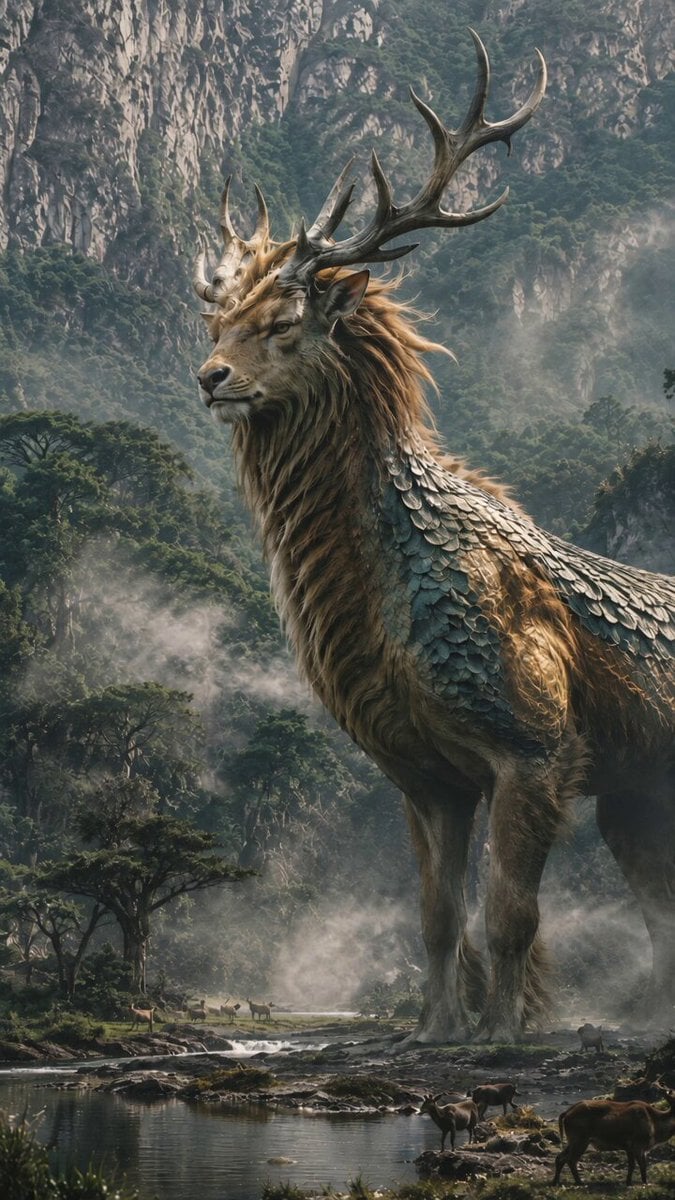
BBC Style Qilin Documentary
Make it yours
Rural African Village Life Documentary works as-is. These are the safest ways to change it without losing the look.
Change one field
Copy a single group, rewrite it, and generate again so you can see what that field is doing.
Keep the frame, change the subject
Hold the composition and light of Rural African Village Life Documentary, then swap wardrobe, props or the person for a new take.
| If the result… | Why | Fix |
|---|---|---|
| The result drifts from the preview | Too many fields changed at once. | Reuse Rural African Village Life Documentary as-is first, then change one group — subject, light, or setting. |
| The model over-stylizes the scene | The prose prompt leaves finish and camera underspecified. | Add one camera or lighting sentence and stay on Seedance 2.0. |
More Seedance 2.0 templates
Other prompts made for Seedance 2.0.

Comical Martial Arts Punch Scene

Maglev Train Action Sequence

Martial Arts Fight Sequence

Wuxia Protection and Trust Script

Vintage Korean Arcade MiniDV Vlog

Mercedes 190 SL Luxury Ad

Rainy Night Supernatural Reverse Comedy Video Script

Amazon Civilization Discovery

Futuristic South Asian City Transformation

Cozy Luxury Cafe Commercial
More video prompts
Fresh picks from across the catalog.
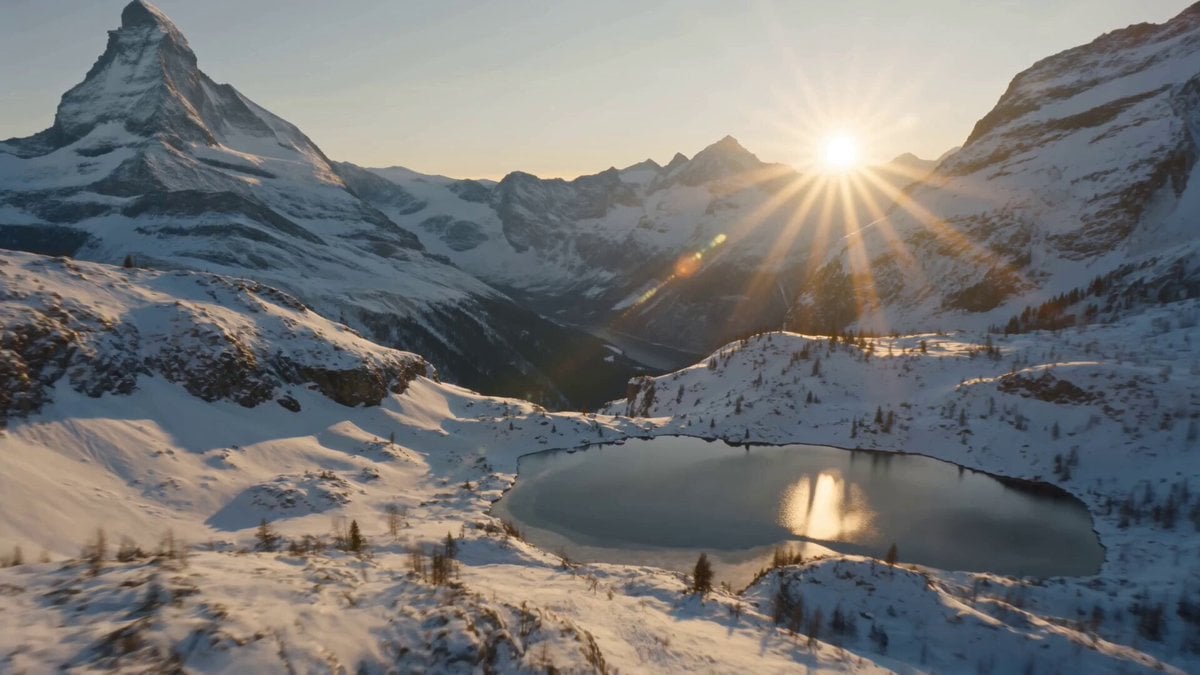
Swiss Alps Avalanche Cinematic Shot
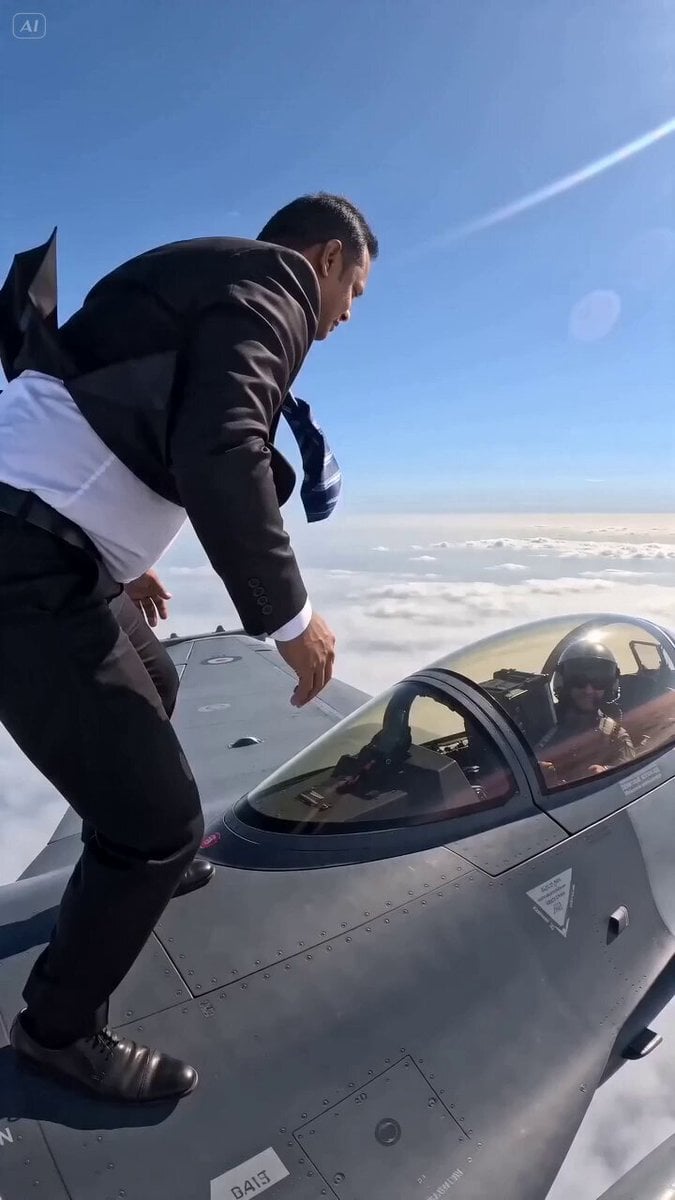
F-16 Wing Walking Backflip
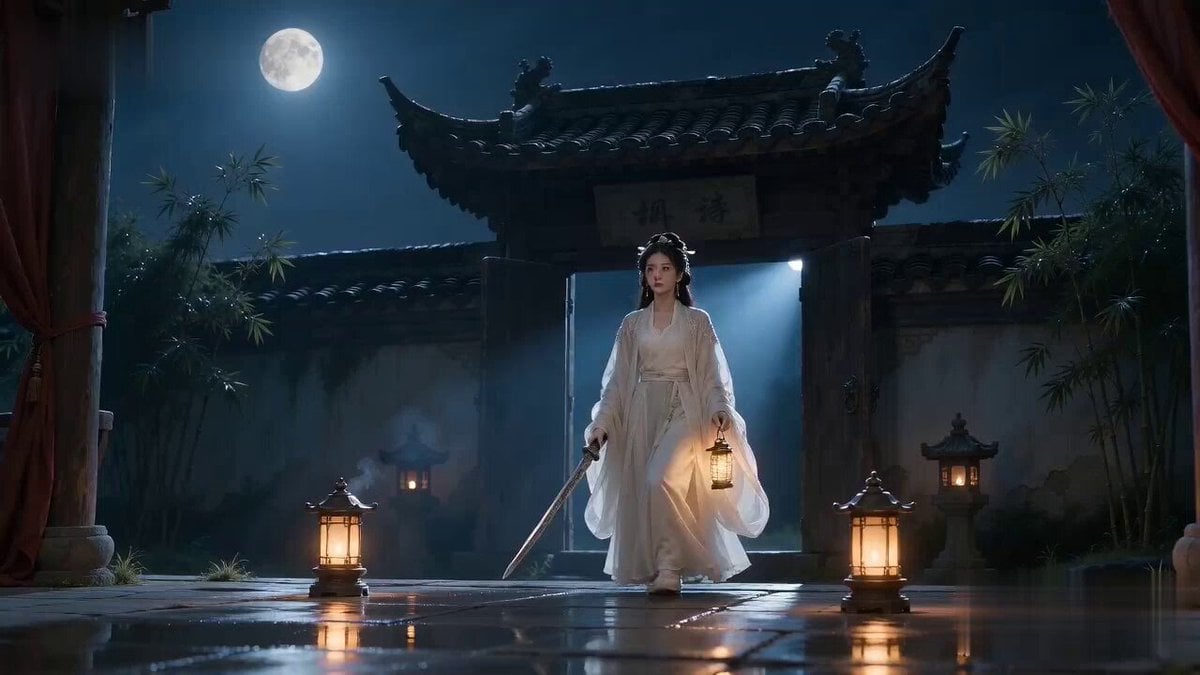
Xianxia Horror to Comedy Rehearsal

GoPro Logo Transformation Video Prompt
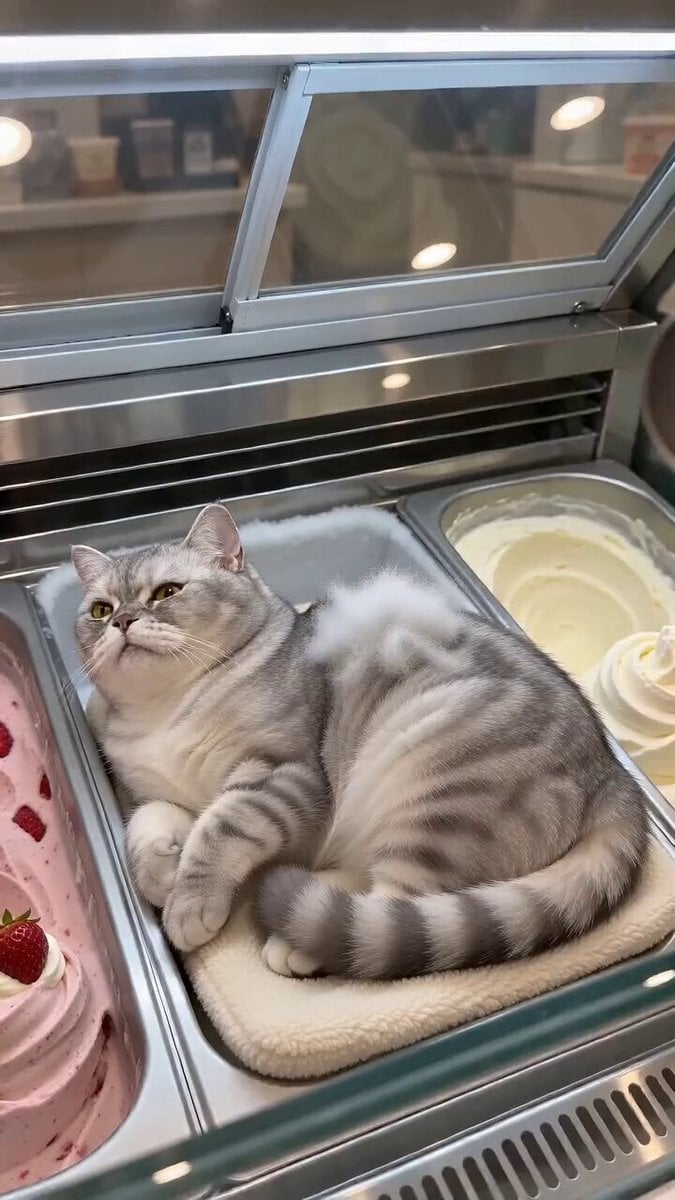
Cat Ice Cream Shop Magic Trick
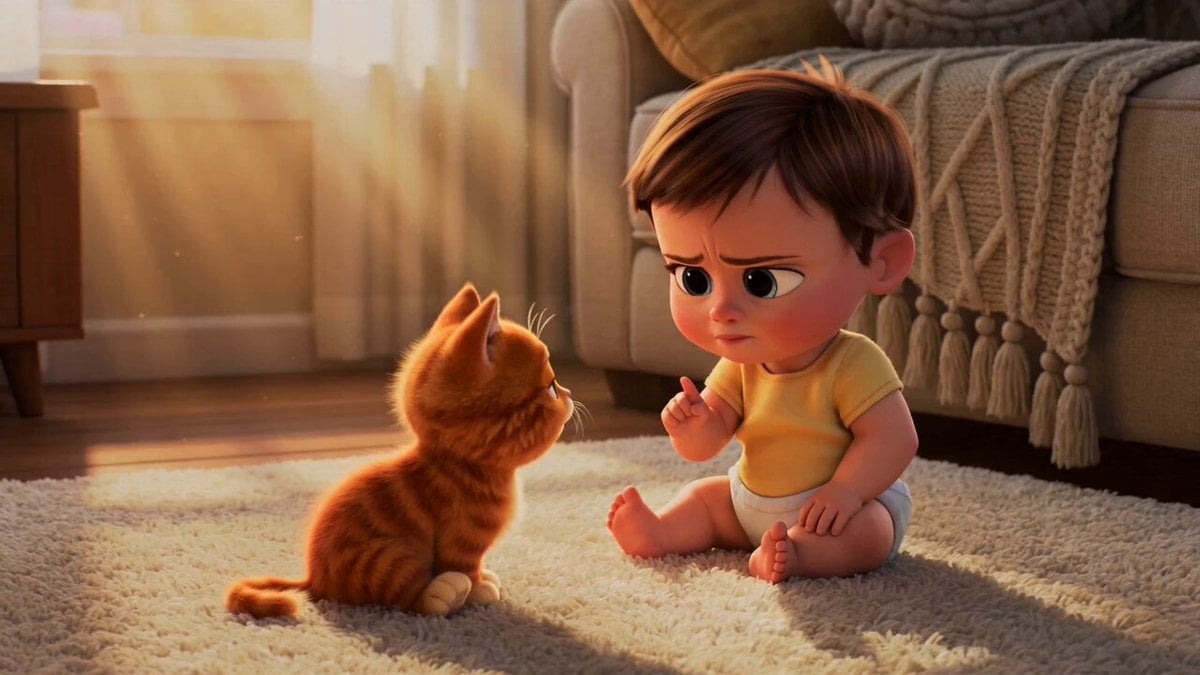
Wholesome Toddler and Kitten Argument

Paris Superhero Action Script
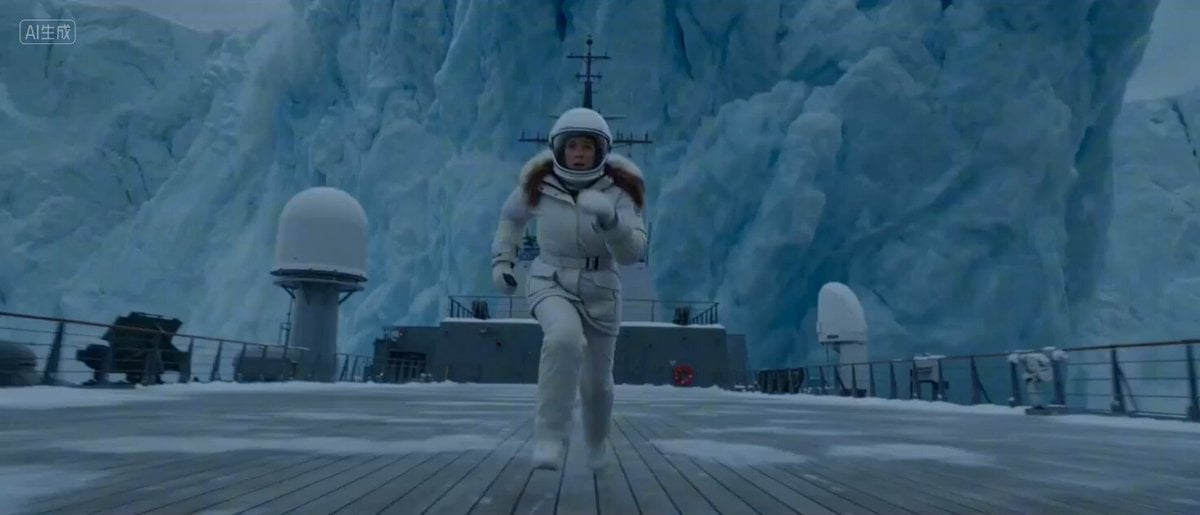
Arctic Glacier Collapse and Snowmobile Escape
Allaaisling World Acceleration Kling
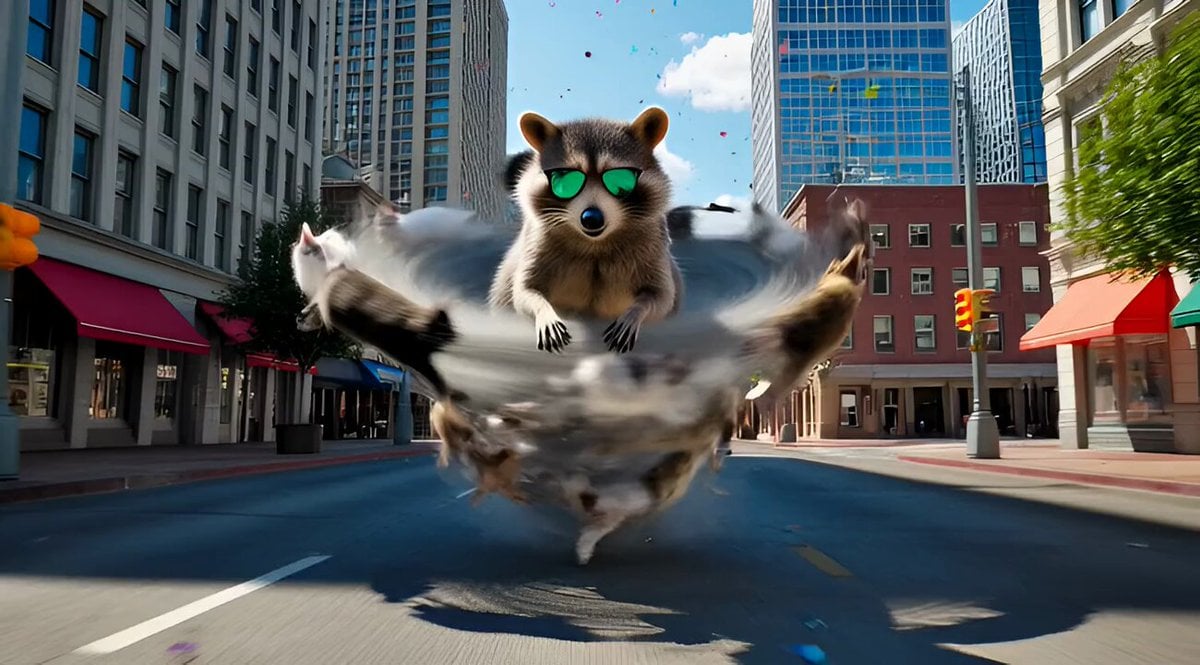
Chaotic, cinematic video generation prompt: Raccoon riding a cat tornado
Browse template categories
Rural African Village Life Documentary questions
How do I use the Rural African Village Life Documentary template?
Add your photo if the template asks for one, edit the prompt if you like — the template's model and format are already selected — and press Generate. Your version opens in PicX Studio.
Can I customize the Rural African Village Life Documentary template?
Yes. You can change the subject, setting, lighting, mood, format, and available model controls before creating your video.
Is the Rural African Village Life Documentary template free?
Opening and editing this template is free. Generating uses credits, shown on the Generate button when you are signed in.
Which AI model should I use?
Start with Seedance 2.0, which is the model associated with this template. You can compare another compatible model for a different finish.
Looking for something else? Browse all templates.

Your photo, any look
Thousands of ready templates for every top image and video model, from one credit balance.