
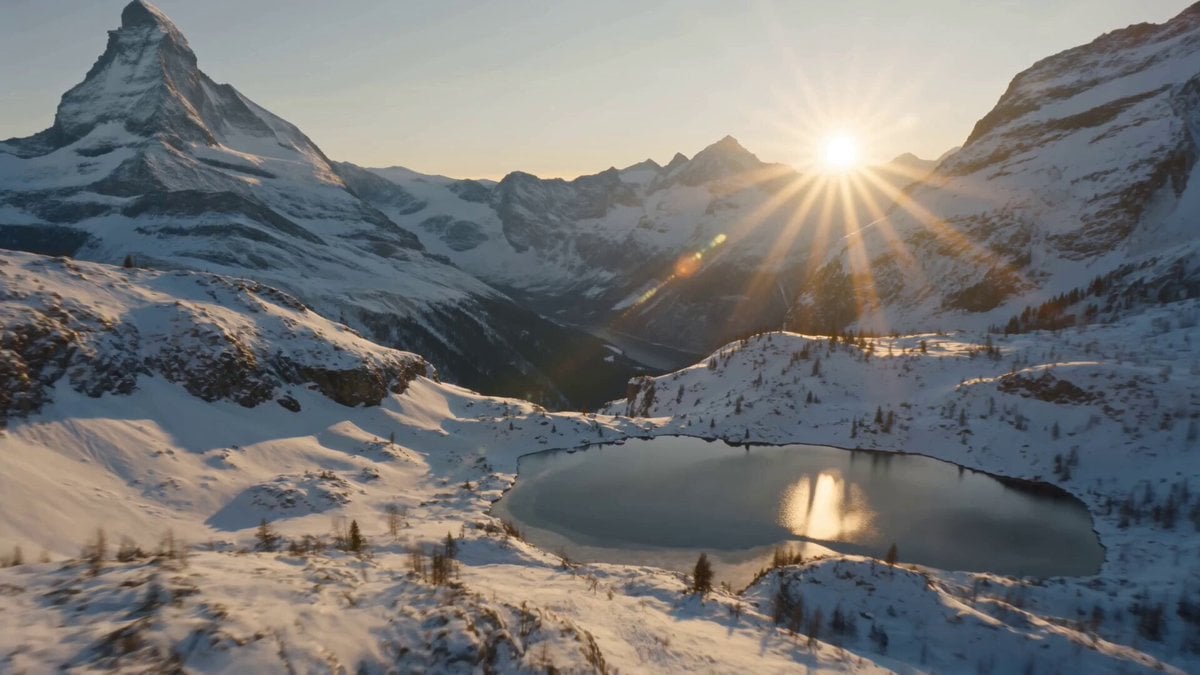
Swiss Alps Avalanche Cinematic Shot
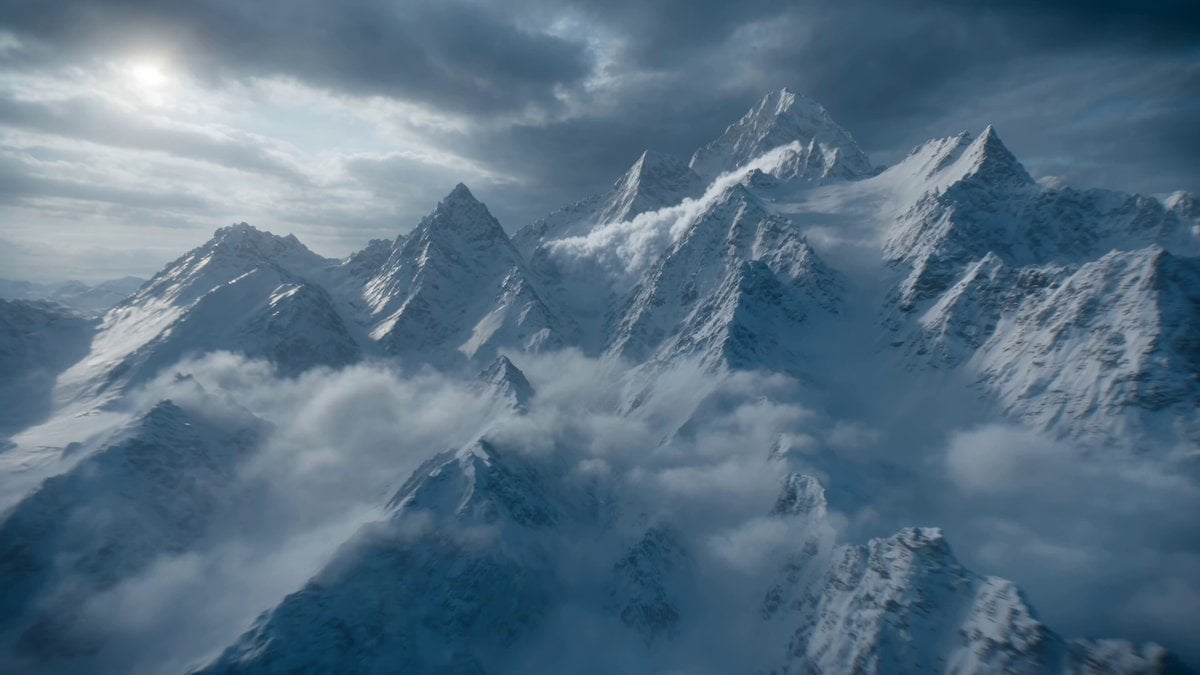
A detailed cinematic video prompt capturing a massive avalanche in the Swiss Alps at sunrise, featuring drone-like camera movements and realistic snow physics.
- Prompt included
- Model and format preset
- Free template
The prompt behind this video
Copy the exact prompt behind Swiss Alps Avalanche Cinematic Shot, or open it in the studio and make it yours.
Ultra wide cinematic aerial shot during sunrise over the majestic Swiss Alps covered in pristine snow with towering peaks frozen lakes and picturesque mountain ridges stretching into the distance. A massive avalanche suddenly breaks free from a steep mountainside sending an enormous wall of snow racing down the valley. The camera surges forward through the alpine landscape weaving between rocky cliffs before rising above the avalanche and orbiting around the cascading snow mass capturing snow plumes flying through the air and chunks of ice tumbling below. Realistic snow physics powder clouds wind turbulence and debris interactions dramatic golden sunlight volumetric rays atmospheric haze lens flares hyper realistic mountain textures smooth motion perfect stabilization cinematic color grading with crisp whites and warm sunrise tones photorealistic visuals.
How to use Swiss Alps Avalanche Cinematic Shot in 3 steps
- 1
Open
The prompt is already in the box next to the preview, with the template's model and format selected.
- 2…a portrait of your subject in softgolden-hour light, 85mm…
Personalize
Edit the subject and creative details for your destination.
- 3Generate
Generate
Press Generate — your video is created in PicX Studio, so you can compare it with the original and refine one variable at a time.
More like this
Templates with the same subject, style or setup. Open one to see its prompt.
The founder was actually a Swiss student named Hans
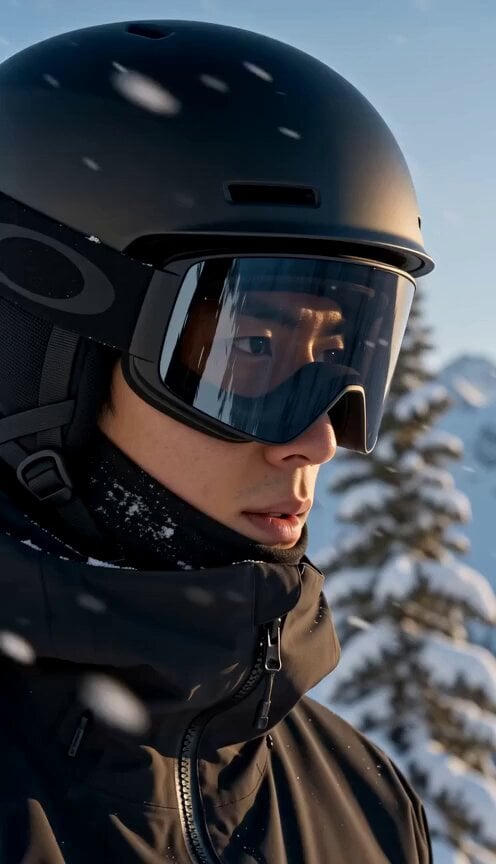
Mountain Avalanche Snowboard Chase
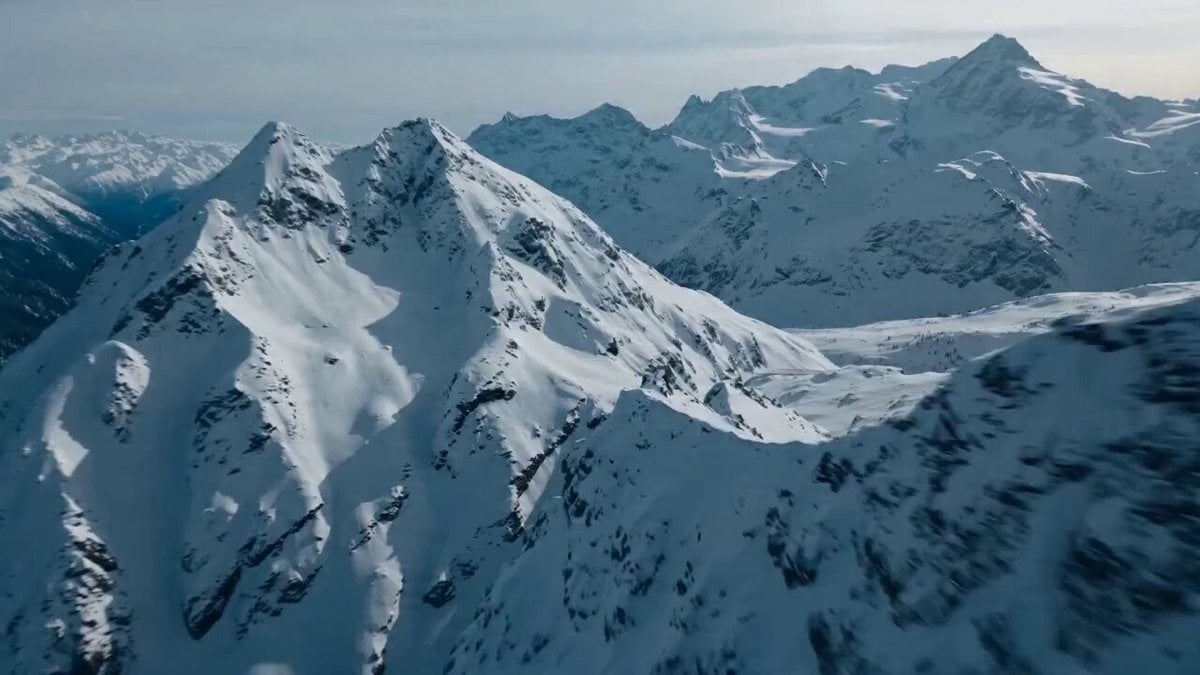
Rally Car Avalanche Escape Scene
Futuristic Hypercar Avalanche Sequence
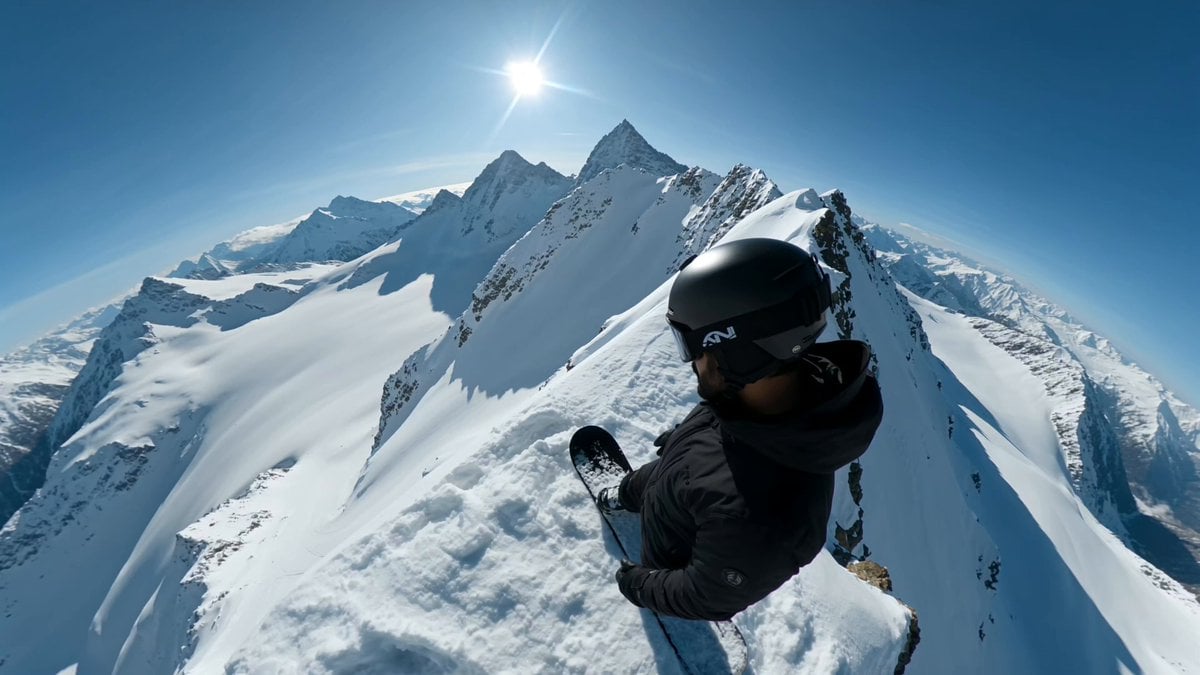
Extreme Snowboarder FPV Avalanche Chase

Drone shot of a skiing rabbit escaping an avalanche
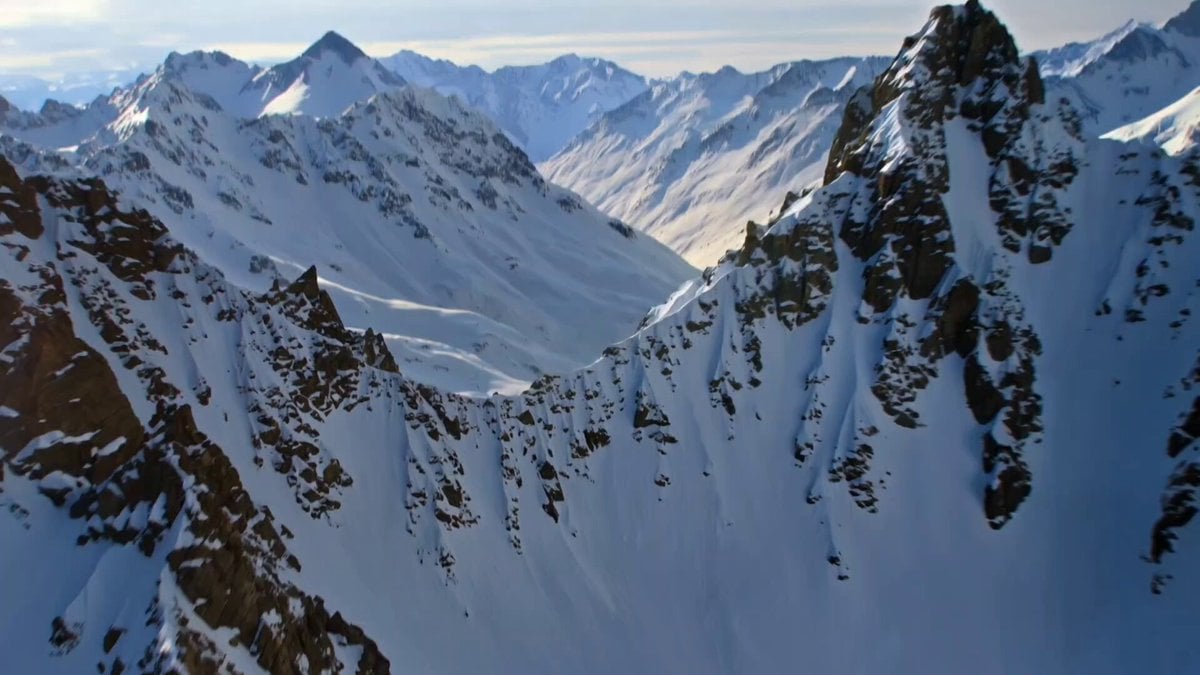
Cinematic avalanche scene prompt for Kling 3.0
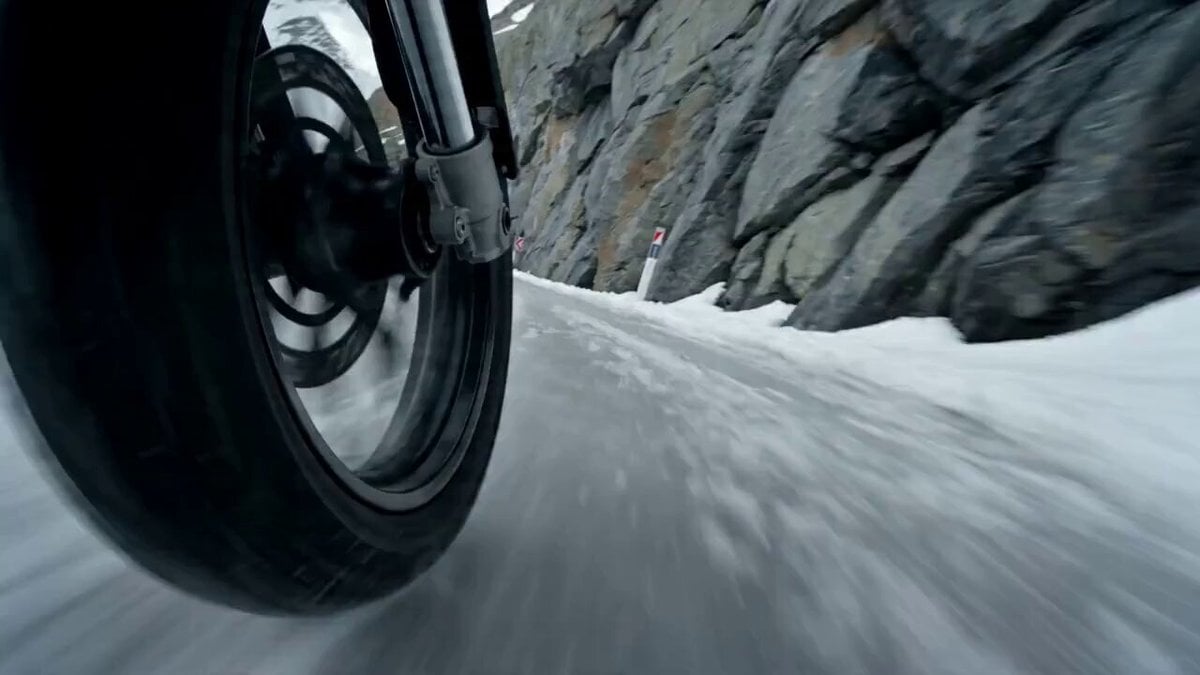
Alpine Avalanche Escape Stunt Storyboard
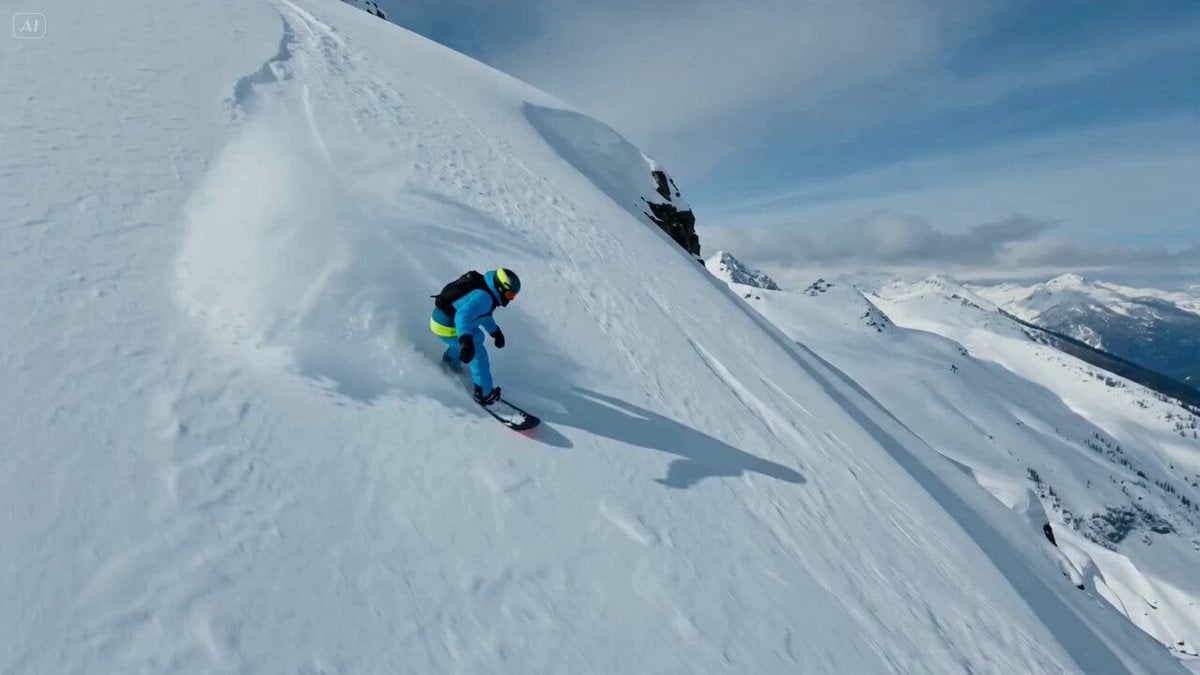
Snowboarder Avalanche Escape Prompt
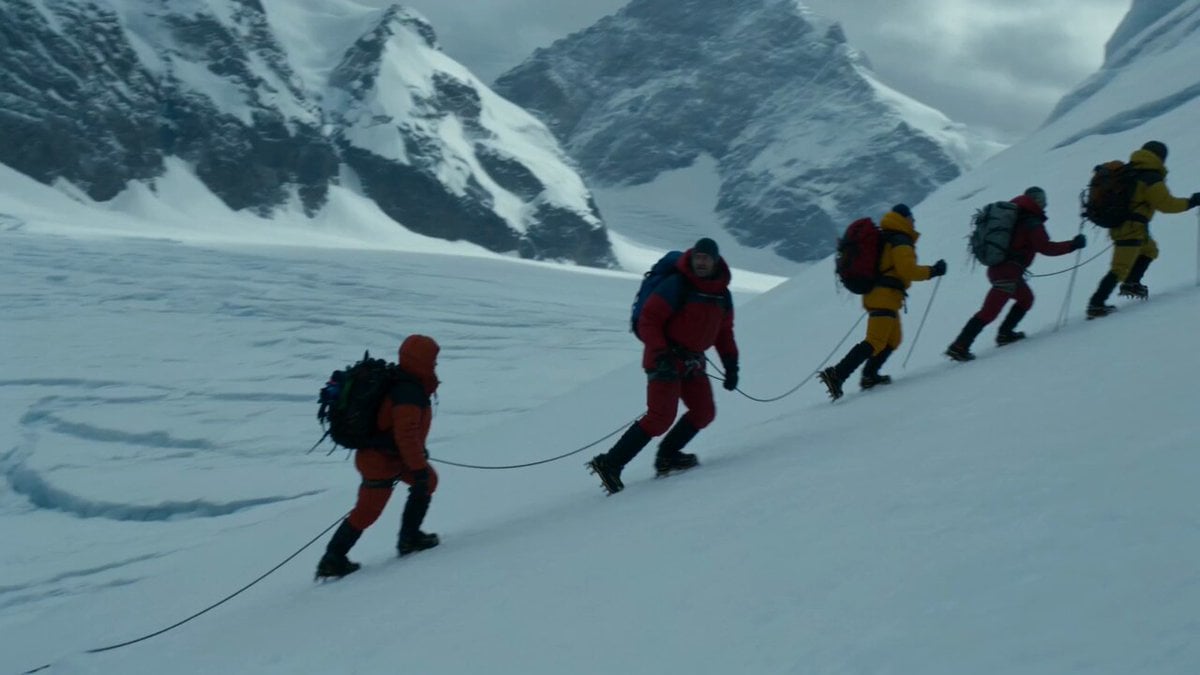
Glacier Avalanche Disaster Sequence
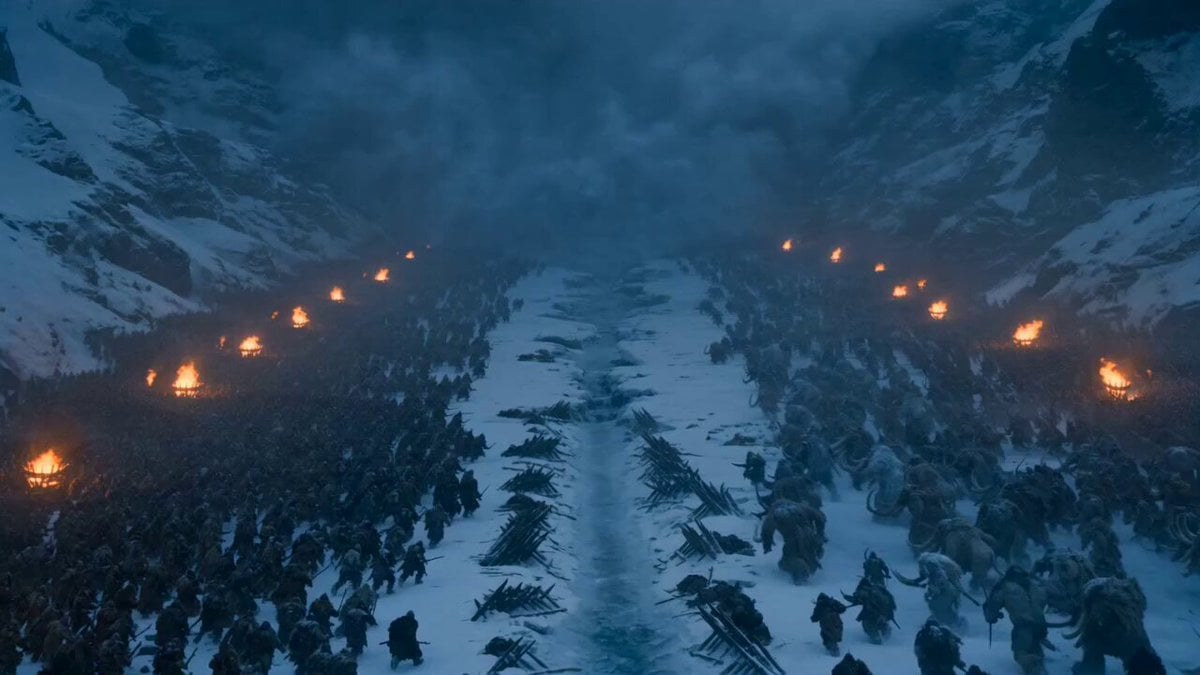
Dark Fantasy Frozen Mountain Battle
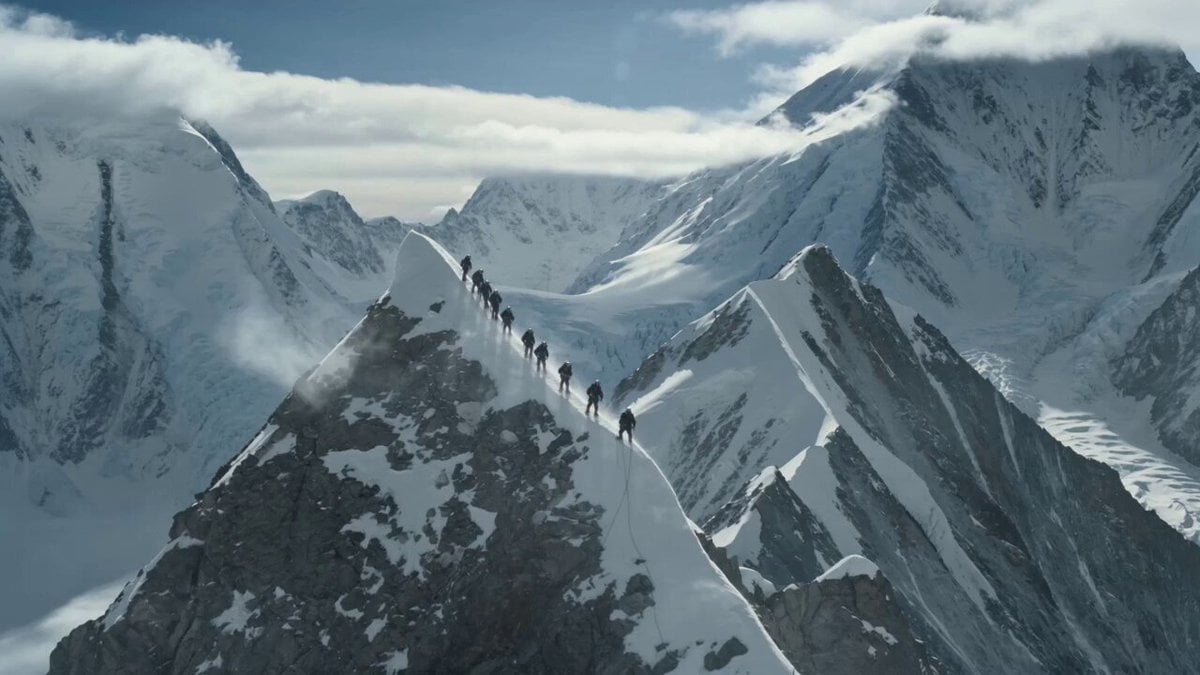
K2 Mountaineering Survival Drama
Make it yours
Swiss Alps Avalanche Cinematic Shot works as-is. These are the safest ways to change it without losing the look.
Change one field
Copy a single group, rewrite it, and generate again so you can see what that field is doing.
Keep the frame, change the subject
Hold the composition and light of Swiss Alps Avalanche Cinematic Shot, then swap wardrobe, props or the person for a new take.
| If the result… | Why | Fix |
|---|---|---|
| The result drifts from the preview | Too many fields changed at once. | Reuse Swiss Alps Avalanche Cinematic Shot as-is first, then change one group — subject, light, or setting. |
| The model over-stylizes the scene | The prose prompt leaves finish and camera underspecified. | Add one camera or lighting sentence and stay on Seedance 2.0. |
More Seedance 2.0 templates
Other prompts made for Seedance 2.0.

Comical Martial Arts Punch Scene

Maglev Train Action Sequence

Martial Arts Fight Sequence

Wuxia Protection and Trust Script

Vintage Korean Arcade MiniDV Vlog

Mercedes 190 SL Luxury Ad

Rainy Night Supernatural Reverse Comedy Video Script

Amazon Civilization Discovery

Futuristic South Asian City Transformation

Cozy Luxury Cafe Commercial
More video prompts
Fresh picks from across the catalog.
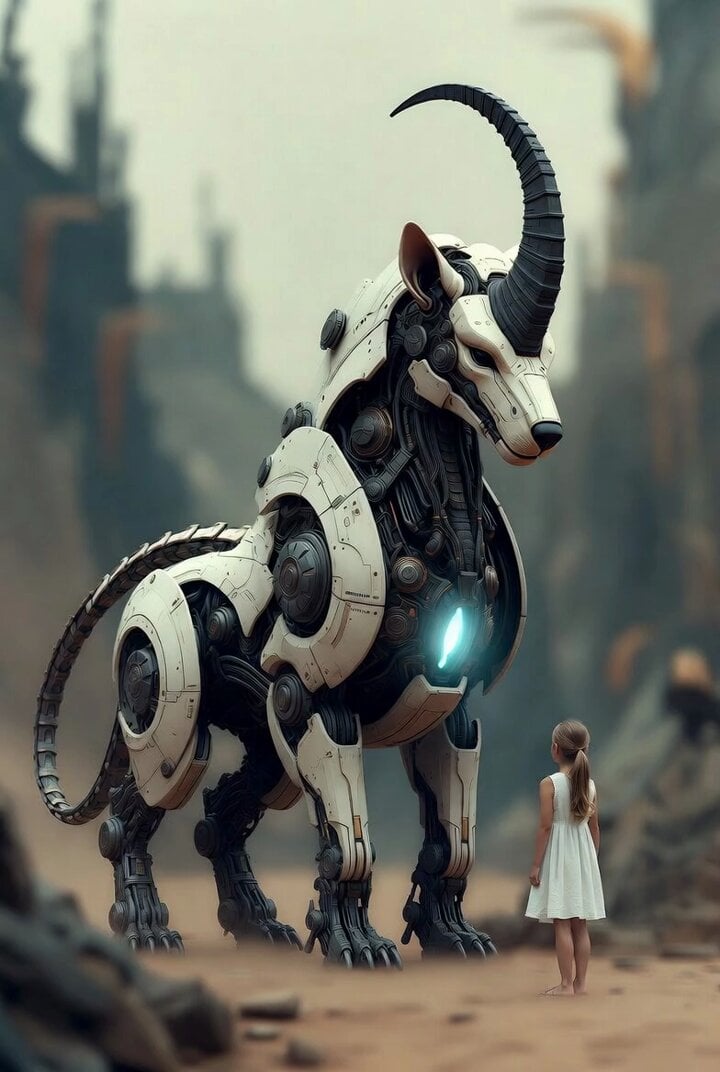
Surreal cyborg animal and young girl

God of Mars Battle Scene
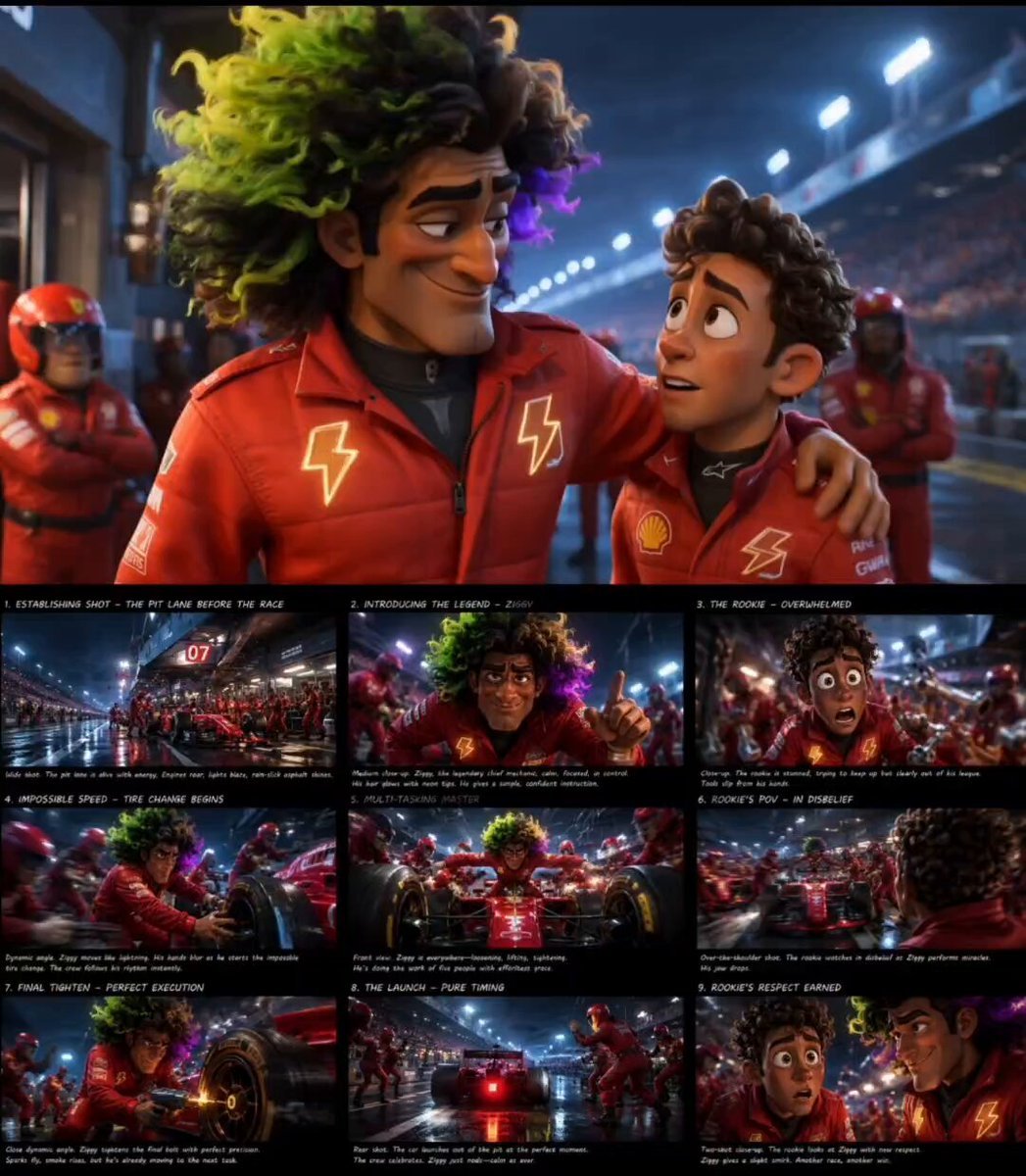
Pixar Style F1 Pit Lane Scene
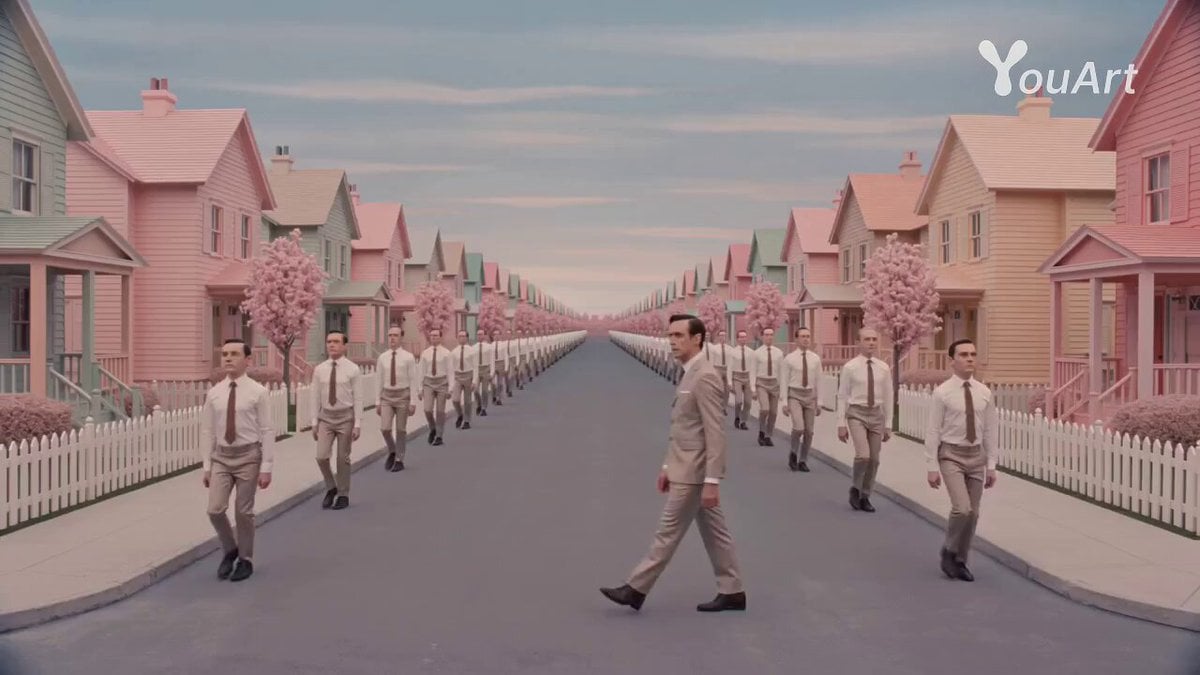
Wes Anderson Style Movie Trailer Prompt
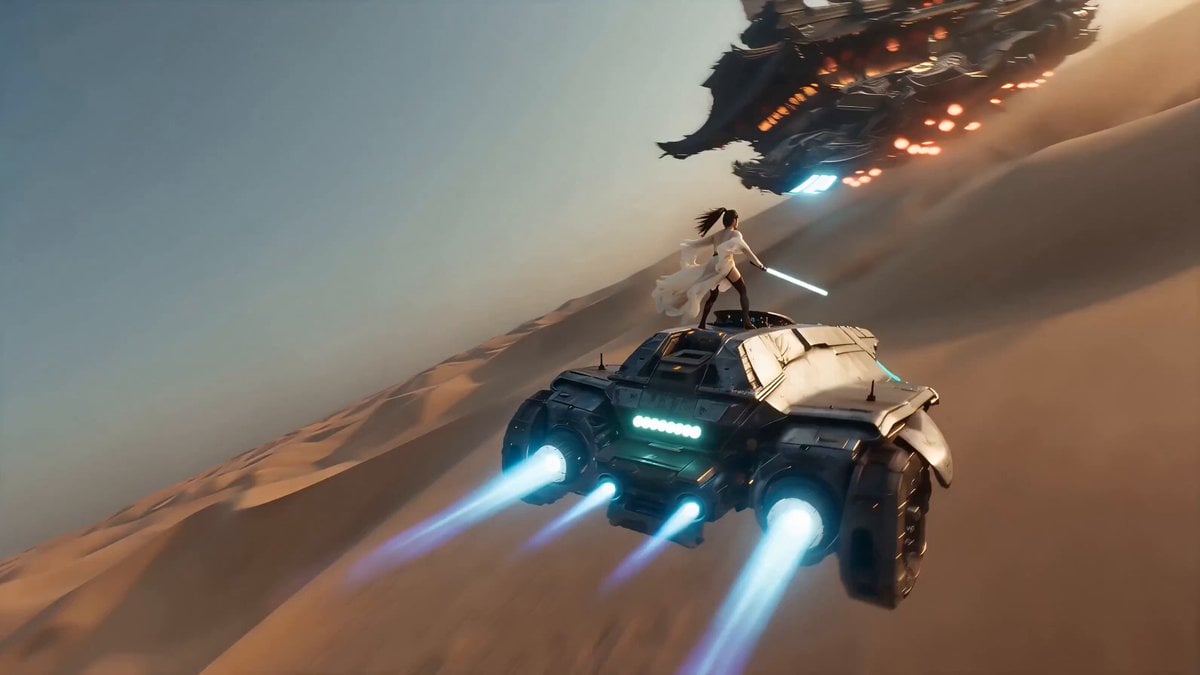
Handheld iPhone Style Sci-Fi Aerial Battle

Surreal Jungle Screen Escape

Anime Realism Portrait in Overgrown Rococo Palace

Futuristic Promotional Video for KIRI Engine
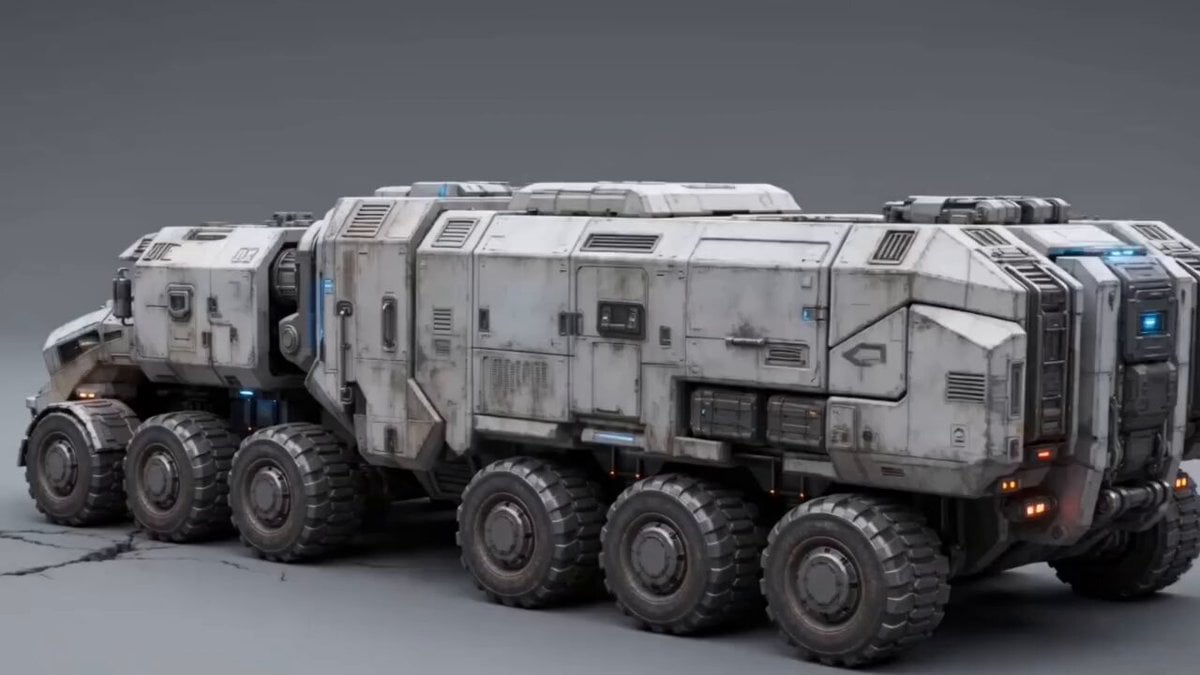
Futuristic Armored Siege Transport
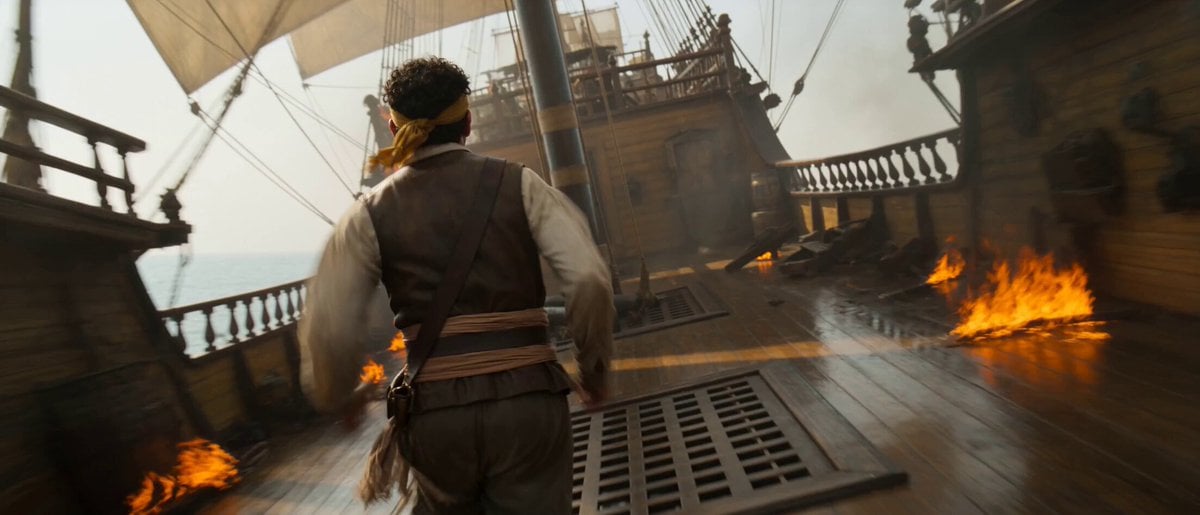
Pirate Ship To Desert Transition
Browse template categories
Swiss Alps Avalanche Cinematic Shot questions
How do I use the Swiss Alps Avalanche Cinematic Shot template?
Add your photo if the template asks for one, edit the prompt if you like — the template's model and format are already selected — and press Generate. Your version opens in PicX Studio.
Can I customize the Swiss Alps Avalanche Cinematic Shot template?
Yes. You can change the subject, setting, lighting, mood, format, and available model controls before creating your video.
Is the Swiss Alps Avalanche Cinematic Shot template free?
Opening and editing this template is free. Generating uses credits, shown on the Generate button when you are signed in.
Which AI model should I use?
Start with Seedance 2.0, which is the model associated with this template. You can compare another compatible model for a different finish.
Looking for something else? Browse all templates.

Your photo, any look
Thousands of ready templates for every top image and video model, from one credit balance.