
Surreal Jungle Screen Escape
A cinematic prompt for generating a surreal video of a woman emerging from a digital screen into a vibrant jungle world, featuring high-fashion and eco-futuristic elements.

- Prompt included
- Model and format preset
- Premium template
The prompt behind this video
Copy the exact prompt behind Surreal Jungle Screen Escape, or open it in the studio and make it yours.
A cinematic surreal scene of a confident woman emerging from a massive cracked digital screen embedded in the ground. Inside the screen is a vibrant jungle world with glowing plants, mist, and bioluminescent wildlife. Vines and water spill out of the screen as she steps forward, frozen mid-motion with realistic splash and particle effects. Her long hair flows naturally, her expression calm and powerful. She wears a modern high-fashion outfit blending organic textures and sleek design. Dramatic cinematic lighting, moody dark background, ultra-realistic details, shallow depth of field, fantasy realism, 4K resolution, high contrast, sharp focus, luxury eco-futuristic poster, surreal digital art, professional color grading.
How to use Surreal Jungle Screen Escape in 3 steps
- 1
Open
The prompt is already in the box next to the preview, with the template's model and format selected.
- 2…a portrait of your subject in softgolden-hour light, 85mm…
Personalize
Edit the subject and creative details for your destination.
- 3Generate
Generate
Press Generate — your video is created in PicX Studio, so you can compare it with the original and refine one variable at a time.
More like this
Templates with the same subject, style or setup. Open one to see its prompt.
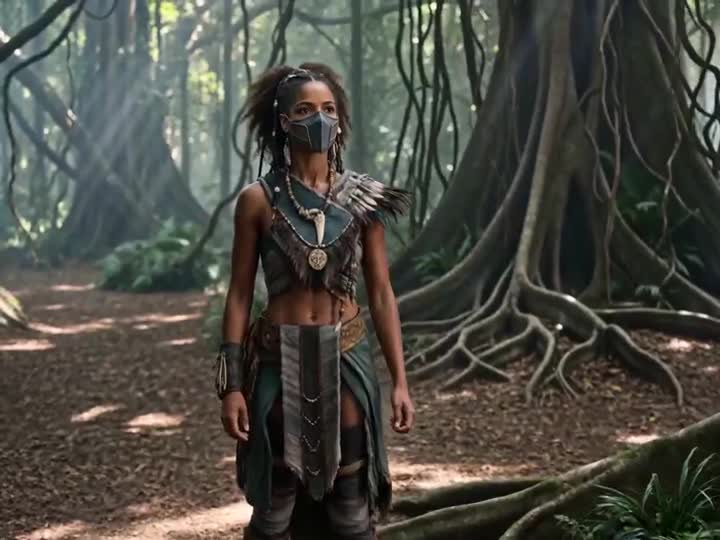
Energy Bow Jungle Edit

Jeep Speeding Off-Screen Action
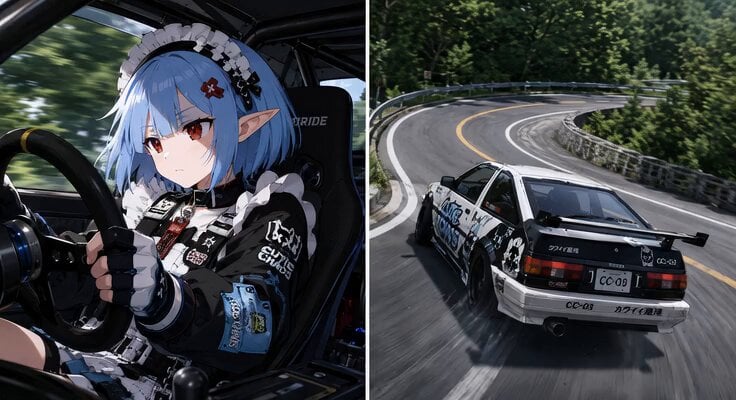
Synchronized Split-Screen Racing Video

Surreal Paradise Ethereal Transaction
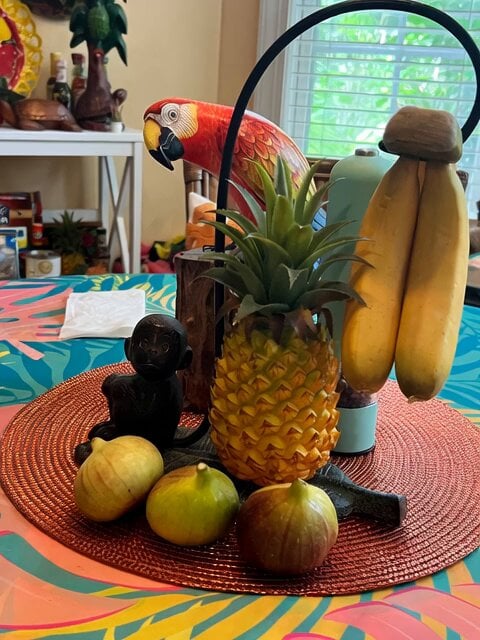
Jungle Animal Interaction Video Prompt
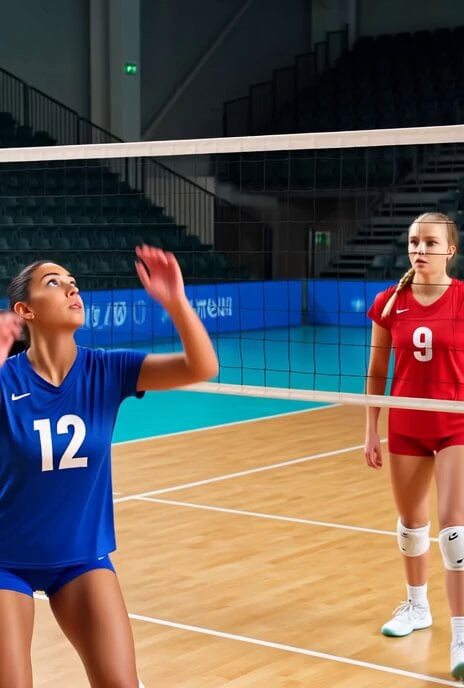
Volleyball Game Zoom Out to TV Screen
Surreal cyborg animal and young girl
Video prompt for a surreal volcanic goddess
Video Generation Prompt: Animating Mobile Screens

Grok Imagine Prompt: Wow! Logo Followed by Off-Screen Narration
A clean white screen displaying three sections of characters

Surreal time-bending reverie video prompt
Make it yours
Surreal Jungle Screen Escape works as-is. These are the safest ways to change it without losing the look.
Change one field
Copy a single group, rewrite it, and generate again so you can see what that field is doing.
Keep the frame, change the subject
Hold the composition and light of Surreal Jungle Screen Escape, then swap wardrobe, props or the person for a new take.
| If the result… | Why | Fix |
|---|---|---|
| The result drifts from the preview | Too many fields changed at once. | Reuse Surreal Jungle Screen Escape as-is first, then change one group — subject, light, or setting. |
| The model over-stylizes the scene | The prose prompt leaves finish and camera underspecified. | Add one camera or lighting sentence and stay on Grok Imagine. |
More Grok Imagine templates
Other prompts made for Grok Imagine.

Mecha Runway Tap Dance Video Prompt
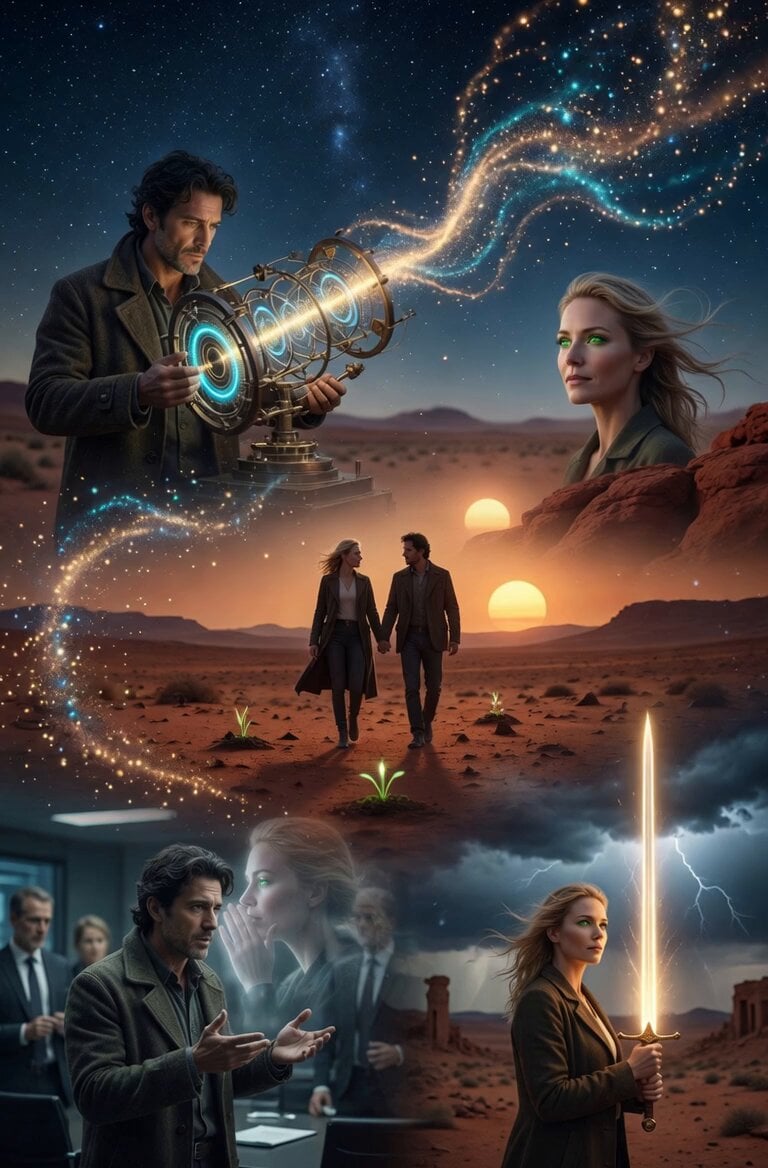
Quantum Inventor in Sonoran Desert

Emotional Angry Couple Drama

Train Zooming in Star Field Video Prompt

Cyberpunk Guerrilla Girl Video Generation

Detailed multi-part video prompt
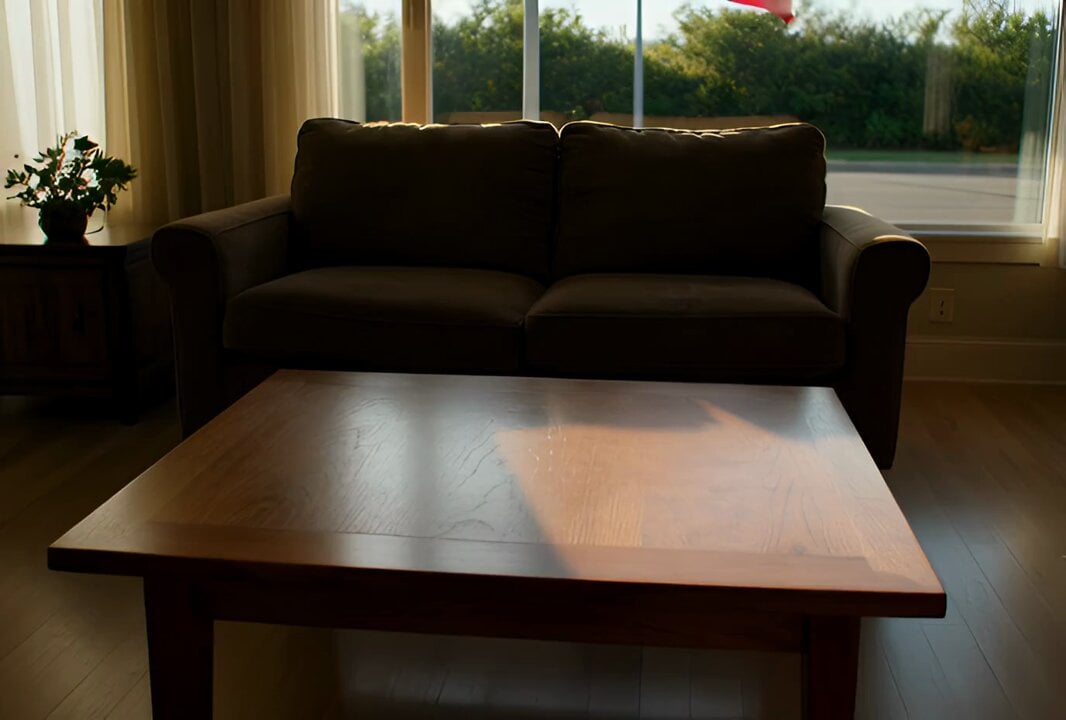
Interior View Video Generation Prompt
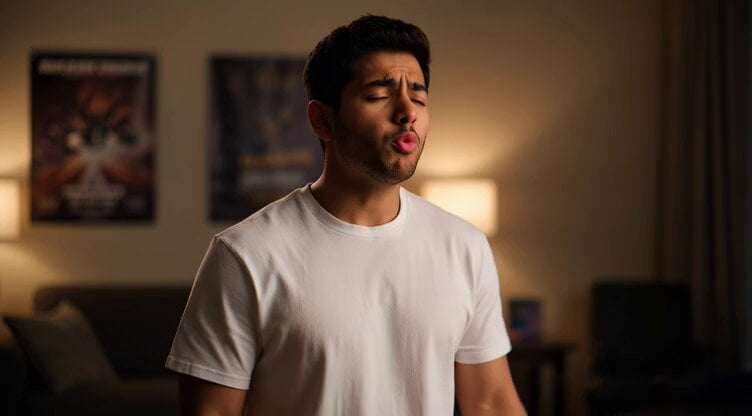
GTA 6 never came out in 1 million years

Bitcoin liferaft video prompt

Woman floating down, opening eyes and looking deeply into the viewer's eyes
More video prompts
Fresh picks from across the catalog.
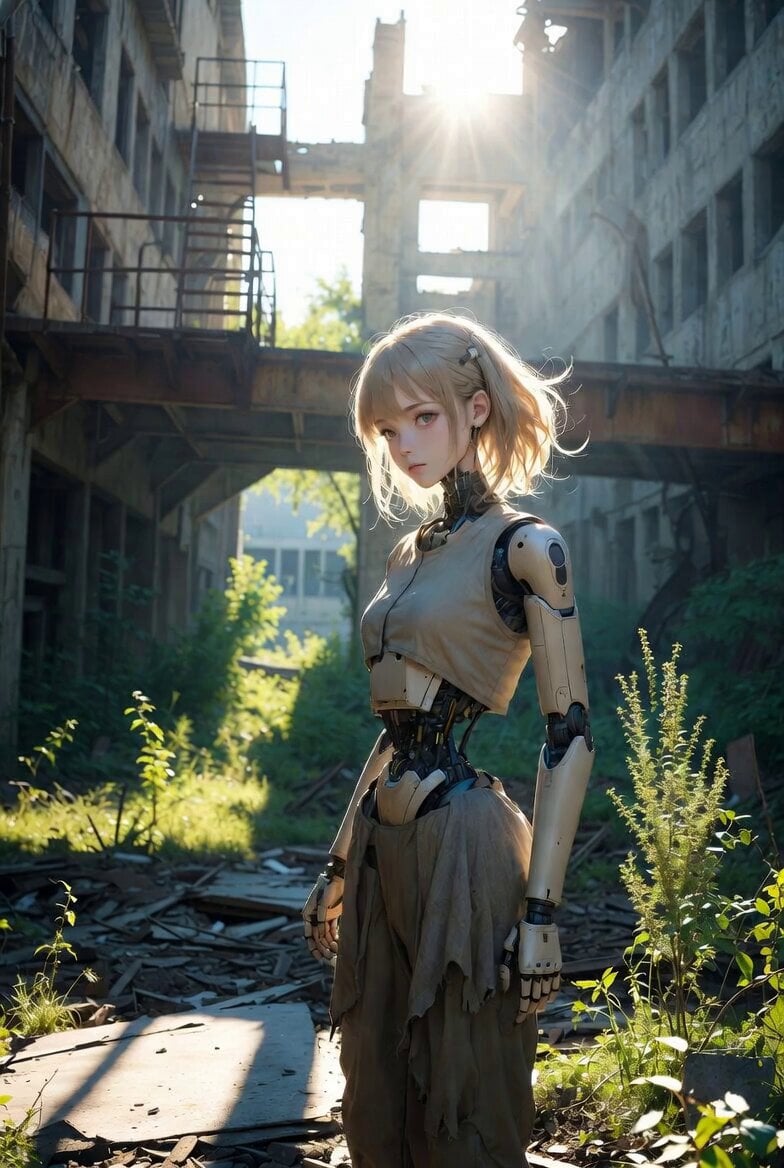
Post-Apocalyptic Girl and Android Guardians
Character Consistent Video Generation
1980s Retro Japanese Game Show Challenge
Grok Imagine prompt: Flying staplers hit by lightning
Cinematic Bruce Lee Martial Artist Video Prompt
Bora Bora Dialogue Video Prompt
Anime Girl Meteor Magic Transformation

Detailed Scene Prompt for Zombie Chase

Tesla Optimus Animated Theme
Automaton Post-Apocalyptic Jungle Run
Browse template categories
Surreal Jungle Screen Escape questions
How do I use the Surreal Jungle Screen Escape template?
Add your photo if the template asks for one, edit the prompt if you like — the template's model and format are already selected — and press Generate. Your version opens in PicX Studio.
Can I customize the Surreal Jungle Screen Escape template?
Yes. You can change the subject, setting, lighting, mood, format, and available model controls before creating your video.
Is the Surreal Jungle Screen Escape template free?
Opening and editing this template is free. Generating uses credits, shown on the Generate button when you are signed in.
Which AI model should I use?
Start with Grok Imagine, which is the model associated with this template. You can compare another compatible model for a different finish.
Looking for something else? Browse all templates.

Your photo, any look
Thousands of ready templates for every top image and video model, from one credit balance.