
Japanese Village Documentary Realism
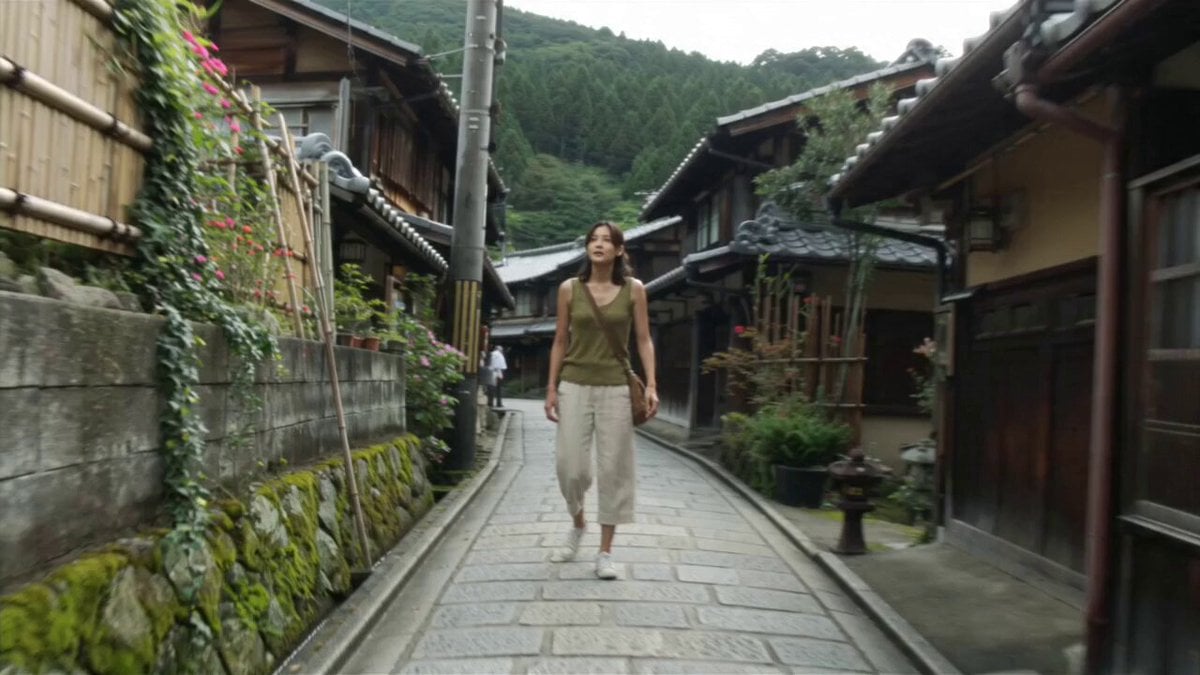
A detailed multi-shot video prompt depicting a young woman exploring a traditional Japanese village, styled to look like authentic early-2000s camcorder footage.
- Prompt included
- Model and format preset
- Premium template
The prompt behind this video
Copy the exact prompt behind Japanese Village Documentary Realism, or open it in the studio and make it yours.
Main subject: Young Japanese woman, early 20s, natural everyday appearance, washed olive-green sleeveless knit top, loose cream linen trousers, worn white canvas sneakers, small brown canvas crossbody bag, black shoulder-length wavy hair loosely tied back with soft face-framing strands. Realistic skin, minimal makeup, warm approachable personality. Maintain identical identity, outfit, hairstyle, accessories, and appearance throughout. Location: Dense traditional Japanese village during a peaceful late morning. Extremely narrow stone lanes between centuries-old wooden machiya houses with dark timber facades, tiled roofs, shoji windows, Japanese signboards, shrines, mossy stone walls, bamboo fences, lanterns, vines, flowers, bicycles, tiny family shops, stairways, and lush green hills. No modern buildings, neon, billboards, vending machines, convenience stores, modern vehicles, or contemporary infrastructure. Visual Style: Ultra-realistic documentary realism. Genuine candid behavior, natural body language, everyday slice-of-life storytelling, rich environmental authenticity, warm nostalgic atmosphere with subtle imperfections resembling forgotten early-2000s family camcorder footage. Camera Style: Early-2000s MiniDV consumer camcorder. Heavy handheld, imperfect framing, autofocus hunting, lens breathing, exposure pumping, motion blur, rolling shutter, mild compression artifacts, faded colors, soft contrast, CCD noise. No stabilization, cinematic movement, or modern color grading. 00:00–00:02 Walking through a narrow stone alley beneath wooden balconies. She wipes sweat from her forehead, looks thirsty, politely asks an elderly local in Japanese where to buy a cold drink. Camera briefly loses focus. 00:02–00:04 The elder smiles and points farther down the alley. She thanks them with a small bow and continues walking. The handheld camera briefly loses her around a corner before catching up. 00:04–00:06 She notices a tiny family-owned shop beneath weathered wooden beams with a handmade Japanese sign. She smiles with relief and walks inside as sunlight filters through leaves. Autofocus alternates between the sign and her face. 00:06–00:08 Inside the warm wooden shop. She politely says, "Diet Coke, onegaishimasu." The elderly shopkeeper retrieves an ice-cold condensation-covered can from an old refrigerator and hands it to her. She smiles and thanks them. 00:08–00:10 Outside beneath the wooden awning, she opens the Diet Coke with a crisp *psssht*. Tiny droplets sparkle in sunlight while autofocus hunts between the can and her face. 00:10–00:13 She slowly drinks the Diet Coke in graceful slow motion. Condensation rolls down the can, breeze moves loose strands of hair, sunlight glows through surrounding trees. Her expression changes from tired to refreshed with a genuine smile. MiniDV imperfections remain throughout. 00:13
How to use Japanese Village Documentary Realism in 3 steps
- 1
Open
The prompt is already in the box next to the preview, with the template's model and format selected.
- 2…a portrait of your subject in softgolden-hour light, 85mm…
Personalize
Edit the subject and creative details for your destination.
- 3Generate
Generate
Press Generate — your video is created in PicX Studio, so you can compare it with the original and refine one variable at a time.
More like this
Templates with the same subject, style or setup. Open one to see its prompt.
Indian Village Football Documentary
Forgotten 1980s High School Documentary Seedance
Japanese Pure Love Short Film
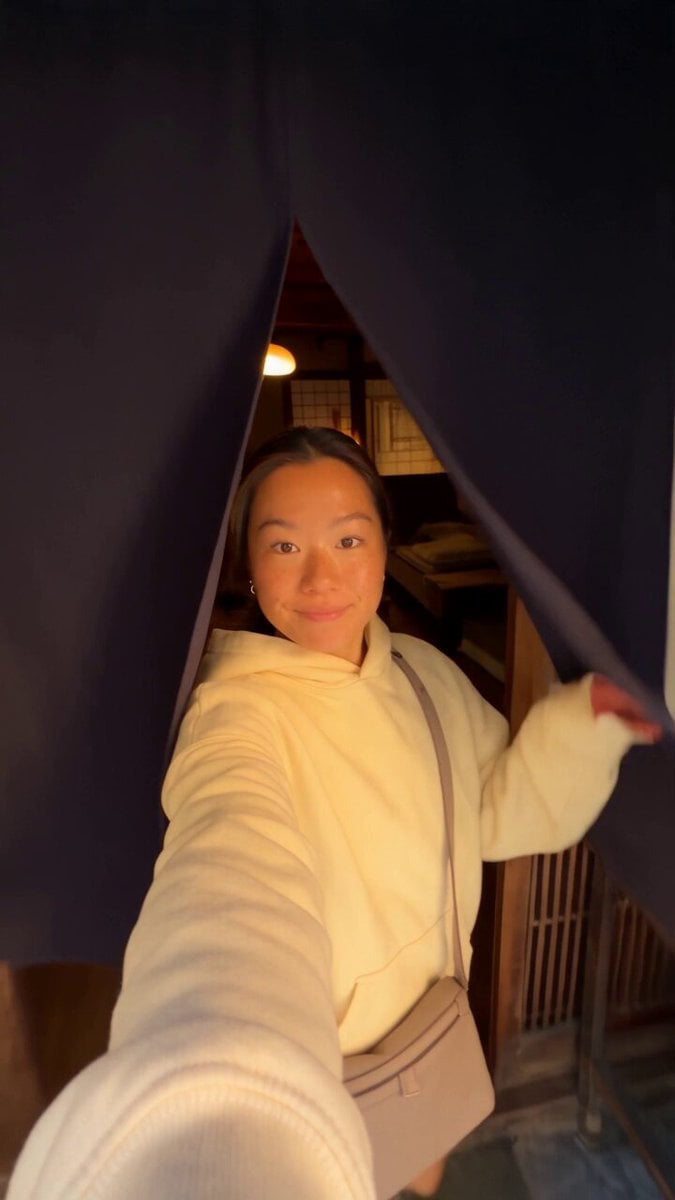
Kyoto Morning Selfie Vlog
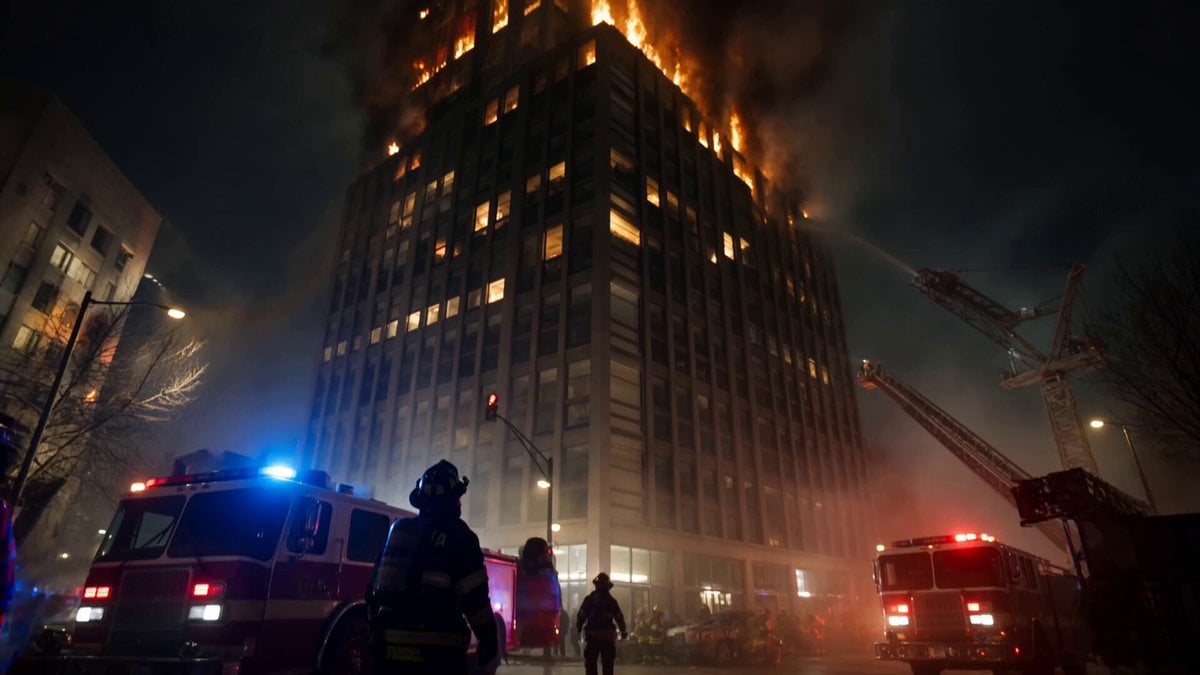
Live-Action Firefighter Rescue Night Scene

Rural Chinese Village Memory Documentary
90s Camcorder Japanese Seaside Village
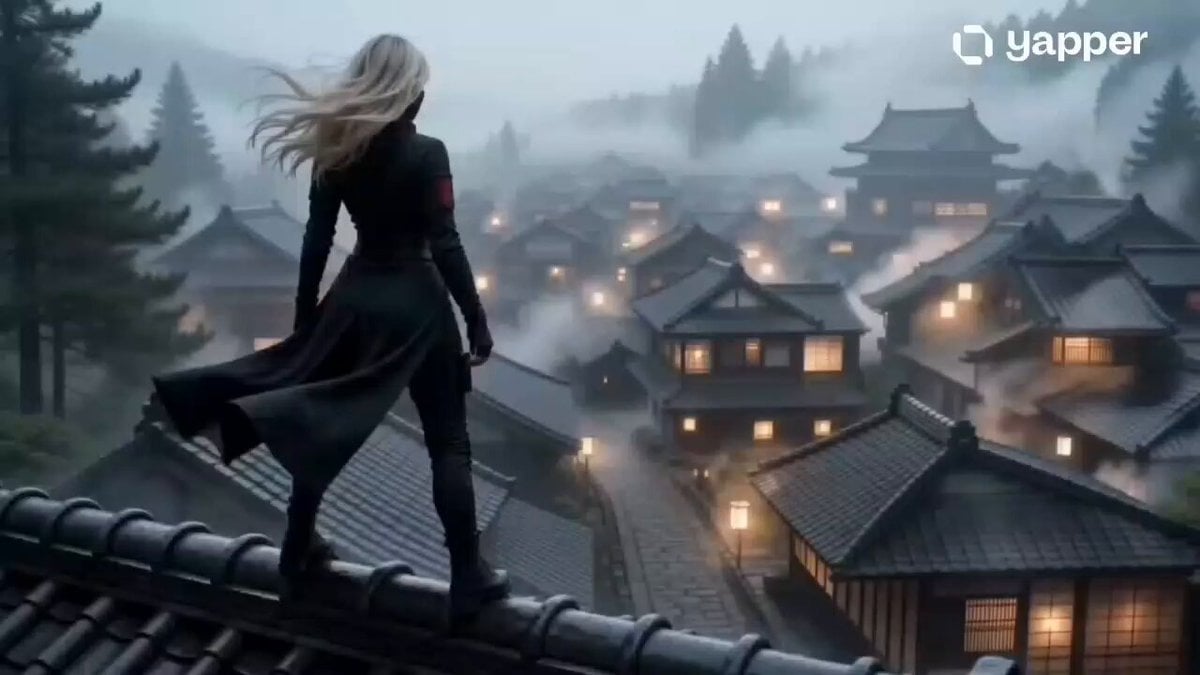
Mysterious Assassin in Japanese Village
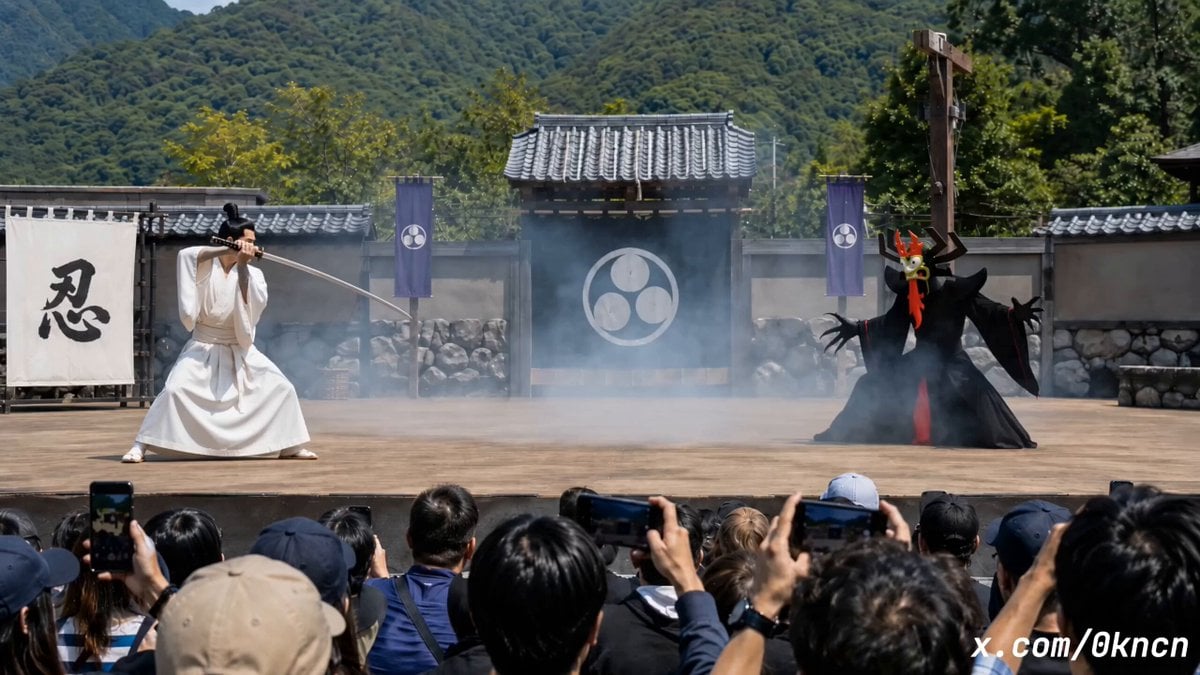
Japanese Feudal Village Theater POV
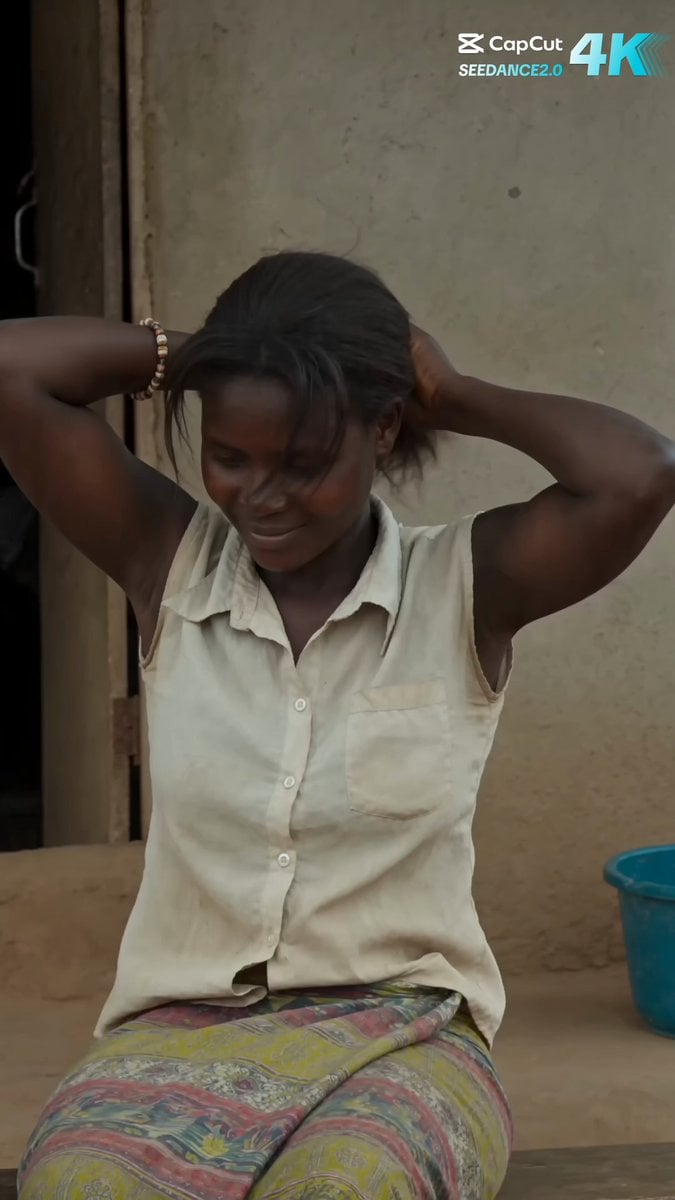
Rural African Village Life Documentary
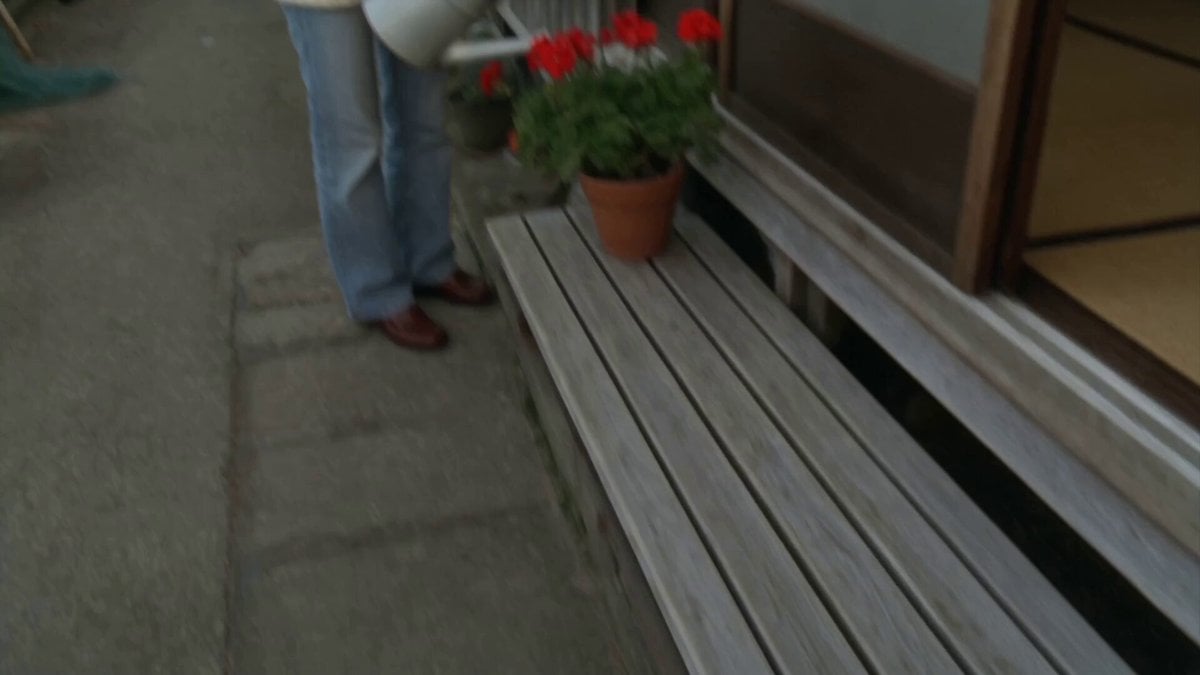
Japanese Seaside Town MiniDV Documentary
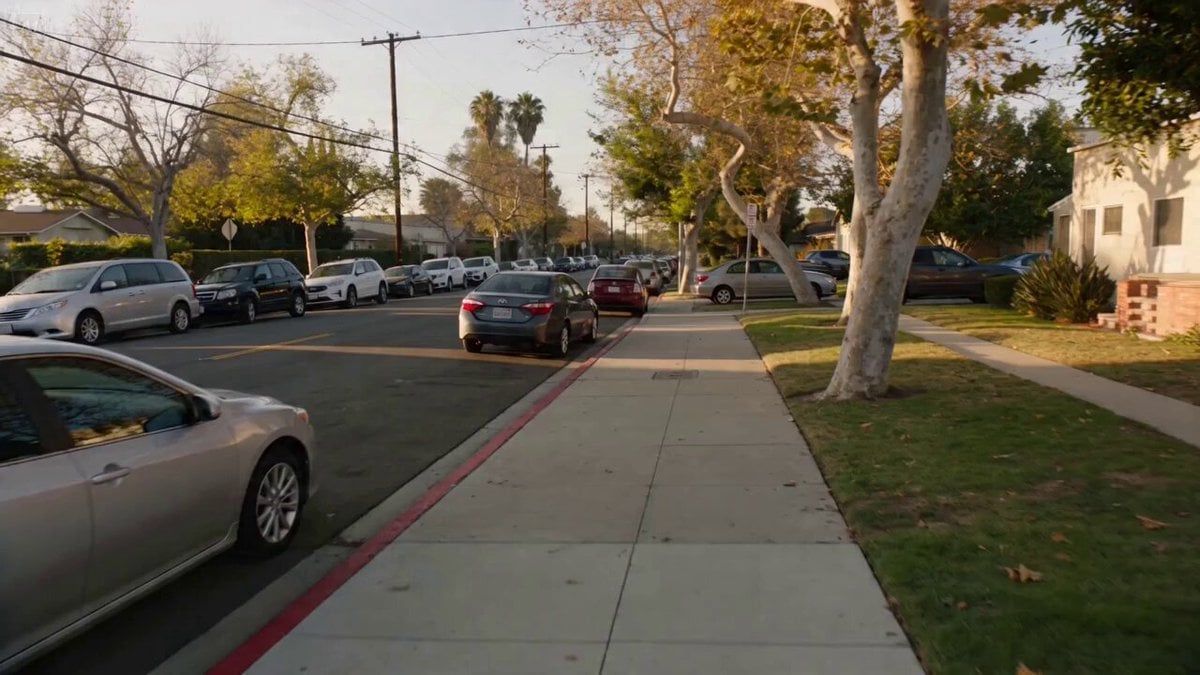
Documentary Realism Car Crash Scene
Make it yours
Japanese Village Documentary Realism works as-is. These are the safest ways to change it without losing the look.
Change one field
Copy a single group, rewrite it, and generate again so you can see what that field is doing.
Keep the frame, change the subject
Hold the composition and light of Japanese Village Documentary Realism, then swap wardrobe, props or the person for a new take.
| If the result… | Why | Fix |
|---|---|---|
| The result drifts from the preview | Too many fields changed at once. | Reuse Japanese Village Documentary Realism as-is first, then change one group — subject, light, or setting. |
| The model over-stylizes the scene | The prose prompt leaves finish and camera underspecified. | Add one camera or lighting sentence and stay on Seedance 2.0. |
More Seedance 2.0 templates
Other prompts made for Seedance 2.0.

Comical Martial Arts Punch Scene

Maglev Train Action Sequence

Martial Arts Fight Sequence

Wuxia Protection and Trust Script

Vintage Korean Arcade MiniDV Vlog

Mercedes 190 SL Luxury Ad

Rainy Night Supernatural Reverse Comedy Video Script

Amazon Civilization Discovery

Futuristic South Asian City Transformation

Cozy Luxury Cafe Commercial
More video prompts
Fresh picks from across the catalog.
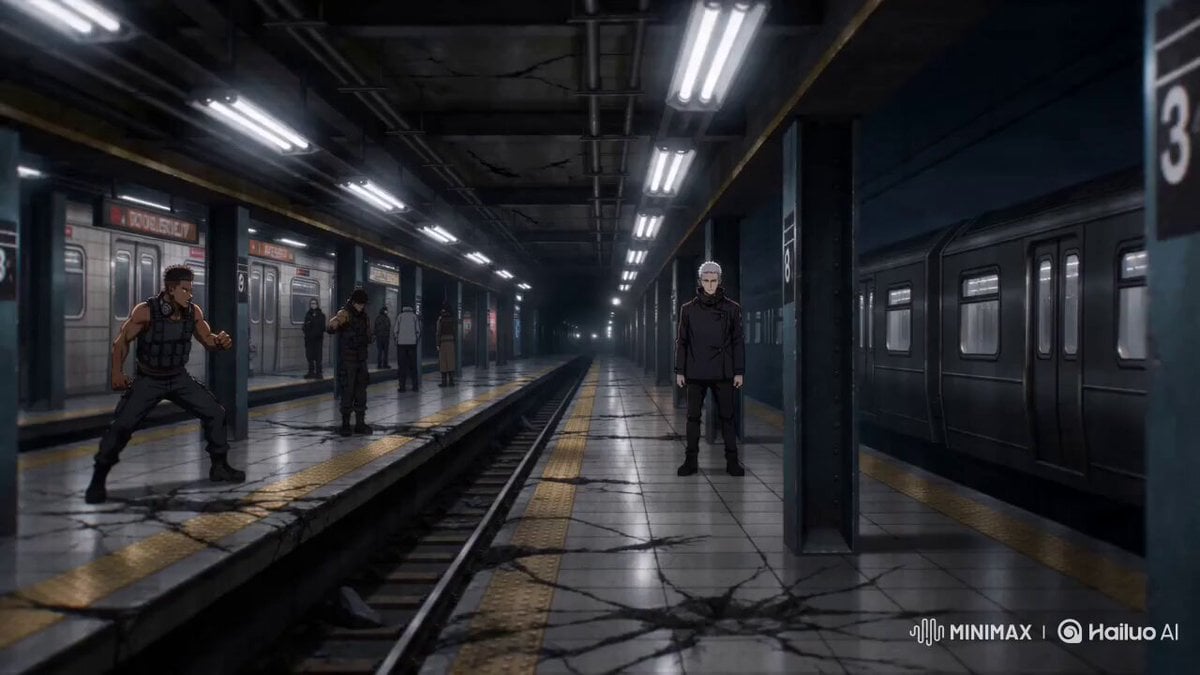
Sakuga Anime Subway Duel

JRPG Style Anime Battle Scene
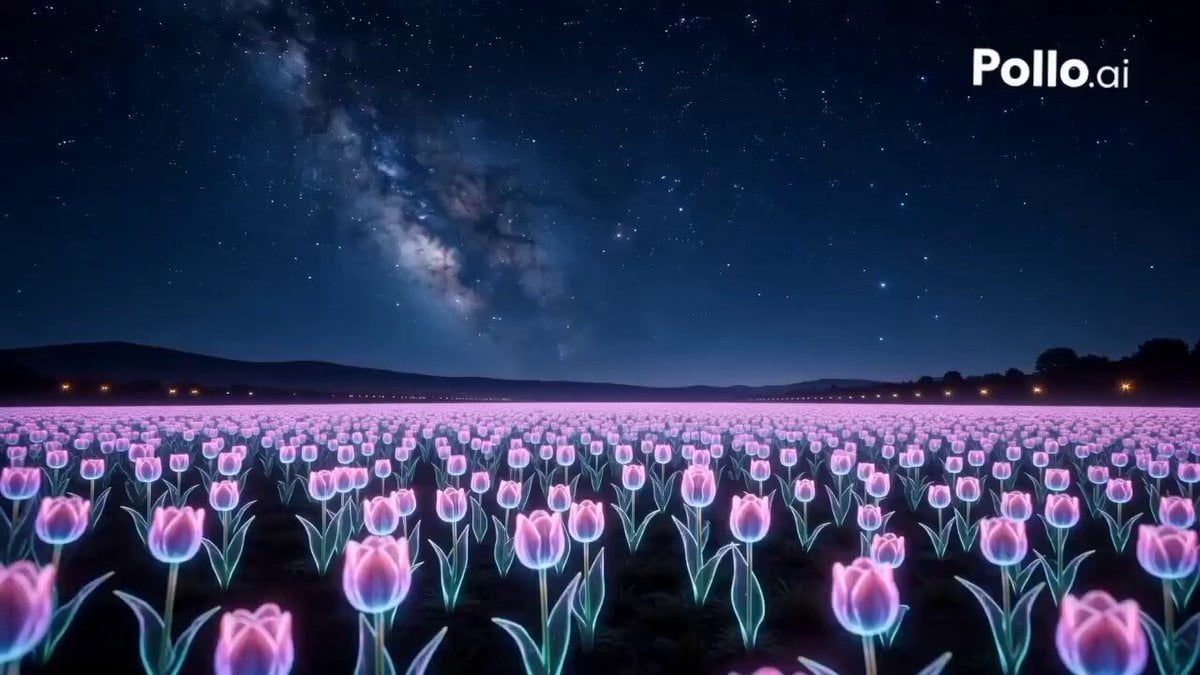
UFO Macro Photography of Tulips
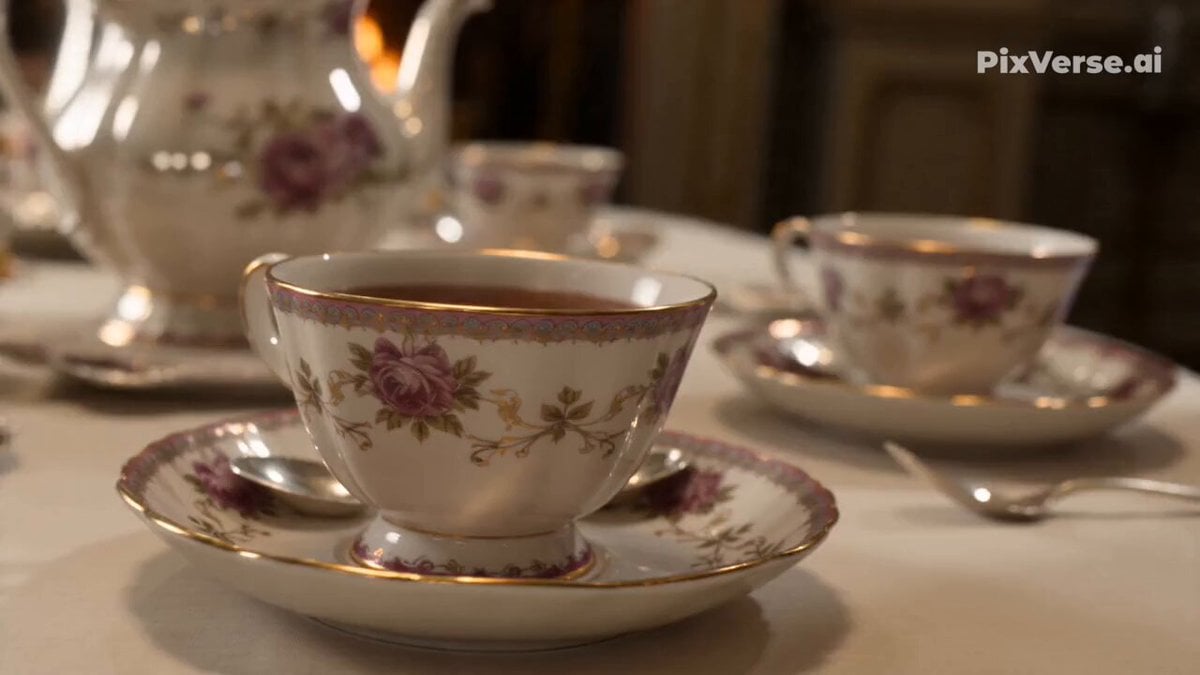
Alice in Wonderland Tea Sea Adventure
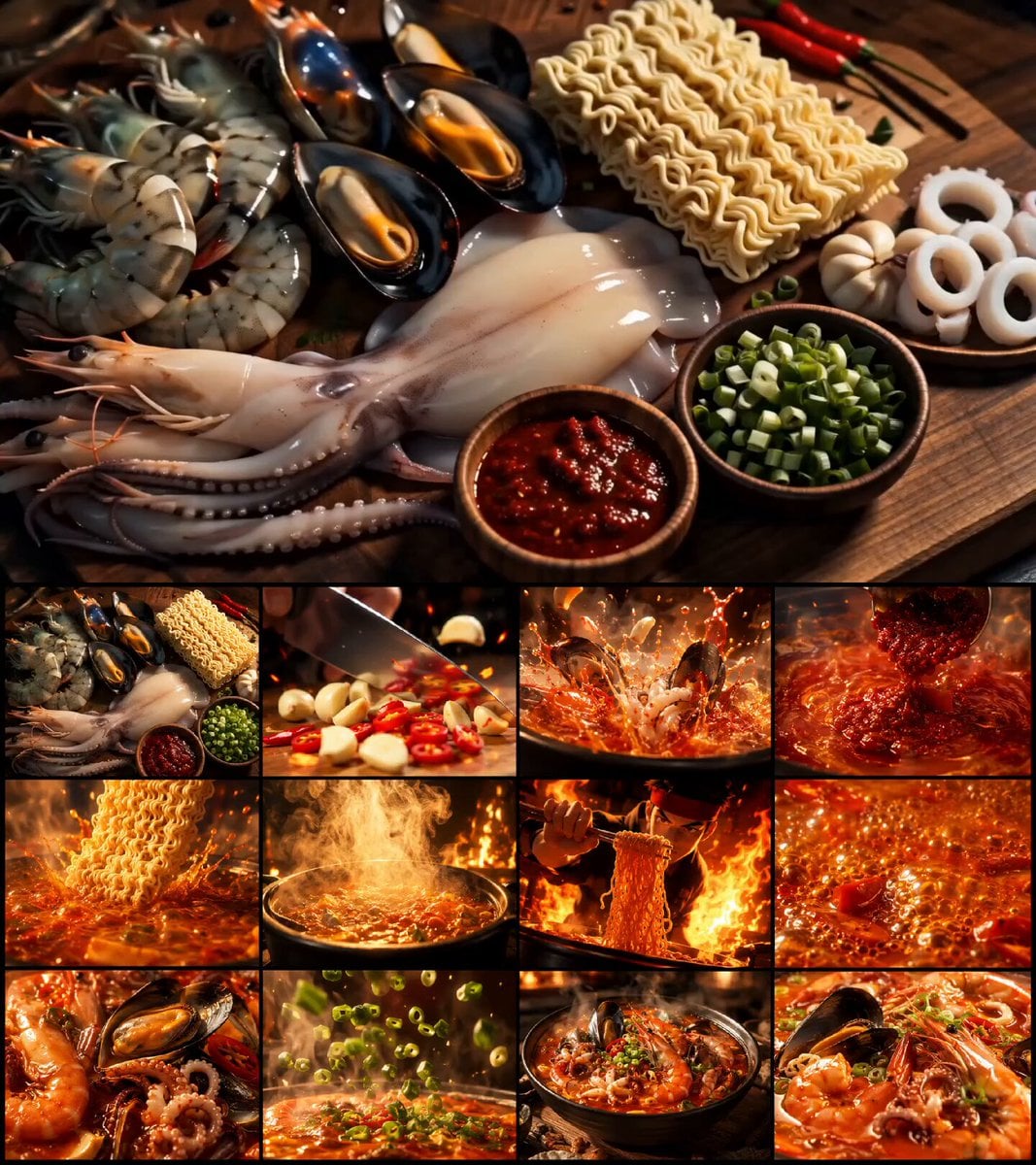
Korean Seafood Ramen Animation
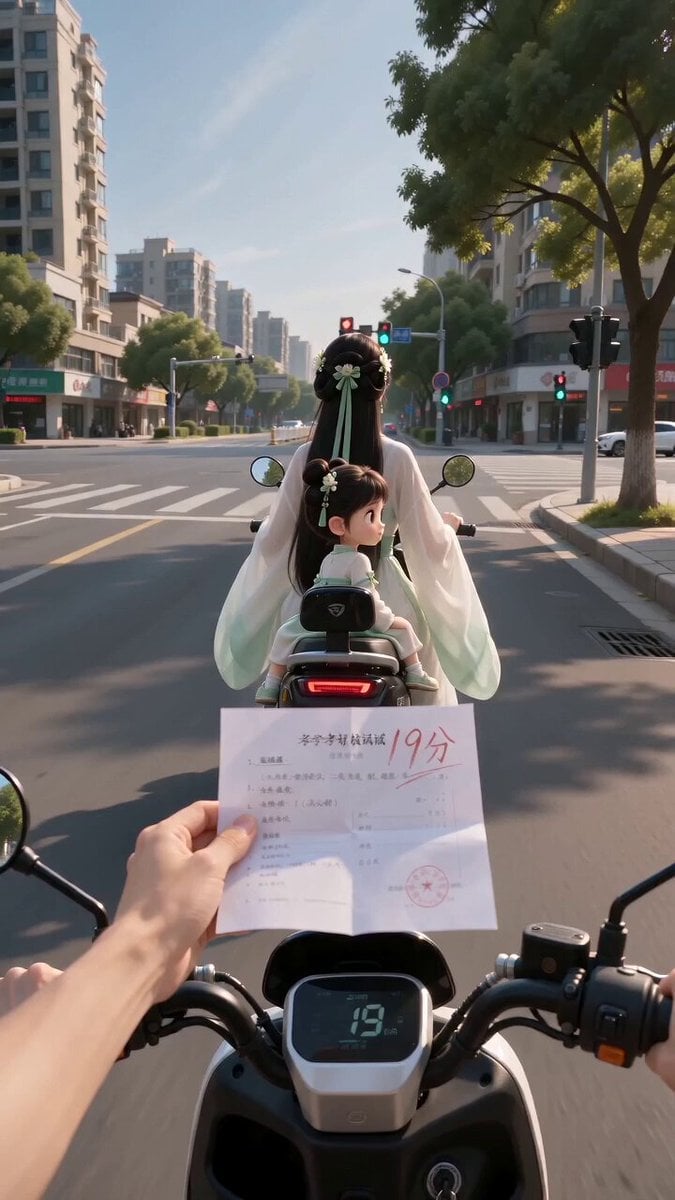
Ancient POV Child Report Card
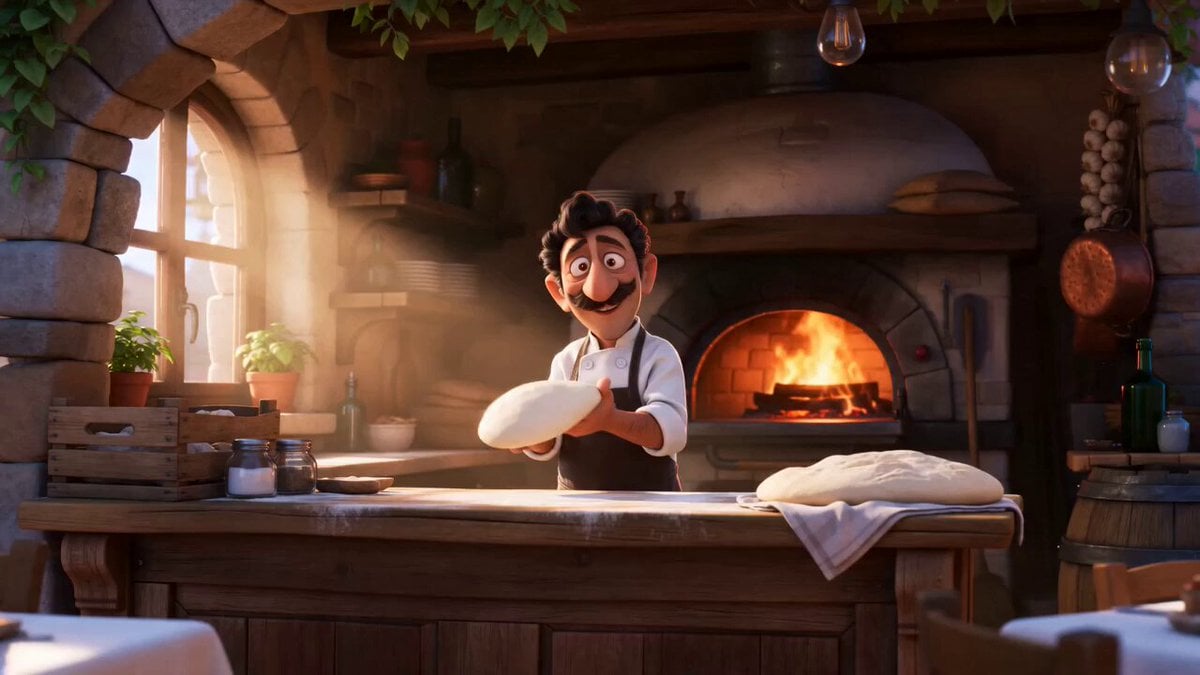
Pixar Style Pizzeria Animation
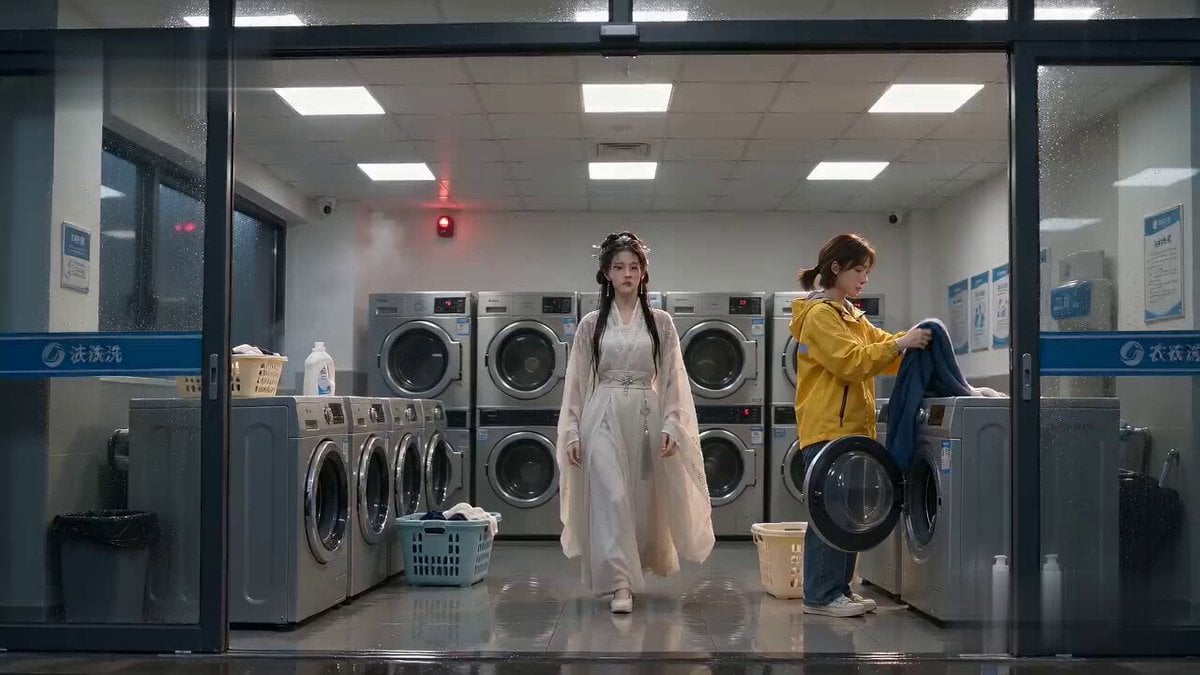
Laundromat Xianxia Drying Magic Comedy

High-Speed Anime Sakuga Duel

Transform image into Art Deco metropolis scene
Browse template categories
Japanese Village Documentary Realism questions
How do I use the Japanese Village Documentary Realism template?
Add your photo if the template asks for one, edit the prompt if you like — the template's model and format are already selected — and press Generate. Your version opens in PicX Studio.
Can I customize the Japanese Village Documentary Realism template?
Yes. You can change the subject, setting, lighting, mood, format, and available model controls before creating your video.
Is the Japanese Village Documentary Realism template free?
Opening and editing this template is free. Generating uses credits, shown on the Generate button when you are signed in.
Which AI model should I use?
Start with Seedance 2.0, which is the model associated with this template. You can compare another compatible model for a different finish.
Looking for something else? Browse all templates.

Your photo, any look
Thousands of ready templates for every top image and video model, from one credit balance.