
Alice in Wonderland Tea Sea Adventure
A detailed cinematic video prompt for Seedance 2.0 featuring Alice in Wonderland transitioning from an afternoon tea to a magical sugar candy submarine palace in a tea ocean.
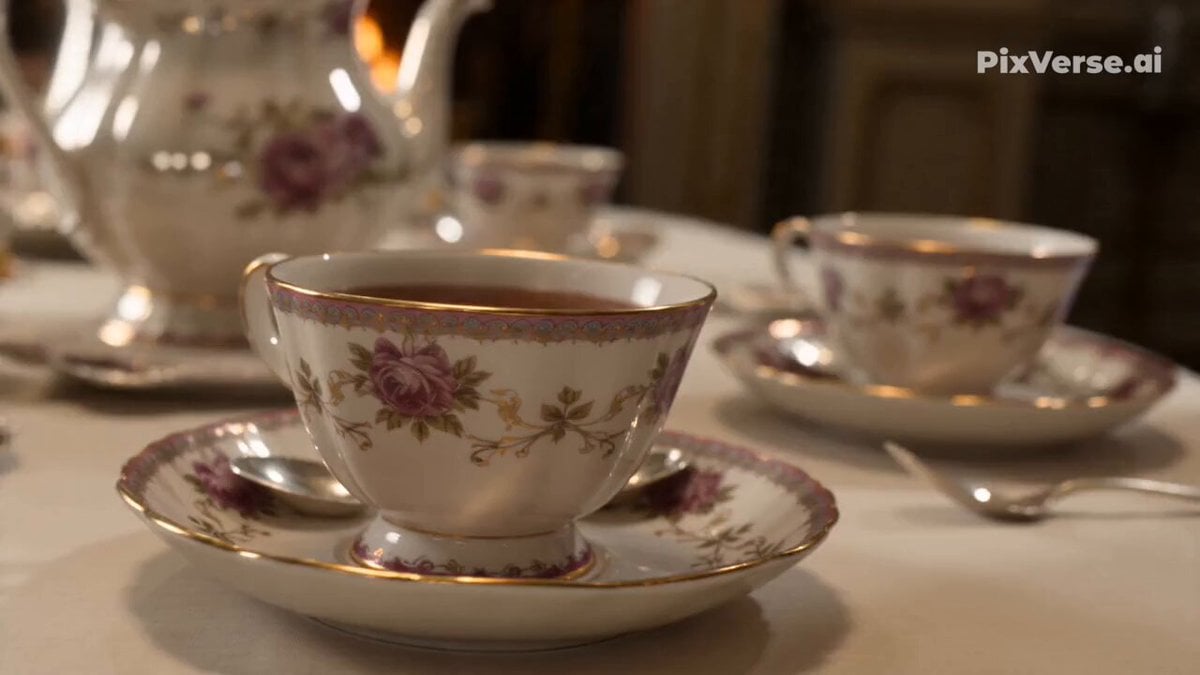
- Prompt included
- Model and format preset
- Premium template
The prompt behind this video
Copy the exact prompt behind Alice in Wonderland Tea Sea Adventure, or open it in the studio and make it yours.
SUBJECTS: Subject 1 (Alice): A beautiful young girl reminiscent of Alice in Wonderland, wearing a classic elegant blue dress with a white pinafore. Subject 2 (Mermaids): Elegant underwater mermaids wearing intricate, beautiful costumes designed like layered green and black tea leaves.ENVIRONMENT: Starts in a majestic, high-end afternoon tea setting. It dynamically transitions into a vast, magical golden-brown tea ocean featuring a breathtaking underwater submarine palace built entirely of sparkling, translucent sugar candies and crystals.MOOD: Awe-inspiring, magical, whimsical, and purely blissful. TIMELINE: [00:00-00:05] Shot 1: Close-up on the delicate teacup to Medium shot (Fast Dolly-out). Alice is positioned on the right using the rule of thirds. A slight Dutch angle adds a sense of magical anomaly as a visual hook. Suddenly, swirling liquid black tea elegantly flows out of the cup on the left, forming a magical vortex that completely envelops her. Audio: An exciting, uplifting piano prologue that acts as a strong emotional hook to build anticipation. [00:05-00:10] Shot 2: Seamless transition to a cinematic underwater tracking shot with a subtle camera roll. Alice drifts deeper into a beautiful golden-brown tea torrent, placed centrally to guide the viewer's focus. The camera pans to reveal a massive, breathtaking underwater palace made of sparkling sugar candies in the background. Audio: A majestic orchestral swell combined with gentle underwater bubble sounds. [00:10-00:15] Shot 3: Medium close-up, Eye-level shot. Alice and the tea-leaf mermaids are positioned on opposite sides, creating a balanced composition. They look at each other and exchange warm, joyful smiles. Sparkling tea bubbles float around them (an image system connecting to the tea vortex in Shot 1), creating a moment of pure bliss. Audio: A heartwarming, joyful orchestral climax with magical chiming sounds.CONSTRAINTS & STYLE: 16:9 aspect ratio, 8K resolution, Hollywood movie-style cinematic lighting, cinematic color management, high-end VFX fluid simulation, hyper-realistic fantasy, highly detailed, stable motion, consistent character identity, no deformation.
How to use Alice in Wonderland Tea Sea Adventure in 3 steps
- 1
Open
The prompt is already in the box next to the preview, with the template's model and format selected.
- 2…a portrait of your subject in softgolden-hour light, 85mm…
Personalize
Edit the subject and creative details for your destination.
- 3Generate
Generate
Press Generate — your video is created in PicX Studio, so you can compare it with the original and refine one variable at a time.
More like this
Templates with the same subject, style or setup. Open one to see its prompt.
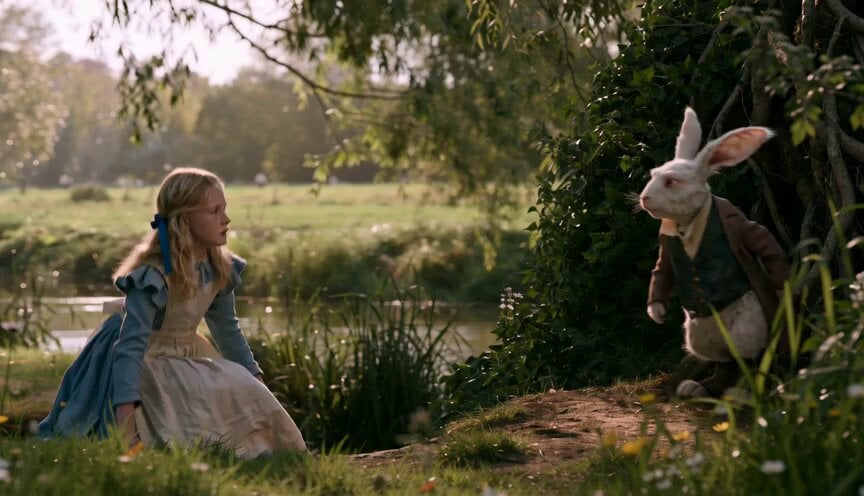
Alice in Wonderland White Rabbit Chase
Tropical Seaplane Aerial Adventure
Underground Temple Escape — Seedance 2.0
Chibi Cave Adventure — He Doesn't Know What's Coming
Adventurer Path Creator - Seedance 2
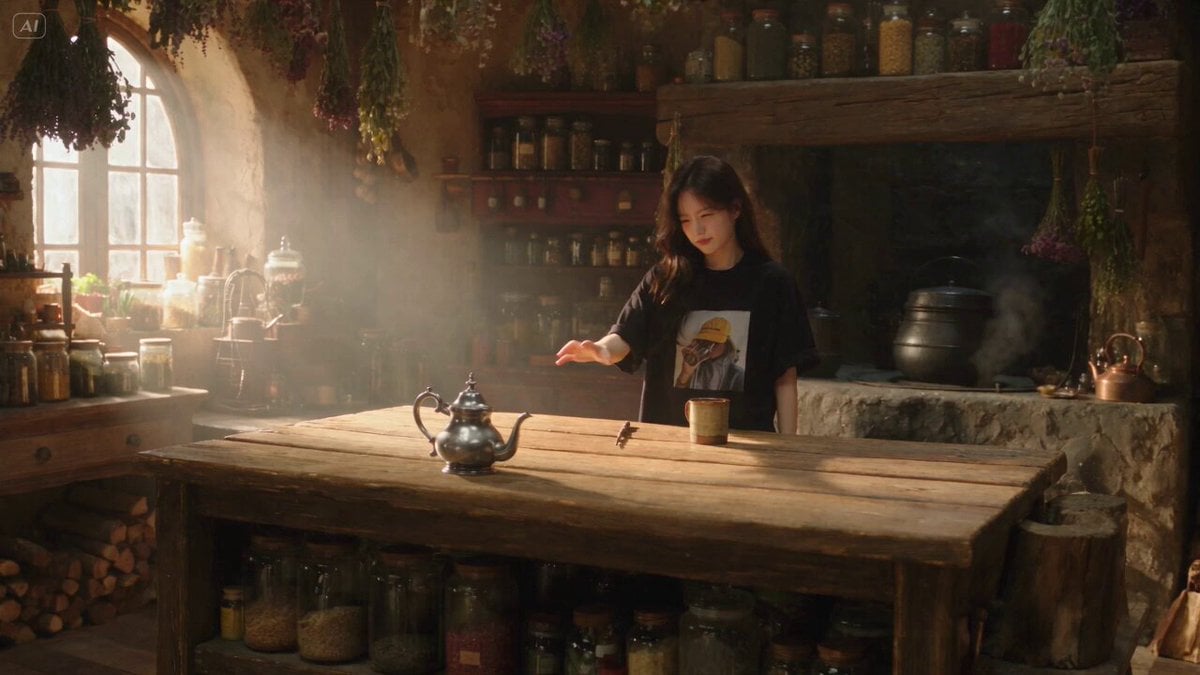
Enchanted Kitchen Tea Magic

One-Eyed Girl and Bear Companion Adventure
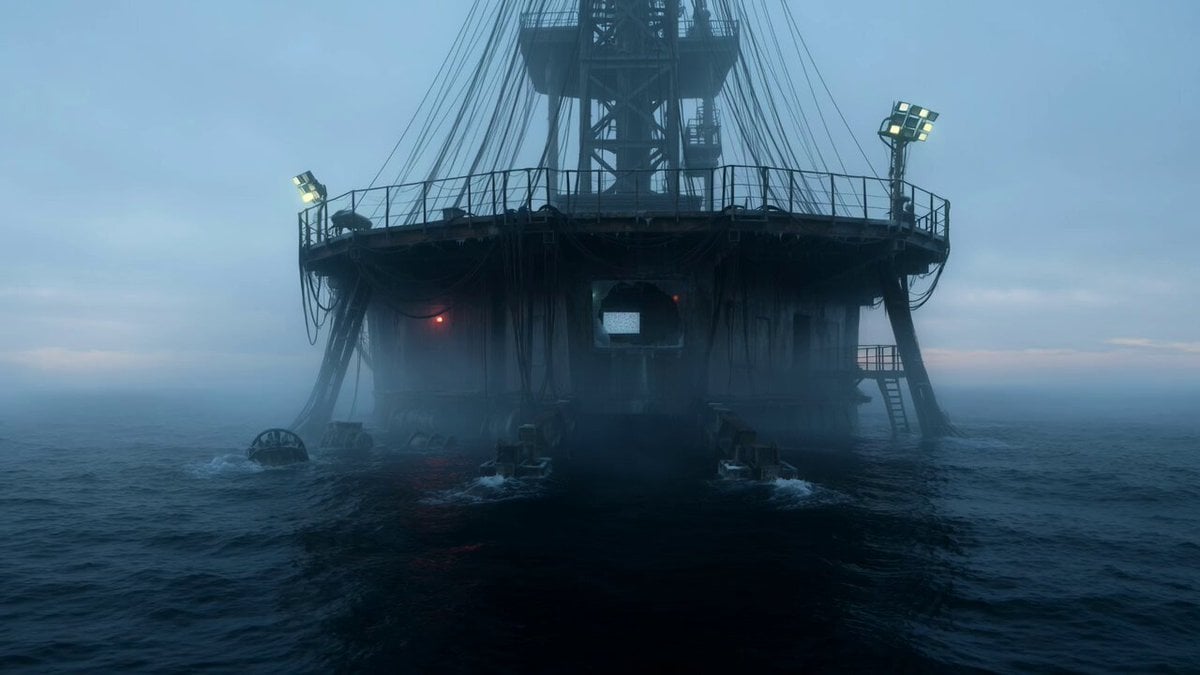
Abandoned Deep-Sea Drilling Platform
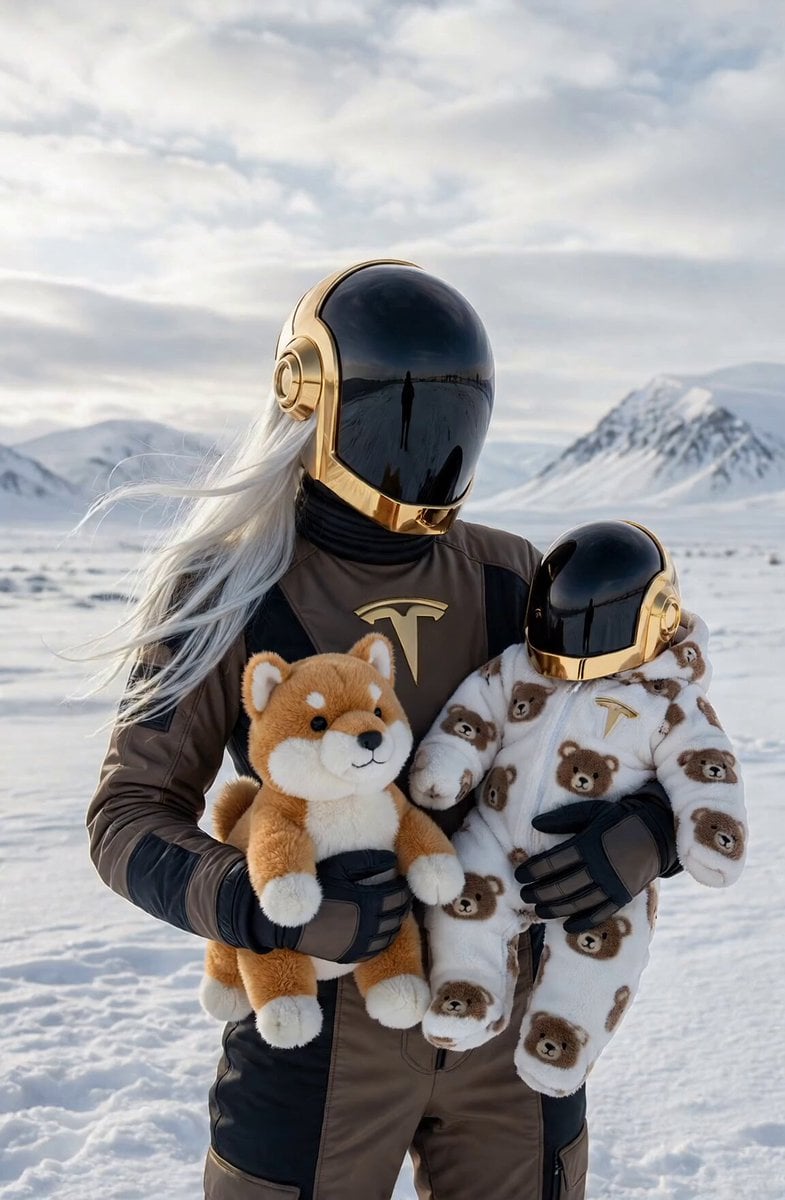
Daft Punk Tesla Spacesuit Arctic Adventure
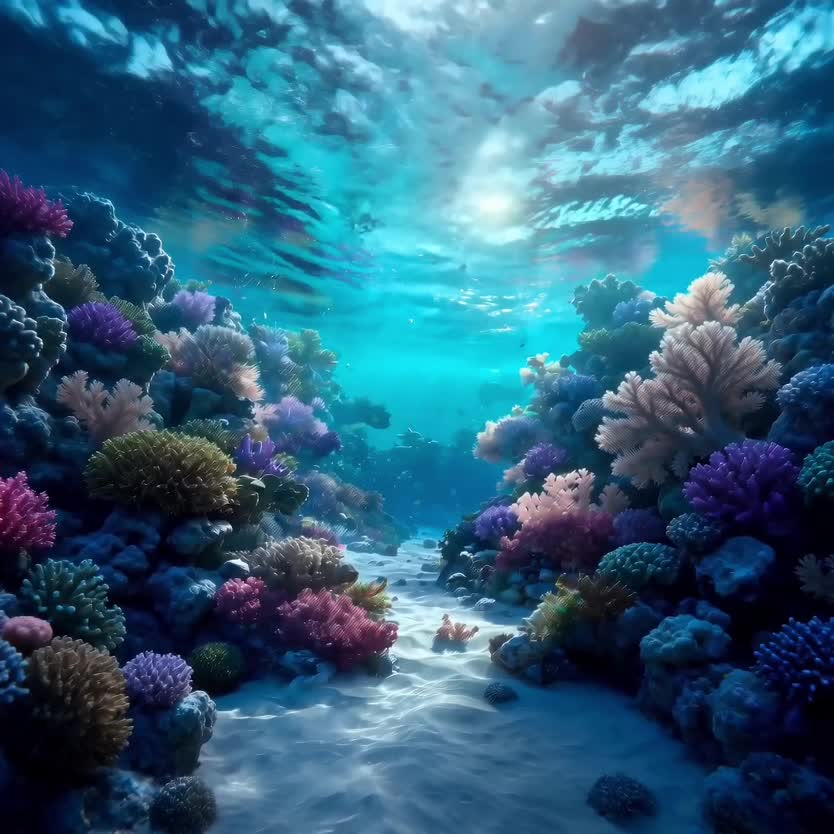
Deep-Sea Coral Reef Jellyfish Scene
90s Camcorder Japanese Seaside Village
Cinematic Rainy Seaside Anime Scene
Make it yours
Alice in Wonderland Tea Sea Adventure works as-is. These are the safest ways to change it without losing the look.
Change one field
Copy a single group, rewrite it, and generate again so you can see what that field is doing.
Keep the frame, change the subject
Hold the composition and light of Alice in Wonderland Tea Sea Adventure, then swap wardrobe, props or the person for a new take.
| If the result… | Why | Fix |
|---|---|---|
| The result drifts from the preview | Too many fields changed at once. | Reuse Alice in Wonderland Tea Sea Adventure as-is first, then change one group — subject, light, or setting. |
| The model over-stylizes the scene | The prose prompt leaves finish and camera underspecified. | Add one camera or lighting sentence and stay on Seedance 2.0. |
More Seedance 2.0 templates
Other prompts made for Seedance 2.0.

Comical Martial Arts Punch Scene

Maglev Train Action Sequence

Martial Arts Fight Sequence

Wuxia Protection and Trust Script

Vintage Korean Arcade MiniDV Vlog

Mercedes 190 SL Luxury Ad

Rainy Night Supernatural Reverse Comedy Video Script

Amazon Civilization Discovery

Futuristic South Asian City Transformation

Cozy Luxury Cafe Commercial
More video prompts
Fresh picks from across the catalog.
Bioluminescent Dawn Fantasy Prompt
Wong Kar-wai Style Melancholy Phone Booth Scene
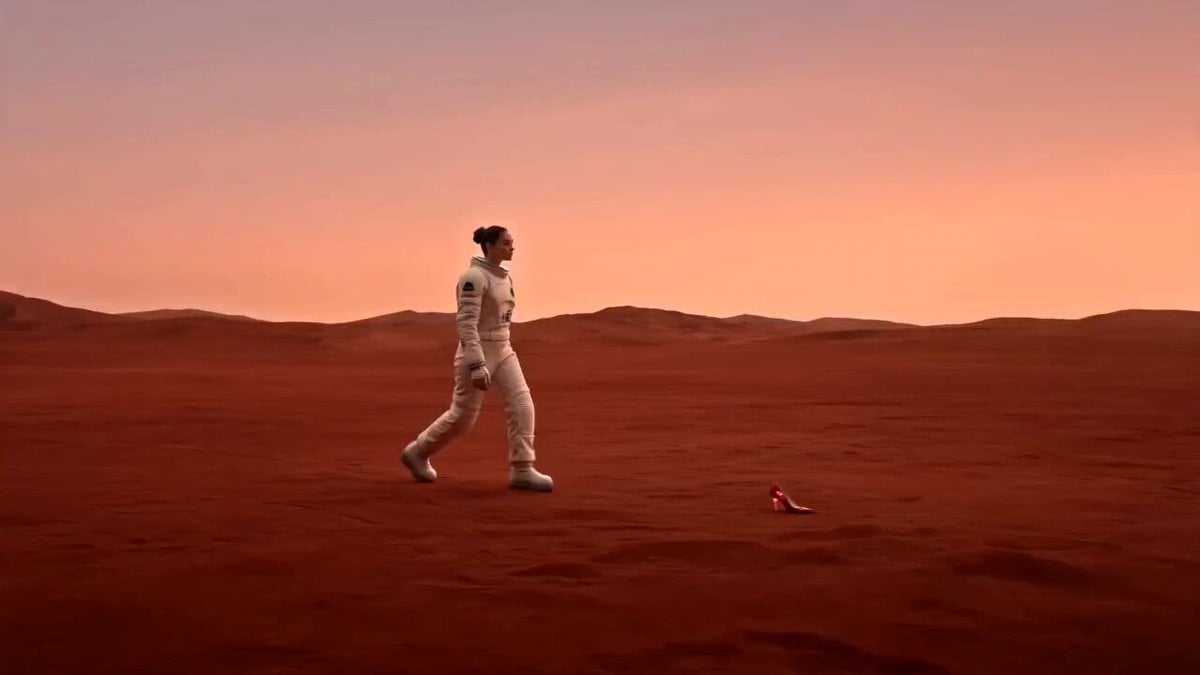
Astronaut Martian High Heels Ad
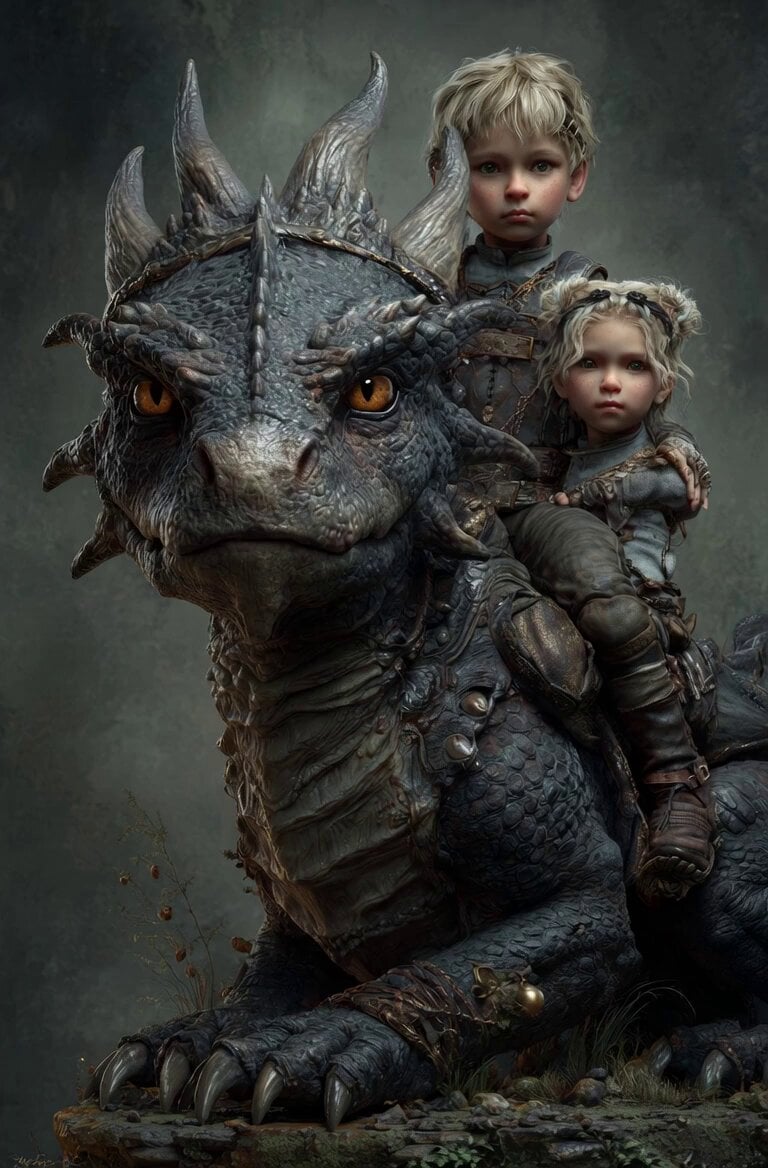
Dark Fantasy Dragon Ride
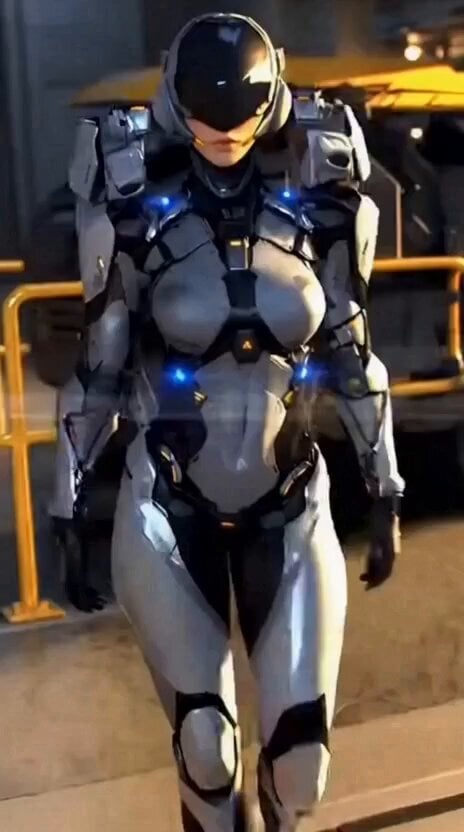
Futuristic Armor Heroine
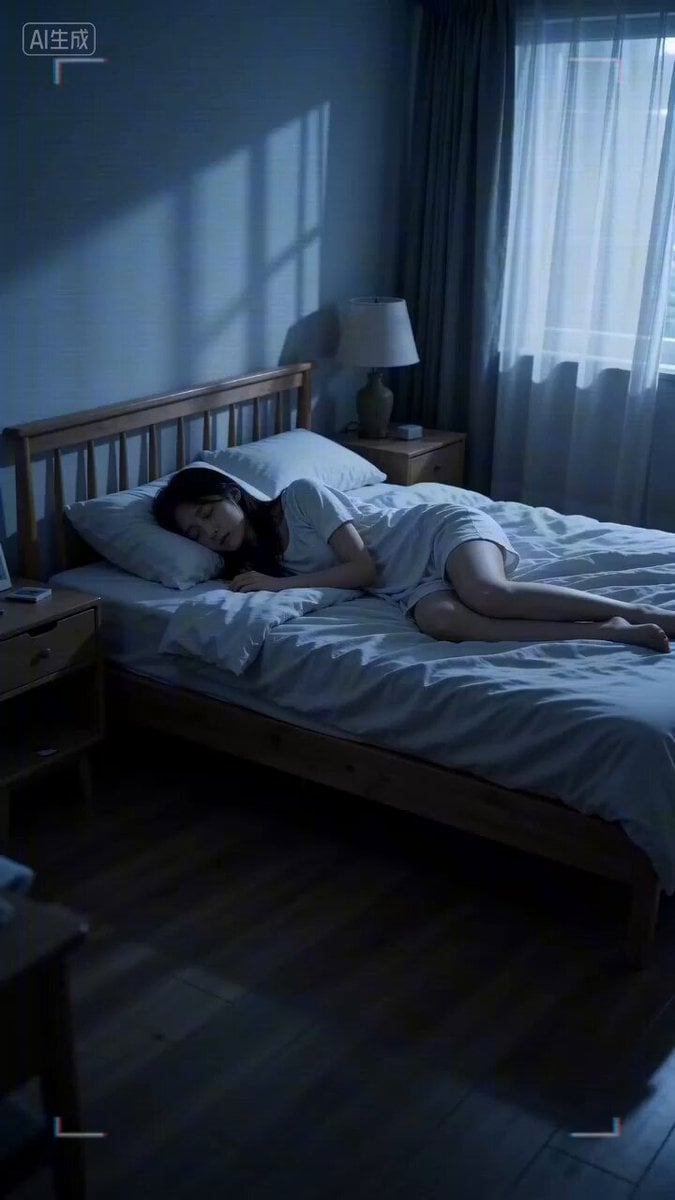
Seedance 2.0 horror video generation prompt

Intergalactic Space Battle

Skiing Video Generation Prompt with Detailed Scene Breakdown
Scouts Camping Escape Plan
Retro Japanese Cat Heist Animation
Browse template categories
Alice in Wonderland Tea Sea Adventure questions
How do I use the Alice in Wonderland Tea Sea Adventure template?
Add your photo if the template asks for one, edit the prompt if you like — the template's model and format are already selected — and press Generate. Your version opens in PicX Studio.
Can I customize the Alice in Wonderland Tea Sea Adventure template?
Yes. You can change the subject, setting, lighting, mood, format, and available model controls before creating your video.
Is the Alice in Wonderland Tea Sea Adventure template free?
Opening and editing this template is free. Generating uses credits, shown on the Generate button when you are signed in.
Which AI model should I use?
Start with Seedance 2.0, which is the model associated with this template. You can compare another compatible model for a different finish.
Looking for something else? Browse all templates.

Your photo, any look
Thousands of ready templates for every top image and video model, from one credit balance.