
Alice in Wonderland White Rabbit Chase
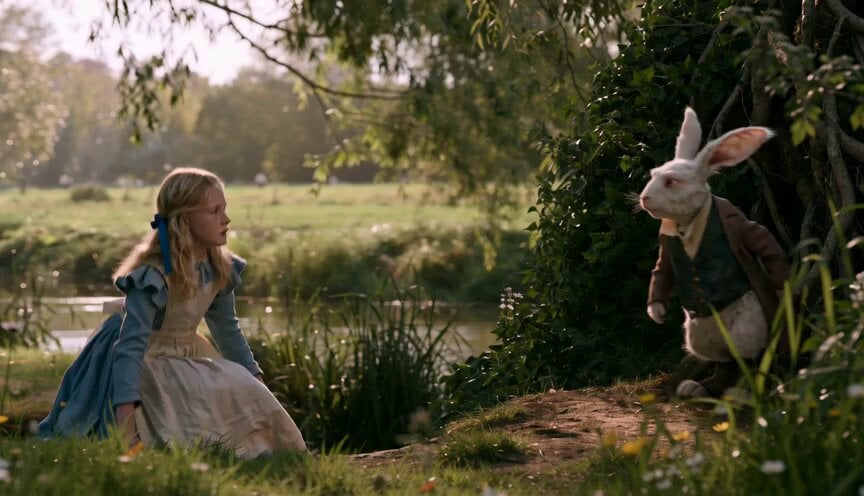
A cinematic sequence following the White Rabbit checking his watch and Alice beginning her pursuit, emphasizing consistent physical geography and lighting.
- Prompt included
- Model and format preset
- Free template
The prompt behind this video
Copy the exact prompt behind Alice in Wonderland White Rabbit Chase, or open it in the studio and make it yours.
Fifteen-second rapid, action-led sequence with no dialogue. Begin on a medium-wide eye-level composition: Girl at screen left has just risen from the grass, while the White Rabbit has stopped at screen right beside the hedge. Keep the dark opening under the roots visible behind the Rabbit but do not let it enter yet. The camera makes a short, cautious push toward Girl’s sightline as the Rabbit reaches into its waistcoat pocket and produces a small watch. Cut to an insert of the watch held in the Rabbit’s hand: its case is solid metal, its face is period-appropriate, and its movement is plainly impossible because a formally dressed rabbit is checking it with human alarm. A warm sun glint flashes across the glass. Cut immediately to Girl in medium close-up; she takes one involuntary step forward, breath held, eyes moving from the watch to the Rabbit’s face. Cut back wider as Rabbit closes the watch and pivots toward the root-framed hole. The camera reframes right to include the hole and preserve the visible causal chain: watch proves anomaly, anomaly makes pursuit inevitable. Grass rustles under Girl’s first step; hedge leaves tremble in a faint wind; the hole’s interior is cool and black against the amber bank. End with Rabbit beginning to hurry toward the opening and Girl fully upright in left midground, intent and poised to chase. Do not show Sister. Do not have Girl touch the Rabbit or narrate her thoughts. The emotional beat is revelation, not terror: Girl has seen enough to choose action. Use crisp cuts, but keep physical geography consistent: Girl remains left of Rabbit, Rabbit remains right and nearer the hedge.
How to use Alice in Wonderland White Rabbit Chase in 3 steps
- 1
Open
The prompt is already in the box next to the preview, with the template's model and format selected.
- 2…a portrait of your subject in softgolden-hour light, 85mm…
Personalize
Edit the subject and creative details for your destination.
- 3Generate
Generate
Press Generate — your video is created in PicX Studio, so you can compare it with the original and refine one variable at a time.
More like this
Templates with the same subject, style or setup. Open one to see its prompt.
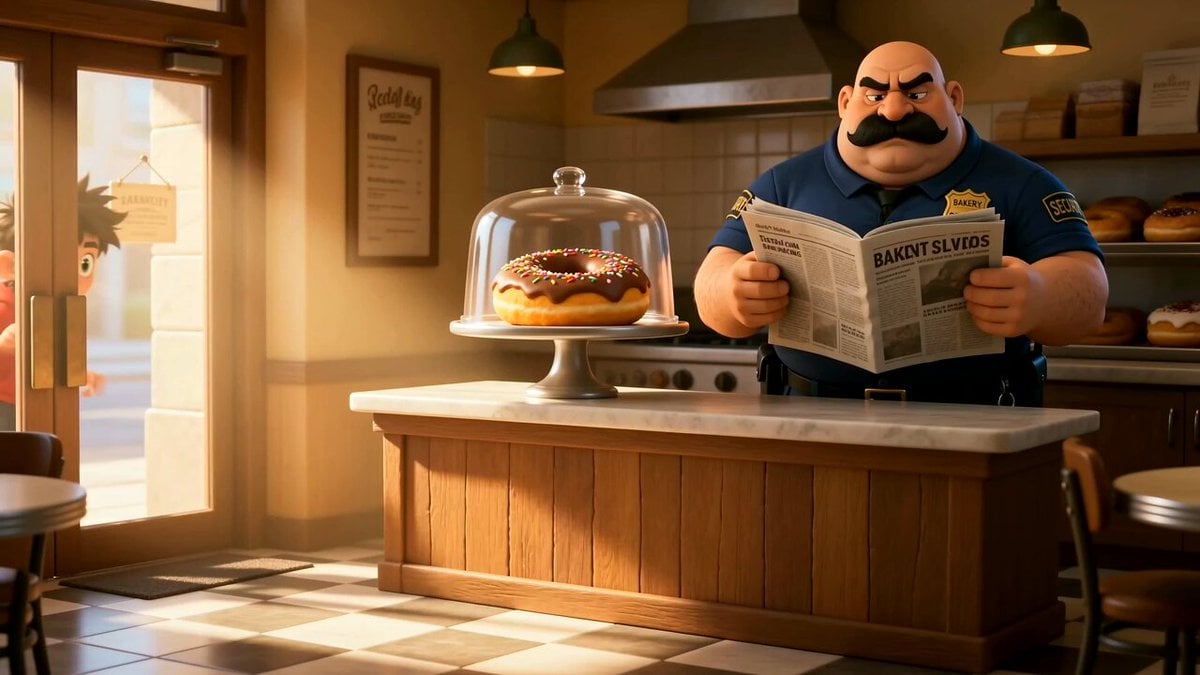
Cartoon Donut Heist Bakery Chase
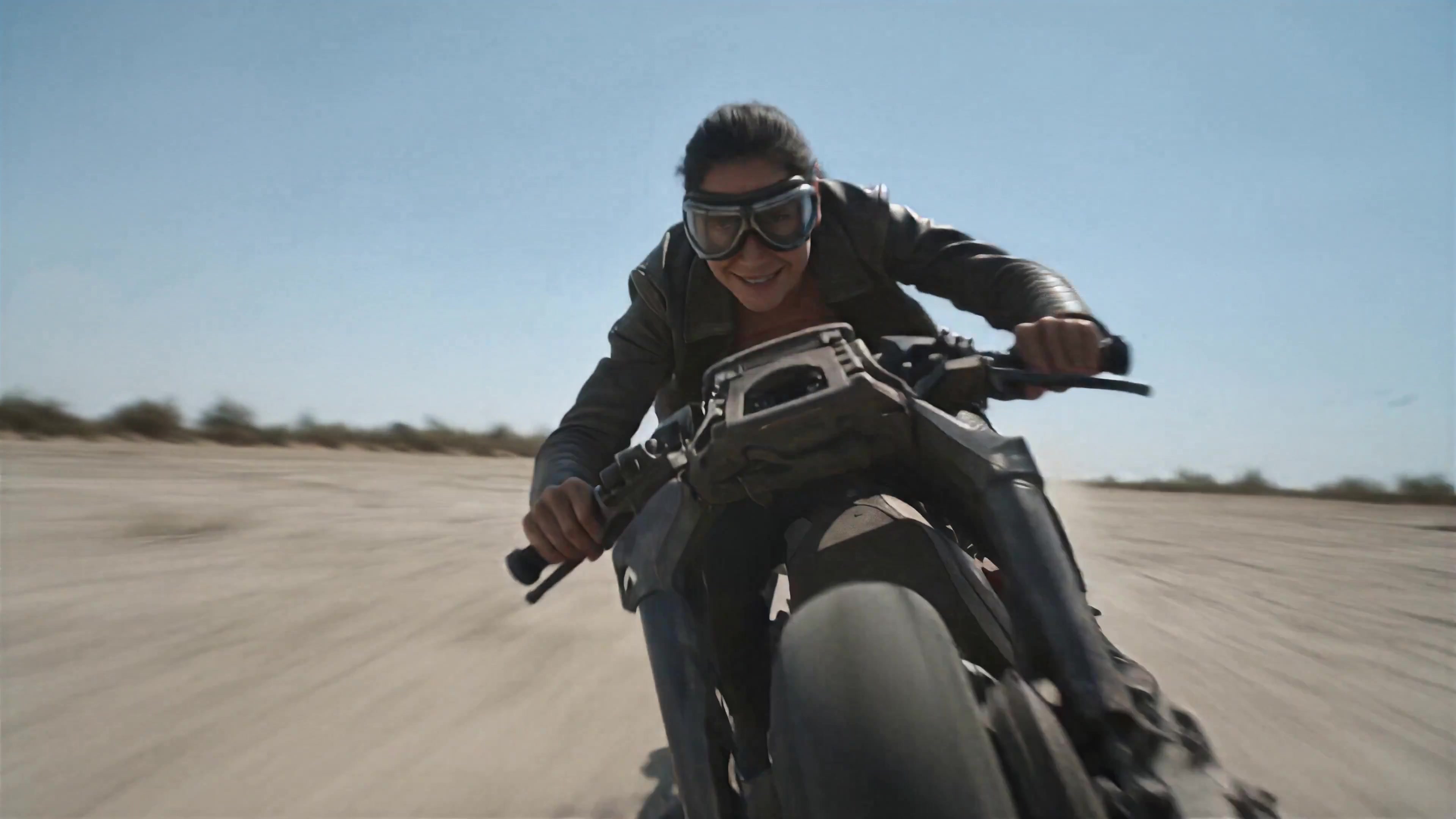
Walking Factory with Rebel on Hoverbike - Wasteland
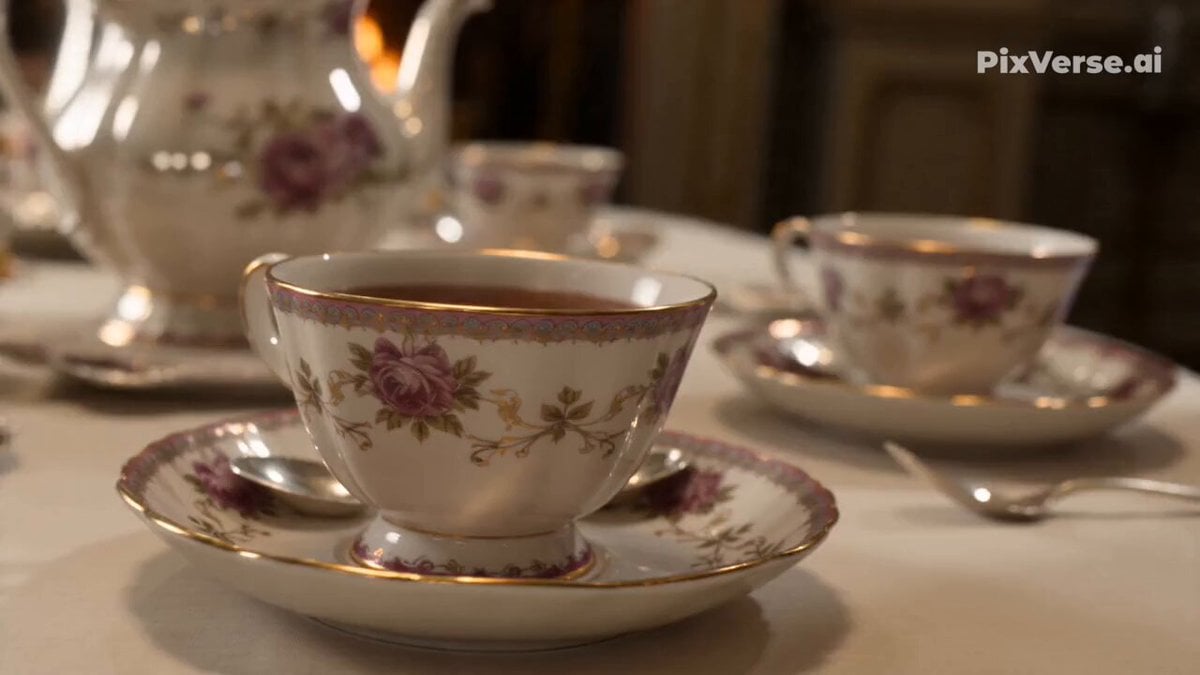
Alice in Wonderland Tea Sea Adventure
Amazon FPV Drone Chase — Seedance 2.0
Dim Sum Chase — Shrimp Dumpling Monster
Speeder Chase Across a Cliff City
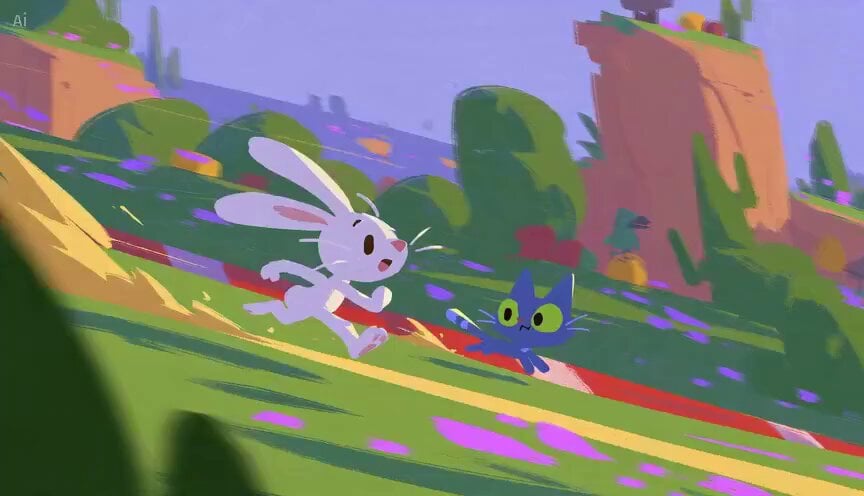
Rabbit vs Cat Gouache Animation

Ethereal Woman and White Peacock
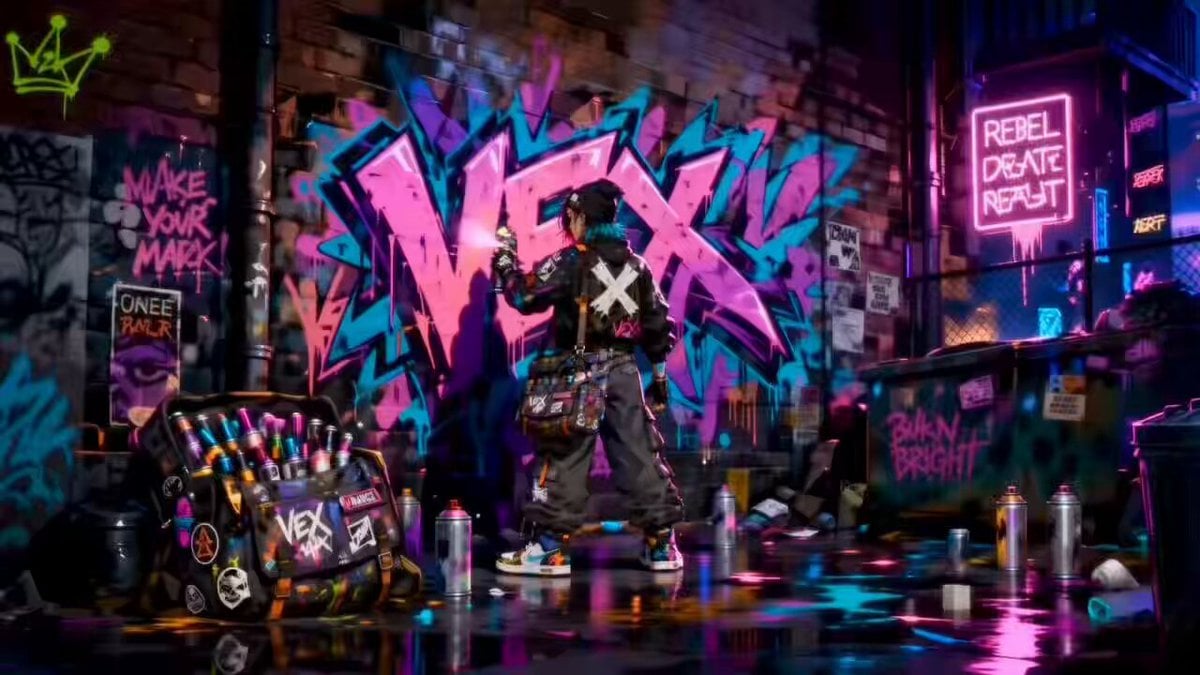
Rooftop Chase Motion Phrases
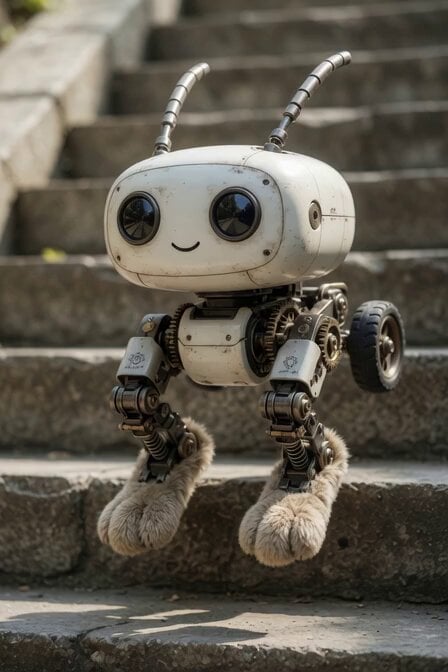
Mechanical Jumping Robot Rabbit
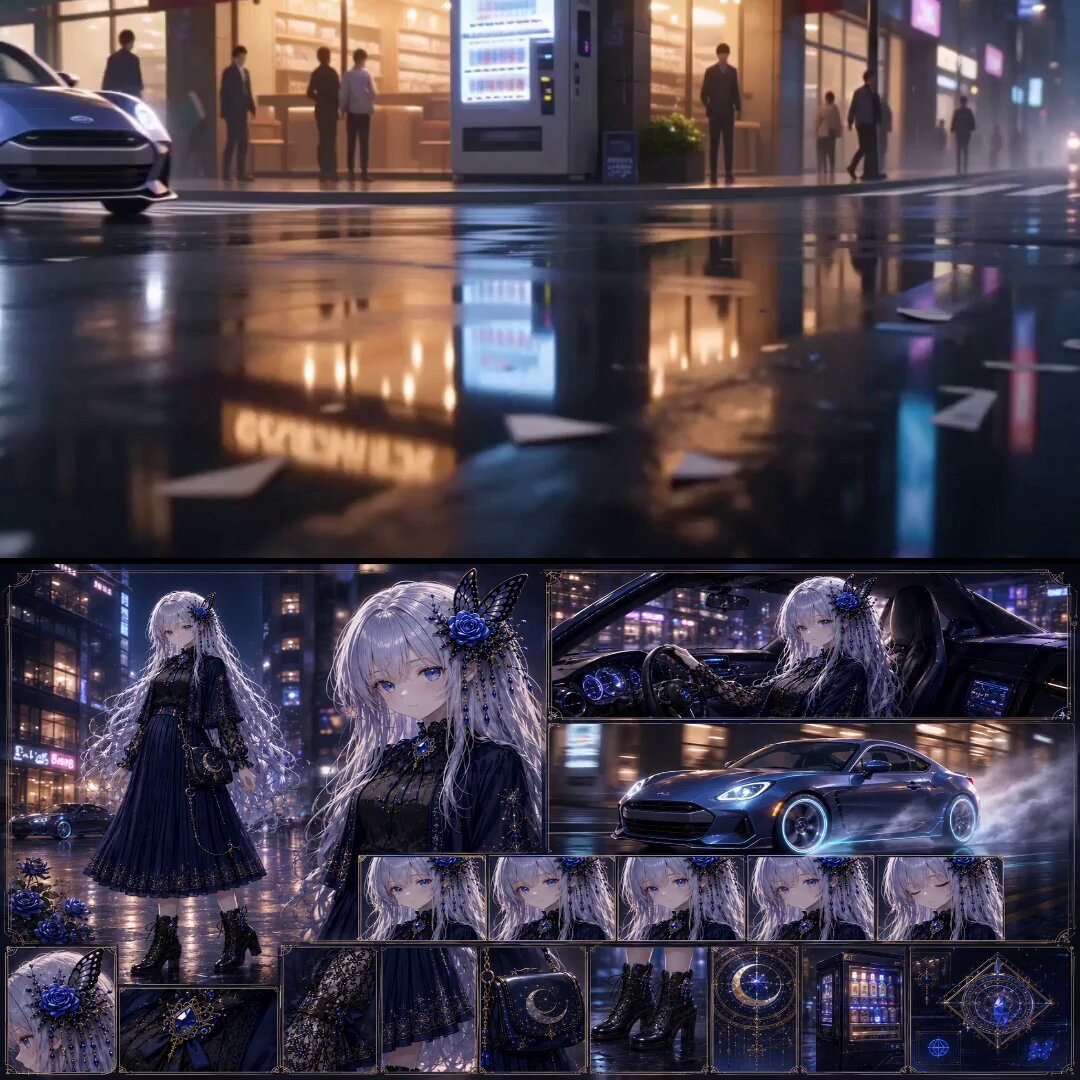
Urban Fantasy RPG Car Chase
Hollywood Blockbuster Car Chase Sequence
Make it yours
Alice in Wonderland White Rabbit Chase works as-is. These are the safest ways to change it without losing the look.
Change one field
Copy a single group, rewrite it, and generate again so you can see what that field is doing.
Keep the frame, change the subject
Hold the composition and light of Alice in Wonderland White Rabbit Chase, then swap wardrobe, props or the person for a new take.
| If the result… | Why | Fix |
|---|---|---|
| The result drifts from the preview | Too many fields changed at once. | Reuse Alice in Wonderland White Rabbit Chase as-is first, then change one group — subject, light, or setting. |
| The model over-stylizes the scene | The prose prompt leaves finish and camera underspecified. | Add one camera or lighting sentence and stay on Seedance 2.0. |
More Seedance 2.0 templates
Other prompts made for Seedance 2.0.

Comical Martial Arts Punch Scene

Maglev Train Action Sequence

Martial Arts Fight Sequence

Wuxia Protection and Trust Script

Vintage Korean Arcade MiniDV Vlog

Mercedes 190 SL Luxury Ad

Rainy Night Supernatural Reverse Comedy Video Script

Amazon Civilization Discovery

Futuristic South Asian City Transformation

Cozy Luxury Cafe Commercial
More video prompts
Fresh picks from across the catalog.
Cinematic Female Ninja Fight Sequence
Pixar Style Whimsical Character
Mythological Griffin Transformation Sequence
Live-action medieval knight on bicycle video prompt
Medieval Fantasy Lake Monster Sequence
Dynamic Anime Battle Summoning
Seedance 2.0 Video Prompt: Cyberpunk Heroine in War and Desert
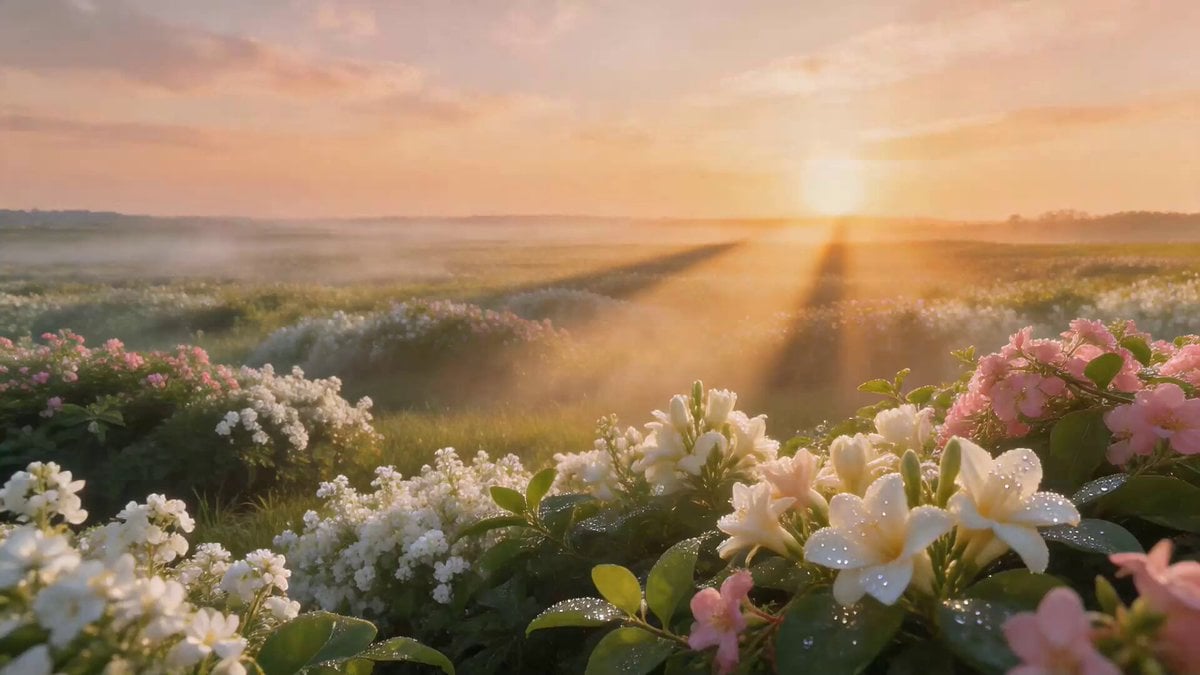
Luxury Perfume Drone Shot Advertisement Prompt
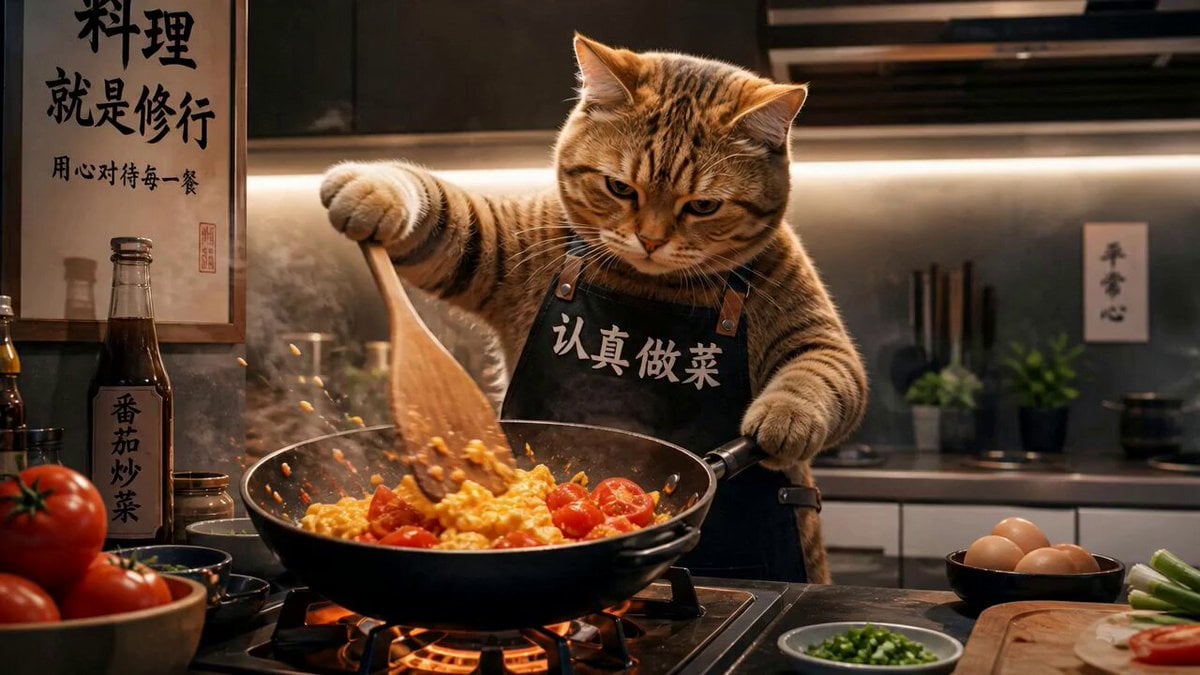
Chef Cat Cooking Tomato and Eggs
Shadow Monarch Tundra Scene
Browse template categories
Alice in Wonderland White Rabbit Chase questions
How do I use the Alice in Wonderland White Rabbit Chase template?
Add your photo if the template asks for one, edit the prompt if you like — the template's model and format are already selected — and press Generate. Your version opens in PicX Studio.
Can I customize the Alice in Wonderland White Rabbit Chase template?
Yes. You can change the subject, setting, lighting, mood, format, and available model controls before creating your video.
Is the Alice in Wonderland White Rabbit Chase template free?
Opening and editing this template is free. Generating uses credits, shown on the Generate button when you are signed in.
Which AI model should I use?
Start with Seedance 2.0, which is the model associated with this template. You can compare another compatible model for a different finish.
Looking for something else? Browse all templates.

Your photo, any look
Thousands of ready templates for every top image and video model, from one credit balance.