
Pixar Style Whimsical Character
A character prompt designed to generate a cute, expressive cartoon character in the signature Pixar animation style with vibrant colors and a cheeky personality.
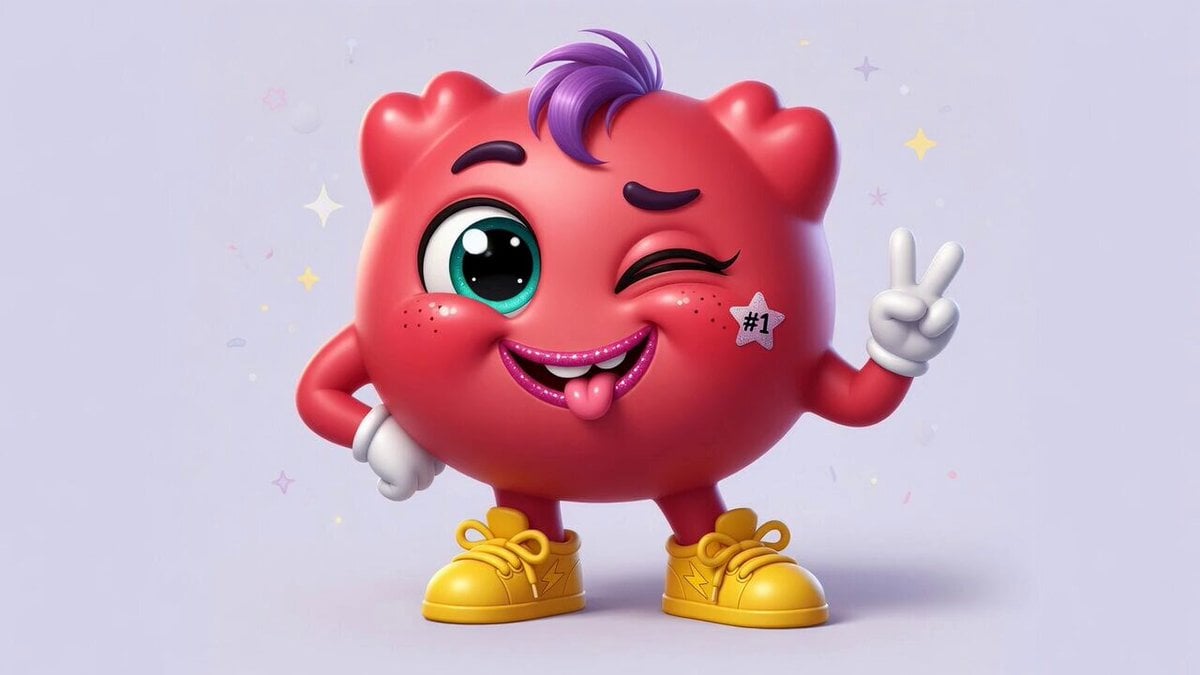
- Prompt included
- Model and format preset
- Premium template
The prompt behind this video
Copy the exact prompt behind Pixar Style Whimsical Character, or open it in the studio and make it yours.
A cartoon Pixar-style asshole character, cute and exaggerated in the whimsical Pixar animation style, with big expressive eyes, soft rounded shapes, vibrant colors, friendly yet cheeky expression, standing alone on a simple background
How to use Pixar Style Whimsical Character in 3 steps
- 1
Open
The prompt is already in the box next to the preview, with the template's model and format selected.
- 2…a portrait of your subject in softgolden-hour light, 85mm…
Personalize
Edit the subject and creative details for your destination.
- 3Generate
Generate
Press Generate — your video is created in PicX Studio, so you can compare it with the original and refine one variable at a time.
More like this
Templates with the same subject, style or setup. Open one to see its prompt.
Whimsical Floating Turtle Island
Whimsical Surreal Designer in a Floating Atelier
Whimsical forest scene video prompt
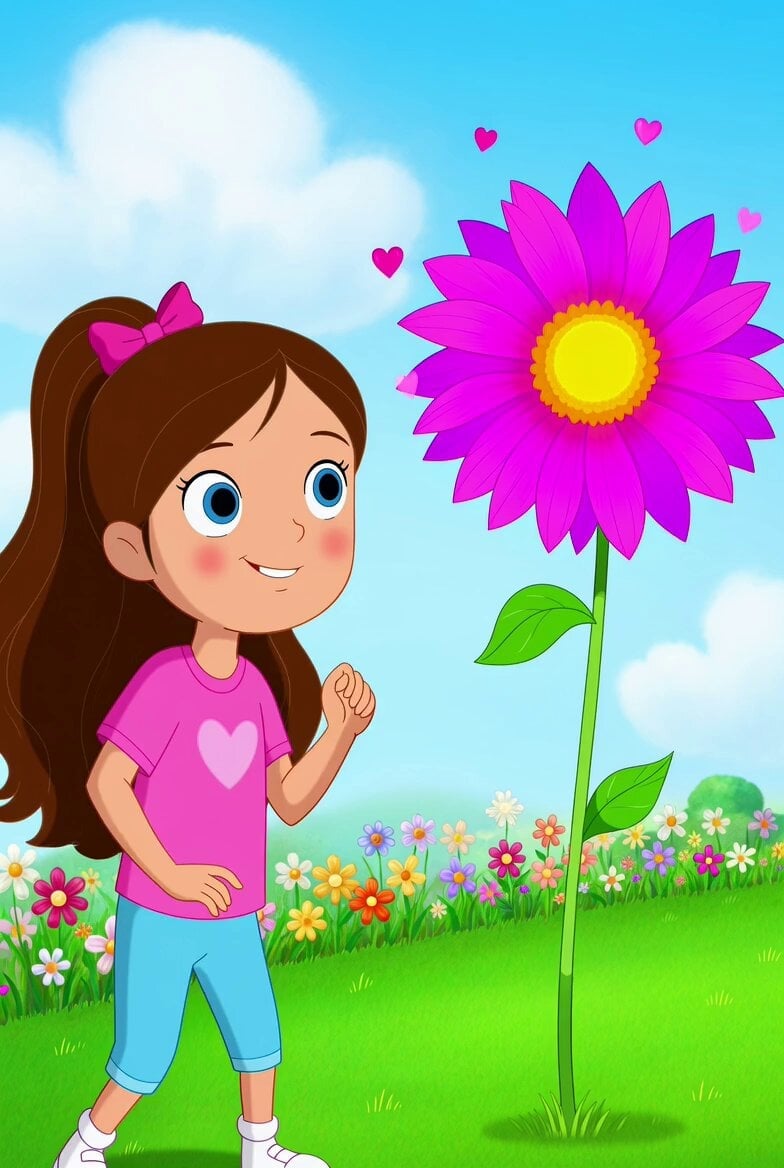
Whimsical Dancing Flower and World View
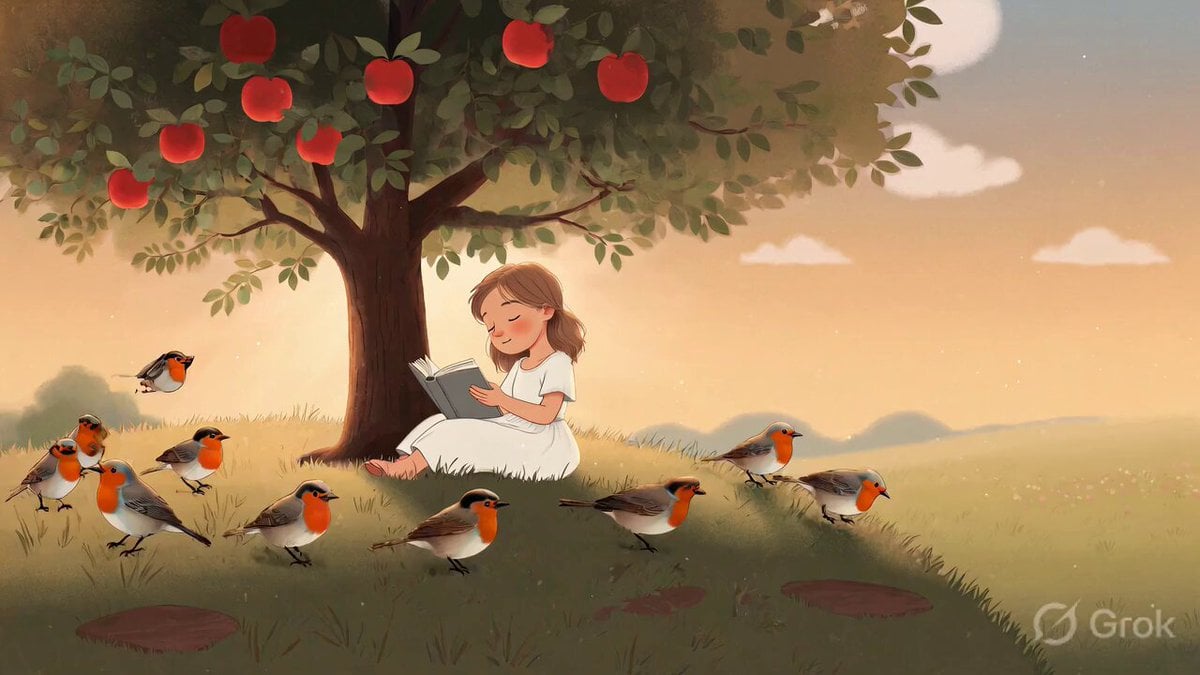
Whimsical Flower Cottage Meadow Animation

Kaleidoscopic Cosmic Dolphin Video

Horror Daffy Duck Video Transition

America 250th Anniversary Celebration

Glowing Water Forest Night Prompt

Soft Pink Roses Dreamer Prompt

Ninja Wizard Levitation Jump

Coffee Cup Interaction Motion
Make it yours
Pixar Style Whimsical Character works as-is. These are the safest ways to change it without losing the look.
Change one field
Copy a single group, rewrite it, and generate again so you can see what that field is doing.
Keep the frame, change the subject
Hold the composition and light of Pixar Style Whimsical Character, then swap wardrobe, props or the person for a new take.
| If the result… | Why | Fix |
|---|---|---|
| The result drifts from the preview | Too many fields changed at once. | Reuse Pixar Style Whimsical Character as-is first, then change one group — subject, light, or setting. |
| The model over-stylizes the scene | The prose prompt leaves finish and camera underspecified. | Add one camera or lighting sentence and stay on Grok Imagine. |
More Grok Imagine templates
Other prompts made for Grok Imagine.

Mecha Runway Tap Dance Video Prompt

Emotional Angry Couple Drama

Bitcoin liferaft video prompt

Woman floating down, opening eyes and looking deeply into the viewer's eyes

Utopian World of Harmony and Peace
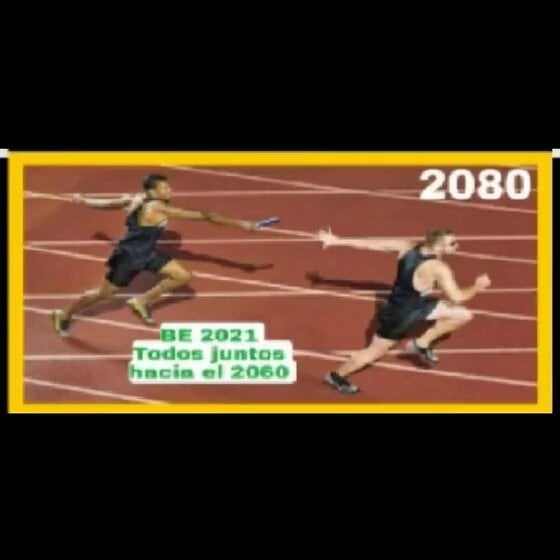
Runner with BE 2060 i inscription passing through sequential doors video prompt
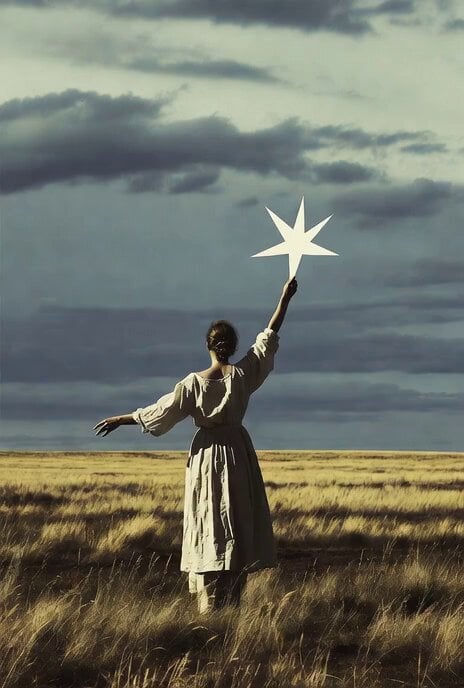
Wind Blows Paper, Camera Follows
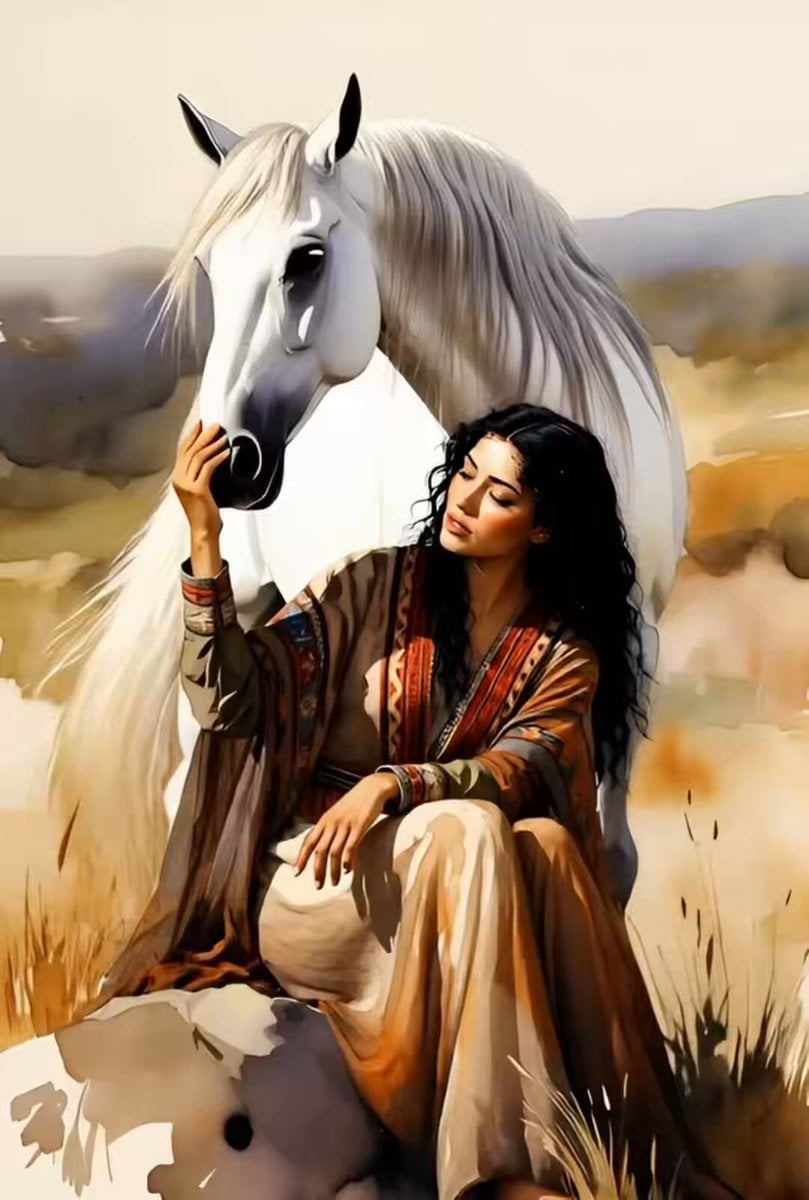
Watercolor Painting of Gypsy Woman and White Horse
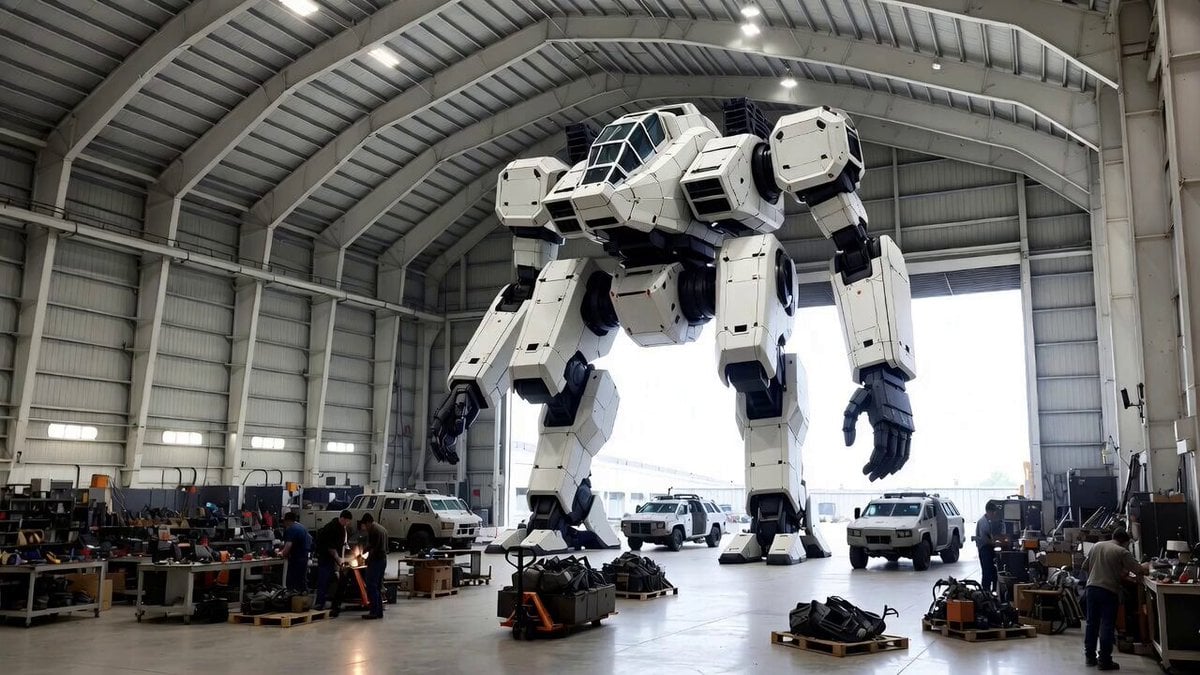
Video Generation Prompt: Mech in Aircraft Hangar
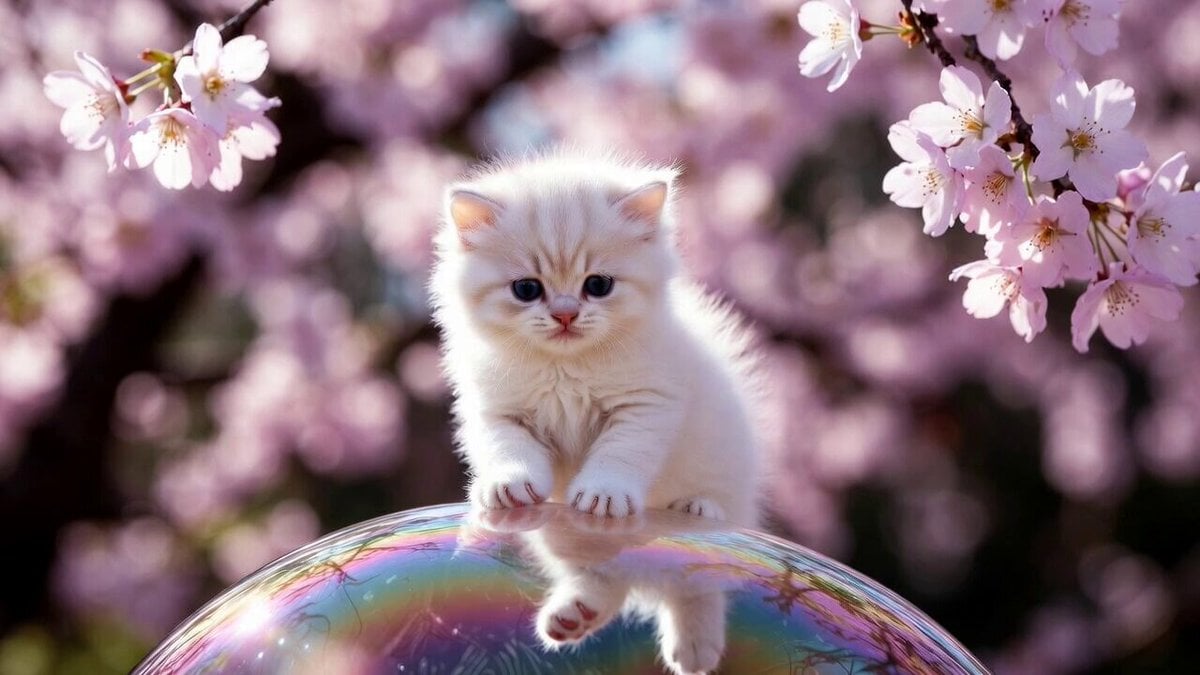
Cute Kitty on Soap Bubble Video Prompt
More video prompts
Fresh picks from across the catalog.
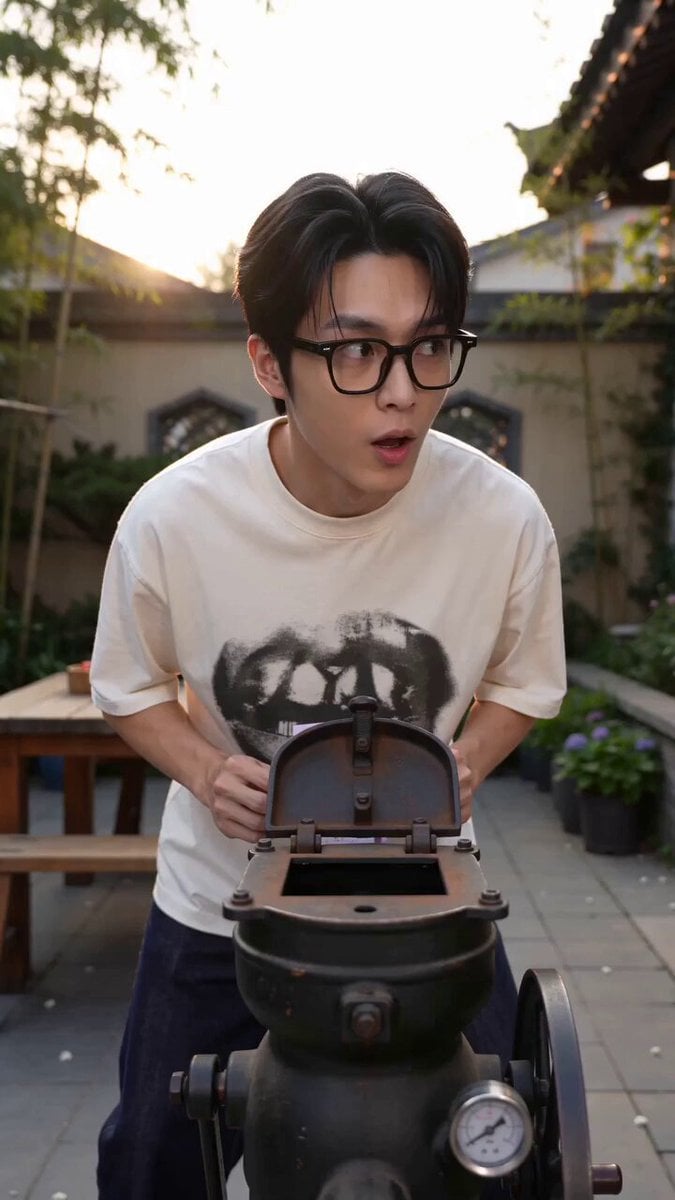
Magic Popcorn Machine Transformation
Cinematic Ballerina in Flooded Opera House
Brutalist Architecture Rotring Product Commercial
Woman in Pink Fog with Baby Blue Stegosaurus
Roller Skater Handrail Stunt
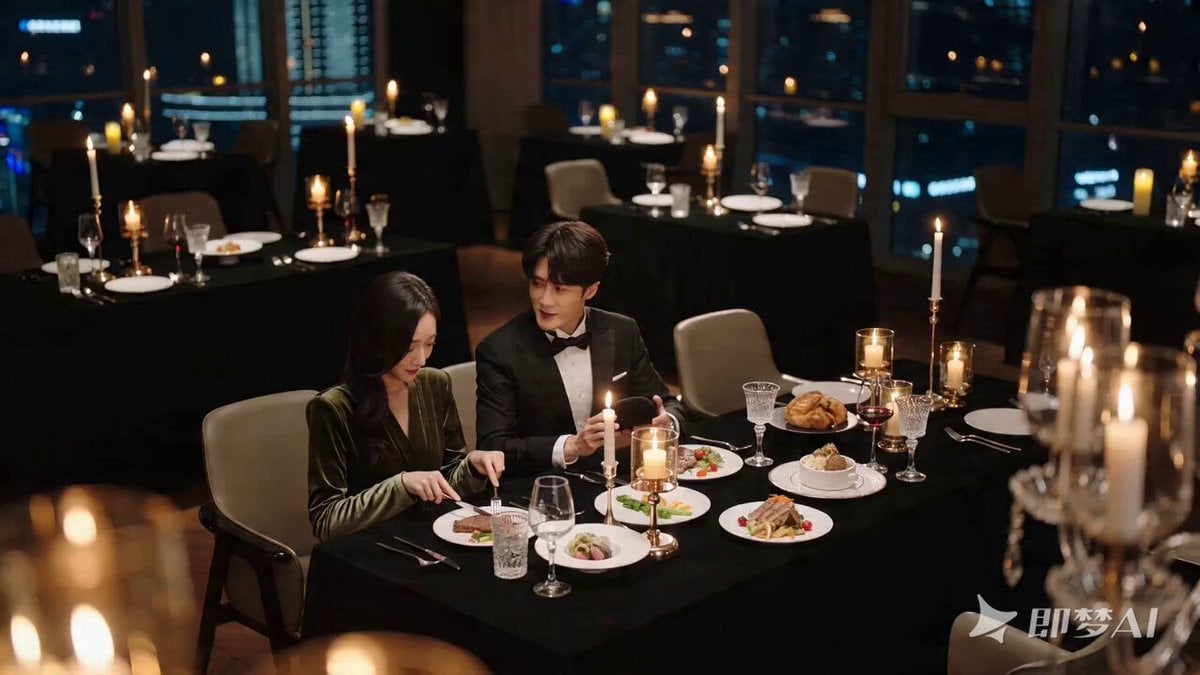
Romantic Proposal Scene Video Prompt for Seedance 2.0
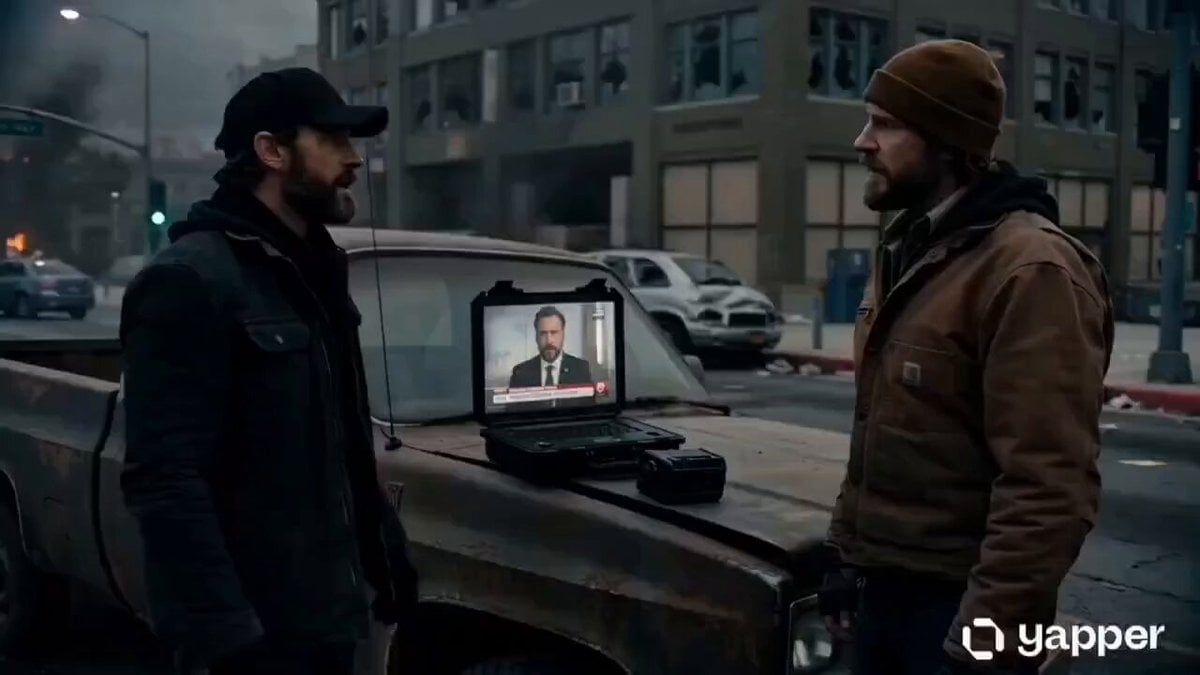
Alien Infestation Sci-Fi Scene

Submarine Plunge into Europa's Hidden Ocean
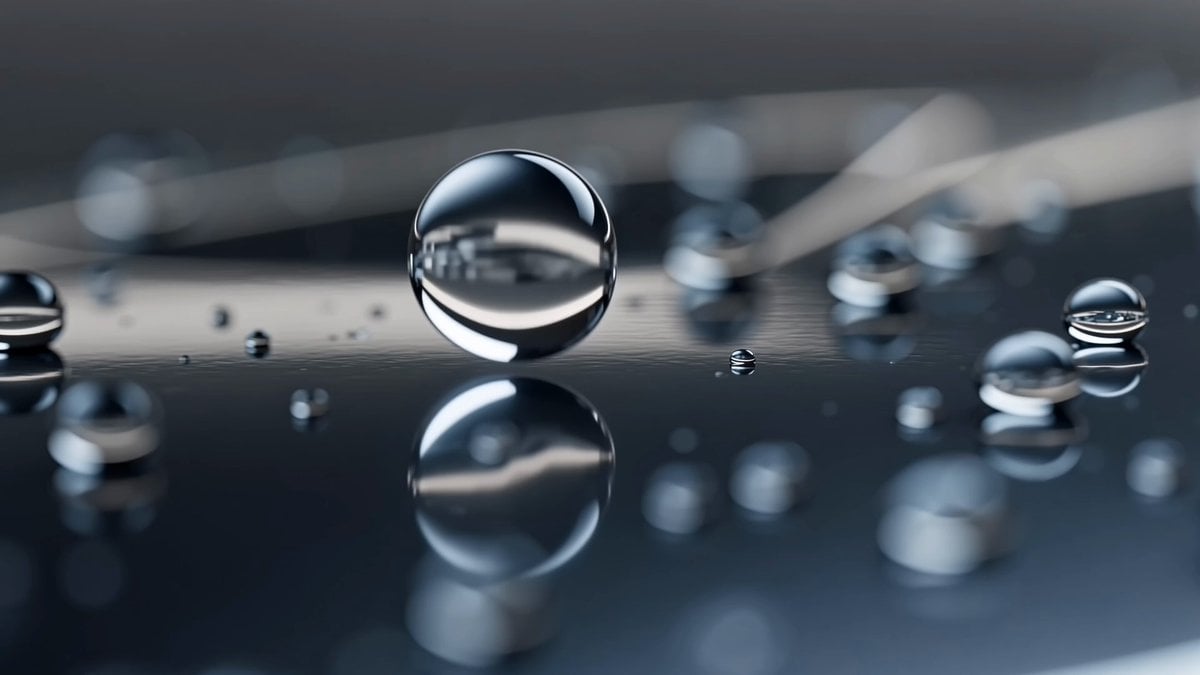
Futuristic Performance Car Detailing
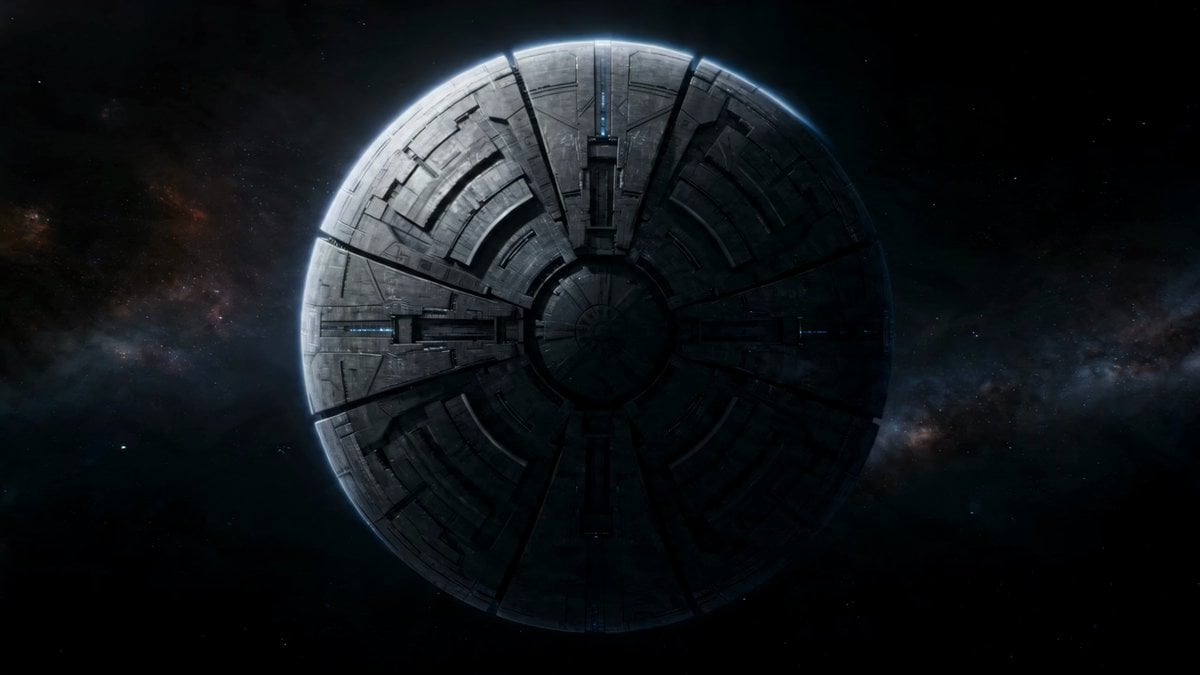
Alien Moon Construct Activation
Browse template categories
Pixar Style Whimsical Character questions
How do I use the Pixar Style Whimsical Character template?
Add your photo if the template asks for one, edit the prompt if you like — the template's model and format are already selected — and press Generate. Your version opens in PicX Studio.
Can I customize the Pixar Style Whimsical Character template?
Yes. You can change the subject, setting, lighting, mood, format, and available model controls before creating your video.
Is the Pixar Style Whimsical Character template free?
Opening and editing this template is free. Generating uses credits, shown on the Generate button when you are signed in.
Which AI model should I use?
Start with Grok Imagine, which is the model associated with this template. You can compare another compatible model for a different finish.
Looking for something else? Browse all templates.

Your photo, any look
Thousands of ready templates for every top image and video model, from one credit balance.