
Rabbit vs Cat Gouache Animation
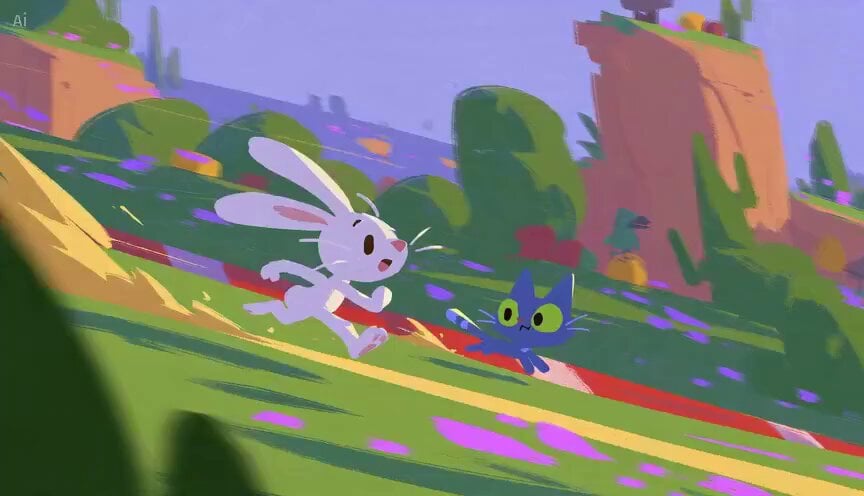
A creative animation prompt for a race between a rabbit and a cat in a stylized hand-painted digital gouache art style with dynamic camera angles.
- Prompt included
- Model and format preset
- Free template
The prompt behind this video
Copy the exact prompt behind Rabbit vs Cat Gouache Animation, or open it in the studio and make it yours.
A rabbit and a cat race to see who's faster. It starts off with the cat being faster but somehow the rabbit imagine a carrot at the crossing finish line in his head, then the rabbit turns into sport mode, eyes sharper, and legs are stronger, then switch from running originally into hopping with insane sonic speed and win the race. 12 different camera angles with use of variants camera motion path and foreground participation, fast-pace motion, dynamic, high-end video pacing, cinematic, following this 2D visual style: Hand-painted digital gouache with visible dry-brush grain and unclosed edges, zero outlines — form defined entirely by flat blocked color; chunky geometric shape design, backgrounds reduced to silhouetted notan planes with silhouetted foreground framing, action beats dropping the environment for a single saturated color field. 16:9 landscape ratio
How to use Rabbit vs Cat Gouache Animation in 3 steps
- 1
Open
The prompt is already in the box next to the preview, with the template's model and format selected.
- 2…a portrait of your subject in softgolden-hour light, 85mm…
Personalize
Edit the subject and creative details for your destination.
- 3Generate
Generate
Press Generate — your video is created in PicX Studio, so you can compare it with the original and refine one variable at a time.
More like this
Templates with the same subject, style or setup. Open one to see its prompt.
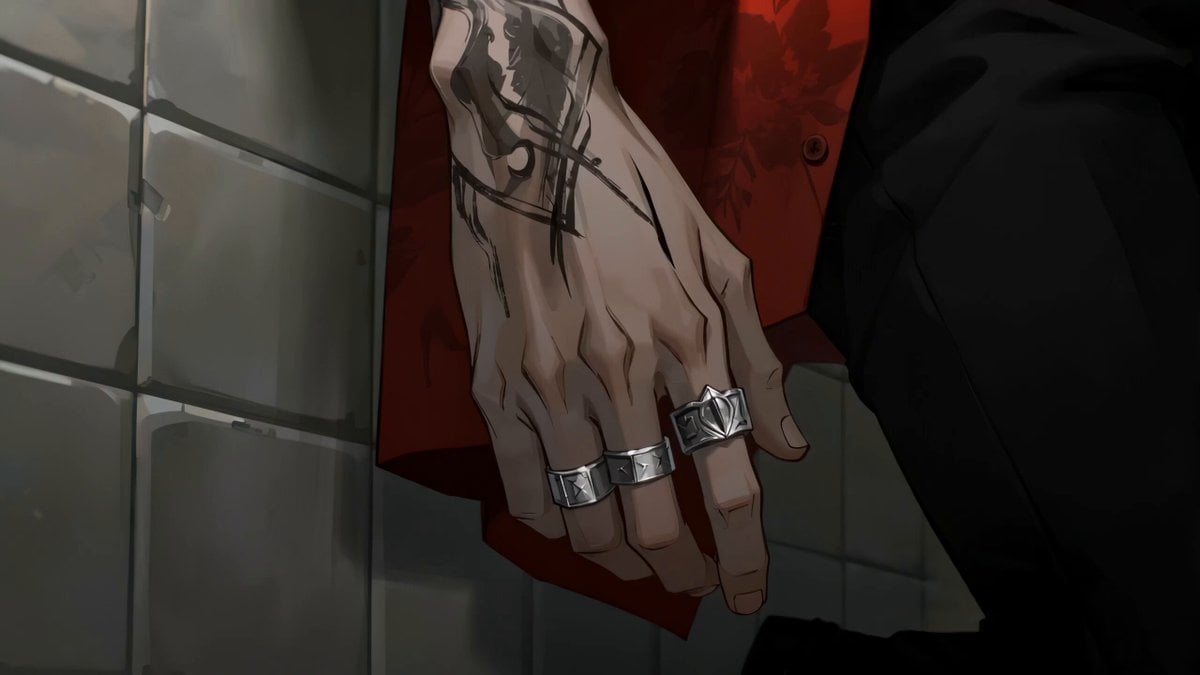
Gouache Concept Art Animation
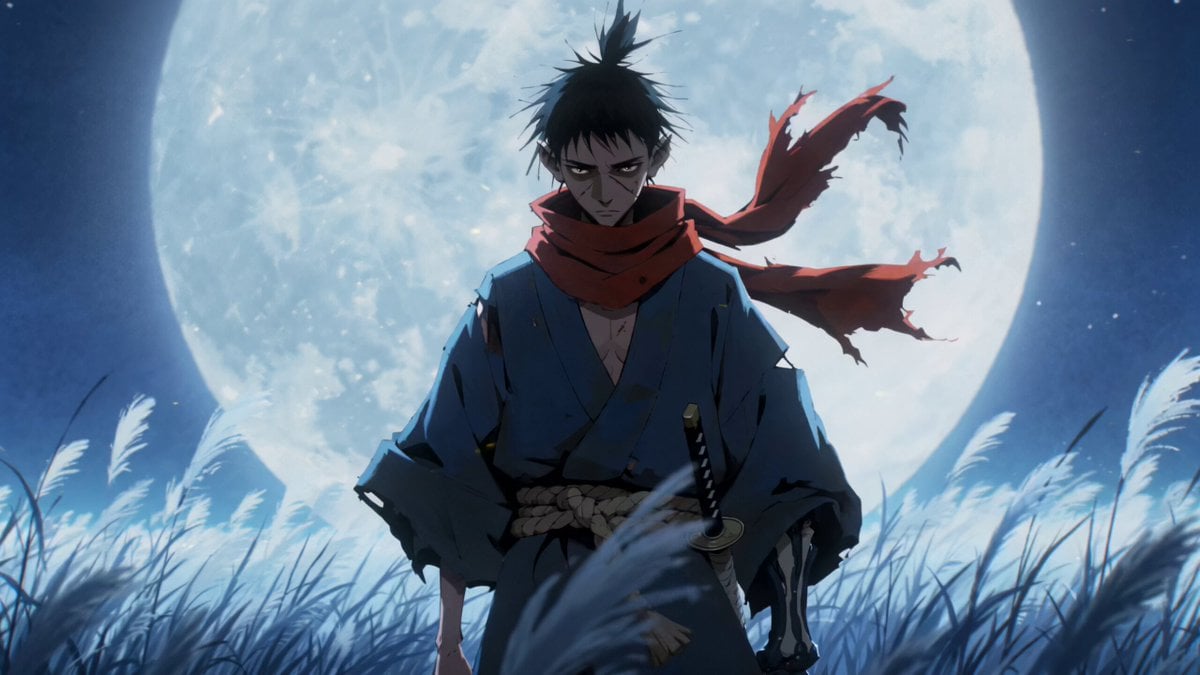
Gouache Style Painterly 2.5D Animation

3D Animated Cat and Old Man - Seedance

3D Glossy Fairy Animation - Seedance 2.5

Silk Road Pomegranate Folk Animation

Multilingual Creative Typography Loop

Walking Factory with Rebel on Hoverbike - Wasteland
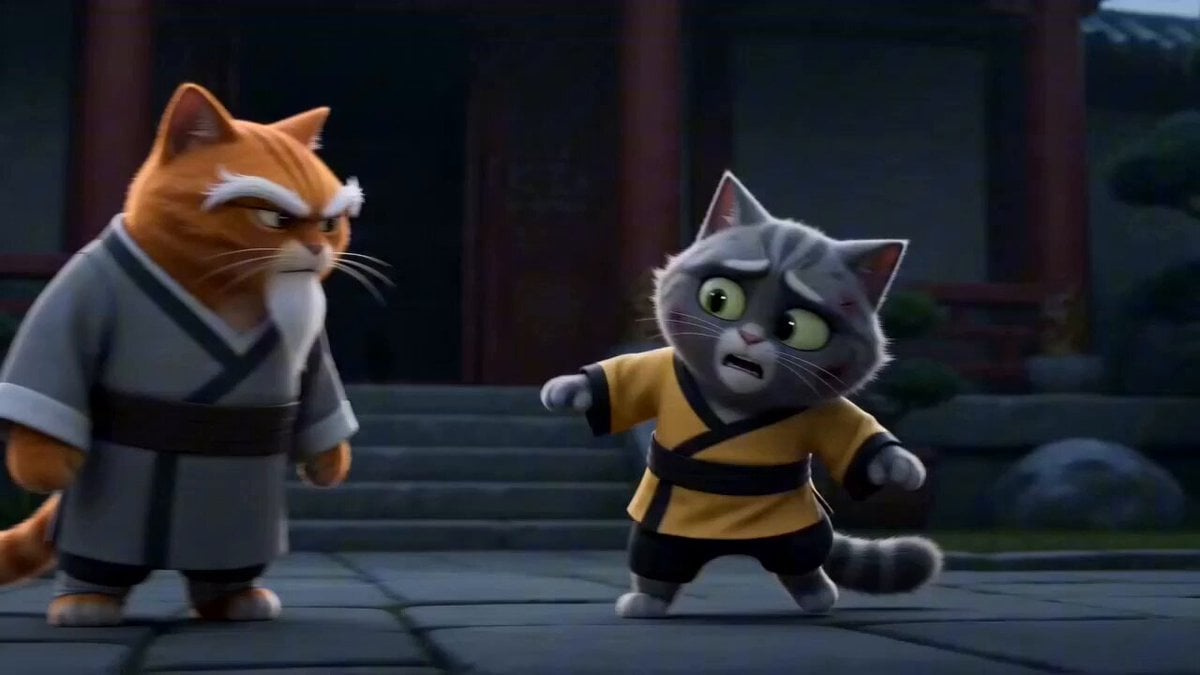
Epic Cat Kung Fu Animation Trailer
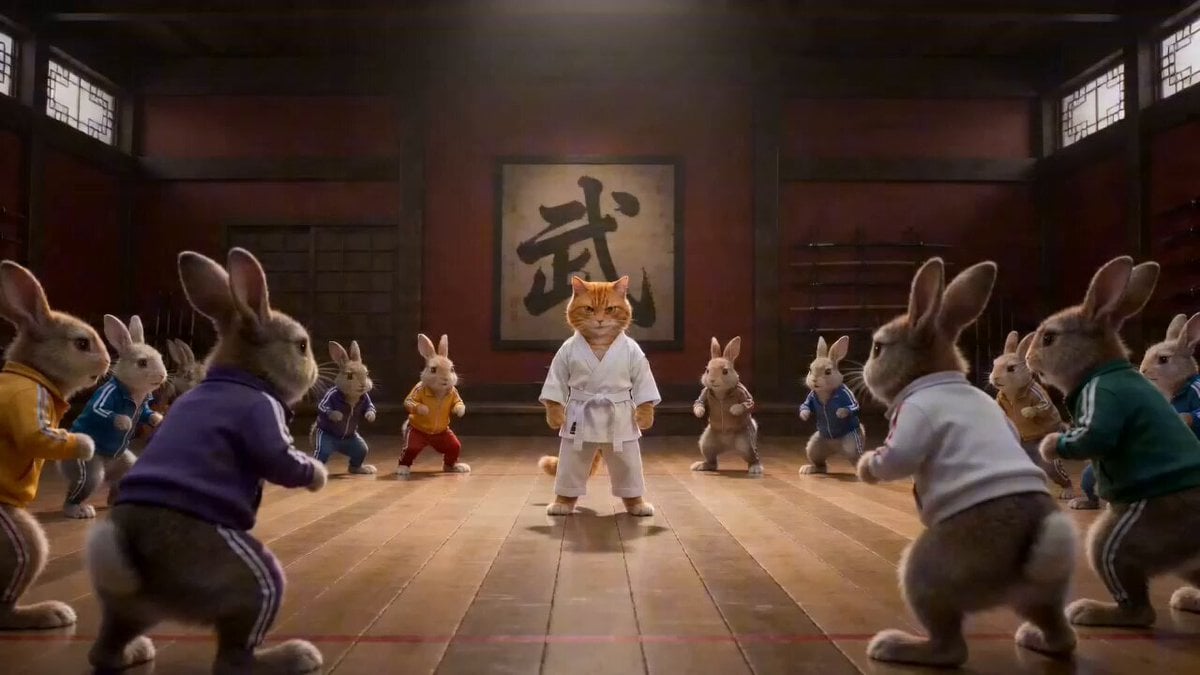
Epic Martial Arts Battle Between Cat Master and Rabbits
Cartoon Bullfight Arena — Girl vs Bull (Seedance)
Dim Sum Chase — Shrimp Dumpling Monster
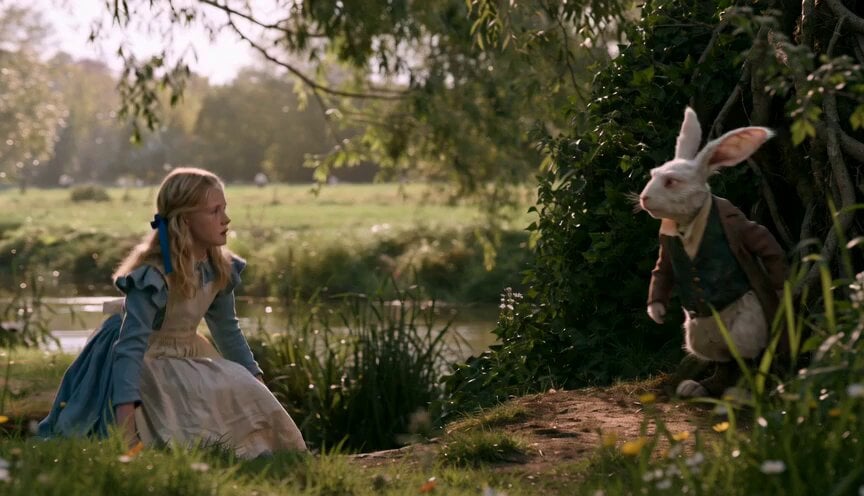
Alice in Wonderland White Rabbit Chase
Make it yours
Rabbit vs Cat Gouache Animation works as-is. These are the safest ways to change it without losing the look.
Change one field
Copy a single group, rewrite it, and generate again so you can see what that field is doing.
Keep the frame, change the subject
Hold the composition and light of Rabbit vs Cat Gouache Animation, then swap wardrobe, props or the person for a new take.
| If the result… | Why | Fix |
|---|---|---|
| The result drifts from the preview | Too many fields changed at once. | Reuse Rabbit vs Cat Gouache Animation as-is first, then change one group — subject, light, or setting. |
| The model over-stylizes the scene | The prose prompt leaves finish and camera underspecified. | Add one camera or lighting sentence and stay on Seedance 2.0. |
More Seedance 2.0 templates
Other prompts made for Seedance 2.0.

Comical Martial Arts Punch Scene

Maglev Train Action Sequence

Martial Arts Fight Sequence

Wuxia Protection and Trust Script

Vintage Korean Arcade MiniDV Vlog

Mercedes 190 SL Luxury Ad

Rainy Night Supernatural Reverse Comedy Video Script

Amazon Civilization Discovery

Futuristic South Asian City Transformation

Cozy Luxury Cafe Commercial
More video prompts
Fresh picks from across the catalog.
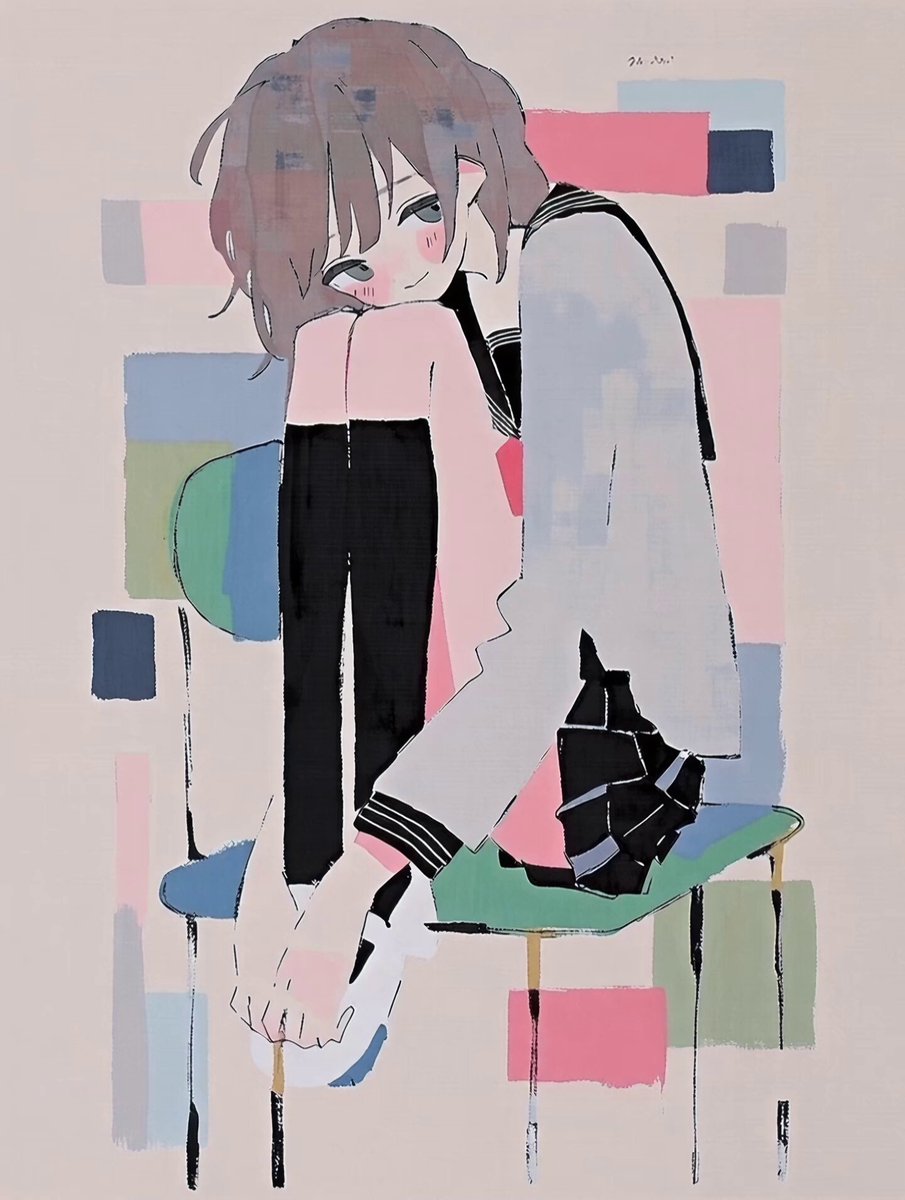
Anime Character Good Morning Wake-up
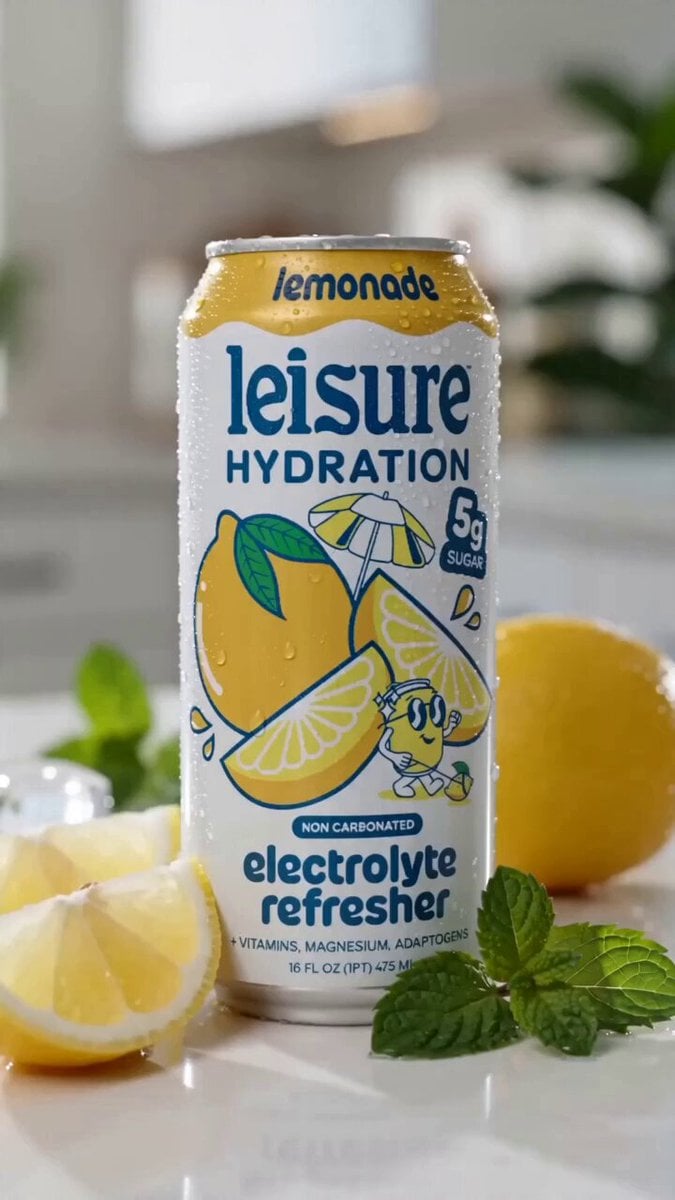
Leisure Hydration Commercial
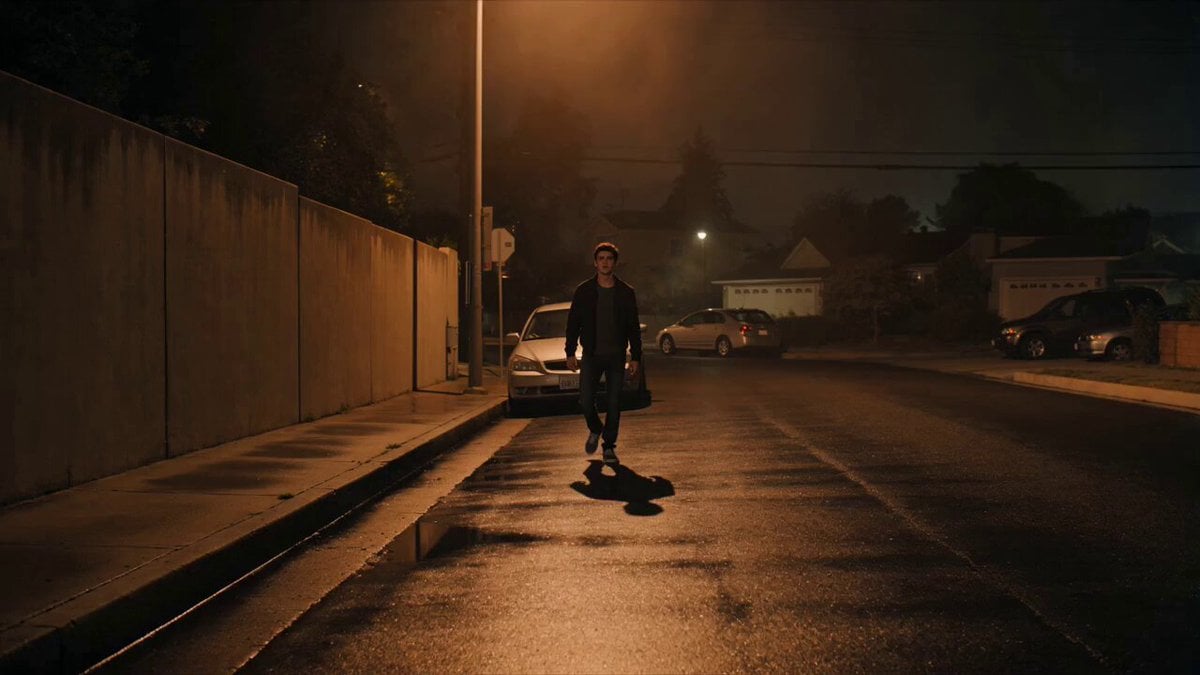
Cinematic Shadow Horror Scene
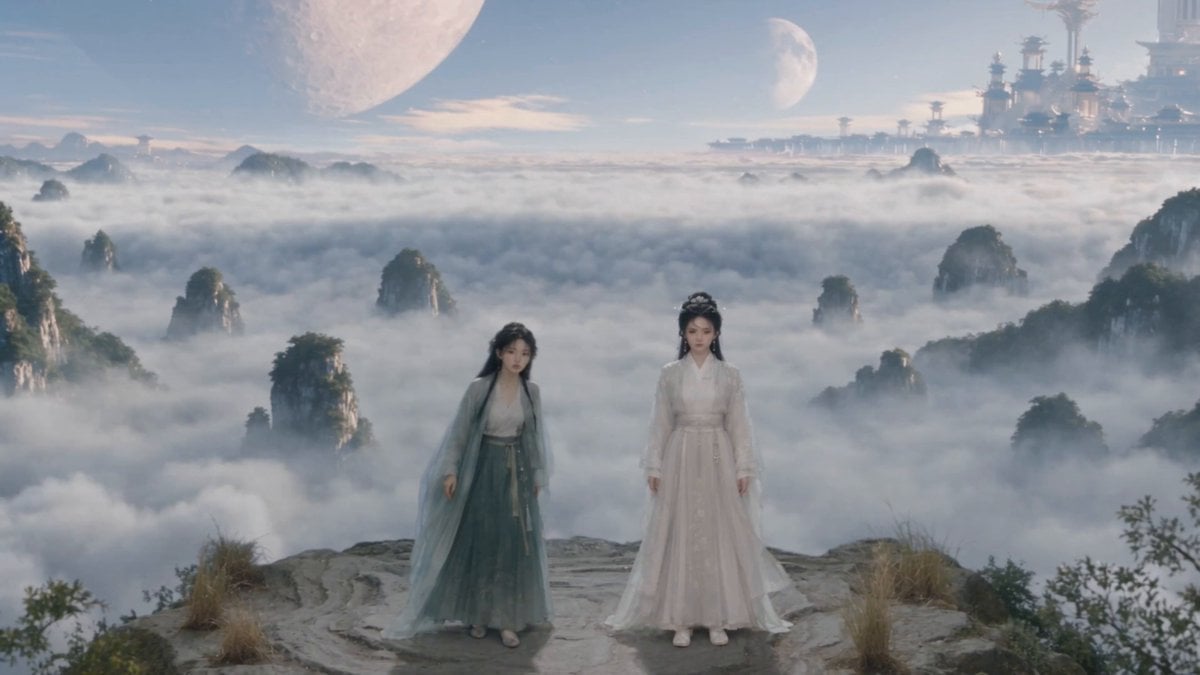
Wuxia Environmental Narrative Landscape
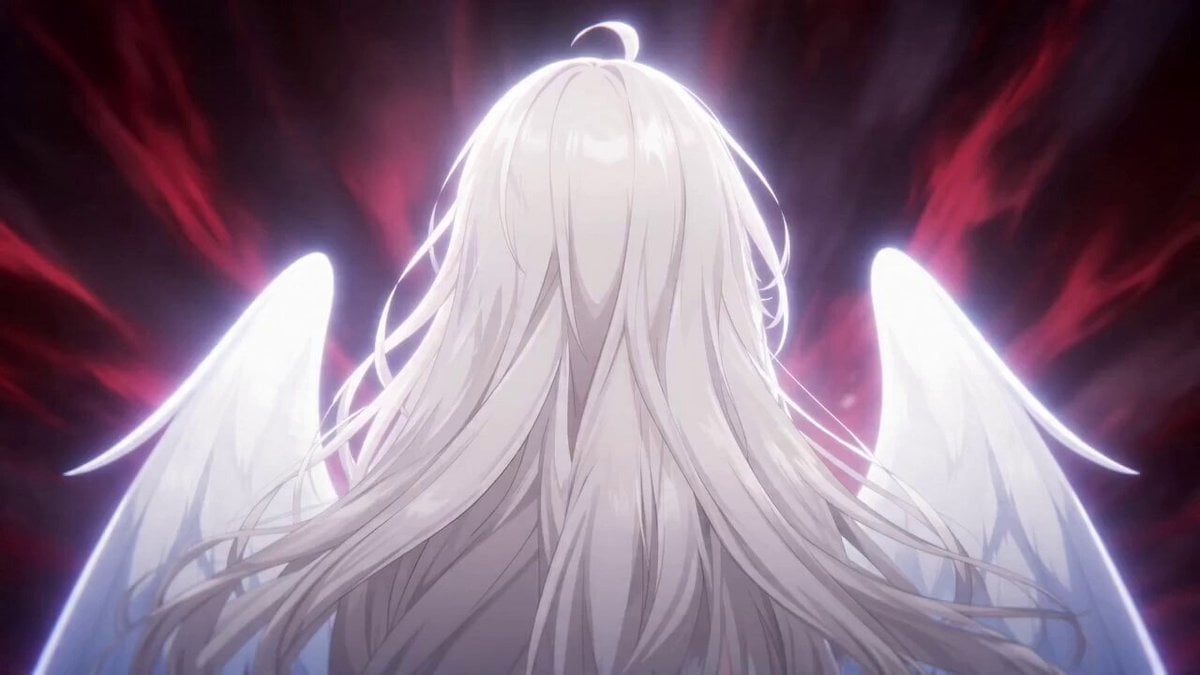
High-Speed Anime Battle Scene
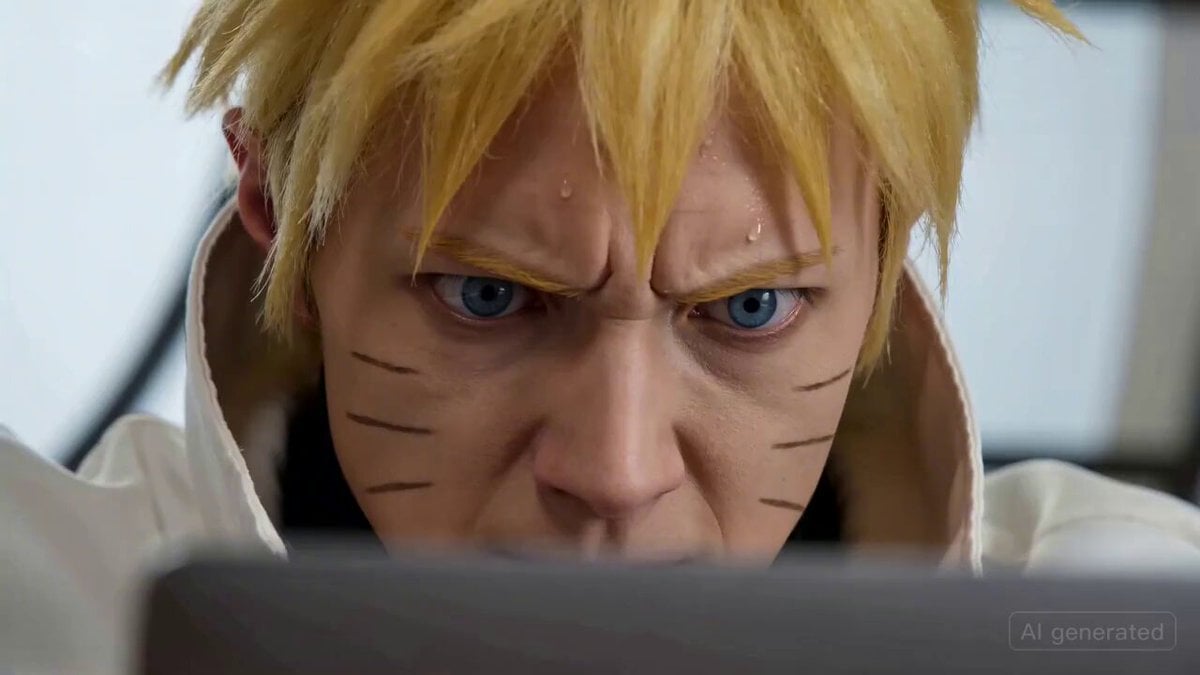
Naruto coding intensely and throwing a laptop
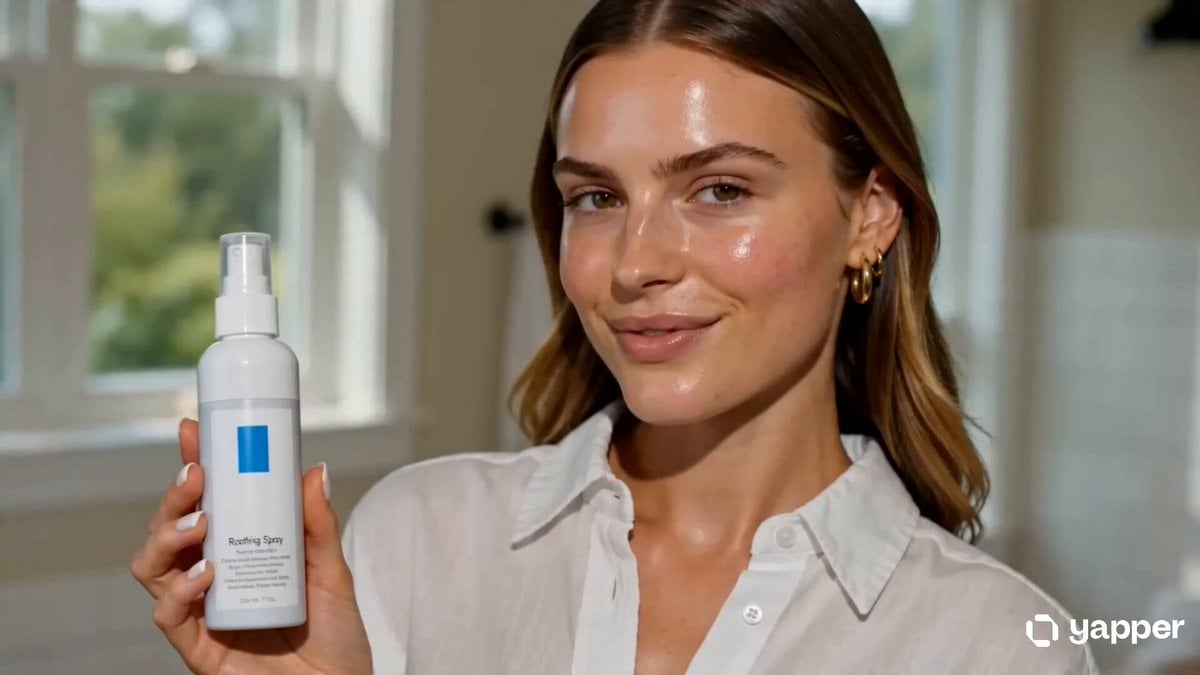
Skincare UGC Reel
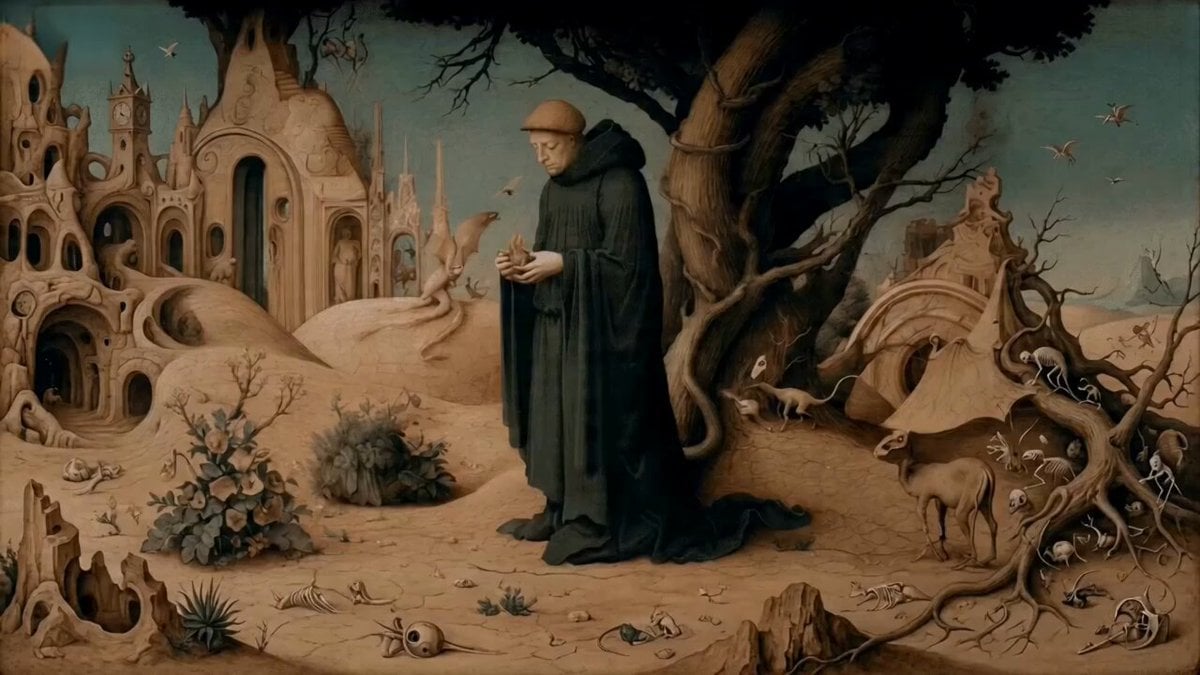
Monk Placing a Glowing Flame in Hieronymus Bosch Style
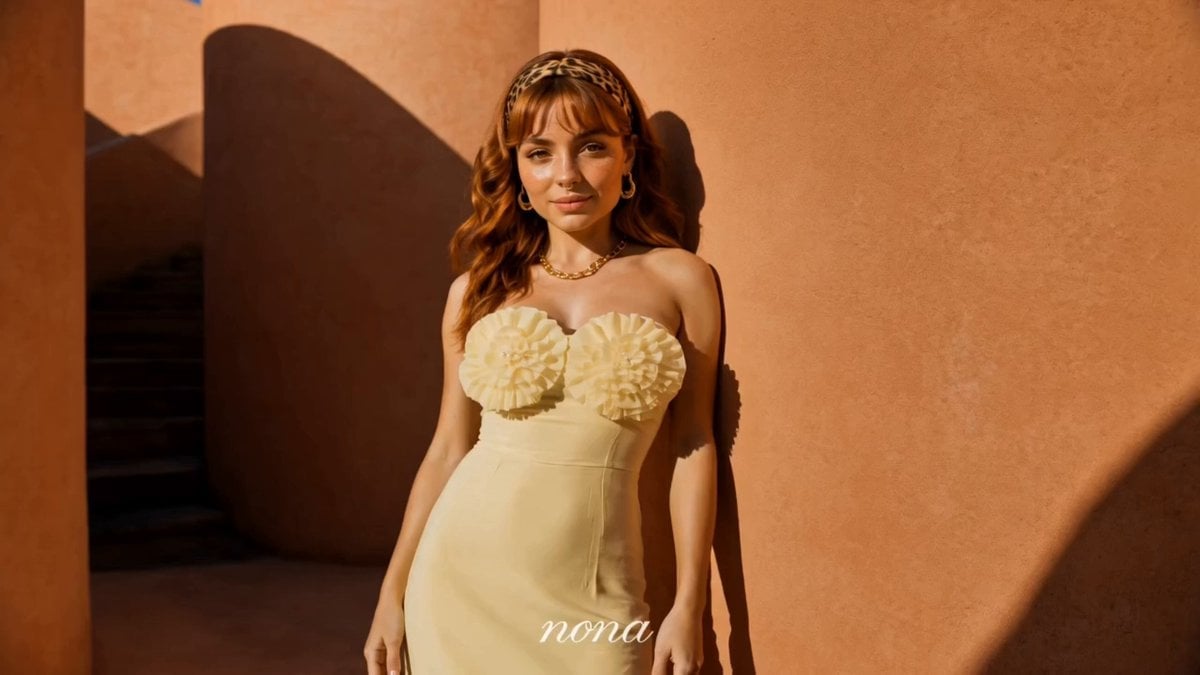
Luxury Fashion Campaign Spiral Staircase
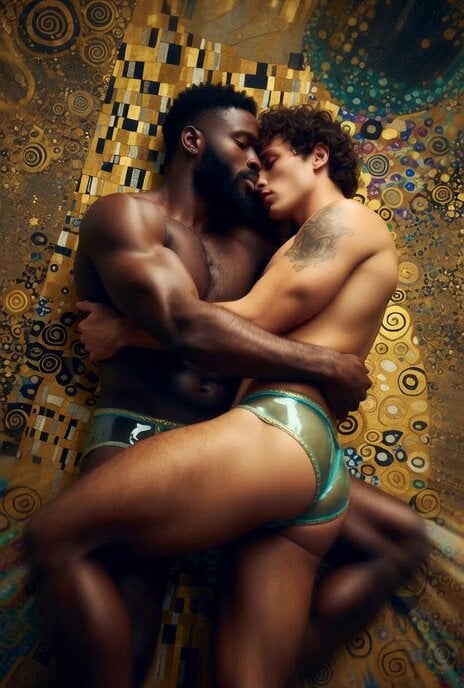
Muscular men intimate embrace cinematic video
Browse template categories
Rabbit vs Cat Gouache Animation questions
How do I use the Rabbit vs Cat Gouache Animation template?
Add your photo if the template asks for one, edit the prompt if you like — the template's model and format are already selected — and press Generate. Your version opens in PicX Studio.
Can I customize the Rabbit vs Cat Gouache Animation template?
Yes. You can change the subject, setting, lighting, mood, format, and available model controls before creating your video.
Is the Rabbit vs Cat Gouache Animation template free?
Opening and editing this template is free. Generating uses credits, shown on the Generate button when you are signed in.
Which AI model should I use?
Start with Seedance 2.0, which is the model associated with this template. You can compare another compatible model for a different finish.
Looking for something else? Browse all templates.

Your photo, any look
Thousands of ready templates for every top image and video model, from one credit balance.