
High-Speed Anime Battle Scene
A dynamic battle anime prompt featuring high-speed action, flashy magical effects, and aggressive camera work for a dramatic fantasy sequence.
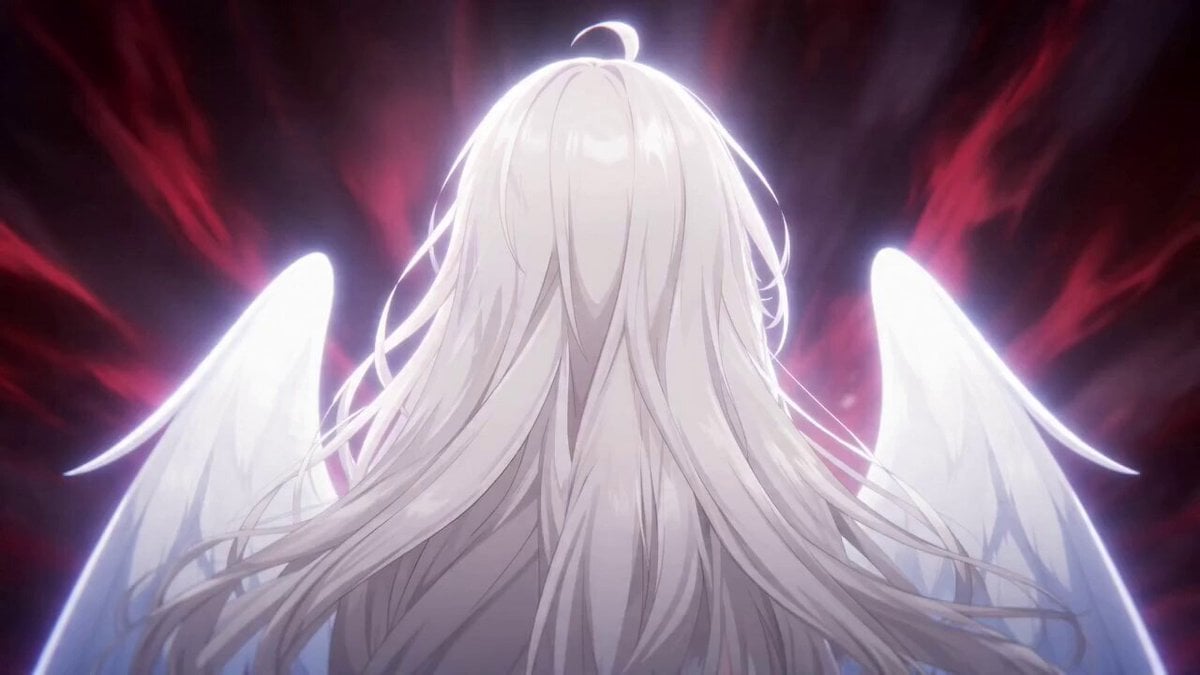
- Prompt included
- Model and format preset
- Premium template
The prompt behind this video
Copy the exact prompt behind High-Speed Anime Battle Scene, or open it in the studio and make it yours.
日本のハイクオリティな超高速バトルアニメ。参照画像のキャラの画風に合わせる。 手前の白い服の天使が主人公。後ろの4人は敵キャラ。主人公が敵キャラ4人と戦いを繰り広げており、参照画像の背景を基調としたダークファンタジーの世界で次々に参照画像の敵キャラが画面右手前から超クローズアップで出てきて左に向けてそれぞれの個性的な武器で画面いっぱいに激しい派手なエフェクト(火・水・雷・土・光・闇・デジタル…など)や魔法陣や発光を伴う必殺技を様々なアクション性のあるキレのいいモーションで繰り出し、すぐ右奥に消えながら次のキャラが手前から出てきて入れ替わっていく。 各キャラはインパクトの瞬間だけ一瞬超クローズアップでその場にとどまってキメポーズを見せまたすぐに高速移動でフレームアウトする。インパクトと共に画面は揺れる。 カメラはアークショットで旋回しながら飛びまわり高速ドリーイン・ドリーアウトで各キャラに急速にフォーカスしダッチアングルでダイナミックに彼らを映す。1人の持ち時間は最大1秒。 最後に参照画像の主人公が出てきて最終奥義を決めて敵キャラ全てを吹き飛ばして終わり。動きに緩急をつけてキレのある演出で。
How to use High-Speed Anime Battle Scene in 3 steps
- 1
Open
The prompt is already in the box next to the preview, with the template's model and format selected.
- 2…a portrait of your subject in softgolden-hour light, 85mm…
Personalize
Edit the subject and creative details for your destination.
- 3Generate
Generate
Press Generate — your video is created in PicX Studio, so you can compare it with the original and refine one variable at a time.
More like this
Templates with the same subject, style or setup. Open one to see its prompt.
Mecha Transformation vs Kaiju — 4-Scene Epic

MiniMax H3 Character Introduction
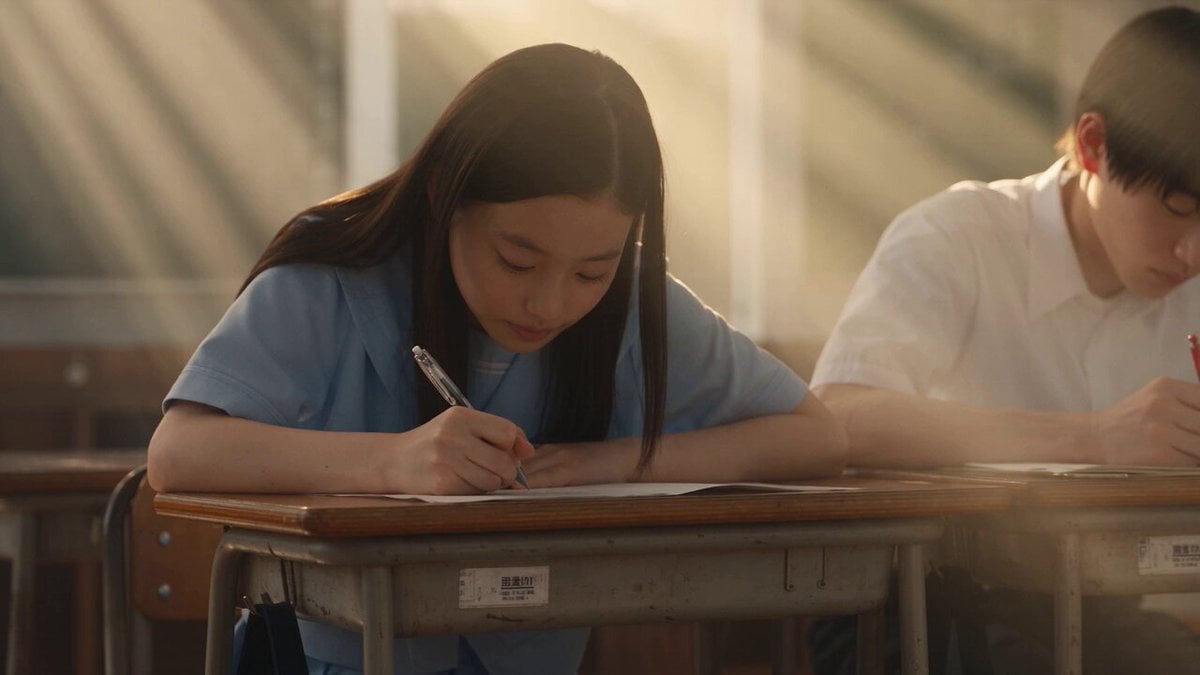
Japanese Pure Love Short Film
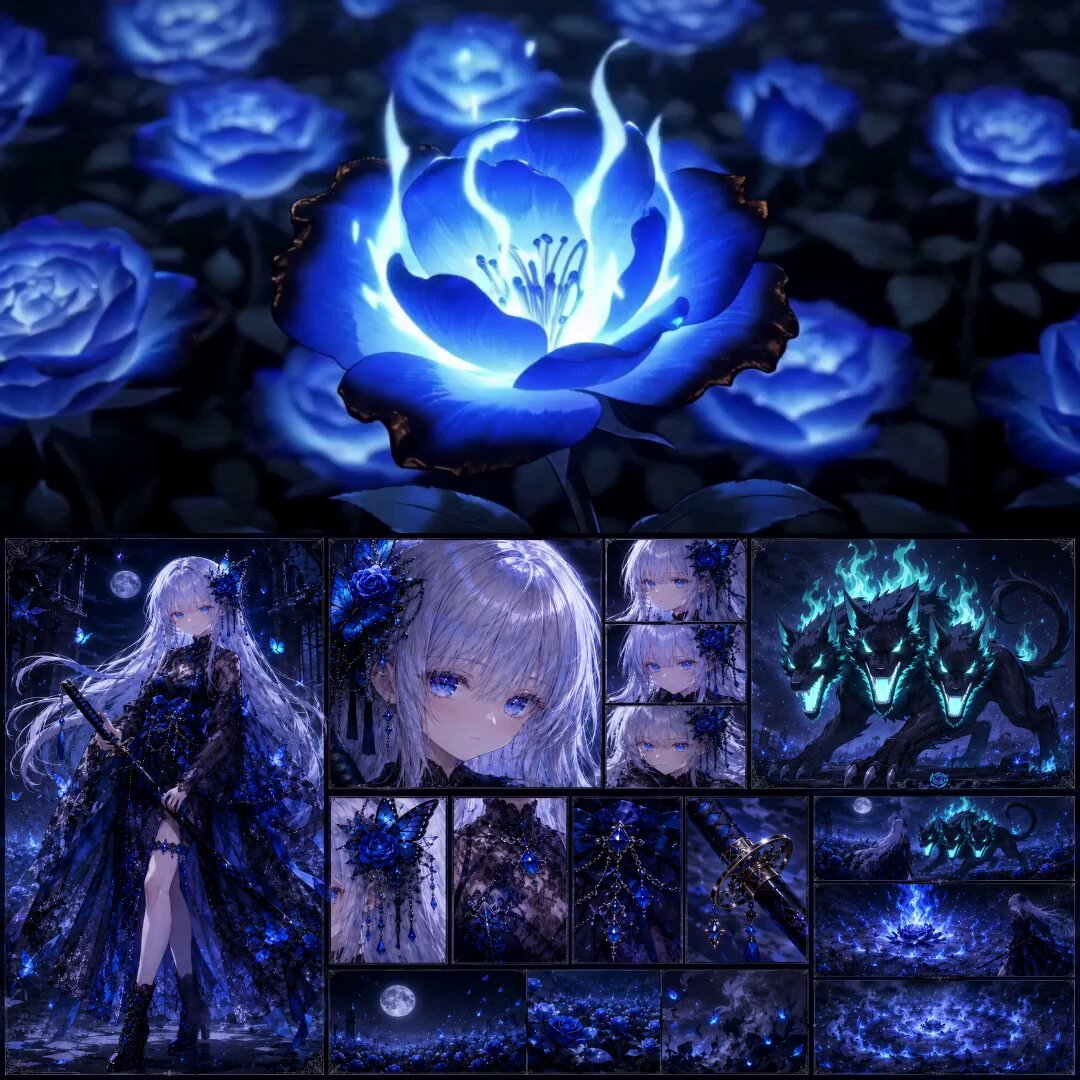
High-End Anime Dark Fantasy Cerberus Battle
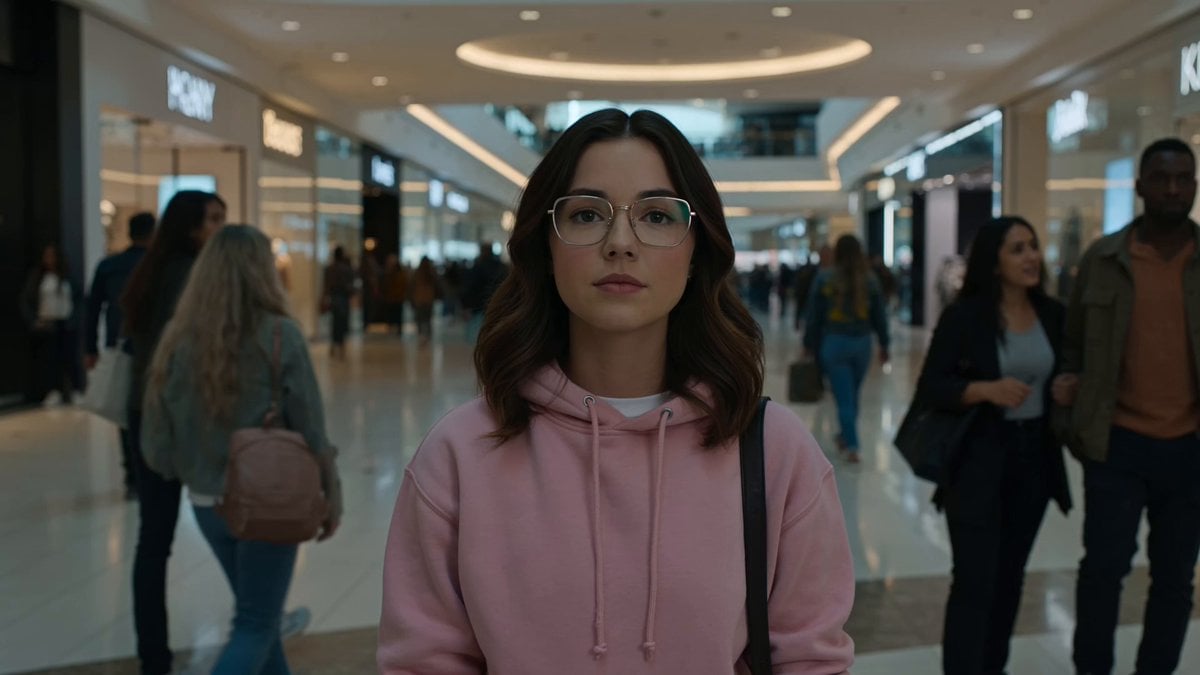
Cinematic Anime Battle in Modern Mall

Theatrical Anime Action Market Battle
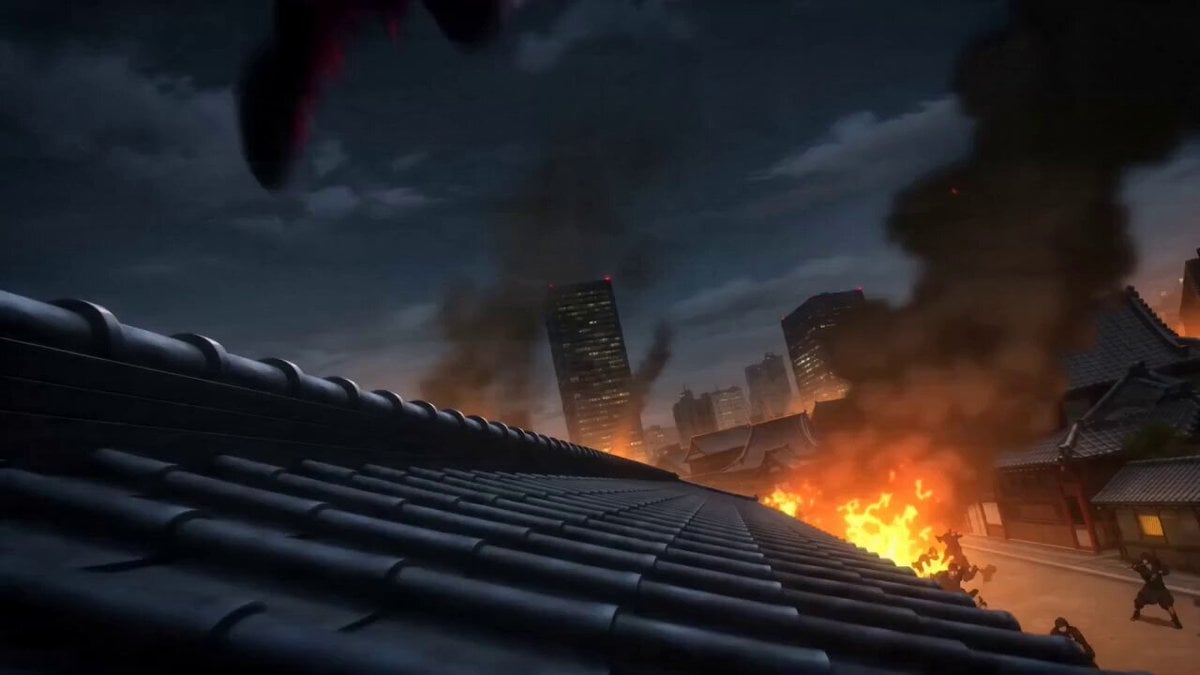
Anime Kunoichi Rooftop Battle

High-Speed Magic Battle Animation
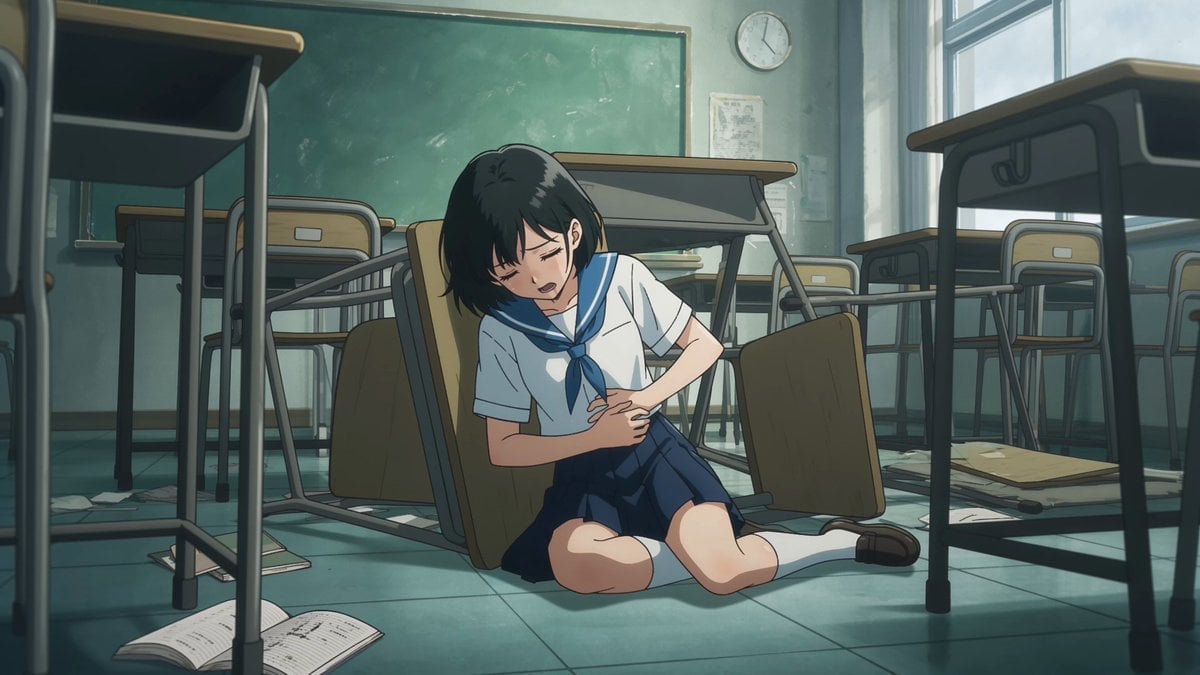
Anime Monster Classroom Battle
Valkyrie Anime Battle Sakuga
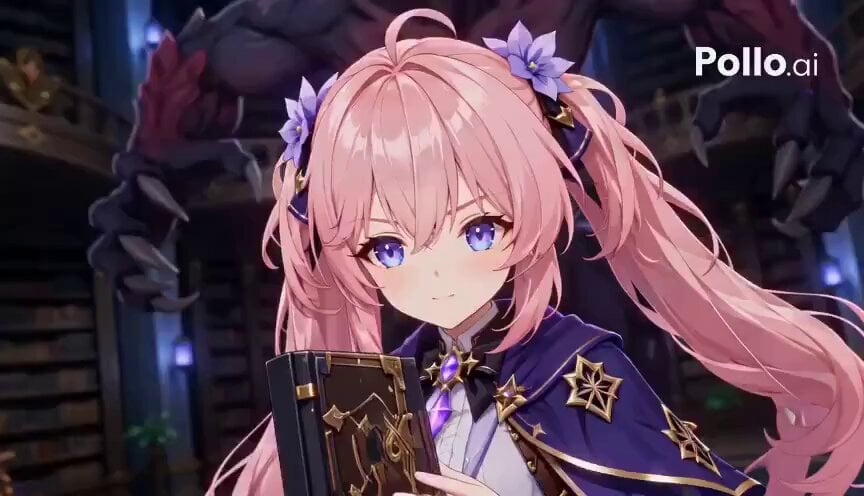
Anime RPG Magic Library Battle
Dragon Energy Battle Anime Video
Make it yours
High-Speed Anime Battle Scene works as-is. These are the safest ways to change it without losing the look.
Change one field
Copy a single group, rewrite it, and generate again so you can see what that field is doing.
Keep the frame, change the subject
Hold the composition and light of High-Speed Anime Battle Scene, then swap wardrobe, props or the person for a new take.
| If the result… | Why | Fix |
|---|---|---|
| The result drifts from the preview | Too many fields changed at once. | Reuse High-Speed Anime Battle Scene as-is first, then change one group — subject, light, or setting. |
| The model over-stylizes the scene | The prose prompt leaves finish and camera underspecified. | Add one camera or lighting sentence and stay on Seedance 2.0. |
More Seedance 2.0 templates
Other prompts made for Seedance 2.0.

Comical Martial Arts Punch Scene

Maglev Train Action Sequence

Martial Arts Fight Sequence

Wuxia Protection and Trust Script

Vintage Korean Arcade MiniDV Vlog

Mercedes 190 SL Luxury Ad

Rainy Night Supernatural Reverse Comedy Video Script

Amazon Civilization Discovery

Futuristic South Asian City Transformation

Cozy Luxury Cafe Commercial
More video prompts
Fresh picks from across the catalog.
Video Prompt for Pepe Frog Grok Meme Token Robot
Continuous Shot Astronaut Video Prompt (Seedance 2.0 Omni)
Cinematic One-Shot Temple Adventure
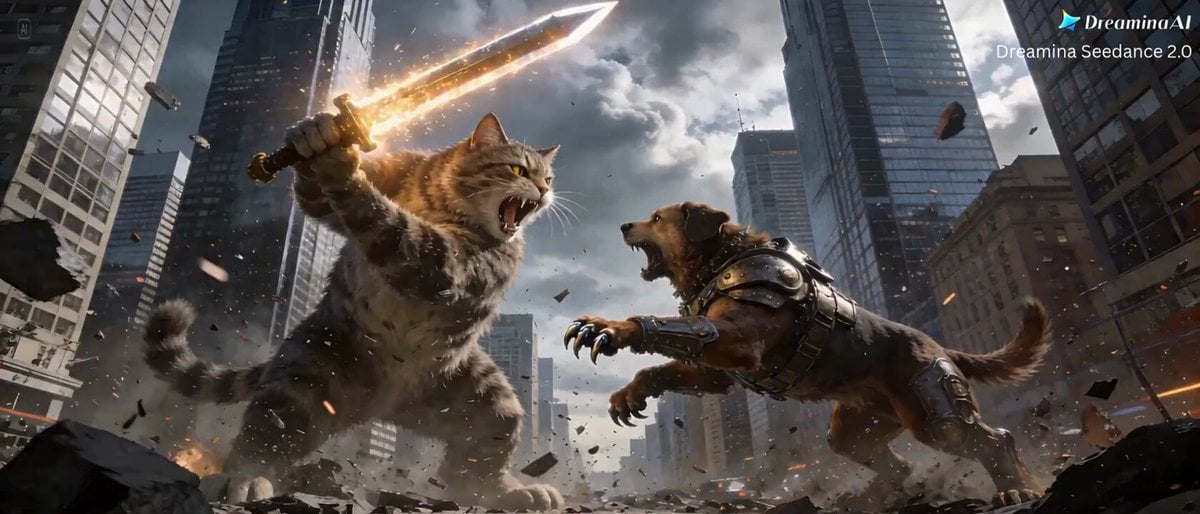
Cat vs Dog Battle Prompt for Dreamina Seedance 2.0
Optimus Prime Robot Interaction
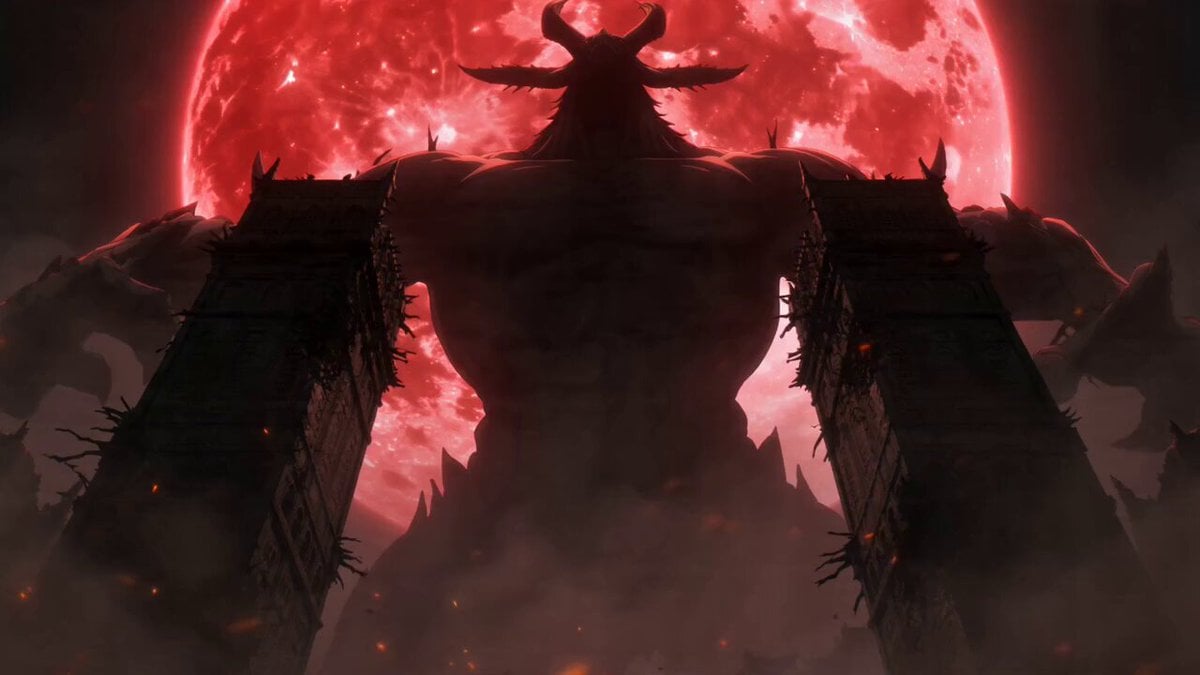
Dark Fantasy Anime Swordsman vs Demon
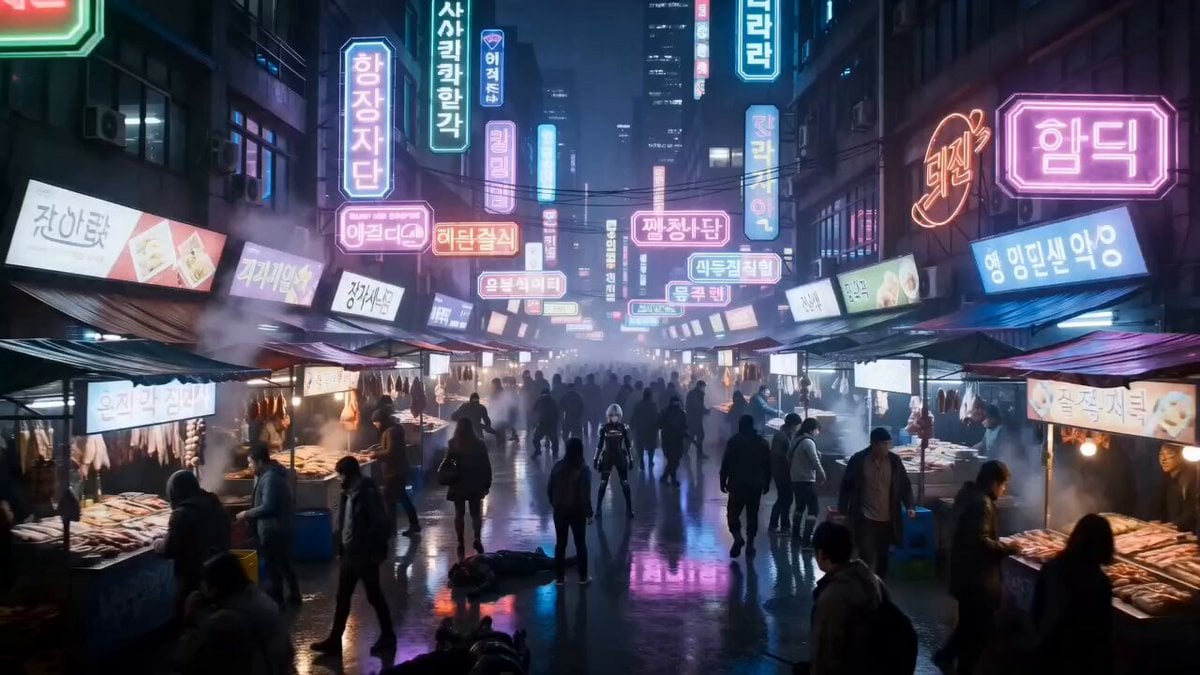
Cyberpunk Neon Market Fight
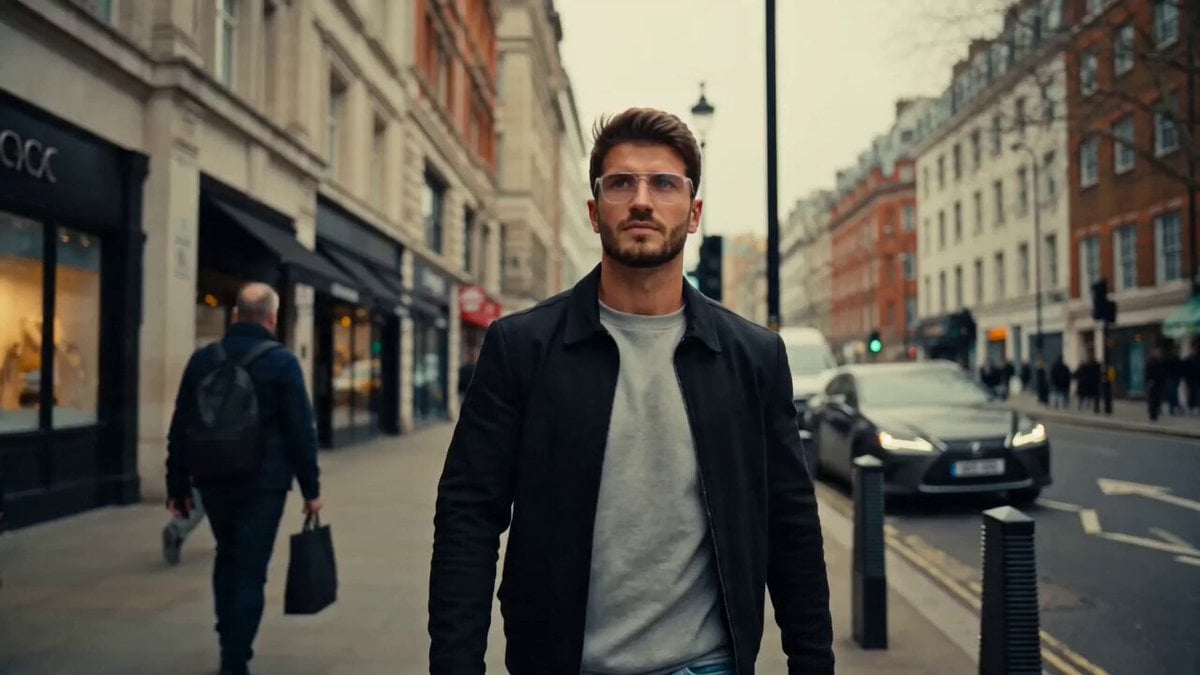
A Decade of Refinement Glow-Up
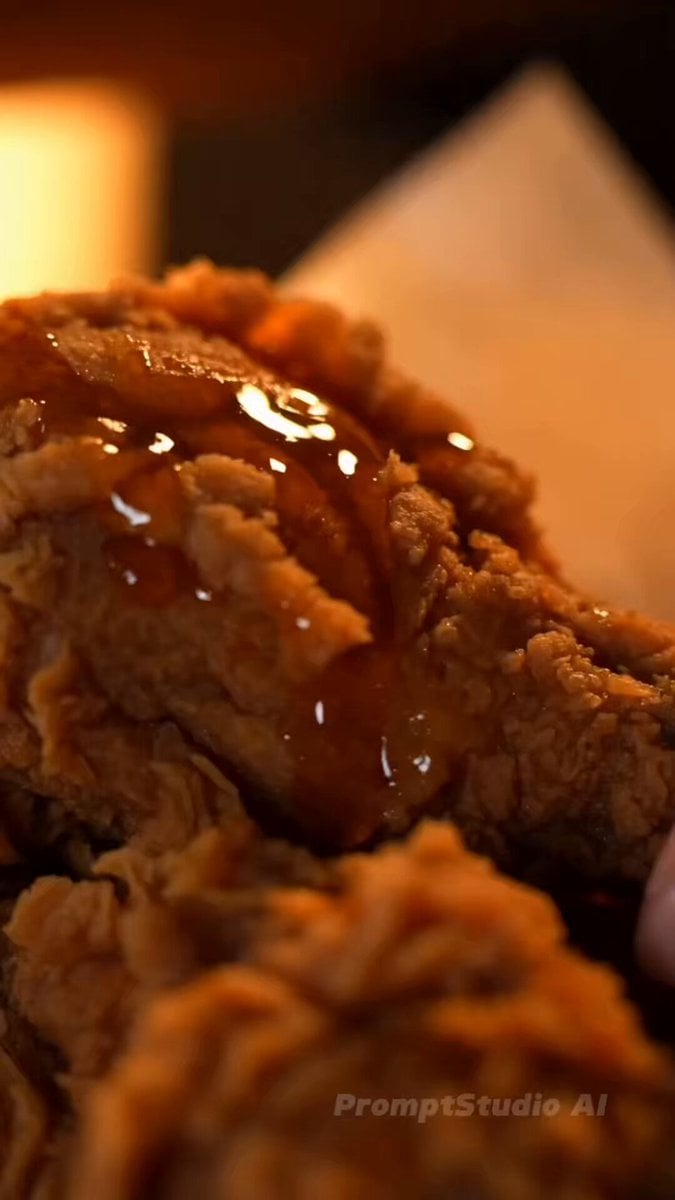
Cinematic Food ASMR with Aria
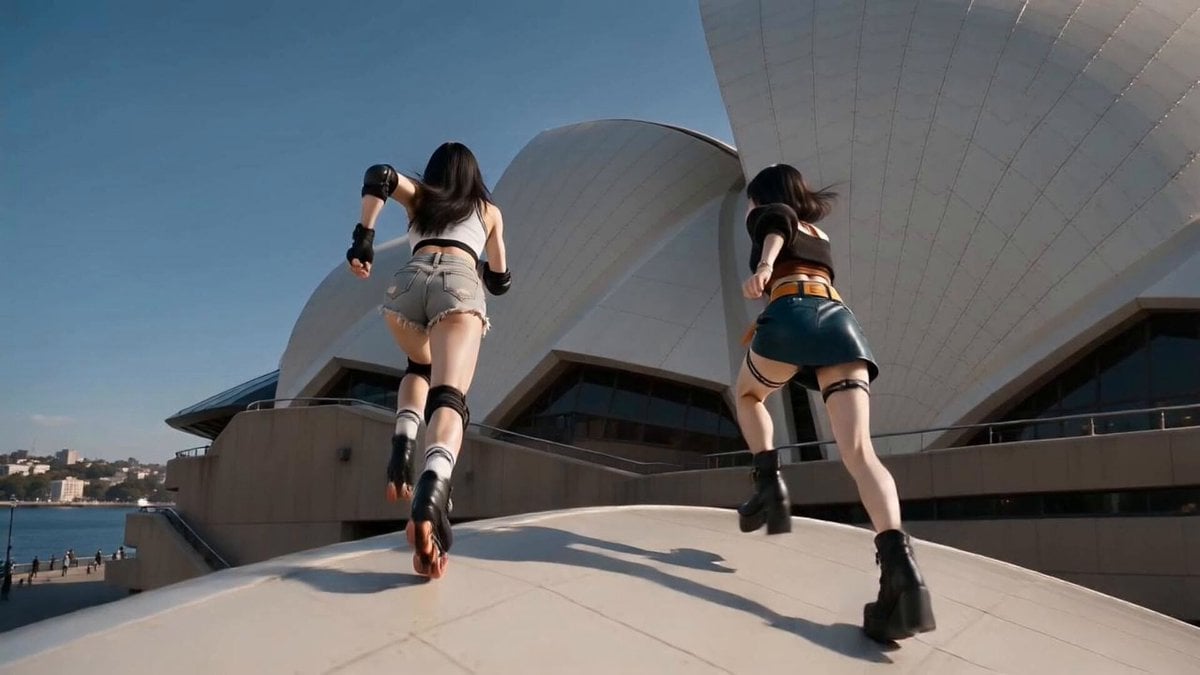
East Asian Women Opera House
Browse template categories
High-Speed Anime Battle Scene questions
How do I use the High-Speed Anime Battle Scene template?
Add your photo if the template asks for one, edit the prompt if you like — the template's model and format are already selected — and press Generate. Your version opens in PicX Studio.
Can I customize the High-Speed Anime Battle Scene template?
Yes. You can change the subject, setting, lighting, mood, format, and available model controls before creating your video.
Is the High-Speed Anime Battle Scene template free?
Opening and editing this template is free. Generating uses credits, shown on the Generate button when you are signed in.
Which AI model should I use?
Start with Seedance 2.0, which is the model associated with this template. You can compare another compatible model for a different finish.
Looking for something else? Browse all templates.

Your photo, any look
Thousands of ready templates for every top image and video model, from one credit balance.